A:AnswerI believe the limit is 50, but I could be mistaken.
I would recommend you to set up a hub so that you can tie them all to one device. Talk to the store clerk at Best Buy and they can explain it better.
A:AnswerIf you're using IOS 13 on an iPhone, you'll need to power your phone off and on again. This is what got my Sengled Home app to enable the "Next" button on the bulb setup and move to the next step and connect to my wifi.
A:AnswerYes just have the google home app and add your bulb to a home, or if you are using Alexa do the same thing but for Alexa and when you now talk to your device you should be able to control the light brightness, color, or actions.
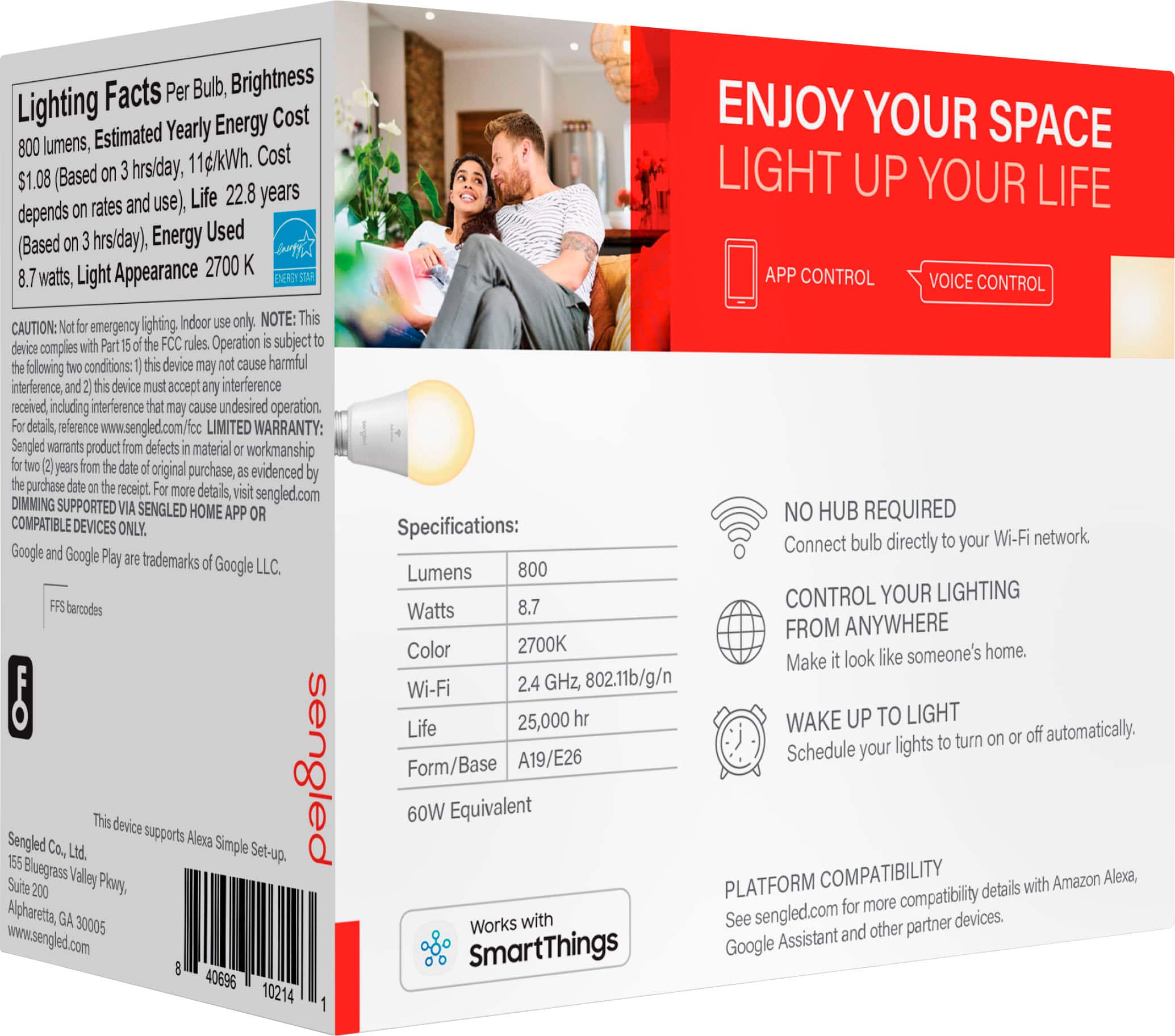
A:AnswerYes my bulb is e26 and I believe it's 60 watts. It has a real lot of colors to choose from on the app and I have mine hooked up to Google assistant and my smart things app
A:AnswerI'm not sure about smart life but I have mine hooked up to my Samsung smart things app. So if that's what you mean then yes you can add it to your smart things app
A:AnswerIn short no. However you could setup a shortcut on iOS which plays a song and flashes lights , but that would require a decent knowledge of coding.
TLDR: Only if you can code it to.