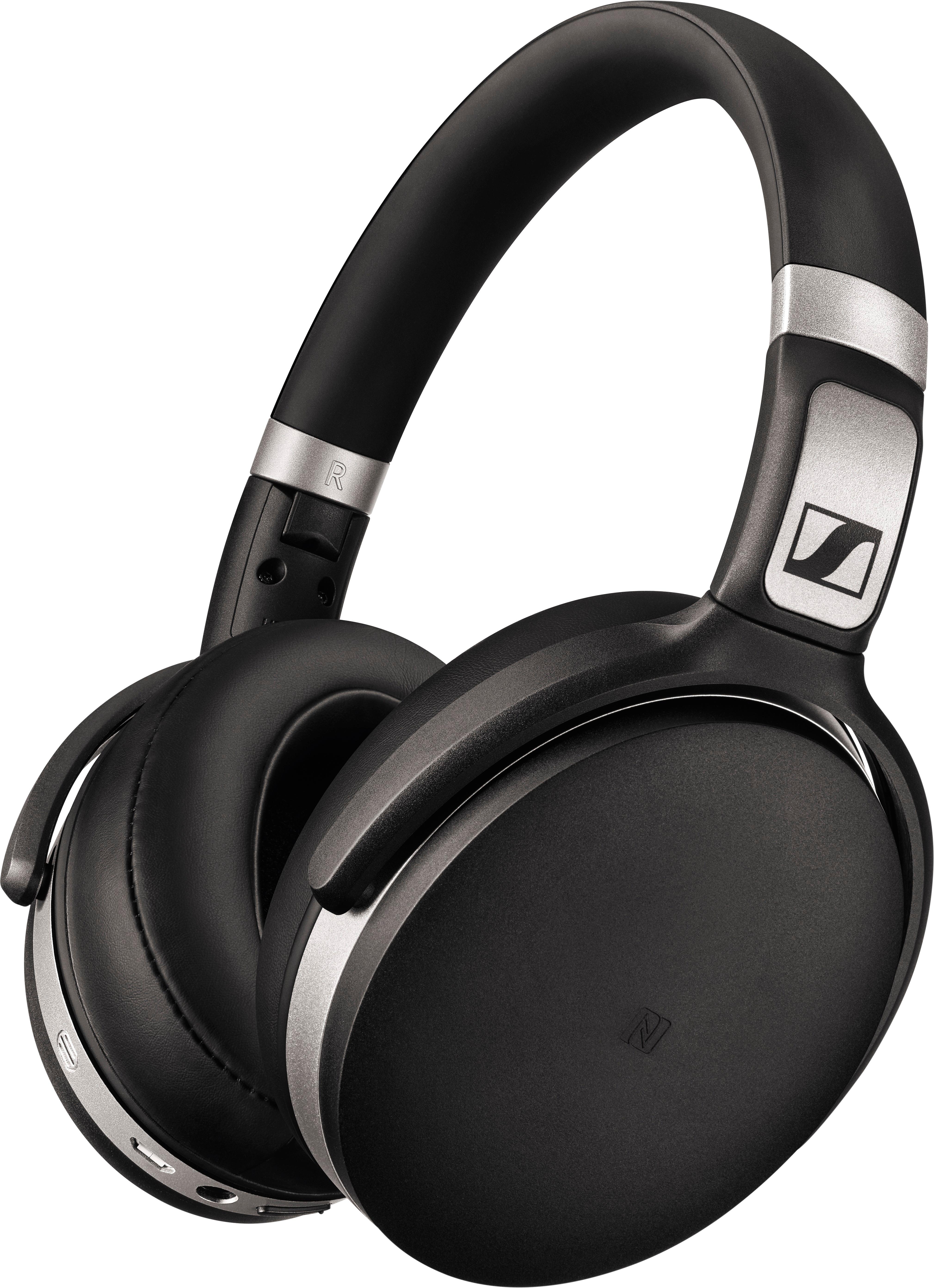
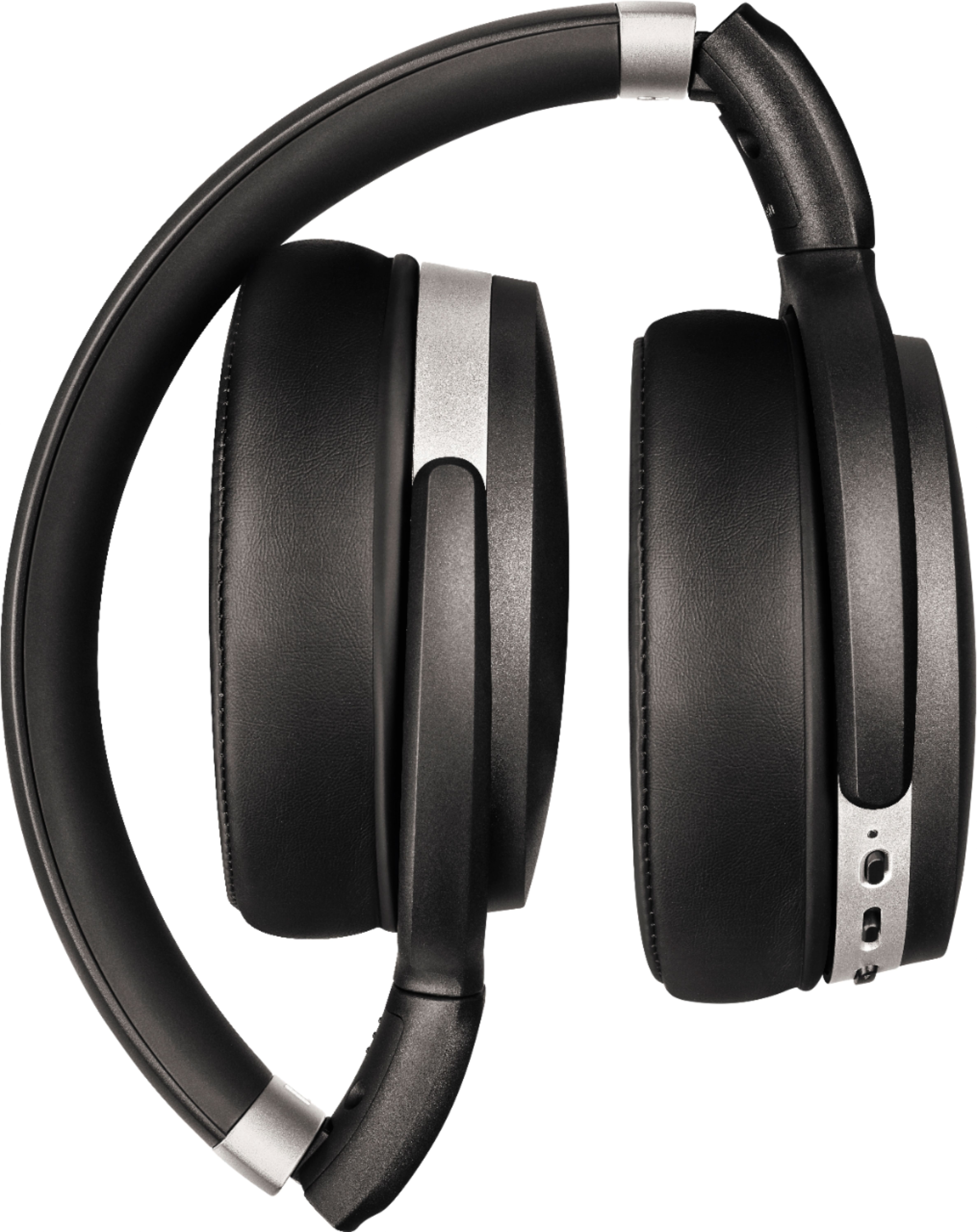
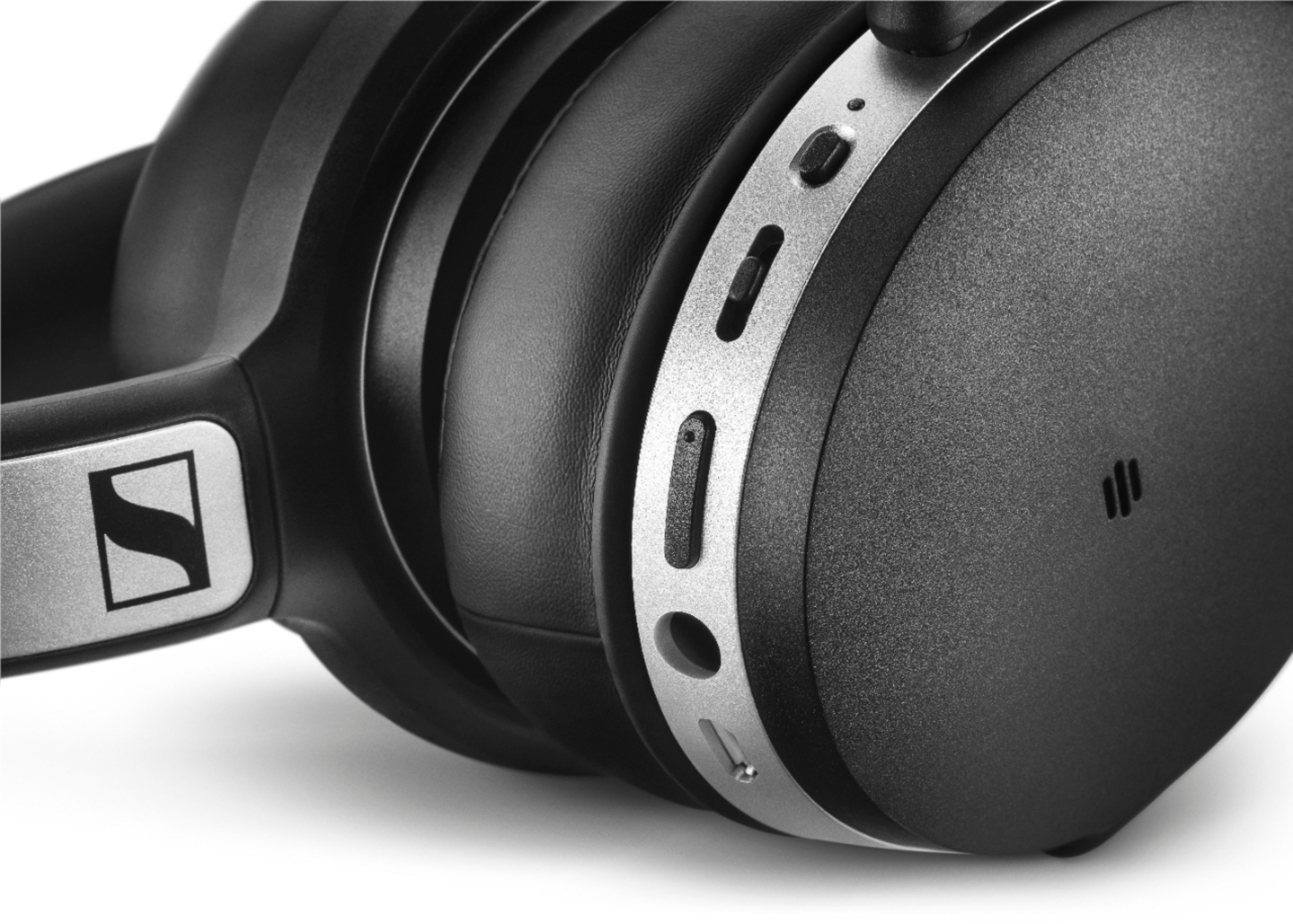
A:AnswerNo batteries needed, the headphones are rechargeable via a micro usb cable that comes with them. It is the same cable as non-Apple phones though so you don't have to use this specific cable.
A:AnswerIf you mean the 2 prong plug then no, but I find most planes are now using the single 2.5mm connectors if they have in seat TVs.
On one flight I found that just plugging the 2.5mm connect into one of the connections worked
A:AnswerThe mic should automatically work when the headphones are plugged in to the computer. I've been using it for work meetings the past three weeks that way and have no complaints. The mic is on the headphones and not the cord.
A:AnswerNot natively -- they're just headphones. If the device they're connected to (phone, tablet, computer...) supports google assistant you can use the microphone and headphones to interact with any service the connected device supports.
A:Answerhi i am having the same problem with the same tv
i have connected a few times but issue remains have now found that i need to reset them but am still looking for a way to do this in simple terms. they connect to my phone and tablet no problem but the tv is a big problem ..... we have noisy neighbours this is why hubby and i purchased these . as 2 headsets can be used to watch tv at the same time...... would we recommend not really due to issue with tv connectivity
A:AnswerDid you twist the cable into the headset? Itt doesn't just plug straight in. Also, did you buy a converter for the audio socket (planes have two pins rather than one like most devices). I bought mine yesterday and just did long haul CPH BNE, but the "twist" caught me out at first.
A:AnswerClick on the sound icon in the taskbar and see if there is a drop-down menu which allows you to select the headphones as your default playback device.
A:AnswerIf connected via cable, the cable needs to be plugged into the audio out/headphones port of the TV. Ensure that the battery is charged and the headphones are on.
A:AnswerI have the Sennheiser HD 4.50 headphones. They can be used as wireless but they also come with a cable so they can be connected directly to your audio source. No bluetooth connection needed when using the cable.
A:AnswerYou have to use the headphones in the Headset mode (two modes popped up on the PC for me--headphones and headset. Headset has microphone audio passthrough to the headphones btw, so you can hear yourself speaking with noise cancelling activated), if you're using them with a phone, try messing around in your bluetooth settings to see if you can find any equivalent options.