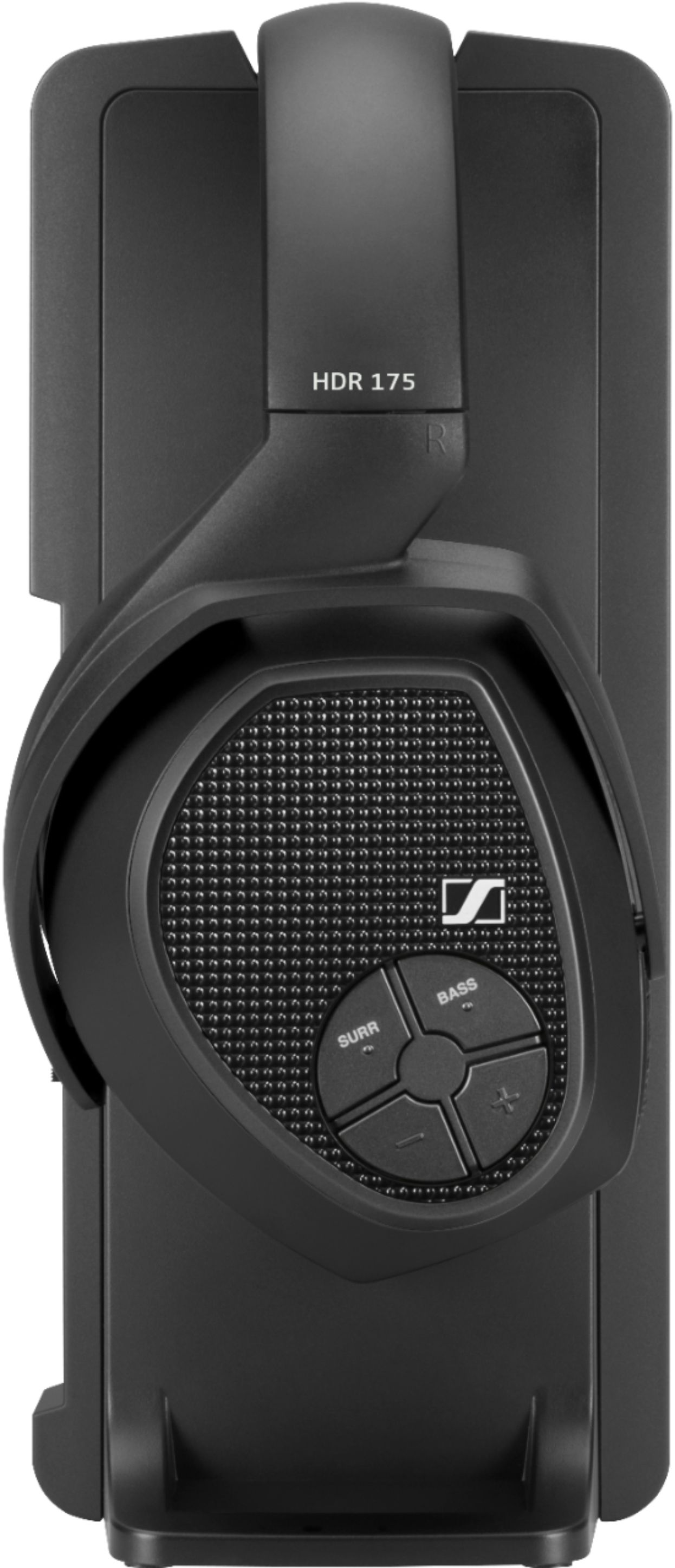
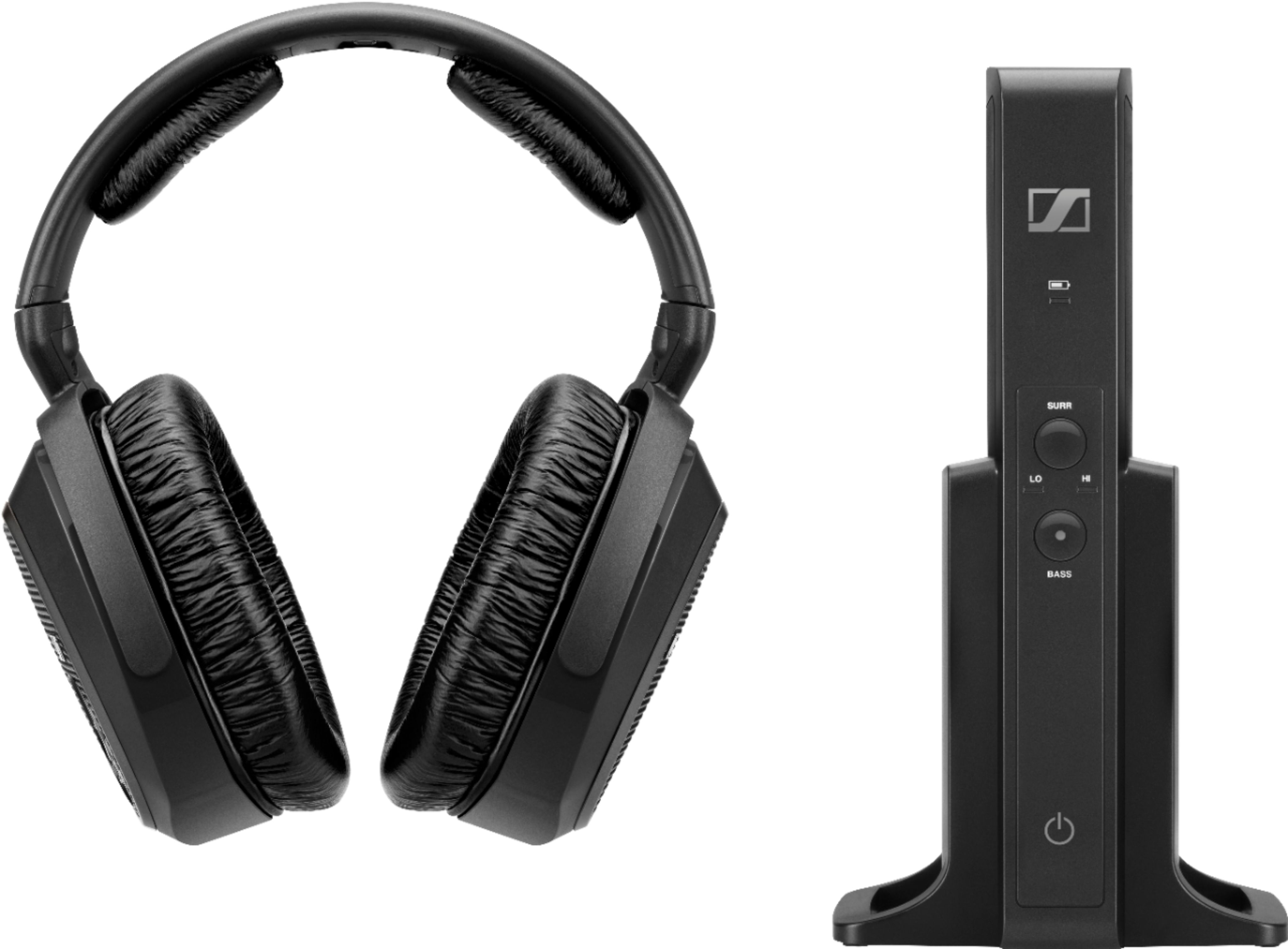
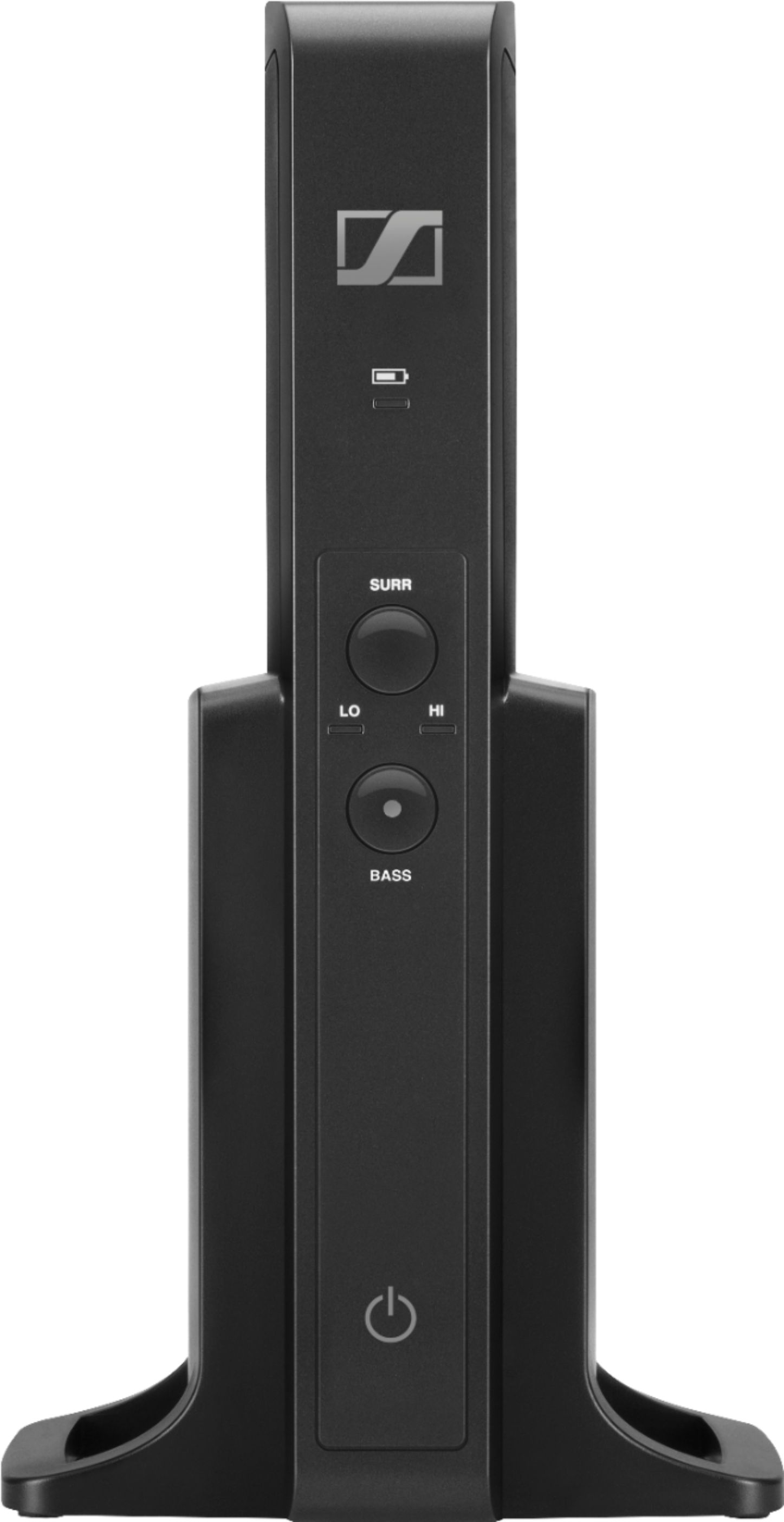
A:AnswerWell, unfortunately, I have Not been able to get these Sennheiser RS 175 Wireless Headphones to work yet! ... I connected the optical from the TV to the headphone receiver per the instructions, but they don't work. :-( So I connected the optical to the Samsung soundbar I just purchased and it works great! ..How is your theater system connected to your TV now?
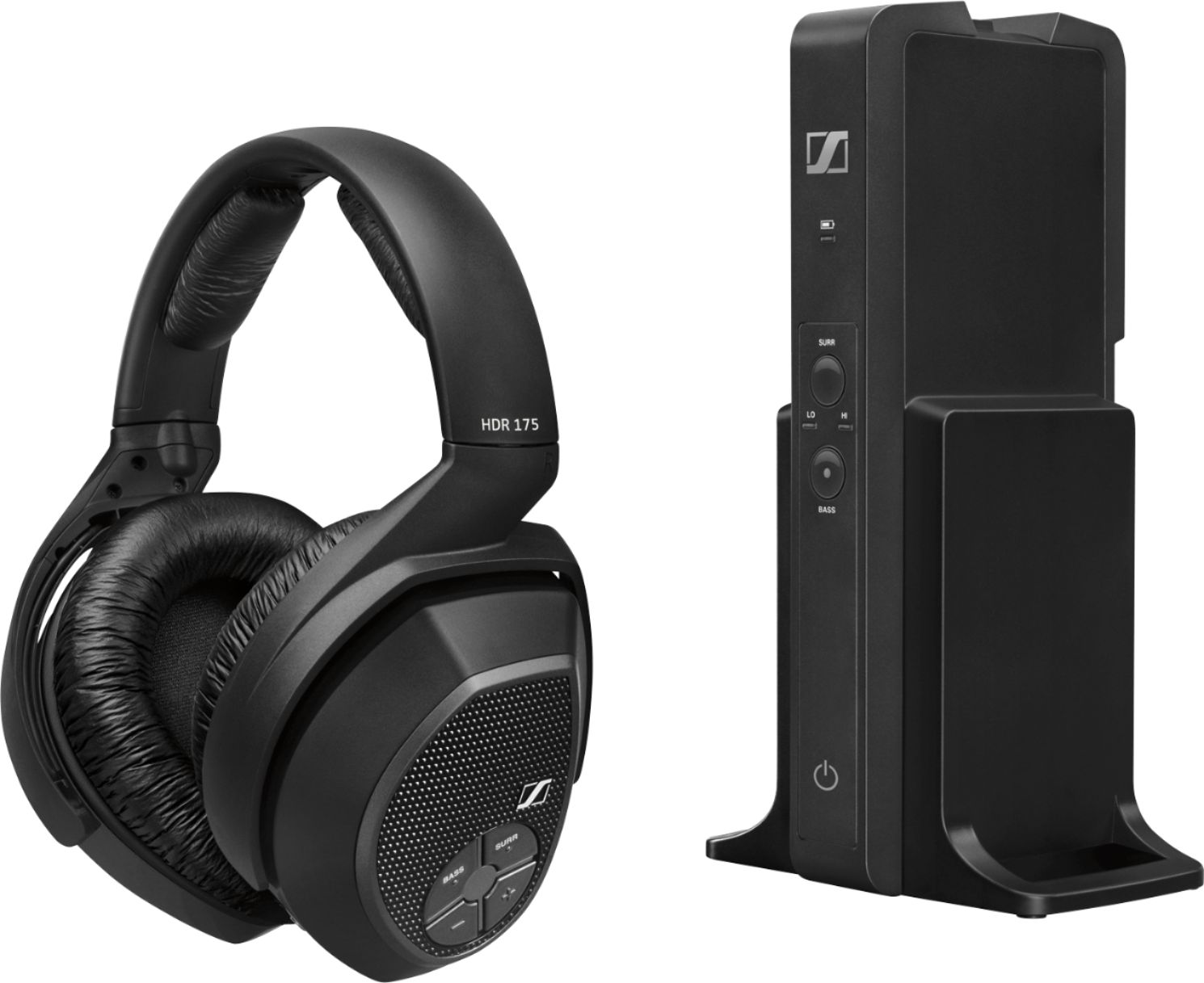
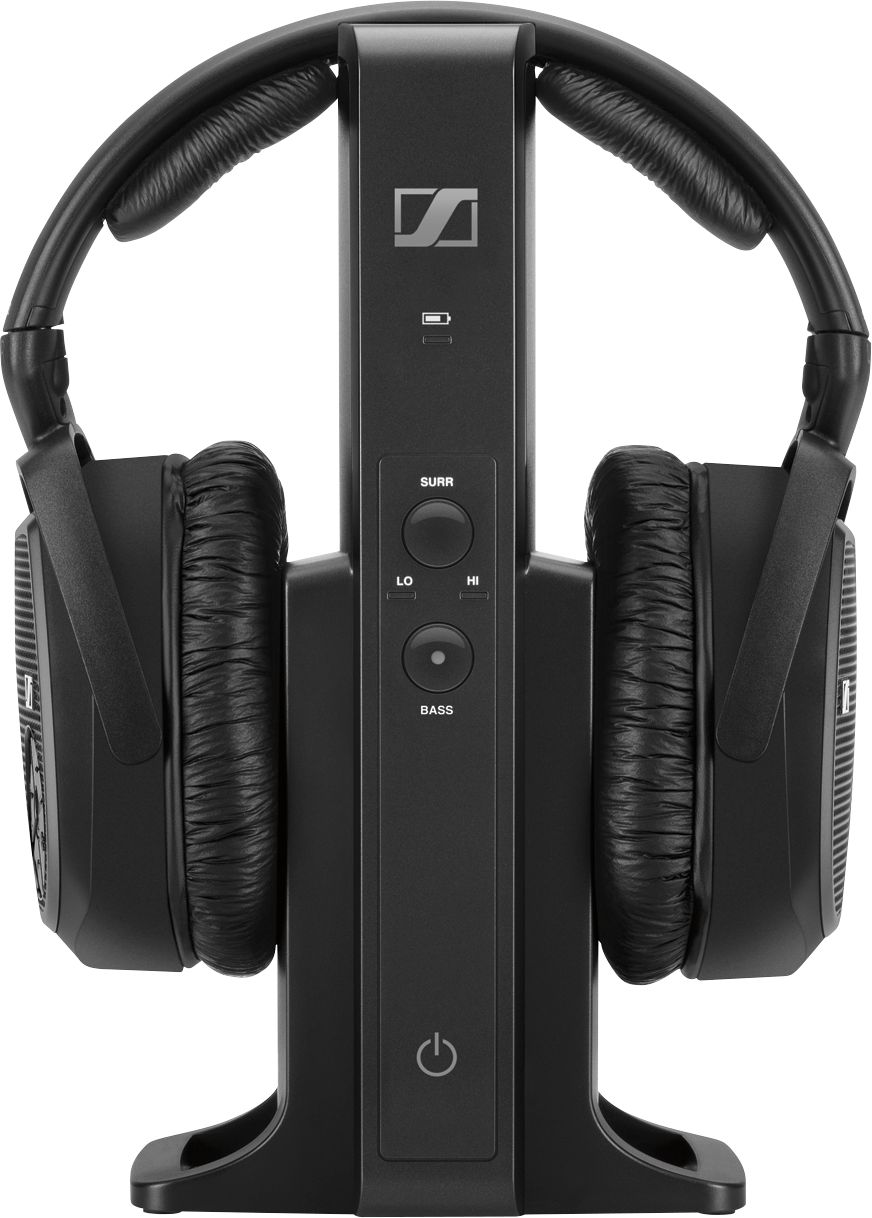
A:AnswerThe transmitter will connect to more than one headset. I rotate two headsets on the transmitter to keep them charged. I had to buy two units to get the headsets but I only use one charger/transmitter. Since they connect to my TV via an optical cable, there is no way to “split” the optical cable to connect two charger/transmitters.
A:AnswerAll I can say with this is mine cuts out also. I am assuming its the plaster walls in this old house. It cuts out at the range of 15 feet in any direction.
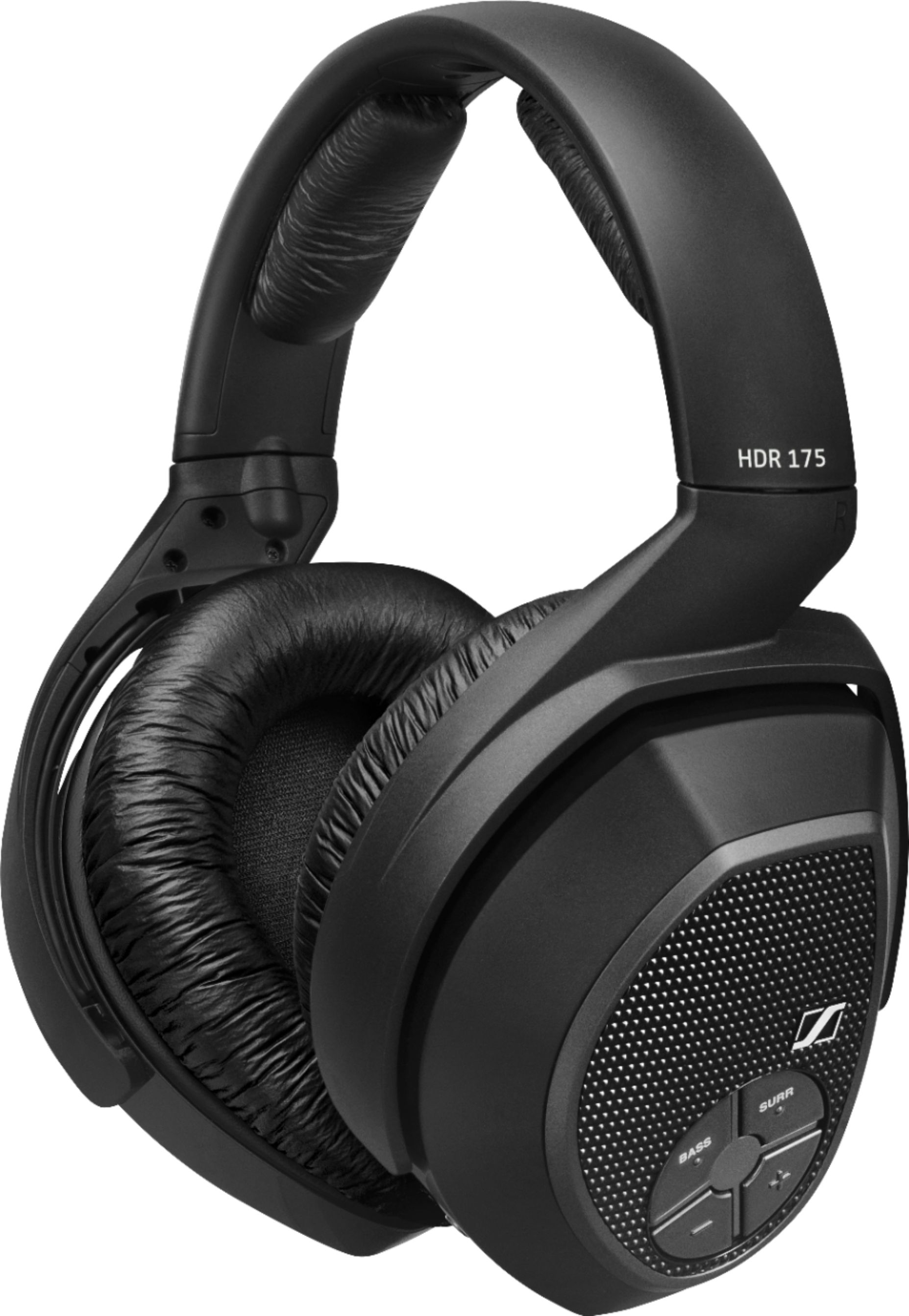
A:AnswerUnfortunately, the only wireless part of this headset is from the charging dock to the headset itself. You will need a wire from your TV to the charging dock for them to work properly. If you have a soundbar it might have a sound out port and hide the wire behind your cabinet. As I am hearing impaired I had to purchase a soundbar with this option. However this headset is absolutely the best I've owned so far.
A:AnswerI believe that you cannot. You need the transmitting tower. These headphones are not Bluetooth enabled, so you needs to have something decode the information and pass the sound from the the RF tower that comes with the earphones.
A:AnswerThe "station" can connect to anything with a 3.5m port, but if someone is close enough (as in an ipad) to connect the docking station, why wouldn't a person just use 1. Wireless, bluetooth headphones, or 2. Wired headphones? These are better used, in my opinion, for large, stationary items, i.e. big screen TVs. The docking station can be attached to the TV, then you can enjoy sound from the wireless headset without disturbing others. Using it for smaller, portable items is a redundancy.
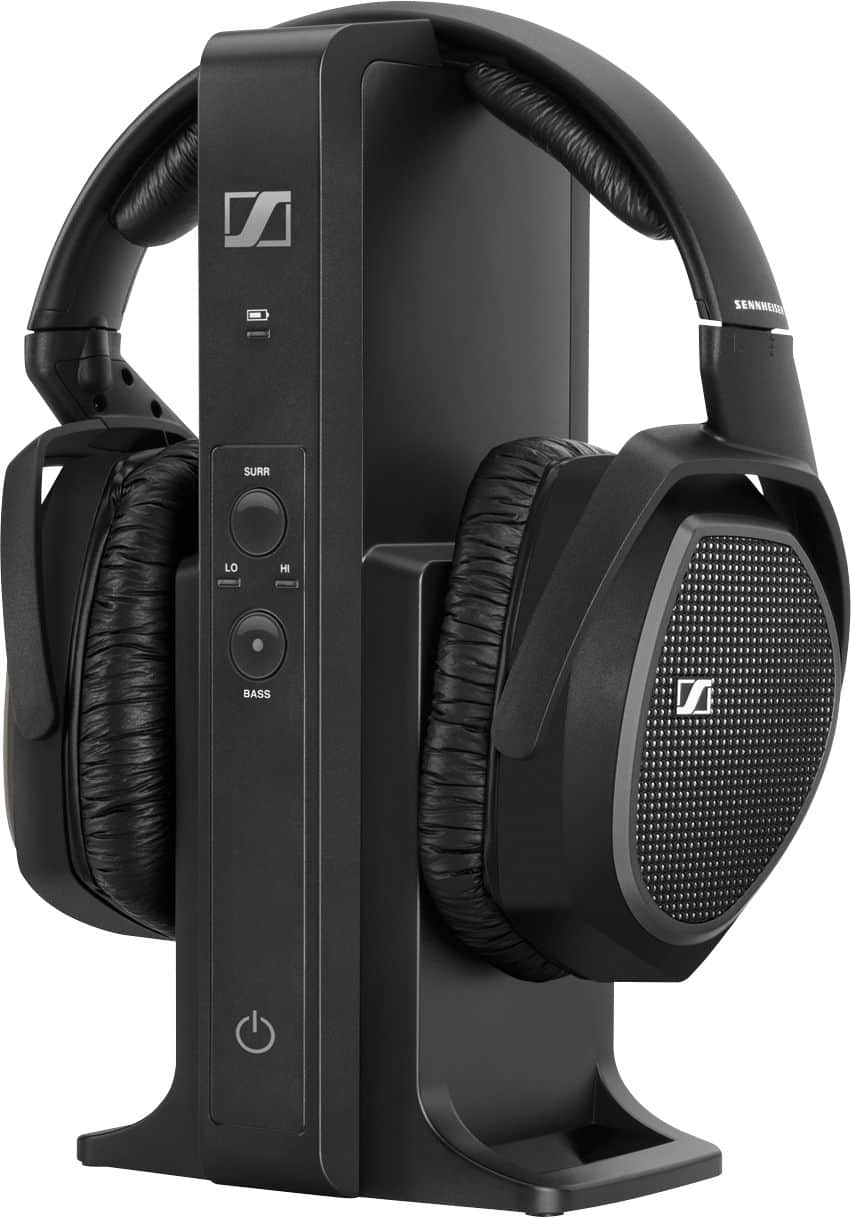
A:AnswerI'm not sure of the range and, even if I had numbers, I suspect much of clarity has to do with the state of one's ears. I can tell you this: I have age-related hearing loss and have hearing aids for both ears. I don't use them with the headphones and often find myself turning the volume down because what Netflix has set for a particular offering is too loud for me....but still clear. I've not had any clarity issues at all. I hope this helps.
A:AnswerAttach the RF tower to the TV via the digital optical cable. As long as your tv runs to your receiver by way of arc, you should be able to turn of your surrounds, and shift the TV’s audio output. This should allow you to use the headphones without having the surround sound blasting as well.
A:AnswerJust make sure the headphones are turned the right way and that the battery nodes are touching the charging nodes ...I had the same issue until I figured it out
A:AnswerDid you make sure the little plastic covers were off the digital cable included with the headphones? I ran into that when I first got them .....
A:AnswerI believe since you are running optical cable from transmitter to tv I would suggest you run audio cable from your Xbox to your analog port on your transmitter that way you can switch from optical to analog for your xbox
A:AnswerHopefully your digital aux cable is connected to whatever audio component you’re using ...Example , I have my digital aux cable running from my TV to the stand for the headphones thus I’m getting the sound that the Netflix app on my tv ...i hope that helps