No content
Questions & Answers
- Model:
- NV70
- |
- SKU:
- 7775248
Highly rated by customers for: Suction, Ease of use, Weight
Page Showing 21-33 of 33 questions
Q: QuestionIs this vacuum recommended for wool area rugs? I’ve been told not to use one with a beater bar.
Asked by Marti.
- A:Answer Hello Marti, We would like to inform you that the brushroll for the Shark Navigator® Bagless Upright Vacuum can be turned off by using the Hard floor setting. With this being said, we recommend contacting the manufacturer of the flooring to verify compatibility. We hope this information helps. The Customer Support Team
Answered by Shark Support Team
Q: QuestionHow does this shark navigator bagless upright vacuum do with a thick pile shag rug?
Asked by Mimi.
- A:Answer Hello Mimi, We would like to inform you that the Shark Navigator® Bagless Upright Vacuum works great on most flooring types. If you find that the vacuum is difficult to maneuver, there is a suction release on the end of the hose to assist with this. With this being said, we recommend contacting the manufacturer of the flooring to verify compatibility. We hope this information helps. The Customer Support Team
Answered by Shark Support Team
Q: QuestionDoes it have different floors settings & how much does it weigh
Asked by Vicki.
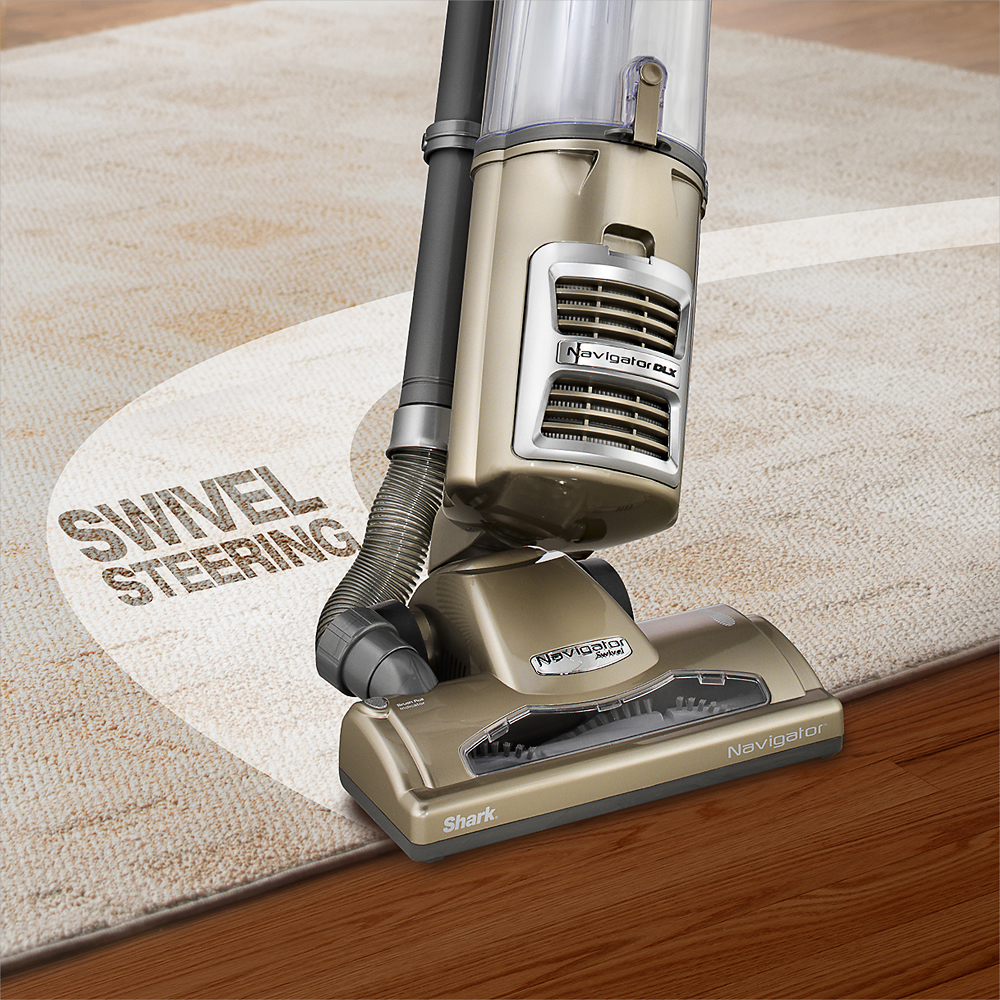
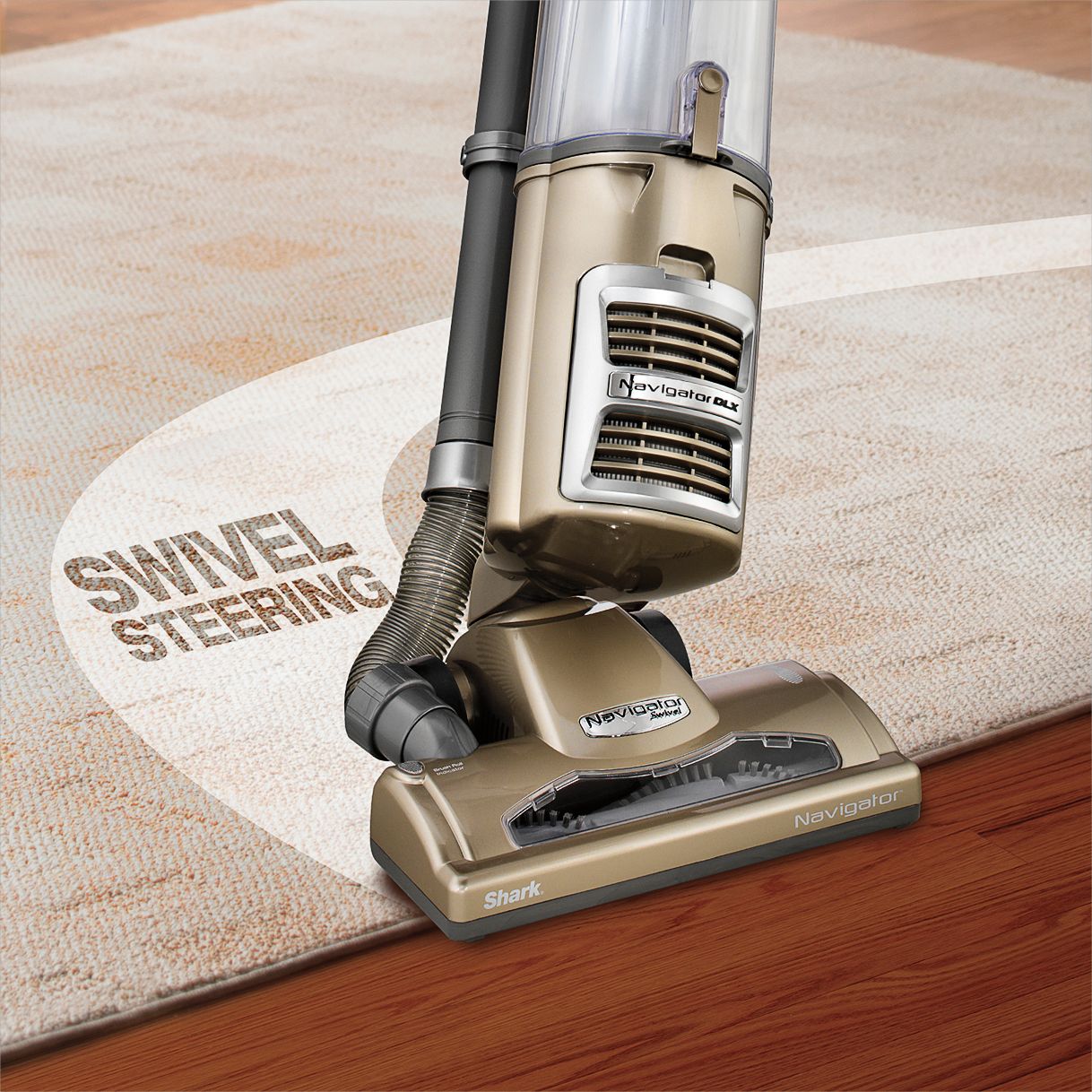
- A:Answer Hello Vicki, We would like to inform you that the Shark Navigator® Bagless Upright Vacuum weighs 15.2 pounds. This vacuum has 2 flooring settings, carpet and bare floor. We hope this information helps. The Customer Support Team
Answered by Shark Support Team
Q: QuestionDirt going into the top part of cup not the main cup
Asked by Samantha.
- A:Answer Hello Samantha, We are sorry to hear that you are experiencing difficulty with your Shark® vacuum. We ask that you reach out to Shark® Customer Care at 877-581-7375. Representatives are available Mon.-Fri. 9am - 9pm ET | Sat. 9am - 6pm ET. Thank you, The Customer Support Team
Answered by Shark Support Team
Q: QuestionThis listing says it has premium pet tools but I just ordered online and picked it up from the store and I see it doesn’t have the power brush that’s in the picture. Does the premium pet kit come separately and they didn’t give it to me?
Asked by Jenna.
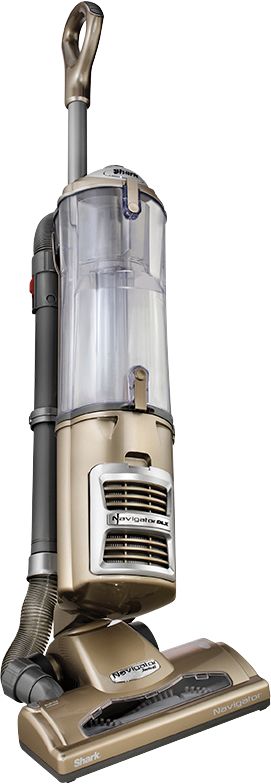
- A:Answer Hello Jenna, We would like to inform you that the Shark Navigator® Bagless Upright Vacuum includes the Wide Pet Upholstery Tool, Dusting Brush, and the 5.5" Crevice Tool. The Pet Power Brush is an optional attachment that is sold separately. We hope this information helps. The Customer Support Team
Answered by Shark Support Team
Q: Questionhow do I change the belt.
Asked by john.
- A:Answer Hello John, The belt for the Shark Navigator® Bagless Upright Vacuum is not replaceable. If anything gets inside the floor nozzle and stops the brushroll from turning, the floor nozzle will turn off to protect the belt. When this happens, turn off and unplug the machine the machine and then locate and remove the item wedged into the brushroll. You cannot reach the belts and will not need to. We hope this information helps. The Customer Support Team
Answered by Shark Support Team
Q: QuestionDoes it work on thicker shag rugs?
Asked by Blair.
- A:Answer Yes if the shag is not too long. This is the case with one of our rugs and the vac struggles. We just turn it to suction only. Other shag works fine.
Answered by James
Q: QuestionDoes this model have an overheat feature that cuts it off? I have used several that cut off after just one room
Asked by overheat.
- A:Answer I don't know. My vacuuming area is too small to develop overheating. I suggest contacting the manufacturer.
Answered by Raider74
Q: QuestionWhere does the upholstery cleaner store on the vacuum?
Asked by Anonymous.
- A:Answer Hello, We would like to inform you that the Shark Navigator® Bagless Upright Vacuum has two spots to store tools on-board. We recommend storing the tools you use most often on the vacuum. We hope this information helps. The Customer Support Team
Answered by Shark Support Team
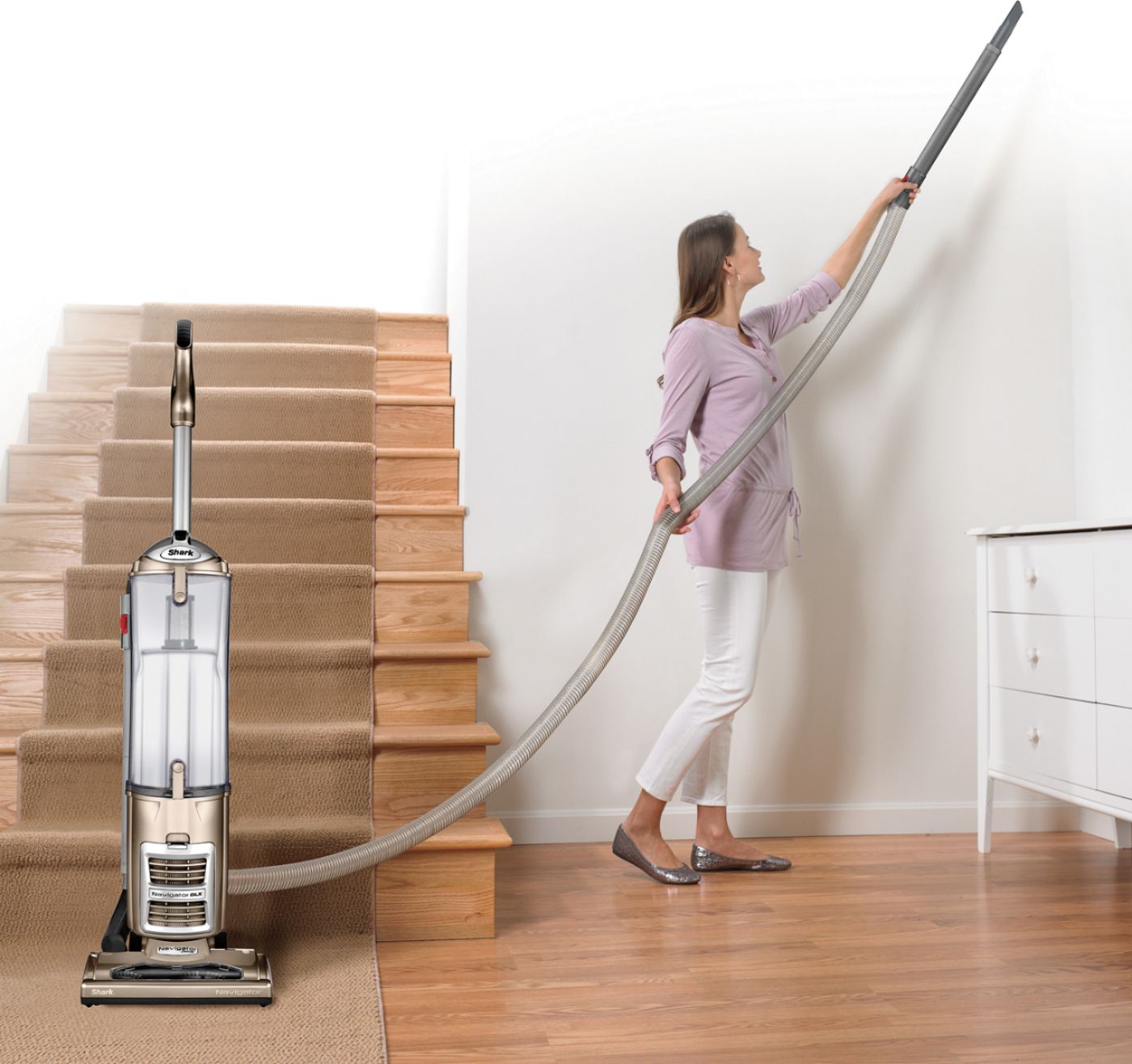
Q: QuestionWhat accessories go with this. Where is the long extension with the handle that is shown in the photo so you can get cobwebs? I have had this for less than 2 hours and I do not like it. Too hard to push. Can I return this?
Asked by Leelee.
- A:Answer If its hard to push, its probably because there aretwo setttings when flipping the switch on. It will make it hard to push. And ive not had any problems with mine.... Yet.
Answered by Angela
Q: QuestionHOW MUCH DOES THIS VACUUM WEIGH
Asked by Lizzy.
- A:Answer Is heavy feel like a good 15 lbs +
Answered by jewel1
Q: QuestionHow do you empty canister for shark navigator swivel
Asked by Sylvie.
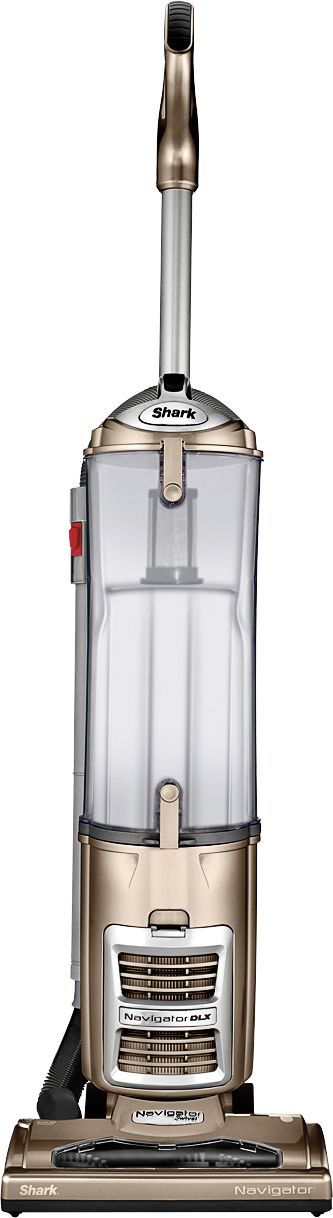
- A:Answer Hello Sylvie, We are happy to assist you with your inquiry about the Shark Navigator® Bagless Upright Vacuum. We recommend emptying the dust cup after every use. Prior to emptying, power off and unplug the vacuum. Grip the handle on top of the dust cup, and then press the dust cup release button, located on the main body of the vacuum beside the handle. Lift the dust cup away from the vacuum and take it to the trash bin. While holding the dust cup over the trash bin, press the release button on the bottom front to open the bottom door. We hope this information helps. The Customer Support Team
Answered by Shark Support Team
Page 2, Showing 21-33 of 33 questions
Top Rated
- $299.00$299.00The price was $349.00
- $99.99$99.99The price was $129.99
- $249.99$249.99The price was $379.99
- $149.99$149.99The price was $199.99
- $1,099.99$1,099.99The price was $1,299.99