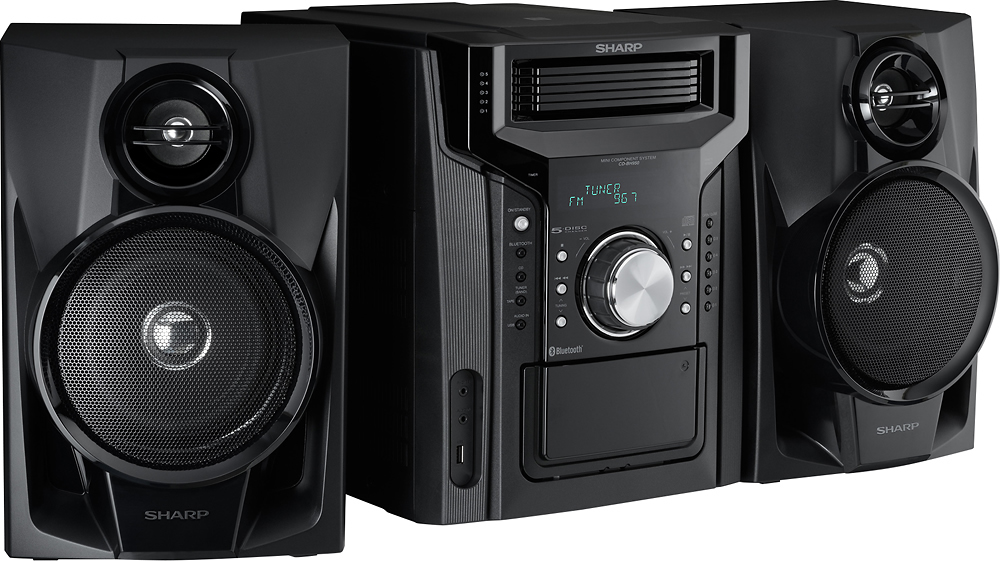
A:AnswerYes, it does have a USB port and will play mp3 files. We also used the audio in port to attach a turntable to the unit (with a connector) and it works very well.
A:AnswerHello, we are sorry for the inconvenience. Kindly contact us at onlinesupport@sharpsec.com. Please include your contact details and the model and serial number of the unit in your email.
A:AnswerHello, yes when the power is first turned on, the unit will enter the extra bass mode which emphasizes the bass frequencies, and “X-BASS” will appear. This can be controlled using the X-BASS button on the remote.
A:AnswerHello RickeyD, the only difference between these two models is that the CDBH950 is a newer model and consist of the bluetooth feature, whilst the CDDH950P is older and does not have the Bluetooth function.
A:AnswerI don't know that this will work, but take all the CD's out and reseat them, I did this when I just had a couple in that wouldn't play, after doing it they played. So it may be that they just aren't seated properly so the player can't read them. One option anyway if you haven't tried it already.
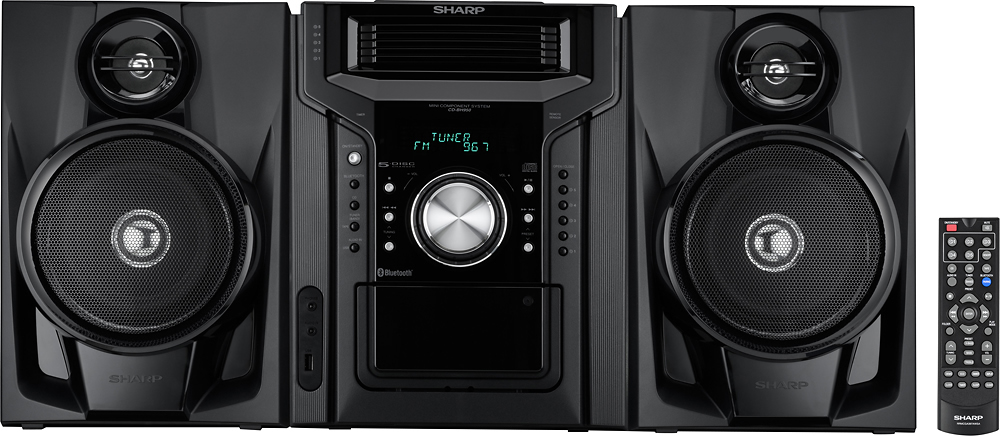
A:AnswerHello Princefan2, the unit is loud enough for an average household. It has a 2-way speaker system, a 2" tweeter and a 5-1/8" sub woofer. The unit also contains an output power of 240 watts. Each of the speaker wires are approximately three feet. Unfortunately we are not seeing where this is possible to record a CD to your cassette. I do hope this helps.
A:AnswerHello, unfortunately this unit is not able to perform that function. You would have to manually do this operation. Our apologies for any inconvenience caused.
A:Answerits looks like a string I almost threw it out. call up sharp they should be able to replace it then you have to turn the main system around an push the tab on back and have this little wire put in and release tab so it stays in place then take the end which has a circle and put it pointing upward it should work
A:AnswerIf I'm not mistaken you can add in which discs you want to be played you can add in which songs on those discs you want to be played read your instruction book if not go online and ask for another one but I'm pretty sure well I do know cuz I shuffle mine it may be random but it's just like Shuffle e hope this answers your question if you're having a hard time call Best Buy and I'm pretty sure they'll let you know what you doing wrong will how to do it right okay hope this helped