A:AnswerHello Josh, we will be happy to answer any product related questions you may have about the LC-43UB30U. Please email your questions to [email protected].
A:AnswerHi KarateWarrior, Thank you for reaching out to us in regards to the Sharp LC-43UB30U! Please be advised that this TV does come with a built in digital tuner. If you have any more question's, please reach out to us at [email protected]
A:AnswerHello Robert, thank you for your recent inquiry in regards to the Sharp LC-43UB30U! I apologize, as this particular model does not support 'picture in picture.' Have any further questions? Please contact us at [email protected]
A:AnswerThank you for your recent inquiry in regards to setting up your USB for use with Wallpaper Mode on your LC43UB30U. Please Create a folder named "WP" in the root directory of the USB memory device (the first directory when the USB memory device is opened), and store into the folder the still images you want to display for the wallpaper. Please contact us at [email protected] if we can be of any further assistance. We are happy to help.
A:AnswerThank you for your recent inquiry in regards to the model # of the LC43UB30U. The model # for this TV starts with an LC as this TV has an LCD panel with LED backlighting and 4K capability.
A:AnswerThank you for your your recent inquiry in regards to connecting the LC43UB30U to a Comcast cable box. Yes, this model would be compatible with a Comcast HD cable box.
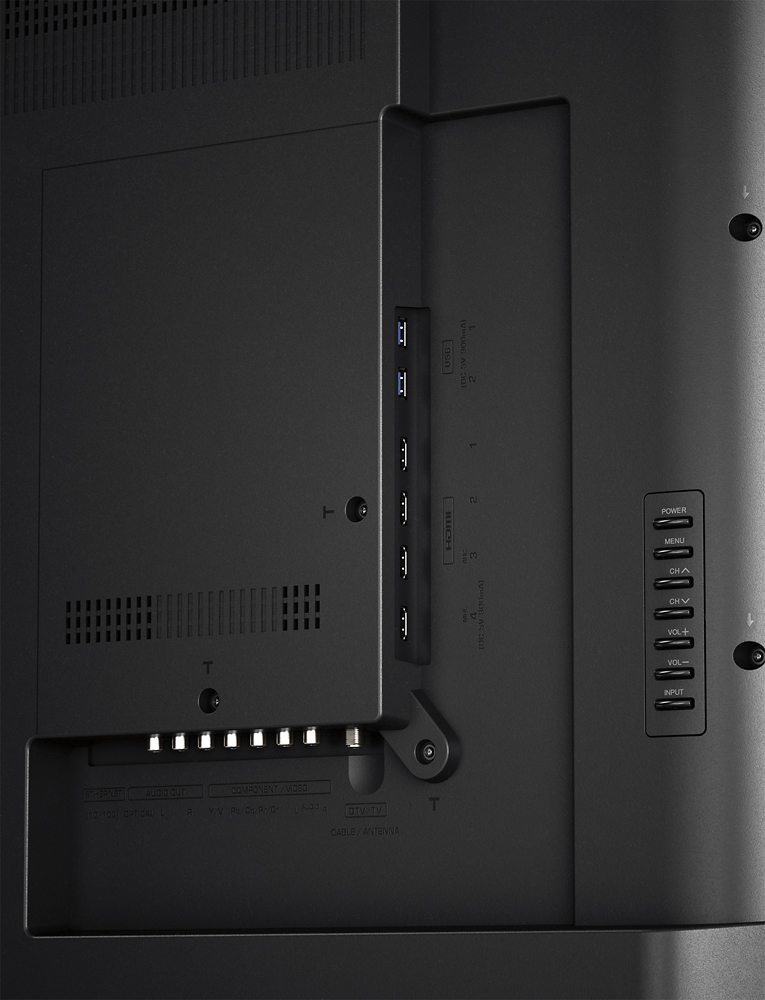
A:AnswerIt has a digital optical output for sound which will pass all the surround codecs. All you need is an optical audio cable long enough to reach your surround sound AV processor from the TV and you're good to go.