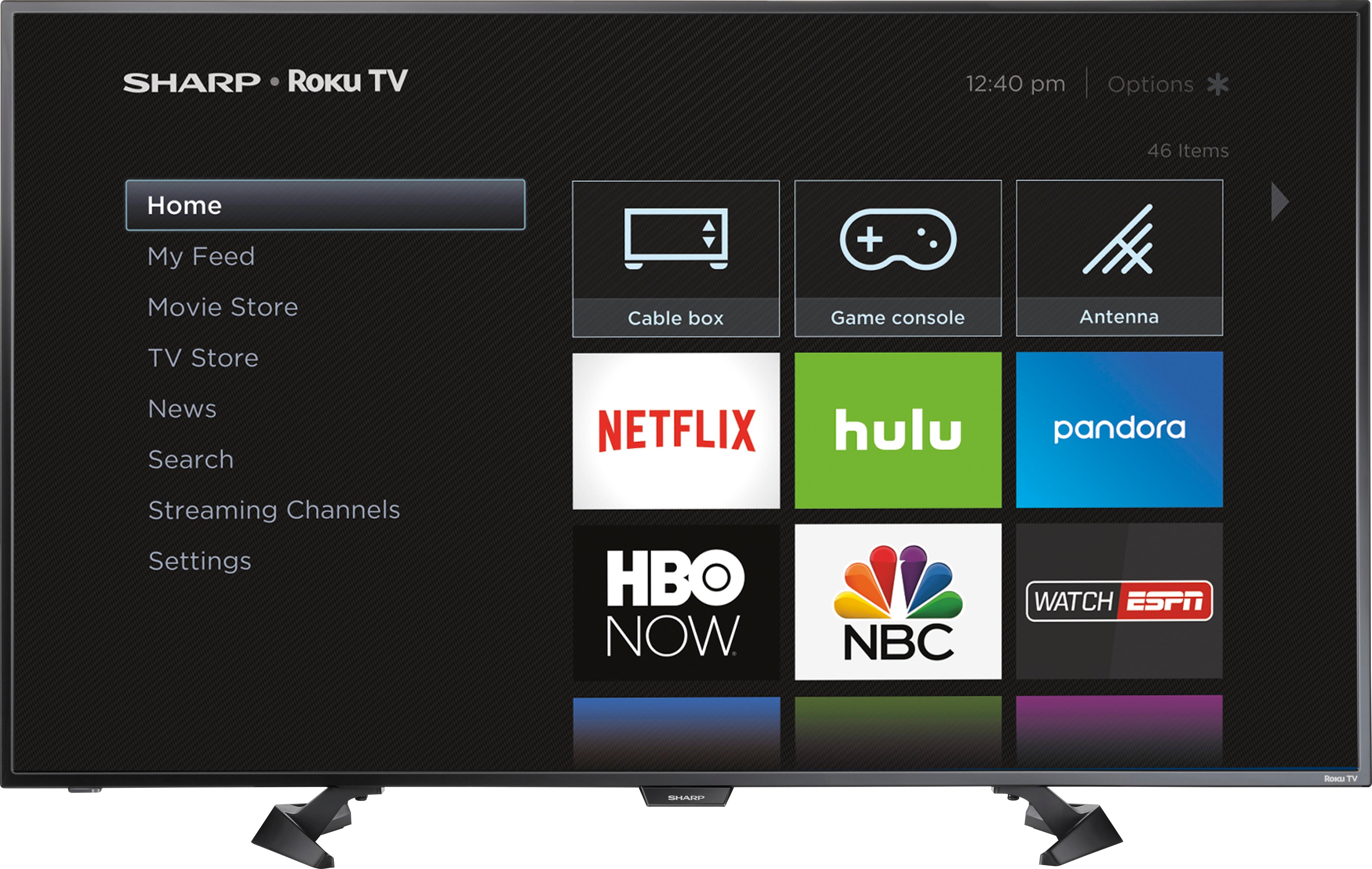
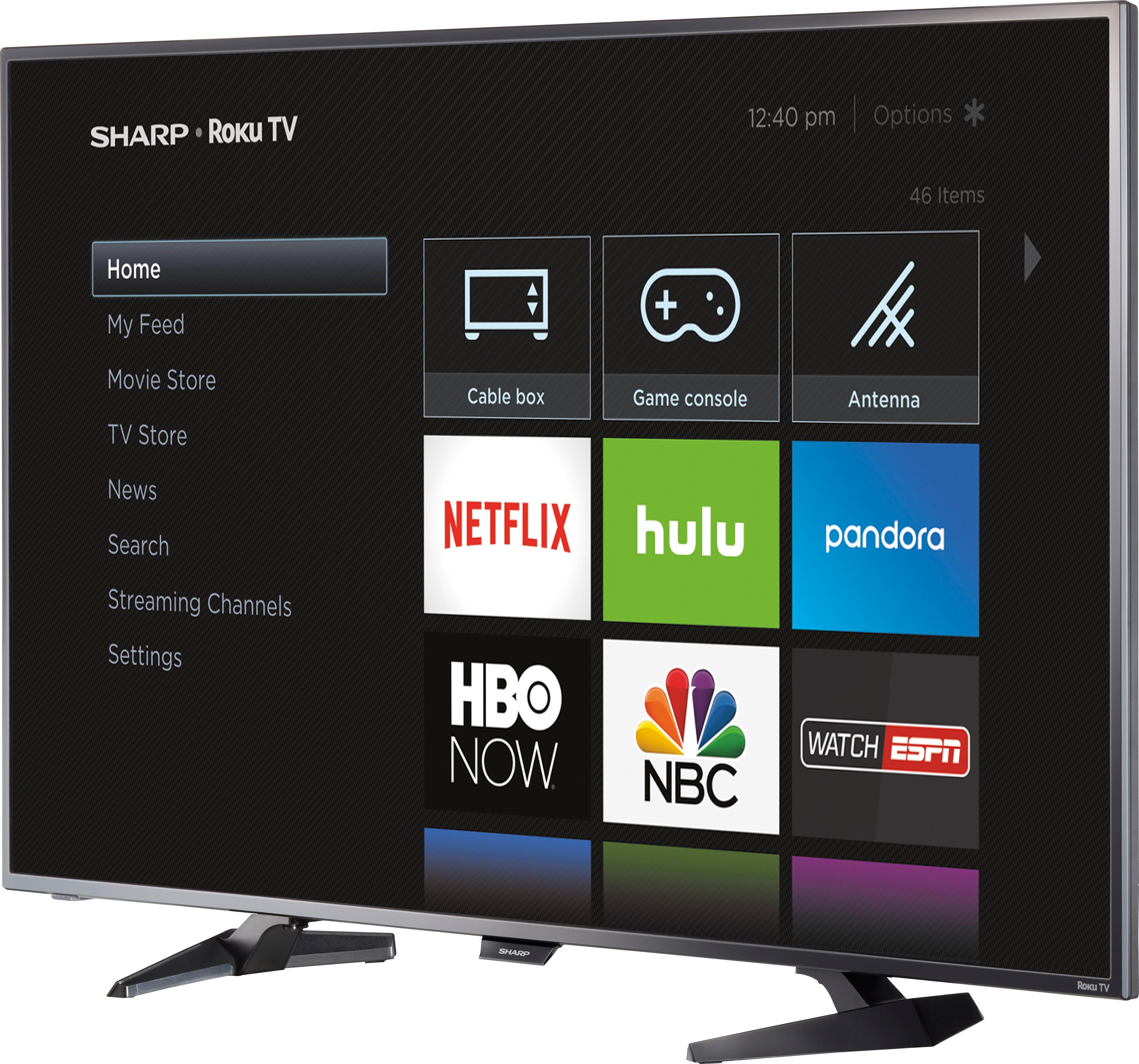
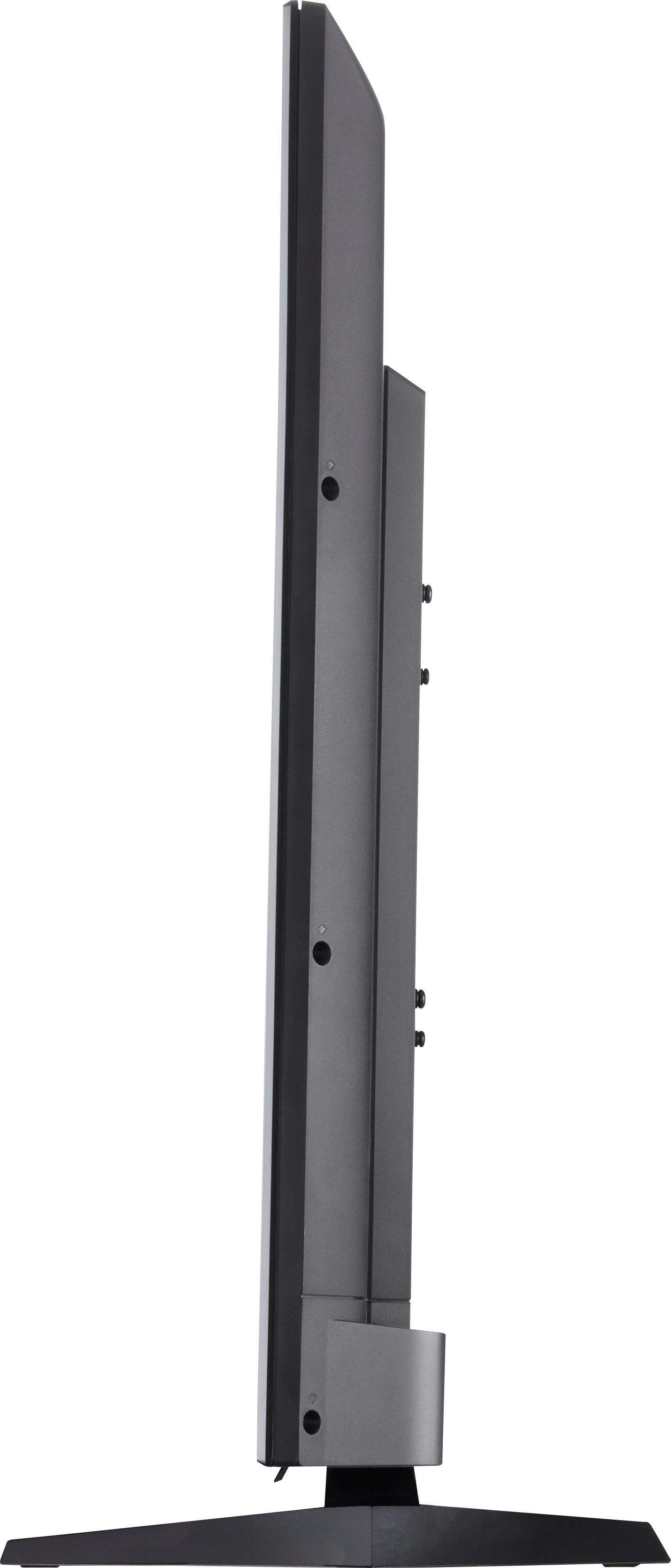
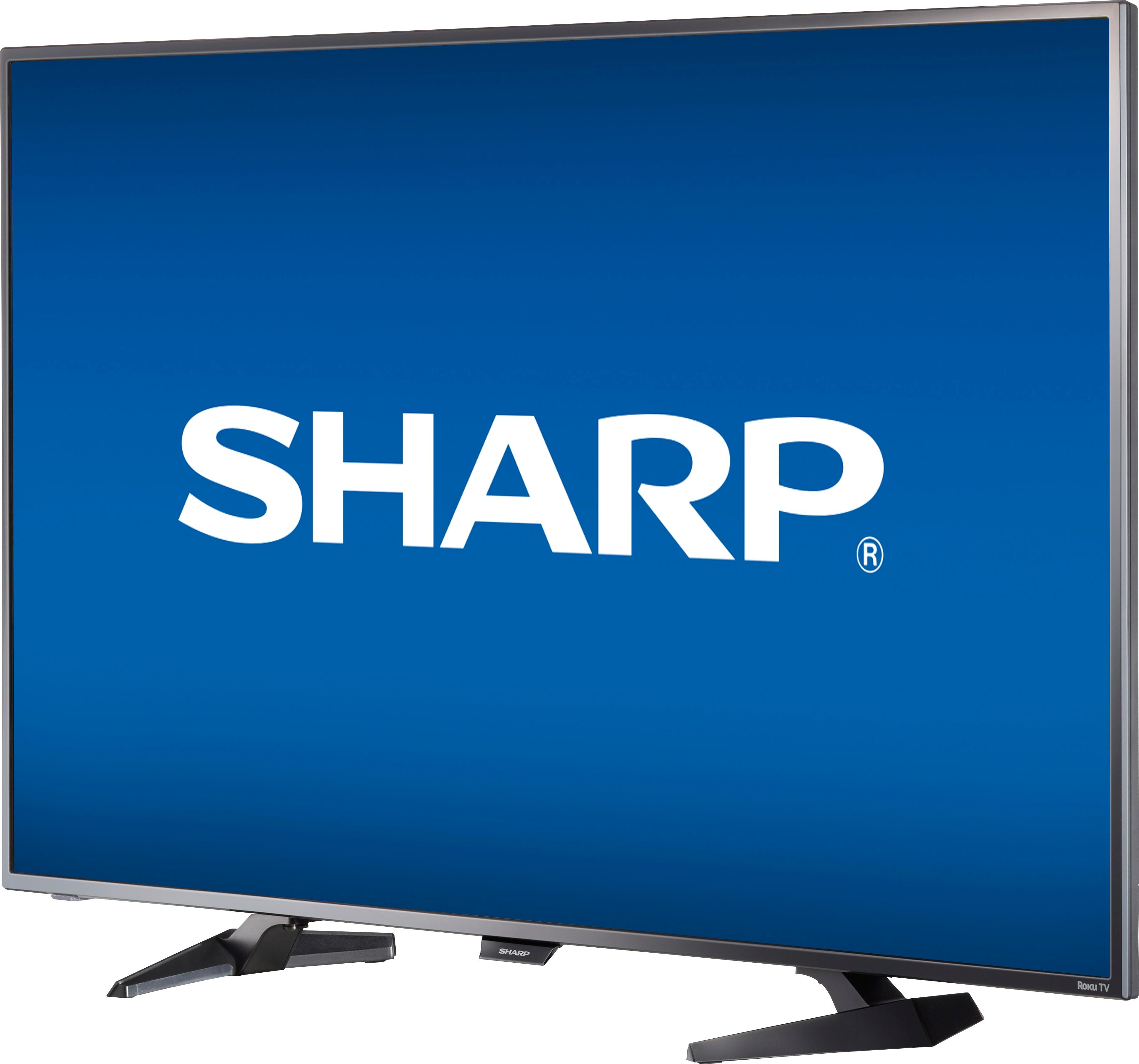
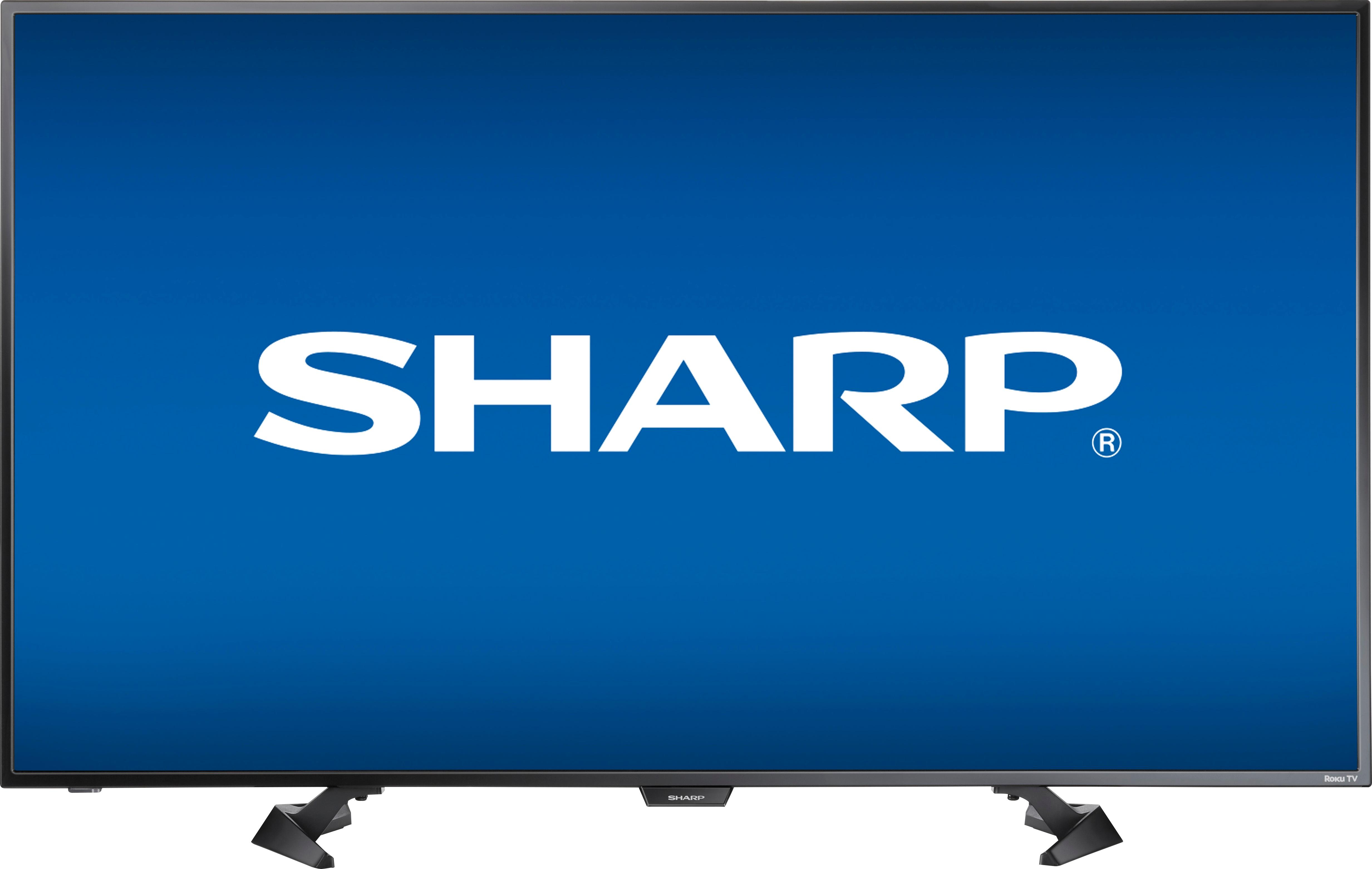
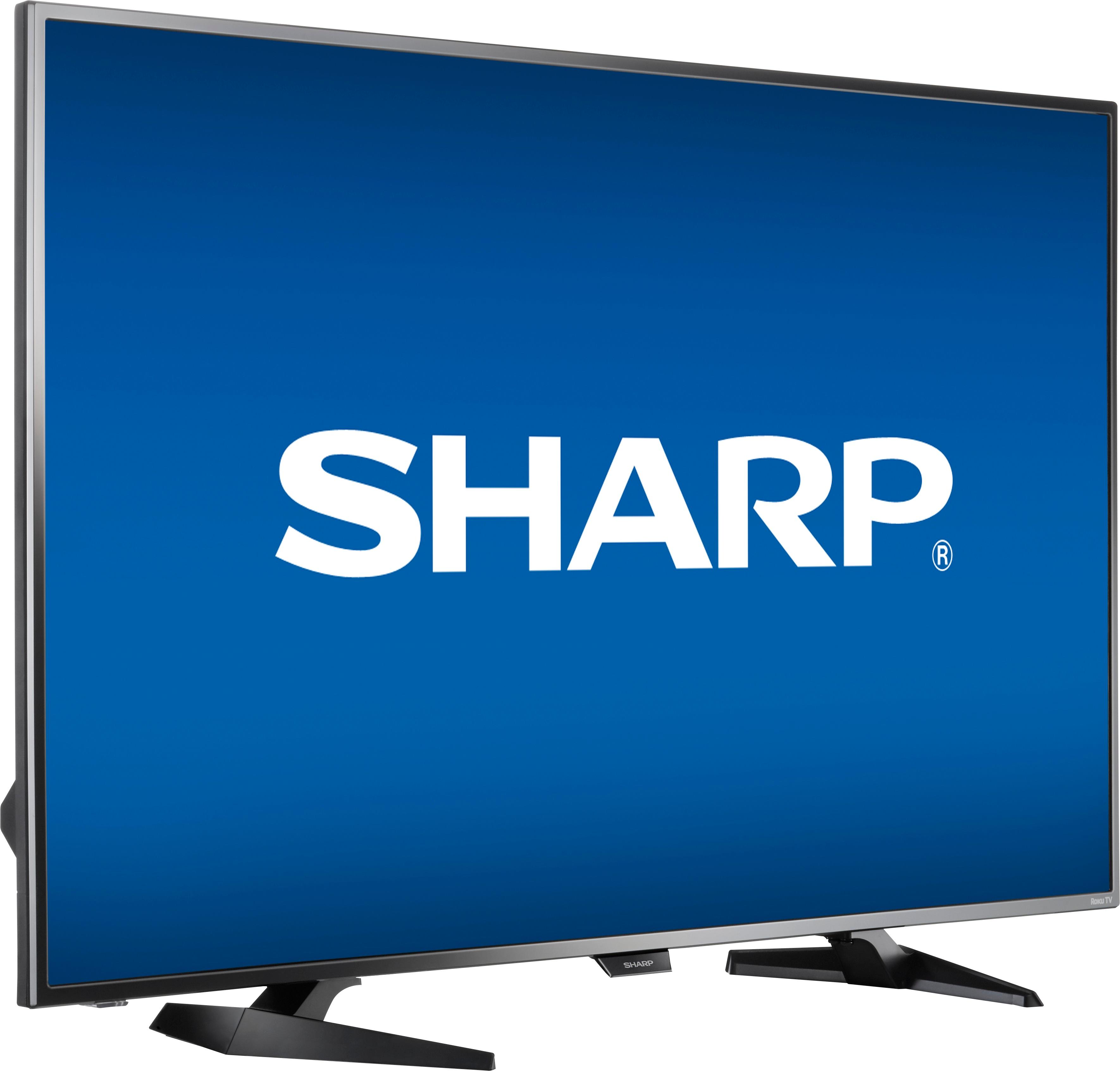
A:AnswerWe have this TV on a stand that goes behind a couch. We already had this piece of furniture so did not have to spend more on a stand. You probably would need a 36 inch or longer stand.
A:AnswerCall Sharp customer service and wait on hold for 30 minutes before being connected to someone abroad who can't actually help. Here's their number: Product support (855) 544-2030. I hope you have better luck than I did.
A:AnswerIt is not an easy setup because you must have a wifi in range, a computer to access or create a Roku account and activate your device just to watch normal TV. If you have slow internet, or problems during theses steps you will not be able to skip and setup Roku later when your nephew/niece shows up. I have a Roku account already and setup several devices but had problems with this TV setup and the app downloads took several hours. If you are not familiar with wifi and Roku already have a millennial on hand to assist with setup or get a TV without Roku built in. You can always add a Roku device or other streaming device to any HDTV for cheap. It works great after it is setup and you have one remote control that works for Roku and normal TV.
A:Answerhttps://www.mydish.com/support/products/remotes/how-to/program-to-tvother , you can put the model number of your remote and tv in and it will give you the code.