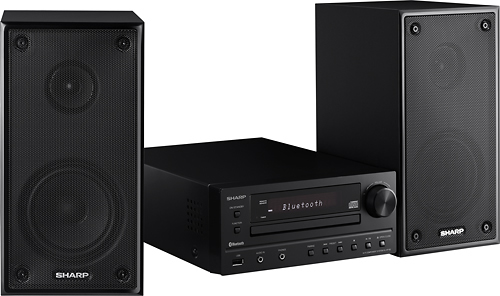
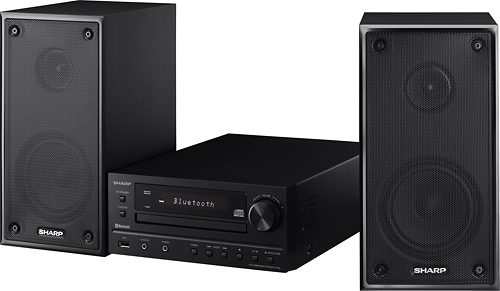
A:AnswerHello, you are required to turn the volume knob toward Volume + (main unit) or press VOL + (remote control) to increase the volume. Please note that if you turn off and on the main unit with the volume set to 27 or higher, the volume starts at 16 and fades into the last set level. If additional support is needed, please email us at [email protected] and reference case number 9475885.

A:AnswerHello, the volume is adjusted by turning the knob to get the desired volume. If you have further questions kindly contact us at [email protected] and reference the case number 9475201.
A:AnswerThis component system is compact and sounds awesome. Definitely worth the money. I was pleasantly surprised the first time I turned it on and to this day I am a very satisfied owner. You won't regret the purchase!
A:AnswerHello Bill, the unit has a Random play feature. To random play all tracks on the CD, press the Play Mode button repeatedly until 'Random' appears.
A:AnswerHello Gary, please be advised that you are unable to connect a wireless Bluetooth speaker to the unit. Only smart phones and tablets can be connected to this feature on the unit
A:AnswerReally don't know the answer to that question. My speakers are wired. The unit is blue tooth capable, so it might work with blue tooth speakers.
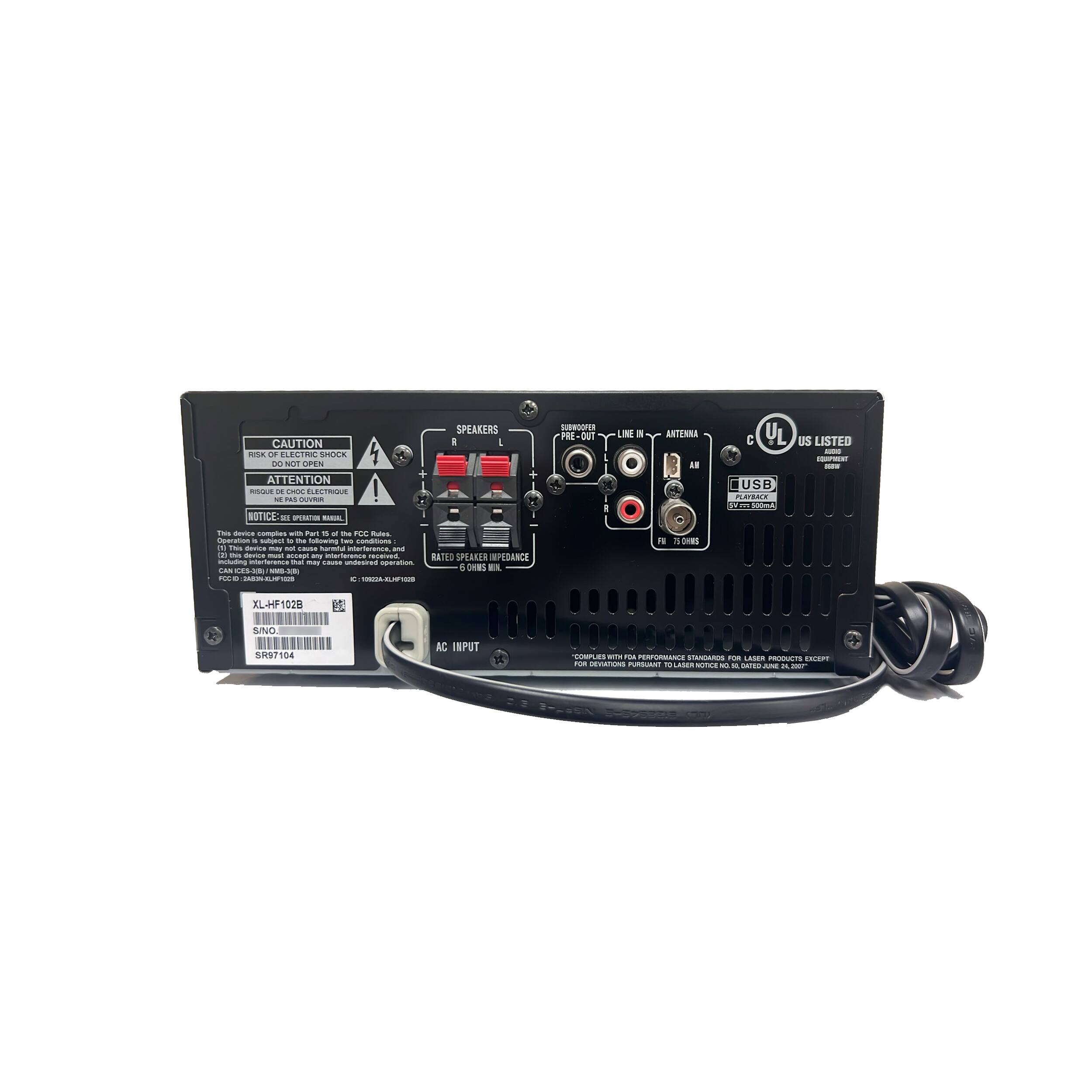
A:AnswerHello, you can connect an external antenna, however, this should be a (75 ohms coaxial cable) for
better reception. A dipole 1/8" 3.5mm plug will not work.
A:AnswerHello, the display content can be changed by pressing the Display button. By pressing the Eco button, you are able to cancel/enable the Bluetooth standby mode.