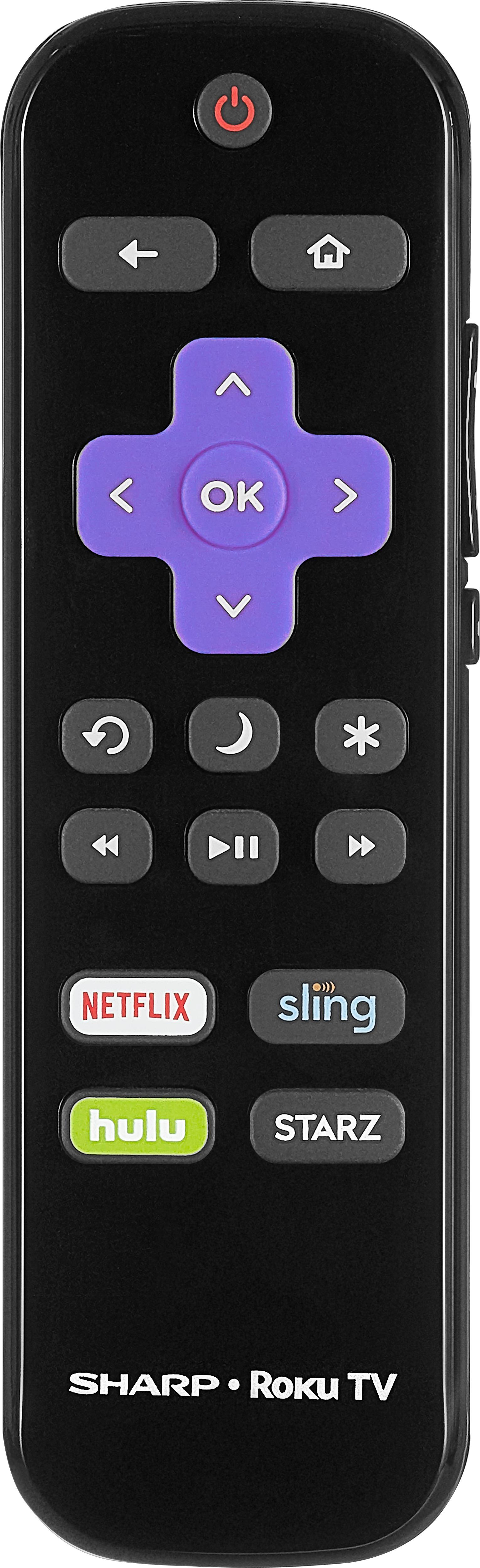
A:AnswerThe remote control has arrows, in four directions. I have been using the up or down arrows to find channels. It took about an hour to get used to the new arrangement, my last TV had a full remote, so this is very new. I do like the 'mute' on the right side.
Enjoy!
A:AnswerThis is a difficult question to answer because it depends on the use. If your watching movies, i tend to like the cinema settings that are darker with higher contrast, where if you have a bright room, and need a bright picture you could use the vivid settings. I think the best advice i could give is to use what works best for you. Sorry if this isn't the slam dunk answer you wanted. Good luck!
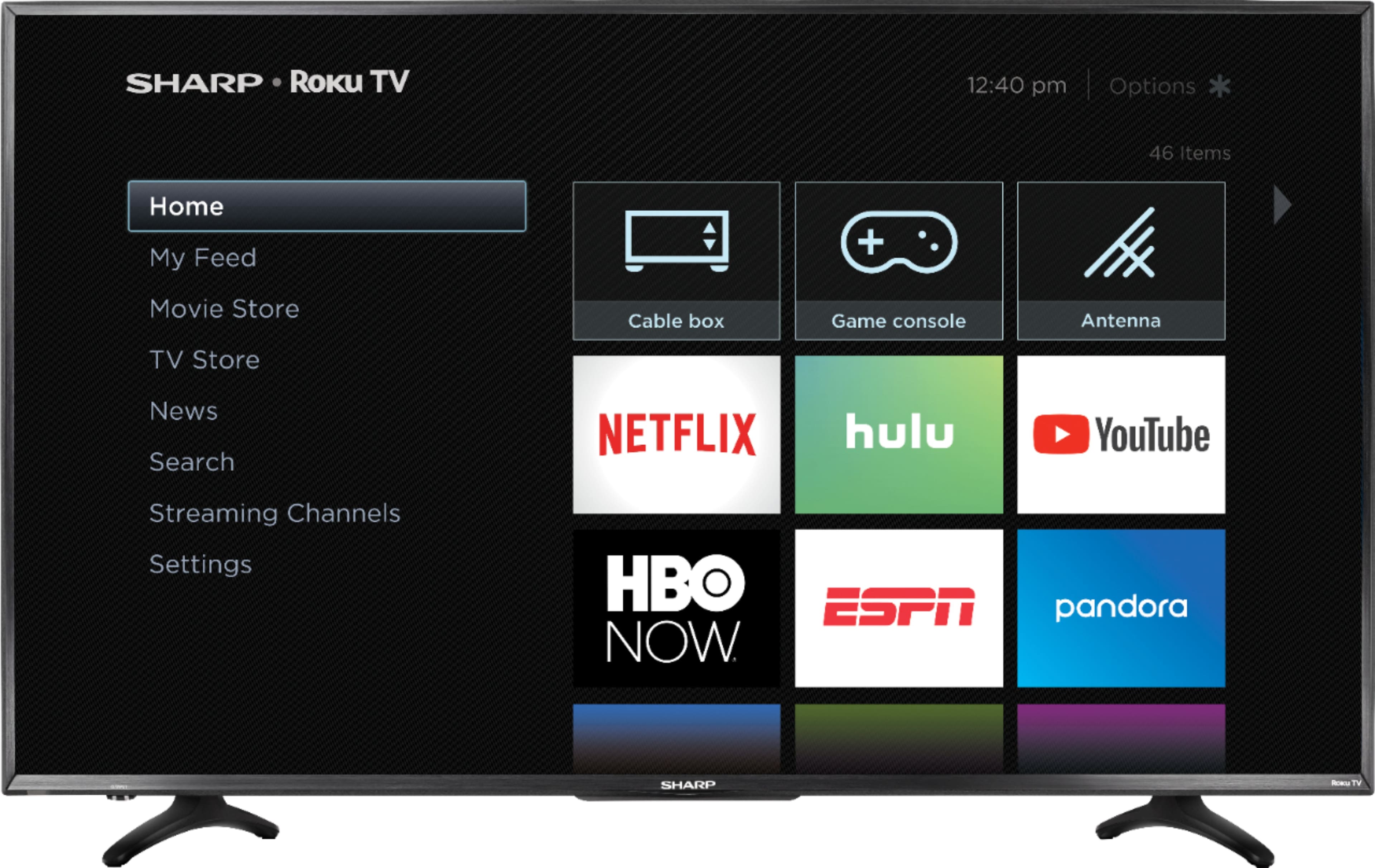
A:AnswerYes, as long as the media files are compatible. It will also access and play media files from drive, computers and other devices on your network.
A:Answernot AVI files, but you can easily convert them into mp4 or mkv with free software out there. extra steps, but certainly possible. Roku site has full compatibility list.
A:AnswerIf push comes to shove just use the ethernet connection... for some odd reason, (:-)) the wired network connection is more reliable and somewhat immune to interference
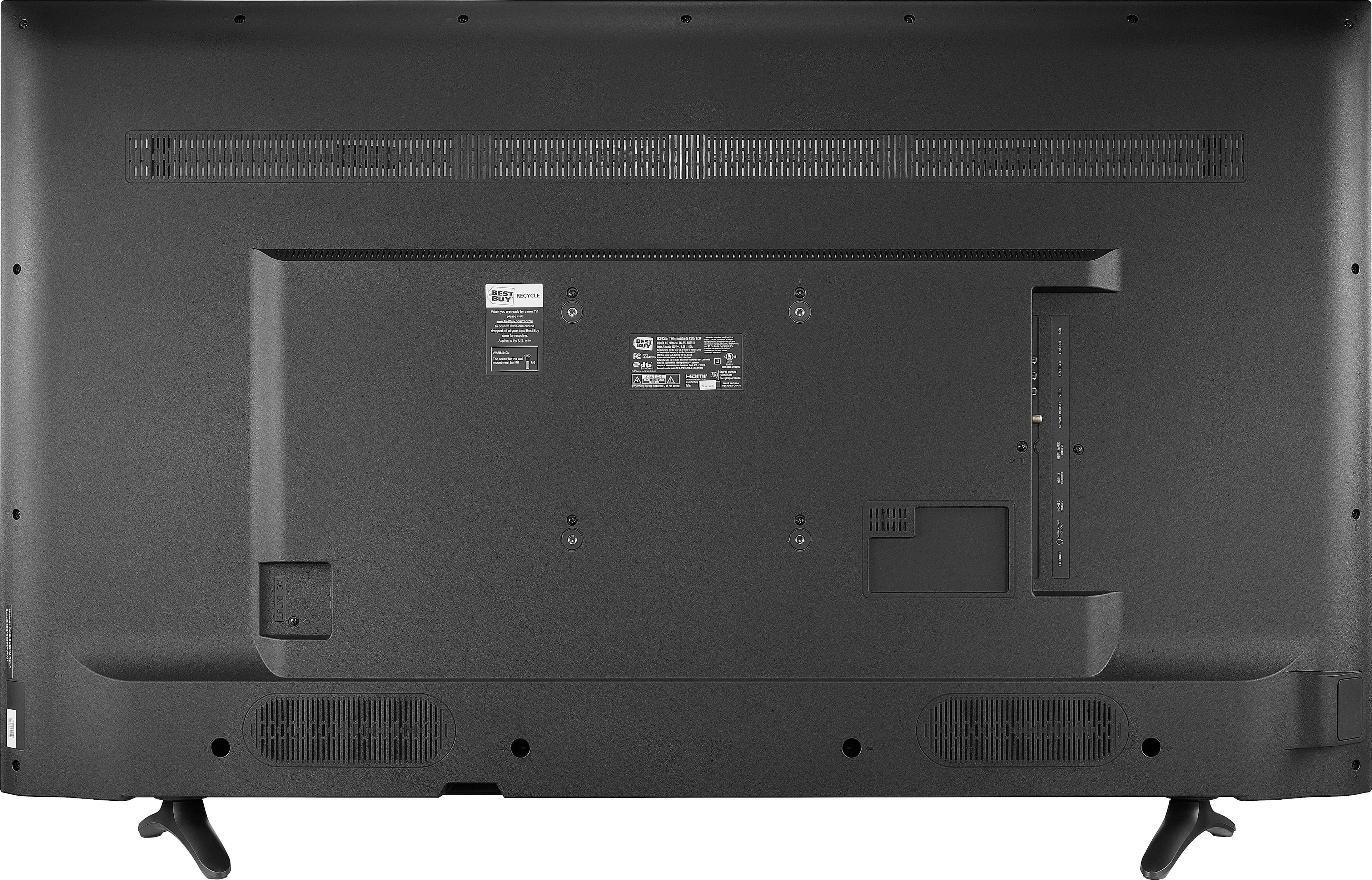
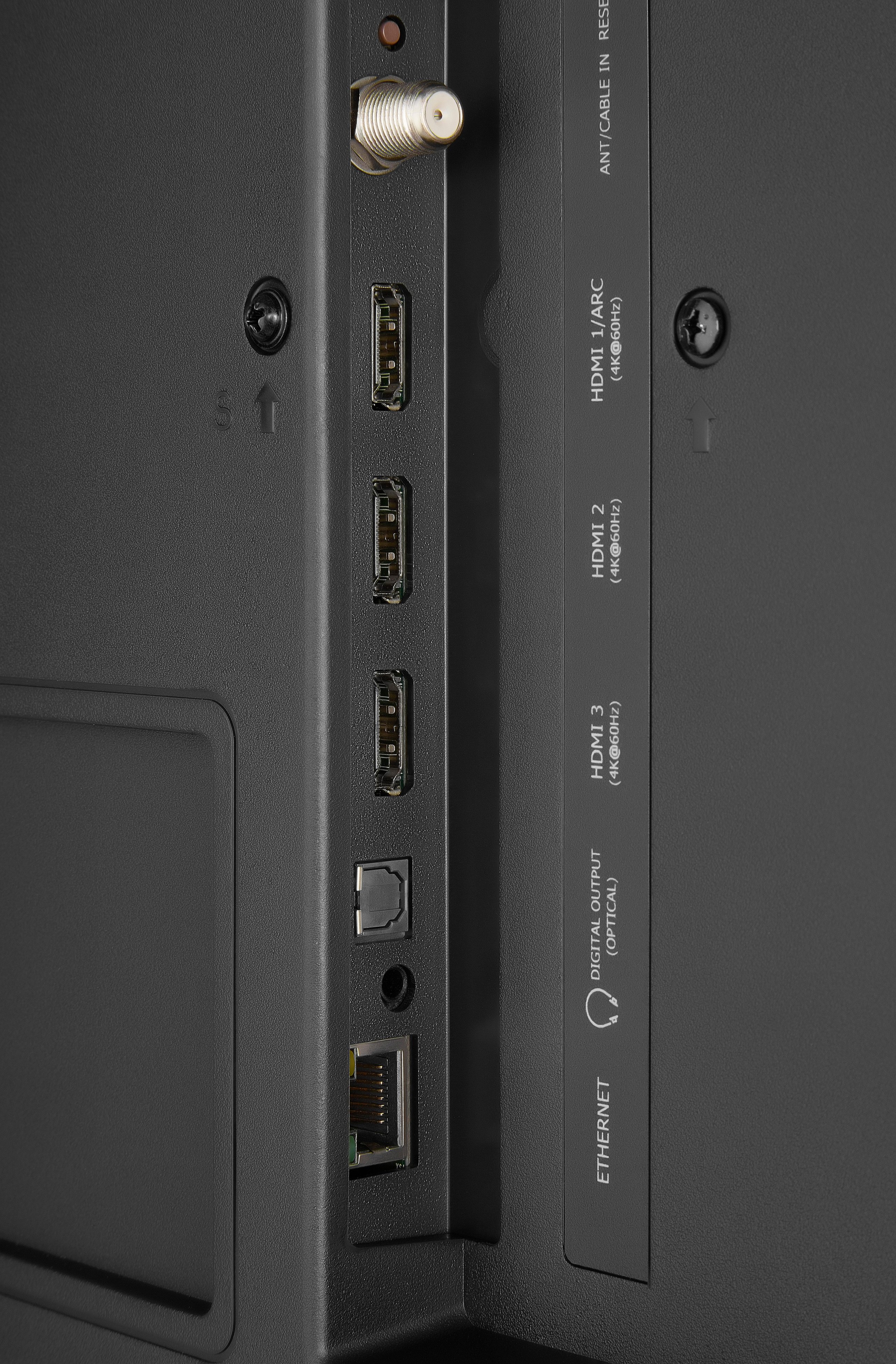
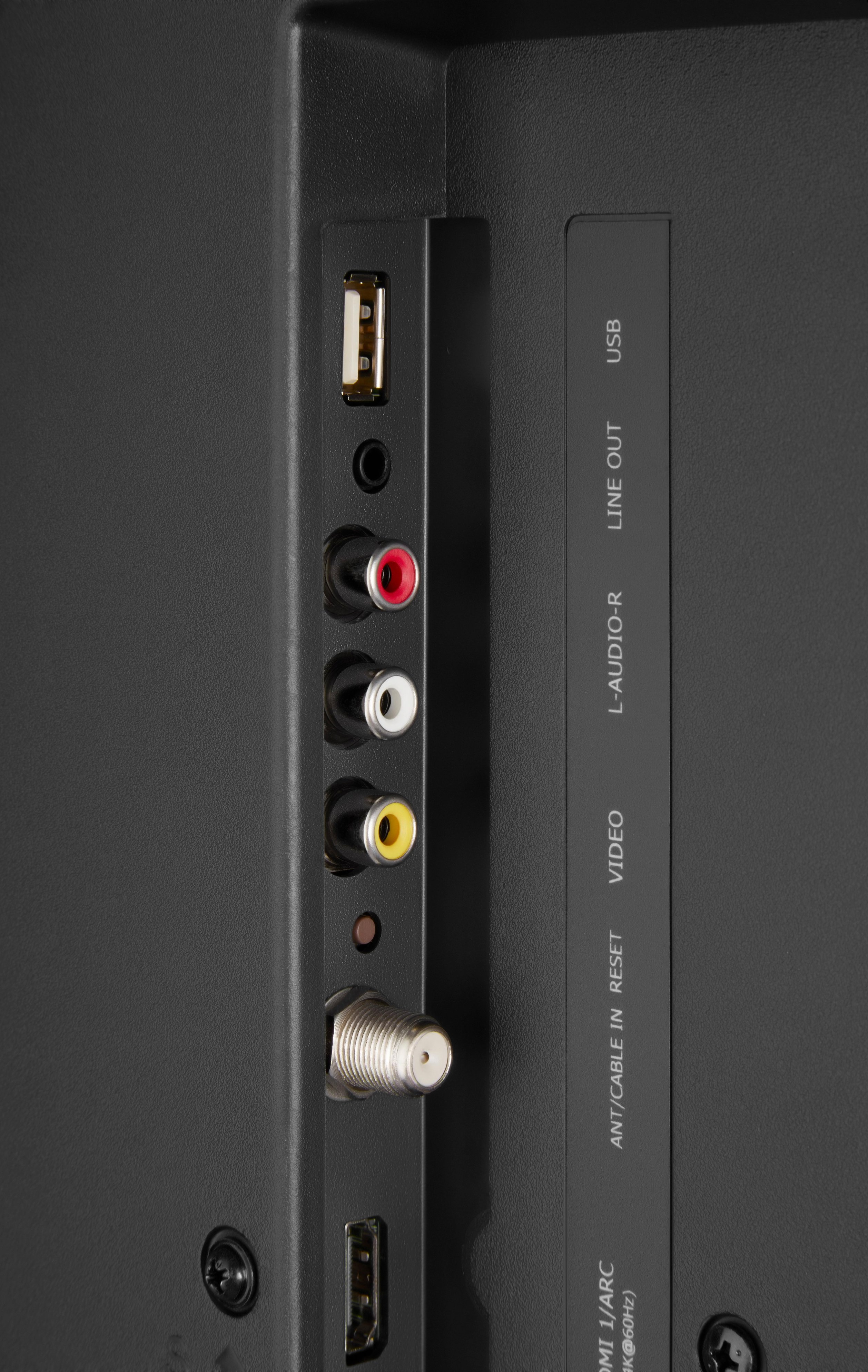
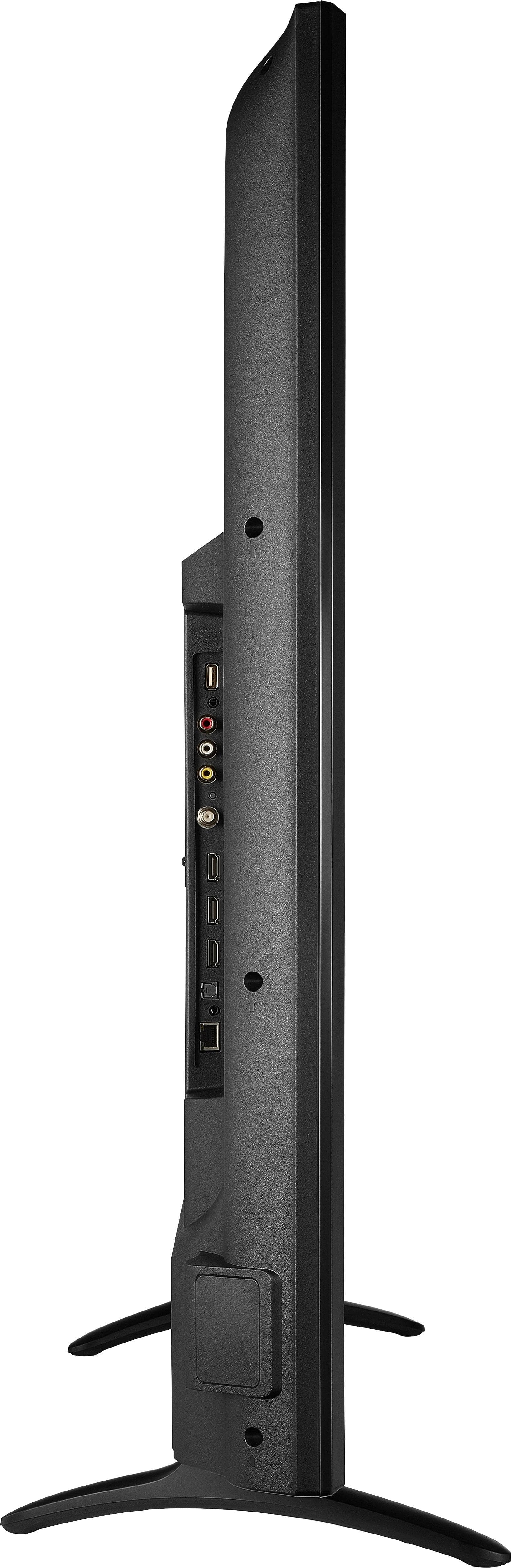
A:AnswerThere isn't an HDMI out port. As I learned the hard way. You need an optical digital cable. You will see the "optical out" port on the same side of the TV as the HDMI ports. It's "D" shaped. If your receiver doesn't take an optical digital cable you will have to use the A/V ports