A:AnswerMine did the same. I tried reset, the reset does not work. Then I called their company headquarter, they said they are not taking care of Sharp brand. They give me a number for the local support. They could not find a solution then hang up after 20 minutes.
So, if reset does not work, it's one step closer to the trash bin. Not worth the trouble to fix it. Just my opinion.
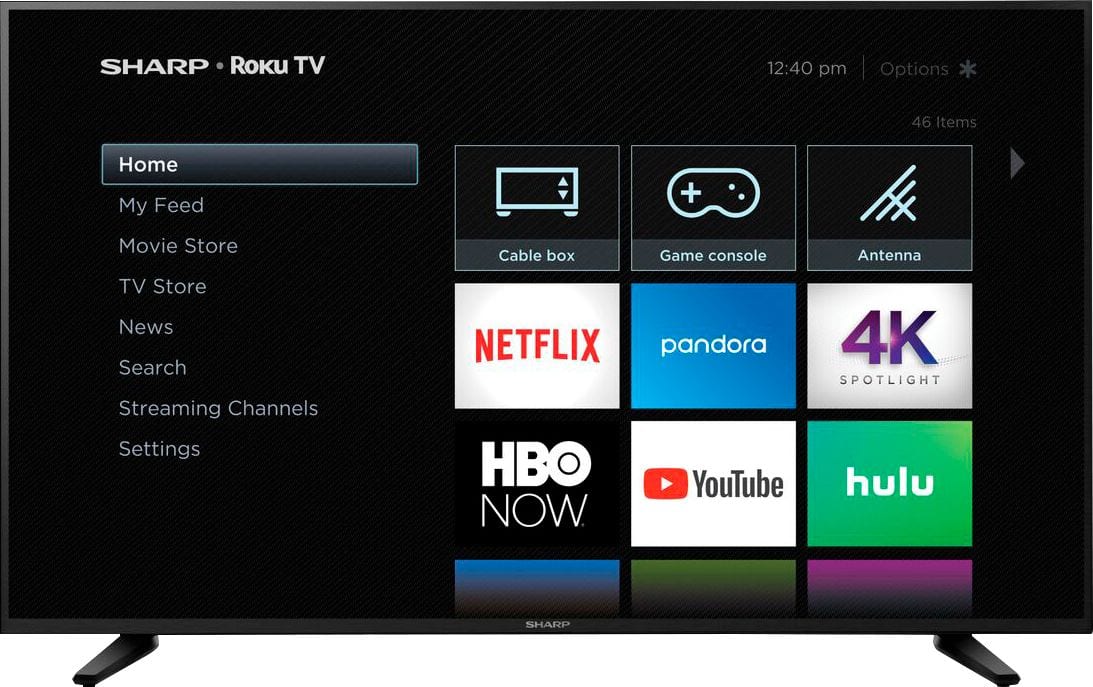
A:AnswerIt comes with a remote that allows to to navigate the apps, volume and power. The volume is on the side of the remote, so it can take a little time to get used to.
A:AnswerWhat I’m finding online is this tv is actually a 60hz tv. It’s specs claim it has a 120 motion rate. Motion rate is a made up marketing term and is NOT the same as refresh rate. Note it doesn’t say 120Hz at all because that would be misleading and get them in hot water. So does 60Hz mean its a bad tv? Nope. Most cheaper ones are 60Hz but use software to overcome the lower refresh rate. You really need to look at the set yourself, but judging by the reviews, buyers are not generally dissatisfied with the refresh rate. Also, I’ve seen info that states HDMI is only good for 60Hz. So if thats true and you are using HDMI, you’re only going to get 60Hz no matter what the tv’s actual rate is. Do your own research.
A:AnswerSharp CUSTOMER SERVICE is trash. It was hard for me to get them on the phone too. Keep trying to call them. If the TV is less than a year old they will help you. My TV was over a year old... no manufacture warranty, I didn't have an extended warranty. My screen went black it just stopped working...I will never purchase another SHARP or HICENSE again!
Good luck
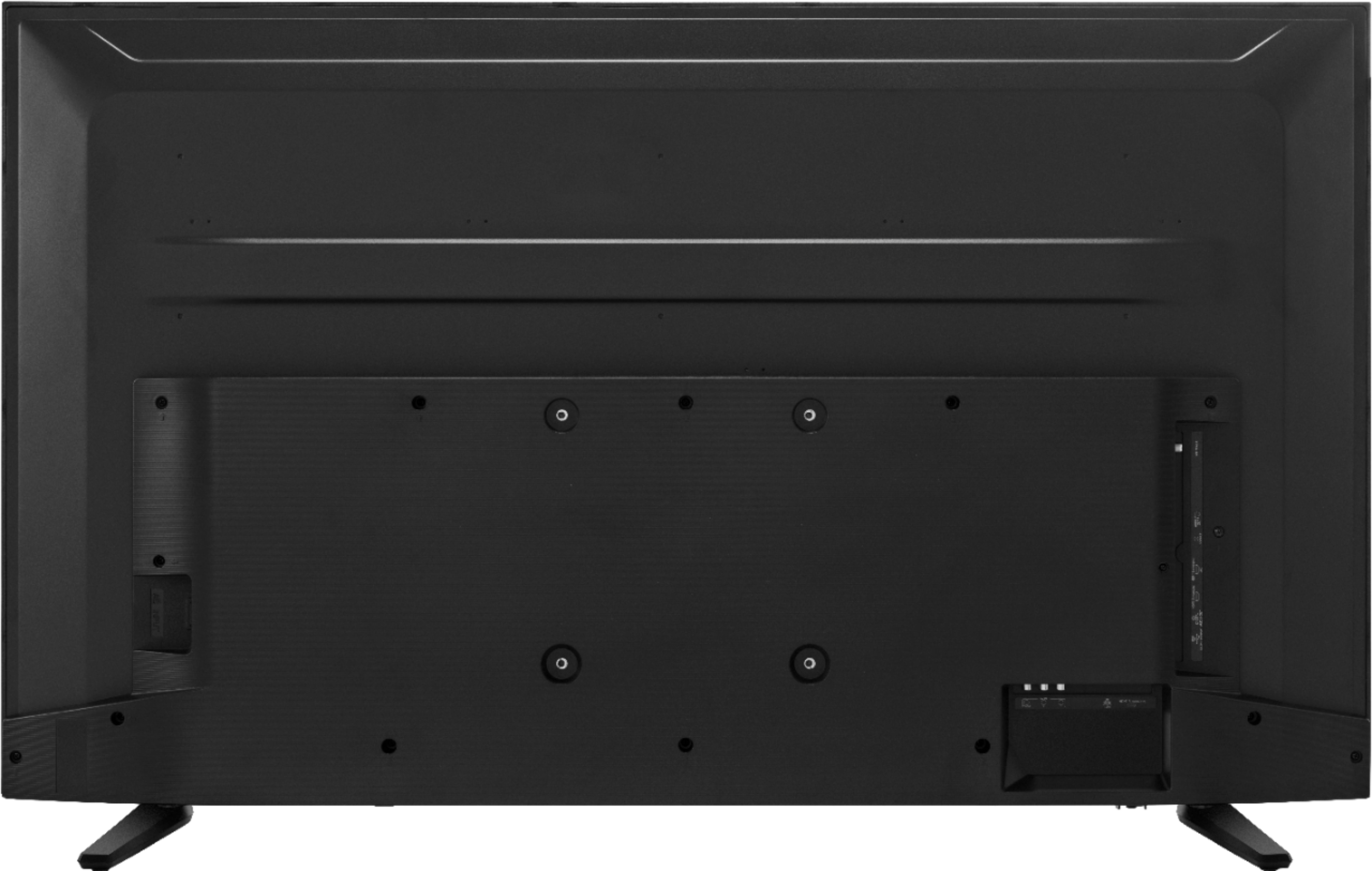
A:AnswerYes. It will plug into the hdmi port just like any other TV. The roku tv remote allows you to pick a source at power up and you will simply select the hdmi your DVR is plugged into and then switch to using your normal DVR / DirexTV remote.