A:AnswerSo you don't download music onto the speaker. It syncs by Bluetooth connection and will play what's on your device. I sync mine with iPad and iPhone both depending on where I am. I use mine 40 hours a week and it does well with battery life as well.
A:AnswerHello and Thank you for contacting The Singing Machine. We are truly sorry to hear that the microphone to your daughter's SMK250 MOOD has stopped working. You are able to buy a NEW compatible KIDs microphone directly via our website. Please visit: www.singingmachine.com, from the HOME page, click on the SHOP tab located toward the top of your screen, from the drop-down menu, click on ACCESSORIES. There you will see the few microphones we have available for you to purchase:
SMK-105: Dynamic Microphone compatible with KIDs Series Product Line ONLY - $9.99
Here is a Promo Code to allow for 10% off your very first purchase with The Singing Machine. Simply enter Promo Code "karaokeon" at check-out to receive your discount. Feel Free to share this Promo Code with friends and families. Or you have the option to purchase a DYNAMIC STANDARD MICROPHONE with a 3.5MM Adapter Tip from any Retail Electronic Store. We hope this information is helpful to you. Should you need additional assistance or have other questions, we kindly ask that you contact our customer service department at (866) 670-6888. Our hours of operations are Monday - Friday from 10am - 5pm EST.
A:AnswerThe Singing Machine would like to Thank You for submitting your question for the SML-250 MOOD Kids Karaoke. We apologize if our delayed replied caused you any inconvenience.
Unfortunately, you are not able to purchase the KIDs microphones and have it shipped to you in England. We truly apologize. The microphone jack is a 3.5MM in size and you have the option to search the internet for a Retailer that sells microphones with that type of fit. Or you can shop via Amazon International Shipping and purchase a Singing Machine Standard Microphone which includes a 3.5MM adapter. The adapter will fit the KIDs MOOD. The model # for the Standard Singing Machine Microphone is SMM-205 Unidirectional Dynamic Microphone.
We hope this information is helpful to you. Should you have any additional questions, please feel free to contact our World Class Customer Service department at (866) 670-6888. Our Holiday hours of operations are Monday - Friday from 9am - 9pm and Saturdays from 9am - 5:30pm EST. Or you may email our customer service team at: [email protected]. Thank you for choosing The Singing Machine for your karaoke enjoyment. #CreatingJoyThroughMusic
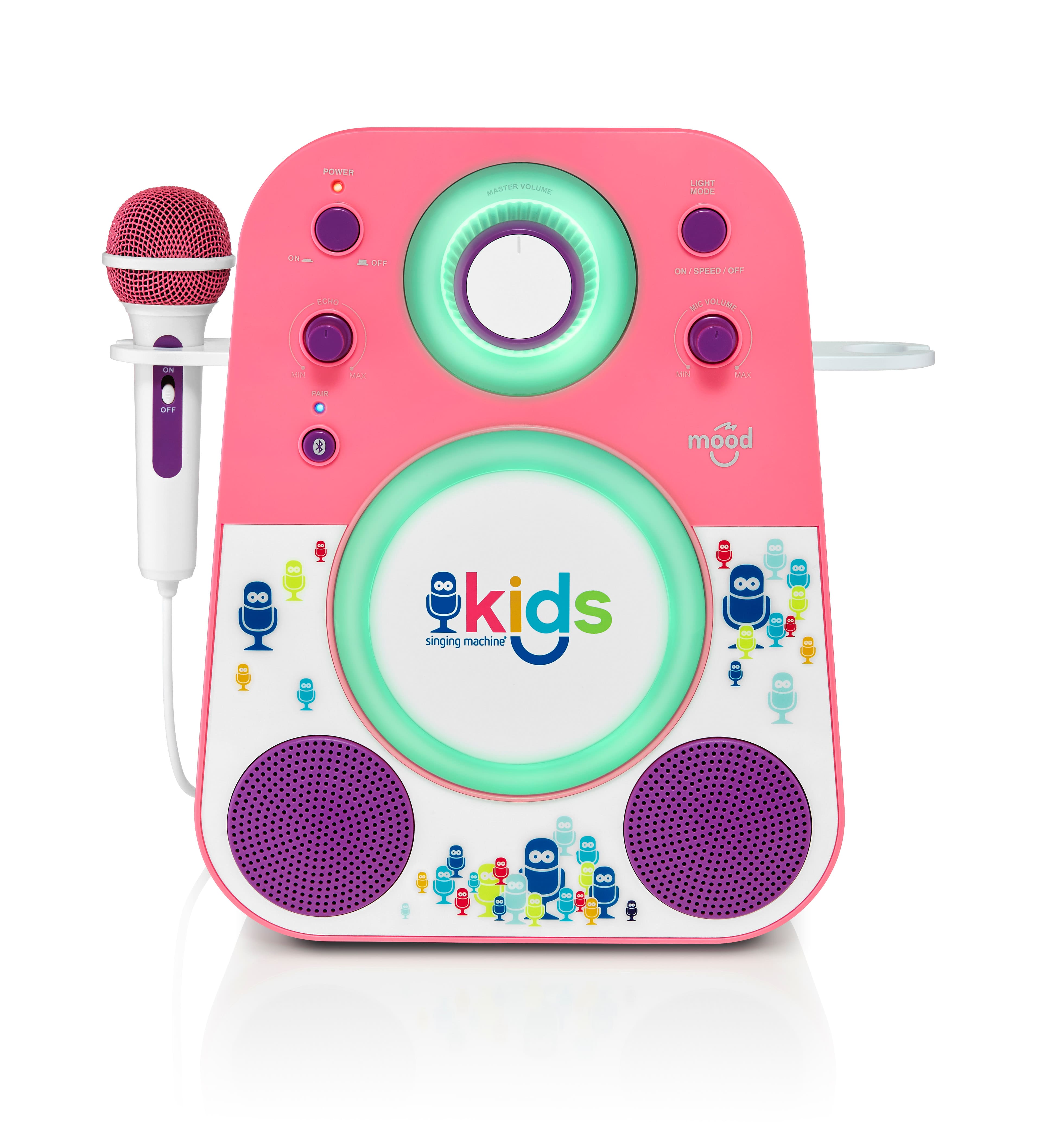
A:AnswerThank you for your interest in our Singing Machine products and submitting your question regarding the SMK-250 MOOD Singing Machine. This model is recommended for ages 2 - 7 years of age.
We hope this information is helpful to you. Should you have any additional questions, we kindly ask that you contact our World Class Customer Service Team at (866) 670-6888. Our Holidays Hours are Monday - Friday from 9am - 9:00pm EST and Saturdays from 9am - 5:30pm EST.
A:AnswerThe Singing Machine would like to Thank you for taking the time to submit your question about the SMK-250 MOOD. We apologize for our delay in responding to your question and sorry for any inconvenience you this may have caused. For a great karaoke experience and access to thousands of karaoke videos, we suggest downloading the Singing Machine Karaoke App POWERED BY STINGRAY (our Music Partner). you can download the app onto your mobile device (ex: smartphone, iPad, Tablet). You can also enjoy any music platform you currently enjoy using today (ex: Spotify, YouTube, etc.)
We hope this information is helpful to you Should you have any additional questions, please feel free to contact our customer service department at (866) 670-6888. Our hours of operations are Monday - Friday from 9am - 5:30pm EST. Or you may email our customer service team at: [email protected]. Thank you for choosing The Singing Machine for your karaoke enjoyment. #CreatingJoyThroughMusic
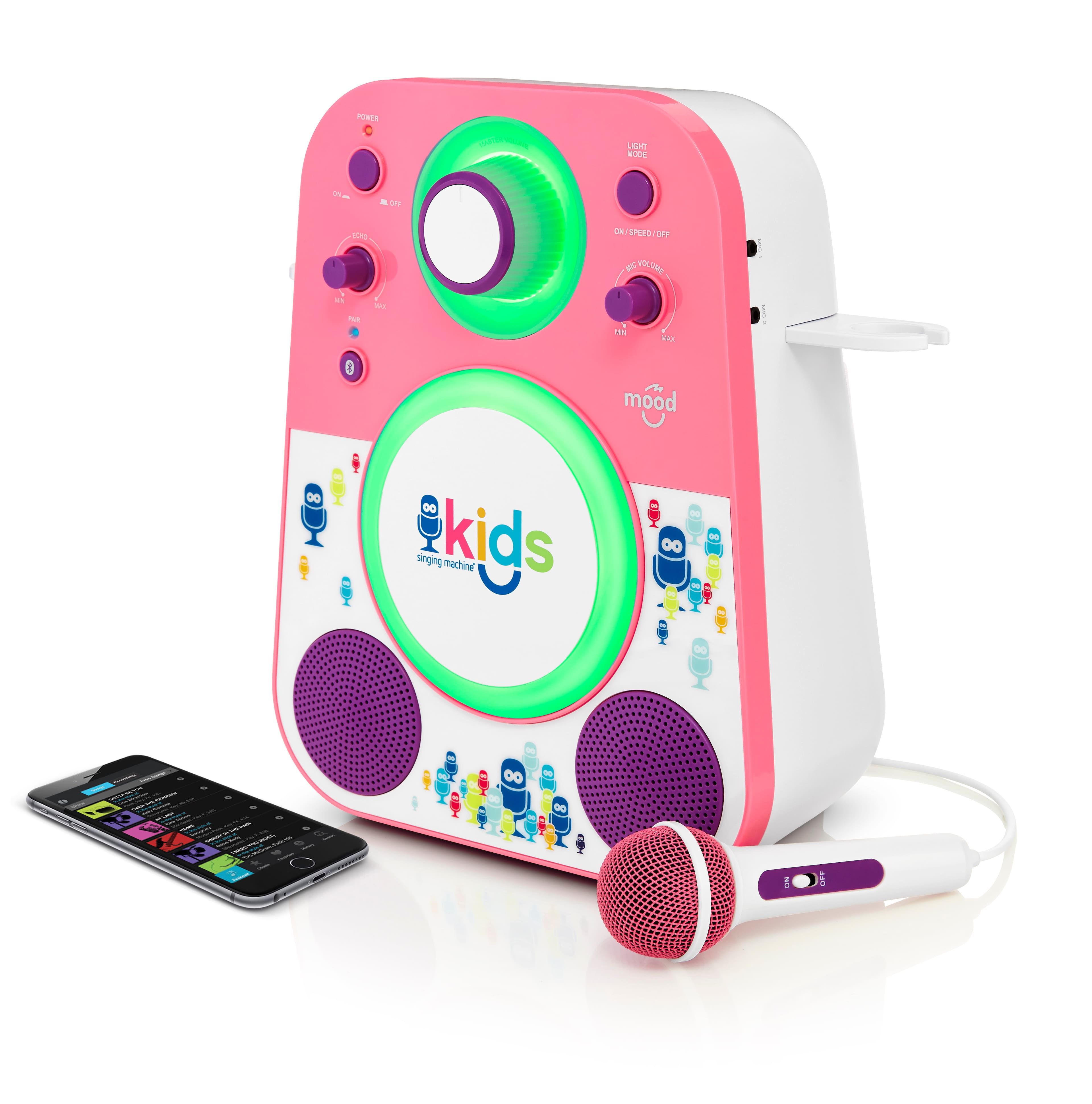
A:AnswerTurn off bluetooth and then on and try again. Or turn machine off then on again if that doesn’t work. You should see it appear in Bluetooth list to connect.