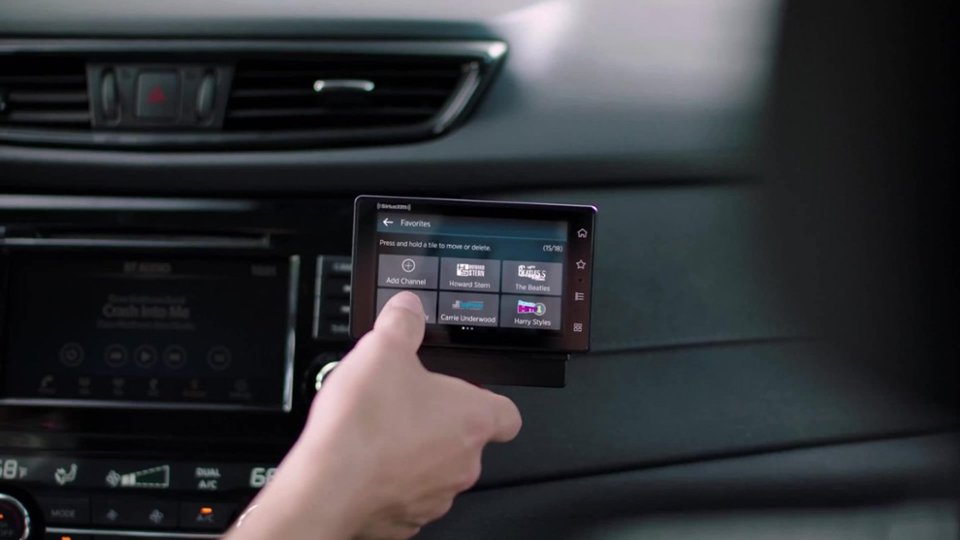
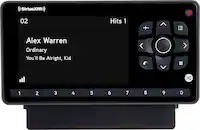
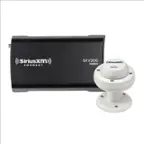
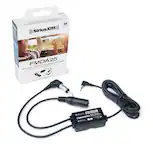
A:AnswerSorry, there is not a USB audio solution using one of the SiriusXM products like Tour or Roady BT. USB audio is only compatible with audio files (like MP3) or for iTunes type of audio but not for streaming/live audio. If your Ford has Bluetooth audio streaming (known as A2DP) then you can use either the SiriusXM Tour or the new Roady BT. One other option might be from a company called Vais Technologies, which might have an adapter to connect to USB and the SiriusXM SXV300. The Ford Radio would display the SiriusXM information like an iPod would. Check with vaistech.com for details and compatibility with your particular vehicle.
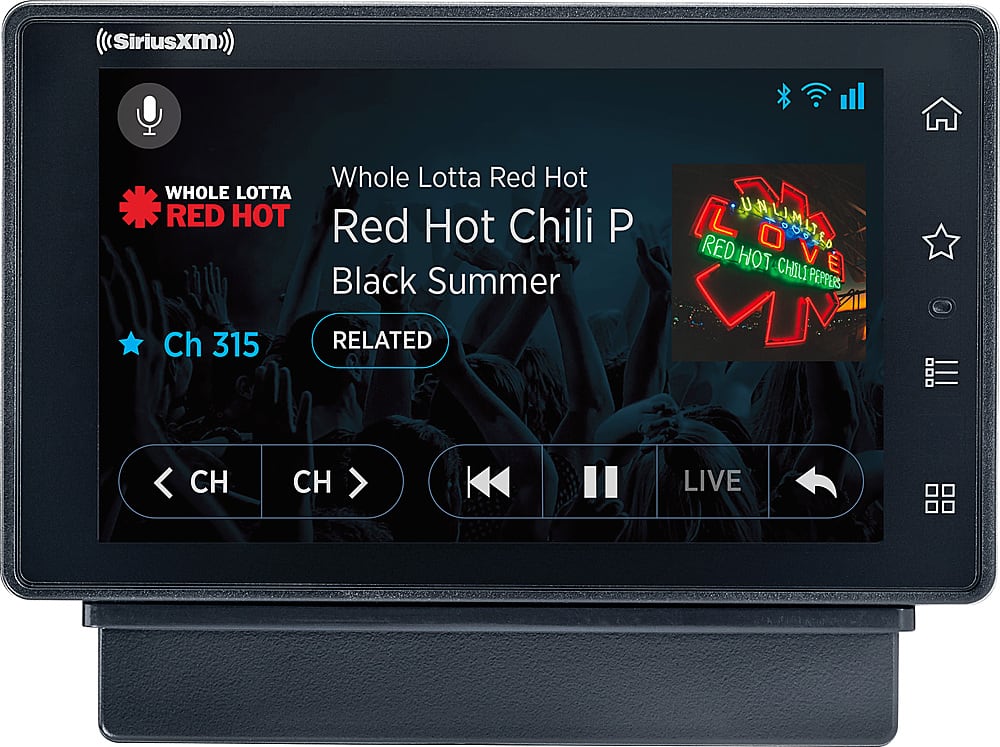
A:AnswerIf you are using Aux to connect to your car stereo then just select Aux input on your car stereo.
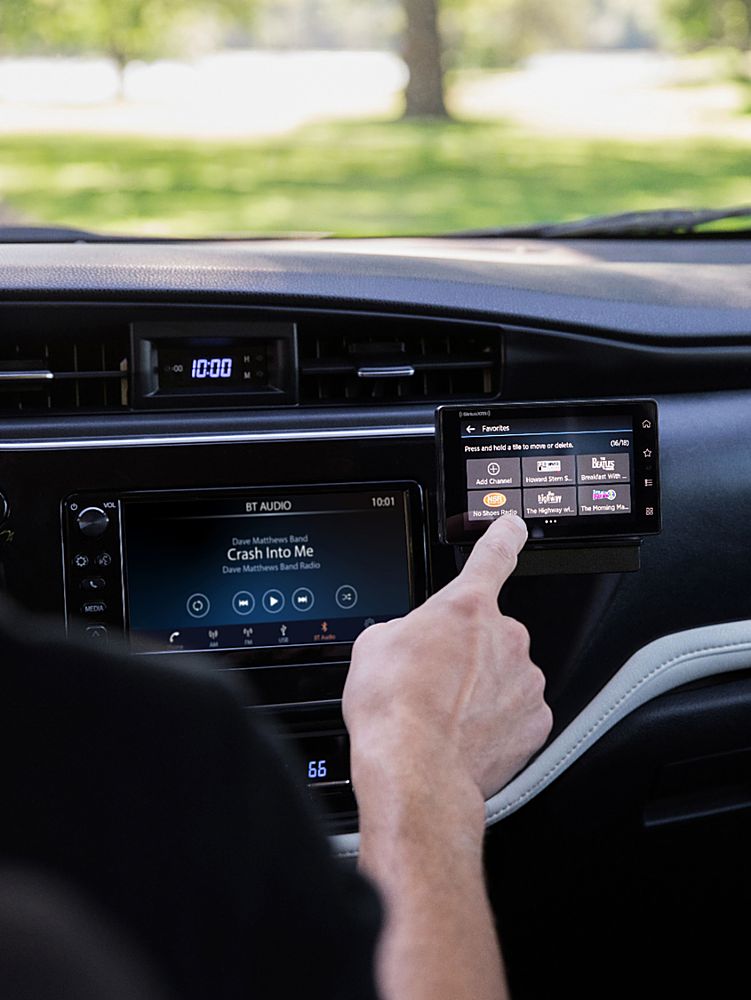
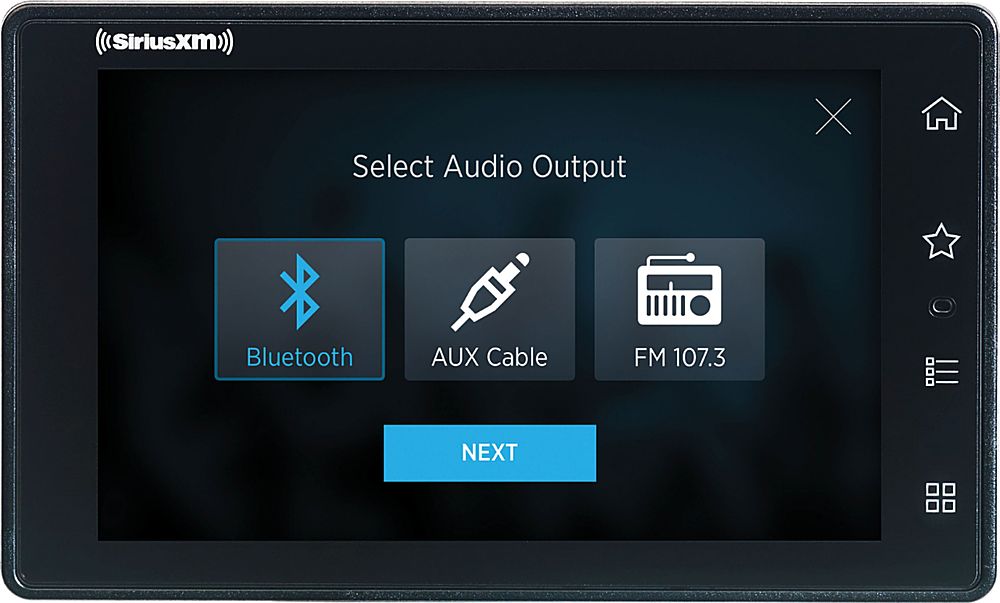
If you are using Bluetooth then you will need to follow the instructions in the user guide to pair your Tour to your car stereo. Or perhaps just reconnect from your Car stereo to the Tour. First see if the Tour is still in the car stereo as a Bluetooth device. If it is just select that device and the Tour should reconnect. If this doesn't work then Use the menu button on the Tour to select Bluetooth and place the Tour in pairing mode. On your car stereo place your car stereo in Bluetooth pairing mode. Typically this called "add a device". You might need to remove an old instance of Tour from the car stereo's device list or you might just be able to select that device. You can send an email to sxmtour@siriusxm.com to get additional support.
A:AnswerYes, Best Buy provides Satellite Radio installation services through Geek Squad. Please visit store locator for an installation location near you.
A:AnswerYes it does but you can sign up for a family plan and get a discount a second subscription. Also with purchase and activation, this radio comes with your choice of two subscription offers. Either 12 months for just $99 and no activation fee or your first 3 months free with a $15 activation fee.
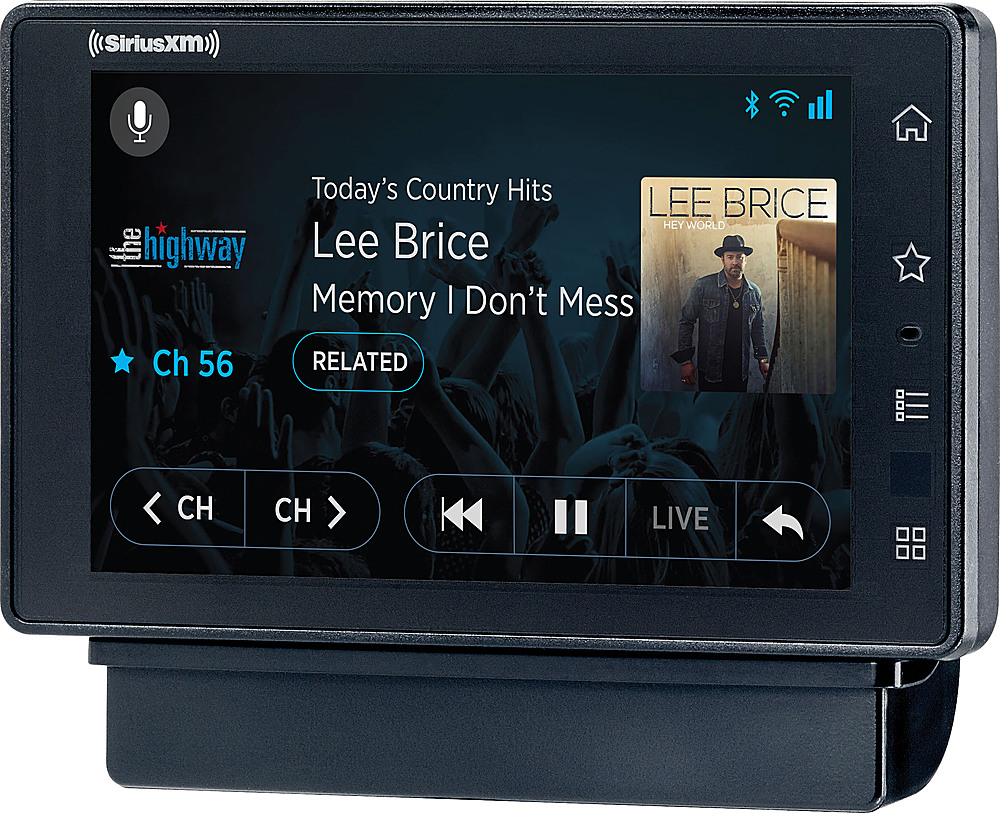
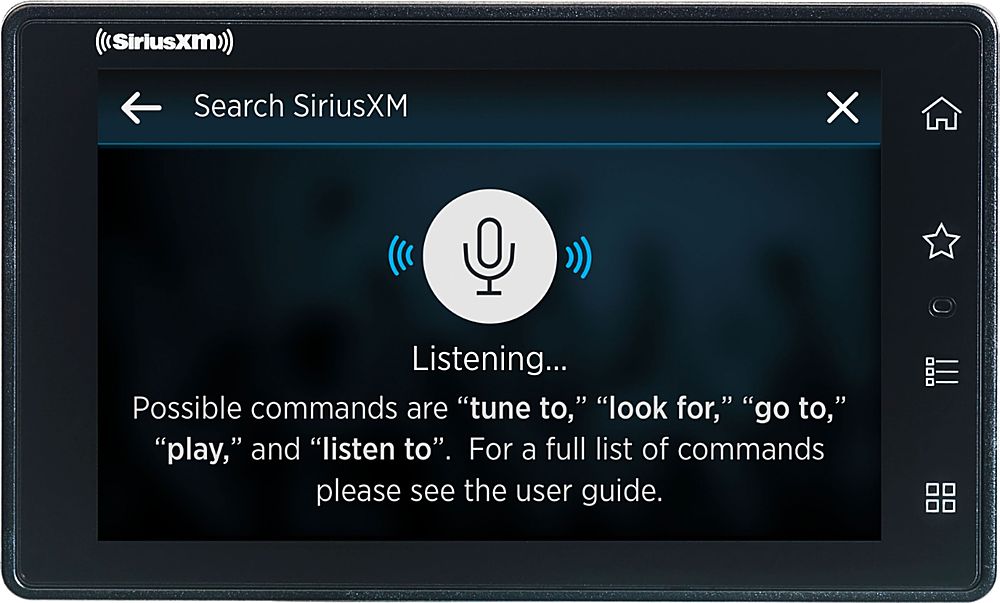
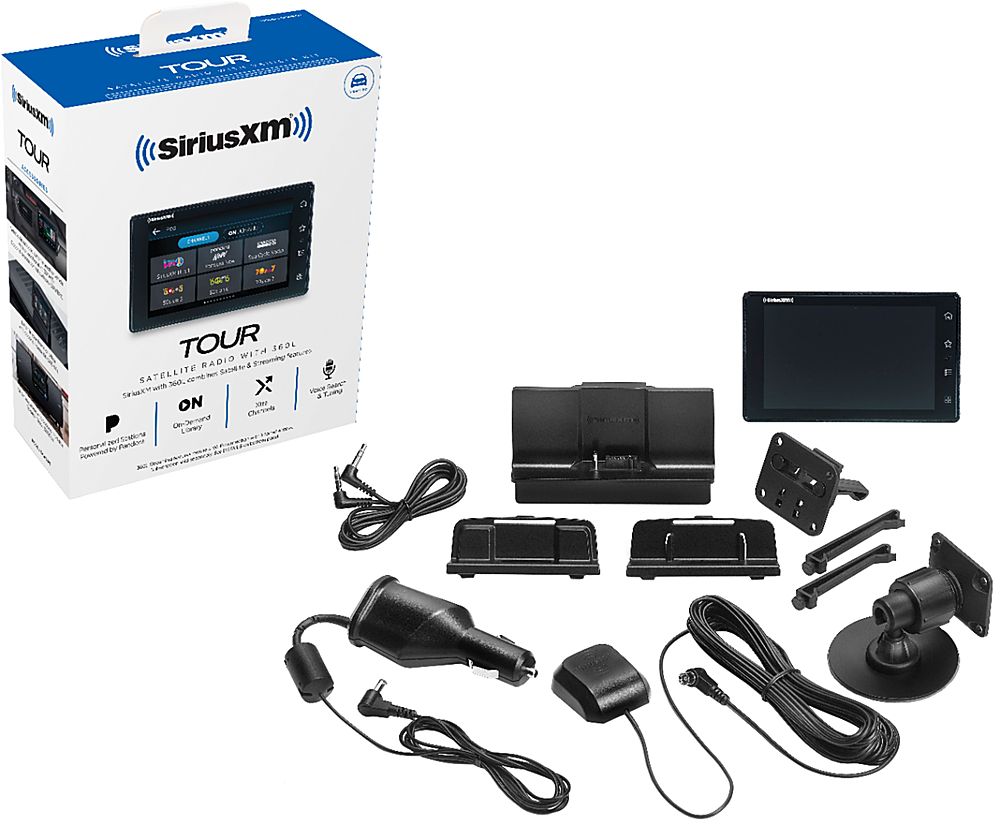
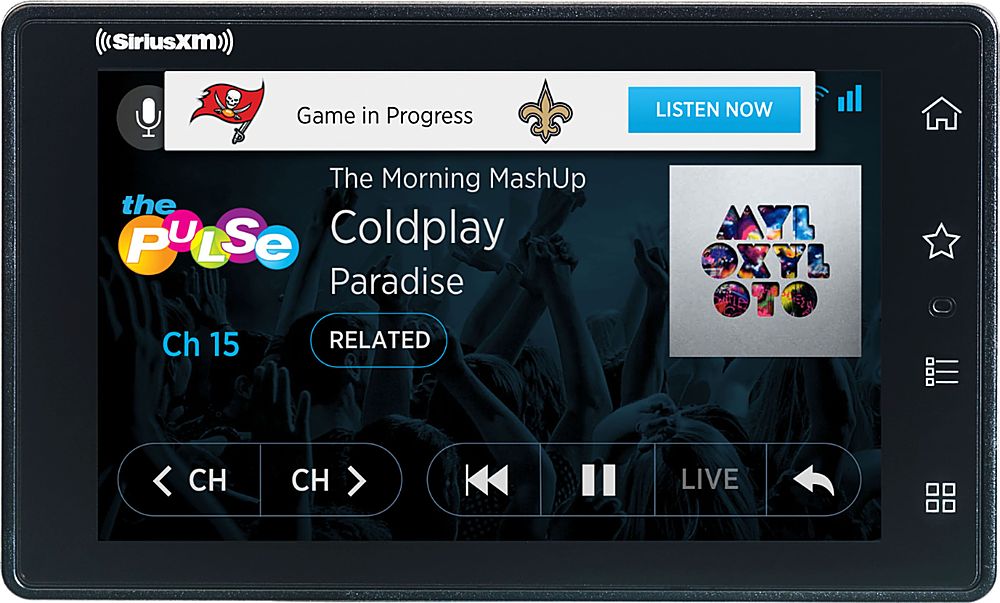
A:AnswerThe Tour's 360L streaming features will require an internet connection over Wi-Fi. You can use your smartphone as a hotspot or if your vehicle has a built-in hotspot you can use that as well (Will consume data so check with your carrier on rates). The Voice function also requires the internet connection to perform its search. The Tour is compatible with an optional remote control that has a voice button on it - Model SXWBR1-D which can be purchased separately - (https://shop.siriusxm.com/Remote-Control-for-SiriusXM-Tour-Radio) or it comes included with the SiriusXM Home Kit model SXHD4 so you can use the Tour in your home or office as well.
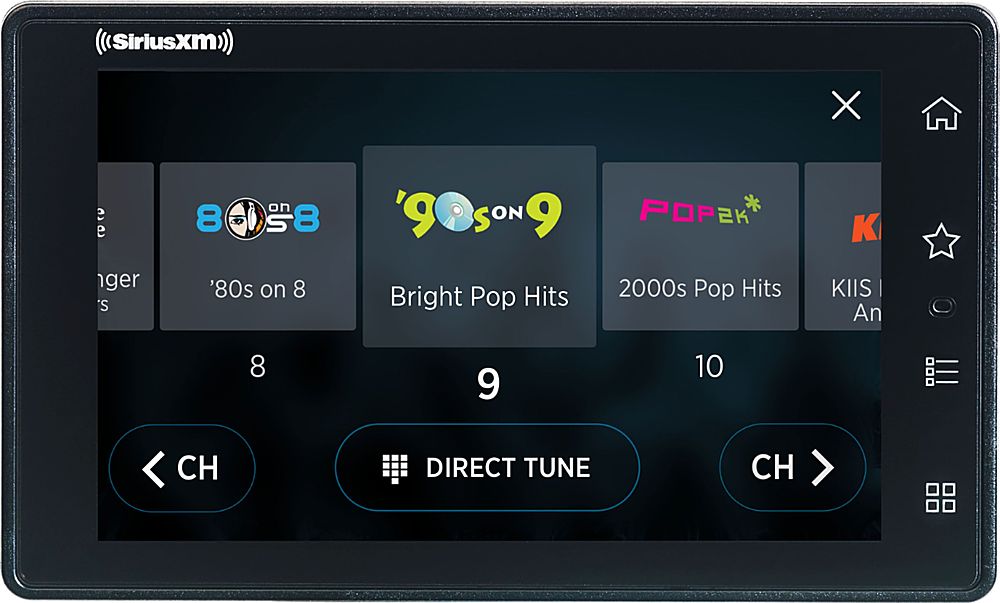
A:AnswerThe Tour uses the latest SiriusXM 360L technology that can receive all Satellite and Streaming channels (when connected to a wi-fi hot spot) based upon the subscription package you choose- see www.siriusxm.com
A:AnswerYour vehicles power port turns off when the vehicle shuts off for a brief moment then turns back on this is seen on more recent vehicles. You may have to unplug your device. Or if you vehicle has the option to turn off the power port or put it to sleep after a certain amount of time please consult your vehicles owners manual.
A:AnswerI think the best option for a remote are with no internet would be to use the Onyx Plus or Onyx EZR. Both have large easily read displays with physical buttons rather than a touch screen that your mother will probably find easier to use. Also, the Tour will work without internet but Tour is designed to work best with internet so you are paying for a lot that you won't be able to use without internet. That is why the Onyx Plus or Onyx EZR is a better bet.