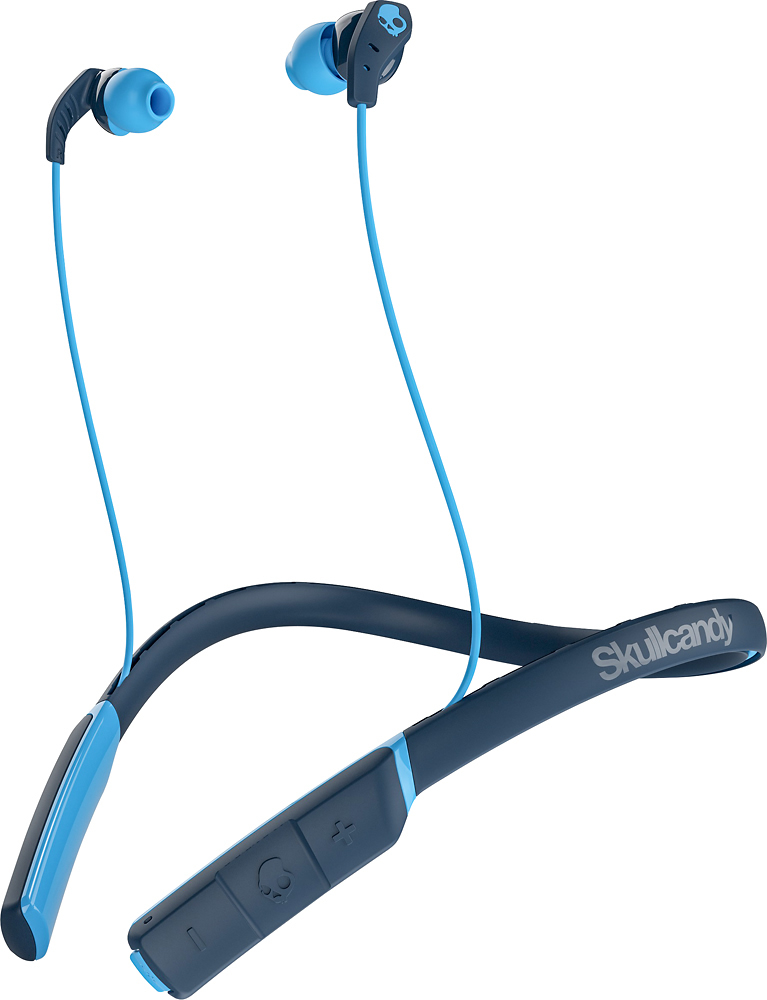
A:AnswerI charge mine with all sorts of USB cables. My phone cable, car adapter cable, a misc usb cable at work I plug into laptop, and a built-in cable for a portable power charger I use for emergency charging. Some charge faster, but all work in my experience.
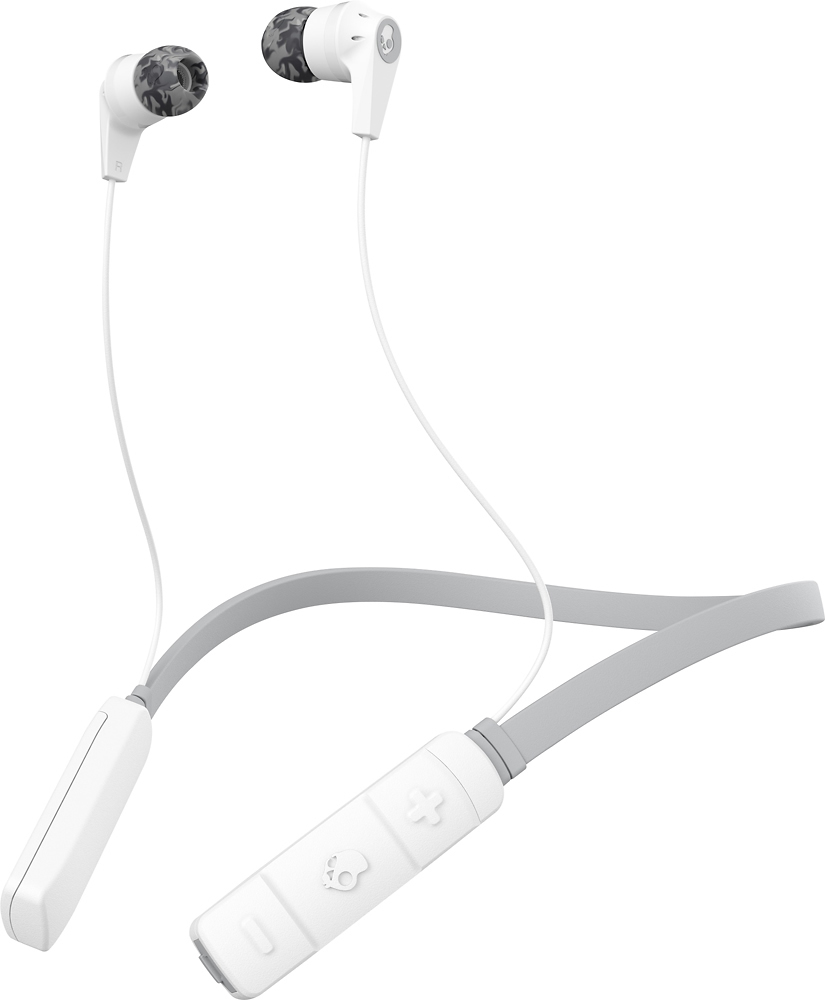
A:AnswerAs far as it vibrating I’m not 100% sure since I’ve yet to use that feature. However depending on your phone it will show the battery life next to your phone percentage when paired. It has a light indicator showing blue if sufficient or red when low.
A:AnswerThe first time it happened, I let the battery die out. The second time I just plugged it into the charger and it corrected it. I'm not sure if that will work for you but it did for me.
A:AnswerYes, you can press and hold the skull Icon on the headphones and Siri will be activated. You can also take incoming calls from the headphones. If you ask siri to send a message to someone, you can also voice your text messages. I don't know about opening applications, I haven't asked siri to do that for me.