Questions & Answers
- Model:
- 100-FRN
- |
- SKU:
- 6580095
Highly rated by customers for: Ease of use, Overall Performance, Connectivity
$139.99
Page Showing 21-23 of 23 questions
Q: QuestionIs Skylight compatible with Android? Is it easy to connect to WiFi? I recently purchased another brand and was unable to get it to connect with our WiFi. I really don't want to spend hours of frustration trying to connect to the WiFi.
Asked by Hcsd.
- A:Answer It is easy to work with android and ios. Our family uses both. When we had an issue, customer service is very helpful.
Answered by Mayes23
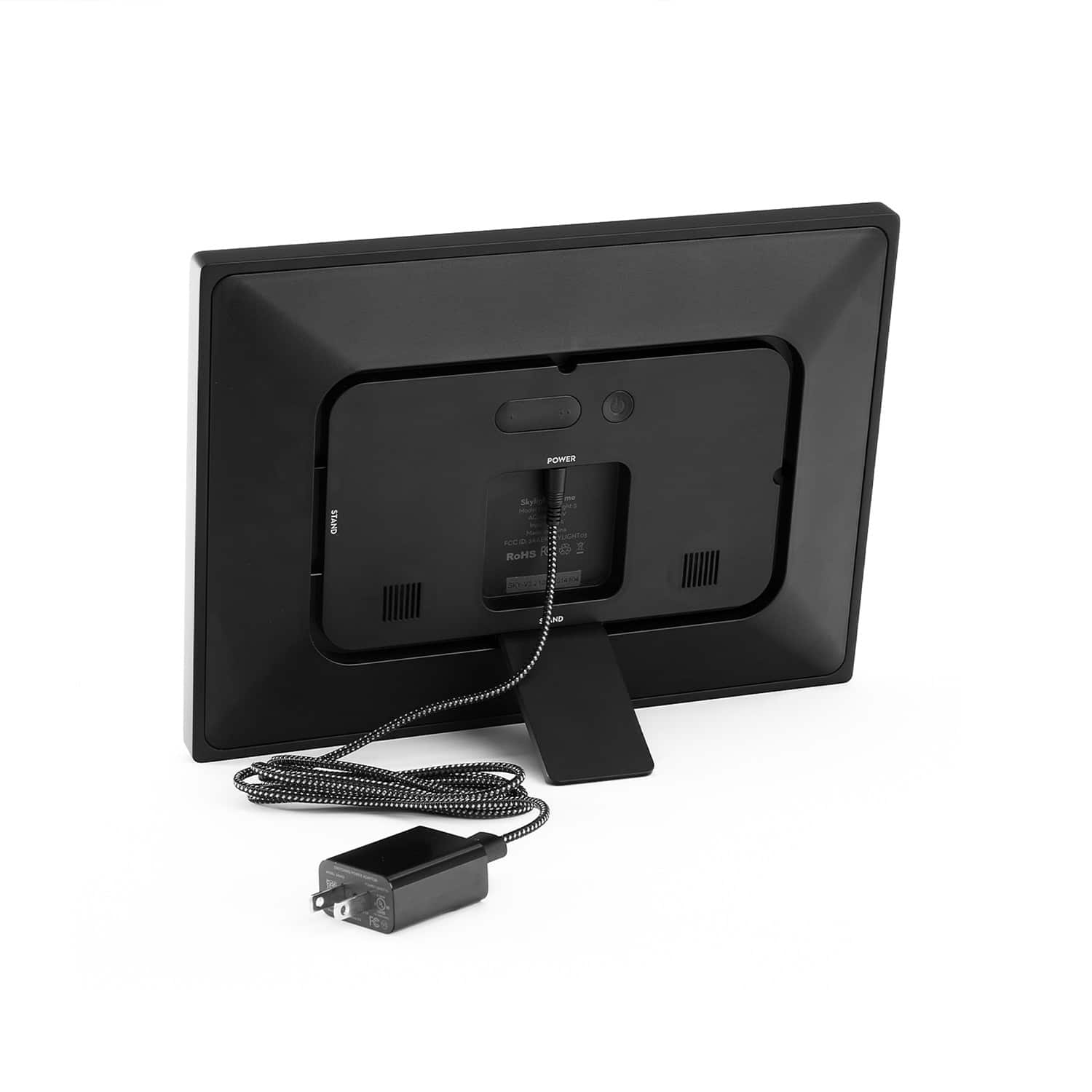
Q: QuestionDoes it always need to be plugged in to power to work
Asked by Yanth.
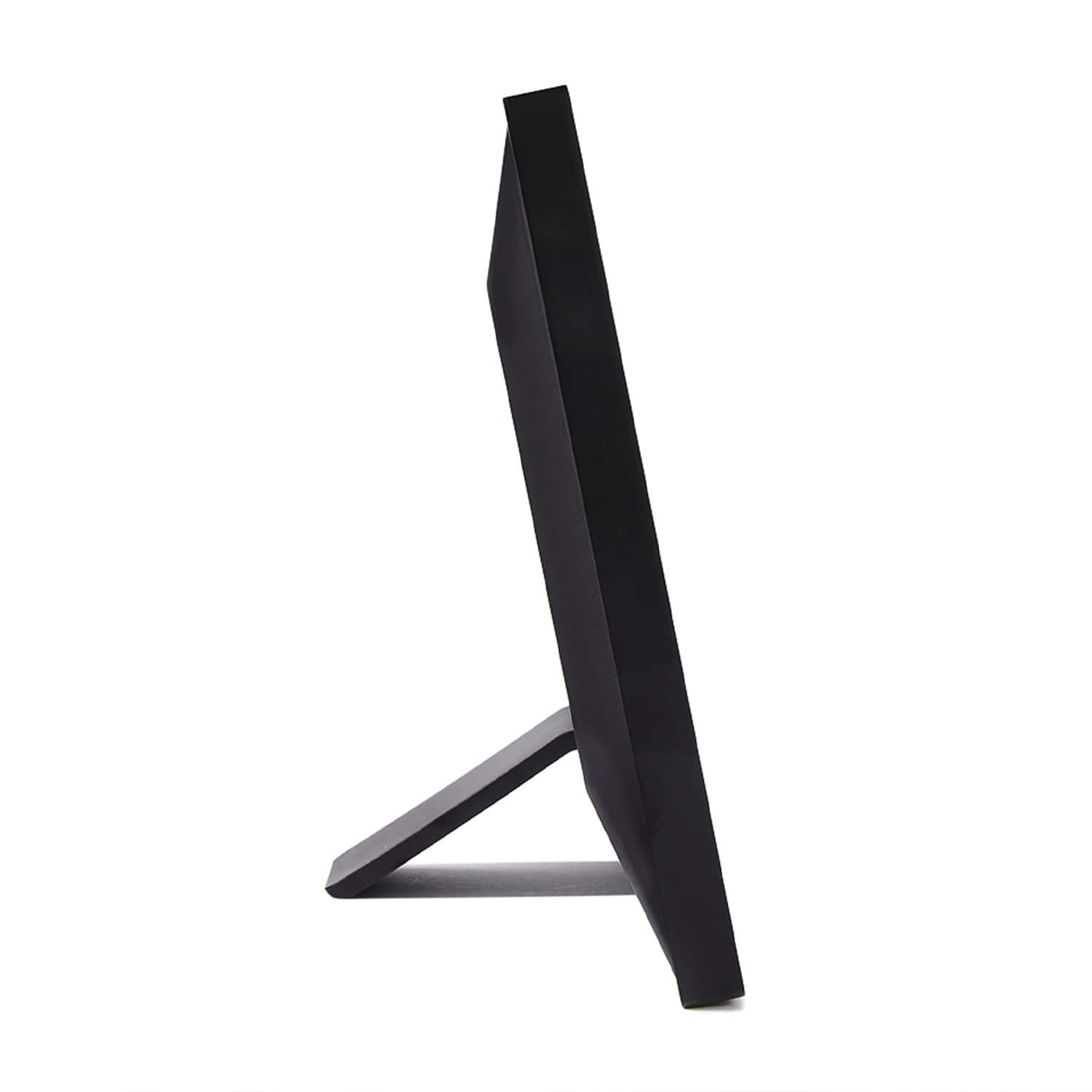
- A:Answer Yes, Skylight Frame needs to be plugged into power to operate.
Answered by Skylight
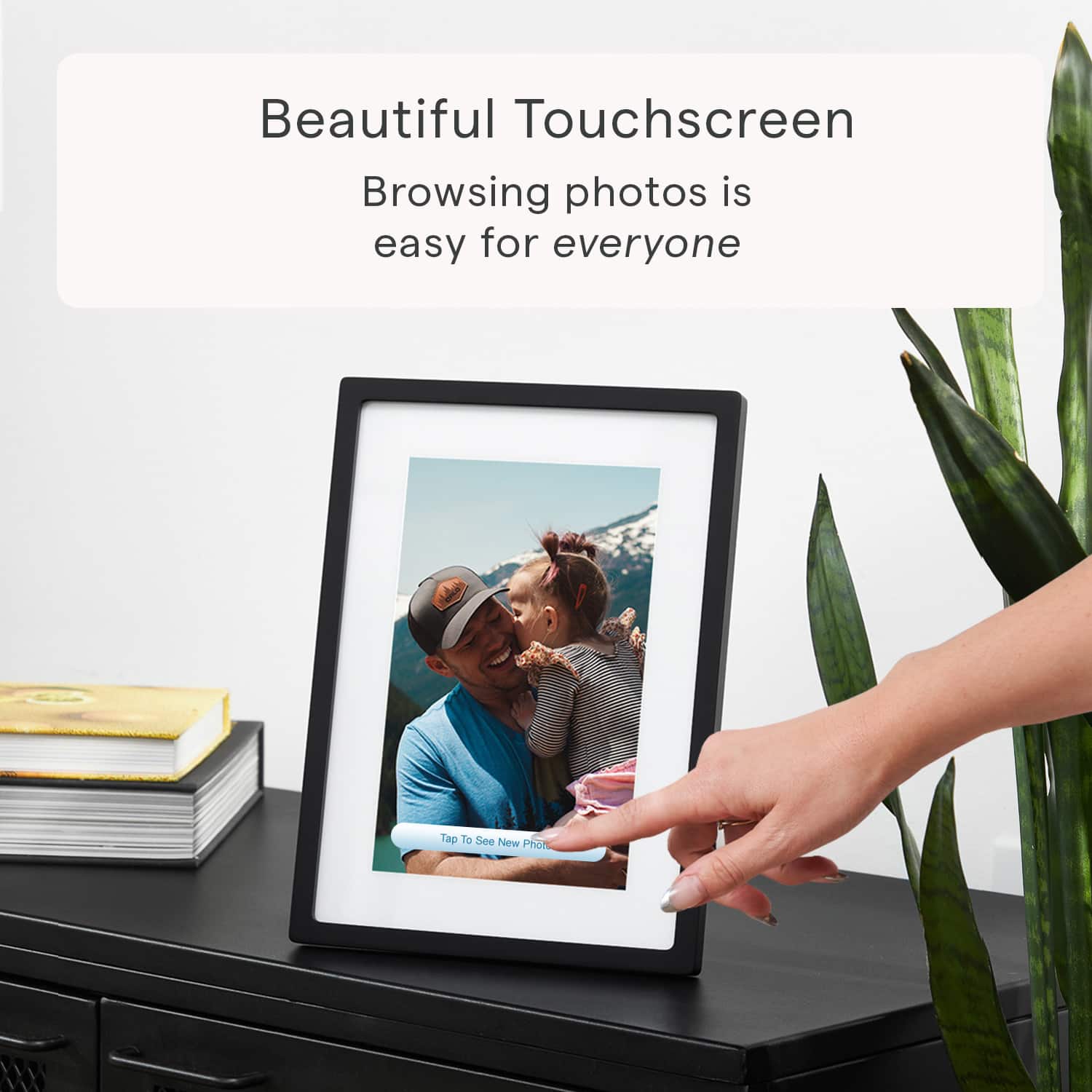
Q: QuestionCan you transfer photos from one skylight frame to another skylight frame? My frame does not display the menu bar and the white display (tap to see new photos) is on display all the time and can’t get rid of it. I’ve unplugged and plugged in many times
Asked by Gayle.
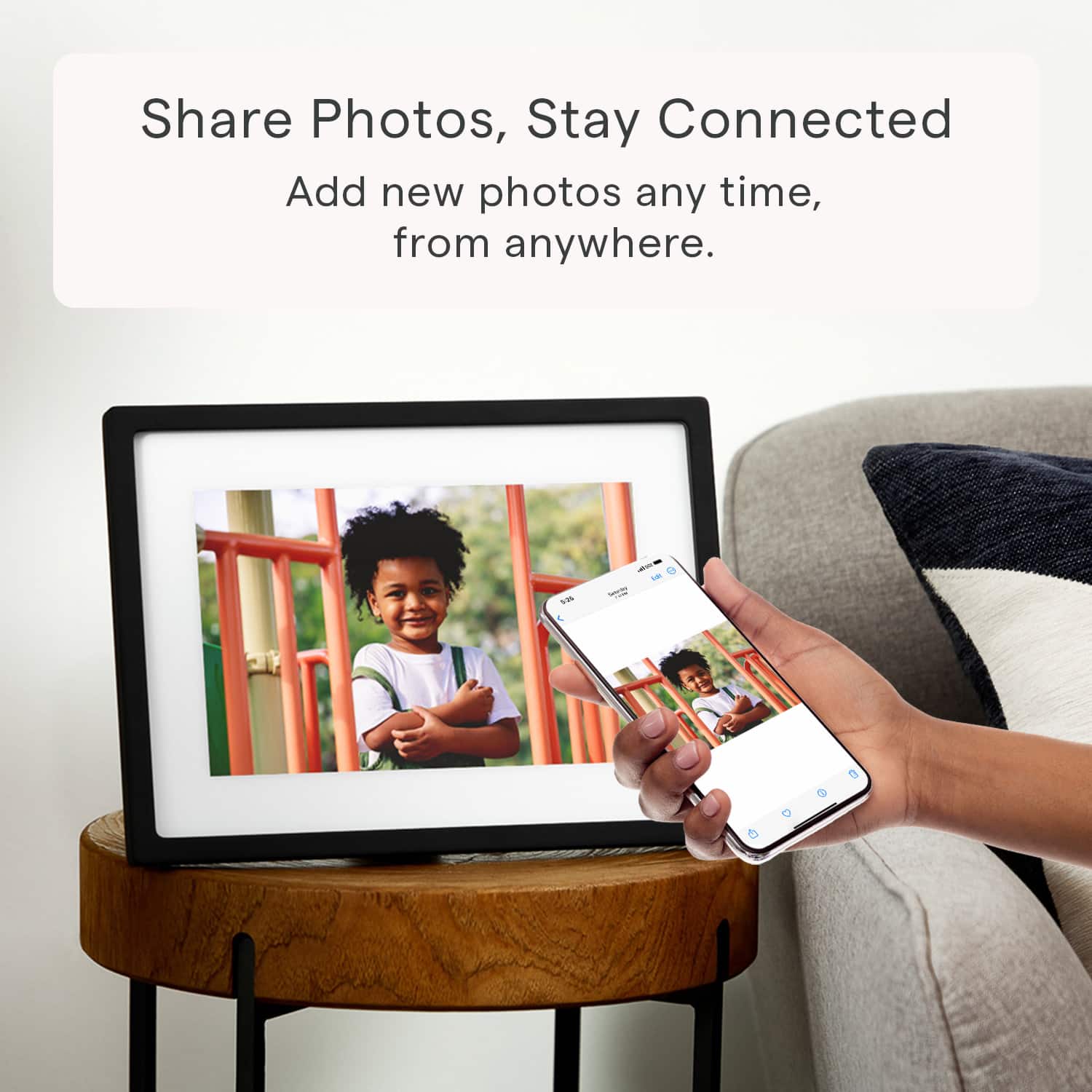
- A:Answer Hi There, Thanks for reaching out! Currently, transferring photos directly from one Skylight Frame to another isn't supported. However, you can send photos to your frame via email or through the Skylight app. As for the issue with the menu bar, try tapping anywhere on the screen, and the Menu button should appear. I recommend tapping the center of the screen, as that tends to make it easier to access. If the menu bar still isn't showing, please try the following troubleshooting steps: 1. Disconnect the frame for 5-10 seconds, then reconnect it. 2. Test with an alternative power adapter. 3. Plug the frame into a different power outlet. If you have any other thoughts or need assistance, please feel free to reach out at [email protected]. We’re happy to help!
Answered by Skylight
Page 2, Showing 21-23 of 23 questions