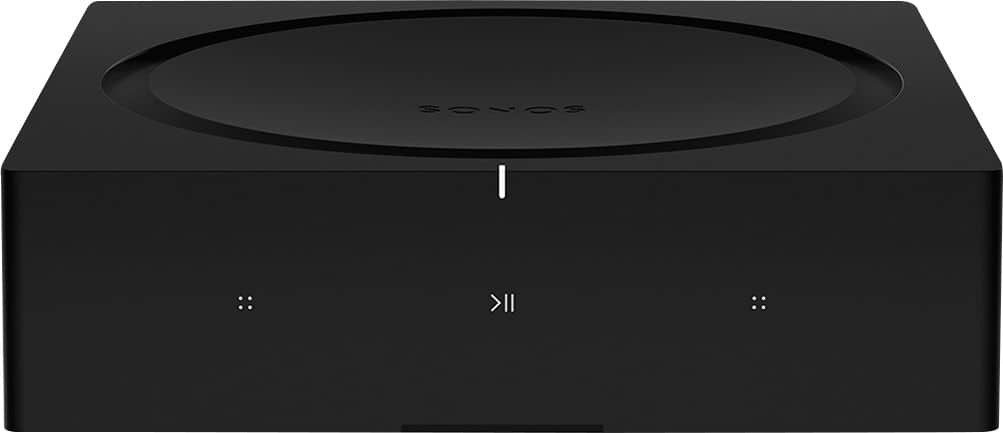
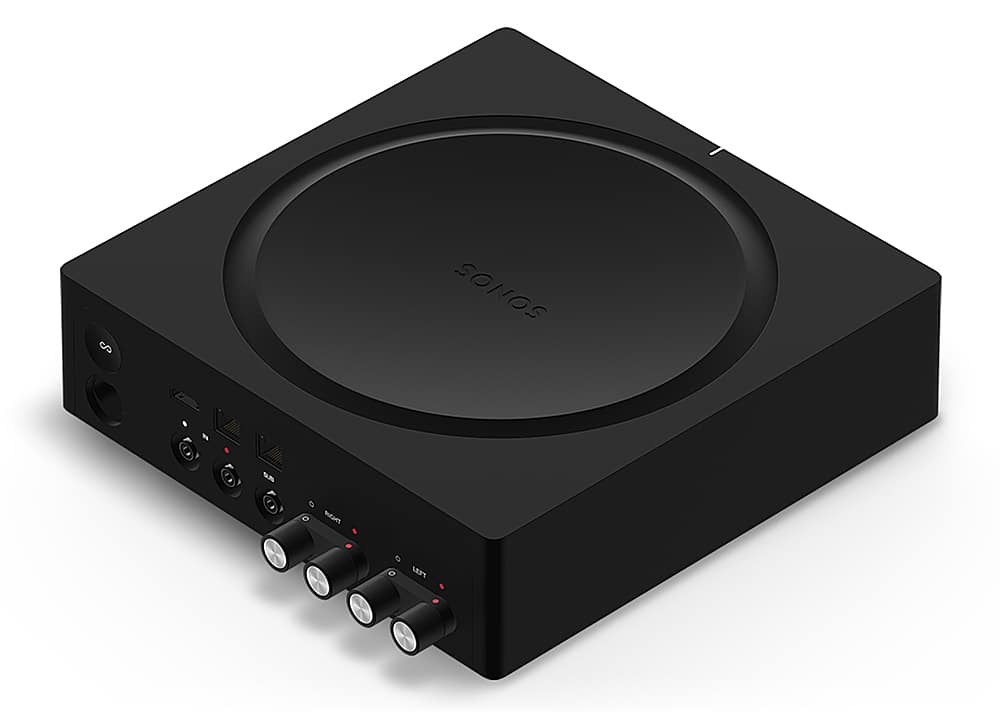
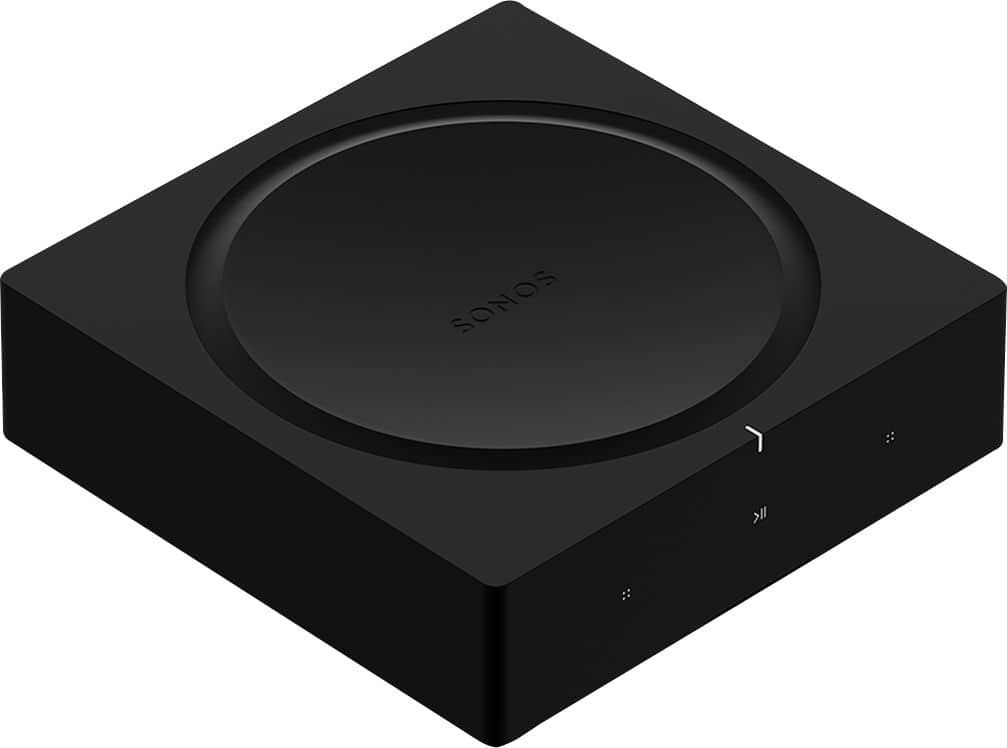
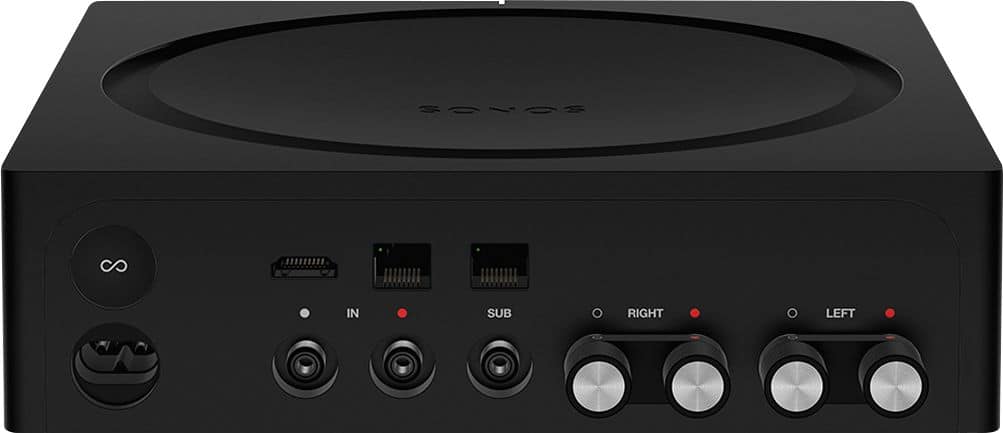
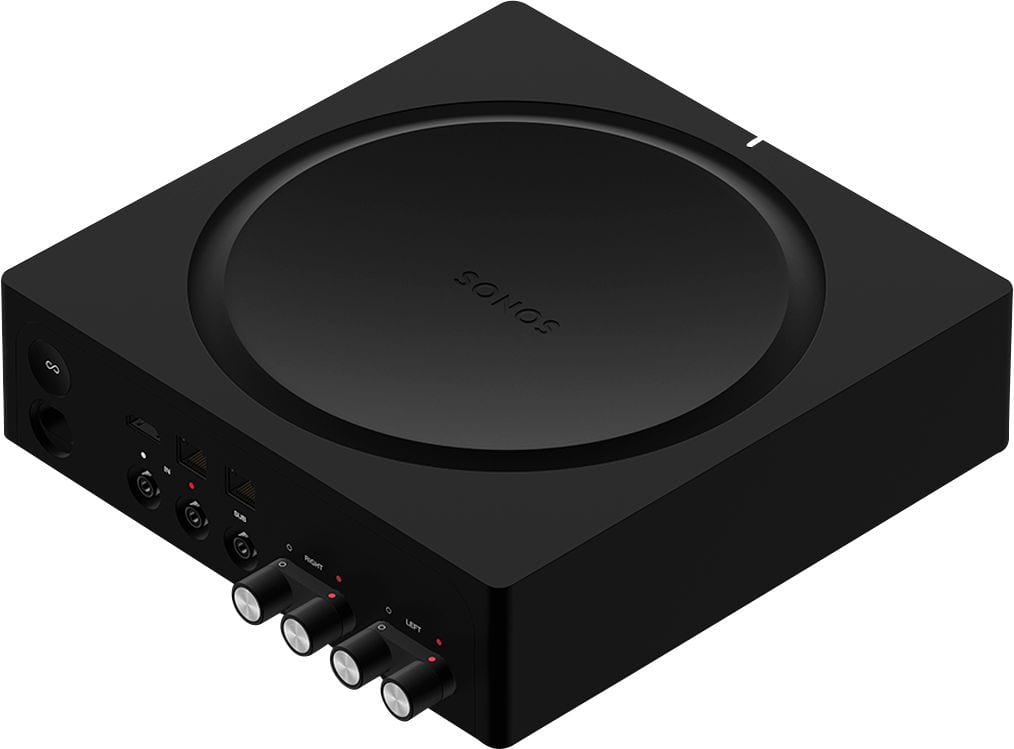
A:AnswerYou ca use this amp to power a pair of surround speakers that would work with your current Sonos Arc and subwoofer. The surround speakers would be hard wired to the Sonos amp and the amp will be configured as surround speakers for the Arc in the Sonos app. Very easy
A:AnswerYou can connect up to two pairs of wired Boston Acoustic speakers to a single Sonos Amp. Here’s how it works:
1. Connecting a Single Pair of Speakers:
The Sonos Amp is designed to power one pair of speakers (4-8 ohms) efficiently, providing up to 125 watts per channel. This setup will give you the best performance and sound quality.
2. Connecting Two Pairs of Speakers:
You can connect two pairs of speakers to the Sonos Amp by wiring them in parallel. This means connecting both pairs of speakers to the same speaker terminals on the Amp.
Important Considerations:
Impedance: When connecting two pairs of speakers in parallel, ensure that the combined impedance does not drop below 4 ohms. If both pairs of speakers are 8 ohms, the Amp will see a 4-ohm load, which it can handle.
Power Distribution: The power output will be divided between the two pairs of speakers, so each speaker will receive less power. This could result in lower overall volume and performance compared to using a single pair.
Matching Speakers: It’s best if the speakers have similar impedance and power handling capabilities to ensure balanced sound.
Wiring Configuration for Two Pairs:
Parallel Wiring: Connect both positive terminals of the speakers to the positive terminal on the Amp, and both negative terminals to the negative terminal on the Amp.
In summary, you can connect up to two pairs of wired Boston Acoustic speakers to a Sonos Amp, but it’s crucial to consider impedance and power distribution to ensure optimal performance.
A:AnswerYou can connect up to 2
Pair of 8 ohm impedance speakers to each amp. Most Boston Acoustic speakers are rated at 8 ohm impedance, however you should check your particular model to verify its impedance. It should be on the label on rear of the speaker
A:AnswerSonos amp does not allow Bluetooth streaming of music. It uses WiFi to stream music. If you have an IOS device you can use Airplay which will function very similar to Bluetooth but with much better sound quality.
A:AnswerTo play the same music across three rooms with Sonos speakers, you have a few options. Here’s how the Sonos 250W Amp and three Era 100 speakers fit into your setup:
Sonos Amp: The Sonos Amp is designed to power wired speakers, such as in-ceiling or bookshelf speakers, and can be used to connect traditional wired speakers to the Sonos system. It cannot directly power the Era 100 speakers, as they are wireless and not designed to be powered by an external amplifier.
Era 100 Speakers: The Era 100 speakers are wireless and will connect to your Sonos system via Wi-Fi. You can place them in different rooms and group them together in the Sonos app to play the same music across all rooms.
Recommended Setup
To achieve your goal of playing the same music in three rooms:
Direct Setup: Use three Era 100 speakers in the rooms where you want to play music. They connect wirelessly to your Sonos system and can be grouped together using the Sonos app.
Sonos Amp Usage: If you have existing wired speakers in those rooms or plan to install in-ceiling or bookshelf speakers, you can use the Sonos Amp to power those speakers. The Amp will connect to your Sonos system and you can group the rooms in the Sonos app to play the same music.
I hope this helps!
A:AnswerI think you will need 2 separate amps. I have a similar setup where I have the Sonos Arc soundbar and a set of in-ceiling speakers in my living room and a set of speakers outside above my deck. I have 2 amps one to run the living room and the other for my outdoor speakers. Works really well. You can listen to the Tv in the living room and play music out on the deck at the same time as different zones.
A:AnswerTo determine whether the Sonos Amp will work with your setup, we need to consider a few factors based on the information you provided:
1. Speaker Wires
Speaker Wires: If you have traditional speaker wires running to your speakers, the Sonos Amp is designed to work perfectly with them. The Sonos Amp has speaker terminals that accept standard speaker wire connections.
2. Phone Jack Input
Phone Jack Input: The "phone jack input" you're describing might be a modular jack (like a RJ11 or RJ45) that was used for an older system or another purpose, not typically for audio. If the speaker wires terminate into this jack, you would likely need to bypass or rewire this connection directly to the Sonos Amp’s speaker terminals.
Solution: You might need to cut off the phone jack connectors and strip the speaker wires so that they can be connected directly to the Sonos Amp’s speaker terminals.
3. Power Connection
Power Connection: The Sonos Amp requires a standard AC power outlet. Since you mentioned that there is power in the closet, you should be able to plug the Sonos Amp directly into that outlet.
4. Cable Connection
Cable Connection: The cable connection in your closet might be for a TV or internet service. If you’re looking to use the Sonos Amp to power speakers for a TV, the connection would typically be through an HDMI ARC (Audio Return Channel) connection or optical input, which the Sonos Amp supports.
5. Network Connection
Network Connection: The Sonos Amp connects to your home network either via Wi-Fi or an Ethernet cable. If your closet has an Ethernet port, you can use that to provide a stable connection to the Sonos Amp.
Summary
Speaker Connection: You may need to modify the speaker wire terminations if they are currently connected via a phone jack.
Power and Network: The Sonos Amp will need a standard AC power outlet and an internet connection (either via Wi-Fi or Ethernet).
If these adjustments are feasible, your setup should be compatible with the Sonos Amp. However, if you are unsure about rewiring the speakers or how to connect them, you might want to consult with an installer or a professional to ensure everything is set up correctly.
A:AnswerThe Sonos Amp should be able to connect to and power a third-party subwoofer, such as your JL Audio sub. If the subwoofer is receiving power but not being recognized by the Sonos Amp or the app, here are some steps to troubleshoot the issue:
1. Check the Subwoofer Output Connection
Subwoofer Cable: Ensure that the subwoofer cable is securely connected to the Subwoofer Out port on the Sonos Amp and the input on your JL Audio subwoofer.
RCA Cable: The Sonos Amp uses a standard RCA connection for the subwoofer output. Ensure that you are using a quality RCA cable and that it is fully inserted into both the Sonos Amp and the subwoofer.
2. Subwoofer Settings on the Sonos Amp
Subwoofer Level and Settings:
Open the Sonos app and navigate to the room where the Sonos Amp is set up.
Go to Settings > System > (Your Room with the Amp) > Subwoofer.
Ensure that the subwoofer is set to "On" and that the crossover and volume levels are set appropriately.
If the subwoofer is recognized, you should see these settings available in the app.
3. Subwoofer Configuration
JL Audio Subwoofer Settings:
Check the settings on your JL Audio subwoofer itself. Make sure that it is set to the correct input mode (e.g., LFE or Line-In) and that the subwoofer’s volume is turned up.
Crossover Frequency: If the subwoofer has its own crossover frequency settings, make sure they are set correctly. The Sonos Amp typically handles crossover internally, so you may want to set the subwoofer to "LFE" mode if available, which bypasses the subwoofer’s internal crossover.
4. Power Cycle
Power Cycle Both Devices:
Turn off both the Sonos Amp and the JL Audio subwoofer, unplug them for about 30 seconds, and then plug them back in and power them on. Sometimes a simple reset can help establish the connection.
5. App Update and Firmware
App and Firmware Updates:
Ensure that your Sonos Amp and the Sonos app are running the latest firmware and software versions. Sometimes connectivity issues can be resolved with a simple update.
6. Check for Subwoofer Signal
Subwoofer Signal:
Test the subwoofer by connecting it directly to another audio source (like a receiver or different amp) to ensure that it is producing sound. This will help confirm whether the issue lies with the subwoofer or the Sonos Amp.
7. Check the Subwoofer Port
Subwoofer Out Port:
Inspect the subwoofer out port on the Sonos Amp for any physical damage or debris that might be preventing a proper connection.
8. Consult Sonos Support
Sonos Support:
If none of the above steps resolve the issue, it may be necessary to contact Sonos Support for further assistance. They can help you diagnose any potential issues with the Amp or the app.
By following these steps, you should be able to determine whether the issue lies with the Sonos Amp, the JL Audio subwoofer, or the connection between them.
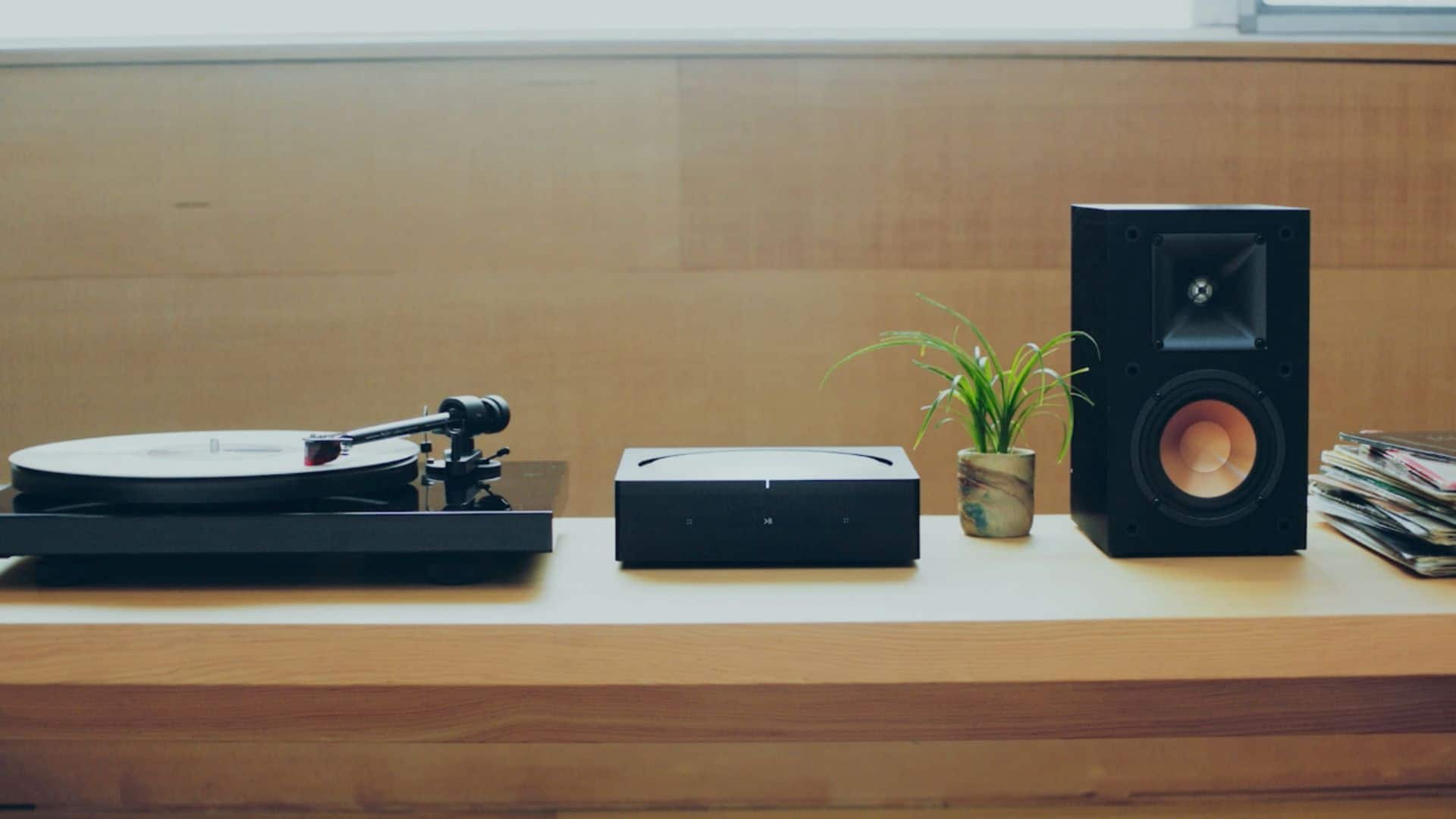
A:AnswerYes, you can connect a record player to the Sonos Amp through the RCA inputs. The Sonos Amp has RCA line-in inputs that allow you to connect external audio sources such as a record player, CD player, or any other device with RCA output. To do this, you'll need an RCA cable to connect the output of your record player to one of the RCA inputs on the Sonos Amp. Once connected, you can select the input on the Sonos app or through the Sonos Amp itself to listen to the audio from your record player through your Sonos system.
A:AnswerThe difference between a 2.0 channel amp and a 2.1 channel amp lies in the number of audio channels and the presence of a dedicated channel for low-frequency effects (LFE), typically associated with a subwoofer. Here's a breakdown of each:
2.0 Channel Amp:
A 2.0 channel amp refers to an amplifier that supports two audio channels, typically designated as left (L) and right (R) channels.
In a 2.0 channel setup, audio is delivered through two main speakers, one for the left channel and one for the right channel.
There is no dedicated channel for low-frequency effects (LFE), meaning there is no provision for connecting a subwoofer directly to the amplifier.
2.1 Channel Amp:
A 2.1 channel amp also supports two main audio channels (left and right), similar to a 2.0 channel amp.
In addition to the two main channels, a 2.1 channel amp includes a dedicated channel for low-frequency effects (LFE), typically referred to as the ".1" channel.
The ".1" channel is specifically designed to handle low-frequency audio signals and is intended for connecting a subwoofer to the amplifier.
In a 2.1 channel setup, audio is delivered through two main speakers (left and right) for mid and high-frequency sounds, and a subwoofer handles low-frequency sounds for added bass response.
In summary, while both a 2.0 channel amp and a 2.1 channel amp support stereo audio playback through two main channels (left and right), a 2.1 channel amp includes an additional channel specifically for low-frequency effects, allowing for the connection of a subwoofer to enhance bass response in the audio setup.
A:AnswerYes wire the speakers in series to protect the amp (amp + to spkr1 +, spkr1- to spkr2+, spkr2- to amp -)
Group to Beam or make it a surround amp in the AP setup.
A:AnswerYa gotta get a Sonos Port and connect it to the existing receiver. Then you can group the two Sonos pieces in the app. Side note… in the app go to system settings and put the Port output to fixed so the receiver is the volume controller. Otherwise you might turn the receiver too loud and when you go back to other inputs damage something.
A:AnswerThank you for your question. This is not needed for Sonos speakers. It's designed to turn your passive speakers (in wall, bookshelf, outdoor, ext) speakers into Sonos app compatible speakers. It will not work with any other brand of soundbar.