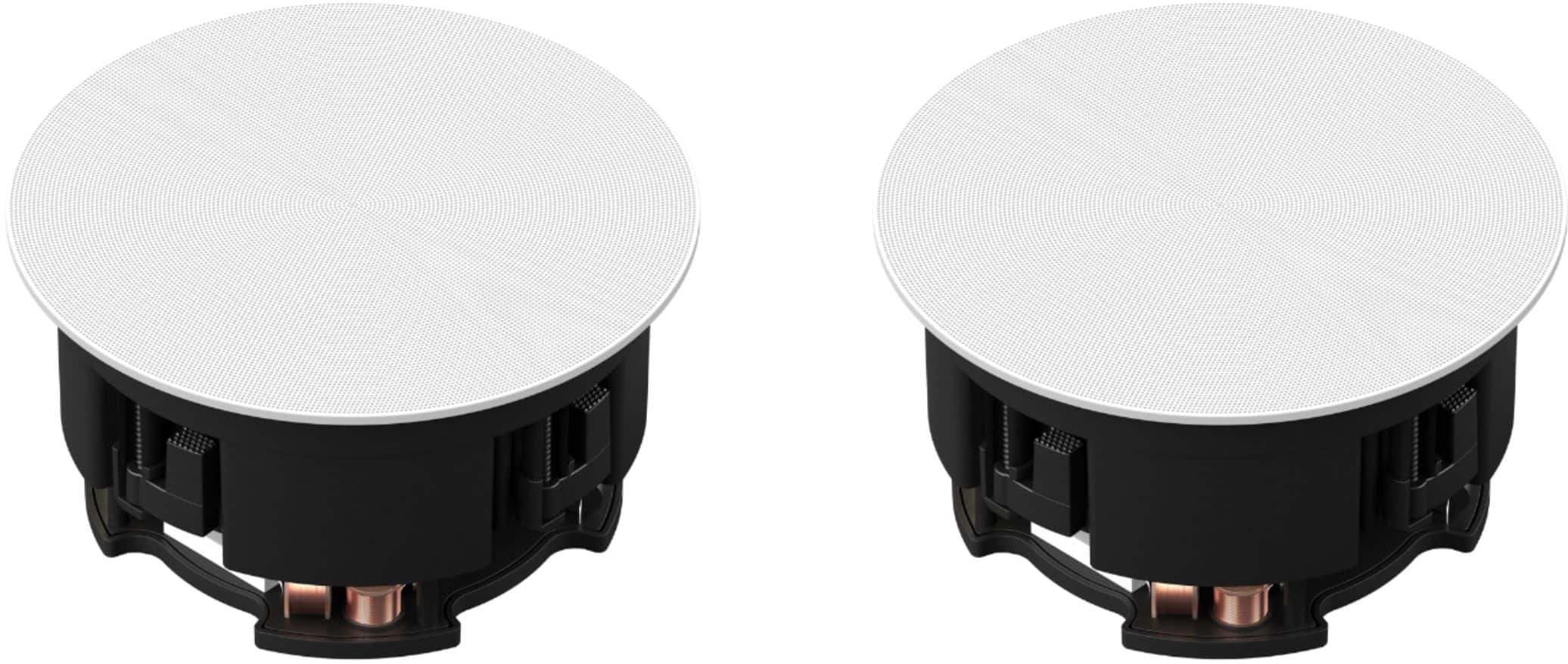
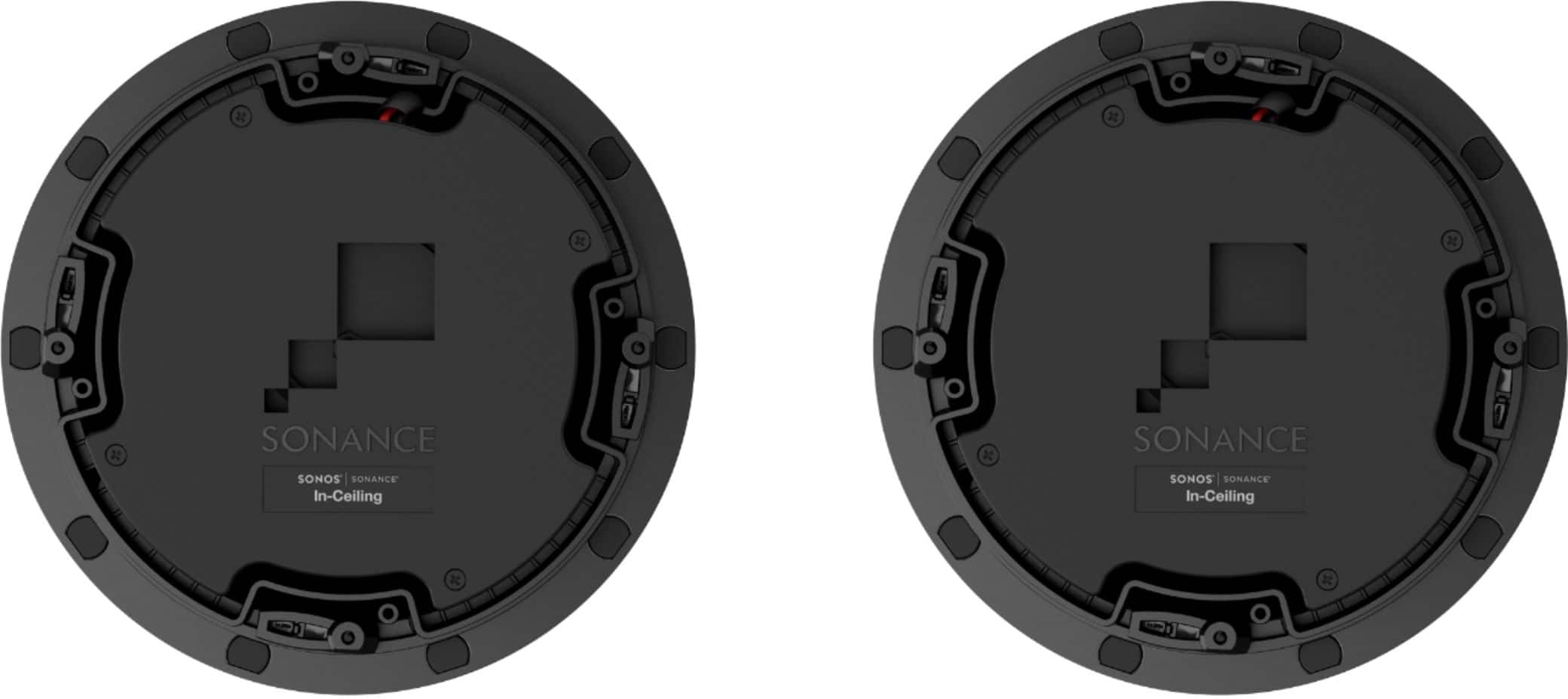
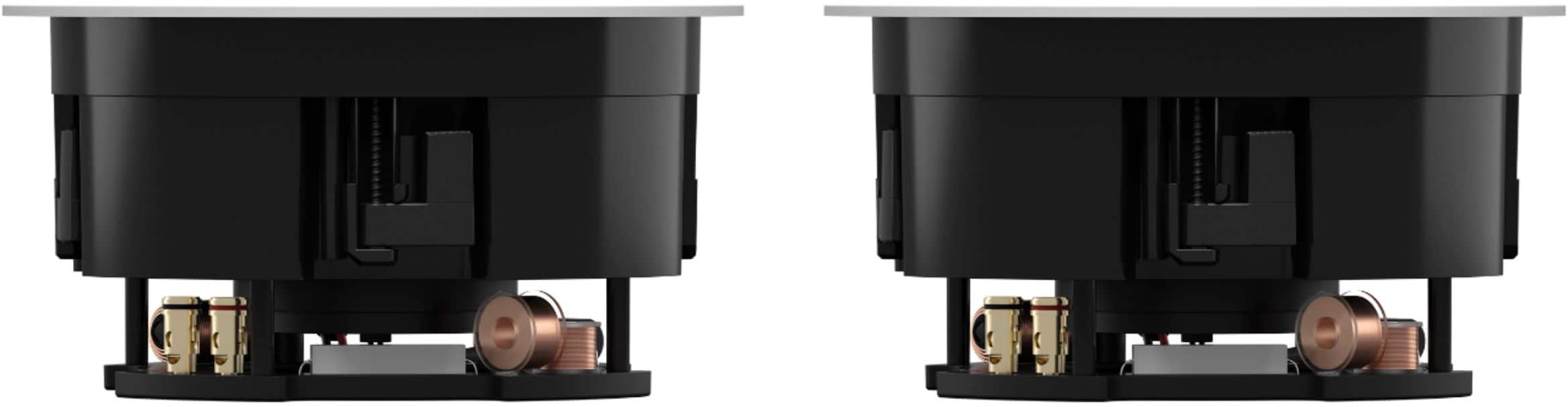
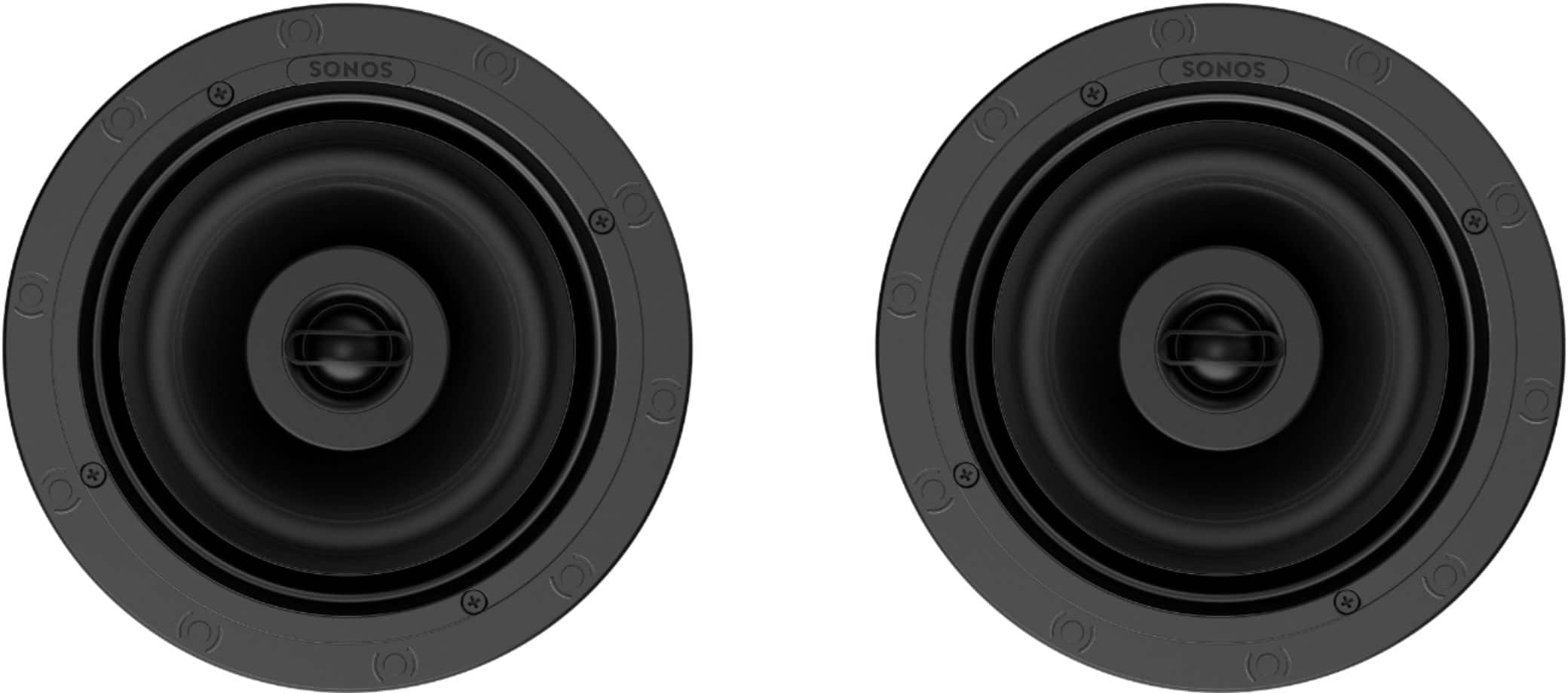
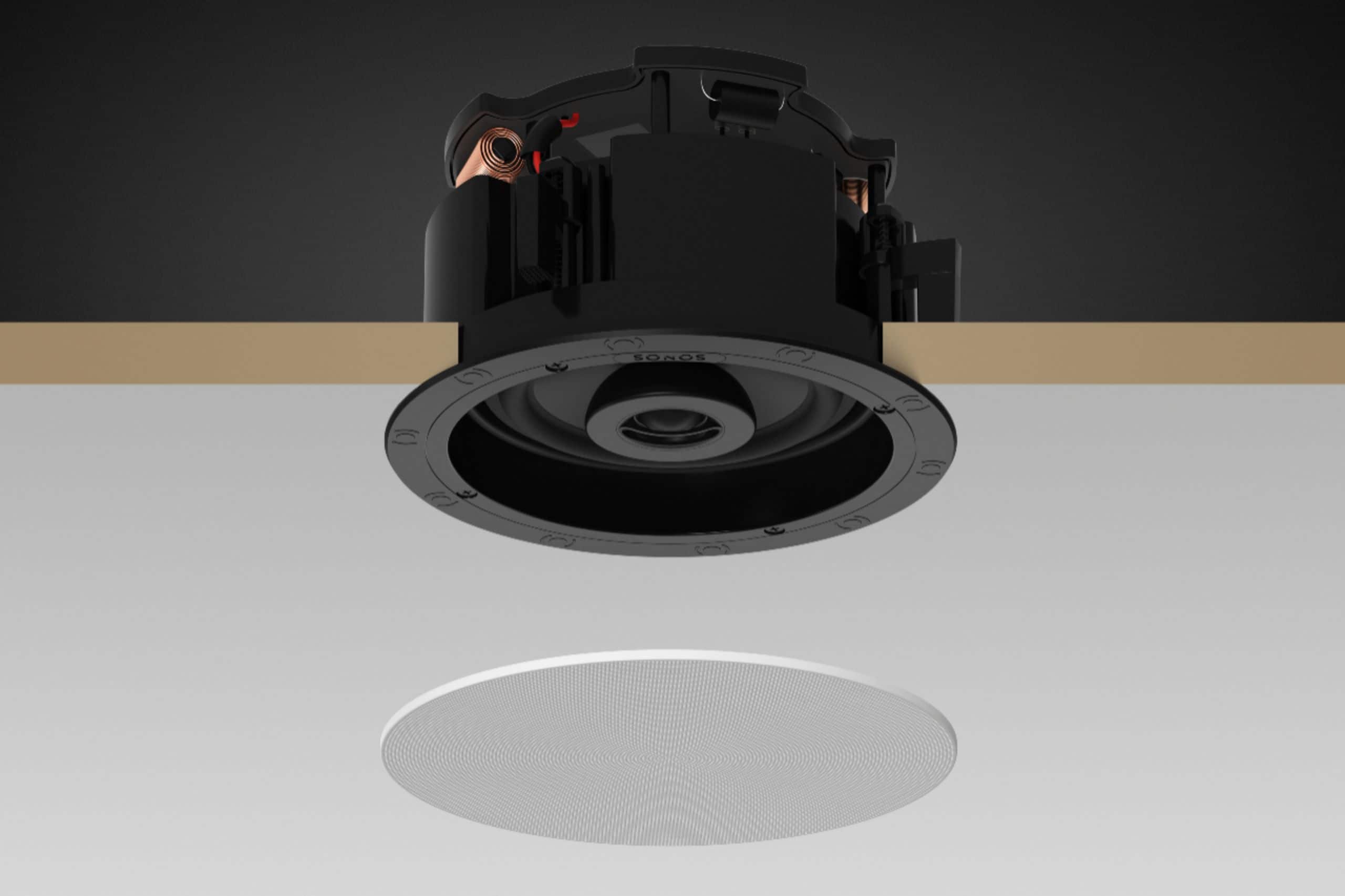
A:AnswerUnfortunately, it's not about square footage coverage with in-ceiling speakers like the Sonos Architectural 6-1/2. Here's why:
Sound Dispersion: In-ceiling speakers radiate sound in a cone-like pattern. This means sound isn't focused in a specific direction and fills the room differently than a traditional speaker.
Room Acoustics: The size, shape, and materials in your room significantly impact how sound travels and is perceived.
Desired Volume: If you want loud, room-filling sound, you'll need more speakers than if you simply desire background music.
How to determine how many speakers you need:
Room Size: Start with the dimensions of your room. A larger room generally requires more speakers for even coverage.
Listening Position: Where will you primarily be listening from? Focus on placing speakers closer to this area.
Speaker Spacing: For general audio, aim to space in-ceiling speakers roughly 6-8 feet apart. For more focused, directional sound, you can place them closer together.
Recommendations:
Consult a Sonos Dealer: Dealers specializing in Sonos systems can offer a personalized assessment of your space and recommend an ideal speaker layout.
Online Tools: Some resources, like the basic guides on the Sonos website, can give you a rough starting point.
Important Note: Sonos Architectural speakers are passive speakers, meaning they need a Sonos Amp to power them.
Let me know if you have a specific room size or layout in mind; I might be able to provide some general guidance!
A:AnswerSonos and Sonance offer excellent in-wall speakers designed for seamless integration with the Sonos system. Here's a breakdown of their key differences:
Sonos In-Wall Speakers
Designed by Sonos: Sonos directly designs and engineers their in-wall speakers, ensuring perfect compatibility and sound tuning within the Sonos ecosystem.
Image of Sonos InWall SpeakersOpens in a new window
www.sonos.com
Sonos InWall Speakers
Trueplay Tuning: Sonos speakers benefit from Trueplay software. Trueplay uses your iOS device's microphone to analyze your room's acoustics and automatically adjusts the speakers' sound for optimal quality.
Sonos App: All control happens within the Sonos app, giving you access to streaming services, equalization settings, and multi-room audio features.
Sonance In-Wall Speakers
Collaboration Between Brands: Sonance, a leader in architectural speakers, collaborates with Sonos for optimized performance with the Sonos Amp.
Image of Sonance InWall SpeakersOpens in a new window
www.sonance.com
Sonance InWall Speakers
Wider Range of Options: Sonance offers more models and sizes, catering to different needs and budgets. This includes in-ceiling speakers as well as in-wall.
No Trueplay: Sonance speakers lack Trueplay room tuning, but the Sonos Amp offers basic equalization adjustments.
Functionality Differences Summary:
Feature Sonos In-Wall Sonance In-Wall
Brand Sonos Sonance
Trueplay Yes No
Speaker Range Limited Wider
Control Sonos App Sonos App
Which One to Choose
Seamless Sonos Experience: If you value the simplicity of the Sonos system and Trueplay tuning, Sonos in-walls are the ideal choice.
More Flexibility and Price Range: If you need a greater variety of speaker sizes or want to prioritize price, Sonance speakers offer more options.
Important Note: Regardless of whether you choose Sonos or Sonance in-wall speakers, you'll need a Sonos Amp to power them.
A:AnswerThese speakers are designed to work best with the Sonos Amp as there are features that only work with/because of the Sonos Amp. The must be wired with speaker wire from our Amp, to these speakers. It would be a great surround sound solution, with your Sonos soundbar and Sub!
A:AnswerYes, You can link them to it in different ways:
- When you configure a sound bar to the TV along with the subwoofer and the Amp, you use it as a Surrounds or,
- You can also link it only to the Subwoofer as a Stereo Pair or
- You link and unlink it to the Subwoofer with the App. (In this option the Subwoofer should be added to the App without any other speaker).
A:AnswerThanks for your question. They can be, however they are designed to work best with the Sonos Amp. That's the key difference with these speakers.
A:AnswerI think pre-wired is the way to go. With all the wireless devices in the house, it is bound to not work as well, have problem with network connection etc.. I would go prewired if you have the choice.
A:AnswerHi John, Sonos does not offer a true wireless in-ceiling speaker. In-ceiling speakers still require power and this model needs to be connected to a Sonos Amp with speaker wire to be powered.
A:AnswerYes! These speakers are designed to work best with our Amp. With a custom DSP made for them with our Amp, and the ability to trueplay tune them, it works best with the Sonos Amp.
A:AnswerUnfortunately no. The only way to get tv audio is to have Beam, Arc, or Amp plugged into your tv. If you're using in ceilings you would need to wire the to Amp. Once you have one of our home theater products plugged into the tv, you can this group other Sonos speaker to play the tv audio through those speakers if you'd like.
A:AnswerHi, these speakers are designed to work best with our Amp, as it allows trueplay tuning, and a detection circuit helps the speaker's performance. However, the speakers can be powered with any Amp.
A:AnswerHi, and thank you for your question. It really depends on what you want to do.
You could do Arc + Sub + One SLs as rears or Arc + Sub + Amp + In ceilings (powered by the Amp) or x2 Amps + Sub + 2 Pairs of architectural speakers plus many more options. As long as you have Arc, Beam, or Amp plugged into the tv as the "front" channels, you can decide what you prefer to use as "rears"