A:AnswerYes, absolutely. You can pair it with any other Sonos speakers to play the same music across all them. I pair it with other speakers inside and outside the house. It works perfectly.
A:AnswerYes, we have a Sonos plugged into a bathroom outlet and it is performing as well as it was when it was purchased. It’s been in the bathroom for at least 3 years.
A:AnswerHi, and thanks for your question. You'll simply add the Move to your system using the Sonos app. Then, you can group them all together in the app if you want them to play the same thing at the same time.
A:AnswerYes, it's very loud. Depending on the size of the room you may want to get two speakers and sync them together. But when this is on max volume I can easily hear it everywhere in my house (multiple floors) and I'm pretty sure my neighbors can too.
A:AnswerNot sure what you mean by “connect” but you should be able to control your chrome cast with your voice. In the sonos app you can set it up to use the google assistant which means you could control your chrome cast. Hope that helps.
A:AnswerTo do this, you would need the Sonos Port tied to the Onkyo receiver. The receiver audio would be ran to an input on your Sonos Port. Then, you can group other Sonos speakers (in this case Move) with it with minimal delay.
A:AnswerI have not tried this on pc but on Mac all of my sonos speakers are discoverable so I am guessing this would be the same for pc. You could also switch it to Bluetooth if your pc can do that.
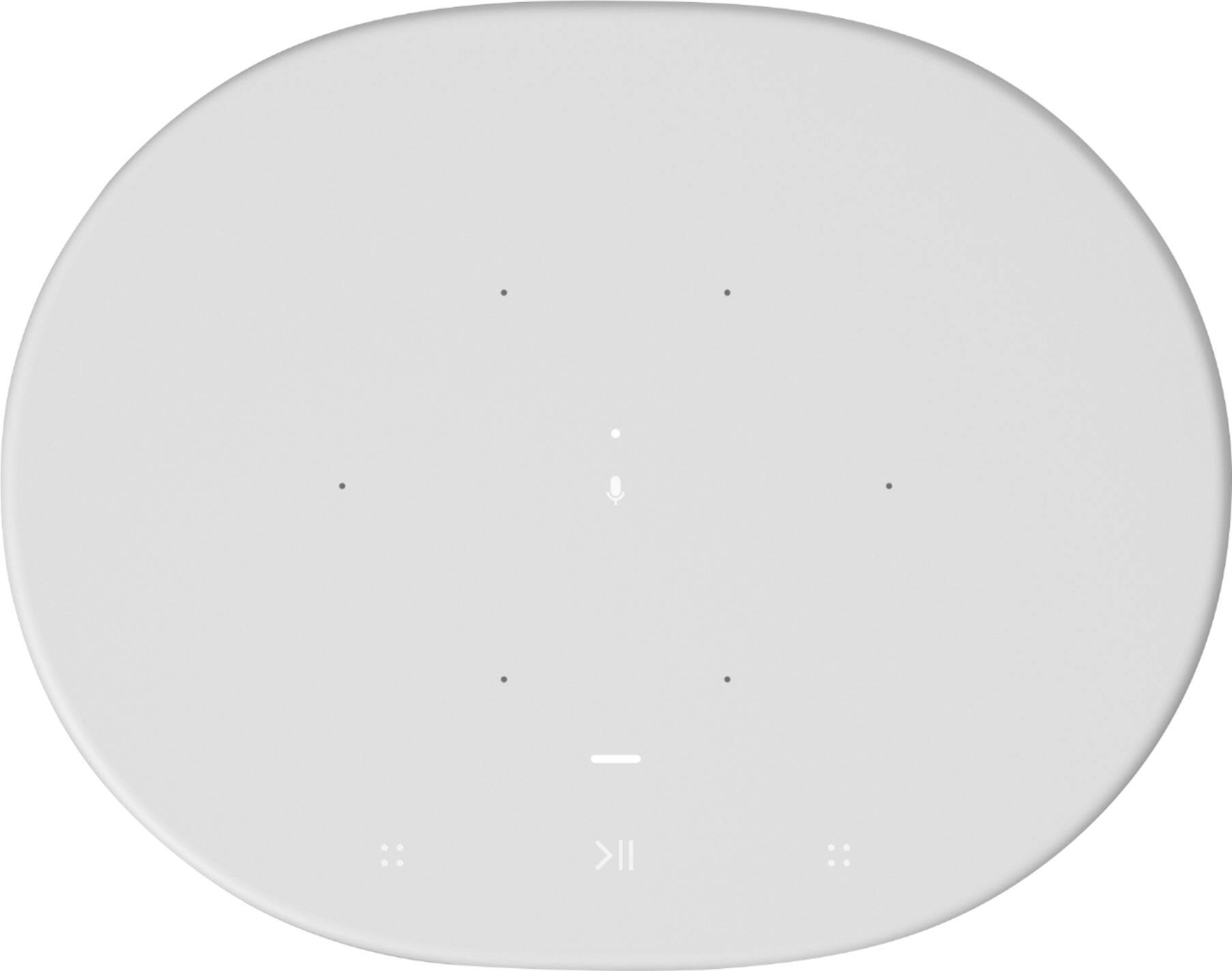
A:AnswerHello! Thanks for reaching out. Press the bluetooth button on the back of the speaker. The light on the top should turn blue. Hold down to put it in bluetooth pairing mode.
A:AnswerThe short answer is yes you can cast a stream from your PC to your Move. The details may be a bit confusing depending on the exact technique you wish to use, the vintage of the operating system, etc. The best documented approach might involve switching to Bluetooth and using the Move as a dumb speaker. However, if the PC is Win 10 and up-to-date, it comes with the Windows Media Player app which has a stream tab that can be opened for sharing via a WiFi endpoint on your network. (I haven't used Win 11 or iOS.)