A:AnswerYou do not need to use both. It will connect to the internet (or your NAS device with stored music) wirelessly.
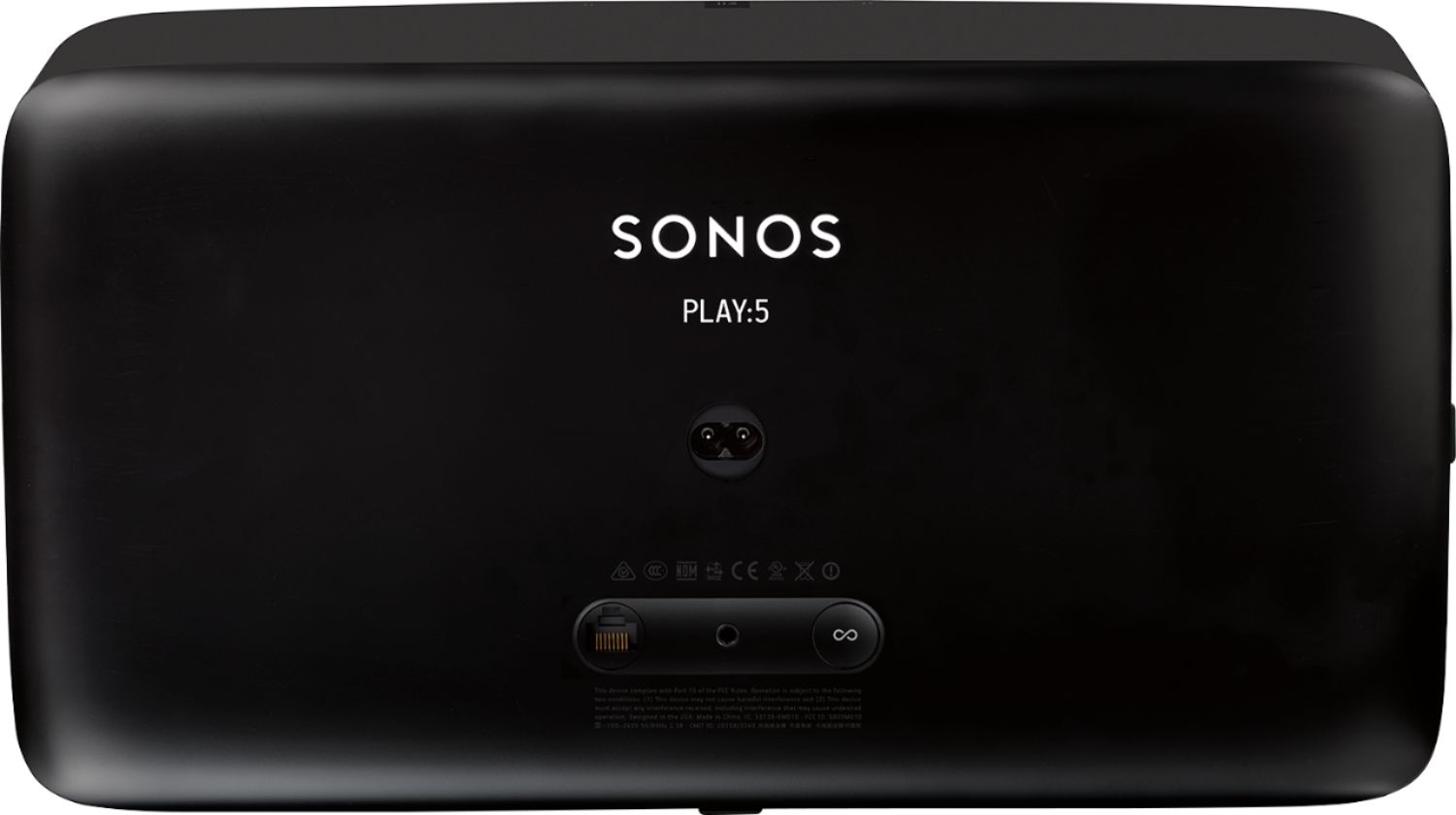
If you have multiple speakers in multiple rooms, you can hardwire one or more to your network router. The benefit of this set up is that the Sonos speakers create their own wireless mesh network, so you can extend the speakers further than your normal wireless network can reach. Also, it moves the traffic off of your wireless network onto the Sonos, and the internet connection remains stable through a wired connection (no dropouts in sound, but in my experience those are rare/non-existent using my wireless network anyways).
A:AnswerNo. You stream from the phone via the Sonos app, not via Airplay.
https://sonos.custhelp.com/app/answers/detail/a_id/2933/~/playing-music-from-an-iphone%2Fipad%2Fipod-touch?_ga=1.179857380.1345747363.1479349926
Music sources selectable from the app include your device, your music library, internet radio, and over 40 streaming services.
You can hack your network to play through Sonos using Airplay:
https://medium.com/@stephencwan/hacking-airplay-into-sonos-93a41a1fcfbb#.fqtudrnkf
It looks...complicated.
A:AnswerI do not recommend for outdoors unless it is a sunny day. :) I have been using it indoors and the reach is fantastic. The router is on the first floor and the Sonos 5 is on the second. Works just fine.
A:AnswerThe Play:5 will support both 110V and 240V as long as you have the correct cable to plug into the wall. No adapters or switches are necessary other than the proper power cord for the country where you are using the product.