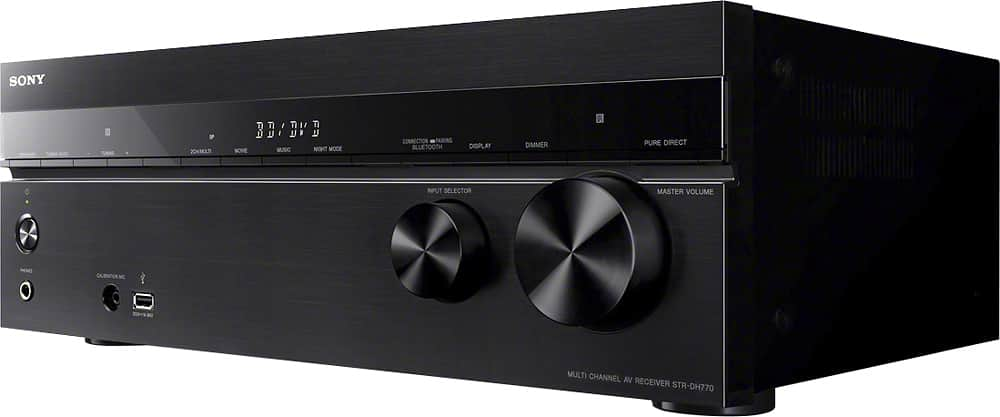
A:AnswerHi Letstryagain2, As long as the remote your using is not within the range of the other, it will only control one receiver. The remote uses an Infrared (IR) signal and requires a line of sight for it to work. Regards, ~Ralph
A:AnswerSwing,
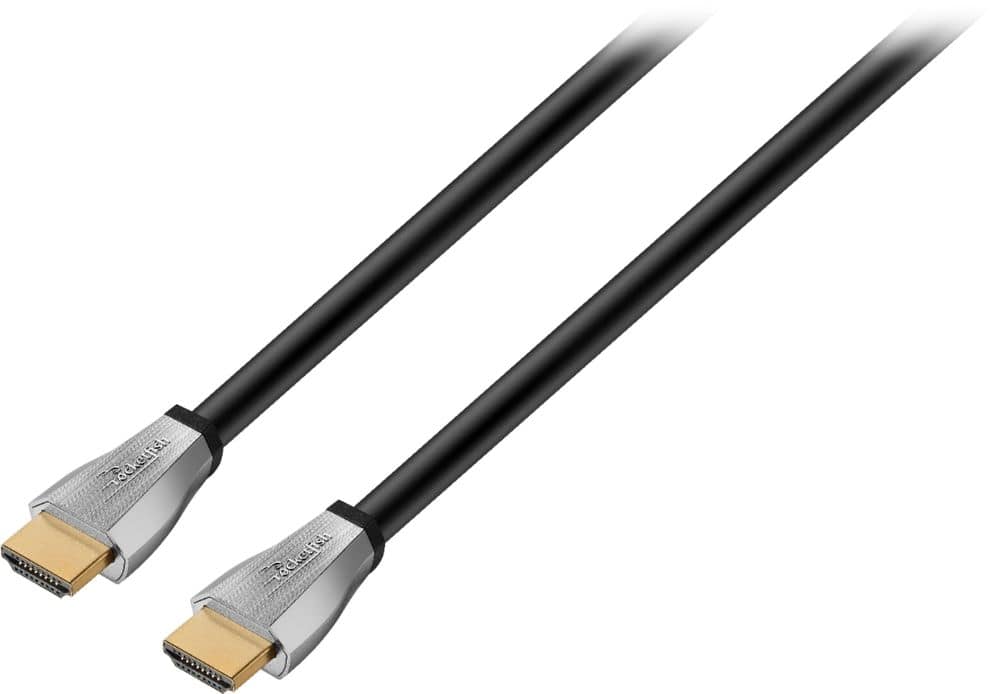
I hooked up our Sony BDP S580 from 2011-2012 and at first it did not sync the audio and video (audio plays ahead). I replaced the HDMI with a basic BestBuy Rocketfish cable and it plays much better now. Not sure if this could be a solution for you depending on your DVD model. You probably have already tried it but maybe connect the DVD player to the SAT/CAT cable into the receiver since you know you get a signal from a device with this cable. Cables have increased in capability since 2012 (in my case).
This receiver was so much easier to setup and is so much easier to use than our Denon which the kids constantly managed to get confused with going between video game consoles, dvd players,cable or ipod. My point being there is very little that could affect the signal from your bluray into the receiver unless its simply older than 2012 and it does not have the minimum capability or the cable is the age of the dvd player and replacing it may solve your issue. I would not commented if I didn't have 6 yr old Sony bluray player too and have no issues after upgrading the cable between the two devices.
Hope this helps
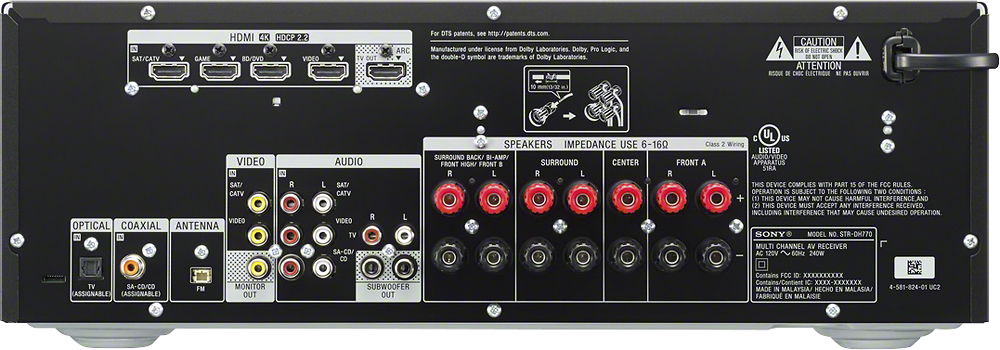
A:AnswerHi Swing, no, you can only use active subwoofers or those that need power from a power outlet/source with this receiver. You may check this link for more information on this unit: http://146.215.230.18/release/SPECS/STRDH770_mksp.pdf Thanks, -Mark
A:AnswerI have a 5.1 setup, however I've switched to the front surround to see what it sounds like and sound only comes out of the left right and center, so it should work with your setup. Obviously it's not as good as having the rear speakers but sounds like it does a good job of simulating surround sound.
A:AnswerHi Walker, This unit does not support Spotify app. However, you may connect a device that supports Spotify to output the sound through the receiver. -Jerome
A:AnswerHi dondi,
This specific model doesn't internet capabilities. All your apps must come from your smart TV and this receiver will output all audio signals to the speakers.
Thanks,
>Joffrey
A:AnswerHi Adet, It is compatible with any speaker that supports the same connecting cable and rated impedance range indicated on the back panel of the receiver. -Jerome
A:AnswerHi Jayjay83, We cannot guarantee compatibility, it may or may not work. This Sony STR-DH770 has its own equalizer settings, you can adjust the tonal quality (bass/treble level) of the front speakers. Please visit this link for more details (page 77). https://docs.sony.com/release//Help_4584081111.pdf -Jerome
A:AnswerHi Mitch, you have to set the audio speaker settings on the TV to "TV speakers". It will be performed on the TV menu, not on the receiver. Thanks, -Mark
A:AnswerHi Dano,
This receiver can handle from 6-16 ohm of speakers. No switch is needed. Please check the manual of this receiver in the link below.
https://docs.sony.com/release//Help_4584081111.pdf
Thanks,
>Joffrey