A:AnswerHi Rob,
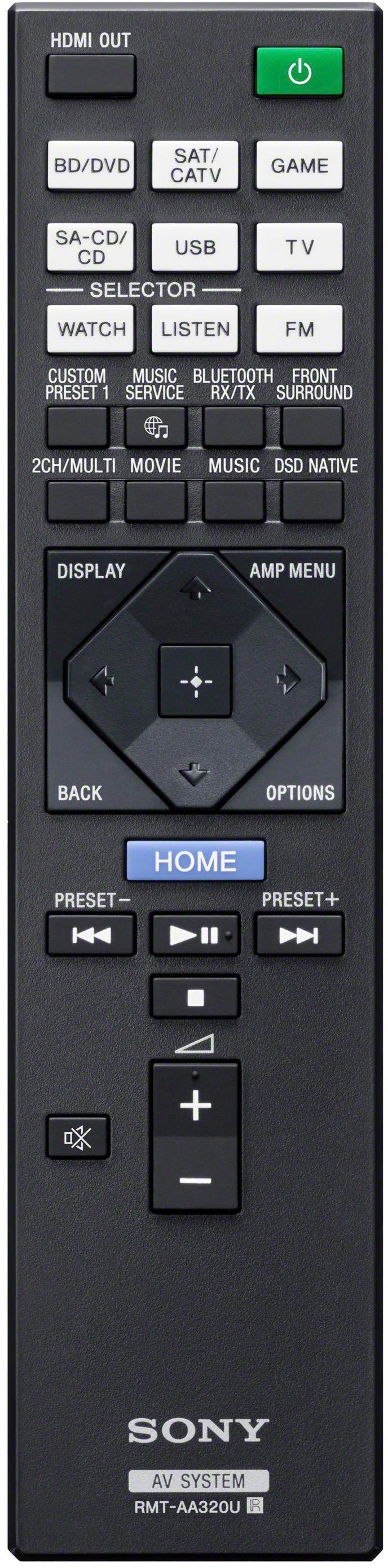
We only recommend the supplied remote control when using the functions of the AV receiver. Third party and universal remote controls are not guaranteed to work.
Regards,
David
A:AnswerHi Kyle,
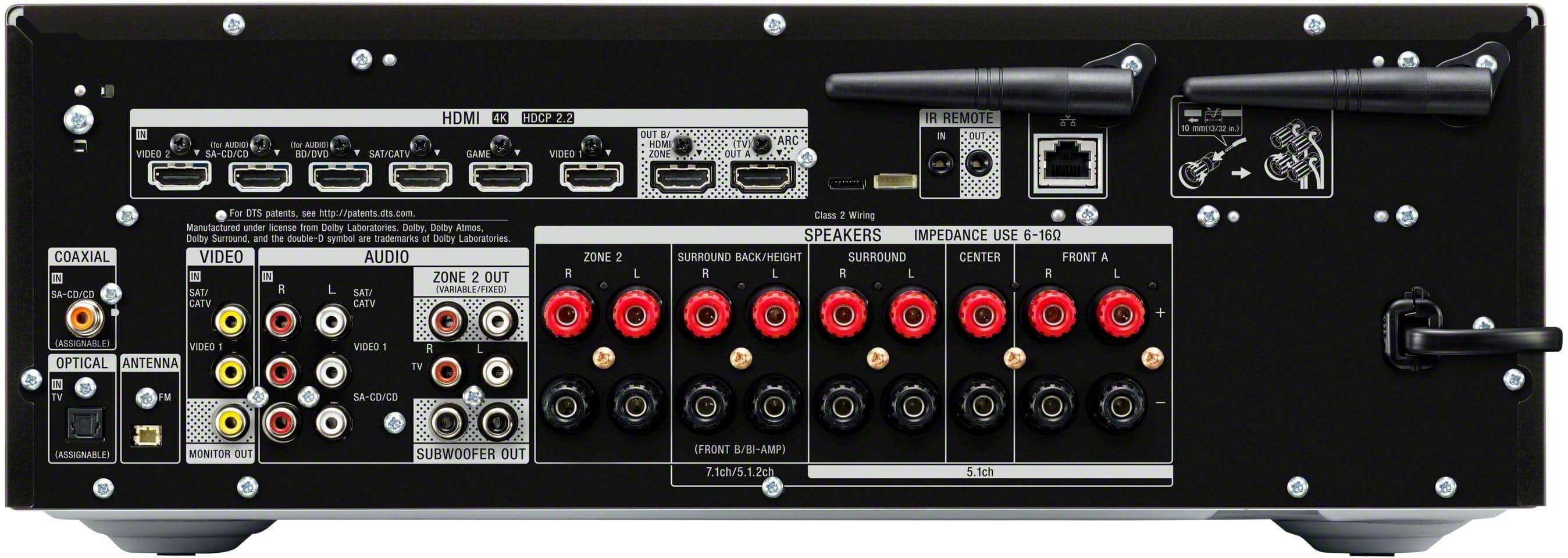
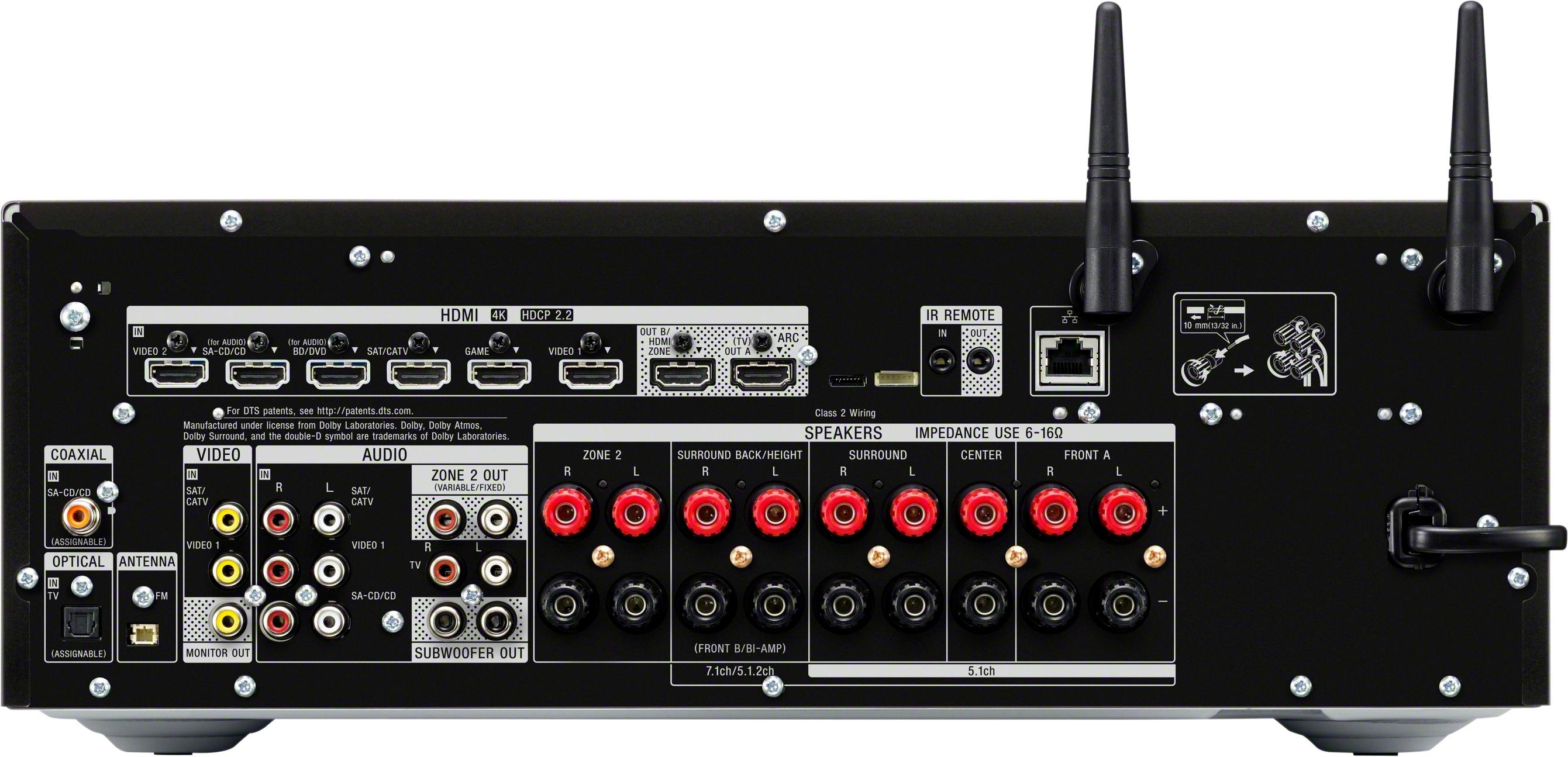
You can do a 5.1-channel with Zone 2 speakers. You can also enjoy the audio in another location (“Zone 2”) by connecting additional Zone 2 speakers. Check the link below for more details.
https://helpguide.sony.net/ha/strdn108/v1/en/contents/TP0001227295.html?search=zone%202
Regards,
David
A:AnswerI don't understand the question but I will try to the best of my understanding. This receiver should be connected to the ARC/EARC on your TV. You also need to make in your TV settings that you will passthrough sound to external speakers. Whatever is connected through HDMI passthrough on the receiver or the TV plays through the receiver. This is the best way of utilizing the receiver. I use a myriad of devices i.e. ATV4K, NVIDIA Shield Pro 4K, PS4, PS5, XBOX One X, XBOX Series X etc...
A:AnswerHi Brad,
No, there is no separate equalizer settings for each channel.
https://helpguide.sony.net/ha/strdn108/v1/en/contents/TP0001221277.html?search=equal
Regards,
David
A:AnswerHi veritech13,
You cannot connect wireless speakers to the AV receiver. We recommend connecting wired speakers with a nominal impedance of 6 ohms to 16 ohms. We also recommend using speaker wires that are anywhere between 12 to 16 gauge. These are most commonly used for connecting speakers to an amplifier or an Audio/Video (A/V) receiver
Happy to help,
David
A:AnswerHi MattY,
The AV receiver is only google home compatible. Though the AV receiver supports Bluetooth, we cannot guarantee if the Amazon Alexa would work.
Regards,
David
A:AnswerHi Mike,
One of the main features of the AV receiver is it supports 4K HDR and HDCP 2.2, letting you enjoy high-definition video images.
Regards,
David
A:AnswerHi MikeR,
We are sorry to hear that. Are you playing 4K video on your FiOS box? Please use a high-speed HDMI cable when connecting HDMI devices or replace the cable to isolate the issue. You may also reset the AV receiver to factory default settings. Here's the link on how to.
https://helpguide.sony.net/ha/strdn108/v1/en/contents/TP0001221280.html?search=reset
If that doesn't work, please email us at socialsupport@am.sony.com with the following details so we can further assist you.:
Name:
Best Buy Username:
Model Number:
Issue:
Telephone Number:
Happy to help,
David
A:AnswerHi Flynn,
Yes, you can set up 5.1.2-channel using Dolby Atmos enabled speakers. Check the link below for more details.
https://helpguide.sony.net/ha/strdn108/v1/en/contents/TP0001386272.html?search=5.1.2-channel%20speaker%20system%20using%20Dolby%20Atmos%20enabled
We encourage you to make use of our many online resources to help with questions regarding your Sony product.
https://www.sony.com/electronics/support (Sony Support website)
https://us.esupport.sony.com/support/s/support-contact?language=en_US (Chat support)
Regards,
David
A:AnswerThat's the main purpose of the zone selection. You can select what plays on each zone, however if you trying using both zones at the same time you cant use them at full volume. I saw some videos on YouTube on how to go around that but I wouldn't trust it.
A:AnswerHi Maorodri,
We appreciate your interest in the STRDN1080 receiver. You can connect speakers with an impedance of 6 ohms to 16 ohms. It also uses standard speaker wires for connection. For more information, please refer to this link:
https://helpguide.sony.net/ha/strdn108/v1/en/contents/TP0001221306.html
~Ralph
A:AnswerHi Bayoubob,
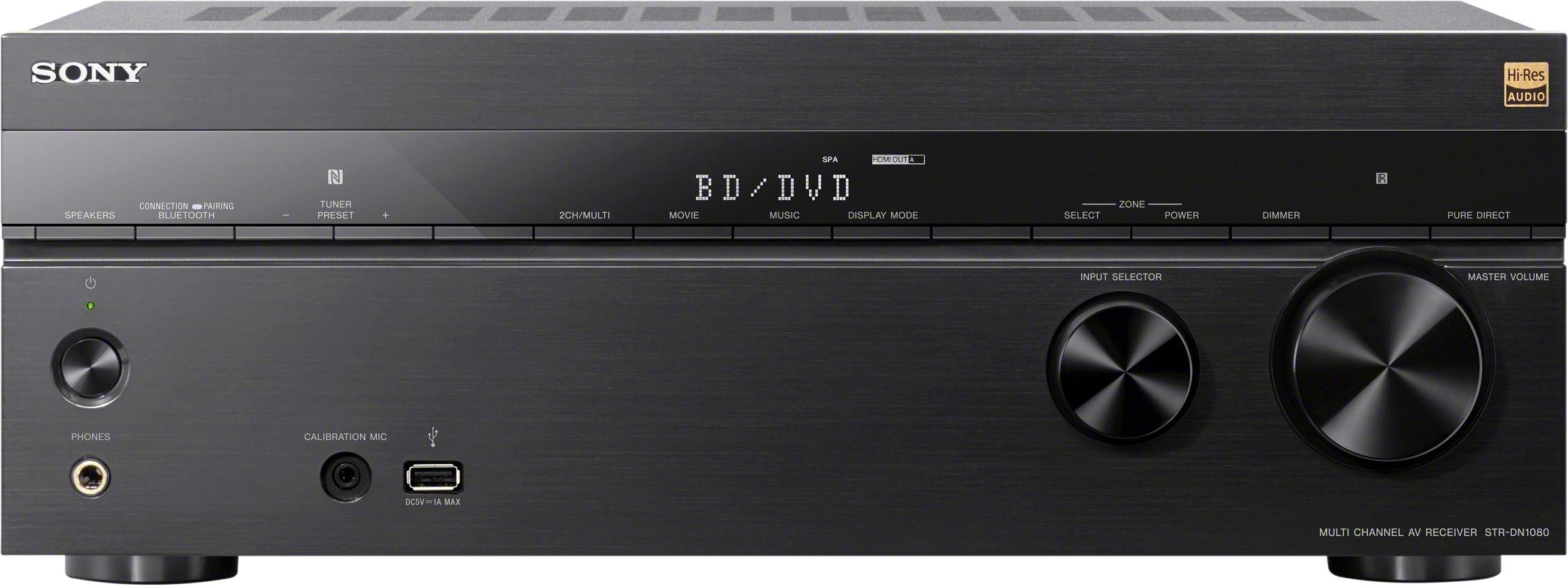
Thanks for your interest in the STRDN1080 receiver. Yes, you can display the Home menu screen of the receiver when it is connected to the TV via HDMI cable (HDMI OUT jack). Please refer to this link for more information:
https://helpguide.sony.net/ha/strdn108/v1/en/contents/TP0001221081.html
~Ralph
A:AnswerHi JasonK,
Yes, you can select source signals you want to output using INPUT SELECTOR on the receiver while [2. xxxx(input name)] is shown on the display panel.
NOTE: The ZONE 2 component output jacks on the Audio/Video (A/V) receiver will output analog video signals only. To output a signal from the ZONE 2 jacks, the source device must be connected to one of the composite or component inputs on the A/V receiver.
Happy to help,
David
A:AnswerHi Denny,
You can only set up 5.1.2-channel using top middle speakers or 7.1-channel using surround back speakers. Check the link below for the speaker pattern available for this AV receiver.
https://helpguide.sony.net/ha/strdn108/v1/en/contents/TP0001227293.html
Happy to help,
David
A:AnswerHi awolinoz,
The ZONE 2 component output jacks on the Audio/Video (A/V) receiver will output analog video signals only. To output a signal from the ZONE 2 jacks, the source device must be connected to one of the composite or component inputs on the A/V receiver.
Regards,
David
A:AnswerHi zeppelin,
Thank you for the interest! We recommend connecting speakers with a nominal impedance of 6 ohms to 16 ohms. We also recommend using speaker wires that are anywhere between 12 to 16 gauge. These are most commonly used for connecting speakers to an amplifier or an Audio/Video (A/V) receiver
Regards,
David