A:AnswerHello, yomom!
Unfortunately, the Google assistant can't be disabled. However, you can turn off the voice command on the remote if you don't want to use the voice command features, or simply don't press the Google assistant button on the remote.
Happy to help!
~Zac
A:AnswerYes, you can log in and add apps from Google. Chromecast is also built into the TV. This even has a free month of SlingTV included from Best Buy.
A:AnswerHello, ATXGal!
Yes, by setting up the IR blaster feature, you will be able to control the cable box using the SONY remote. That includes turning the the cable box ON or OFF. Happy to help!
~Zac
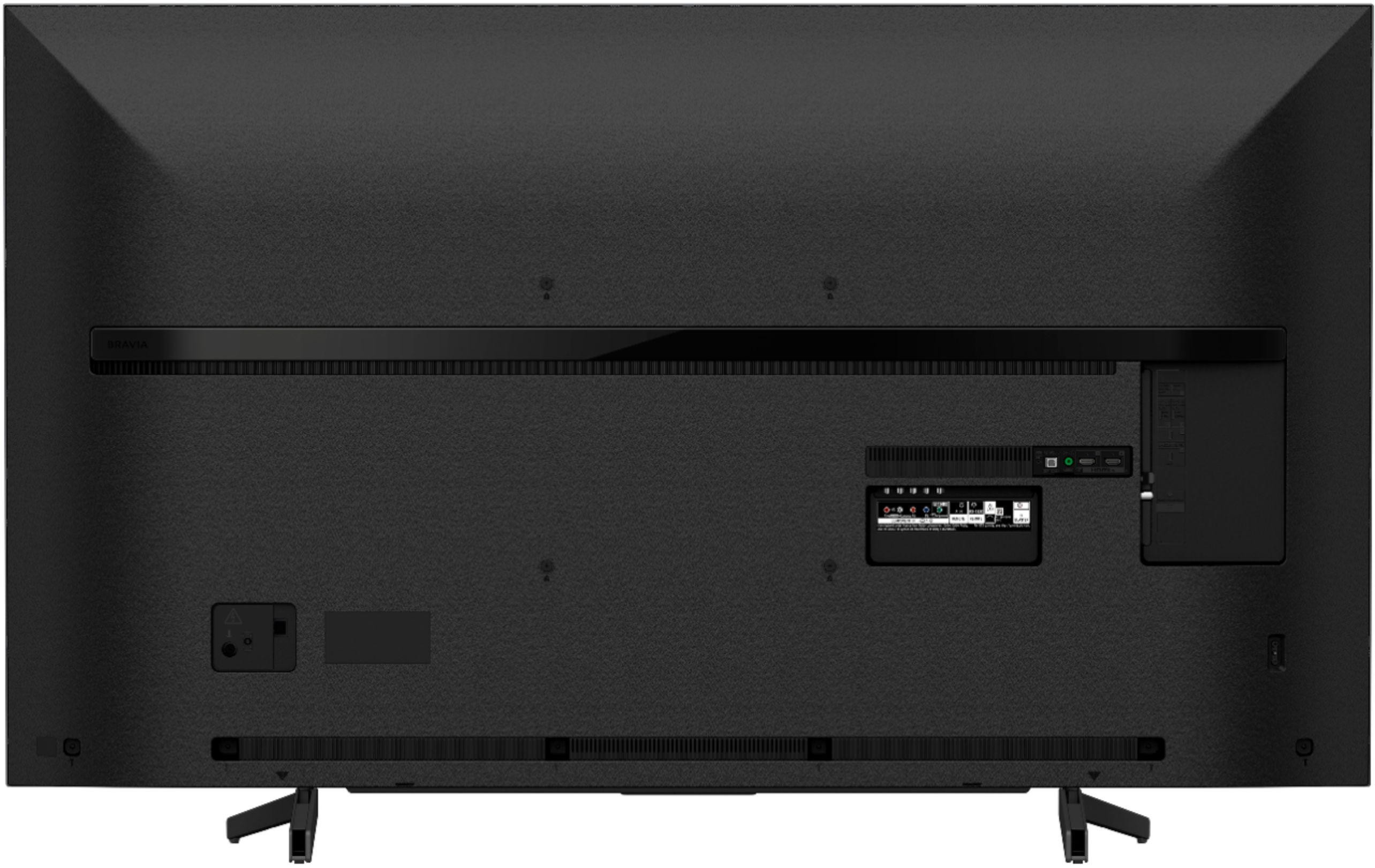
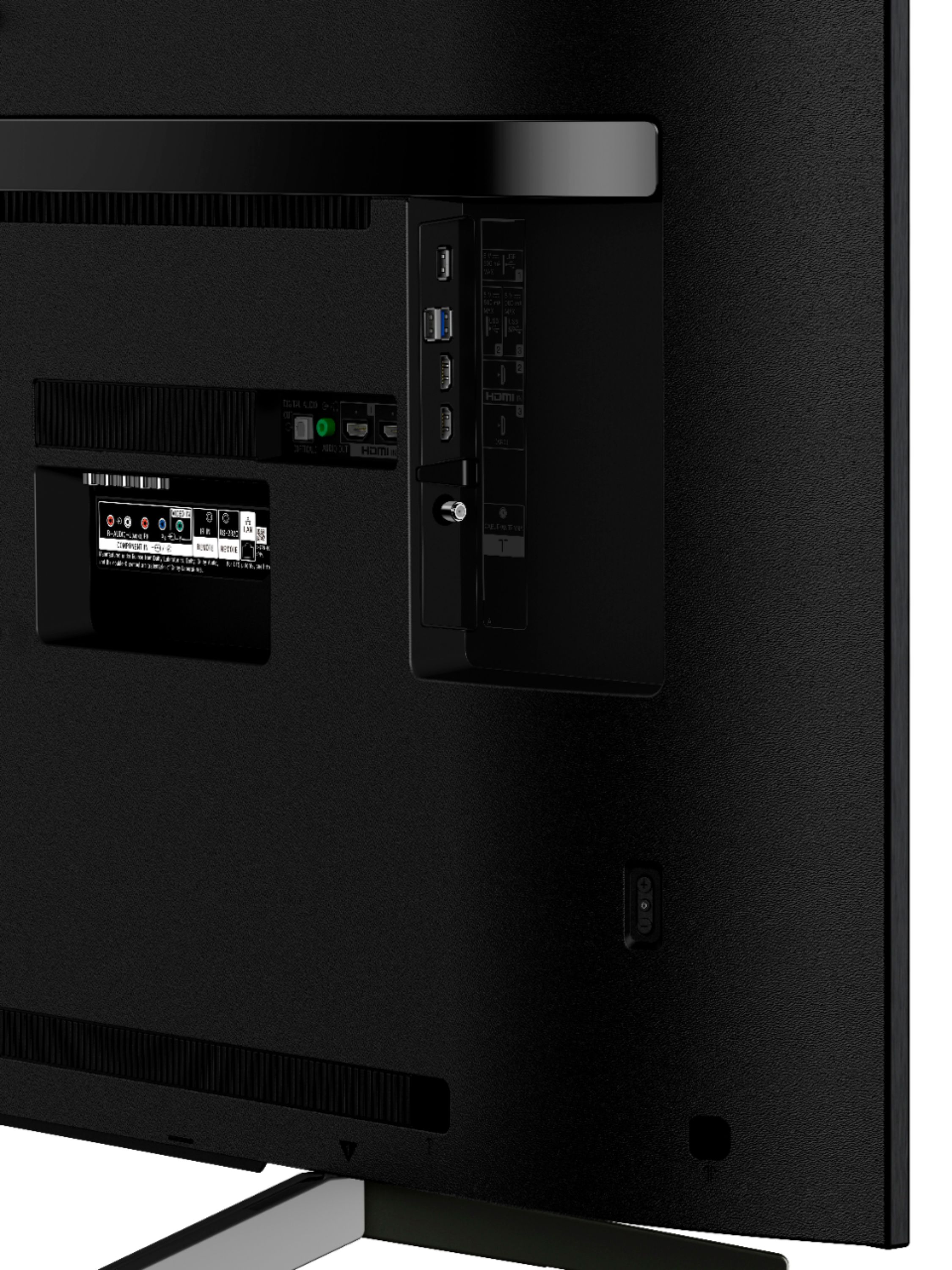
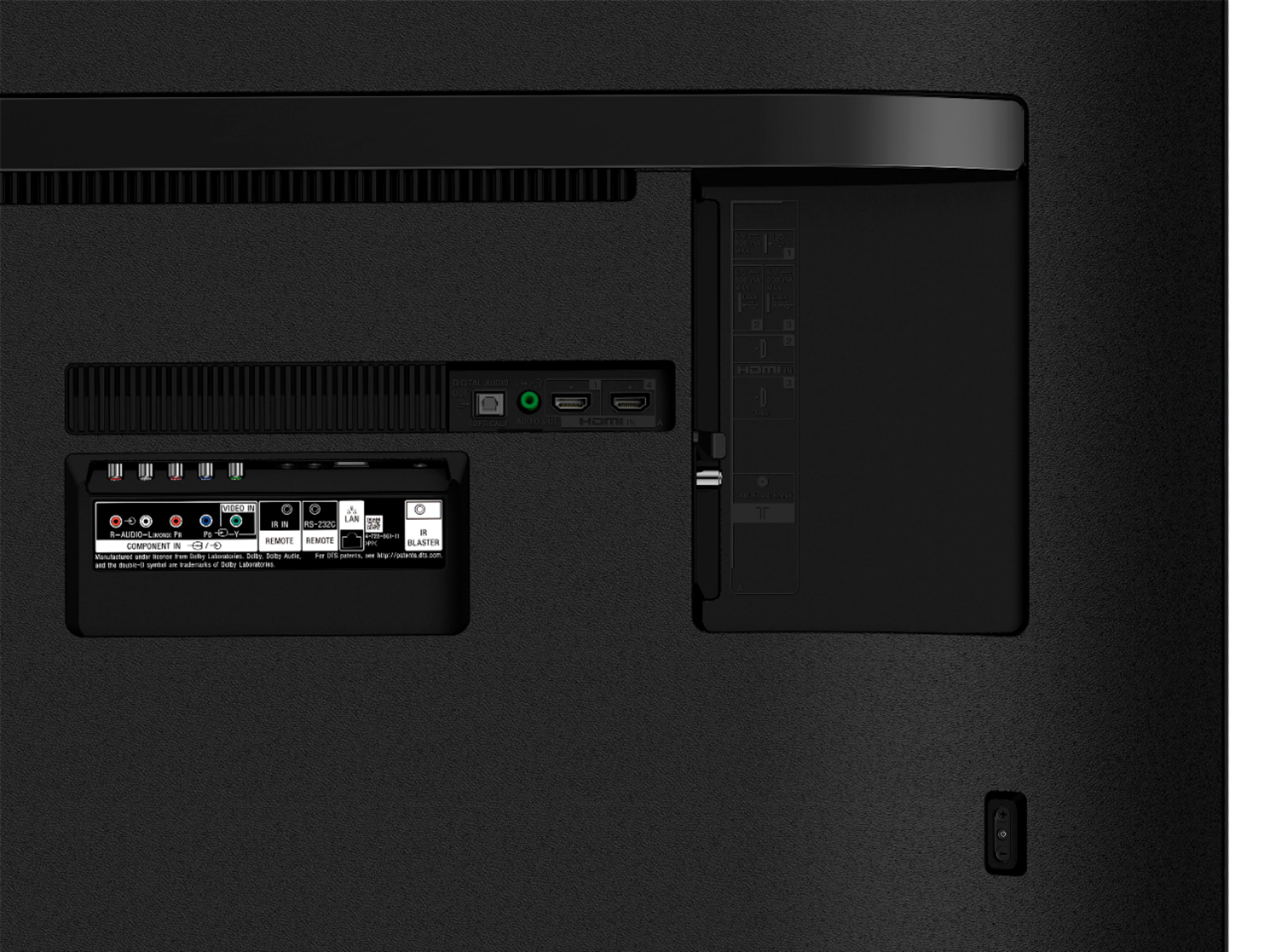
A:AnswerHi, Evon! It will depend on the connections needs by the RF headphones. We can't guarantee full compatibility. You may refer to page 11 for more information about the available connections on the TV:
https://www.sony.com/electronics/support/res/manuals/4748/59987d320e718a2b0a1121b32792c683/47485531M.pdf
~Ralph
A:AnswerOn Best Buy web site they claim they will. And I would say get this TV from Best Buy they have a much better sales reps and are very knowledgeable and plus they have the Geek Squad. If you need the support and I do not think you will get from a sales rep at Walmart, Unless you feel like calling and waiting to get your answer from a Square Trade Rep. I myself would want to talk to a live body face to face, And when Best Buy Sales Rep is explaining and you do not understand they will explain until you do.
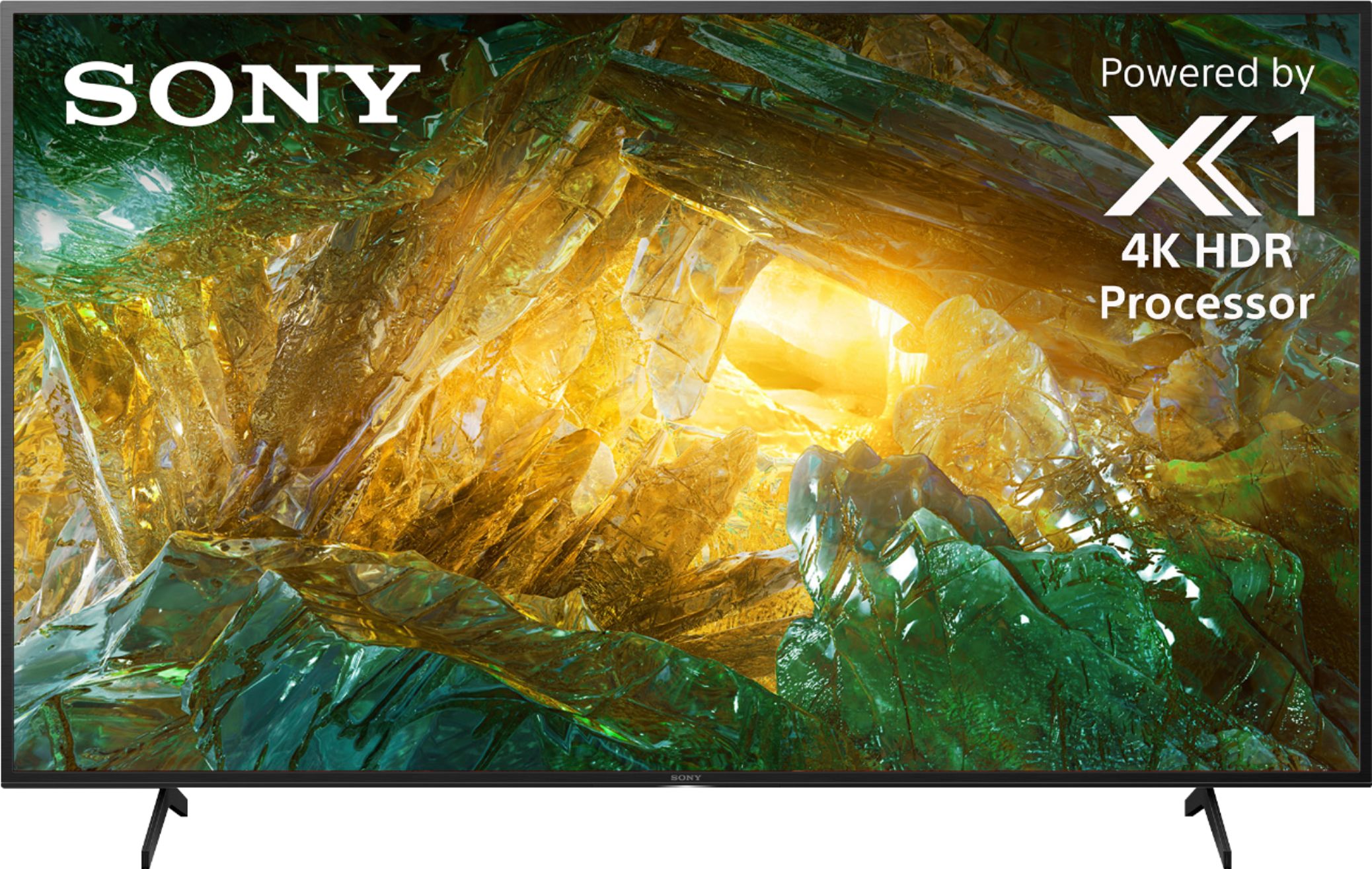
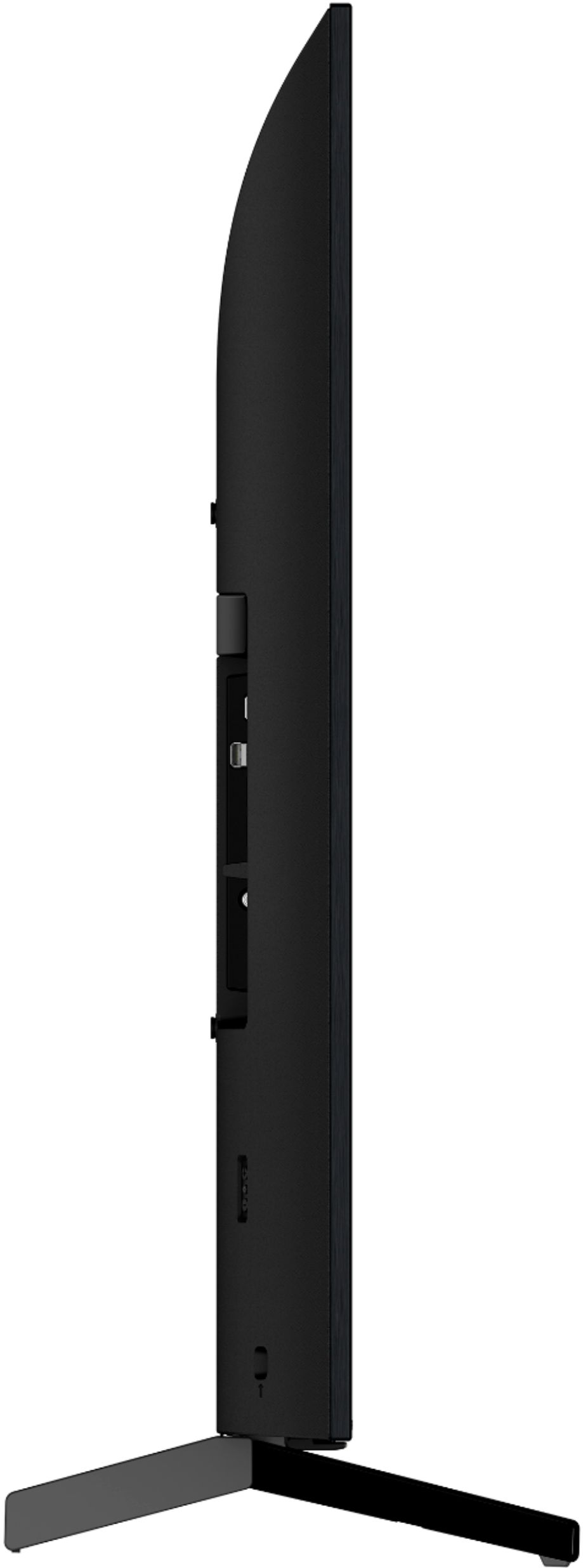
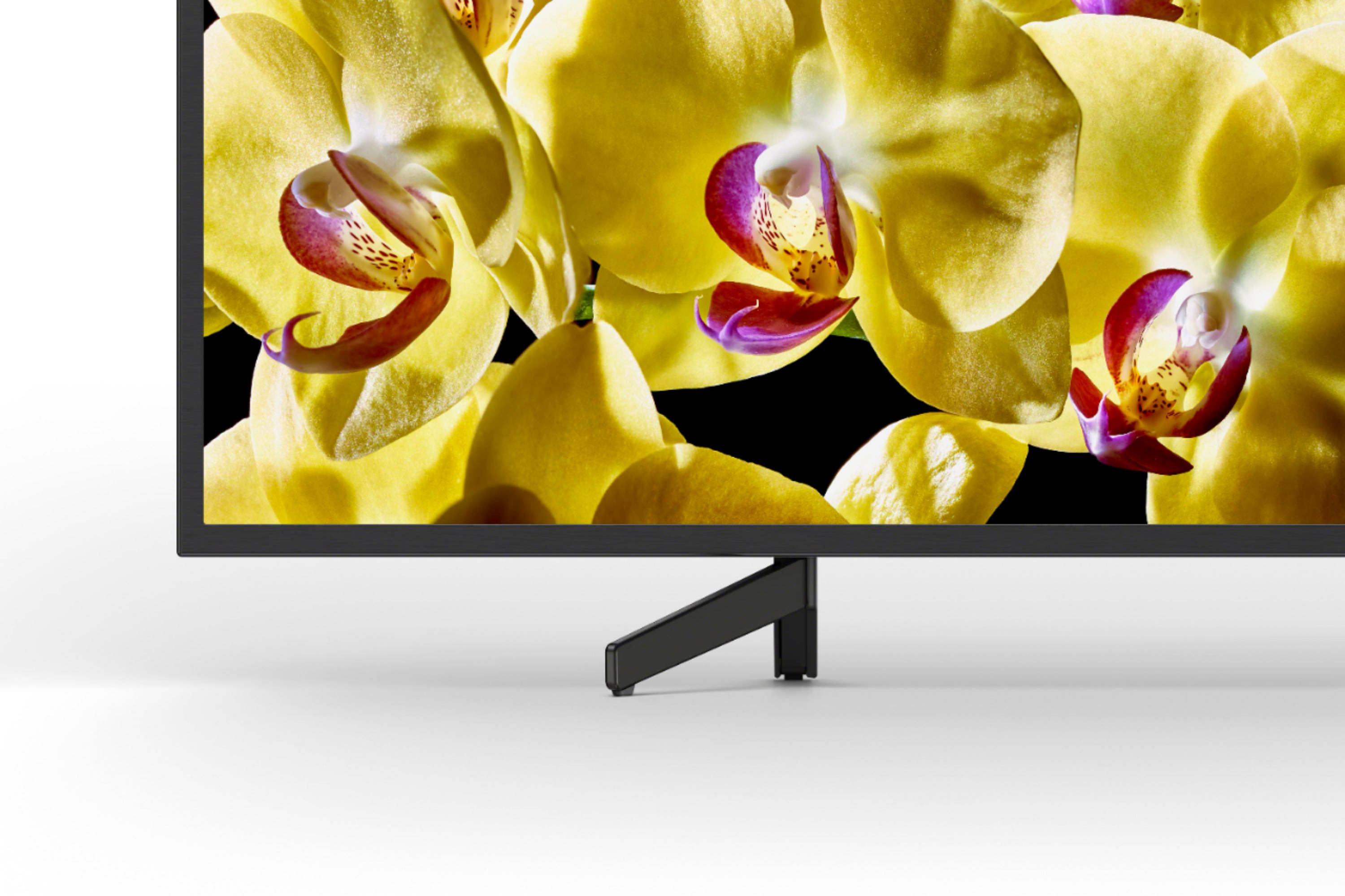
A:AnswerHi! Here are the dimensions of the TV:
-Without stand - 38 1/4 x 22 1/2 x 2 1/4" (970 x 570 x 57 mm) (WxHxD)
-With stand - 38 1/4 x 24 7/8 x 10 1/4" (970 x 630 x 260 mm) (WxHxD)
~Ralph
A:AnswerHi, Fastcar!
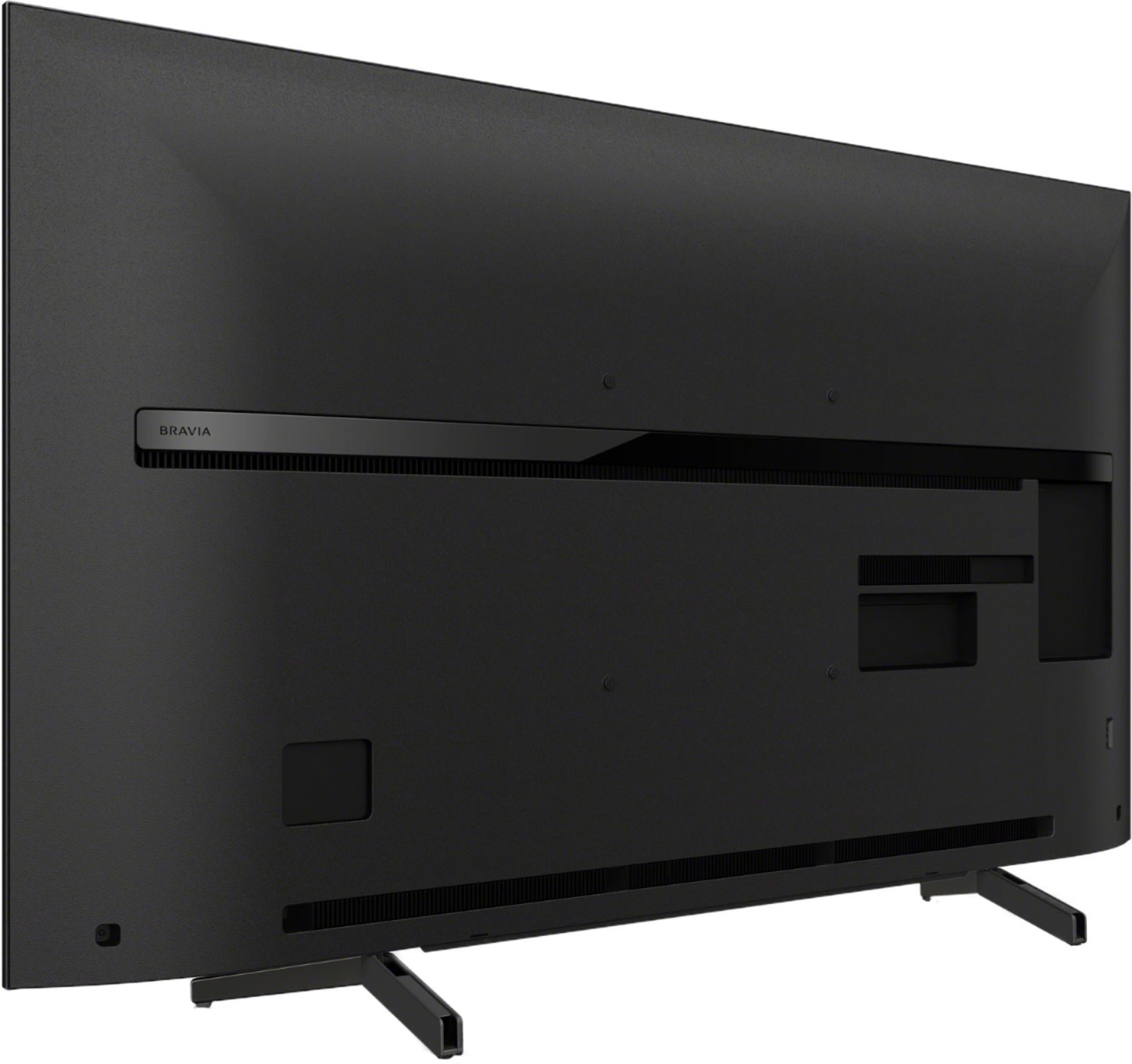
It may be possible to attach the Android TV™ to a previously installed Sony® wall mount bracket. The distance between the mounting holes of the existing wall-mount bracket and the mounting holes on the back of the TV should match. If they don't, we recommend that you purchase a compatible wall mount bracket. Go to Parts and Accessories.
Some Android TVs require the attachment of extra parts for wall-mounting. To confirm the parts you will need and the measurement of the mounting holes on the back of your TV, check the TV manual:
https://www.sony.com/electronics/support/televisions-projectors-lcd-tvs-android-/xbr-43x800g/manuals
Regards,
Ralph