A:AnswerHi Customer,
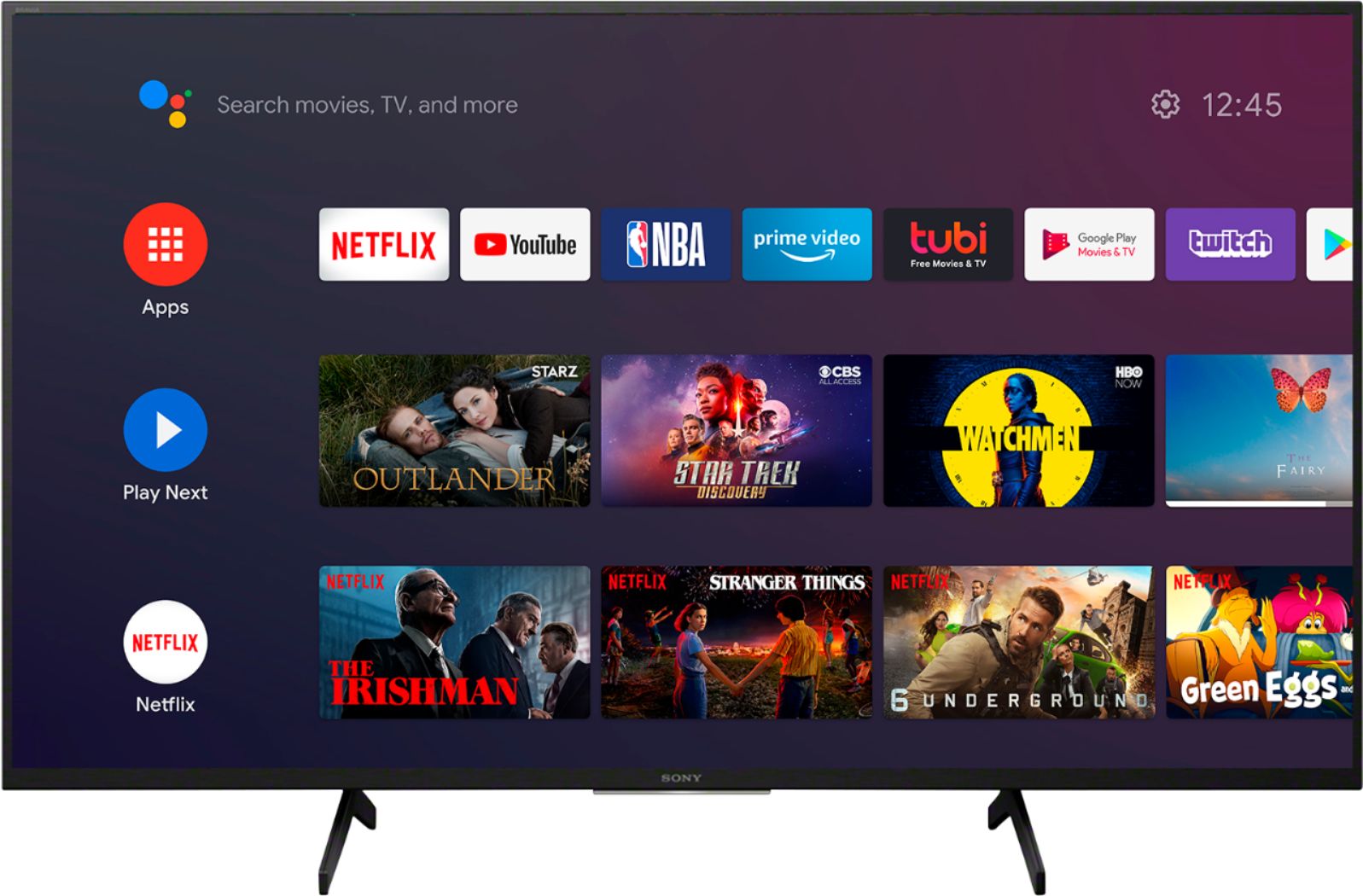
Thank you for the inquiry! Android has been the name of the operating system from Google since 2015 and new updated versions since. Android is compatible with iOS devices as well. For 2021 models onward, the Android name will change to Google TV instead of Android. Hence, it's very identical.
Regards
David
A:AnswerHi LJ,
Thanks for reaching out with your concern, and we apologize for the inconvenience. For Bluetooth headphones, please refer to the below:
The XBR X800H series TVs does not natively support Bluetooth audio out. This feature may work with a compatible external USB Bluetooth Adapter or 3rd party Bluetooth applications that can be downloaded from the Google Play™ Store.
Should you need more information/technical assistance, please email us at [email protected] with the following details so we can best assist you.
Name:
BestBuy Username:
Model Number:
Issue:
Telephone Number:
I hope this helps!
Best regards,
Romeo
Sony Social Support
A:AnswerHi 3rjs,
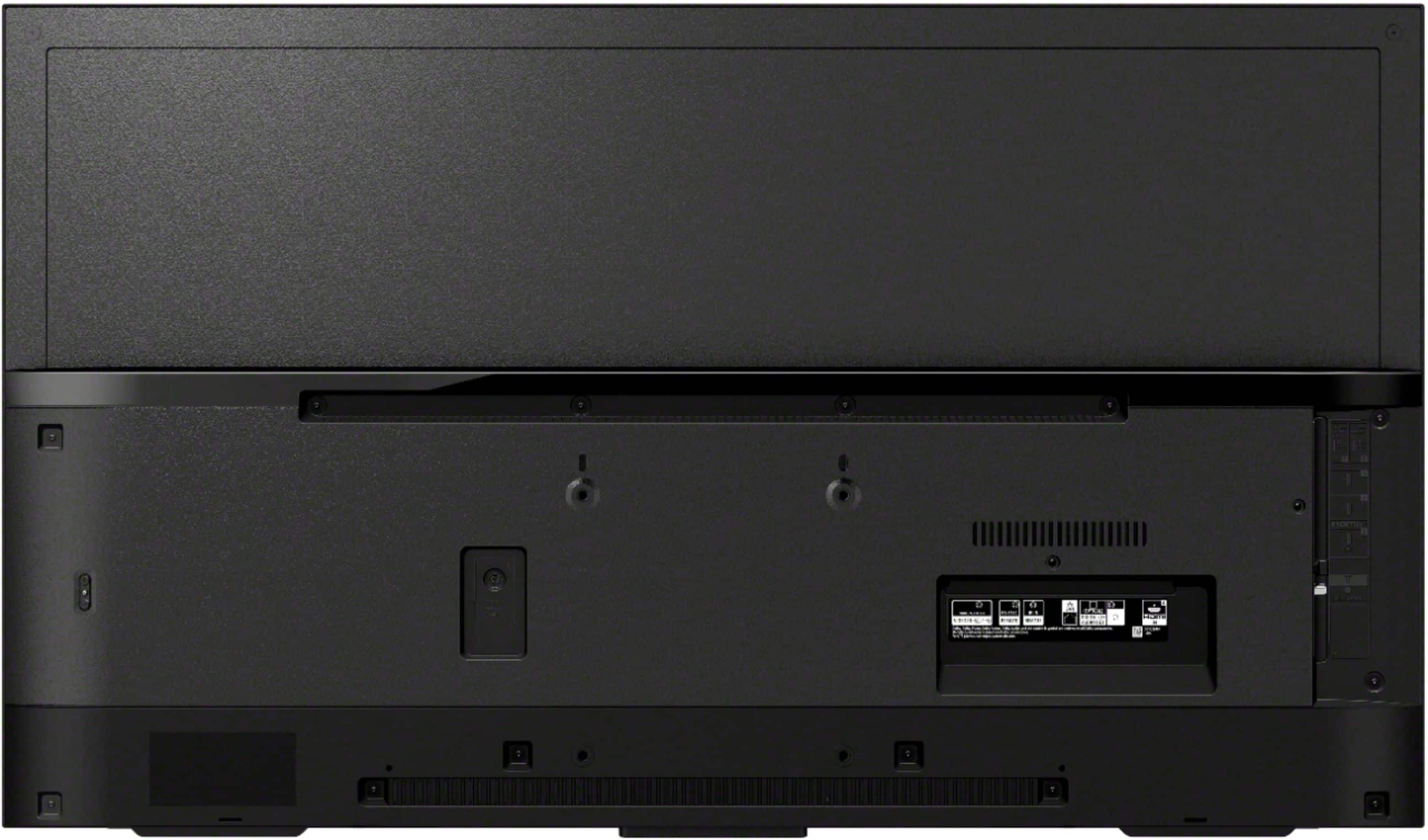
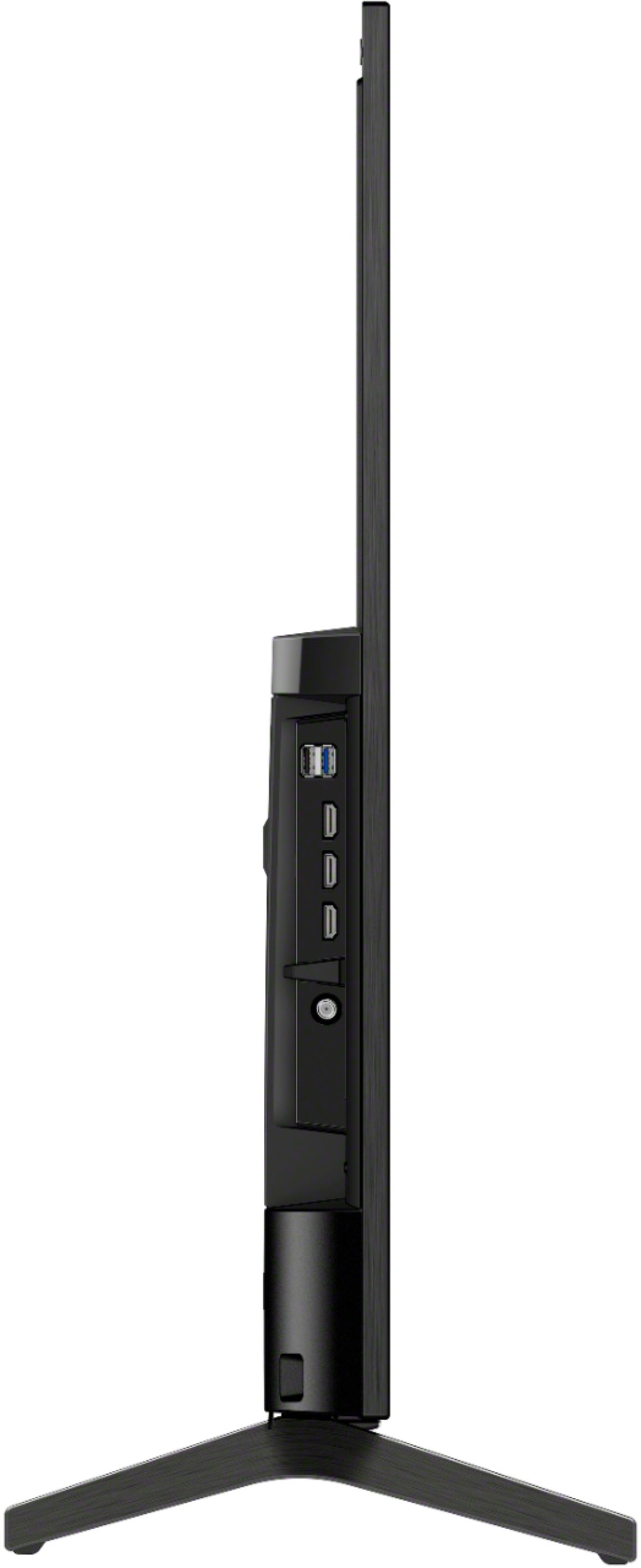
Thank you for the inquiry! The power supply cord is located in the lower right side of the TV. We strongly recommend that a qualified professional install your TV on the wall for product protection and safety reasons. Contact your local retailer or local custom installer to assist with this installation.
Regards,
David
A:AnswerHi FKNJR,
We do apologize for the inconvenience. For us to better assist you, please email us at [email protected] with the following details:
Name:
Best Buy Username:
Model Number:
Issue:
Telephone Number:
Hope to hear from you
Regards,
David
A:AnswerHi Maggie,
Thank you for your interest! You may find this article helpful regarding the dimensions of the XBR43X800H.
https://www.sony.com/electronics/support/televisions-projectors-lcd-tvs-android-/xbr-43x800h/articles/00241633
Hope this helps!
David
A:AnswerHi juan,
Thank you for the inquiry! The XBR43X800H doesn't support A2DP profile. We recommend our X900H and higher models for A2DP compatibility for wireless speakers or headphones. If you would like to learn more about our Sony products, or any of the other TV in our lineup, please visit:
https://www.sony.com/tz/electronics/tv/t/televisions
Regards,
David
A:AnswerHi Doug,
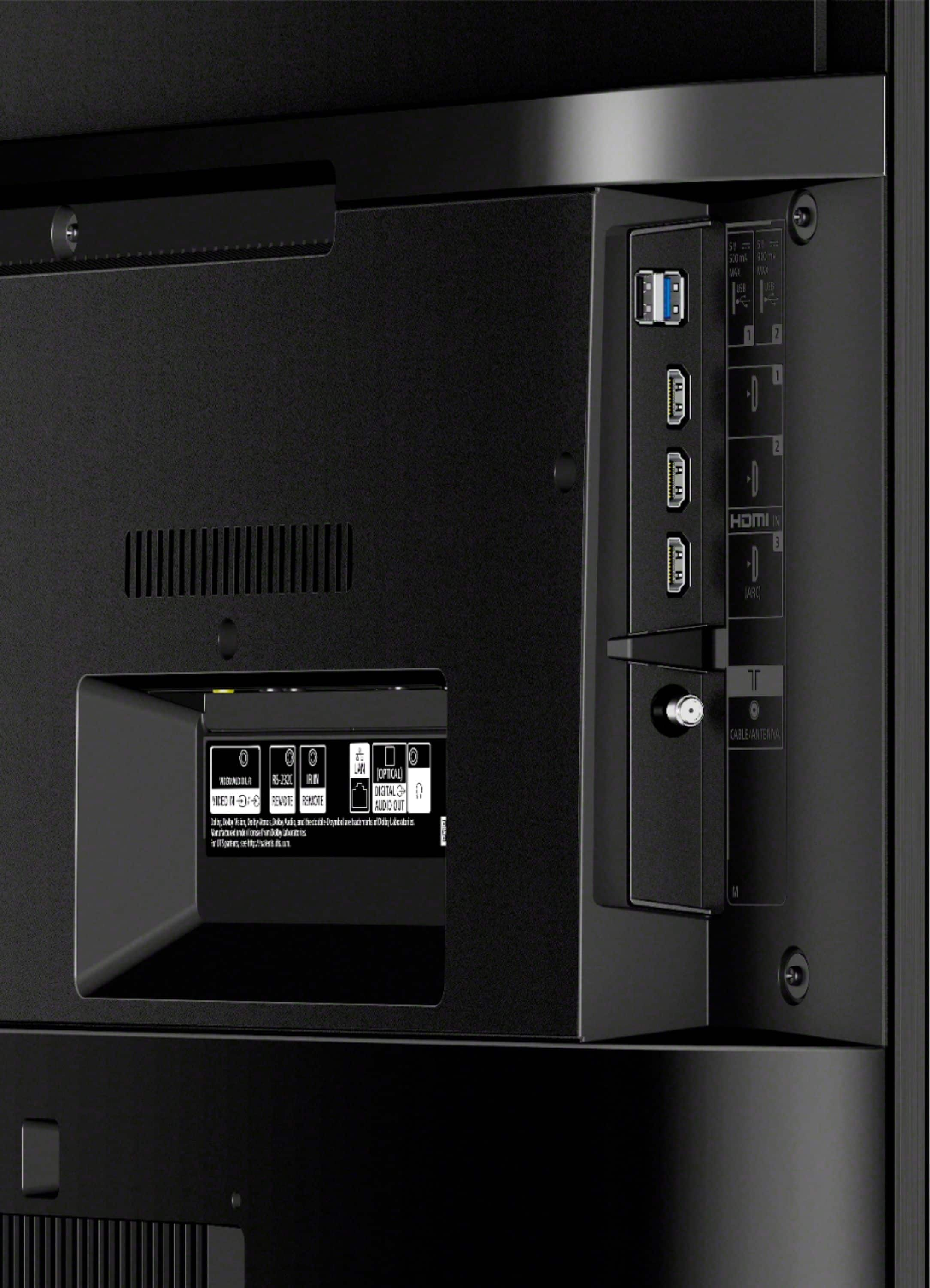
Yes, connect your AV receiver to the television on the HDMI ARC port using high speed HDMI cable.
https://www.sony.com/electronics/support/televisions-projectors-lcd-tvs-android-/xbr-43x800h/articles/00012943
Regards,
David
A:AnswerHi Ed,
Yes, the XBR43X800H is perfect for both gaming and normal use. The television supports game mode: take your PlayStation experience to the next level with a Sony 4K gaming TV featuring dedicated Game Mode for a smoother, more responsive gaming experience.
Regards,
David
A:AnswerHi Abe,
Thank you for your question. If you want to have the tv shut off after a certain time frame, the X800H has a timer feature to automatically shut the TV off at a certain time.
Can we ask more specifically what are you trying to achieve with the 43x800H? If you can explain in a little more detail that would be appreciated so we can best answer your question.
Please email us at [email protected] with the following details:
Name:
BestBuy Username:
Model Number:
Issue:
Telephone Number:
We are looking forward to your message!
Best regards,
Romeo
Sony Social Support
A:AnswerI went to the site and saw this: Advanced auto volume -Keeps the volume level constant for all programs and inputs. We may have to swing by BestBuy and hopefully they'll have this model on the floor so we can be sure the 43 inch screen has this option (other manufacturers also have this feature - BUT only on the largest models, 80 inch plus, for home theaters). Thanks for the answer!
A:AnswerHello oldplumber,
Thank you for reaching out to us! Are you using a Cable/Satellite set-top box for TV channels? If yes, please follow the steps below and see if it resolves the problem.
Set up the Cable/Satellite box setup feature:
- On the remote control, press the HOME button.
- Select Settings.
- Select Watching TV → External Inputs → Cable/Satellite box setup → Cable/Satellite box control setup.
- Follow the on-screen instructions.
Hope this helps!
David
A:AnswerHi sshom,
Thank you for your interest! Yes, for the cable box it is plug and play. Simply connect your cable box using HDMI cable to the TV then select the proper input and you're good to go. For android initial set up. Check the link below.
https://www.sony.com/electronics/support/televisions-projectors-lcd-tvs-android-/xbr-43x800h/articles/00122502
Regards,
David
A:AnswerHi MJ,
Thank you for reaching out to us! Android has been the name of the operating system from Google since 2015 and new updated versions since. We are on Android version 9.0 with 2020 models. For 2021 models the Android name will change to Google TV instead of Android. Your Spectrum cable box is primarily used for watching television channels.
Hope this helps!
David