A:AnswerHi kitkat,
Unfortunately, the remote control of the television doesn't support a sleep function. However, there is a timer function in the home menu. Hope this helps.
Regards,
David
A:AnswerHi Beady,
Unfortunately, the X800H is not compatible with 3D glasses in the same way with 3D movies. If you're looking for a television that supports 3D glasses, this link has a chart provides compatibility information on passive and active 3D glasses for Android TV.
https://www.sony.com/electronics/support/televisions-projectors-lcd-tvs-android-/xbr-43x800h/articles/00172382
Hope this helps!
David
A:AnswerHi Ed,
We do apologize for the inconvenience. Press the Input button of the TV’s remote to change to the input that is connected to the computer. NOTES: Most TV remotes have an Input button that cycles from one input to the next. Press the Input button repeatedly until the correct HDMI input is displayed on the TV. Make sure to check which input on the TV you are connecting to.
If you are connecting the TV to a computer to use it as a monitor, we have a separate article about general information about connecting a TV to a computer for use as a monitor.
https://www.sony.com/electronics/support/televisions-projectors-lcd-tvs-android-/xbr-43x800h/articles/00032283
More details: https://www.sony.com/electronics/support/televisions-projectors-lcd-tvs-android-/xbr-43x800h/articles/00013185
Hope this helps!
David
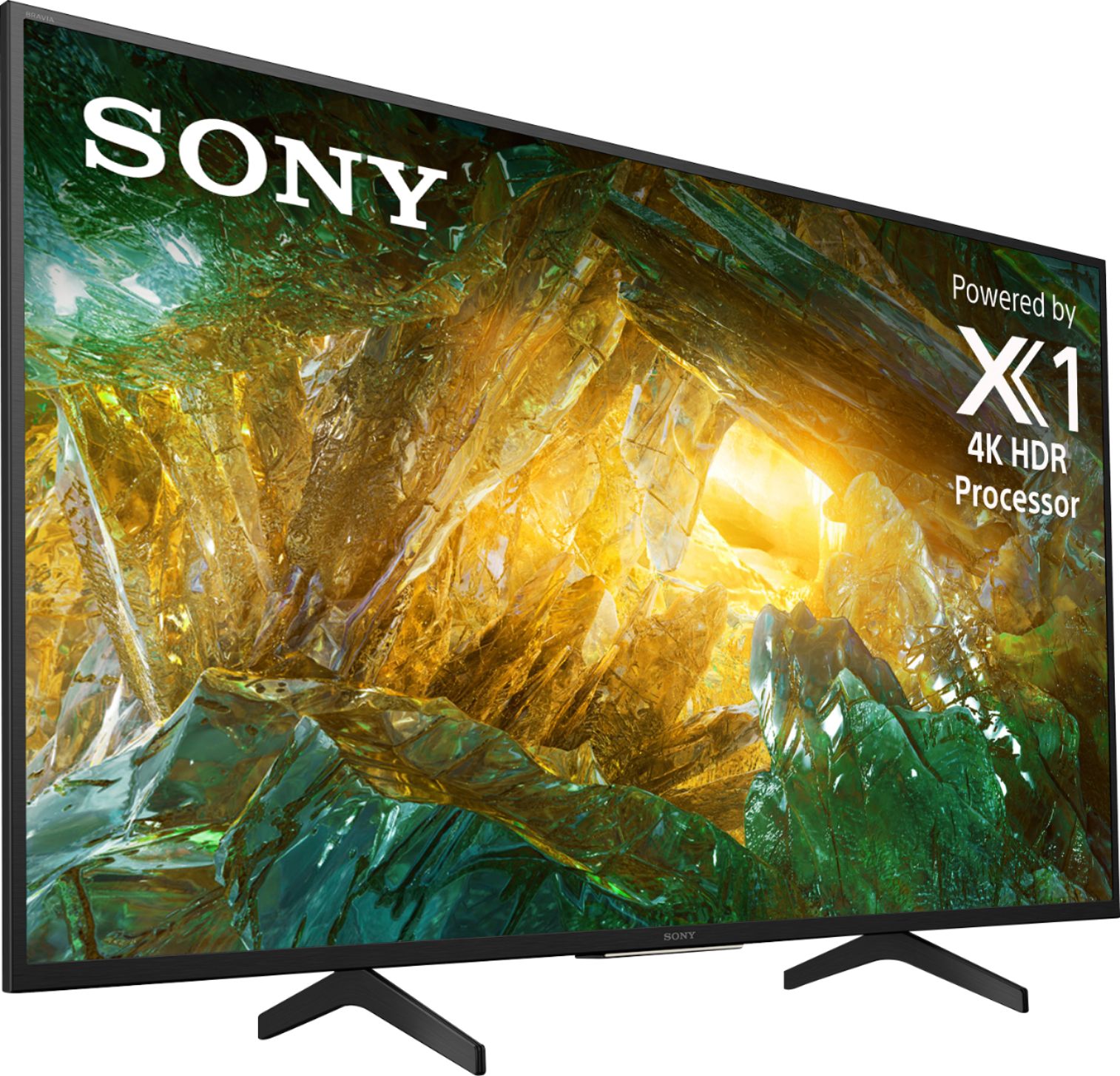
A:AnswerHi Jobie, thank you for your question. The dimensions of this unit with the stand are 38 1/4 inches for the width, 24 7/8 inches for the height, and 11 3/8 inches for the depth. Hope this helps. ~Earl
A:AnswerHi Sally,
Thanks for your inquiry. It will depend on the specification of the hearing aids. You can connect devices that support the 3.5 mm headphone jack connection. If the hearing aids use Bluetooth function, unfortunately, the TV does not natively support Bluetooth audio out (A2DP Bluetooth profile). This feature may work with a compatible external USB Bluetooth Adapter or 3rd party Bluetooth applications that can be downloaded from the Google Play Store. However, full operation is also not guaranteed.
Only specific Sony Android TVs natively support the A2DP Bluetooth profile. All 2021 models will have this feature at launch, 2020 models like the X900H and above also have this feature.
-Ralph
A:AnswerHi carol, thank you for your question. Unfortunately, the X800H doesn't support HDMI 2.1 features. The TVs that will support the HDMI 2.1 features via software update are XBR X900H / 90CH, Z8H also X85J and higher 2021 televisions will also support HDMI 2.1 features. ~Earl
A:AnswerFor mine, I have ATT I just go to my apps and open the TV app, with the tv app open this is where I turn off my tv. When I turn my tv on its on my cable box.
A:AnswerHi Sara,
Unfortunately, the X800H doesn't support HDMI 2.1 features. The TVs that will support the HDMI 2.1 features via software update are XBR X900H / 90CH, Z8H also X85J and higher 2021 televisions will also support HDMI 2.1 features.
Regards,
David
A:AnswerHi sfman40,
The above link will show the customer how to adjust the screen size for certain content to fill the screen.
https://helpguide.sony.net/tv/husltn1/v1/en-003/07-08.html
I would recommend to follow the instructions or contact the manufacturer of the DVR on your issues for support.
Best Regards,
David
A:AnswerHi Dan,
Thanks for your inquiry. There is much confusion about the HDMI versions and concerns about compatibility. For this reason, we do not promote the HDMI versions incorporated on many of our products. Instead, we advertise the features of a product that are associated with a particular HDMI version. For X800H, the TV will support up to 18Gbps signal for 4K HDR. For expanded HDMI 2.1 feature support like 4K/120, VRR and ALLM, please check out the X900H.
Regards,
-Ralph
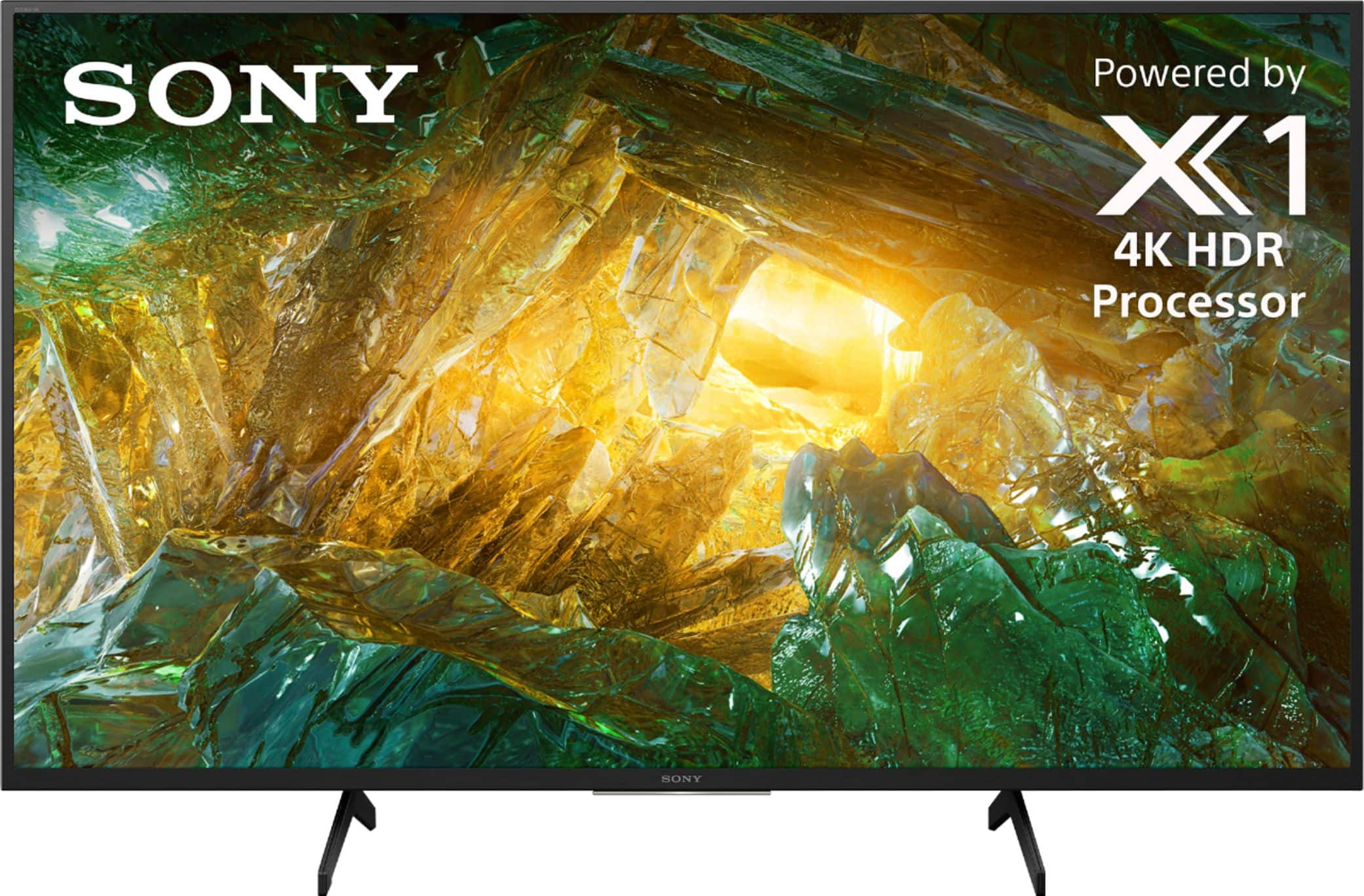
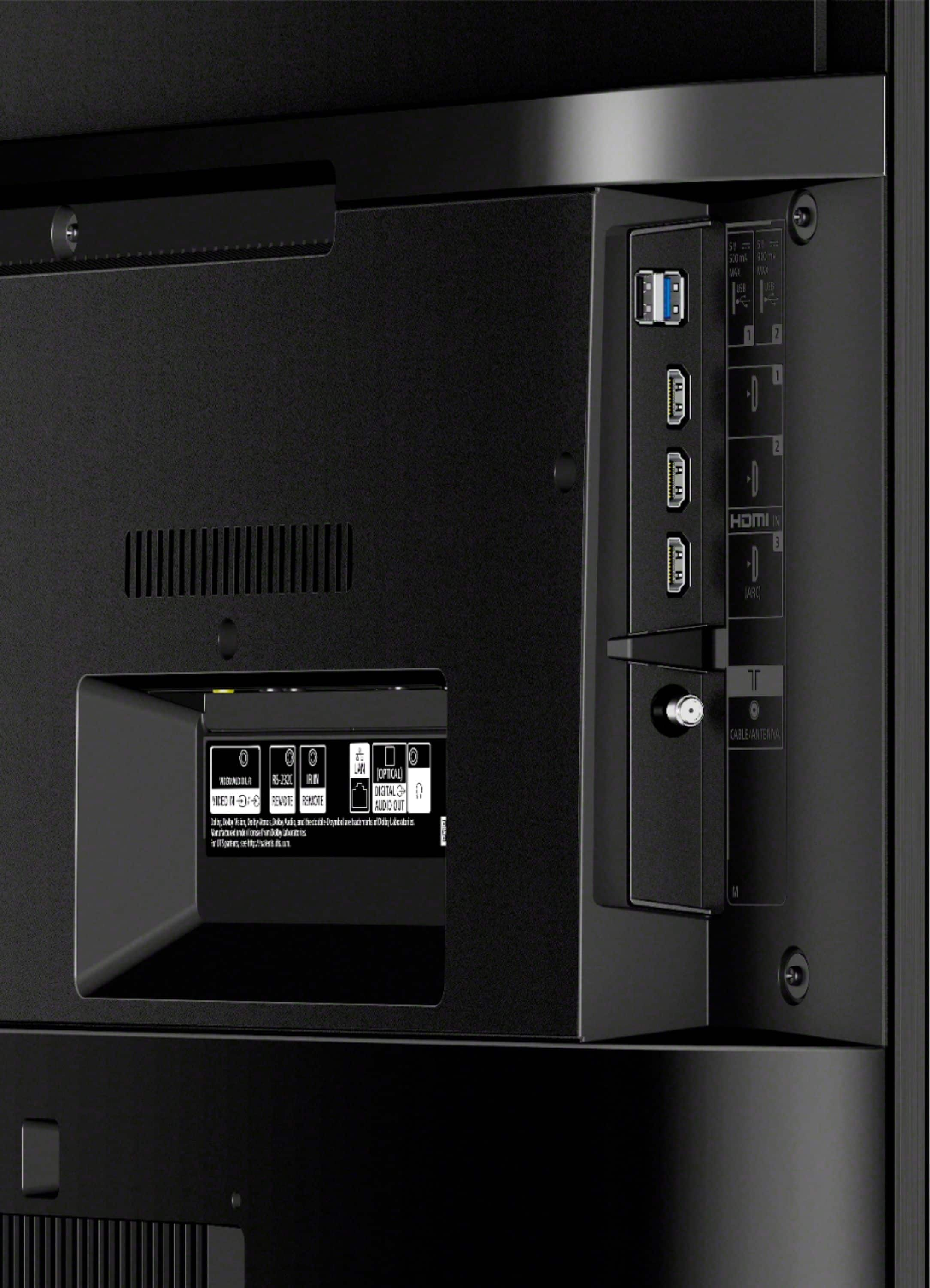
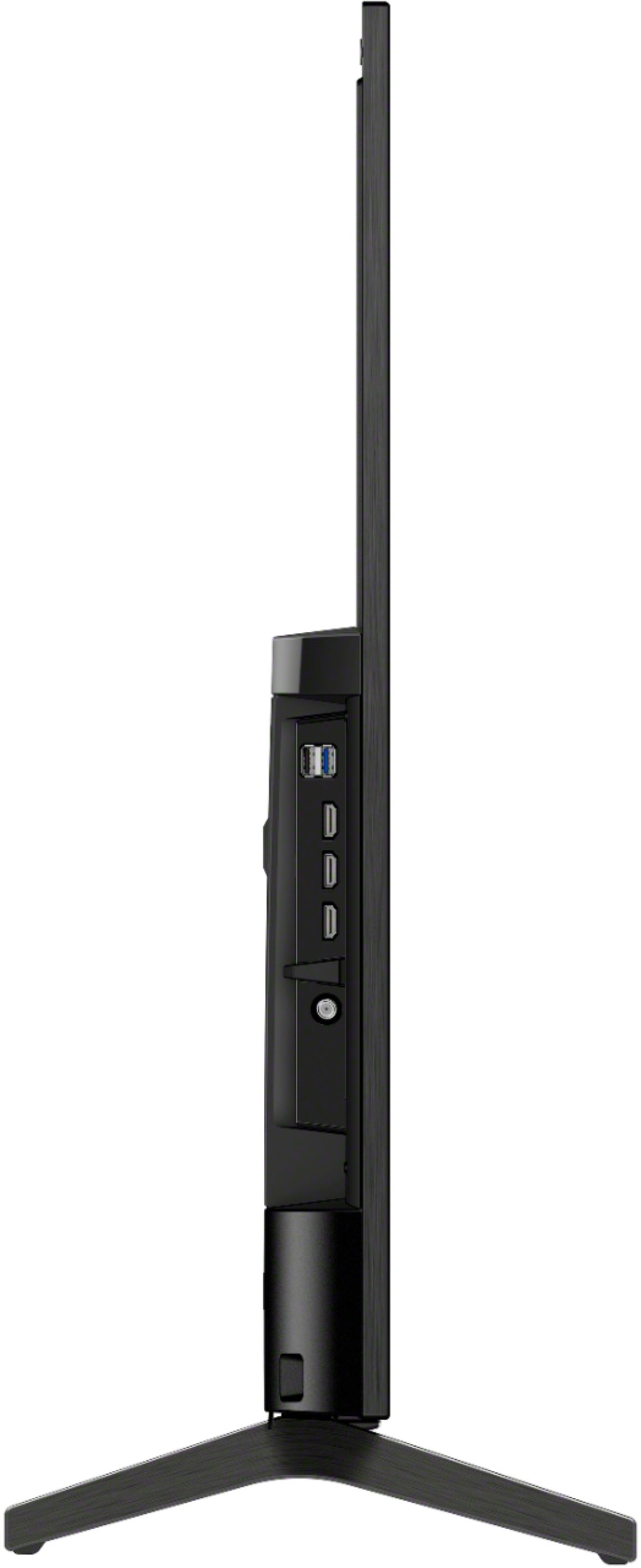
A:AnswerHi sfman40, Thanks for the inquiry. The HDMI cables on the tv are inputs only except for the ARC return channel for audio for HDMI 3. Regards. -David
A:AnswerHi keithr, thank you for your inquiry. To further assist you in getting the power cord, please send us an email with the below information.
Full Name:
Best Buy Username:
Telephone Number:
Sony TV Model Number:
Sincerely,
Erin
A:AnswerHi KimP, Thanks for reaching out. We do apologize for the inconvenience. To use your dish network, you will need to switch the input. Press the INPUT on the remote control repeatedly to select the connected device. Alternatively, press the INPUT or (Input select) button, use the (Left) / (Right) buttons to select a connected device, and then press the (Enter) button. We also recommend checking the the satellite box video settings to make sure it's outputting the correct resolution. Kindly refer to your satellite box owner's manual. Regards, - Earl
A:AnswerHi Charlie,
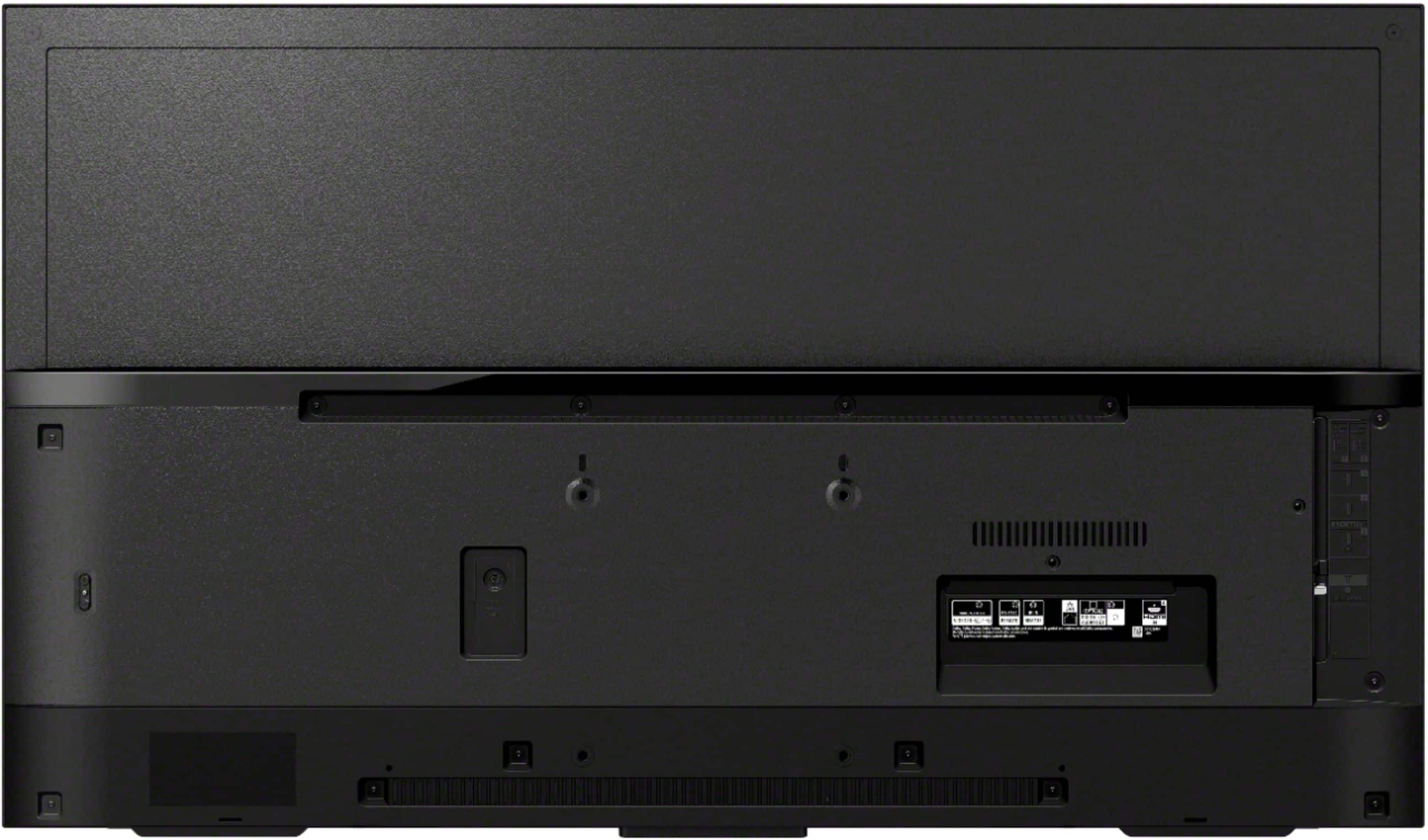
Yes, the television has an RF (Terrestrial/Cable) and HDMI connection input so you can connect any standard cable box directly to the television.
Happy to help,
David
A:AnswerHi vitico100,
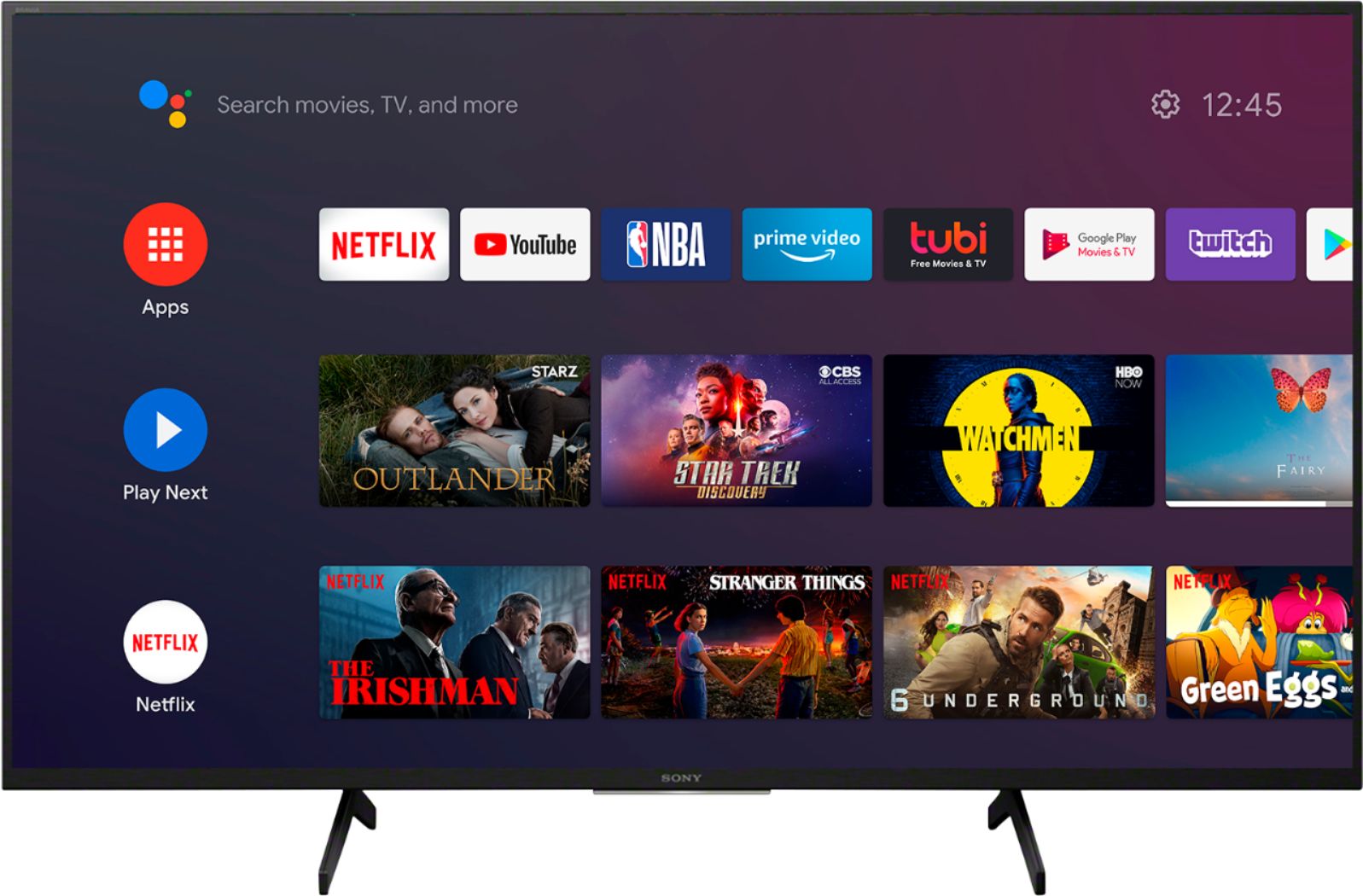
The Android TV does not have a pre-installed web browser app. However, you can download and install third-party apps that function as a web browser through the Google Play store.
NOTE: Web pages may not display correctly and some web functions such as downloading or saving Internet content may not work properly. Also, the web browser is not designed to replace the web browsing functionality of a computer.
Regards,
David