A:AnswerHi DMC06,
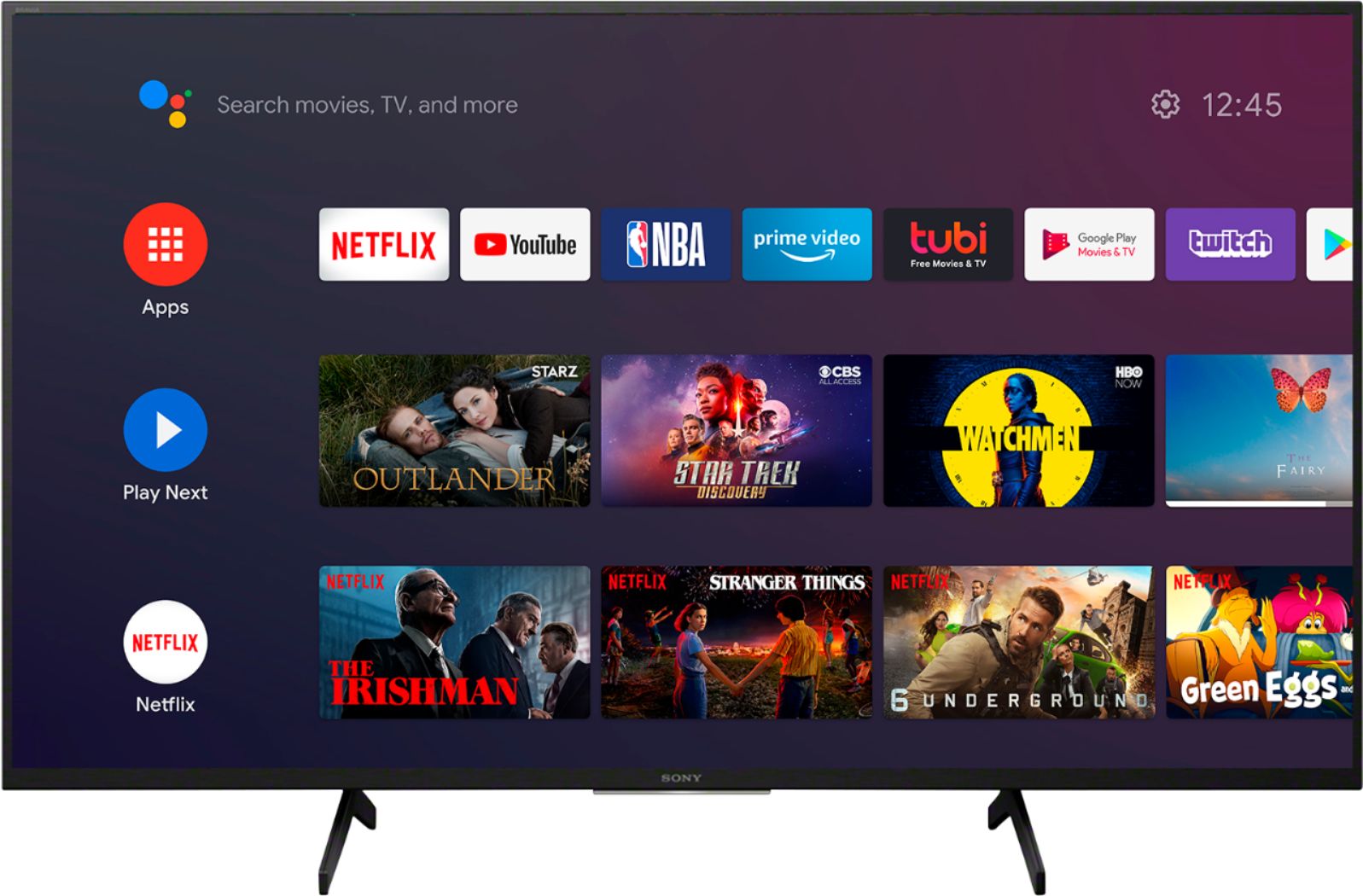
We are sorry to hear what happen with the picture quality of your television. Picture quality depends on the signal and content. Press the HOME button, and select [Settings] — [Display & Sound] — [Picture] to make adjustments. For details, refer to Adjusting the picture quality page.
https://helpguide.sony.net/tv/husltn1/v1/en-003/01-03-09_01.html
If you set [Power saving] to [Low] or [High], the black level will be enhanced. Press the HOME button, then select [Settings] — [Device Preferences] — [Power] — [Power saving] to [Off] to brighten the screen.
Hope this helps!
David
A:AnswerHi George,
Thank you for the interest! Android is an operating system developed by Google. Sony televisions have adapted the same operating system. Android TVs have been included as part of Sony's TV line-up since 2015, and Google TVs were introduced beginning in 2021. This article describes the main functions of 2021 BRAVIA with Google TV and how to use them.
https://www.sony-mea.com/en/electronics/support/articles/00256290
Hope this helps!
David
A:AnswerYou have to ask Sony engineers that! Now, I will try make an assumption as to why they do this. A lot of TV's for residential consumer use are in living or family rooms. Where you typically have a wide seating area. The IPS display offers far better viewing angles than VA. I believe that they also offer better color range. Why a lot of the good monitors are IPS.
I bought a Samsung TV with a VA panel and can tell you that for our purposes, once you move slightly off dead-on center you can see a drop in the color contrast. Blacks are no longer that deep. And often times the 'deep black' offers little to no contrast in whatever is black (i.e., a person wearing a suit looks like they are wearing a giant piece of solid black cloth with no wrinkles or layering). Samsung also hypes up the bright colors in in-store displays. Colors in life are not always that bright! VA is a good panel if you will only sit directly in front of the TV screen.
We have one Sony HD and two Sony UHD TVs (this 43" and a 55"). And I can tell you that the pictures in the two newer UHD TVs are awesome. I can honestly say that if you spend some time adjusting the TV's picture settings (especially their black control) you can get deeper blacks. Keep in mind. Samsung uses the 'deeper black color' marketing gimmick to lure people in. And the truth of the matter is that in general, real life has very few instances of true, ultra-deep black in most situations. Unless a scene is shot in a dark room or evening. Often times you have ambient light bouncing around and the color black is really a bit lighter. Yes, night scenes will typically be darker black, but unless you are into only black-and-white film noir types of programming, Sony IPS displays are great and offer a more realistic picture.
A:AnswerHi Sue,
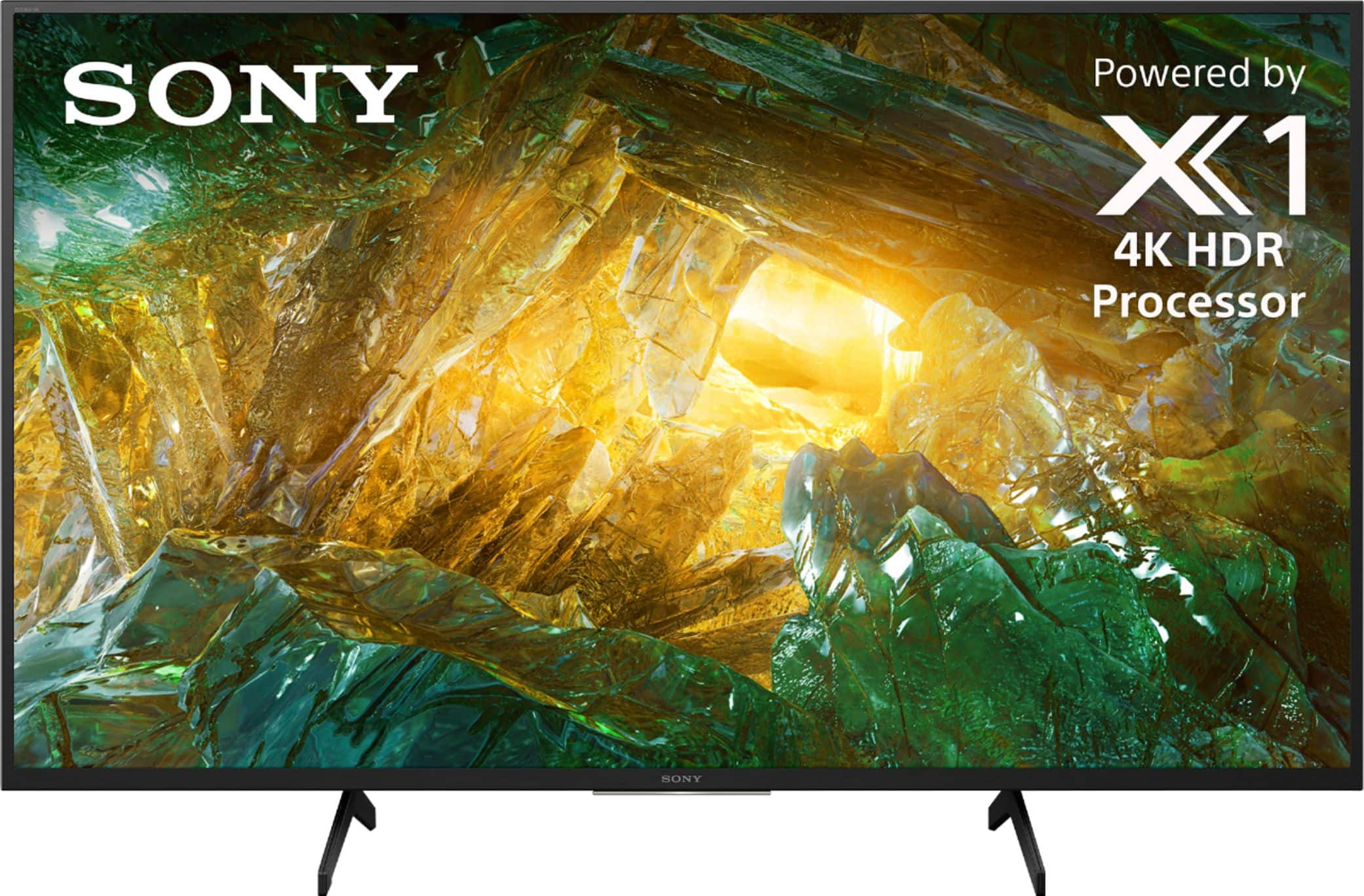
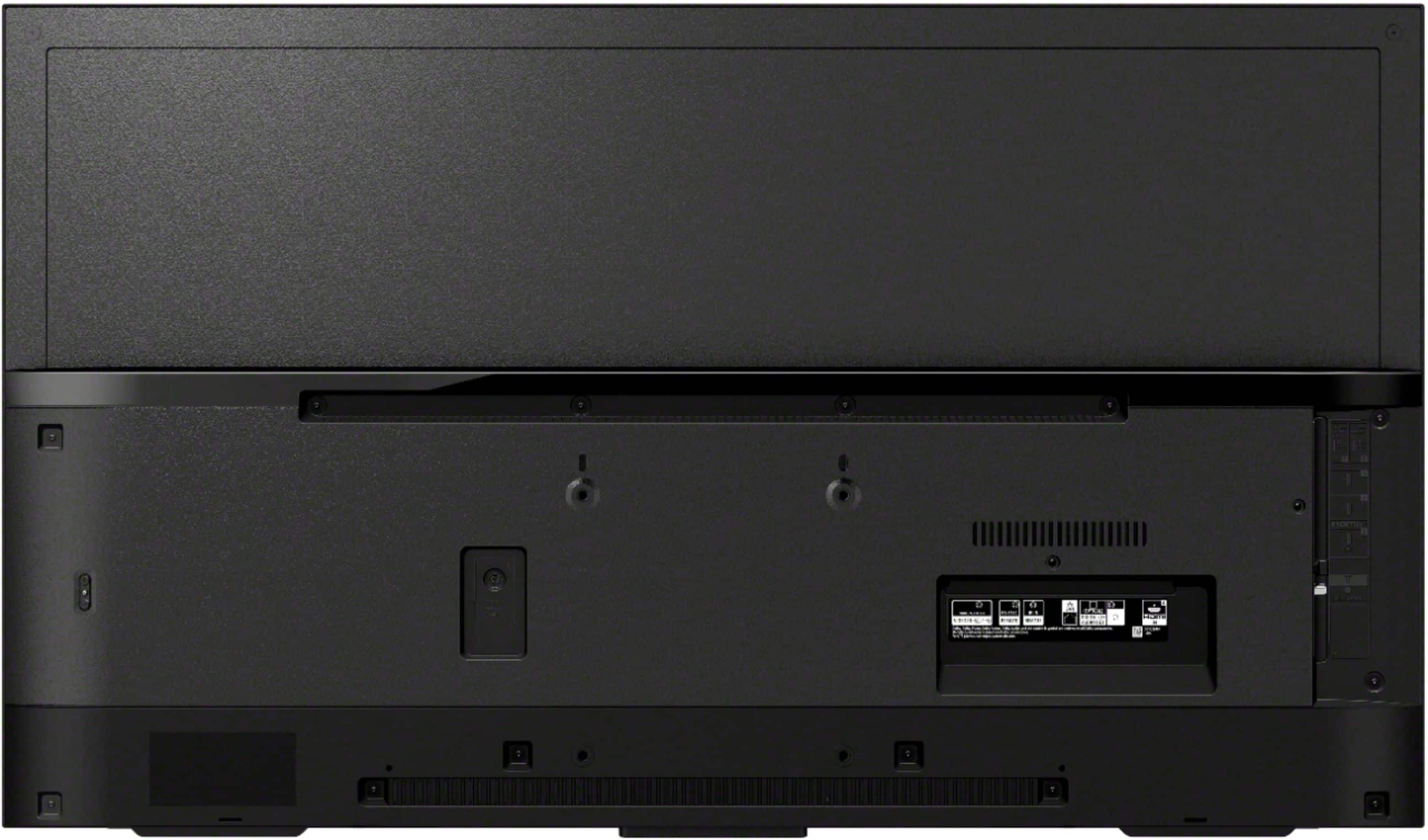
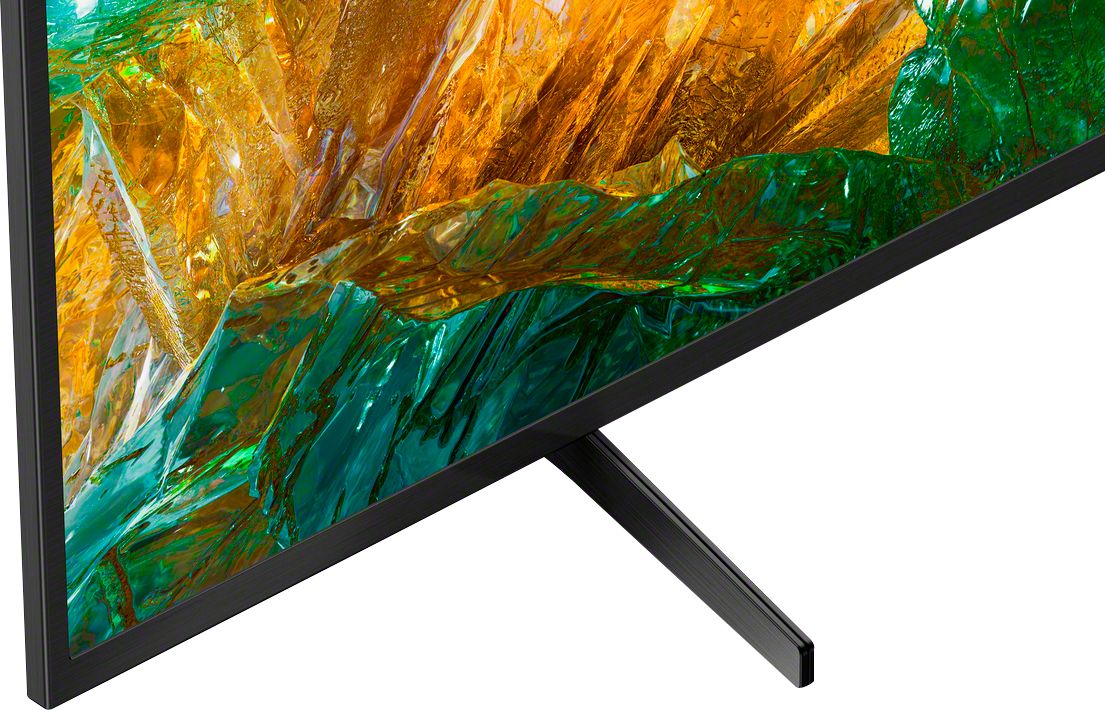
Thank you for reaching out to us! The XBR43X800H can be wall-mounted or put on a table using the stand. The VESA pattern is 4 x 7 7/8" (100 x 200 mm).
NOTE: For safety and product protection, we recommend that a qualified professional perform the installation of your TV on the wall. Contact your local retailer or local custom installer to assist with this installation
Regards,
David
A:AnswerHi Rick,
Thank you for inquiring about the Bluetooth function on the X800H. The TV does not natively support Bluetooth A2DP standard for audio out. This feature may work with a compatible external USB Bluetooth Adapter or 3rd party Bluetooth applications that can be downloaded from the Google Play Store. We recommend our X900H and higher models for A2DP Bluetooth standard compatibility for wireless speakers or headphones.
Hope this helps!
David
A:AnswerHello Zig9558, · Thank you for the interest! The XBR43X800H power requirement is AC 120 V for UL cUL AC 110–240 V for other, For Mexico AC 100–240 V, 50/60 Hz, 1.7 A · DC 19.5 V . Depending on the power requirements of the country, you may need a transformer to make the XBR43X800H work since US models will require its 120 V AC, 60 Hz. Keep in mind that the warranty for service will be in the US. Hope this helps! Thank you, David
A:AnswerHi Michelle,
Thank you for inquiring about the Bluetooth function on the X800H. Unfortunately, the TV does not natively support A2DP Bluetooth audio out so you cannot connect Bluetooth headphones directly to the TV. If you are looking for native support for A2DP Bluetooth audio out, please check out our X900H or X90CH model and up.
Regards,
David
A:AnswerHi Customer,
If you're going to use the TV function, we recommend using the Sony TV remote control. You can connect your cable box directly to the TV and use the direct TV remote control. Check the link below for more details regarding your concern.
https://www.sony.com/electronics/support/televisions-projectors-lcd-tvs-android-/xbr-43x800h/articles/00231346
Regards,
David
A:AnswerHi CVMM,
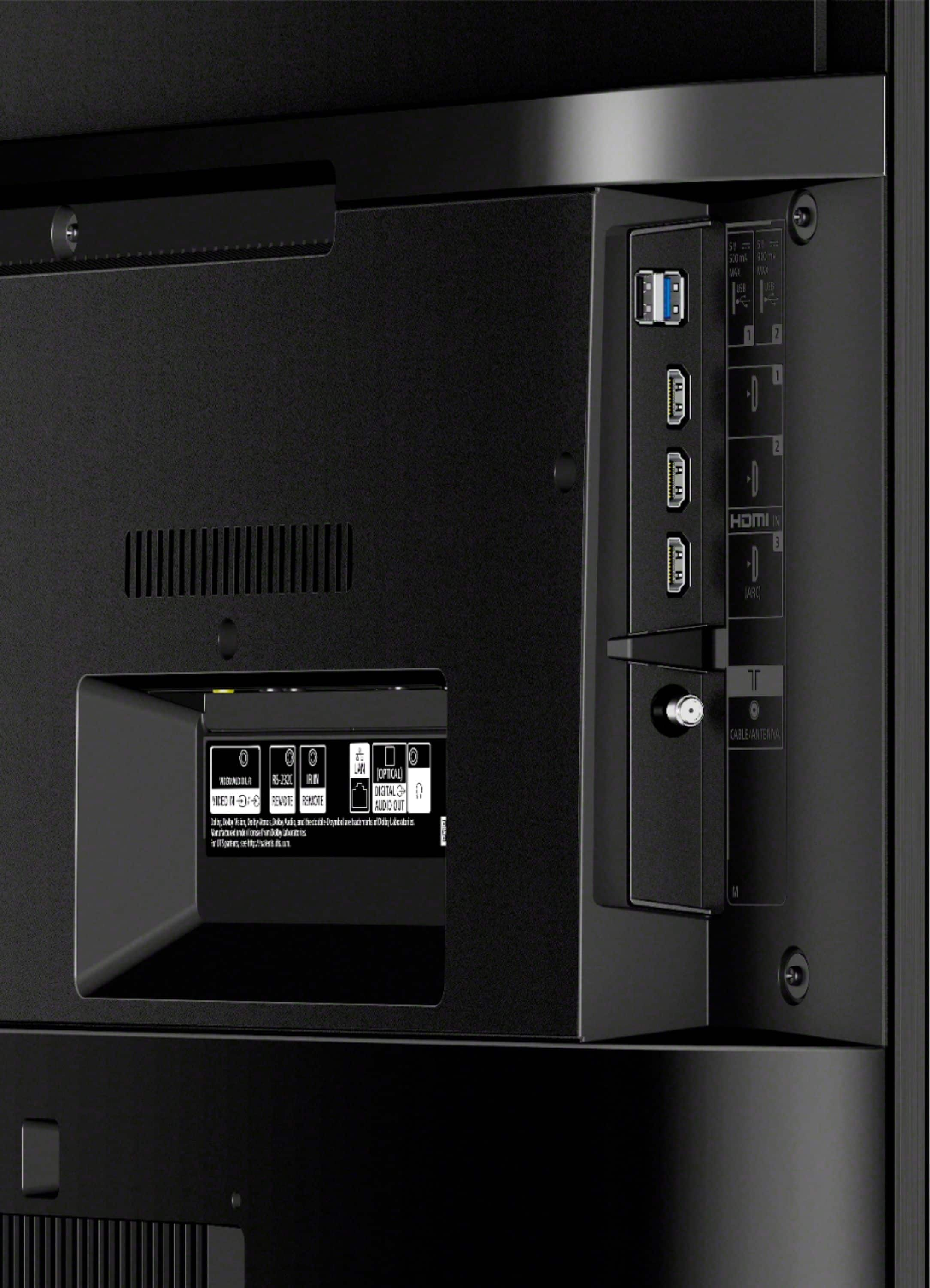
Yes, you can connect your Amazon Fire Stick to the HDMI port of the television.
NOTE: Also the amazon tv app is also installed in the home menu under the apps of this television.
Hope this helps!
David
A:AnswerHi NT369,
1. Yes, you can connect external speakers to this television. (Soundbar, Home Theater System, AV receiver)
2. Yes, you can connect this television to the internet using wireless (Wi-Fi) or wired (LAN) connection.
3. Absolutely! You can use your Netflix or Amazon account on the TV app itself.
4. We strongly recommend that a qualified professional install your TV on the wall for product protection and safety reasons. Contact your local retailer or local custom installer to assist with this installation.
Happy to help,
David
A:AnswerHello HJP,
If you're going to use a universal mount, make sure that it's VESA compliant. The VESA pattern for this television is 4 x 7 7/8" (100 x 200 mm). For safety and product protection, we recommend that a qualified professional perform the installation of your TV on the wall. More details on the link below.
https://www.sony.com/electronics/support/televisions-projectors-lcd-tvs-android-/xbr-43x800h/articles/00124300
Regards,
David