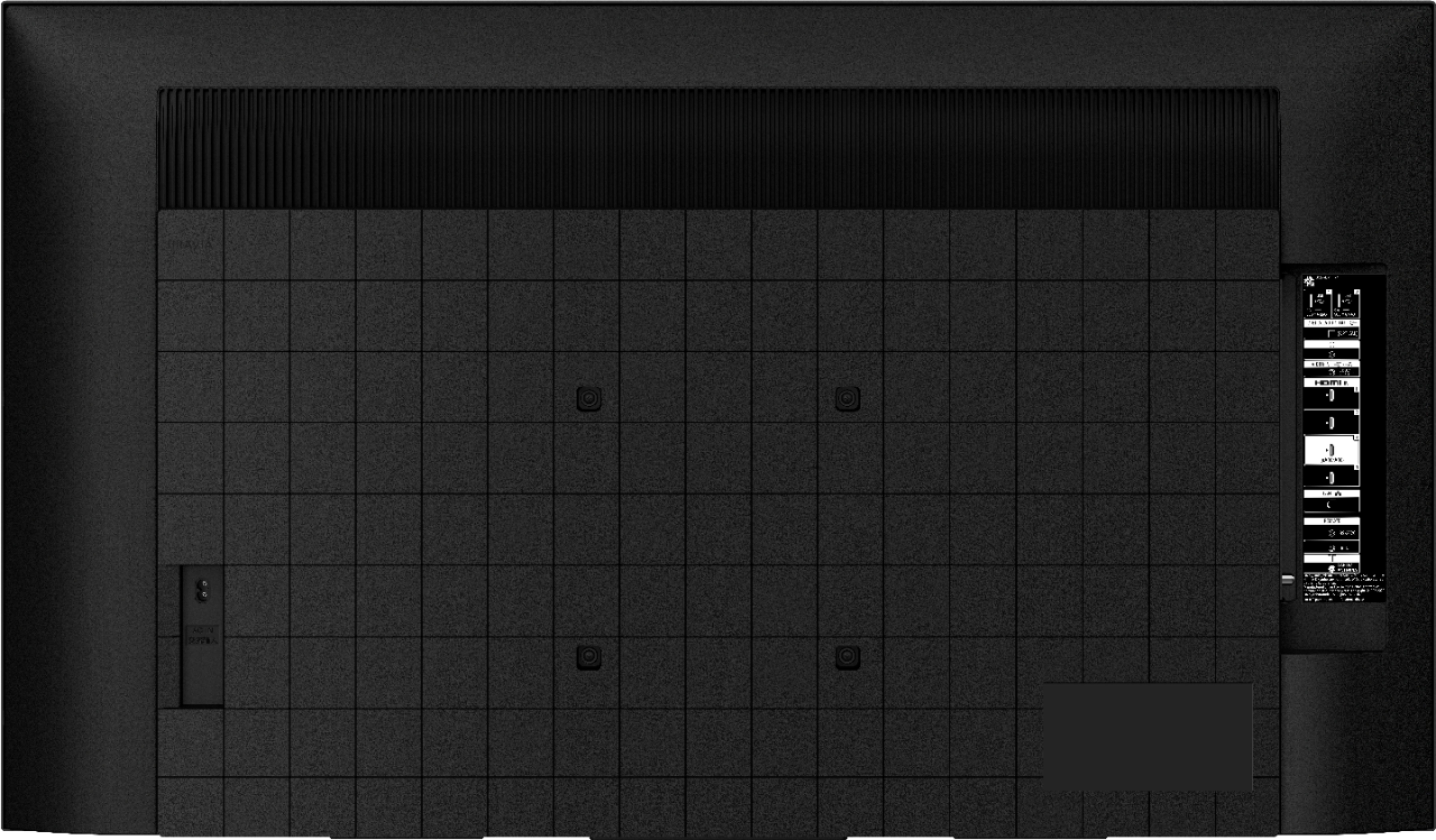
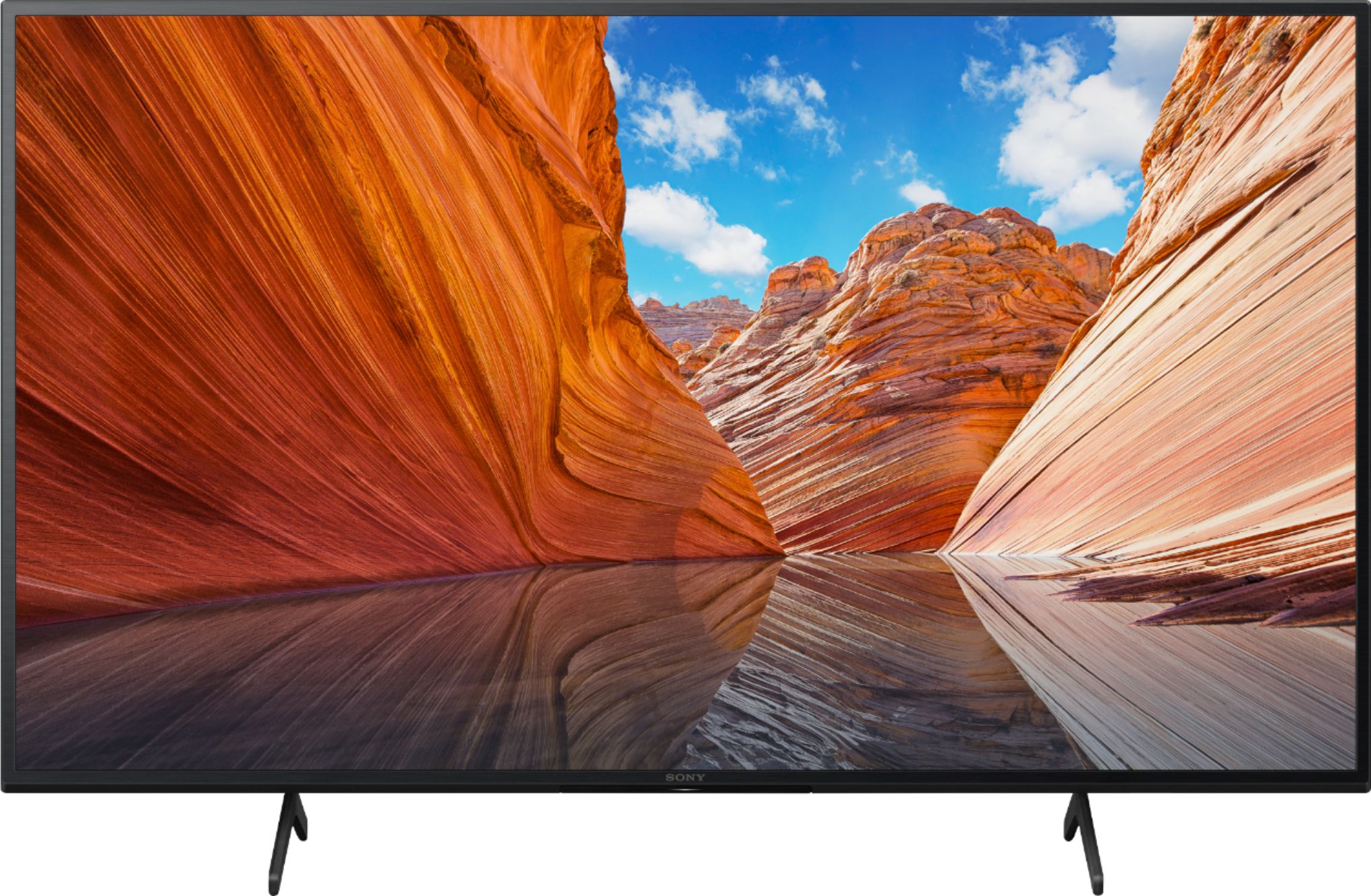
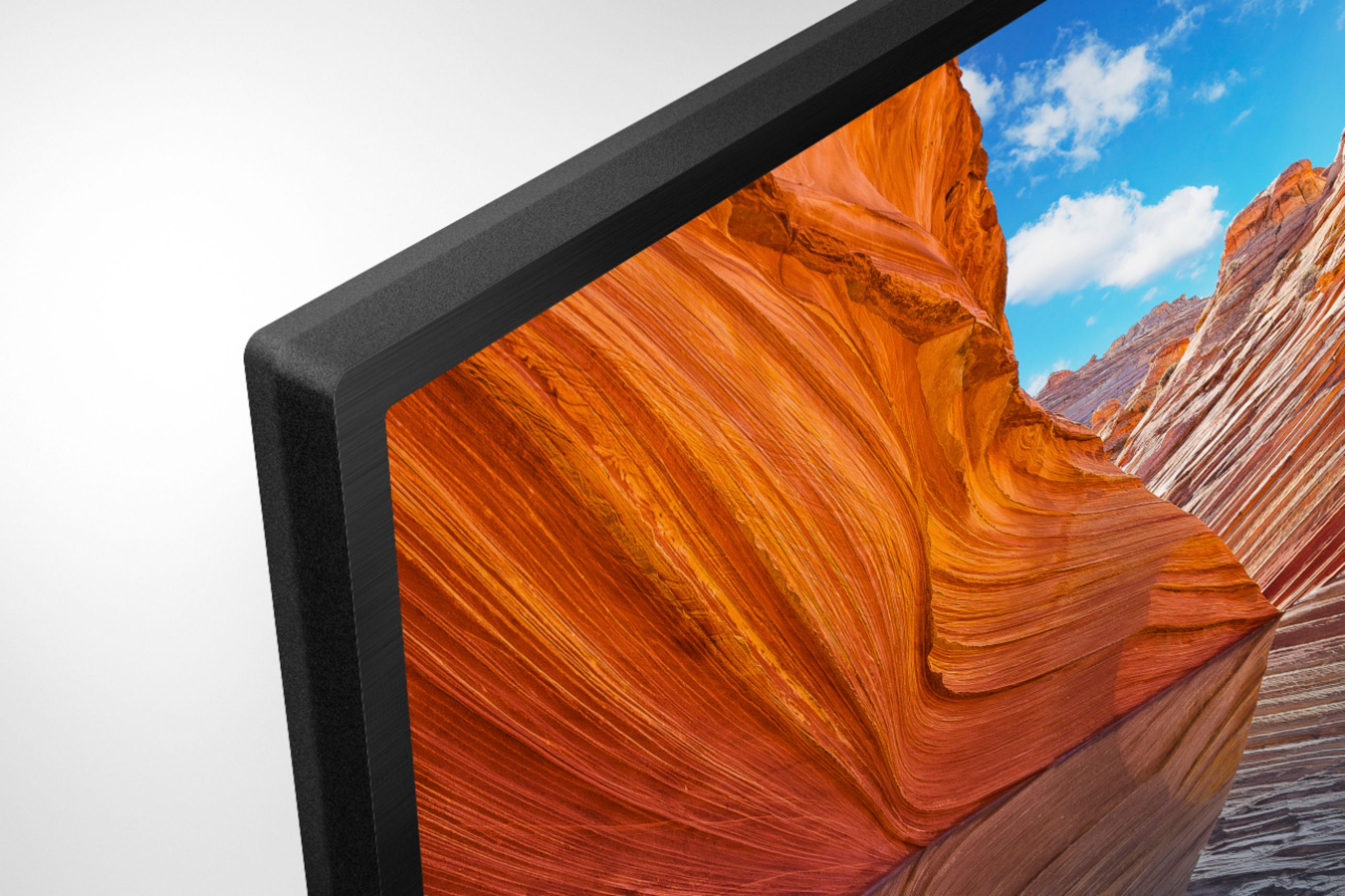
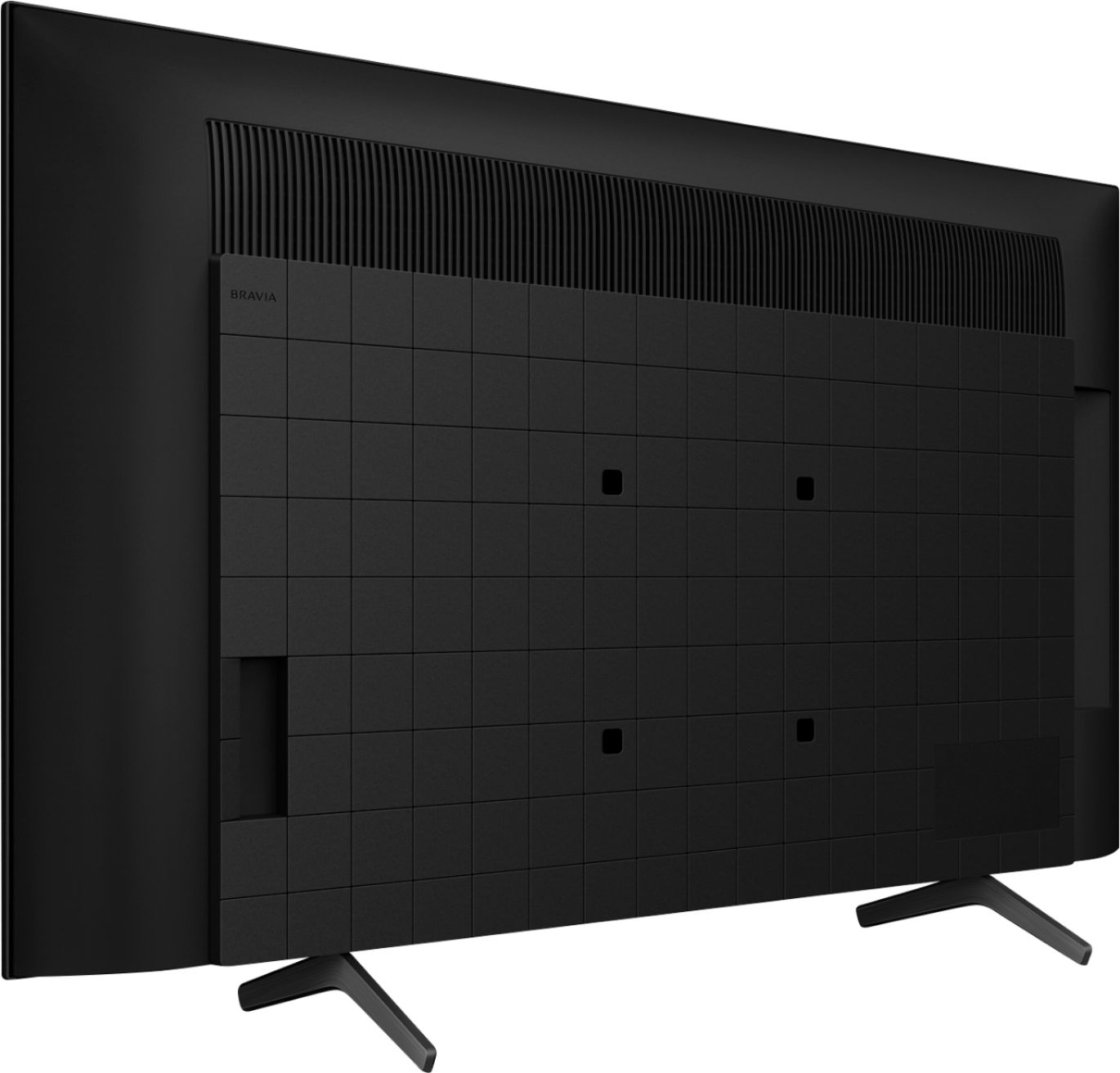
A:AnswerHi Mark, Thank you for your inquiry! These TVs should work with any VESA Complaint wall mount bracket with a screw hole pattern 200 mm x 200 mm (200 mm = 7.87 inches). For product protection and safety reasons, Sony strongly recommends that the installation of your TV on a wall be performed by qualified professionals. Wall mounts come in many shapes and sizes. The various shapes and sizes are meant to try and meet the performance needs, space or wall requirements, desired styles and safety. Please open this link below for more detailed wall mount specifications and Sony recommended wall mounts: https://www.sony.com/electronics/support/televisions-projectors-lcd-tvs-android-/kd-43x80j/articles/00124300
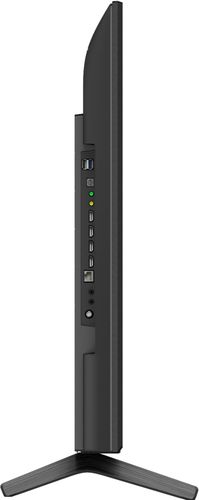
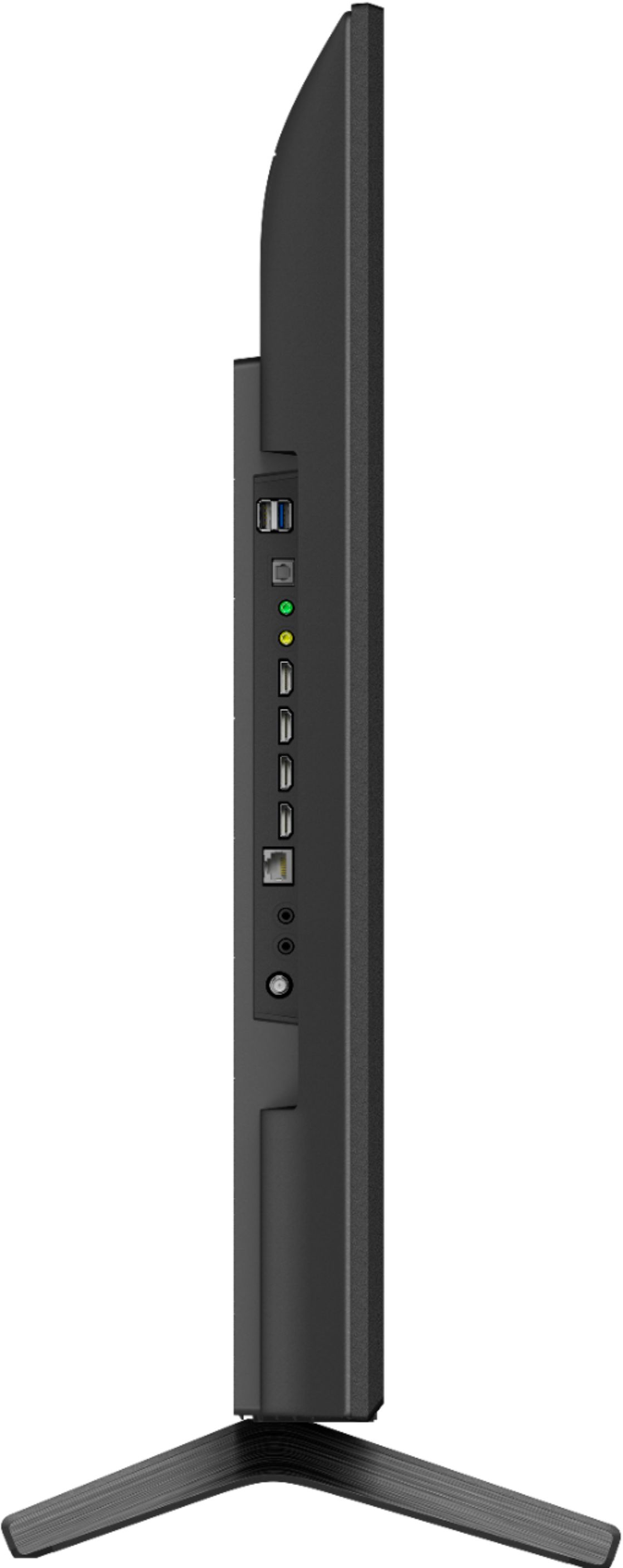
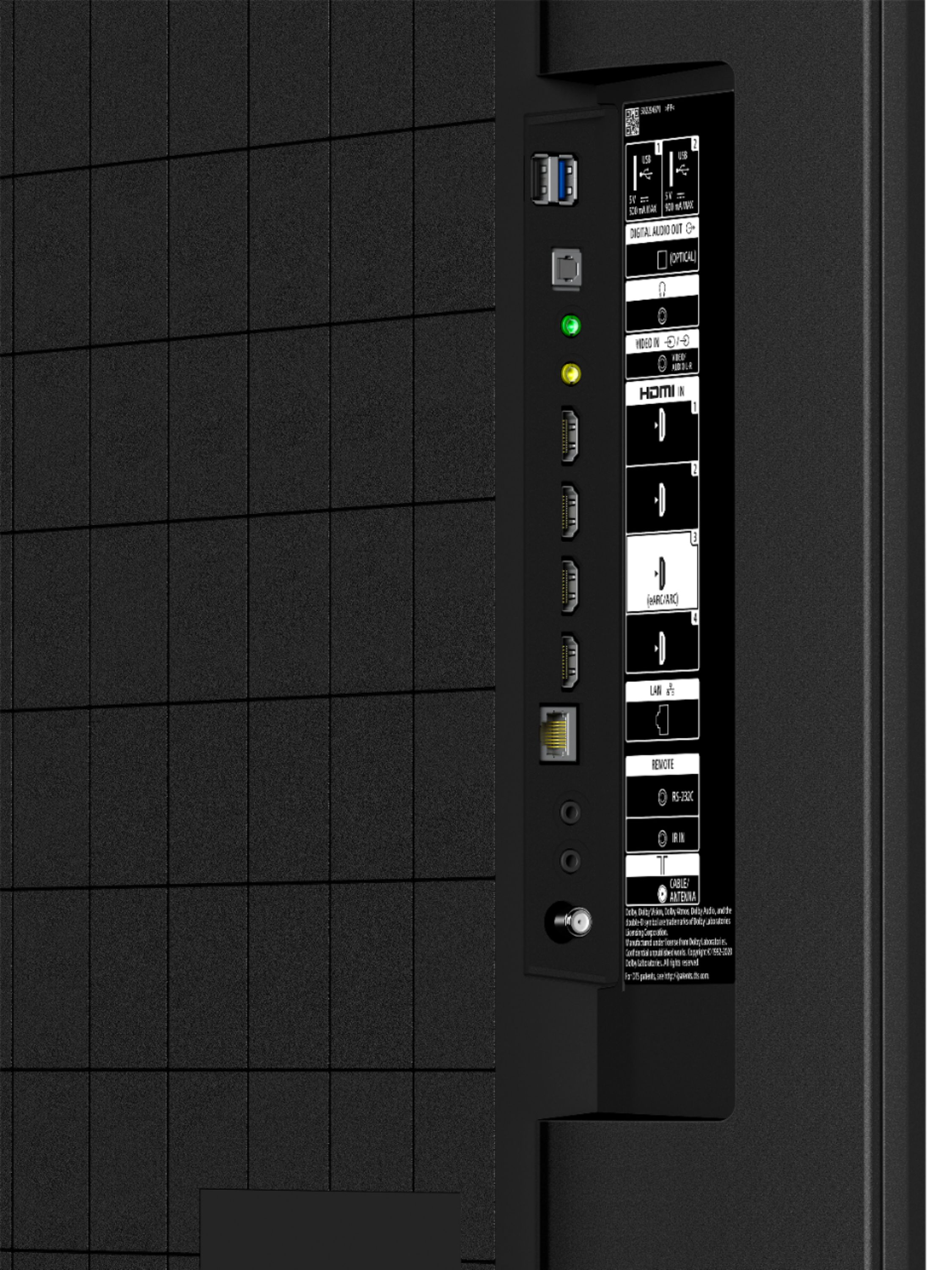
You can use the TV even if it is not connected to the internet. You can connect devices to the TV through the HDMI port such as DVD players, cable box, consoles and other streaming devices that support HDMI connection.
Regards,
Carl
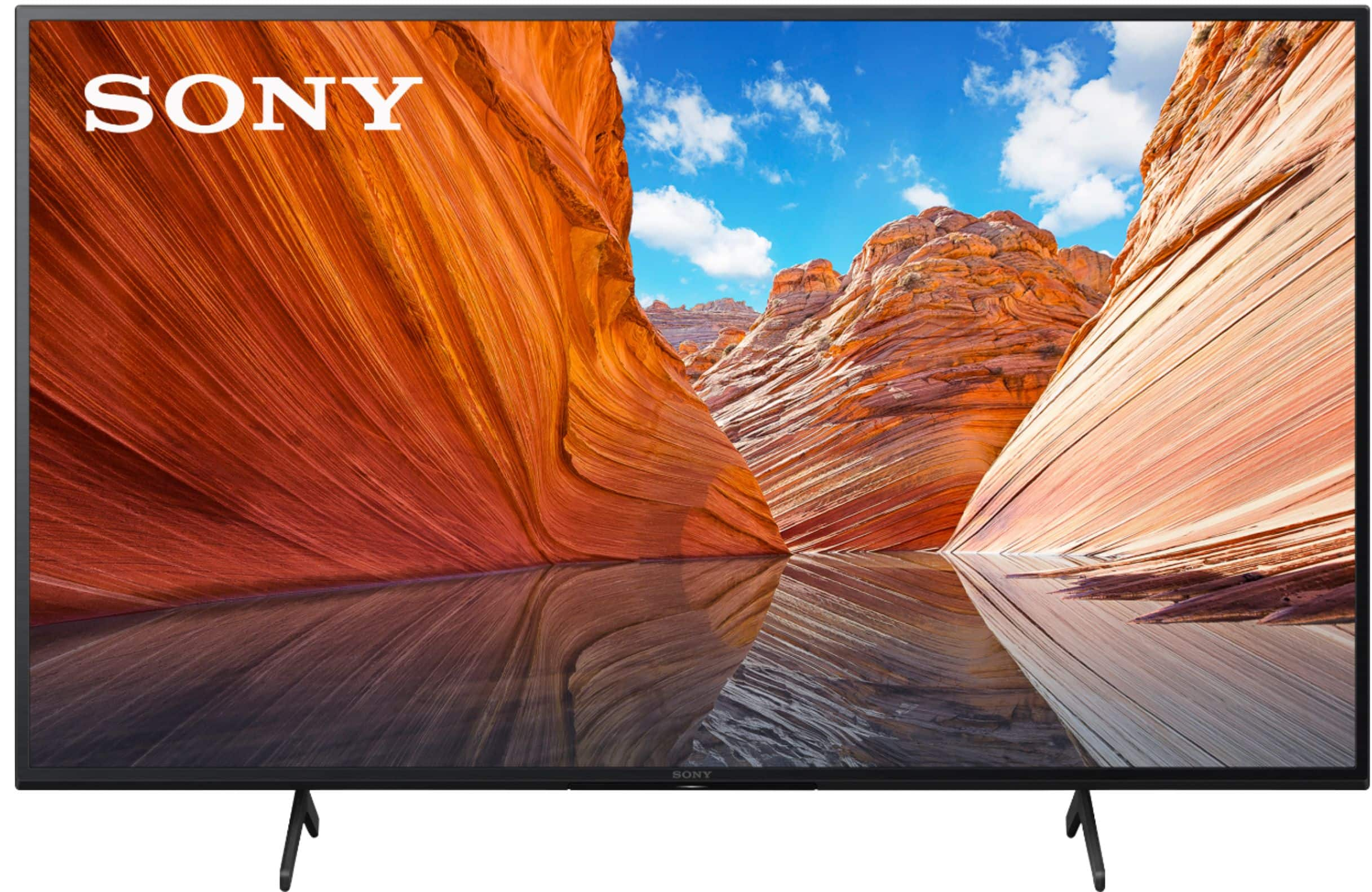
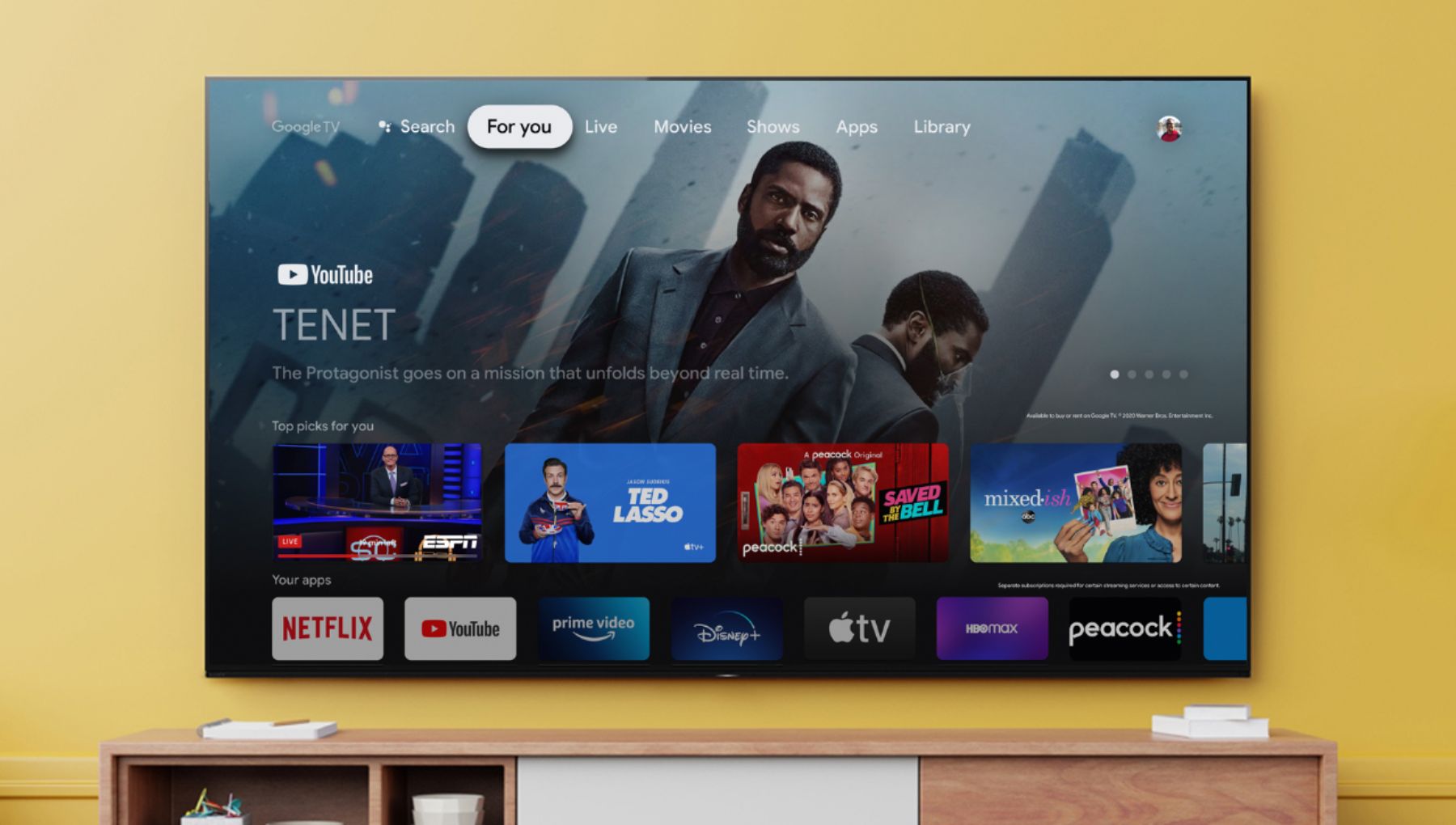
A:AnswerHello, we appreciate your interest in our product. Our newest models like the X80J, the X90J, A80J, A90J, X85J, and X91J are all running the new Google TV platform. Thank you. ~Earl

A:AnswerYes it does.
Features specified in HDMI2.1
eARC
For a full list of specifications check out https://electronics.sony.com/tv-video/televisions/google-tv/p/kd43x80j
A:AnswerHi AntB77, Thank you for the inquiry. The X80J and other 2021 models support the A2DP (Advanced Audio Distribution Profile) Bluetooth profile. With this A2DP Bluetooth Profile, you can pair some wireless headphones, speakers, or soundbars to the TV through a Bluetooth connection, however, the devices must be compatible and we can only listen to one paired device at a time. I hope this helps! Jay
A:AnswerHi Jaye, Yes, you can press the power button on the TV. It is located in the center below the Remote Control sensor / Light sensor / LED of the TV. Refer to the link below on page 6/40.
https://www.sony.com/electronics/support/res/manuals/5025/d995fadd42cf14f7c39cb3740a5373ae/50250481M.pdf
I hope this helps! Jay
A:AnswerHi Skeetor, Thank you for the inquiry. Yes, you can connect the DirecTV box to any of the HDMI Inputs(HDMI ports 1/2/3/4) of the KD43X80J. Please check the connection guide for your reference: https://www.sony.com/electronics/support/articles/00231150
I hope this helps. Jay
A:AnswerHi DPH,
Thanks for your inquiry. The KD-43X80J is already powered by Google TV(preinstalled). Just make sure to sign in to your Google account on the TV to enjoy the full performance of the KD-43X80J.
Some applications like YouTube have free online streaming. Others may require subscriptions. Make sure to connect the TV to your home network (Wi-Fi or LAN cable) when using Internet or streaming apps.
Additionally, you can also enjoy your cable service either via cable box (HDMI) or the RF (TERRESTRIAL/CABLE) connection.
Regards,
-Ralph
A:AnswerHi Arnie, thank you for your question. Most of the cable box services will work on this TV, Our newest X80J has a good specification especially connection like HDMI which most cable box unit requires/prefers. It's also internet-ready for streaming services. You may coordinate with your respective service provider for more information. Some services may vary depending on your location/area selected. ~Earl

A:AnswerHi sonyalphaA1, thank you for your question. When it comes to apps, SONY 2020 and 2021 Google/android TV models are the same. They have both built-in Google Playstore where you can download/install your desired apps. The availability of Android TV apps is different depending on the country or region where the TV is being used. ~Earl

A:AnswerHi, thank you for inquiring about the X80J Series 4K UHD Smart Google TV. It has a timer that turns on the TV to the desired channel or input at a preset time. Hope this helps. Regards, Erin
A:AnswerHi ERSGT, thank you for inquiring about the X80J Series 4K UHD Smart Google TV. The power brick has been dropped from all 2021 models and screen sizes. Hope this helps. Regards, Erin
A:AnswerHi Crtoslon, thank you for your inquiry. Yes. Our X80J supports Apple Airplay/HomeKit. With Apple AirPlay, you can stream video and audio to your television right from your iPhone, iPad, or Mac. Watch movies and shows from Apple TV app, your favourite apps, or even Safari. Share your photos with everyone in the room. I hope this helps. Regards, Erin
A:AnswerMine is on a wood file cabinet that is 34" Long X 21" deep. The feet of the stand are 26" Long X 11 deep and it fits perfectly. The 16" should fit but you won't have as much room front and back as I do but if you use a cable box you have lots of room on the side.
A:AnswerHi Lin845, thank you for reaching out. We're sorry to hear about the issue you've encountered with your TV. You can configure various settings related to the TV display such as color and brightness for picture quality, or screen size. To access the settings, on the remote control, press the gear (Quick Settings) button, then select Settings → Display & Sound → Picture → the desired option. Reference: https://helpguide.sony.net/tv/iusltn1/v1/en-003/01-03-09_01.html
Should you need further assistance,
please email the below information to [email protected].
Apologies if you disclosed some of this information in your review and to customer service, we just want to ensure that we have your accurate details at the time of communication.
Full Name:
Best Buy Username:
Telephone Number:
Sony TV Model Number:
Additional Information regarding your experience with the X80J
We are sorry for the inconvenience and hope to speak to you to resolve this matter.
We appreciate you and thanks again for shopping Sony!
Sincerely,
Erin
A:AnswerHi LorrieMae, thanks for your inquiry. Yes. You can connect an antenna and a DVD player easily. Our X80J has a designated port to hook up your cable/antenna. Depending on the available connection port of your DVD player, you can connect it to the TV using an HDMI cord or using an Analog Extension cable (not supplied) for composite video. I hope this helps. Erin
A:AnswerBest thing is to pull up the manual PDF for this tv or go to Sony .com. I don't have Alexa and can't find it in the system at the moment. I thought it does, but you need to get the Alexa seperatly.
Found this: On Google Play download The Alexa App to your TV.
The remote has a search by voice button as well.
We love this TV. It is clear.