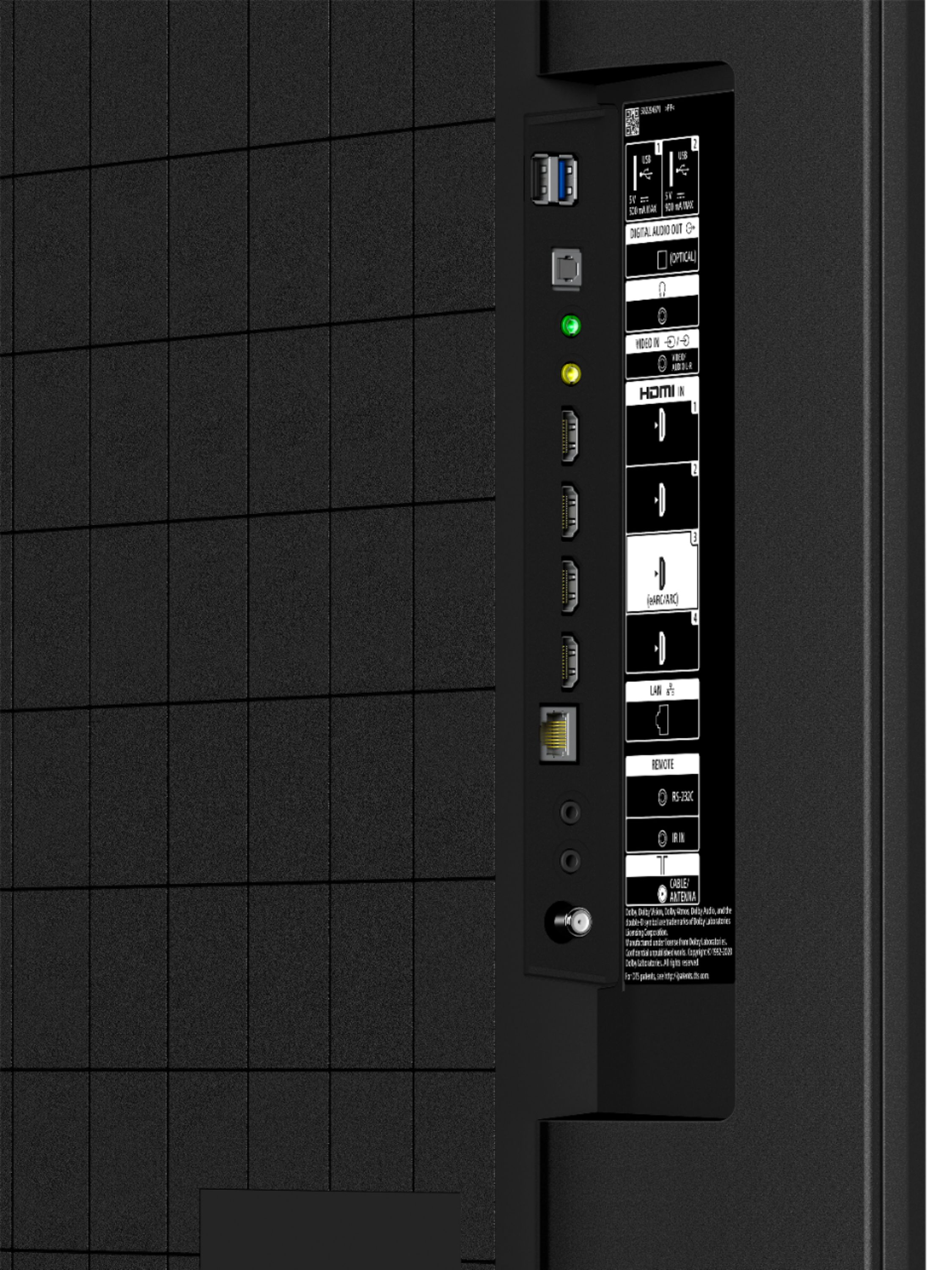
A:AnswerHi Toots, thank you for your inquiry. You can connect a camera/camcorder to view stored content on our TVs using an HDMI cable. However, the TV cannot be used for messenger or Facetime as these apps are not supported. I hope this helps. Erin
A:AnswerHi Scott, thank you for reaching us out. Once your Sony remote has been paired with your Direct TV box you should be able to access your TV guide by pressing the Guide button on your Sony remote. If you are trying to access your recordings you can use the DVR button on your Sony remote. I hope this helps. Regards, Erin
A:AnswerHi ANNA, we appreciate your interest in our newest product. Yes, you can place the TV in a covered patio as long as the screen is not exposed to direct illumination or sunlight to get the best picture quality. Hope this helps. ~Earl
A:AnswerHello madnonsense,
Thank you so much for your inquiry.
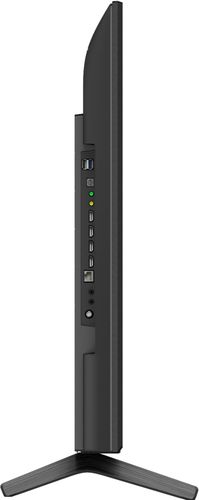
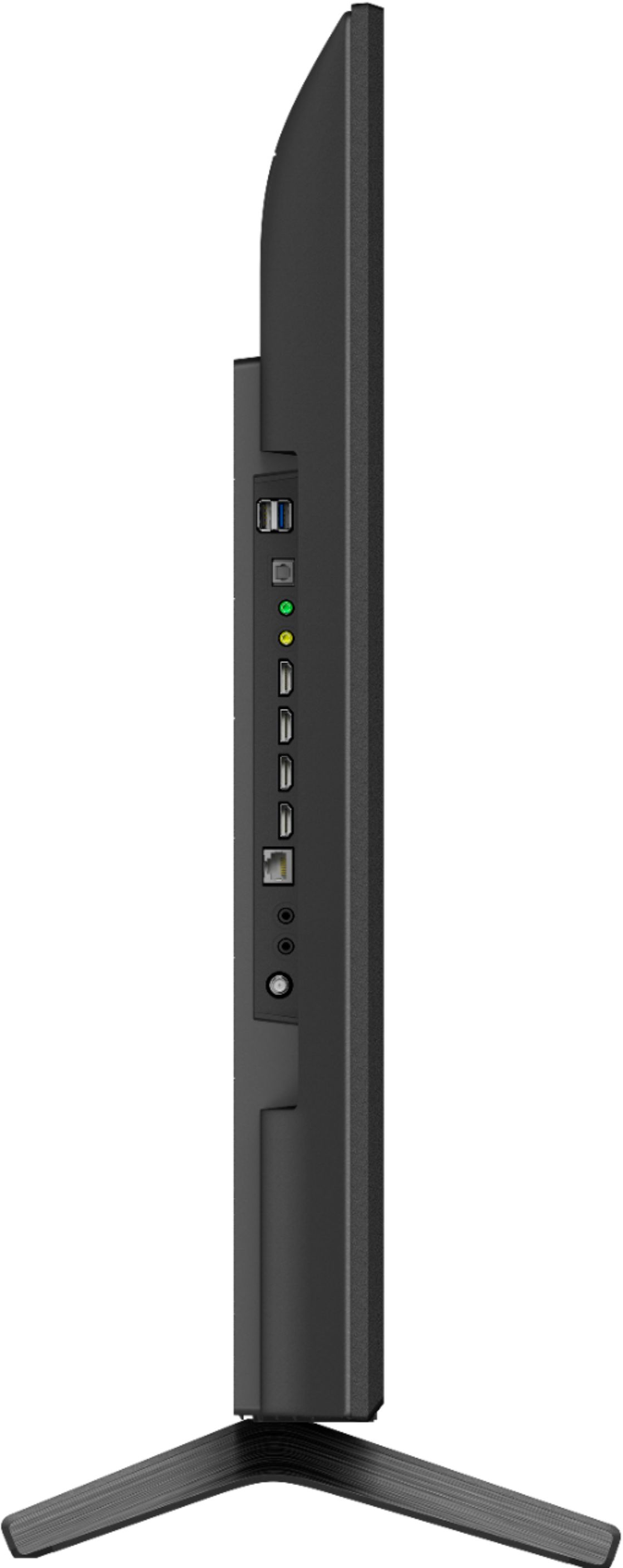
If you are referring to the HDMI 2.1 features like the 4K 120, ALLM, and VRR ( unfortunately, the X80J doesn't support these functions. The support for HDMI 2.1 via HDMI inputs 3 & 4 is currently available to our 2021 TV models X85J and up (4K 120/ALLM available at launch, VRR will be coming via a future firmware update). However, if you are pertaining to HDCP 2.2, the X80J supports HDCP 2.2 and HDCP 2.3 protocol on all HDMI input ports.
You may find the following links helpful:
https://www.sony.com/electronics/support/televisions-projectors-lcd-tvs-android-/kd-43x80j/articles/00061278
https://www.sony.com/electronics/support/televisions-projectors-lcd-tvs-android-/kd-43x80j/articles/00194995
And yes, X80J will work with a non-Sony soundbar that supports one or both of the following connections:
• BLUETOOTH connection
• HDMI connection (ARC/eARC)
• Digital optical cable connection
• Headphone (3-pole stereo mini-jack) connection
I hope you find this information to be helpful!
- Romeo
A:AnswerHi Scotter77,
Thank you for choosing and purchasing our BRAVIA X80J LED TV.
We are sorry, there's no programming code available for this model. Reference:
https://www.sony.com/electronics/support/remote-control-programming/models/kd-43x80j
But instead, you control the cable/satellite box using the TV remote control. Performing [Cable/Satellite box control setup] in [Cable/Satellite box setup] allows you to control a cable/satellite box using the TV’s remote control.
Press the Quick Settings button on the remote control, then select [Settings] — [Channels & Inputs] — [External inputs] — [Cable/Satellite box setup] — [Cable/Satellite box control setup].
Follow the on-screen instructions.
https://helpguide.sony.net/tv/iusltn1/v1/en-003/04-08_03.html?hl=remote
I hope this helps. Should you need further assistance, please email the below information to [email protected].
Apologies if you disclosed some of this information in your review and to customer service, we just want to ensure that we have your accurate details at the time of communication.
Full Name:
Best Buy Username:
Telephone Number:
Sony TV Model Number:
Additional Information regarding your experience with your TV X80J:
We appreciate you and thanks again for shopping Sony!
Sincerely,
Erin
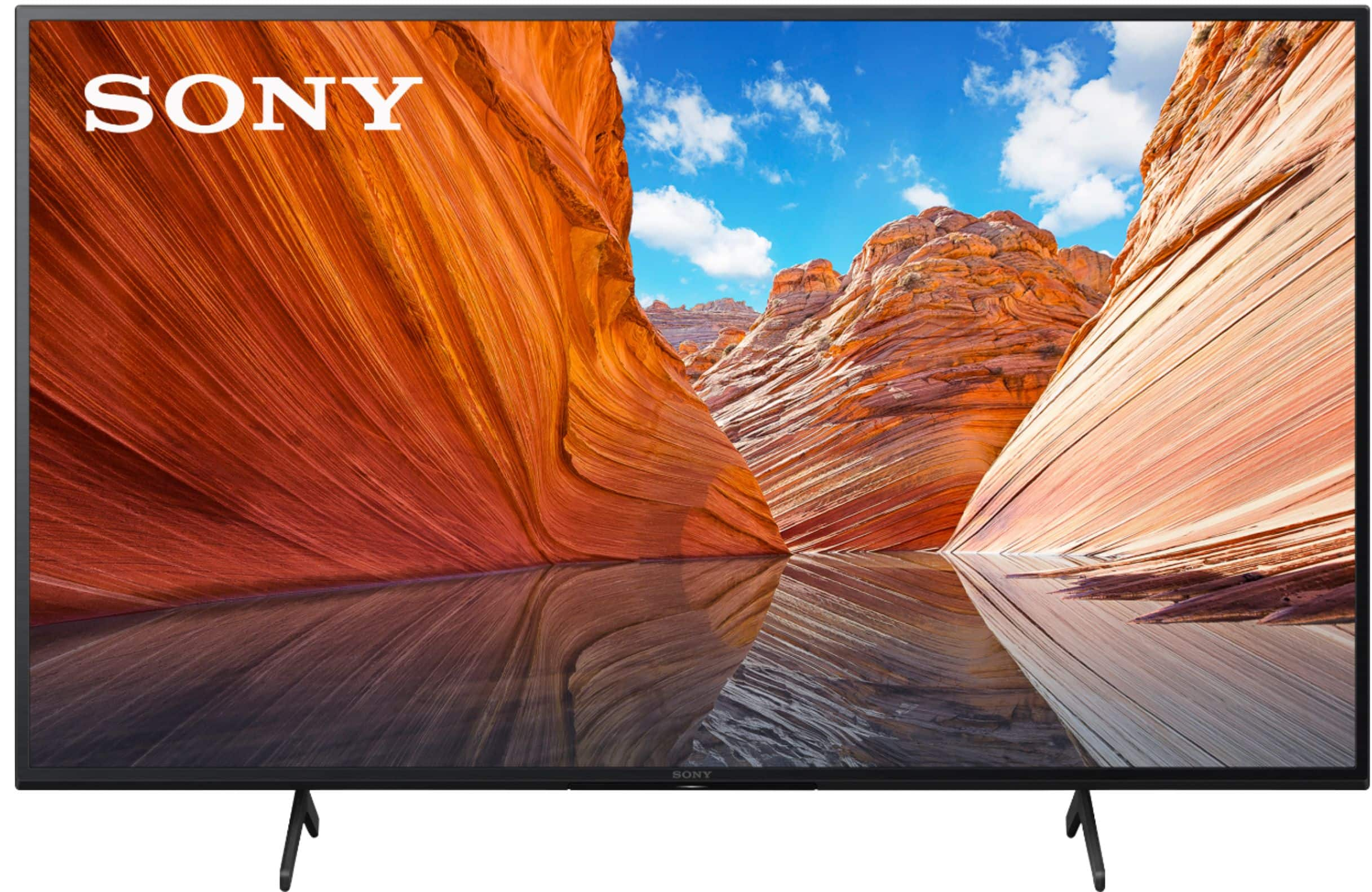
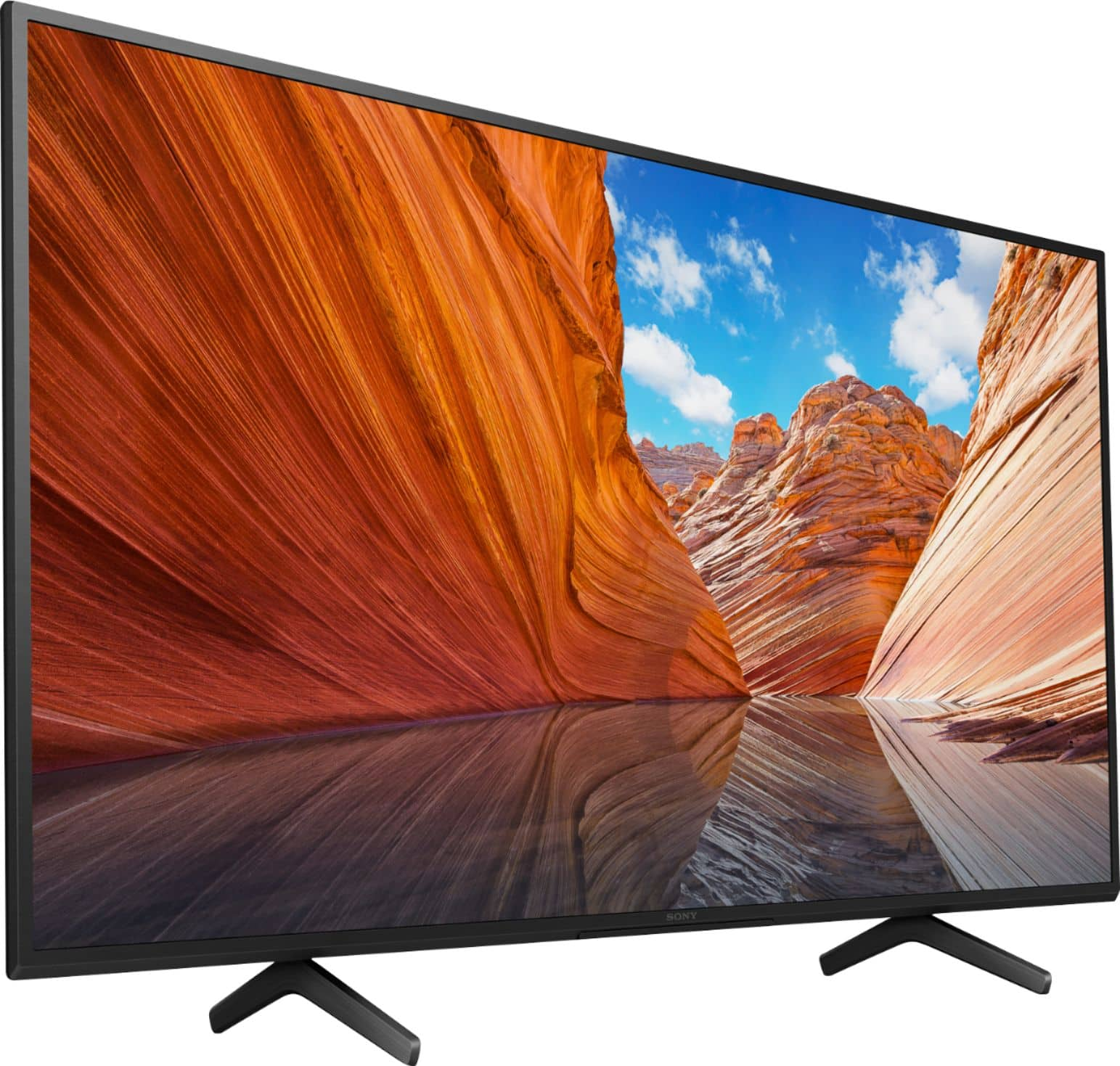
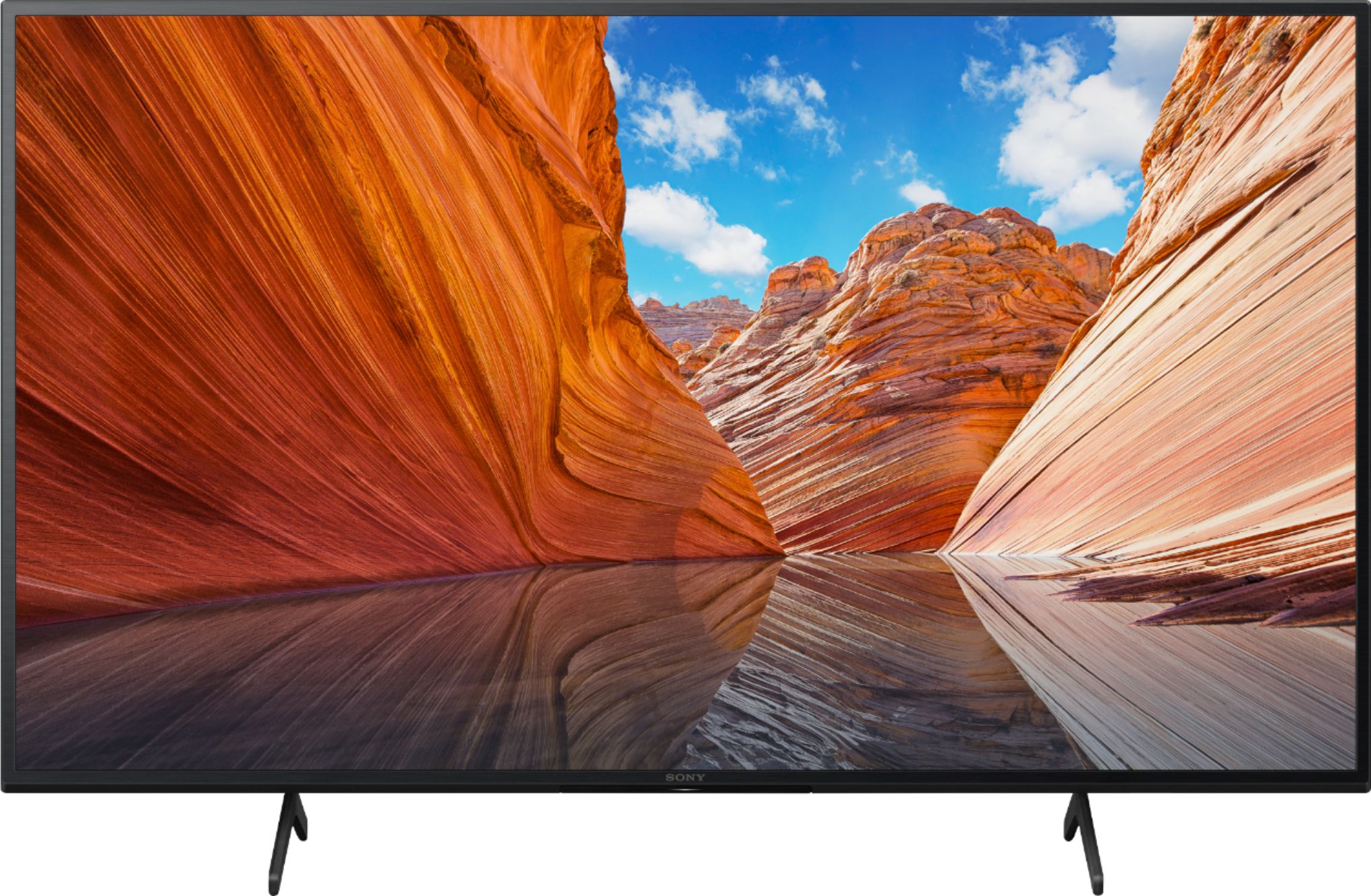
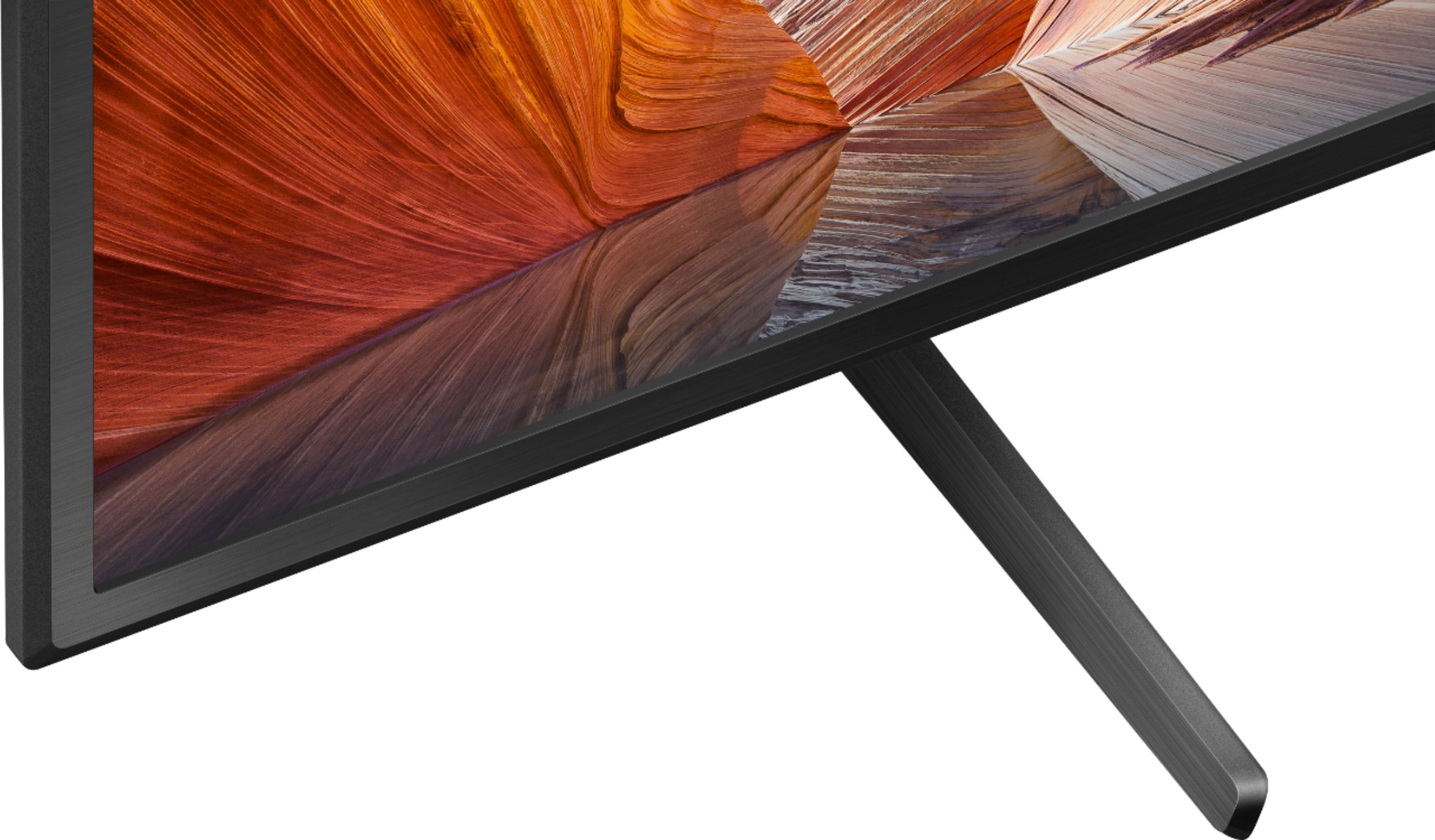
A:AnswerHi Jo, thanks for your inquiry. The width of the supplied stand (legs) measures 26 1/4 inches (665 mm) (outside) and 25 5/8 inches (649 mm) (inside) left to right, and 11 3/8 inches (289 mm) north to south. If you're planning to install the TV in a TV stand or table with 20" width, we're afraid that it won't fit. Considering the measurement, you may need a bigger or wider TV stand. I hope this helps. Regards, Erin
A:AnswerHi Customer,
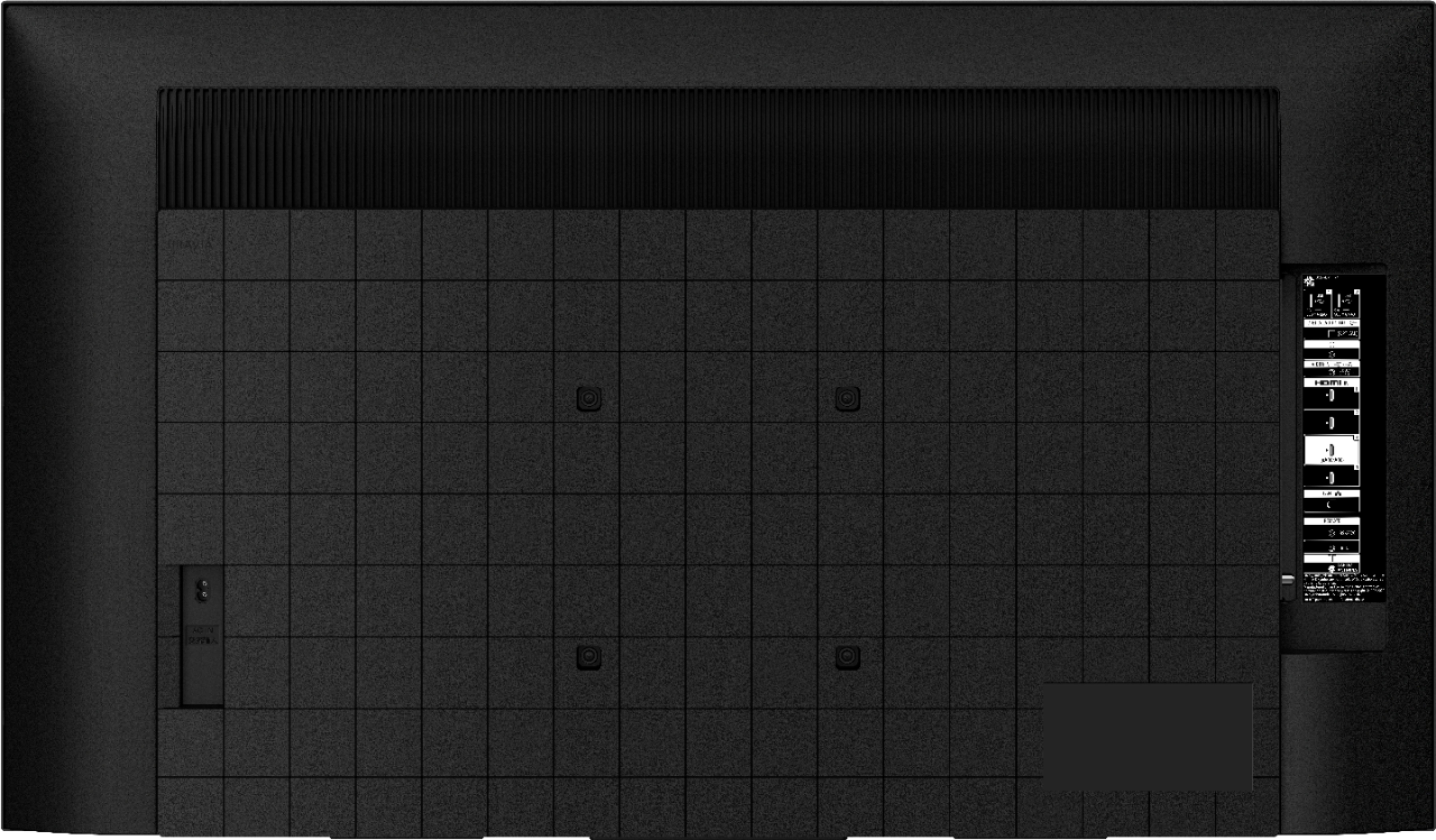
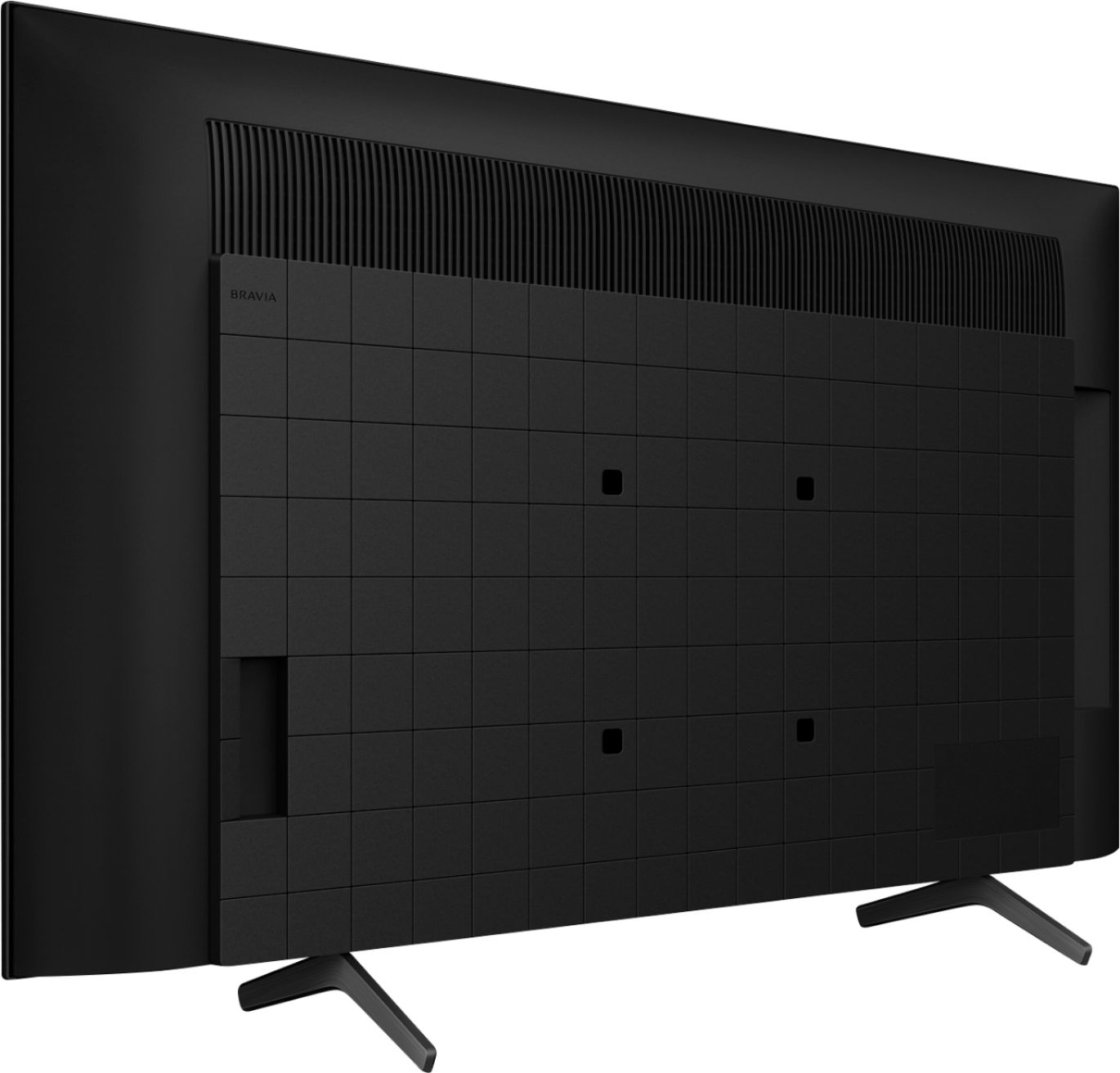
Thank you for reaching out to us! This TV can be mounted to a wall using a suitable Wall-Mount Bracket (not supplied). You may find this article helpful regarding the TV wall mount FAQ.
https://www.sony.com/electronics/support/televisions-projectors-lcd-tvs-android-/kd-43x80j/articles/00124300
Regards,
David
A:AnswerHi junebug65,
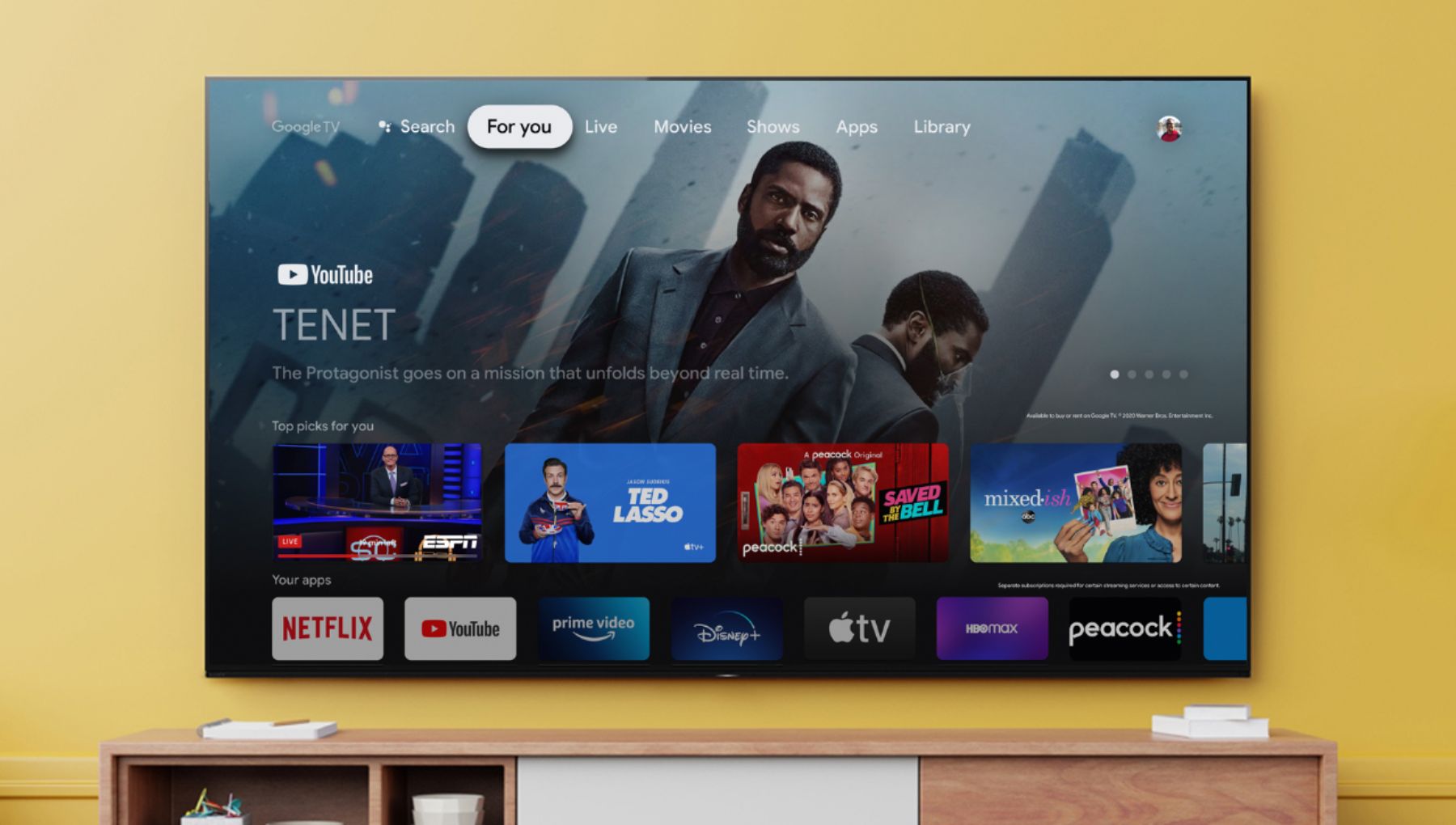
Yes, you can watch Paramount plus along with your favorite streaming services, all in one place. Watch content from Netflix, Amazon Prime Video, Disney+, YouTube, the Apple TV app, and many more.
Regards,
David
A:AnswerHi Dev, thanks for your inquiry. The X80J supports eARC (Enhanced Audio Return Channel) on HDMI 3 to allow for Hi-res Audio which is considered an HDMI 2.1 feature. If you are referring to HDMI 2.1 features such as VRR, 4K120, and ALLM, unfortunately, these features are not supported by this TV. You might consider researching our X900H, A90J series, X90J, or A80J series which are designed for these features. These will be supported on HDMI Input 3 and 4. I hope this helps! Erin
A:AnswerHi sleepissues, thanks for your inquiry. The X80J has multiple picture quality settings to allow you to customize your TV’s color, sharpness, contrast, and more. For blue light control, when browsing through the Picture Settings, under Color, you will look for Color temperature.
Reference: https://helpguide.sony.net/tv/iusltn1/v1/en-003/01-03-09_01.html
Hope this helps!
Erin
A:AnswerHi Gpie, thanks for your inquiry. Our X80J power requirement is 110 V - 240 V AC, 50/60 Hz (U.S.A./Canada 120 V AC, 60 Hz). All our TVs doesn't have auto voltage. Hope this helps. Regards, Erin
A:AnswerHi,
Thank you for the question. We recommend the use of the supplied TV stand designed for TV stability which is essential when you want to be assured of the safety of your TV. These TVs also work with VESA compliant stands. For more information, please check this link: https://www.sony.com/electronics/support/televisions-projectors-lcd-tvs-android-/kd-43x80j/articles/00124300
If you require any additional support in regard to this product, please email us at [email protected] with the following details:
Name:
Best Buy Username:
Telephone Number:
Model Number:
Issue:
Regards,
Kris
A:AnswerHi ctab, thank you for reaching out. The Talkback feature might be activated during initial setup. This feature works by vocalizing the information on TV screen, such as program guide and setting screen. This can be turn off by going to the accessibility features on the TV settings.
Press the (Quick Settings) button on the remote control, then select [Settings] — [System] — the desired option.
You may also refer to the link below for more details.
https://www.sony.com/electronics/support/televisions-projectors-lcd-tvs-android-/kd-43x80j/articles/00252705
I hope this helps.
Regards,
Erin
A:AnswerHi Millie, thanks for your inquiry. Yes. You can connect a DVD player using an HDMI, Analog Extension cable or connect them using a composite video/audio cable. I hope this helps. Regards, Erin
A:AnswerHi lino999, thanks for your inquiry. Yes. The KD43X80J has a built-in Bluetooth function. It is designed to support the following Bluetooth profiles: HID (mouse/keyboard connectivity)/HOGP (Low Energy device connectivity)/SPP(Serial Port Profile)/A2DP (stereo audio)/AVRCP (AV remote control). I hope this helps. Regards, Erin
A:AnswerYes you can and the cool thing about it with my beats once I pair them they say paired when turned back on . Now I don’t know about all headsets plus if I had known ( or did more research) I would’ve wasted money on a Digital optical cable for audio once I realize the TV does work with Bluetooth