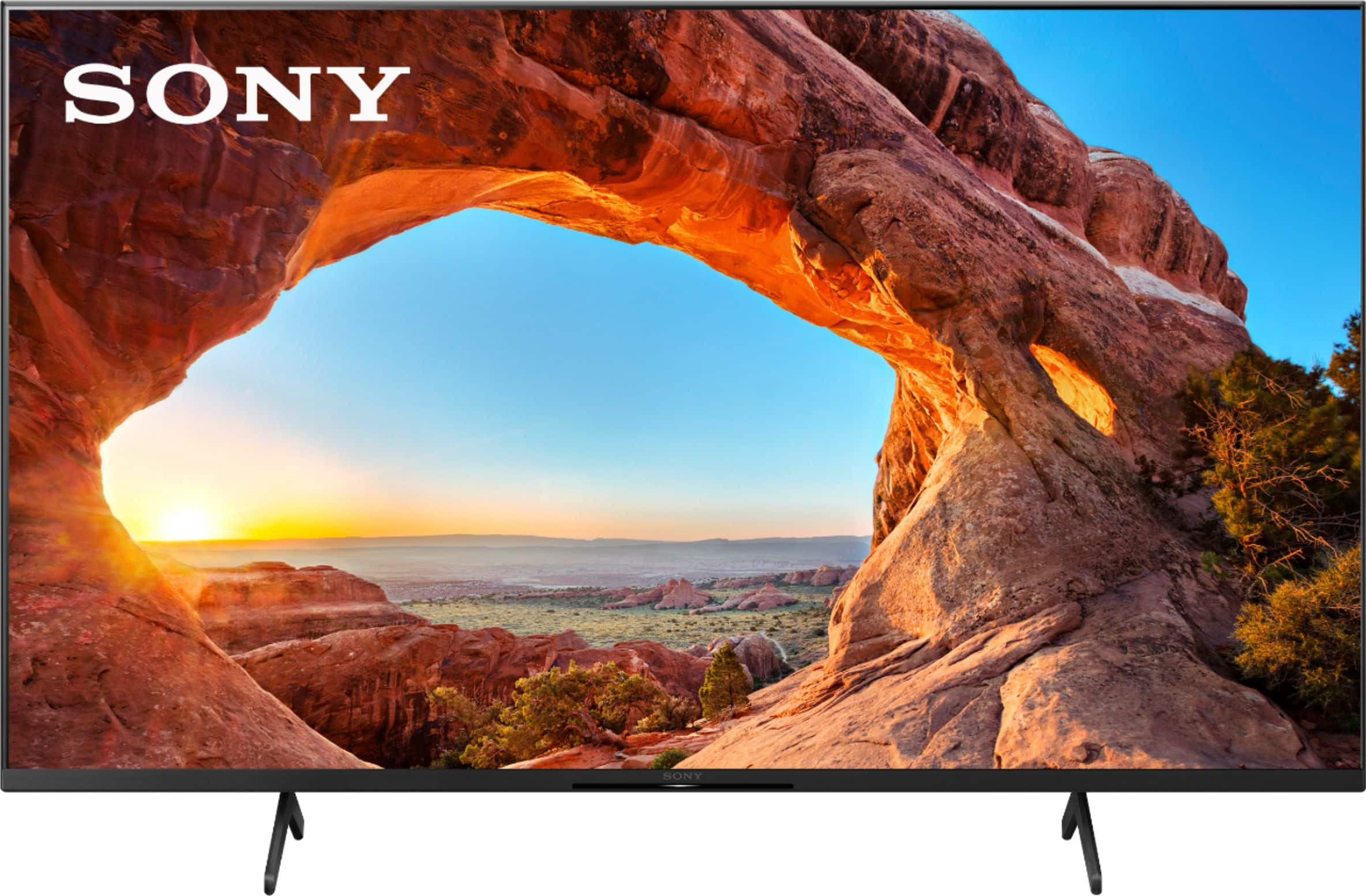
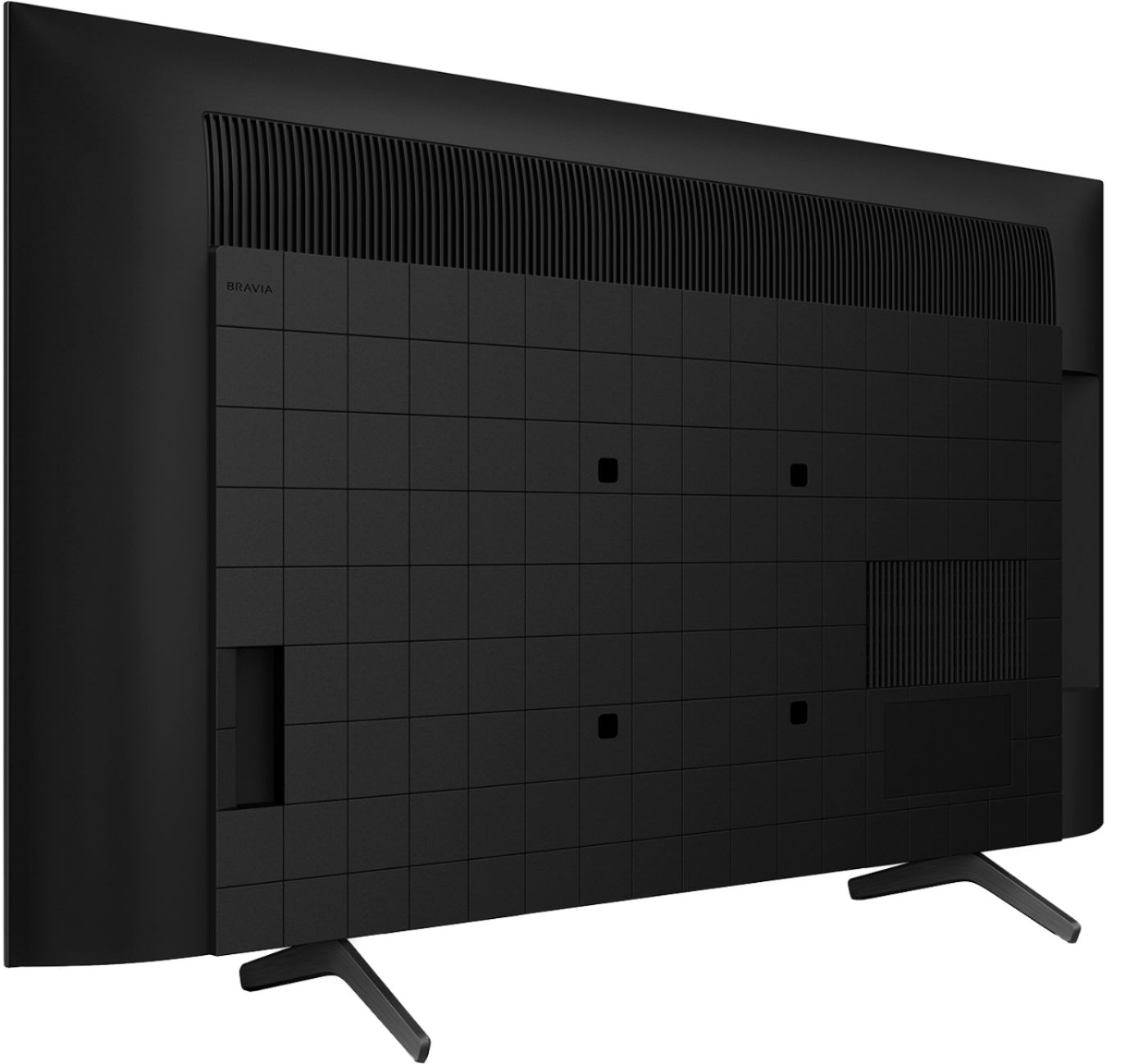
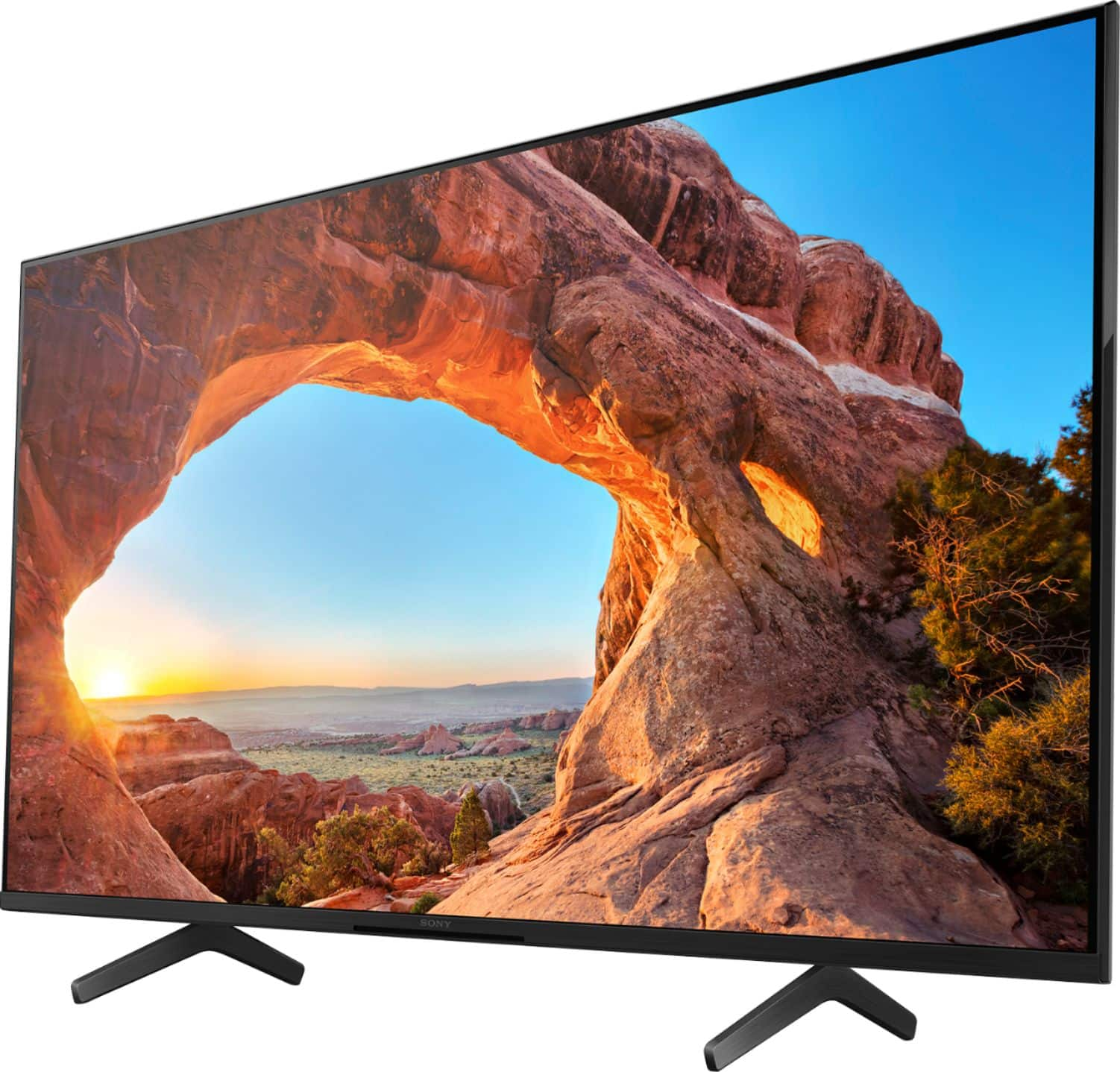
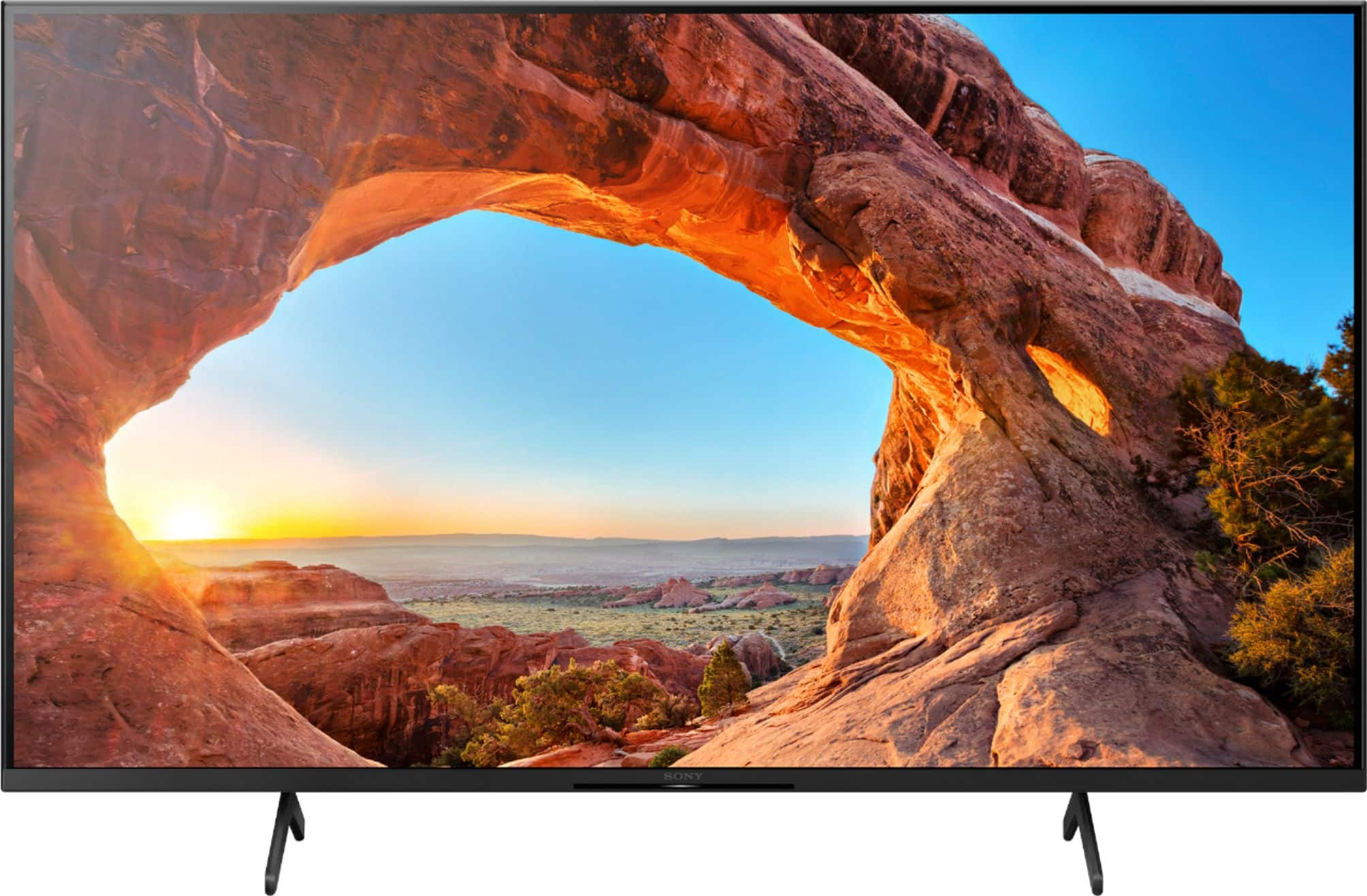
A:Answer Hi Simpub, thank you for your inquiry. Yes! This TV supports 4K 120 Hz feature. 120 Hz is supported by HDMI IN 3 and IN 4, and yes, you will have to set the HDMI signal format to "Enhanced".
To change the HDMI signal format setting, press the (Quick Settings) button on the remote control, then select [Settings] — [Channels & Inputs] — [External inputs] — [HDMI signal format] — [Enhanced format].
For more details, please refer to this link: https://helpguide.sony.net/tv/iusltn1/v1/en-003/04-09_02.html
Also, to display 4K 120 Hz, an Ultra High Speed HDMI™ Cable that supports 48 Gbps is required. Refer to the cable specifications to find out whether a cable supports 48 Gbps.
Regards,
Sam