A:AnswerNever had this problem. Quite possible the person is leaving the set on all day without proper venting to keep cool or their set is in need of Maintenace
A:AnswerHi, RLT!
Currently, in order to program your DISH remote control to the Sony TV, you must need to get the code from your Cable tv provider. Hope this helps! -Sam
A:AnswerHi, there!
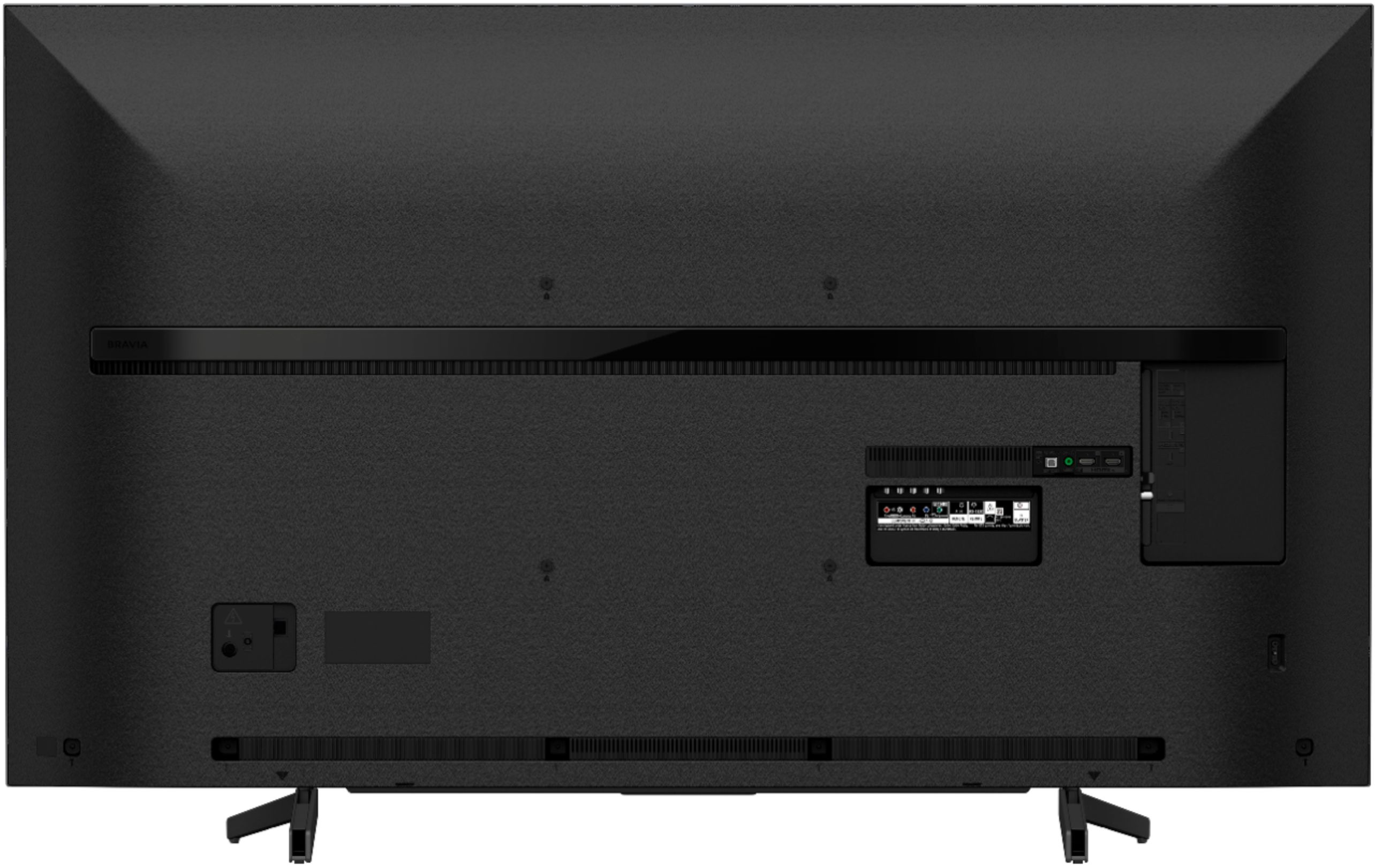
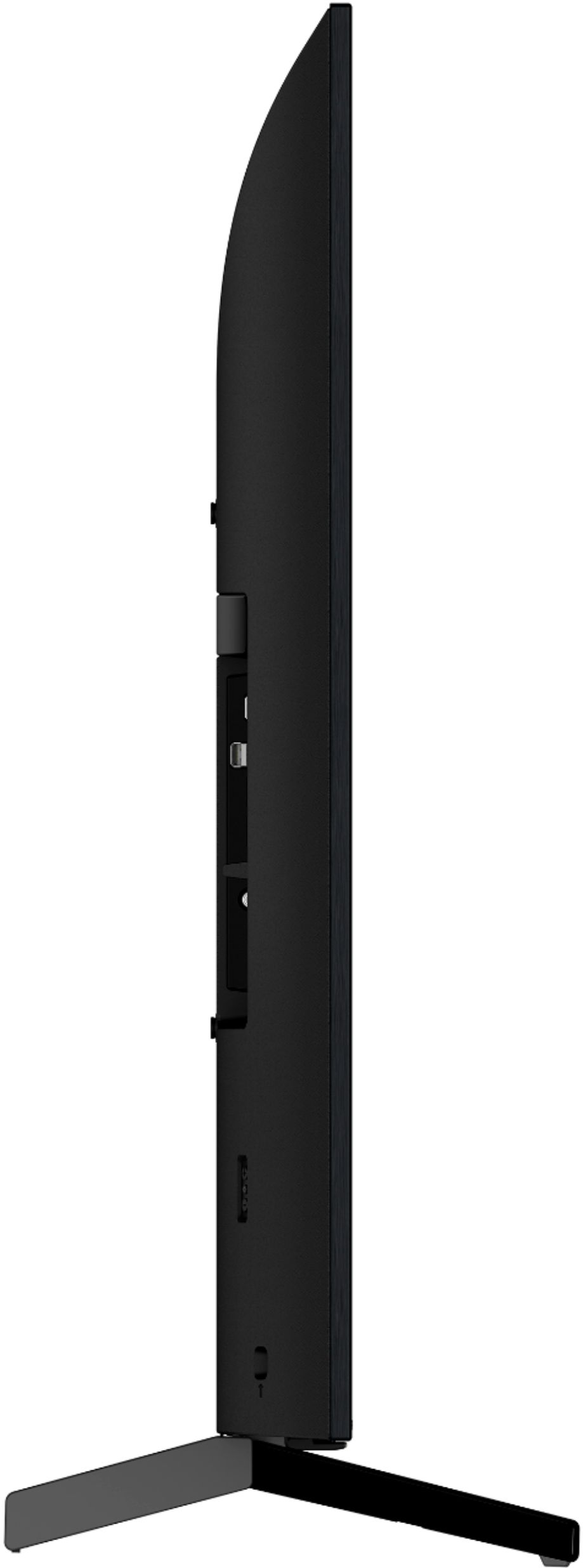
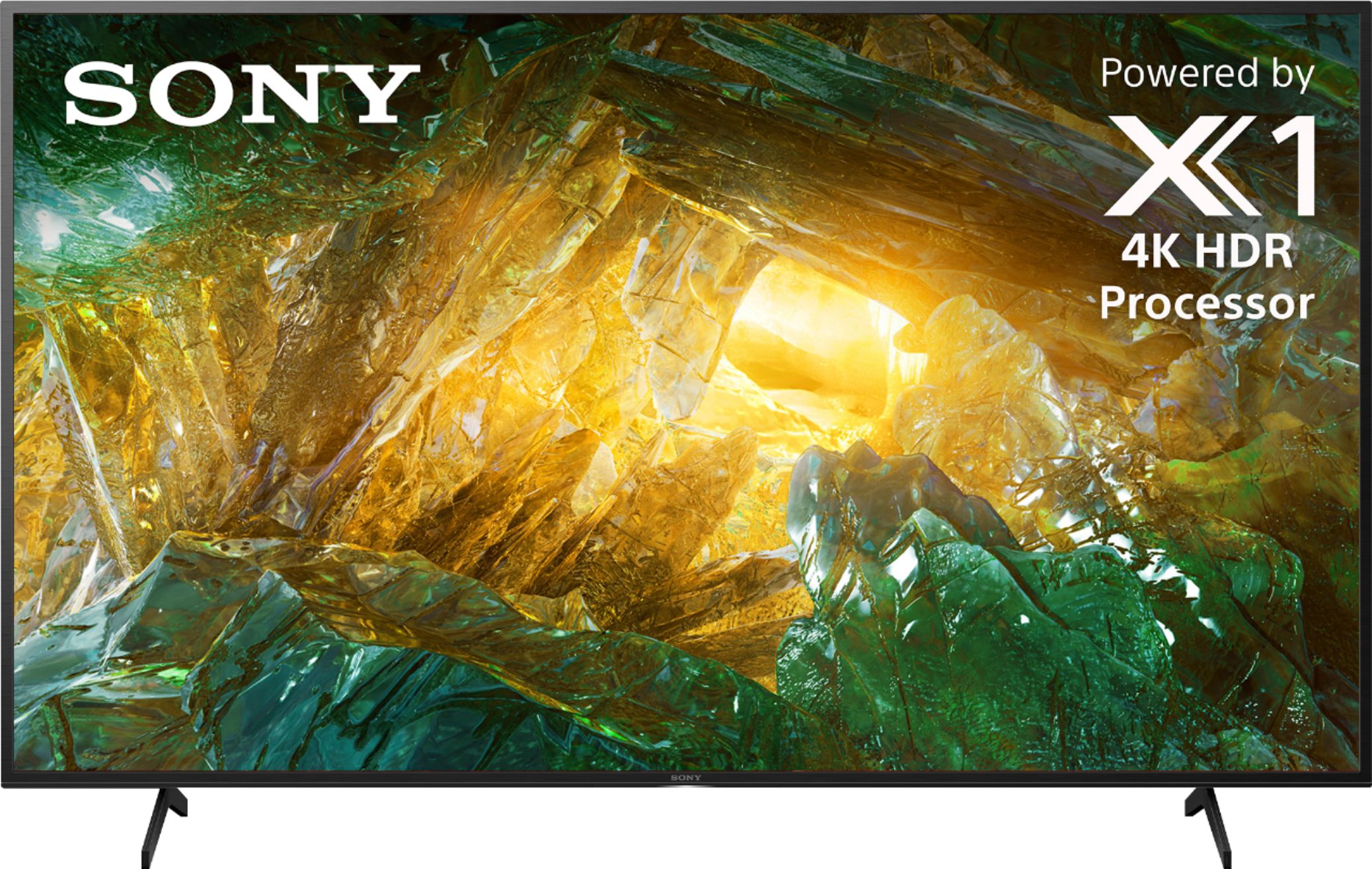
Good news! Yes, this TV can be wall mounted. Please refer to this link for the wall mounting procedure:
https://docs.sony.com/release//Ref_4748553111.pdf (page 13) -Sam
A:AnswerHi, jrGRITS!
Unfortunately, the Sony TV X800G doesn't have an A2DP Bluetooth profile which is a requirement to connect a TV to a wireless Headphones. As a suggestion, please use an RF transmitter type headphones instead. -Sam
A:AnswerHi, Erick! Unfortunately, the TV doesn't support Apple Airplay. You may want to consider the XBR X850G, X950G, A9G or Z9G Series. These models will support Apple AirPlay 2 through a future software update. ~Ralph
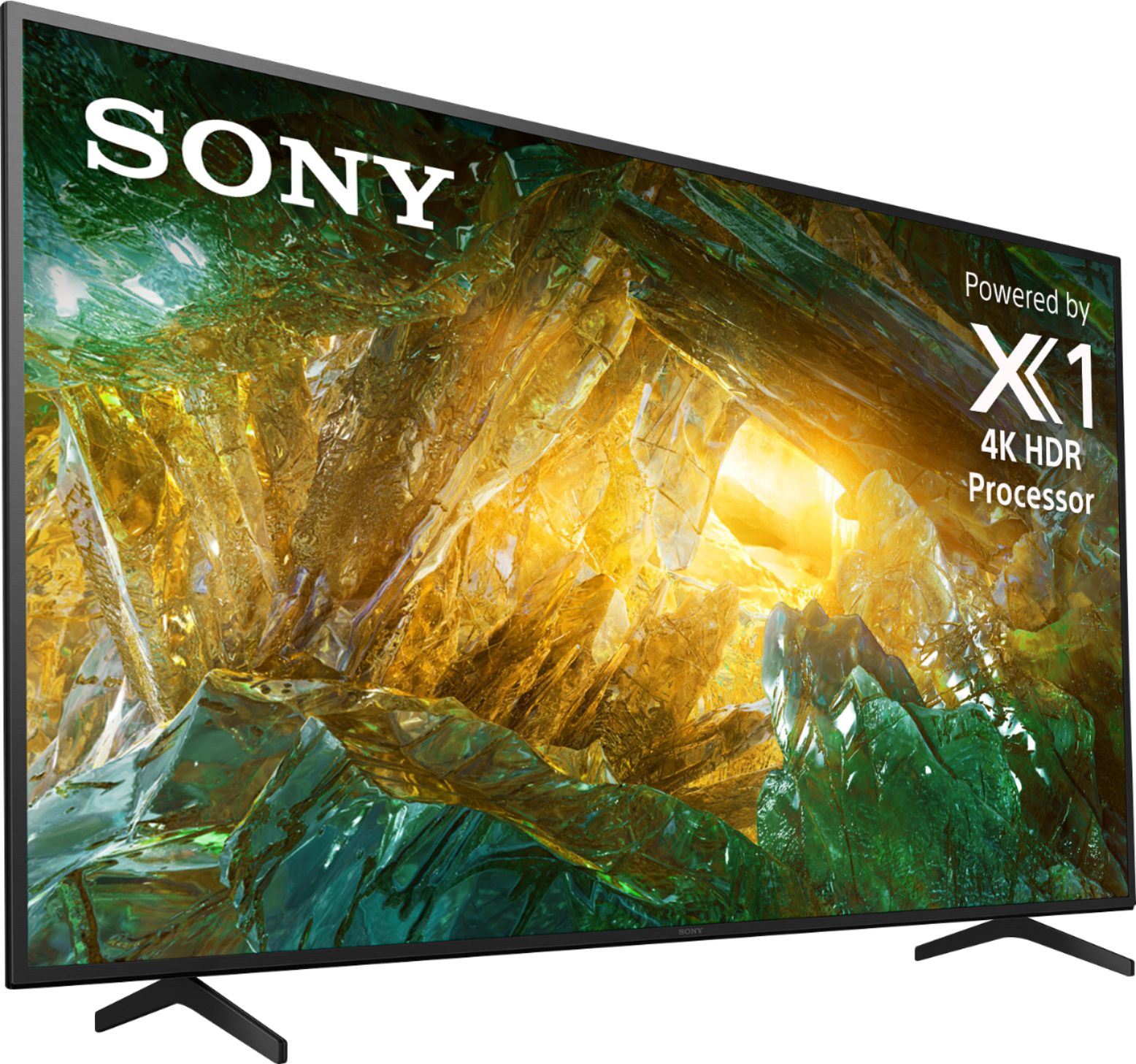
A:AnswerIt's not too bad, but not great either ... if you are an audiophile, used to crisp, clear sounds, you will be very disappointed . A separate soundbar is probably the best way to go in that case. The speakers are down-firing and too close together, so if it's on a stand (as opposed to wall mounted), it' more likely to sound 'muffled'.
A:Answerleds which this and many tvs have only run on direct current rather than ac current. The converter ac to dc generates an electric field which can cause interference with electronics, requires cooling, is heavy and may eventually burn out or get damaged from ac noise spikes. Better to replace an adapter than a whole tv.
A:AnswerI googled: The XBR49X800E is a 2017 year model, while the XBR49X900F is a 2018 year model. The XBR49X800E uses an ISP display, while the XBR49X900F uses an LCD display. However, both models use Direct LED backlight technology. These models belong to the middle price range – they will cost you around $500. Mine cost $650 (sale)
A:AnswerIf you select HOME on the remote, then settings (looks like a gear in the top right), scroll to initial setup,. When you get to SAMBATV, disable it