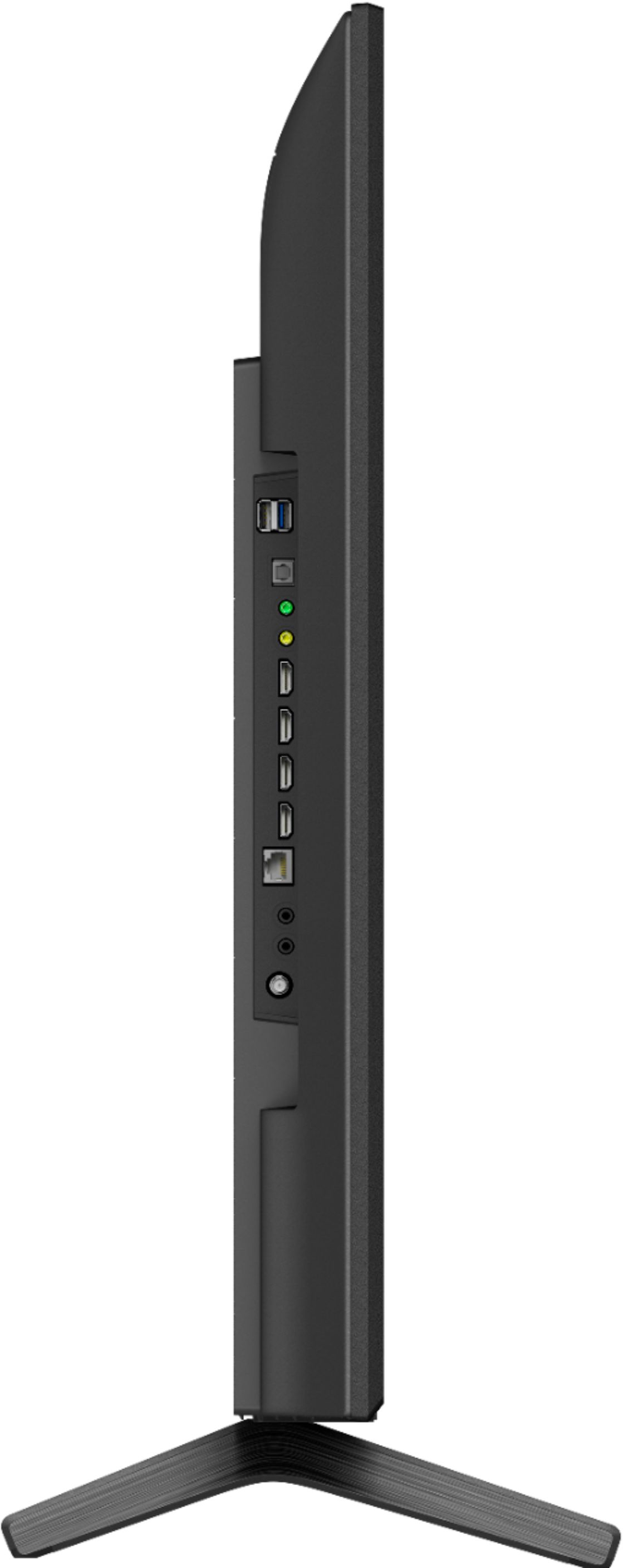
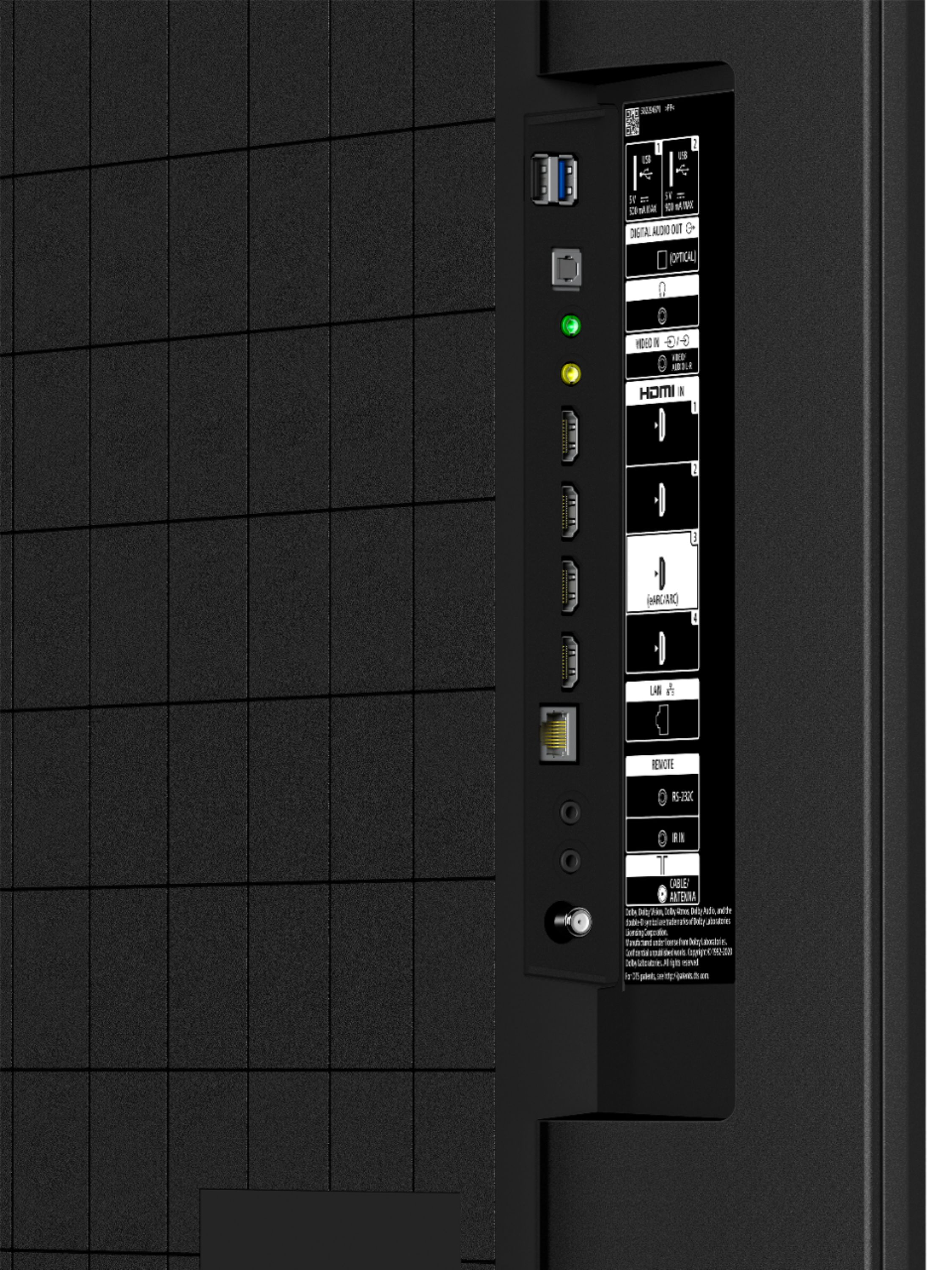
A:AnswerHi Sh, Thank you for the inquiry. Unfortunately, the X80J doesn't have Roku App. However, you can hook up your Roku to this X80J 4K Ultra HD Google TV. This TV has 4 HDMI inputs that you can plug in the external devices that also support HDMI. I hope this helps! Jay
A:AnswerHi there. Thank you for your inquiry. Unfortunately, no. The KD50X80J TV does not have Picture-in-picture. You may check our X950H or X800H TV models that has the Picture-in-picture feature.
For more information on the picture-in-picture please check our link: https://www.sony.com/electronics/support/articles/00178381
Regards,
Carl
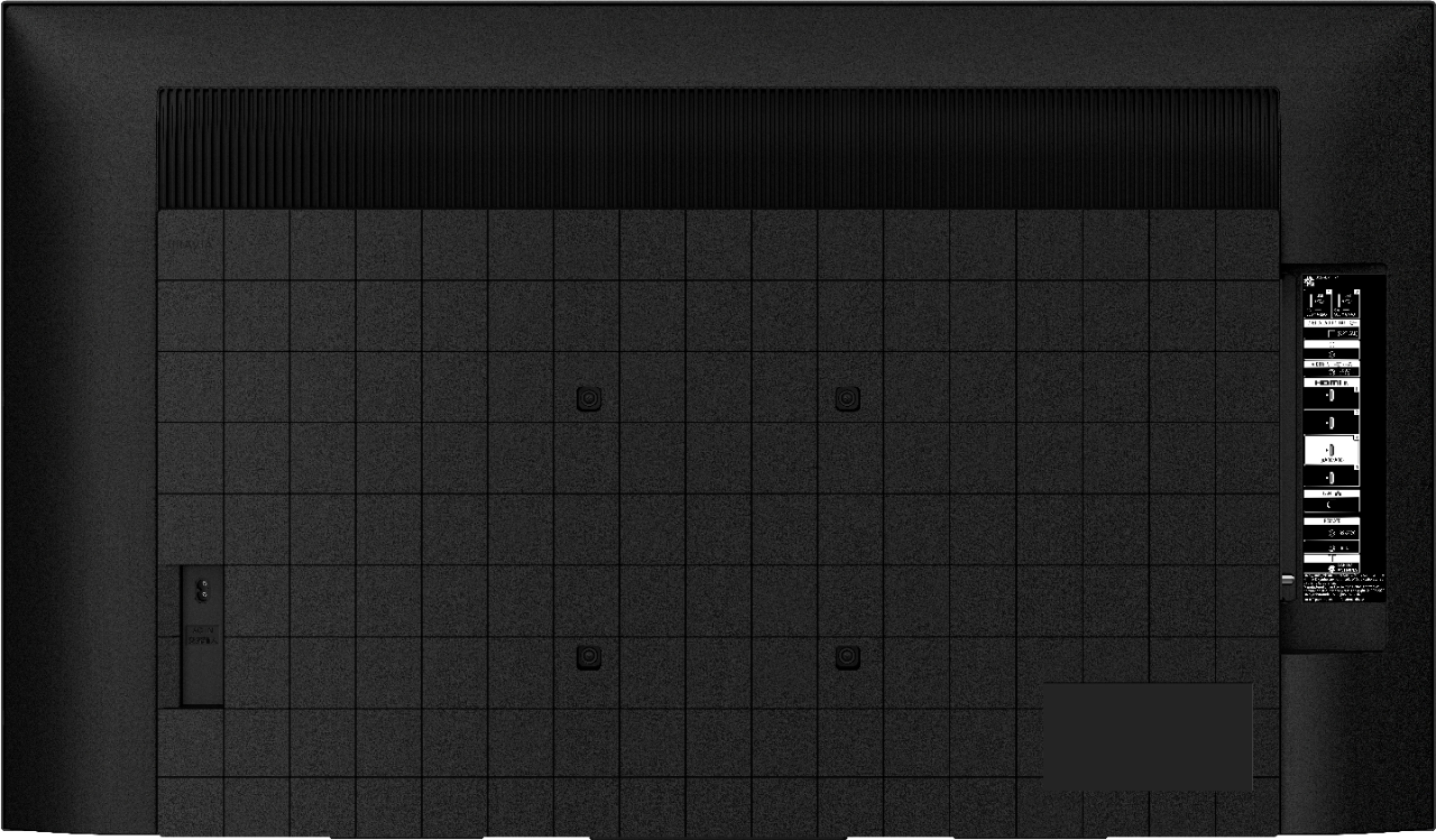
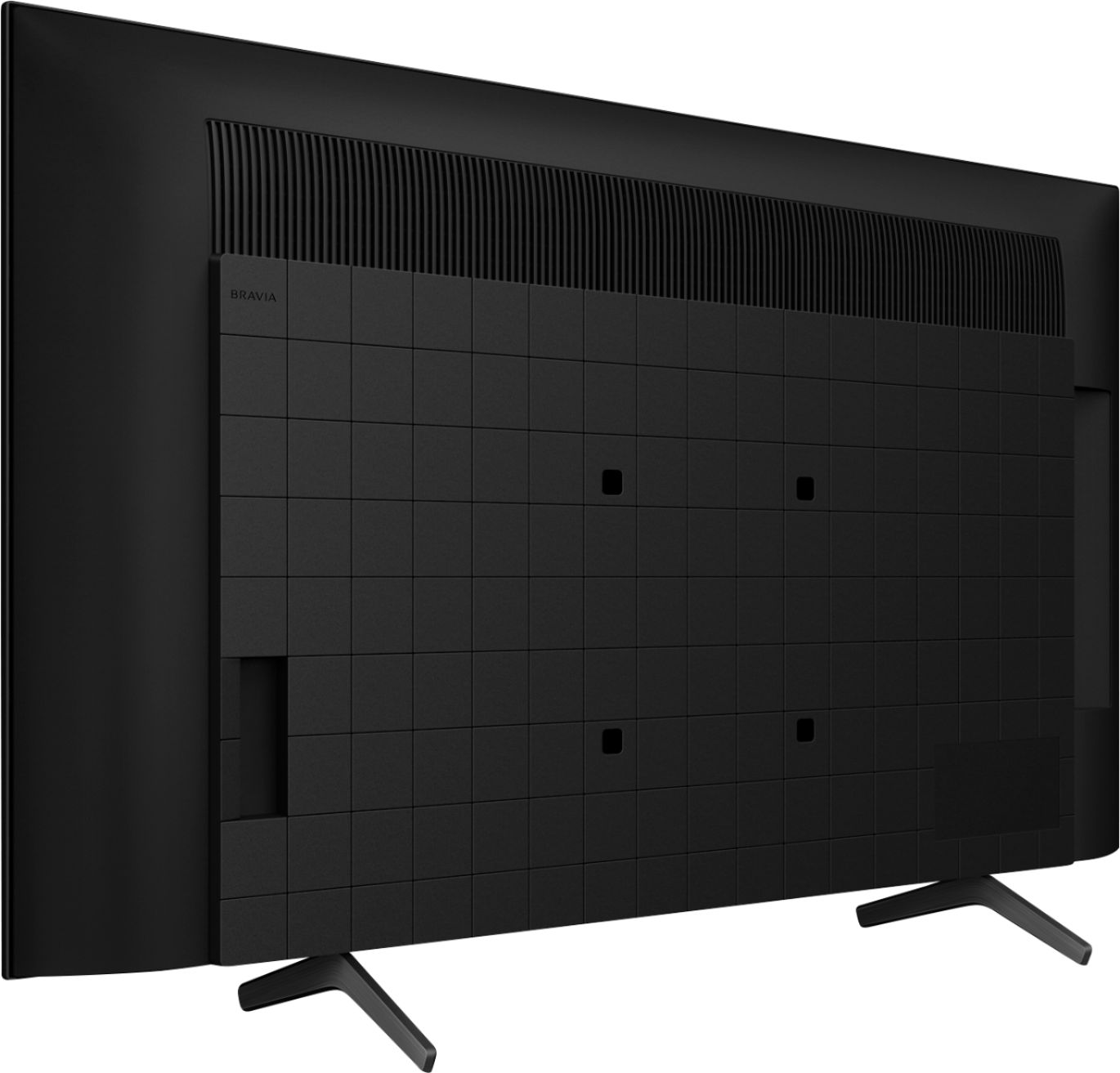
A:AnswerHi there, Thank you for your inquiry! Yes, you can. We recommend using the Sony Wall-Mount Bracket Model No. SU-WL855. Though these TVs should work with any VESA Complaint wall mount bracket with a screw hole pattern 200 X 200 mm. M6 screw (10mm-12 mm) ( not supplied) can be used for Wall-Mount for this TV. For product protection and safety reasons, Sony strongly recommends that the installation of your TV on a wall be performed by qualified professionals. Wall mounts come in many shapes and sizes. The various shapes and sizes are meant to try and meet the performance needs, space or wall requirements, desired styles, and safety.
Please open this link below for more detailed wall mount specifications and Sony recommended wall mounts: https://www.sony.com/electronics/support/televisions-projectors-lcd-tvs-android-/kd-50x80j/articles/00124300
You may also refer to this link https://support.am.sony.com/release/Ref_5025048111.pdf page 8
I hope this helps!
Regards,
Carl
A:AnswerHi Borincana, thank you for your inquiry. Yes, you can connect your Xfinity cable box to one of the 4 HDMI input ports of this TV. Hope this helps! -Sam
A:AnswerHi mister, Thank you for the inquiry. Unfortunately, the Spectrum TV app is not currently available on this TV. However, you can use the built-in Chromecast feature on this TV. Chromecast lets you cast your favorite videos, games, and apps from your mobile device, in full quality, to this KD50X80J. Just one tap of the Cast button on your Android or iOS screen is all you need to supersize the things you love. Cast your content then continue browsing on your phone or tablet. I hope this helps! Jay
A:AnswerHi kim, We apologize for the inconvenience, this specification is not disclosed. Our TVs with a wide color gamut and unique TRILUMINOS PRO™ algorithm can detect color from saturation, hue and brightness to reproduce natural shades in every detail. You’ll enjoy colors that are closer to those seen in the real world.
Thank you for the inquiry. Jay
A:AnswerHi Gundy,
Thank you so much for your interest in Sony's X80J.
Absolutely, yes! This TV is compatible with smart device like Google Home™ voice-activated smart speaker or Nest. For setup and troubleshooting information, visit the Google Home Help Center or contact Google Home support.
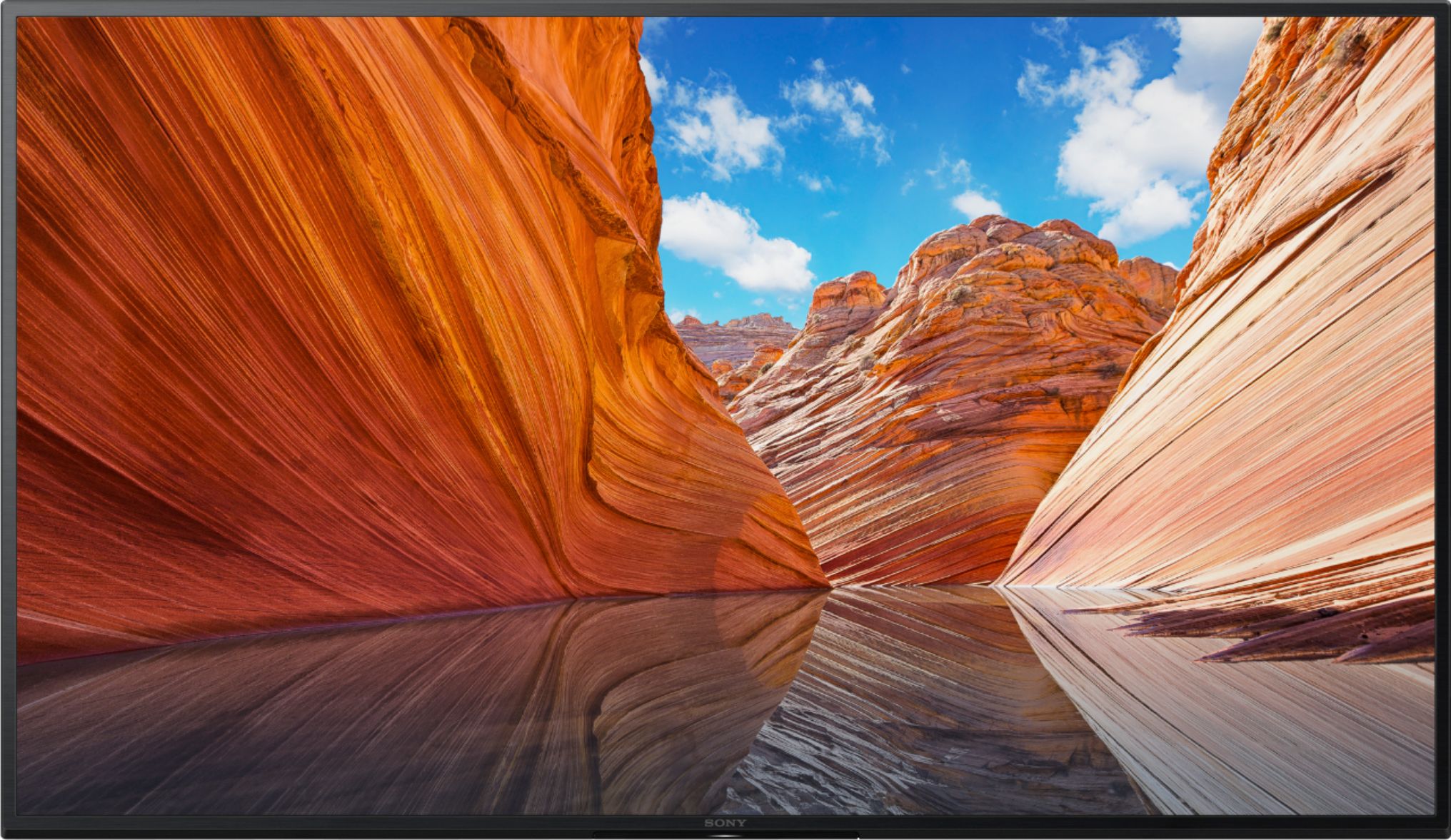
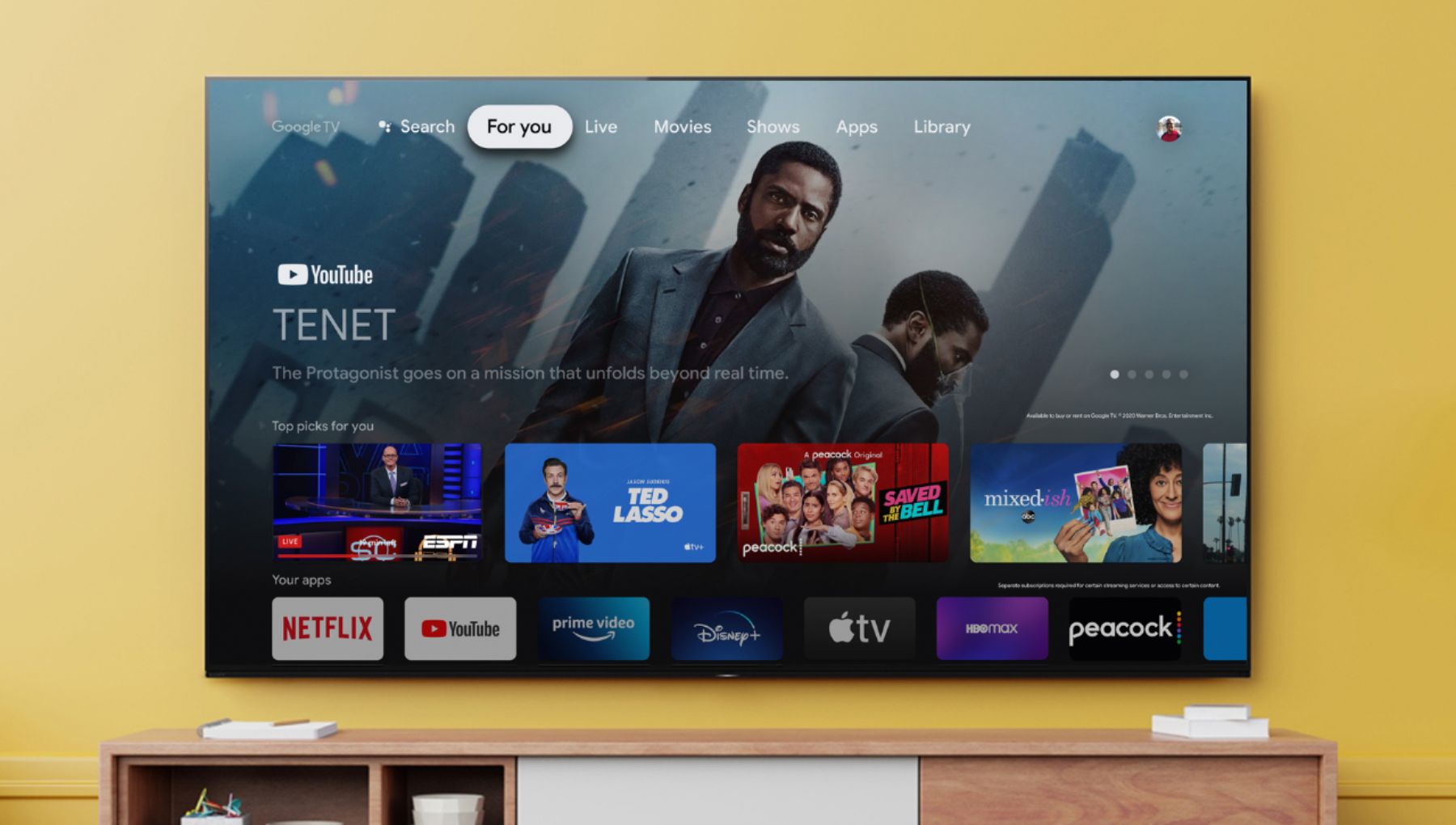
With the BRAVIA X80J, you can enjoy an intuitive smart TV experience with natural color and clear sound. The powerful 4K HDR Processor X1 reduces digital noise and boosts details for lifelike picture quality. Google TV gives you access to all your favorite streaming apps, while Google Assistant easily searches for content and controls your smart home simply by using your voice.
Should you need more information or assistance with our product, please email us at [email protected] with the following details so we can best assist you.
Name:
BestBuy Username:
Model Number:
Issue:
Telephone Number:
I hope you find this information to be helpful!
Best regards,
Romeo
Sony Social Support
A:AnswerHi Kjkwiat, Please try different motion settings to achieve the desired outcome. The actual display may vary or some settings may not be available depending on your model/country/region and the content you are watching. Also, check the settings of the source device such as Blu-Ray player. The X85J or X85K series and up all support 120Hz for improved motion handling. I hope this helps! Jay
A:AnswerHi Romel, Great News! Yes, you can use this TV in other countries like in the Philippines. The power requirements of this TV are AC 120 V for UL cUL AC 110-240 V for others. However, the actual display may vary or some settings, features and apps may not be available depending on your model/country/region. I hope this helps! Jay
A:AnswerHi Al, Thank you for the inquiry! The power requirements of the KD50X80J is 60 Hz for UL cUL 50/60 Hz for other, AC 120 V for UL cUL AC 110-240 V for others. I hope this helps! Jay
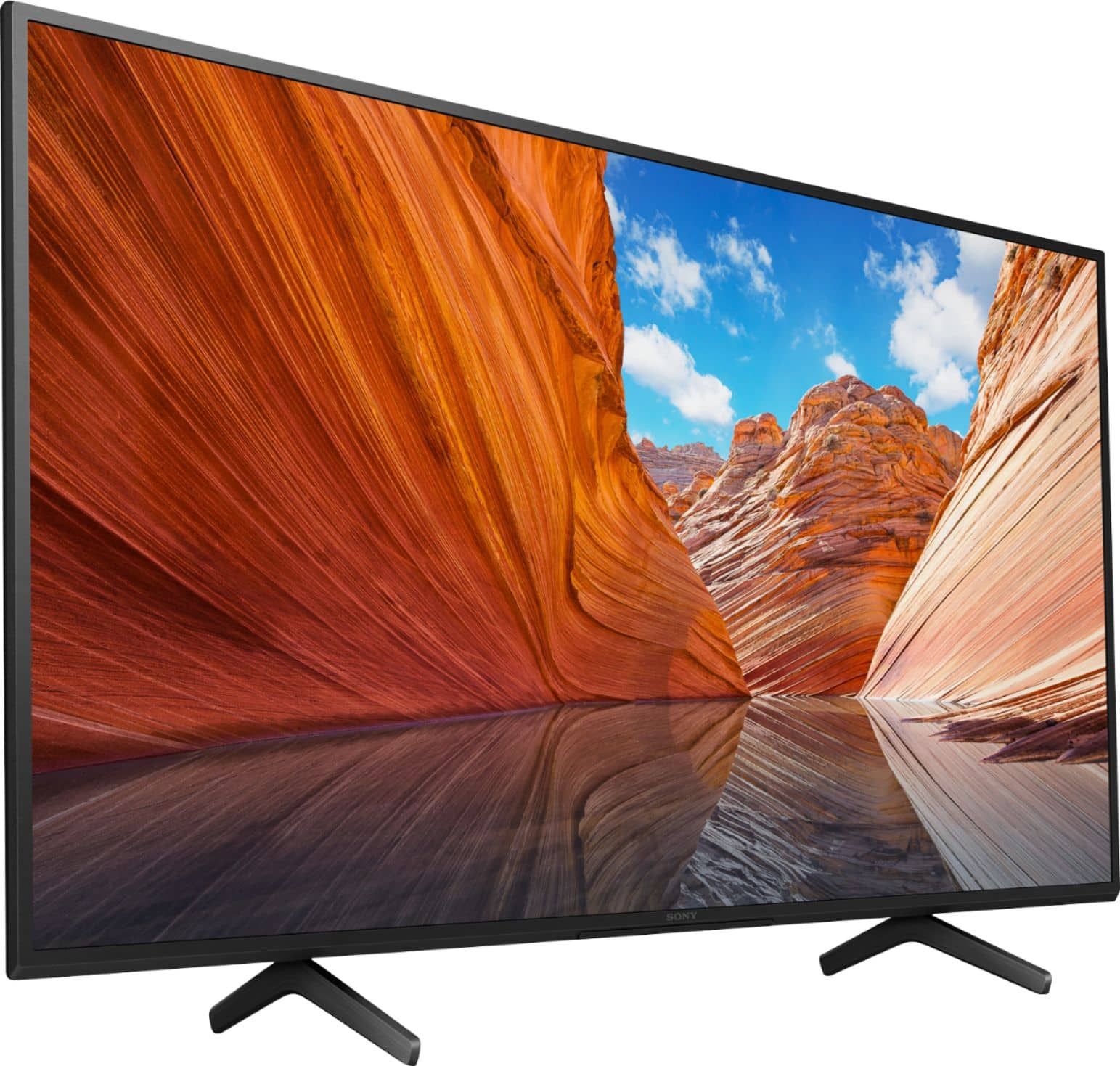
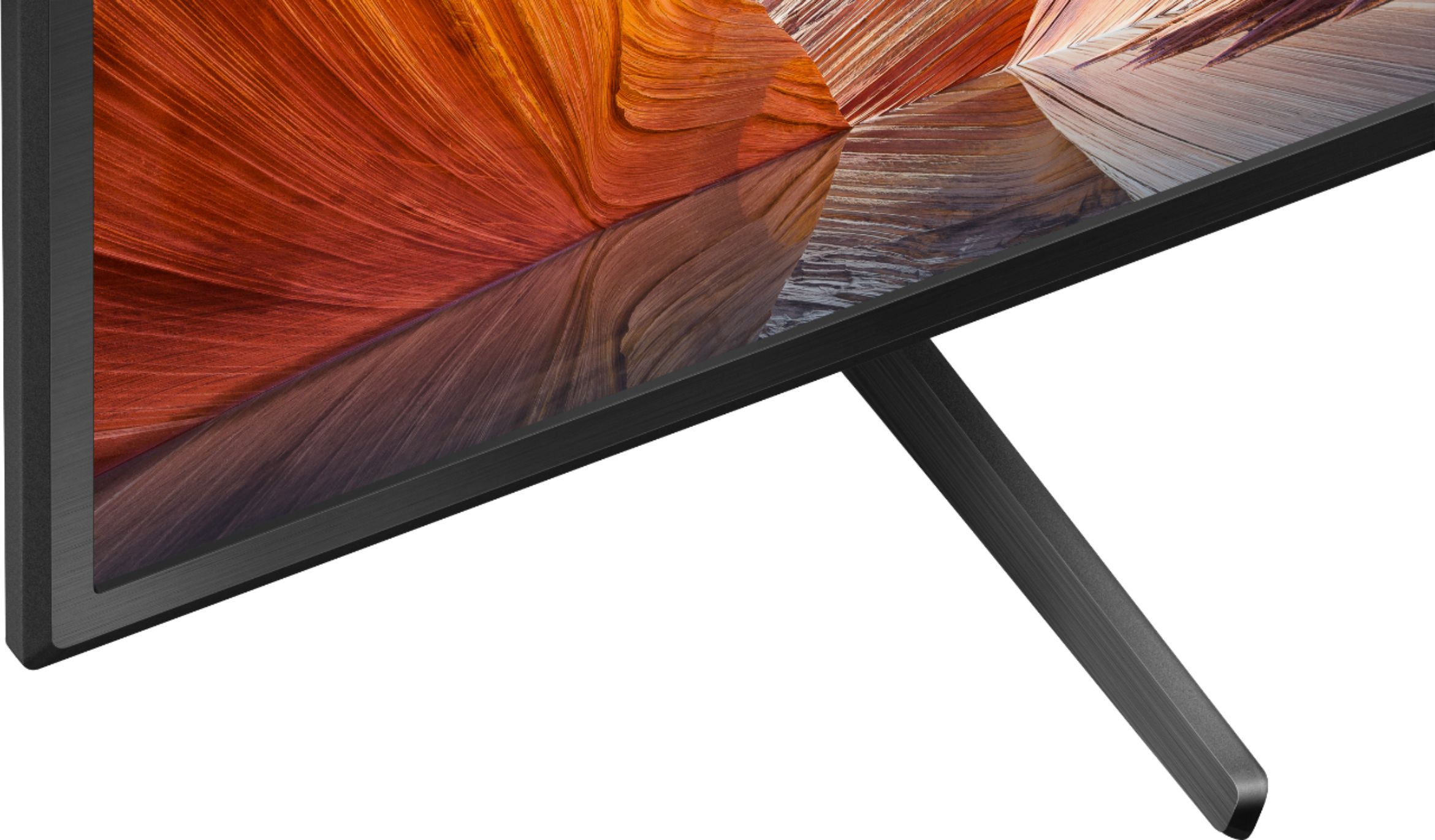
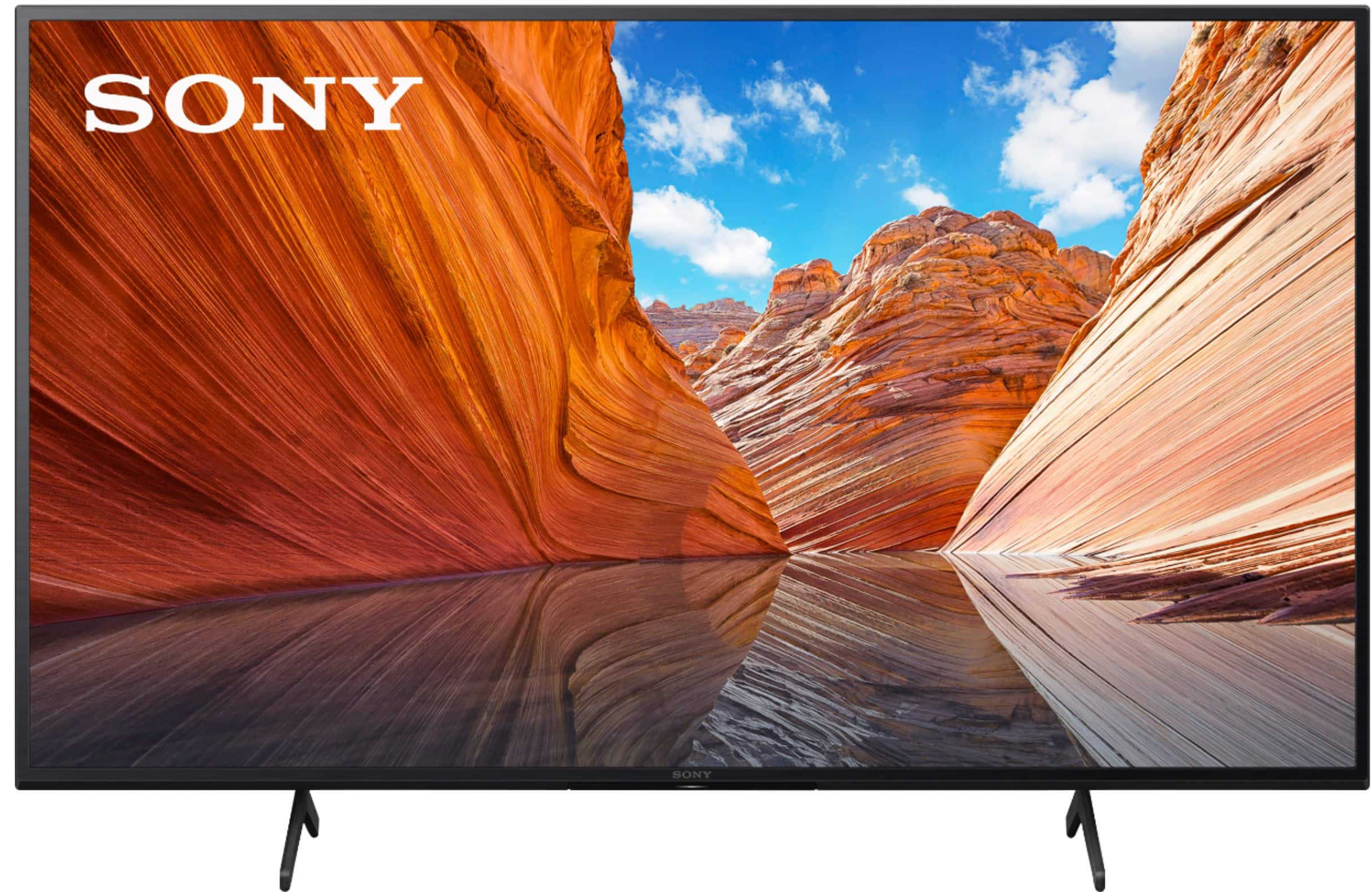
A:AnswerHi Bob, thank you for your question. Yes. The TV comes with a stand.
Our BRAVIA X80J LED TV has a powerful 4K HDR Processor X1 reduces digital noise and boosts details for lifelike picture quality.
I hope this helps.
Regards,
Erin
A:AnswerHi EmperorScrat, Unfortunately, the KD50X80J does not support the BRAVIA CORE and IMAX enhanced. Please check the links below for more details:
IMAX enhanced: https://www.sony.com/electronics/support/articles/00203830
BRAVIA CORE: https://www.sony.com/electronics/support/articles/00257820
I hope this helps! Jay