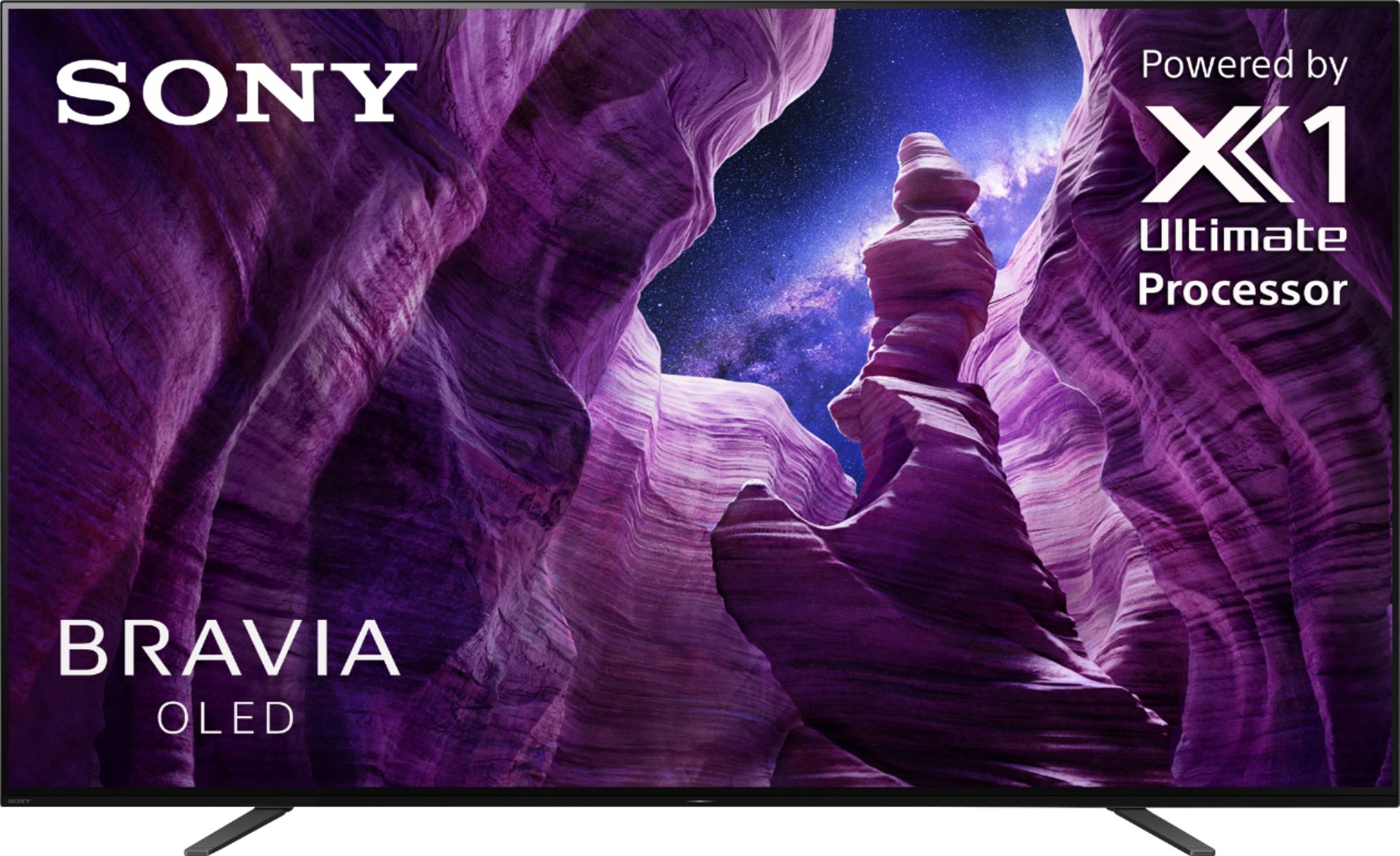
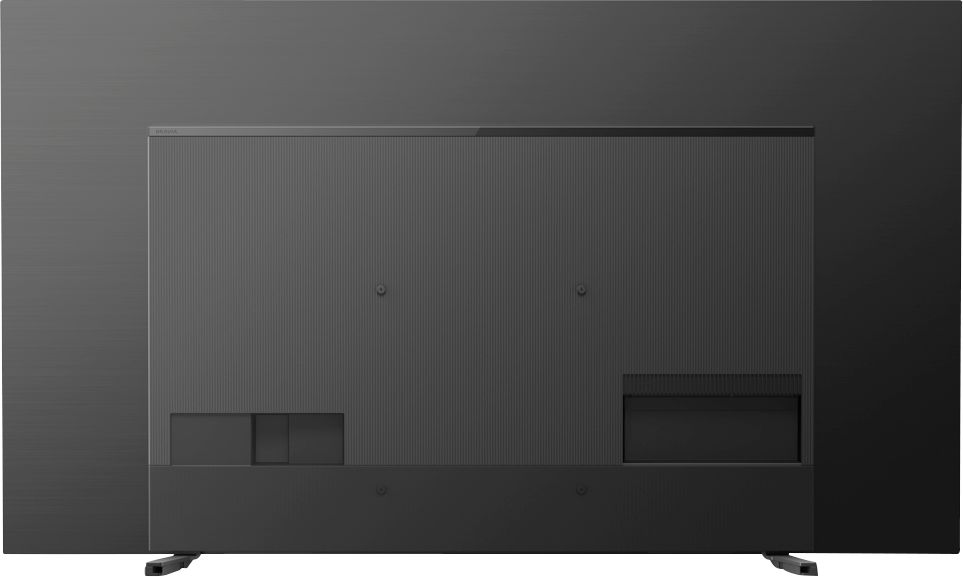
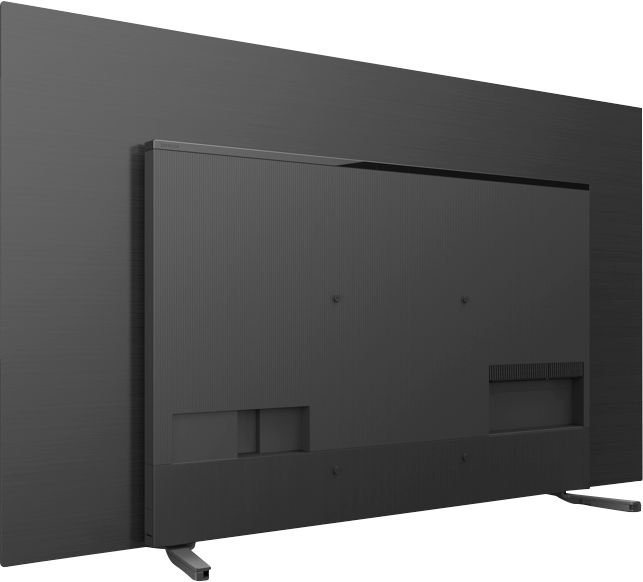
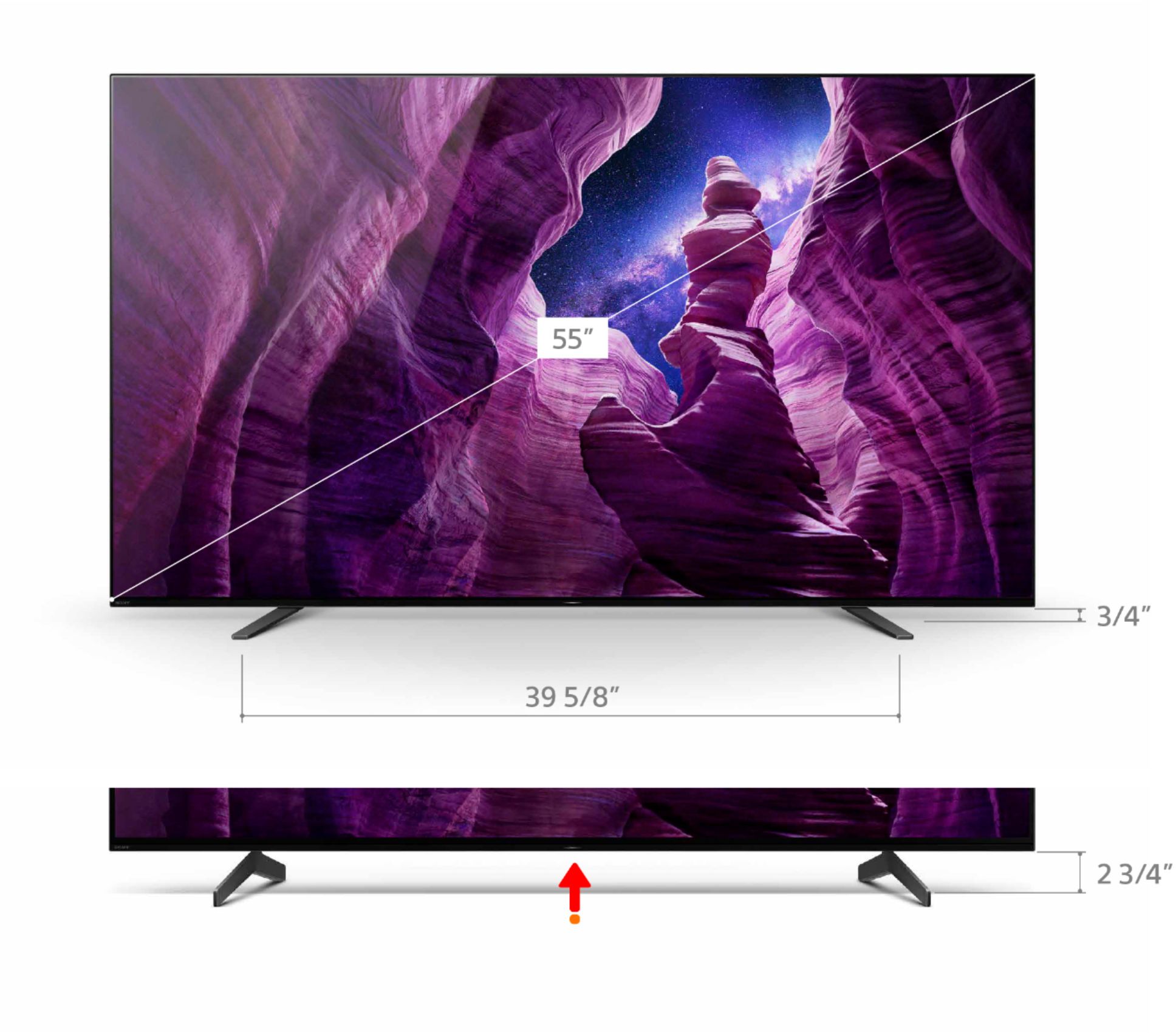
A:AnswerHello Yummie19, Yes. You can connect your Sony wired headphones with the A8H. To know where the headphone jack is located and to see what other ports your TV supported, check out page 2 of the Setup Guide: https://www.sony.com/electronics/support/res/manuals/5014/67be14417fc6b33a2527de348b5ecf12/50147791M.pdf. I hope this helps! -Vincent
A:AnswerI believe so, there are several sound options which change the sound quality. I have a hard time hearing television conversations but not using the standard sound mode.
A:AnswerThis TV does have a game mode. I use it when I play my Playstation 5. As far as I know, I have not seen an IMAX feature but it does have a Dolby Vision mode for content that supports Dolby Vision.
A:AnswerTv does have an rca type plug for input. It is labeled video/audio. Depends on the output your player has. You could probably also get an adapter if player doesn’t connect.
A:AnswerHi Voltage, Below are the power requirements of our A8H:
(voltage)
AC 120V for UL cUL AC 110-240V for other
(frequency)
60Hz for UL cUL 50/60Hz for other
Thank you for your inquiry!
-Vincent
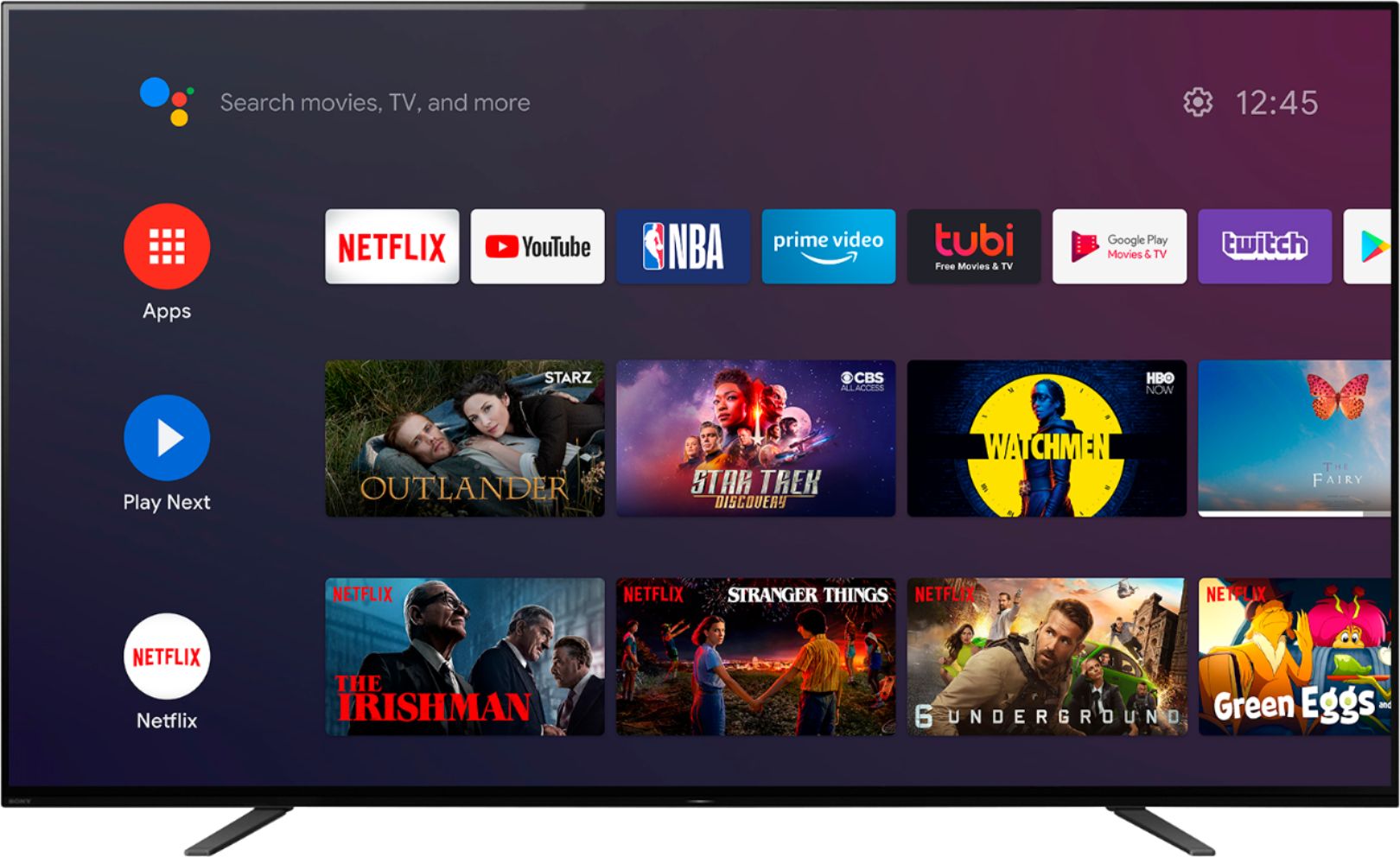
A:AnswerYou just have to decide what app you want, like YouTube TV or Netflix. Then download the app, and sign in by creating an account. Different apps have different ways of signing you up. Some streaming services also let you have a free trial period to see if you like the service or not. Each app will have easy to follow instructions to do this. YouTube TV actually have you use your phone or tablet/computer to complete the process to watch their shows/movies.
A:AnswerHi ChuckL, We regret to hear that you are having a Bluetooth issue with your Sony Bravia TV. The updated firmware of our A8H is v6.5042. If your TV didn't get this, please perform a software update again: https://www.sony.com/electronics/support/televisions-projectors-oled-tvs-android-/xbr-55a8h/downloads. We can also reset the TV to factory settings to isolate the issue further: https://www.sony.com/electronics/support/articles/00159487.
If you are still having the same issue, you can email us at [email protected] with the following details:
Name:
Best Buy Username:
Model Number:
Issue:
Telephone Number:
Sincerely,
Vincent