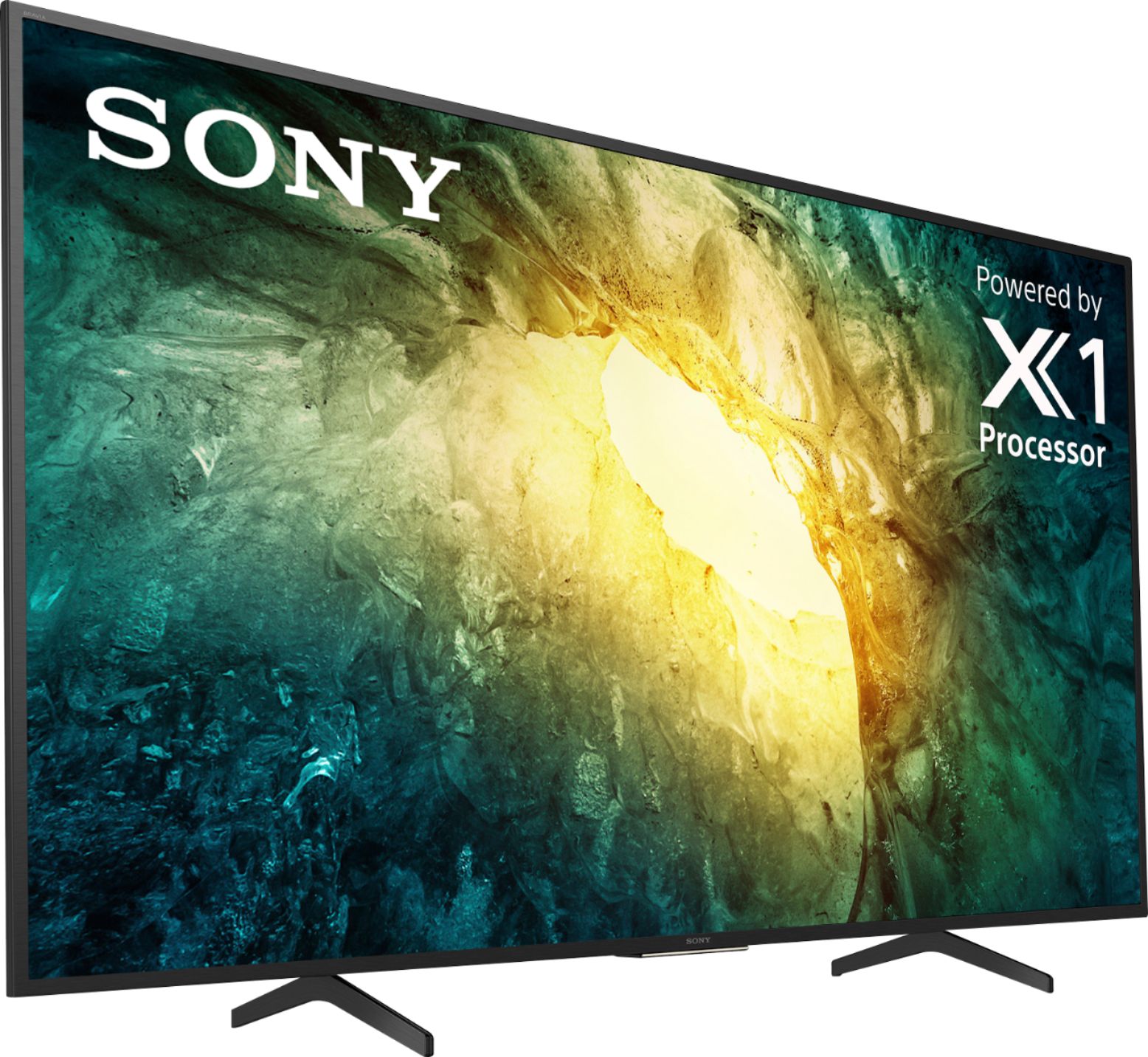
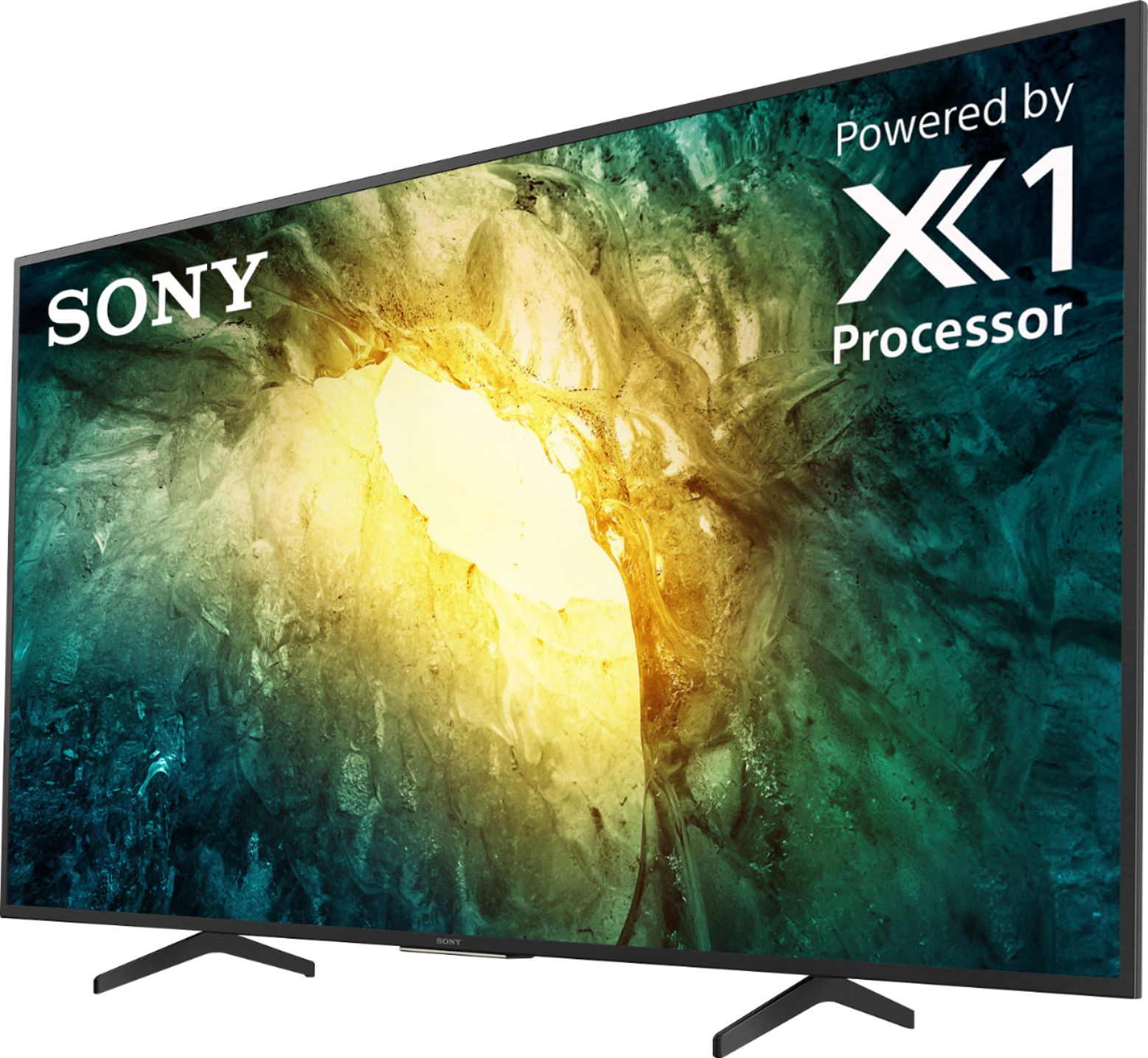
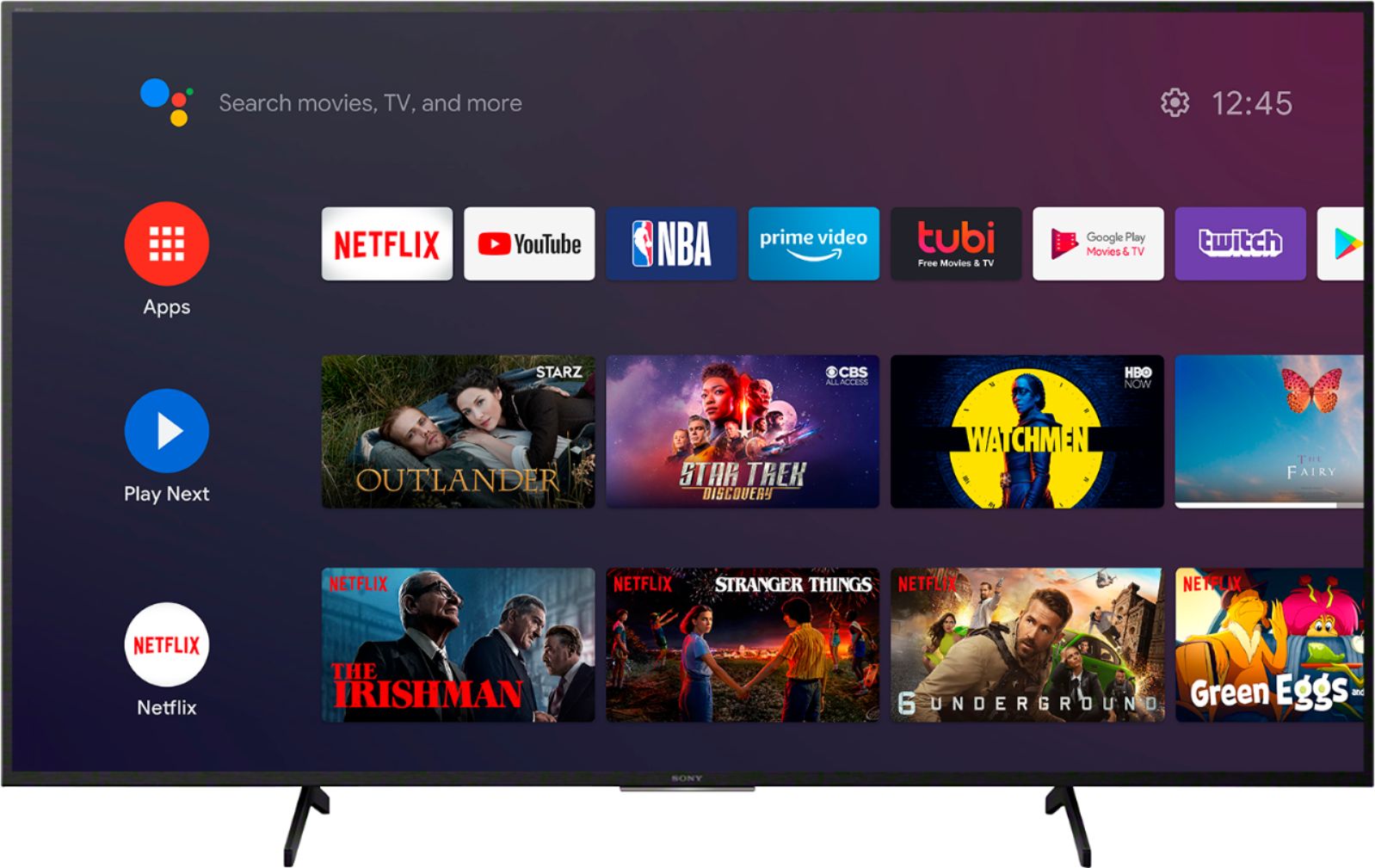
A:AnswerHi there, This unit is an Android TV and it comes with pre-installed apps such as Netflix, YouTube, Prime and many more. Also, the TV has the Google PlayStore app to download third-party applications. There are certain apps that are available for Android mobile devices but not available for download on Android TV devices. You can check in the Google Play store app of the TV if you can download the desired apps. Thanks! -Jess
A:AnswerHi Jason, we appreciate your interest in the X750H. Unfortunately, the X750H doesn't support Apple AirPlay 2, HomeKit and no Screen Mirroring function. For screen mirroring with an iPhone, you will need Airplay 2. You can connect external devices like an Apple TV for Airplay. You might want to look at X800H and above that will have these features if you don’t want to buy an external device. Regards, Jess
A:AnswerHi Tom, Thank you for the inquiry. In order to hear sound from headphones and the TV speakers at the same time when watching TV or a movie, the source device must have multiple audio outputs. For more details, please check the link below.
https://www.sony.com/electronics/support/televisions-projectors-lcd-tvs-android-/kd-55x750h/articles/00049501
Thanks, Jay
A:AnswerHi John,
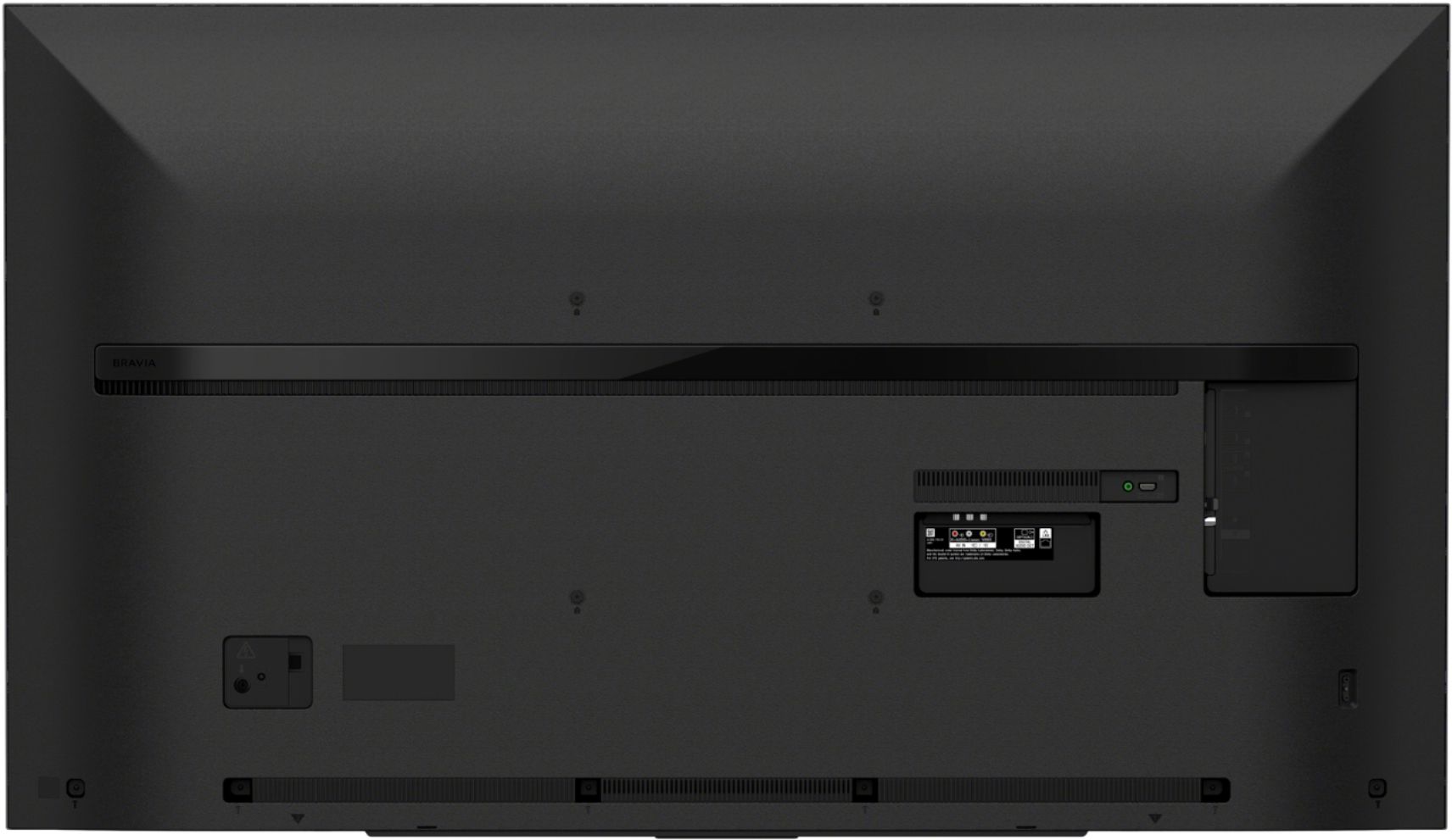
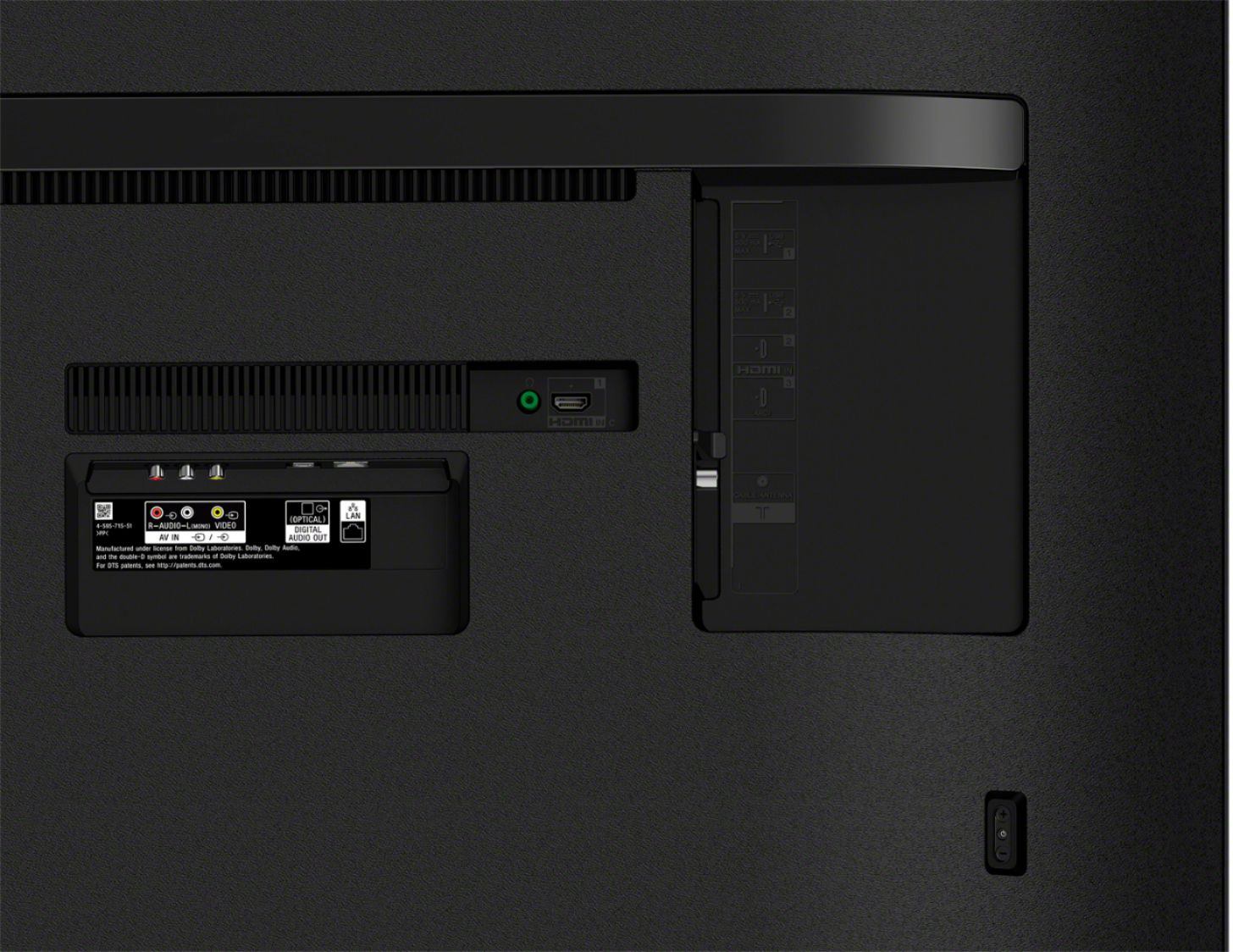
Thanks for your interest in the KD55X750H TV. The TV is designed to support a cable box via HDMI or composite connection. You can also watch OTA(over-the-air) channels by connecting an antenna to the TV. Make sure to run auto program when using an antenna. You may refer to these links for more information:
https://helpguide.sony.net/tv/gusltnr1/v1/en-us/04-08_01.html
https://www.sony.com/electronics/support/televisions-projectors-lcd-tvs-android-/kd-55x750h/articles/00158454
Regards,
Ralph
A:AnswerHi Jchavez, We're sorry to hear about the issue of this TV. In this case, we recommend performing a power reset to isolate this issue. Please check the troubleshooting steps from the link below.
https://www.sony.com/electronics/support/televisions-projectors-lcd-tvs-android-/kd-55x750h/articles/00153674
If the issue is unresolved, please send us an email to [email protected] with the following details below or chat with us from Sony’s e-support webpage.
Full Name:
Best Buy Username:
Telephone Number:
Sony TV Model Number:
Additional Information regarding your experience with the X750H:
We are sorry for the inconvenience and hope to speak to you to resolve this matter.
We appreciate you and thanks again for shopping Sony!
Sincerely,
Jay
A:AnswerHello, The X750H supports Bluetooth Version 4.2; HID (mouse/keyboard connectivity)/HOGP (Low Energy device connectivity)/SPP (Serial Port Profile). This unit doesn't support A2DP (Advanced Audio Distribution Profile) Bluetooth profile. The Bluetooth headphones, speakers, or soundbar that supports A2DP are not compatible with this TV. You can connect a USB or Bluetooth keyboard and mouse to this TV, however, the operation isn't guaranteed. We tested some keyboards and mice and found they were compatible, but not all functions were supported. The A2DP feature would be found on the X900H and above. Please check the compatible Android TVs connecting to the Bluetooth headphones and soundbars/speakers from the link below.
https://www.sony.com/electronics/support/televisions-projectors-lcd-tvs-android-/kd-55x750h/articles/00159290?model=KD-55X750H&category=televisions-projectors-lcd-tvs-android-
Thanks, Jay
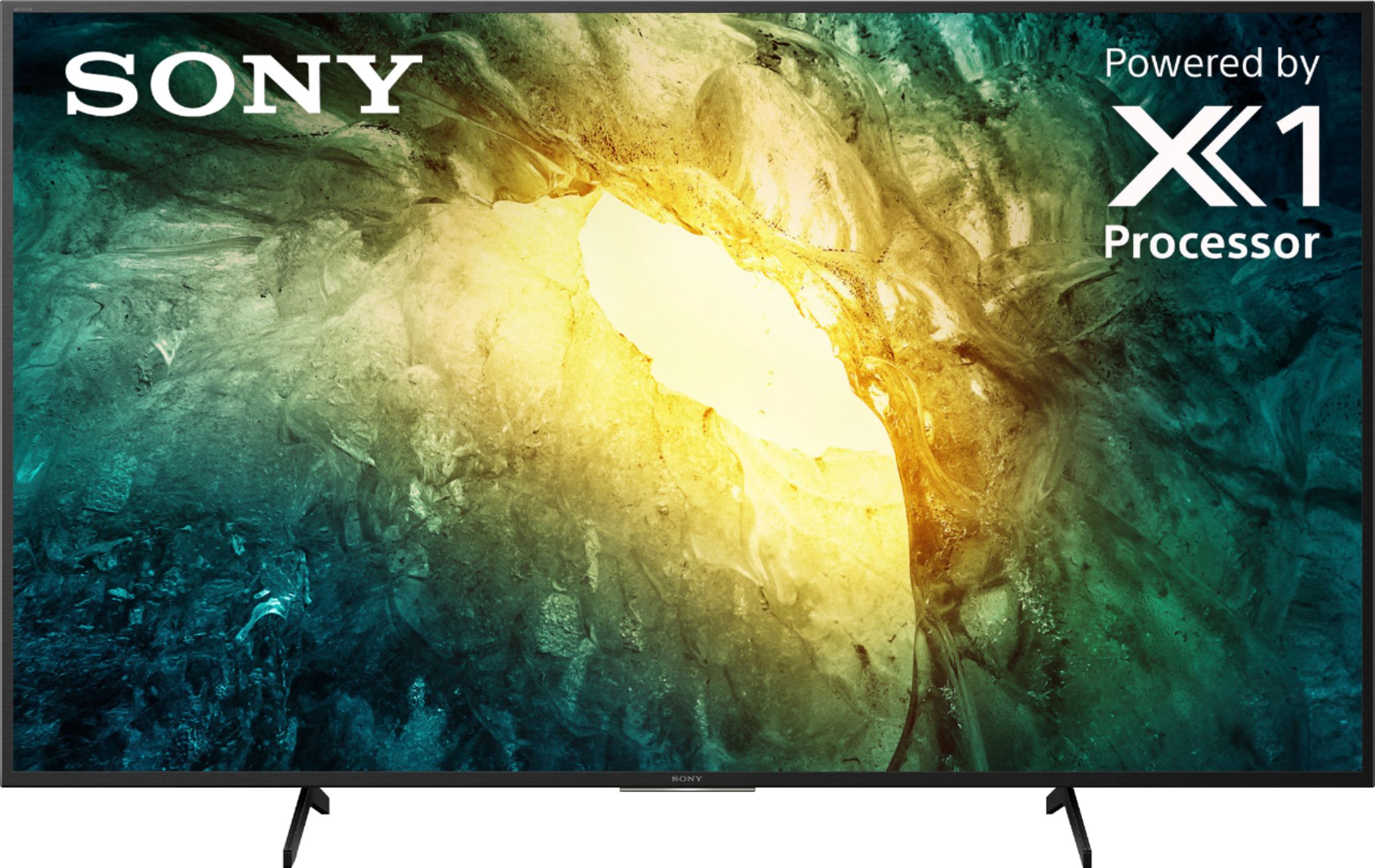
A:AnswerHi Rob, thanks for inquiring about the X750H. You can add or download third-party apps that are compatible with the TV from the Google PlayStore. Regards, Erin
A:AnswerYou might want to do a restart under tools, advance settings, device preferences, and all the way at the bottom hit restart. That has helped us when one of our apps has done the same thing.