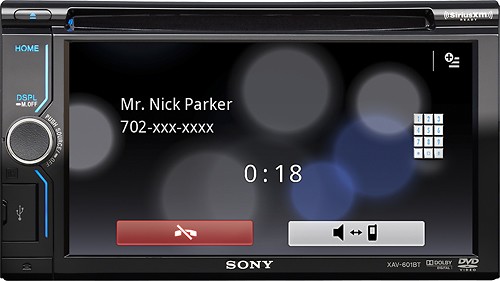
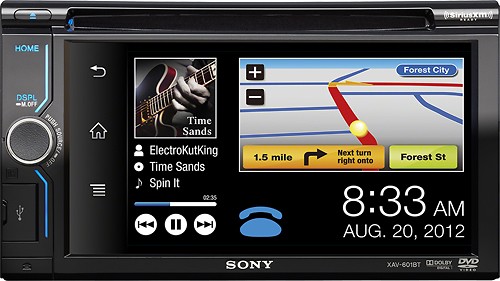
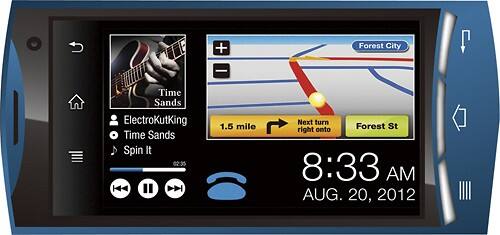
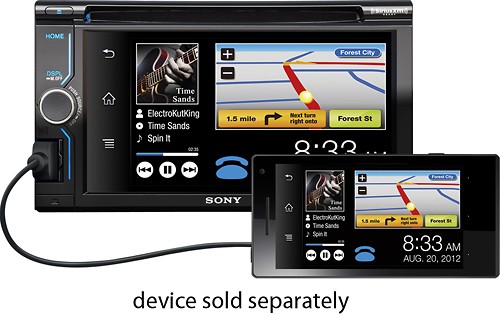
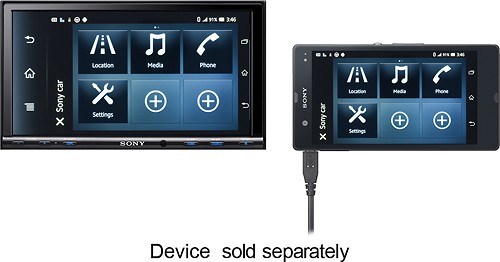
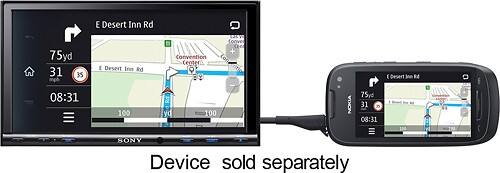
A:AnswerNo. It doesn't work with the iPhone. The only thing you can do with the iPhone and this worthless head unit is play back music (Pandora & iTunes) and make and receive calls. It will NOT mirror link any phone other than a Nokia and Samsung - double check that one, 'cause I may be mistaken on the brands, but it doesn't work with iPhone. I found this out the hard way, by having it installed and fooling around with it for 3 days. I finally saw in tiny print a web site that shows you the compatible phones. I was floored by the piddly two listed. You will not be able to play video while driving.
Save you money. If you want a video player for the car look elsewhere. If you want an awesome BlueTooth HD head unit, see my suggestions below.
A:AnswerThe Stereo unit (XAV601BT) has the following Measurements: Approx. 178 × 100 × 173 mm (7 1/8 × 4 × 6 7/8 in) (w/h/d)
Please review the Marketing Specifications for more detailed information:
http://www.docs.sony.com/release/specs/XAV601BT_mksp.pdf
For Your Convenience Best Buy has a Fit Guide handy to help you find your vehicle.
How to locate the Fit Guide.
1. Click Products, scroll down to Car, Marine, & GPS
2. Over to the right under Resources, click Car Fit Guide.
If your Vehicle is not listed, or the Guide states your vehicle is incompatible, please consult a professional Car Audio installer, to determine if they can install it for you.
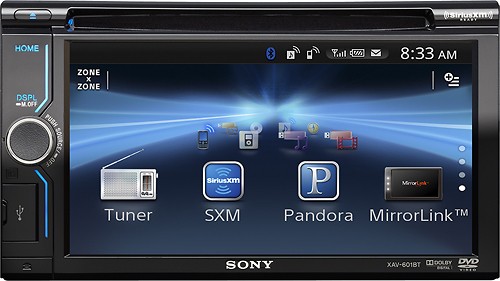
A:AnswerThe (XAV601BT) Satellite Radio has the following Measurements: Approx. 178 × 100 × 173 mm (7 1/8 × 4 × 6 7/8 in) (w/h/d)
Please review the Marketing Specifications for more detailed information: http://www.docs.sony.com/release/specs/XAV601BT_mksp.pdf
For Your Convenience, Best Buy has a Fit Guide handy to help you find your vehicle.
How to locate the Fit Guide.
1. Click Products, scroll down to Car, Marine, & GPS
2. Over to the right under Resources, click Car Fit Guide.
If your Vehicle is not listed or the Guide states your vehicle is incompatible, please consult a professional Car Audio installer to determine if they can install it for you.
A:AnswerThe Sony XAV601BT AV Center has a screen size of approx: (W x H) 136.20x72.00 mm.
Installation by a professional Car Audio installer is advised.
Please review the Marketing Specifications for more detailed information:
http://www.docs.sony.com/release/specs/XAV601BT_mksp.pdf
For Your Convenience Best Buy has a Fit Guide handy to help you find your vehicle.
How to locate the Fit Guide:
1. Click Products, scroll down to Car, Marine, & GPS
2. Over to the right under Resources, click Car Fit Guide.
If your Vehicle is not listed, or the Guide states your vehicle is incompatible, please consult a professional Car Audio installer, to determine if they can install it for you.
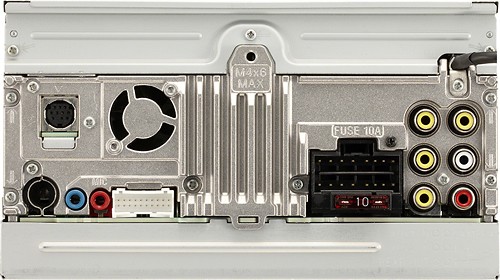
A:AnswerThe Sony XAV601BT A/V Center has Screen Size: 136.20 x 72.00 mm (W x H).
Installation by a professional Car Audio installer is advised.
Please review the Marketing Specifications for more detailed information:
http://www.docs.sony.com/release/specs/XAV601BT_mksp.pdf
For Your Convenience Best Buy has a Fit Guide handy to help you find your vehicle.
How to locate the Fit Guide:
1. Click Products, scroll down to Car, Marine, & GPS
2. Over to the right under Resources, click Car Fit Guide.
If your Vehicle is not listed, or the Guide states your vehicle is incompatible, please consult a professional Car Audio installer, to determine if they can install it for you.
A:AnswerInstallation by a professional Car Audio installer is advised.
Please review the Marketing Specifications for more detailed information:
http://www.docs.sony.com/release/specs/XAV601BT_mksp.pdf
For Your Convenience, Best Buy has a Fit Guide handy to help you find your vehicle.
How to locate the Fit Guide:
1. Click Products, scroll down to Car, Marine, & GPS
2. Over to the right under Resources, click Car Fit Guide.
If your Vehicle is not listed, or the Guide states your vehicle is incompatible, please consult a professional Car Audio installer, to determine if they can install it for you.