A:AnswerMine doesn't do this. Go to the store on 63rd and ask for David only. Geek Squad stereo installer. He's the only one recommended to install this. I waited until he was available, 2 wks, just because I wanted it done right. Go see David and he will fix this issue for you.
A:AnswerHi Mike, below is the information. Please check the slot in your vehicle if it fits. Thanks! ^Ron
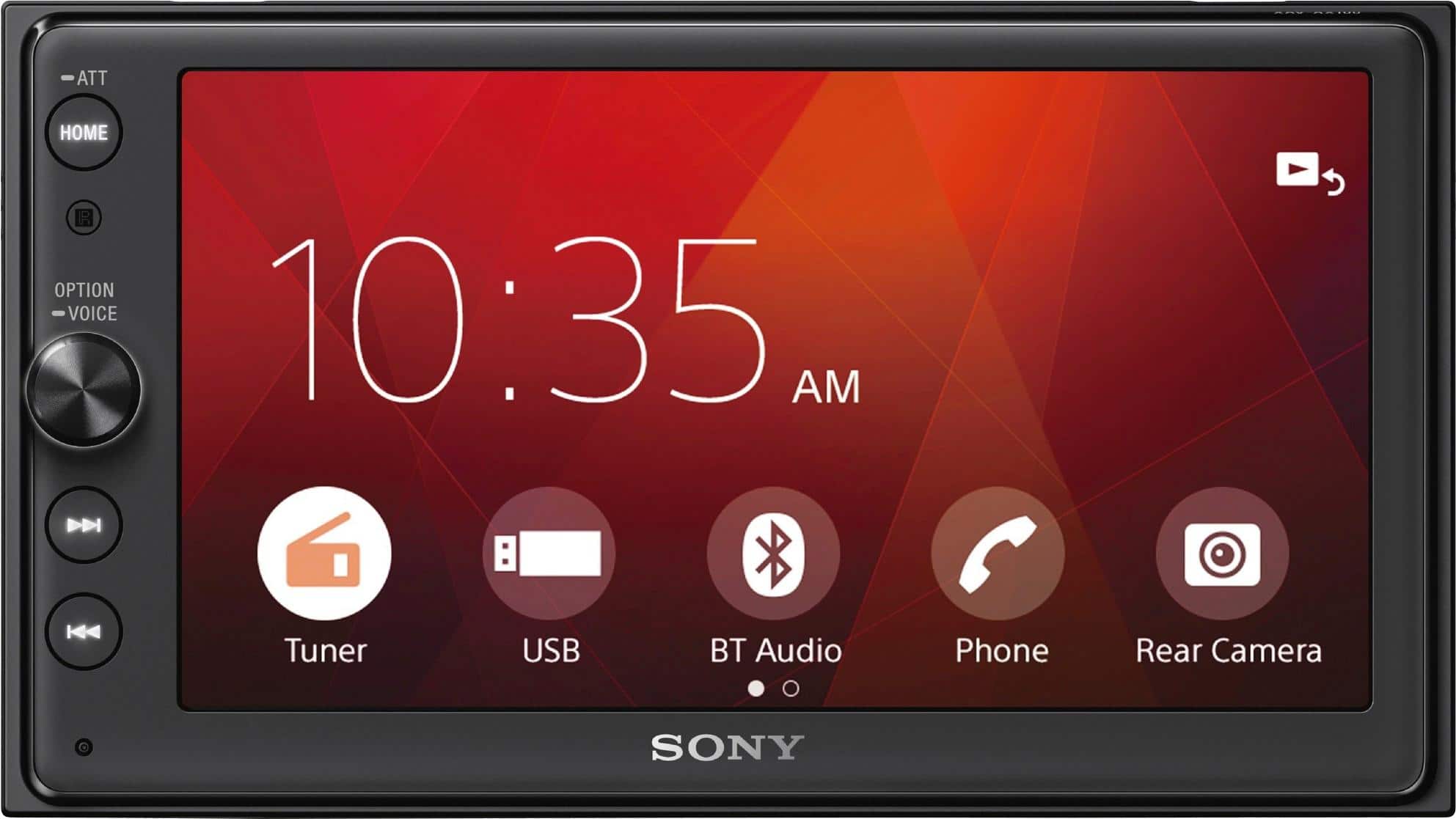
Dimensions approx.: 178 mm × 100 mm × 161.5 mm (7 1/8 in × 4 in × 6 3/8 in) (w/h/d)
Mounting dimensions approx.: 178 mm × 100 mm × 155 mm (7 1/8 in × 4 in × 6 1/8 in) (w/h/d)
A:AnswerHi Catchkc,
Bluetooth helmet is not listed as a compatible Bluetooth device for your car stereo. So connecting the helmet via Bluetooth is not guaranteed to work.
Reference link:
https://www.sony.com/electronics/support/mobile-cd-players-xav-series/xav-ax100/articles/00014179
https://docs.sony.com/release/hyperlinks/PPA_XAV-AX100_Compatibility_List_Ver0.11.PDF
Regards,
-David
A:AnswerHi Kyle, MSC (Mass Storage Class) type USB devices (such as a USB flash drive, digital media player) compliant with the USB standard is compatible with this unit. Additional information are listed below. Thanks! ^Ron
• USB devices formatted with file systems FAT12/16/32 are supported.
• For details on the compatibility of your USB device, visit the support site on the back cover.
• For details on the supported file formats, see “Supported formats” (page 16).
https://docs.sony.com/release//Manual_4686137213.pdf
A:AnswerHello sms, we recommend contacting a professional installer to properly check it for you. It comes with a set of parts for installation and connections. For more information about the unit, please visit the link below:
https://docs.sony.com/release//Manual_4686137213.pdf, see pages 18, and 24 to 26.
Regards, _Bob
A:AnswerGo to public library use their computer and download and print. Librarians are free helpers if you have issues printing but price per page to print may cost several dollars ask ahead of time by calling
A:AnswerHi Macgyvur, we highly suggest visiting the link below for more information about compatible USB devices. However, regarding the buzzing sound, we are already aware of this issue and currently investigating. We appreciate your time bringing this up. Thanks! ^Ron
https://esupport.sony.com/US/p/support-info.pl?info_id=1676&mdl=XAVAX100