A:AnswerHi Nico!
Thanks for reaching out! We can certainly assist you with that.
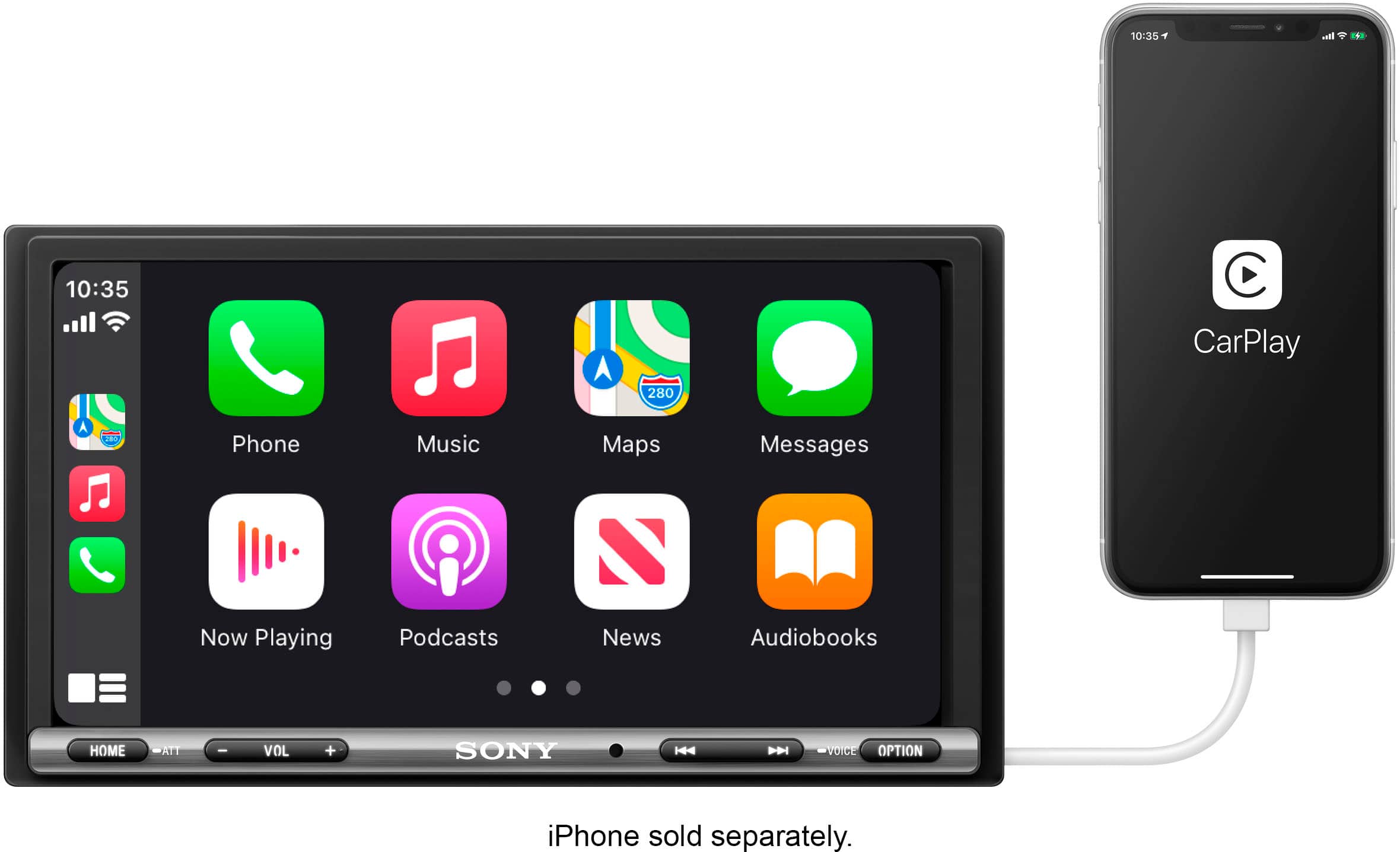
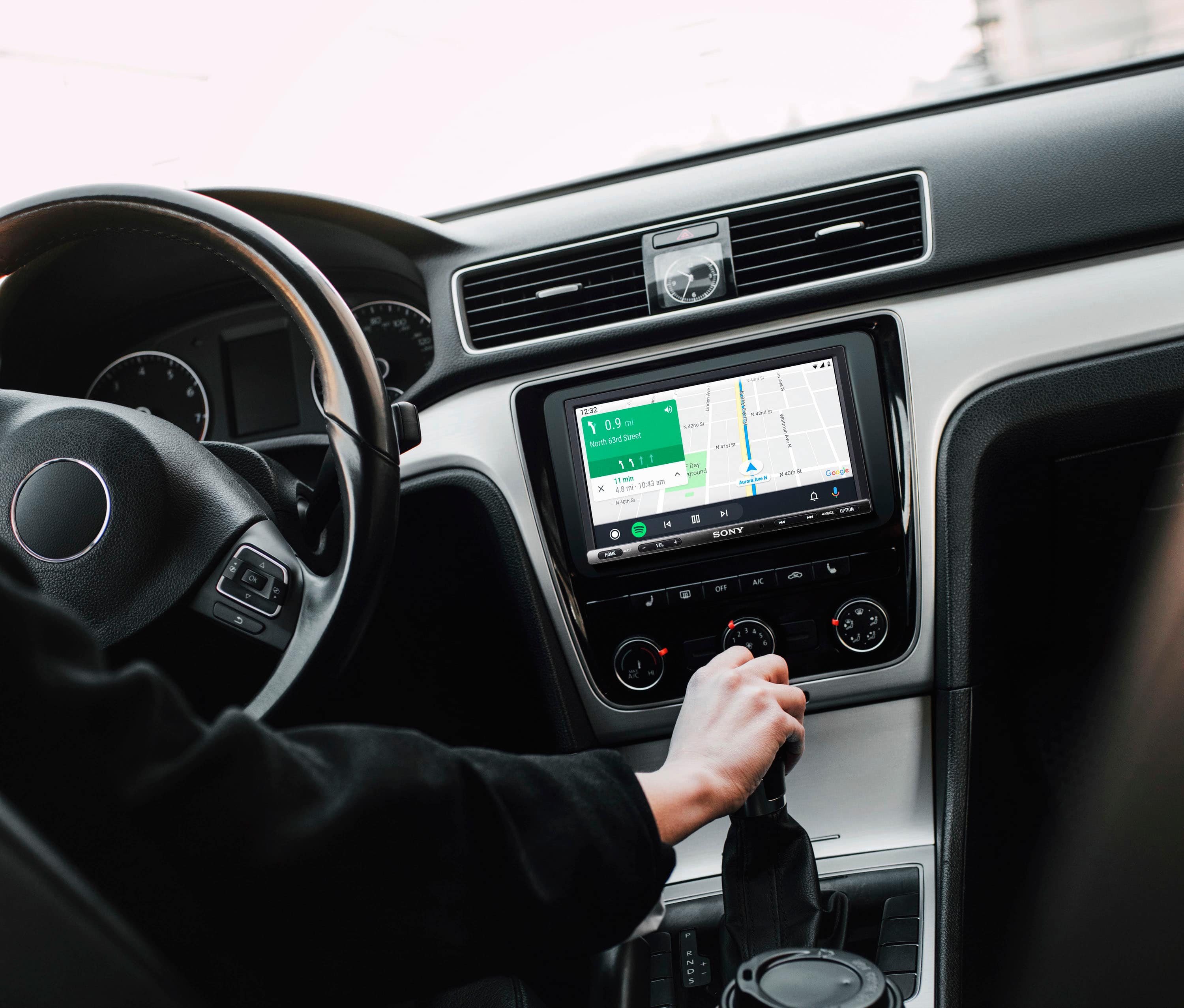
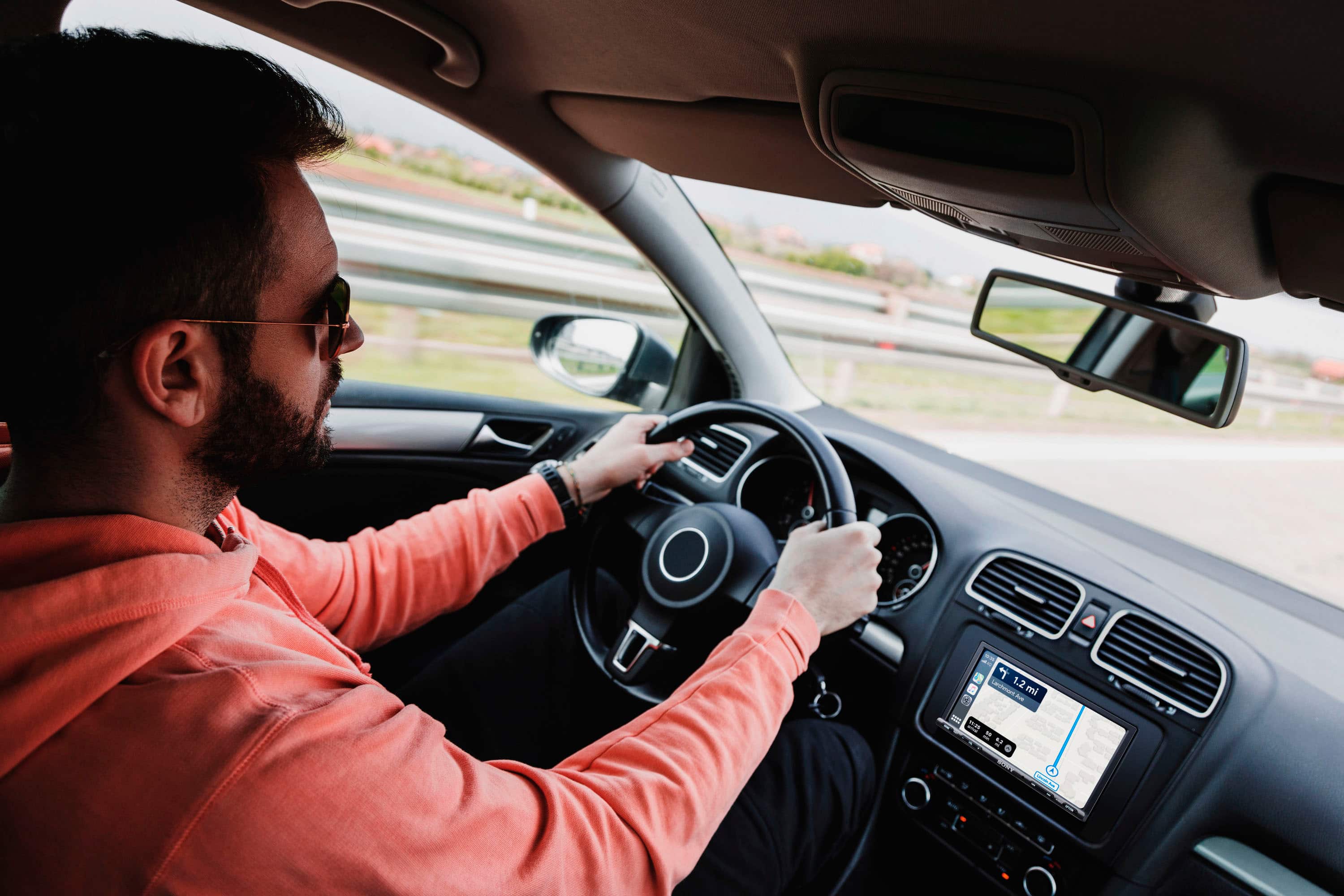
The Sony XAV-AX3250 supports Apple CarPlay, but it requires a wired connection via a USB cable. Wireless CarPlay is not supported on this model.
If you'd like to learn more about this product, please visit the link and click on 'Help Guide' for additional information.
https://www.sony.com/electronics/support/mobile-cd-players-digital-media-players-xav-series/xav-ax3250/manuals
We appreciate you considering Sony for your next purchase!
Best regards,
Estefany
A:AnswerHi Ammon,
Thank you for your inquiry regarding the Sony XAV-AX3250. No, this unit is not compatible with the iPod Classic. The system is designed to be compatible with modern smartphones through features such as Apple CarPlay, Android Auto, and WebLink Cast.
Thank you for considering Sony!
Regards,
Dominick
A:AnswerHello there,
Thank you for your interest in Sony products!
We appreciate your question and are here to assist you. The heated seats feature on your 2011 Ford Edge Limited can be controlled from the touchscreen using a third-party installation kit and harness from iDatalink Maestro, but this compatibility is limited to our XAV-AX4000 or XAV-AX8500 radios. Unfortunately, it will not work with the XAV-AX3250 model.
Best regards,
-Fred
A:AnswerHi Jason,
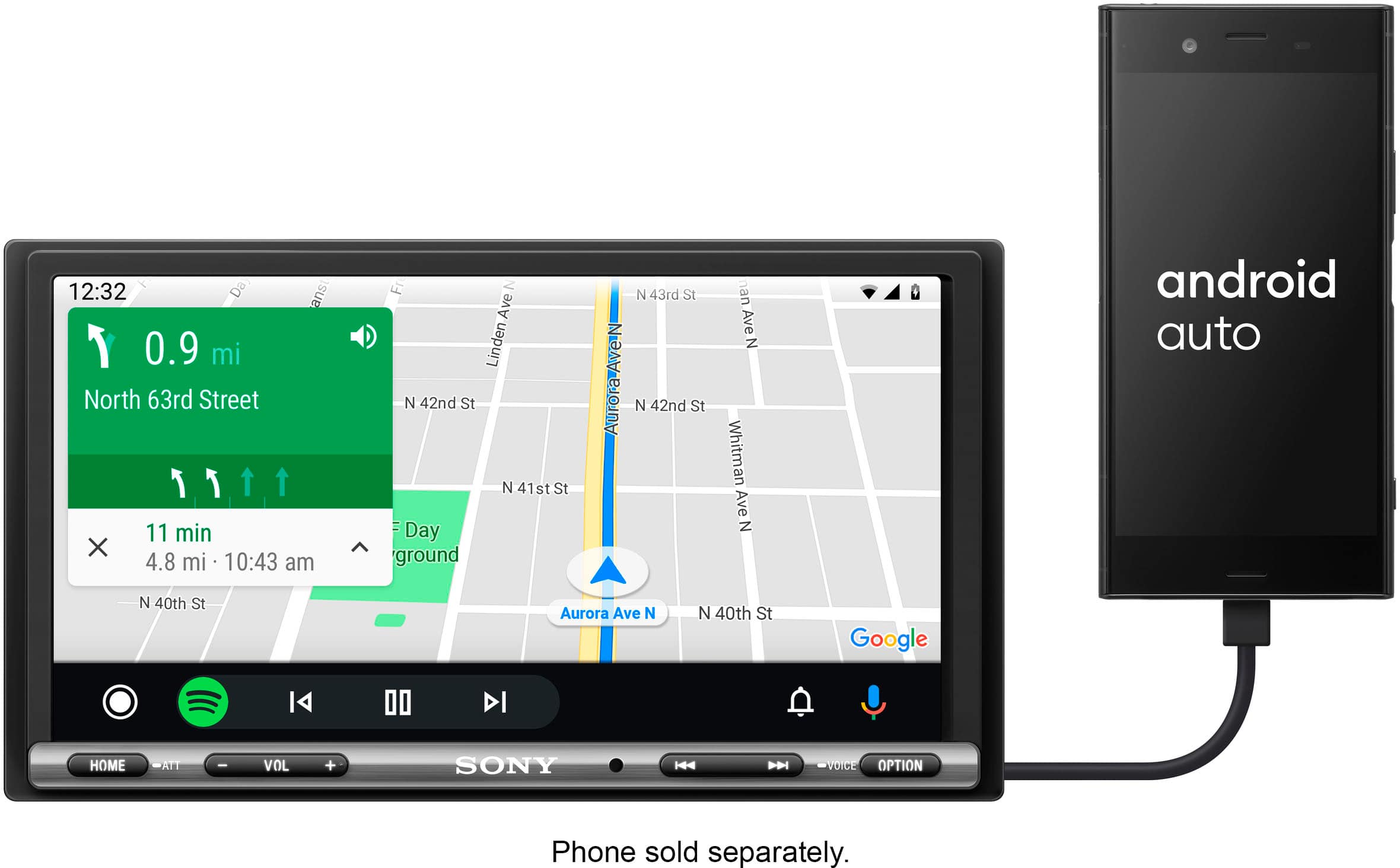
The Sony XAV-AX3250 requires a wired connection for Android Auto.
If you are looking for a model that supports Wireless Android Auto, we recommend exploring the XAV-AX4000. This unit allows you to connect your smartphone via Wi-Fi, keeping your device in your pocket while still providing full access to navigation, music, and messaging.
We hope you find this information helpful! Thanks for considering Sony.
Regards,
Dominick
A:AnswerHi Gorditoburrito,
Thank you for reaching out with your question. We can certainly help you with that!
The XAV-AX3250 can definitely be installed in your 2007 Nissan Titan. You'll just need a couple of common third-party parts, specifically a dash kit and a wiring harness.
For your convenience, you can find the unit's manual at the following link: https://www.sony.com/electronics/support/res/manuals/5027/4d3ebaa23b2778c567022ab6ad92b5bf/50272601M.pdf
Thanks for considering Sony products!
Best regards,
Estefany
A:AnswerHi PeteyPabs,
Thank you for your interest in the Sony XAV-AX3250. A reverse camera is not included with this unit.
For more details on what's included in the package, please refer to the link below:
https://www.sony.com/electronics/support/res/manuals/5027/4d3ebaa23b2778c567022ab6ad92b5bf/50272601M.pdf
Thanks for considering Sony products!
Regards,
Dominick
A:AnswerHi Vader,
While our car audio systems are designed to be universally compatible, installing one in a 2009 BMW 328i can be complex. We recommend you speak with an installation specialist at Best Buy to discuss whether an appropriate installation kit, harness, and antenna adapter are available and if they can complete the installation.
Thanks for choosing Sony.
Best regards,
Eliab
A:AnswerHi there,
The Sony XAV-AX1000 receiver is rear-view camera ready, which means it has a dedicated input for a backup camera. While it doesn't come with a camera included in the box, you can easily connect and use a compatible aftermarket camera to get a clear view when you're in reverse.
Thanks for choosing Sony.
Best regards,
Eliab
A:AnswerThanks for contacting Sony!
That's an excellent question regarding the XAV-AX3250. We're happy to inform you that this unit indeed supports the desired functionality.
The XAV-AX3250 is equipped with a rear USB port, enabling you to connect a USB mass storage device, such as a thumb drive, to play your MP3 files. Our design team included this feature to provide you with a simple way to enjoy your music collection without the need for physical CDs. The player is compatible with various audio formats, including MP3, WMA, AAC, and FLAC.
Additionally, you can use your smartphone to play MP3 files through Android Auto or Apple CarPlay, or by connecting via Bluetooth®. These options offer even greater flexibility in how you access and enjoy your music.
Please note that the XAV-AX3250 can only play MP3 files that are stored directly in a folder on your USB drive. It is essential that these files are not in a compressed or Zipped folder. You must first uncompress (unzip) the files on a computer and then place the MP3 files themselves into a standard folder on the USB drive for the car receiver to recognize and play them.
To ensure seamless playback, please keep the following tips in mind:
1. File Format: Only MP3 files can be played by the XAV-AX3250. Make sure that your music files are in this format to ensure compatibility.
2. Uncompressed Files: It's crucial that the MP3 files are not placed in any compressed or zipped folders. The car receiver needs direct access to the files, and compressed formats will not be recognized.
3. Proper Organization: Before hitting the road, take a moment to organize your music. First, uncompress (or unzip) the files on your computer. Once you have done that, create a standard folder on your USB drive where you can store the MP3 files.
By following these guidelines, you'll be all set to enjoy your favorite music while driving.
We hope this clarifies your question and helps you get the most out of your XAV-AX3250. If you have any further questions or need assistance, feel free to reach out to us.
Thank you for considering Sony products.
Best regards,
Gus, Sony North America Customer Support
A:AnswerHello MO,
Thank you for reaching out to Sony!
We appreciate your inquiry and are happy to assist you. Yes, the XAV-AX3250 works with Samsung Galaxy phones using wired Android Auto via USB. Just plug in your phone, and the Android Auto interface will appear. Make sure you use a good-quality USB cable and keep your software updated for the best experience.
For more information on how to effectively use your Android phone with this unit, please visit the following link: https://helpguide.sony.net/ev/xav-ax32/v1/en/contents/TP1000428659.html?search=android.
Best regards,
-Fred
A:AnswerHi Rick,
To set the time on your Sony XAV-AX3250 car receiver manually, follow these steps:
Press the HOME button.
Select [Settings].
Navigate to [General].
Choose [Date/Time].
Under [Set Date/Time], select [Manual].
Adjust the date and time manually before confirming your settings.
Please visit the following link to find the steps above:
https://helpguide.sony.net/ev/xav-ax32/v1/en/contents/TP1000428604.html?search=set
If you have any further questions, feel free to contact us. Thank you for choosing Sony!
-Fred
A:AnswerHi Drizzle, Thank you for your inquiry! The Sony X150 and the Sony XAV-AX3250 do not use the same harness plug and are thus not directly interchangeable. The wiring harness and connectivity standards for these two models differ.
It is essential to use the wiring harness provided with the new head unit for proper installation and compatibility. For specific car models or additional guidance, consulting a professional installer is recommended to ensure the units' proper fit, function, and integration.
Regards,
Carl
A:AnswerHello Todd,
Thank you for your interest in the Sony XAV AX3250 Digital Media Player. You can indeed connect a new backup camera to this player. However, if you're looking to use the media player to display the backup camera view instead of your rearview mirror, we recommend consulting a professional installer. They will be able to assess the compatibility with your vehicle and determine if this setup is feasible. Hope this helps. Regards, -Craig
A:AnswerHi Barney,
Thank you so much for your interest in the Sony XAVAX4000 media player! We're excited to hear that you're considering this innovative product for your vehicle. The XAVAX4000 is designed with versatility in mind, making it suitable for a wide range of vehicles. However, since we don’t have specific details about your vehicle model, we highly recommend consulting with a professional installer. They will be able to assess your vehicle's specifications determine how much it would cost you for the installation. Hope this answers your inquiry. Regards, -Craig