A:AnswerHi there,
Thanks for your inquiry. We would like to know more about your post so we can further assist you. Please email us at [email protected] with the following details:
Name:
Username:
Model Number:
Issue/concern:
Telephone Number:
-Ralph
A:AnswerHi bones,
Thank you for the inquiry! Do you mean the ATSC version? If so, yes, the television supports ATSC/ATSC 3.0(NEXTGEN TV).
TV technical specifications: https://www.sony.com/electronics/support/televisions-projectors-oled-tvs-android-/xr-65a80j/specifications
Regards,
David
A:AnswerOn your TV remote, press the pinwheel icon button on the mid right side. It’ll open up your settings on the lower portion of your TV screen. Go to Bluetooth settings and make sure it’s enabled; which it should be because it’s what’s needed to use google voice. Open the Bluetooth setting menu and add/find device. Long press the pairing button on your Apple case or ear buds pairing case. The TV should should scan and recognize your earbuds as a Bluetooth connection option. If it doesn’t help; try it again. Hope this helps!
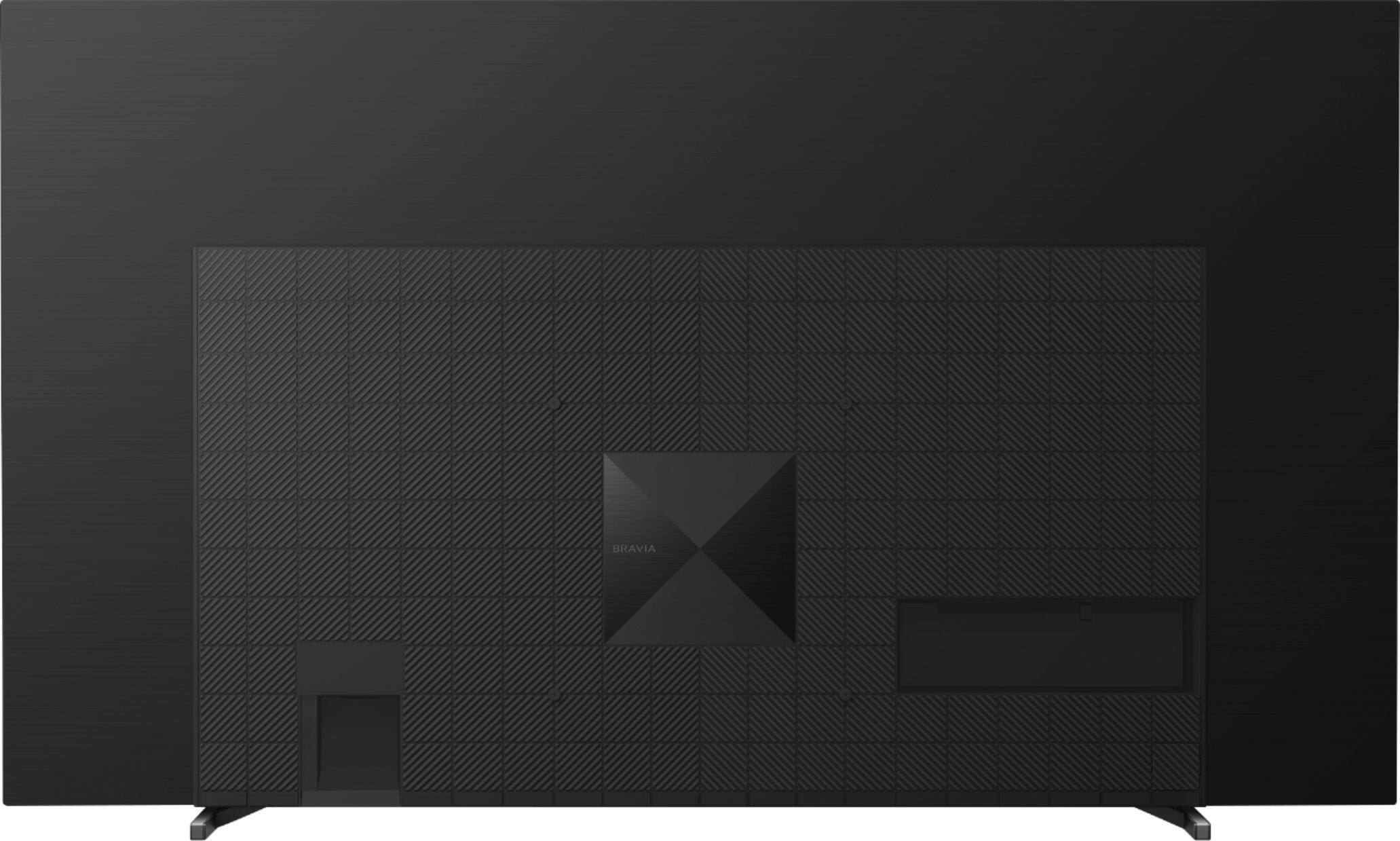
A:AnswerHDMI 3 and 4 are hdmi 2.1
If you have a ps5 or Xbox you can plug to these
I don’t think your cable box needs features from hdmi 2.1 so it might be safer to use ports 1 or 2.
Also if you have a sound bar or sound system and want to use arc function you need to use port 3 for that
A:AnswerHi StPeteBob,
Thanks for your inquiry. Are you referring to an antenna? If so, the latest antennas have a coax cable and that will go into the coax input on the back of the tv. After installing, please use the auto feature for channel scanning for digital and analog channels.
If you are not referring to an antenna or in need of further assistance, please email the below information to [email protected].
Full Name:
Best Buy Username:
Telephone Number:
Sony TV Model Number:
Issue:
Additional Information regarding your experience with your XR65A80J.
Sincerely,
-Ralph
Sony Social Support
A:AnswerHi RayJ, Thank you for your interest in the Sony A80J! All the HDMI input ports of this TV are High Dynamic Range (HDR) compatible which means this TV provides improved contrast, more accurate colors and more vivid pictures than regular non-HDR TV sets. For more information about the HDR feature on this TV, please refer to the link below:
https://www.sony.com/electronics/support/televisions-projectors/articles/00161421
And also, this TV supports a 4K 120 Hz refresh rate. Note: 4K 120 Hz is supported by HDMI IN 3 and IN 4 only.
And to ensure you're getting a High-quality 4K 120 Hz picture, an Ultra-High-Speed HDMI Cable that supports 48 Gbps is required. Refer to the cable specifications to find out whether a cable supports 48 Gbps.
Also, please set the HDMI signal format to "Enhanced". To change the HDMI signal format setting, press the (Quick Settings) button on the remote control, then select [Settings] — [Channels & Inputs] — [External inputs] — [HDMI signal format] — [Enhanced format]. For more details, please refer to this link:
https://helpguide.sony.net/tv/iusltn1/v1/en-003/04-09_02.html
Hope this helps!
Regards,
Sam
A:AnswerHi SonyBraviaFan,
Thanks for your inquiry. If you are referring to DIRECTV app, we're sorry, the app is not supported by the A80J series as of the moment. As an alternative, you can connect HDMI devices that support this application to the TV.
You can also use the built-in Chromecast feature to cast the content from the DIRECTV app of your mobile device to the TV. For more information, please refer to this link:
https://www.sony.com/electronics/support/televisions-projectors-oled-tvs-android-/xr-65a80j/articles/00135368
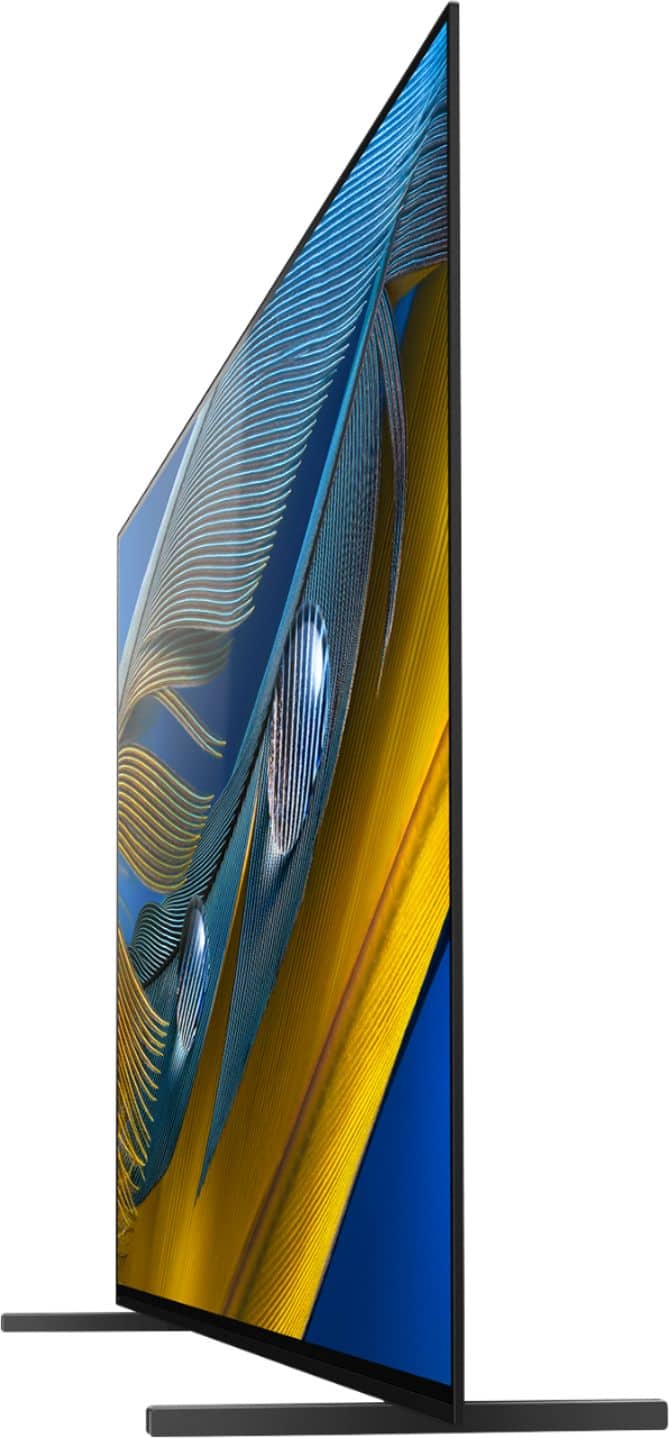
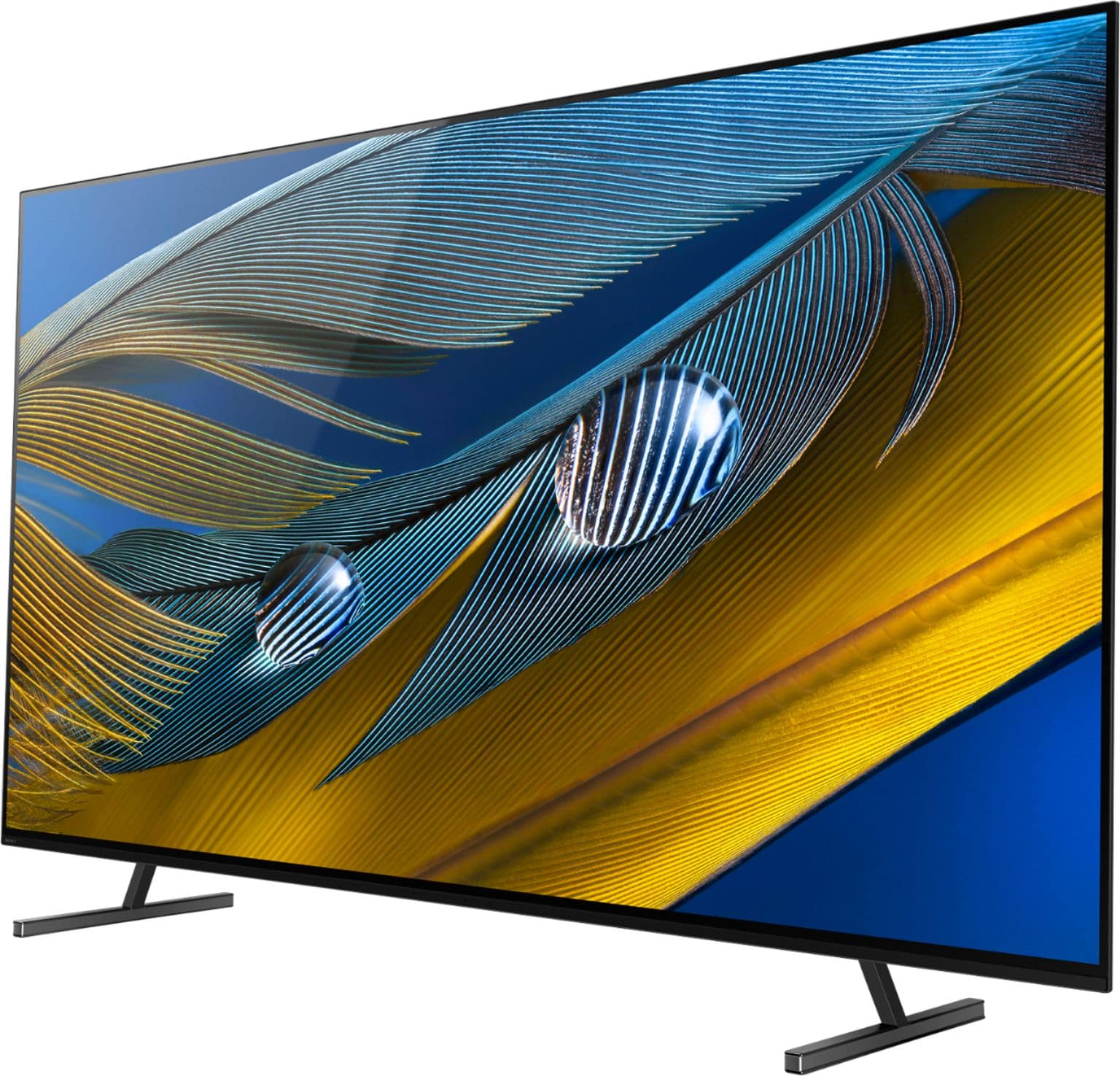
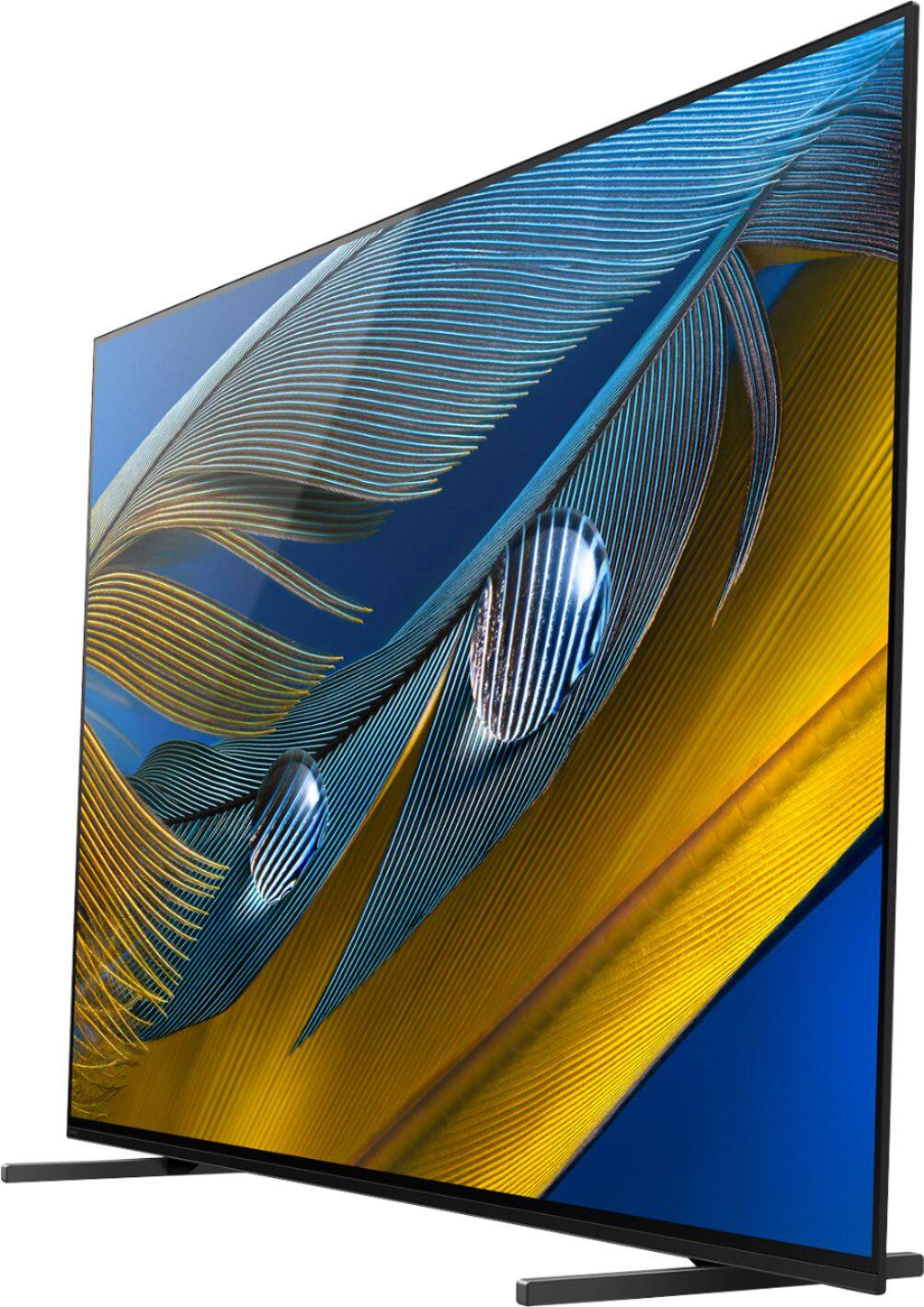
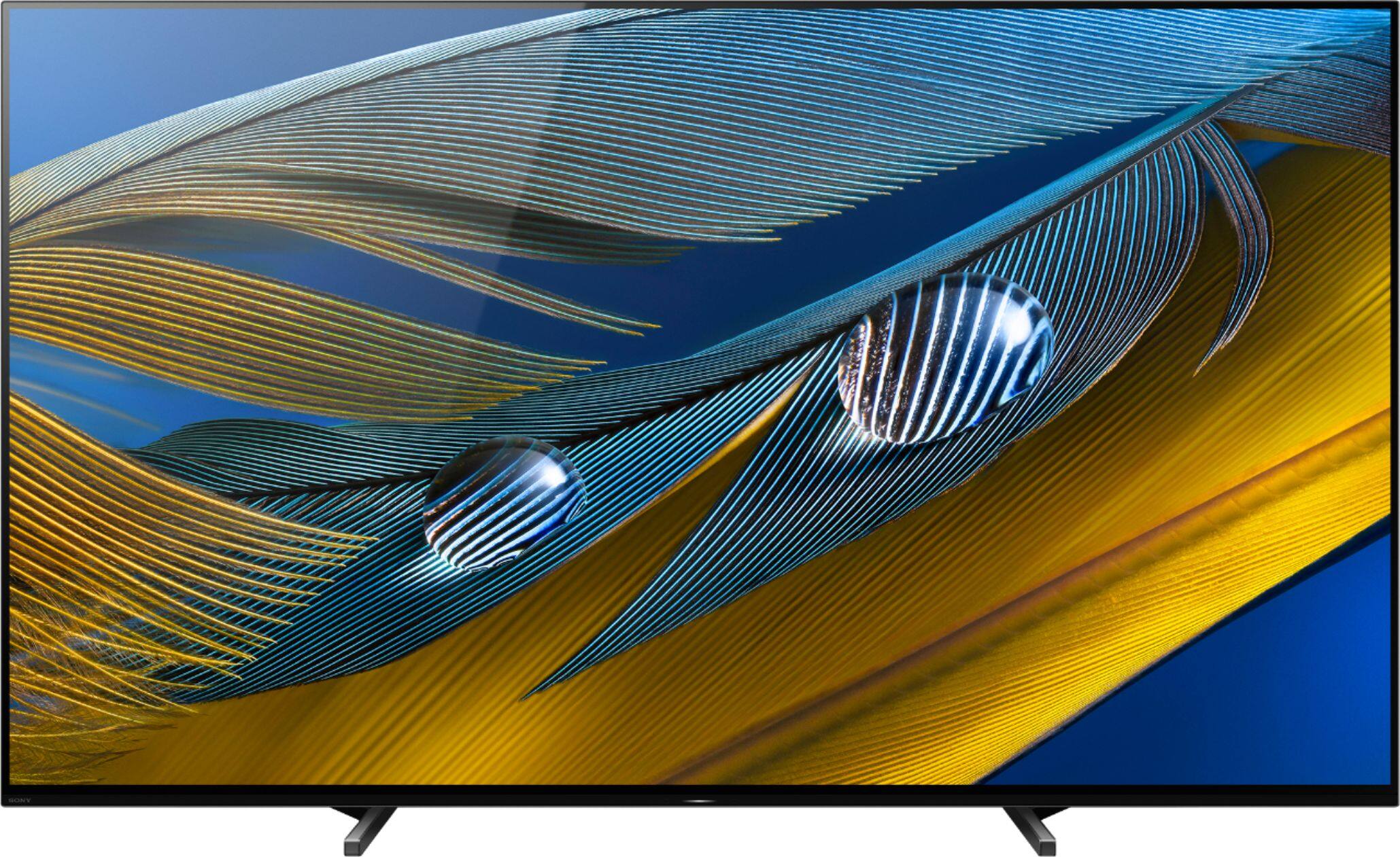
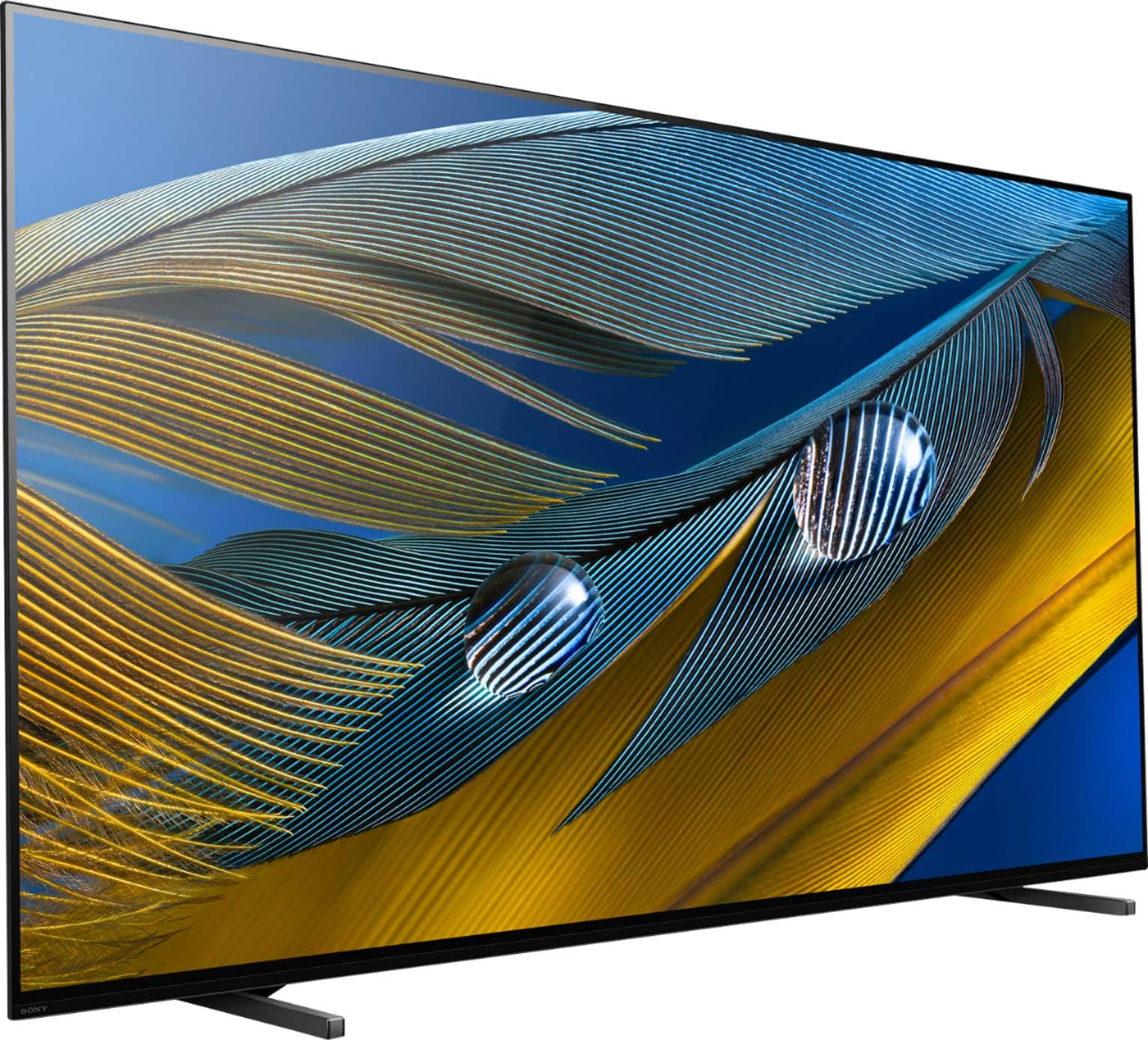
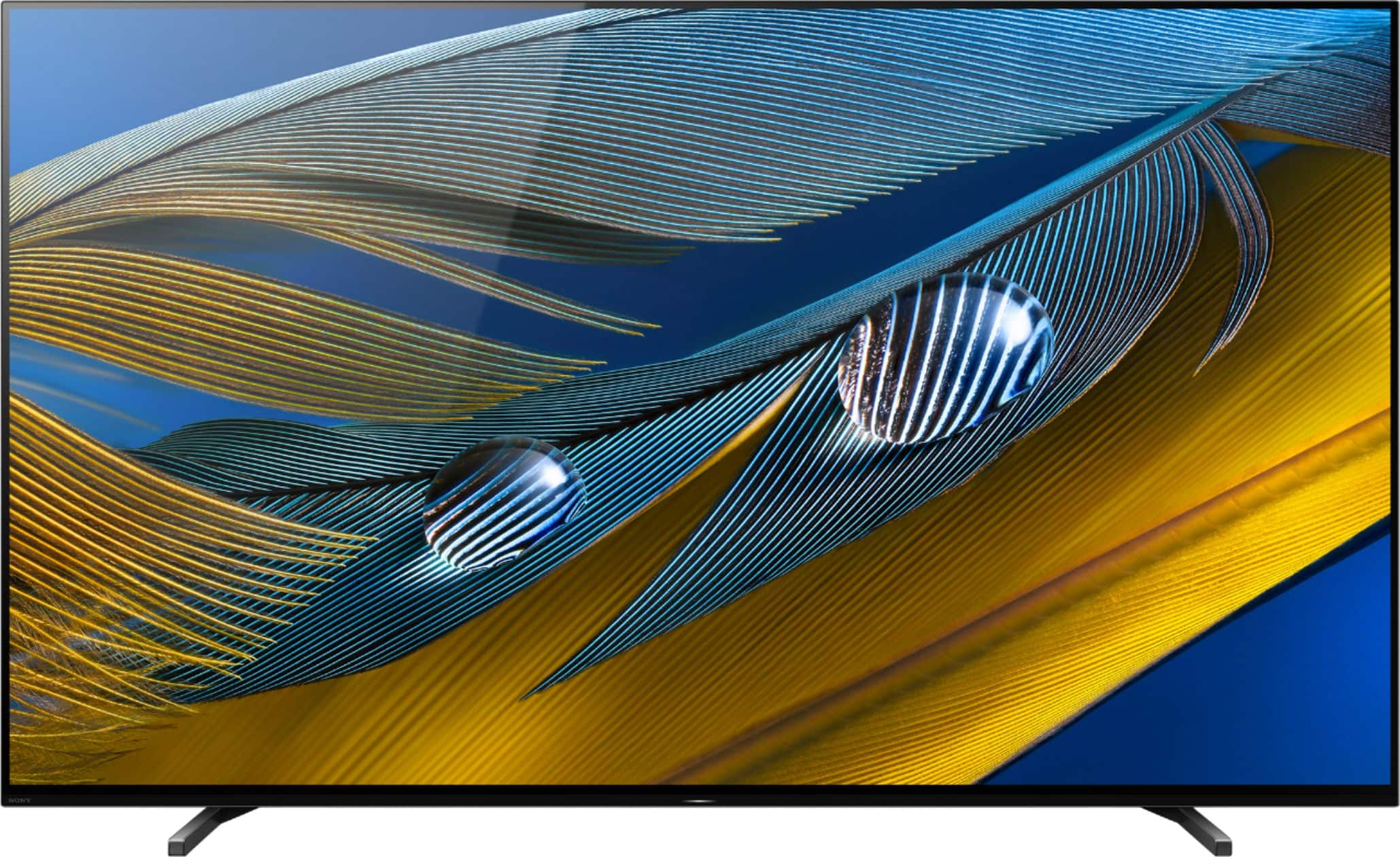
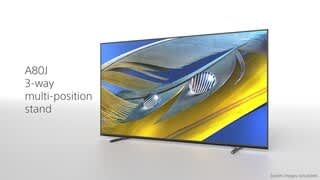
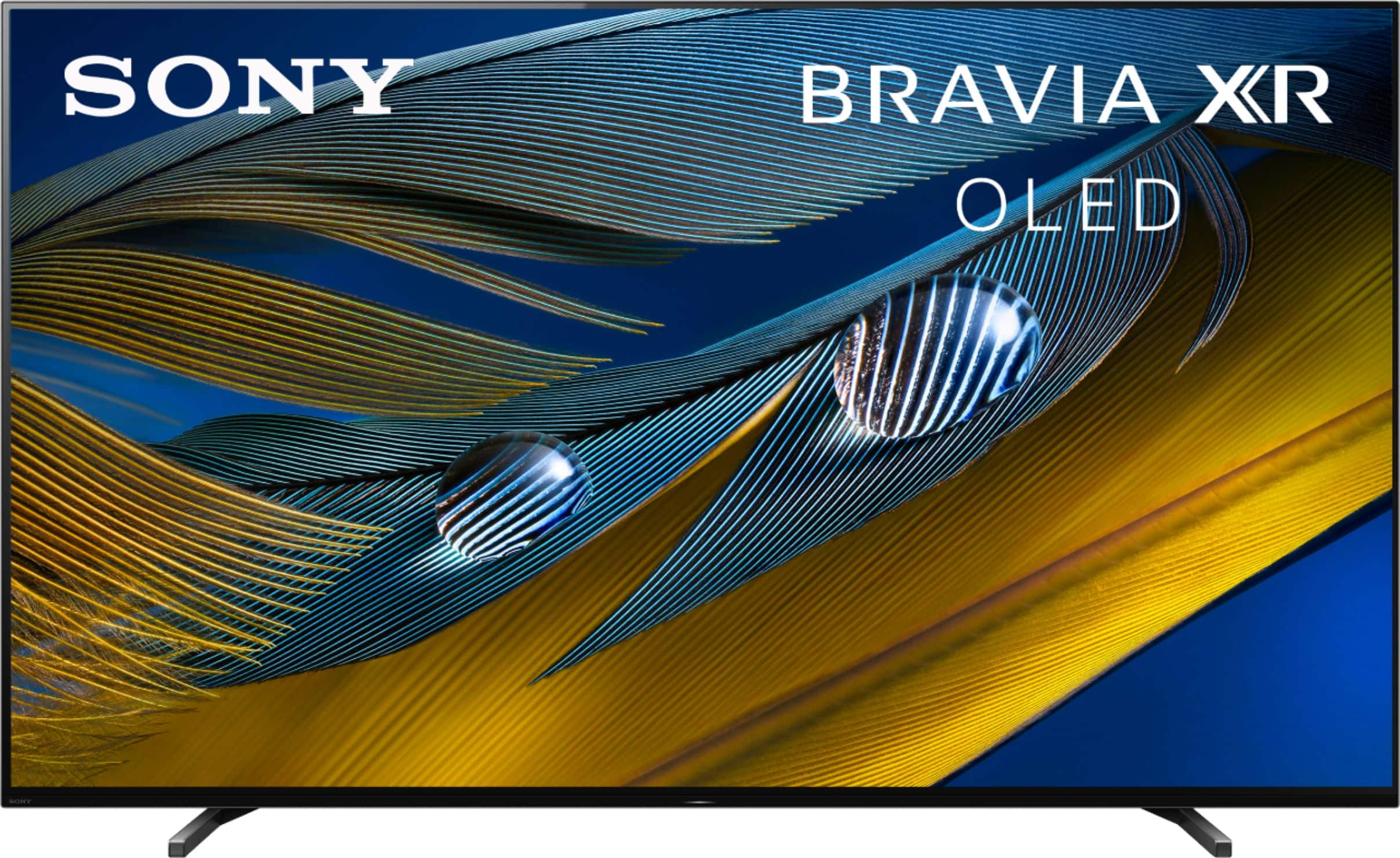
With the BRAVIA XR A80J, you will enjoy a premium OLED picture with contrast and color that feels deep, natural, and real. The revolutionary Cognitive Processor XR™ optimizes thousands of on-screen elements simultaneously for a lifelike picture. Feel the action with Acoustic Surface Audio+ and experience truly immersive sound that perfectly matches the picture on the screen.
Regards,
-Ralph
A:AnswerHi there,
Thanks for your inquiry. Great news! The A80J supports 4K content and HDMI devices like the Amazon Fire Stick. You may also find this link helpful:
https://www.sony.com/electronics/support/televisions-projectors-oled-tvs-android-/xr-65a80j/articles/00245141
With the BRAVIA XR A80J, you will enjoy a premium OLED picture with contrast and color that feels deep, natural, and real. The revolutionary Cognitive Processor XR™ optimizes thousands of on-screen elements simultaneously for a lifelike picture. Feel the action with Acoustic Surface Audio+ and experience truly immersive sound that perfectly matches the picture on the screen.
-Ralph
A:AnswerHi DGseniors,
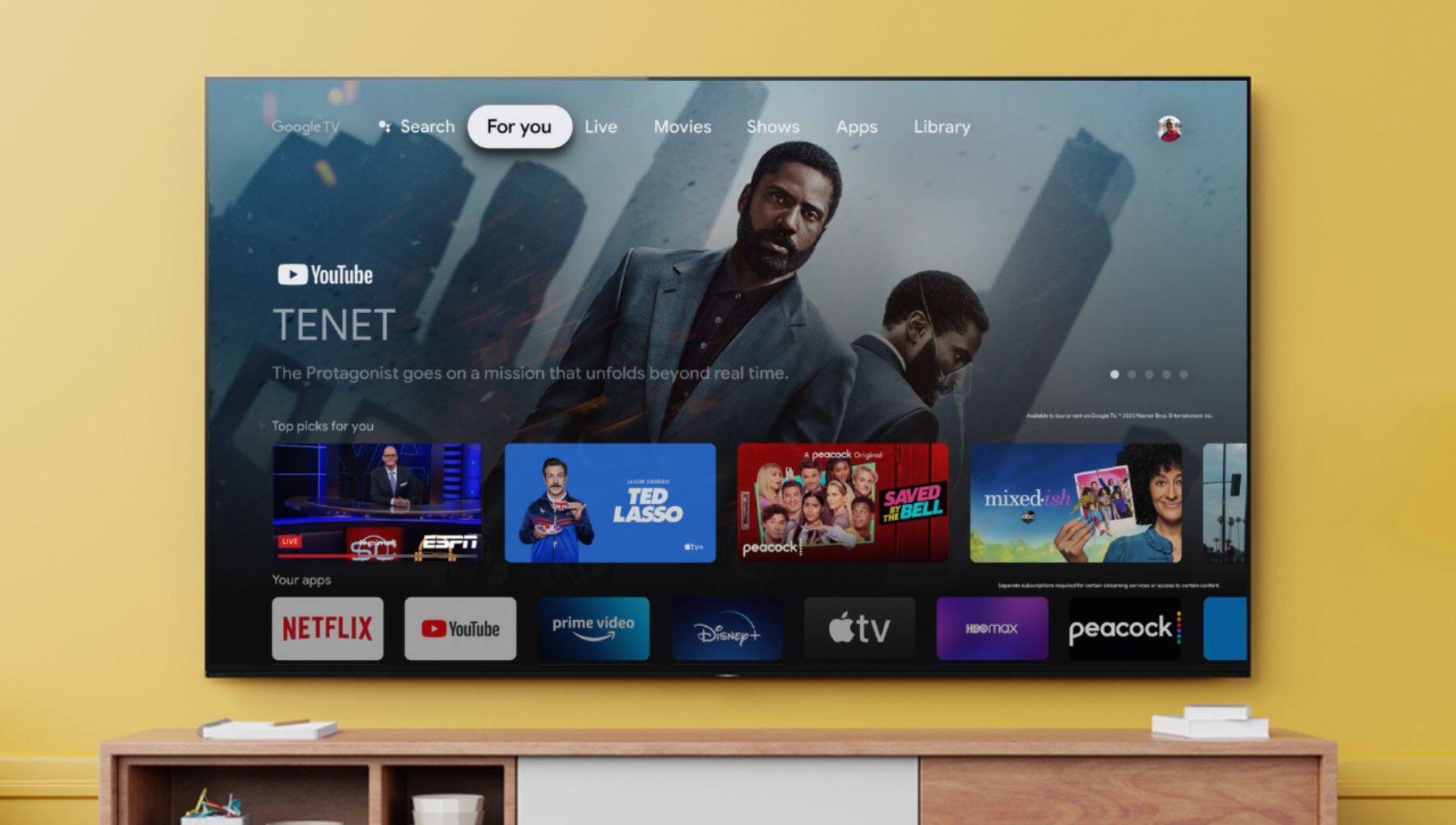
Thanks for your inquiry. Google TV is the name of the TV's software experience. See 700,000+ movies and TV episodes, plus live TV, all in one place. Google TV brings your favorite content from across your apps and subscriptions and organizes them just for you. Watch content from Netflix, Amazon Prime Video, Disney+, YouTube, the Apple TV app, and many more. Aside from the preinstalled apps, you can also download more applications with the Google Play Store app. It also supports Google Assistant to help you search content easily.
For more information about the TV, please refer to our official website:
https://electronics.sony.com/tv-video/televisions/oled/p/xr65a80j
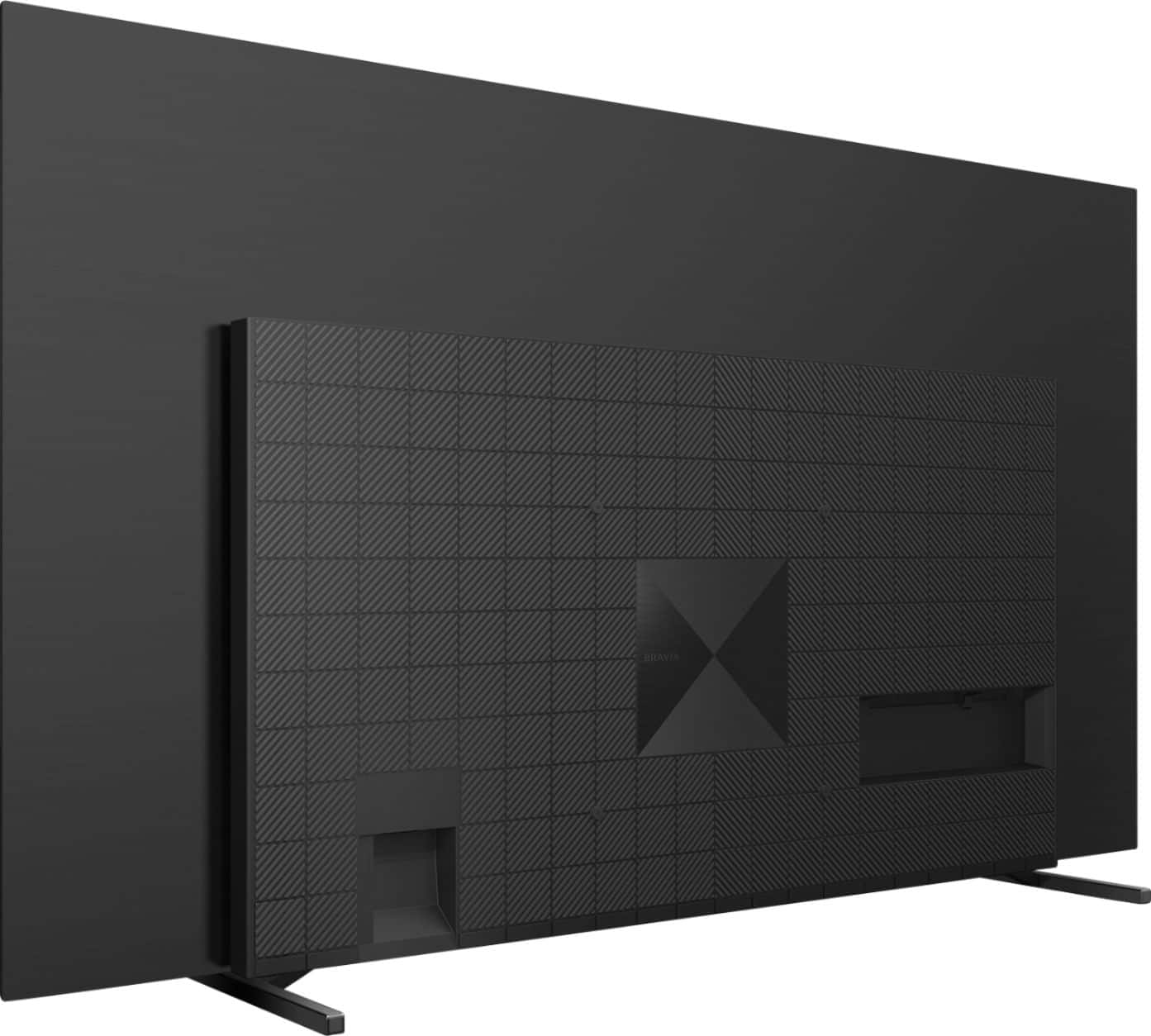
With the BRAVIA XR A80J, you will enjoy a premium OLED picture with contrast and color that feels deep, natural, and real. The revolutionary Cognitive Processor XR™ optimizes thousands of on-screen elements simultaneously for a lifelike picture. Feel the action with Acoustic Surface Audio+ and experience truly immersive sound that perfectly matches the picture on the screen.
Regards,
-Ralph
A:AnswerHello there, thanks for your inquiry! Yes, you can pair some wireless headphones, speakers, or soundbars to this TV through a Bluetooth connection, however, the devices must be compatible with the A2DP (Advanced Audio Distribution Profile) Bluetooth profile. For the list of compatible Sony Bluetooth headphones, please refer to the link below:

https://www.sony.com/electronics/support/articles/00159290
Notes:
Other Bluetooth headphones that support A2DP may work with your TV. However, we don't guarantee its operation.
Regards,
Sam