




Black Friday is hereShop new DoorbustersShop now

Main Content

Questions & Answers

Your price for this item is $499.99
The comparable value price is $689.99
Page Showing 1-20 of 38 questions
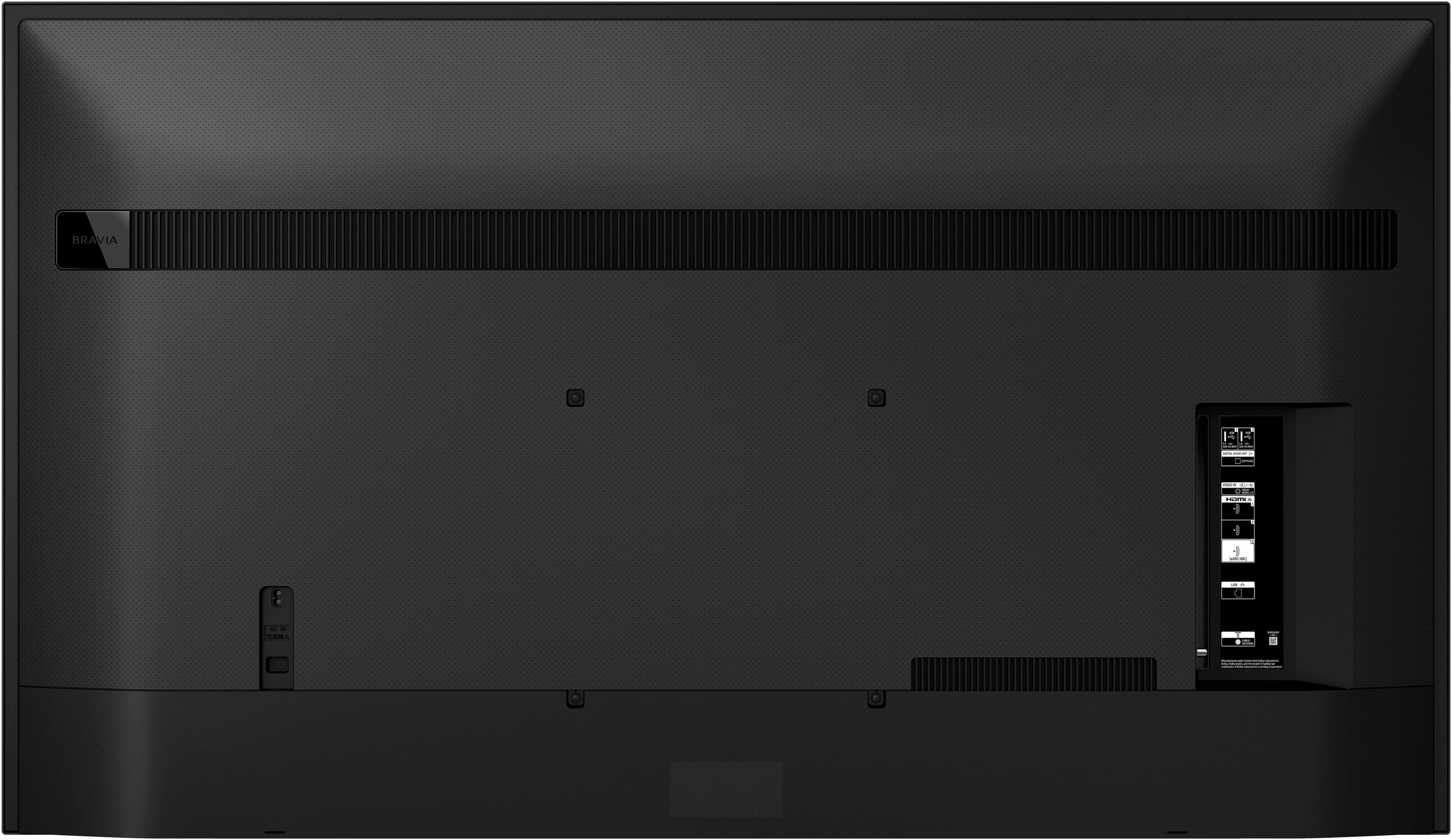
  • QuestionHow many HDMI inputs does this Sony TV have?

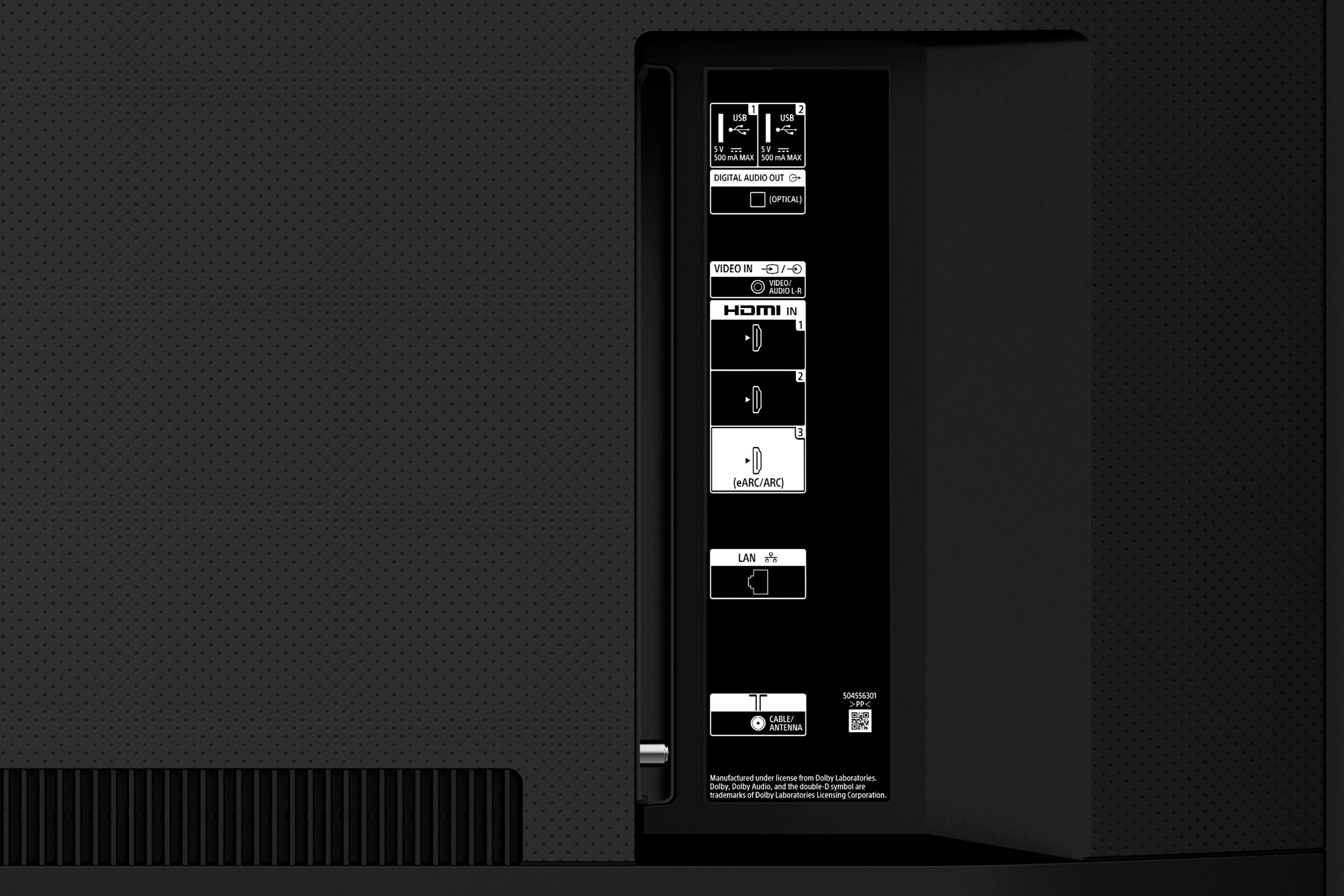
    • Answer This Sony TV has a total of 3 HDMI inputs.
    This question and answer was generated by AI based on customer and product data.

  • QuestionDoes this Sony TV have built-in speakers?

    • Answer Yes, this Sony TV has built-in speakers.
    This question and answer was generated by AI based on customer and product data.

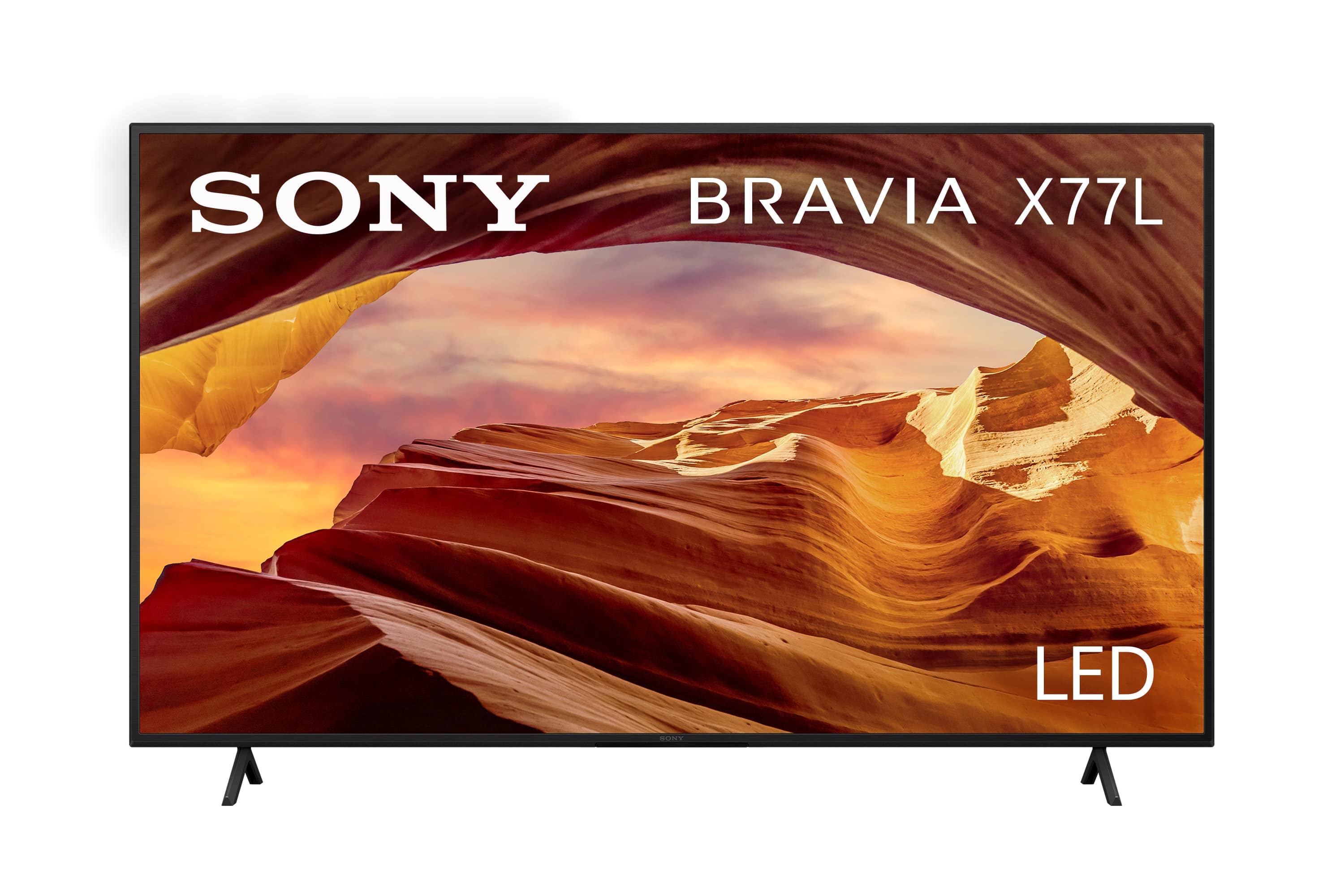
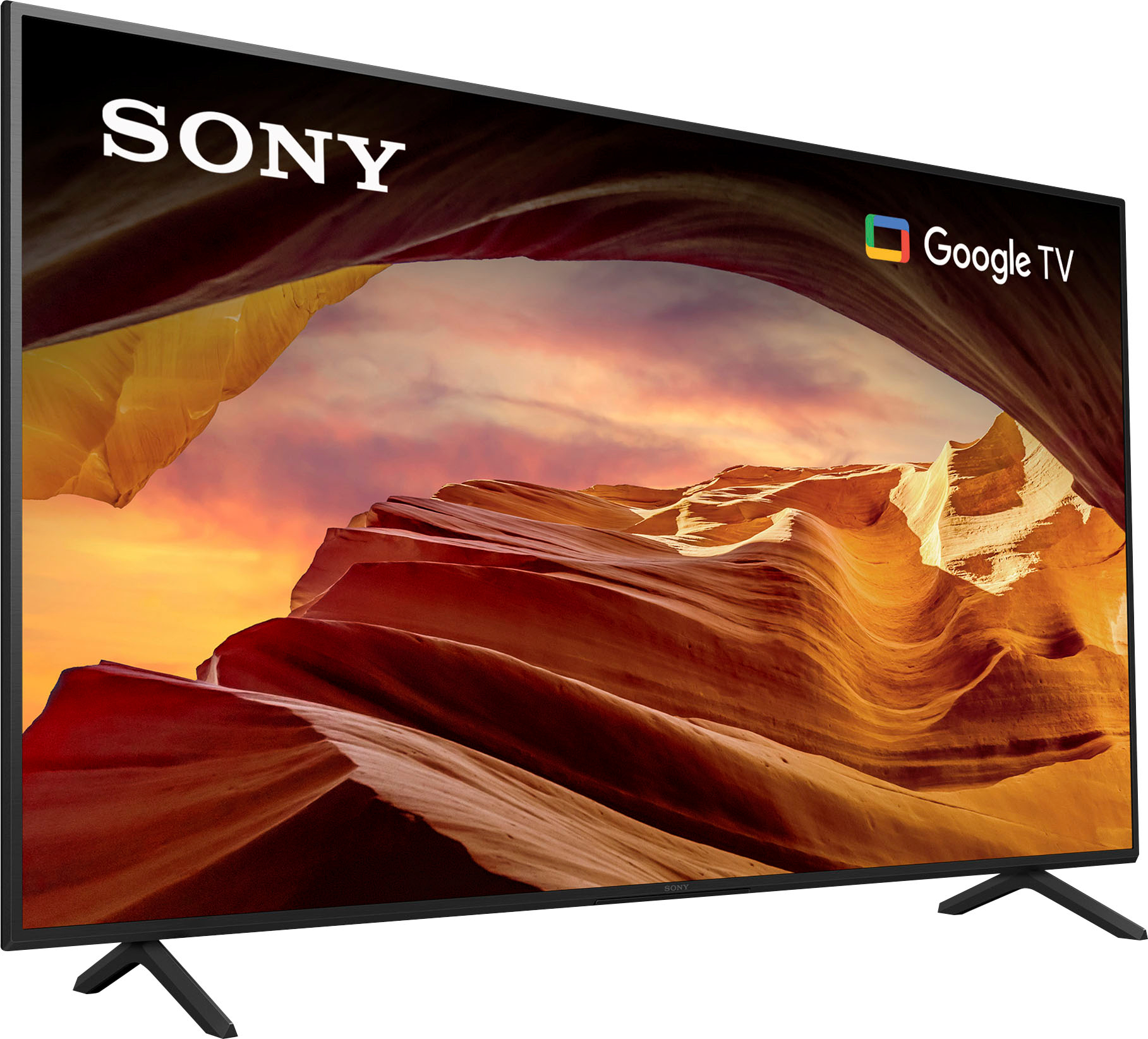
  • QuestionWhat is the screen size class of this Sony TV?

    • Answer The screen size class of this Sony TV is 65 inches.
    This question and answer was generated by AI based on customer and product data.
  • QuestionDoes this Sony TV support HDR?

    • Answer Yes, this Sony TV supports HDR10 High Dynamic Range.
    This question and answer was generated by AI based on customer and product data.
  • QuestionWhat type of display does this Sony TV use?

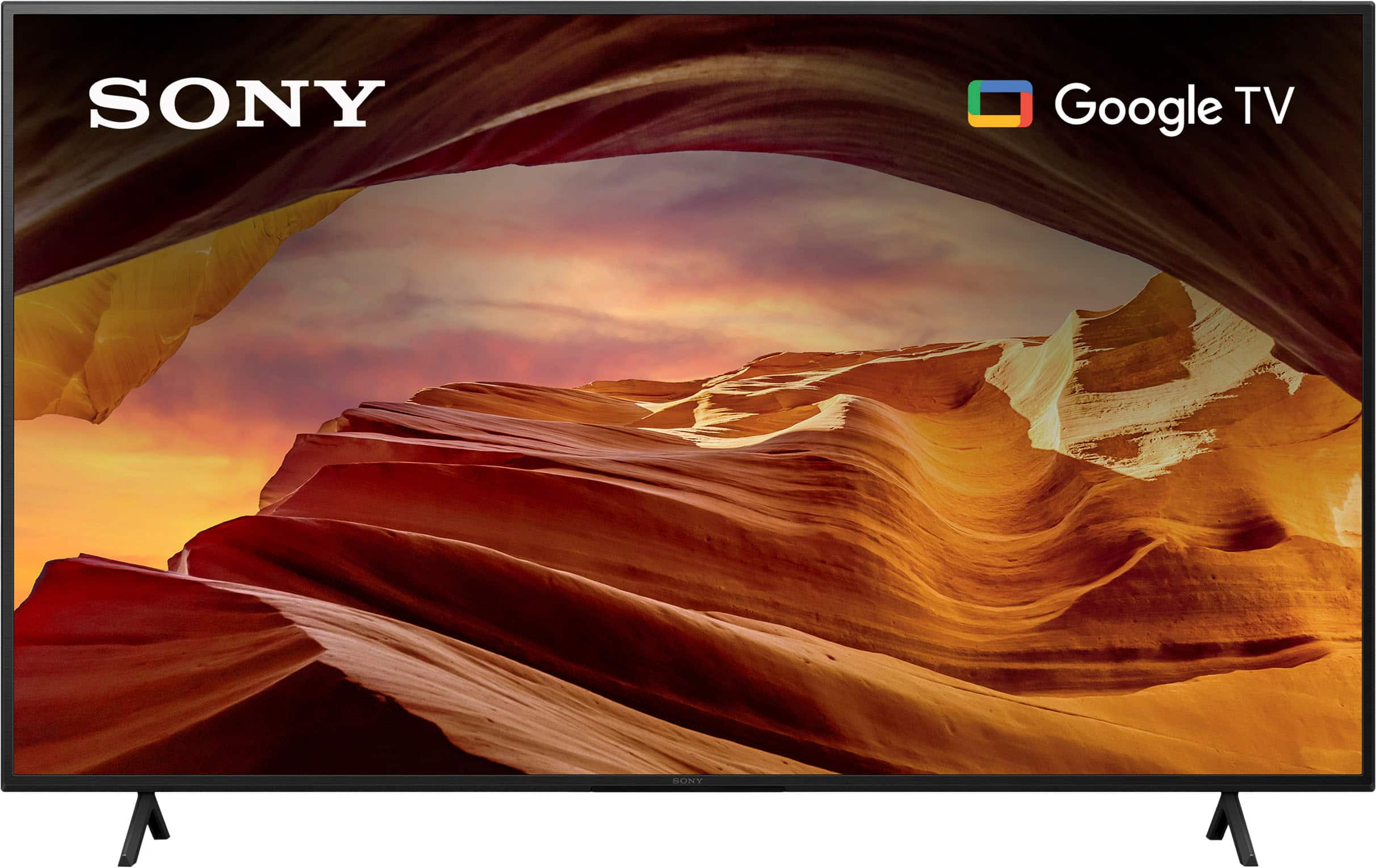
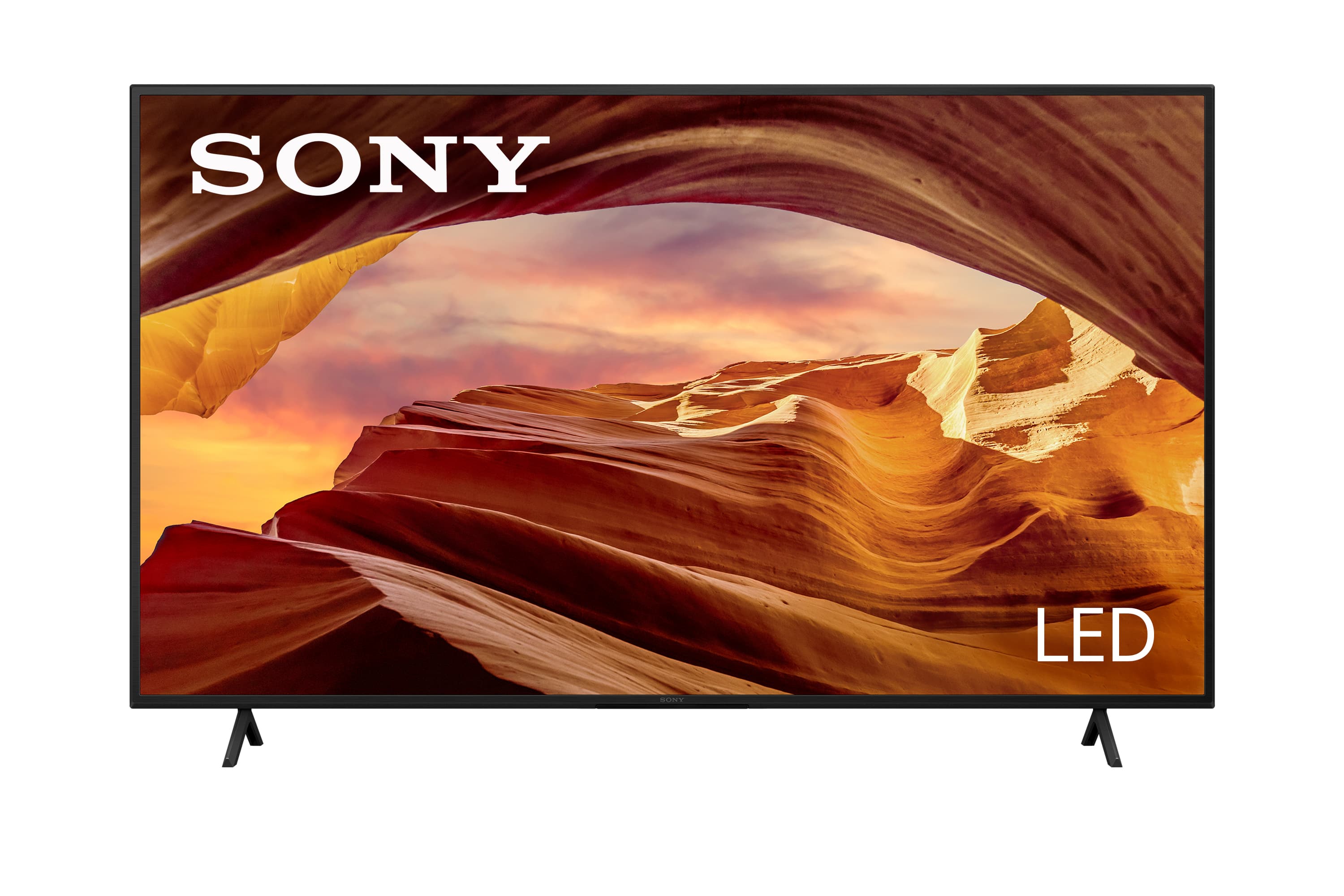
    • Answer This Sony TV uses an LED display.
    This question and answer was generated by AI based on customer and product data.
  • QuestionHow can pinching the screen during unboxing damage the TV?

    • Answer Pinching the screen between your thumb and fingers during unboxing can easily cause the glass to crack.
    This question and answer was generated by AI based on customer and product data.
  • QuestionCan I control this Sony TV with my voice?

    • Answer Yes, this Sony TV works with Amazon Alexa for voice control.
    This question and answer was generated by AI based on customer and product data.
  • QuestionDoes this TV have anti-glare features or does it do well with reducing glare for better viewing?

    Asked by TVPurchaser.

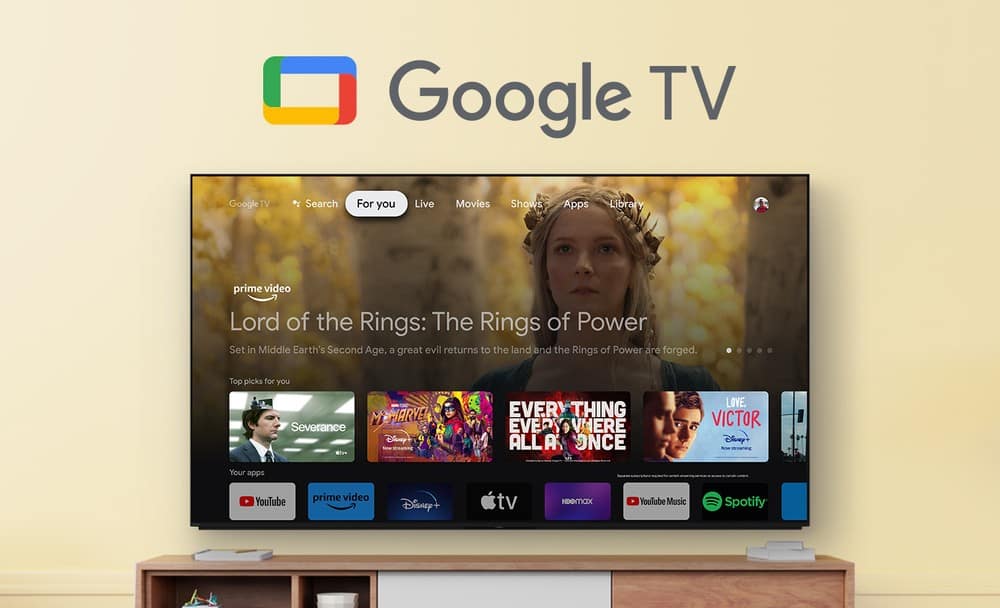
    • Answer Hi TVPurchaser, Thank you for your inquiry! The KD65X77L doesn't feature Anti-glare or X-Anti Reflection. To achieve the best picture quality, we recommend not exposing the screen to direct illumination or sunlight and avoiding installing the TV in a room with reflective walls and floor materials. We also recommend our XR X95L and X93L that features X-WIDE ANGLE & X-ANTI REFLECTION. With these TVs, every seat in the room is now the best seat in the room with enhanced viewing angles that preserve color when watching from the side and an anti-reflective screen that reduces glare in bright rooms. For more information about our TVs, please visit our Sony Support Site. With X77L BRAVIA 4K TV, experience all your favorite content in lifelike 4K HDR picture quality, powered by the 4K Processor X1. Google TV with Google Assistant organizes your content all in one place. Support Apple AirPlay.1,5. Take your PlayStation® 5 gaming to the next level with exclusive features that optimize picture quality for gaming and streaming. See blur-free picture quality in fast-moving sports and movies powered by Motionflow XR™ technology. Bring back lost texture and detail and see your content upscaled to near-4K resolution with 4K X-Reality PRO. Hope this helps! - Kris

      Answered by SonyListens

  • QuestionIs the Spectrum APP compatible with this TV?

    Asked by ShopGirl.

    • Answer No

      Answered by BrendaT

  • QuestionWhat year was made this model?

    Asked by Pettra.

    • Answer Sony 65” Class X77L 4K HDR LED Google TV (2023) | KD-65X77L

      Answered by Anonymous

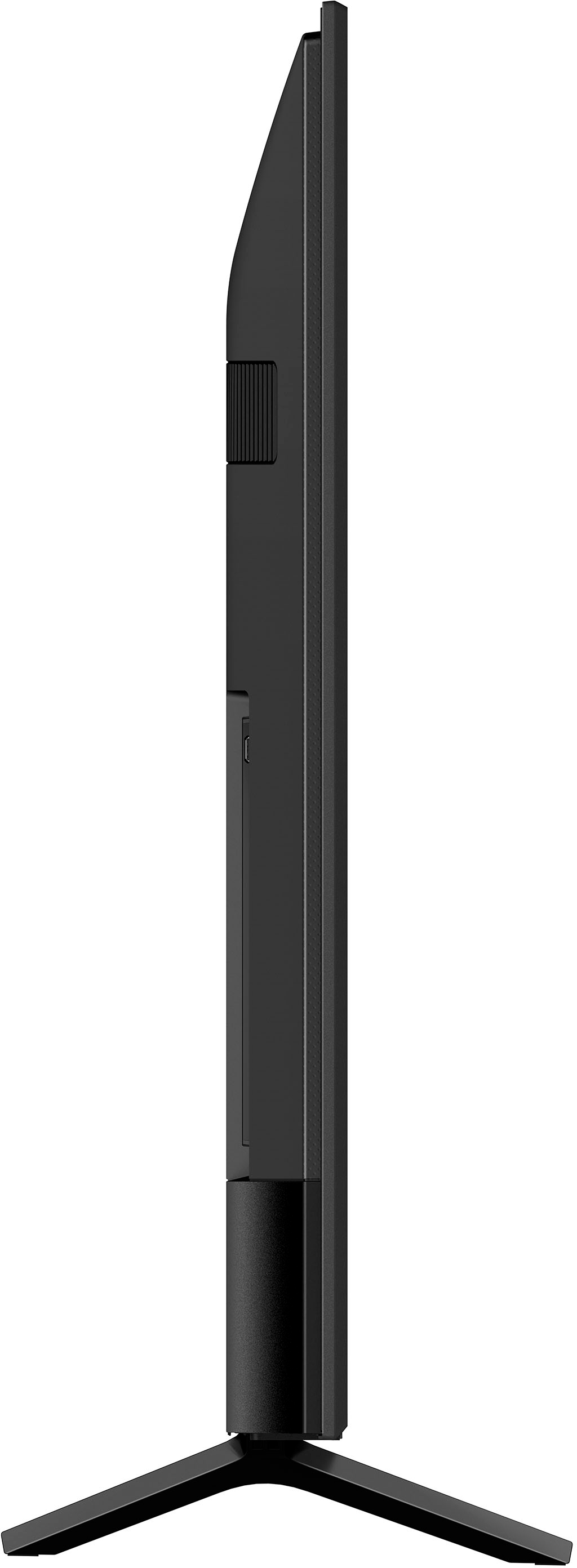
  • QuestionWhat is the distance between the legs of the stand?

    Asked by AngelaW.

    • Answer 46" my friend

      Answered by ElizabethL

  • QuestionDoes this TV have built-in WiFi

    Asked by Spaget.

    • Answer Hello Spaget, Thank you for reaching out to Sony! We appreciate your question and are here to assist you. Yes, the KD65X77L TV comes equipped with built-in Wi-Fi. This allows you to connect it directly to your home wireless network, enabling access to streaming apps, software updates, internet browsing, and more—without the need for any additional adapters or wired connections. For detailed setup instructions, please visit the following link: https://helpguide.sony.net/tv/kusltnr1/v1/en-003/06-02_01.html?hl=built. Best regards, -Fred

      Answered by SonyListens

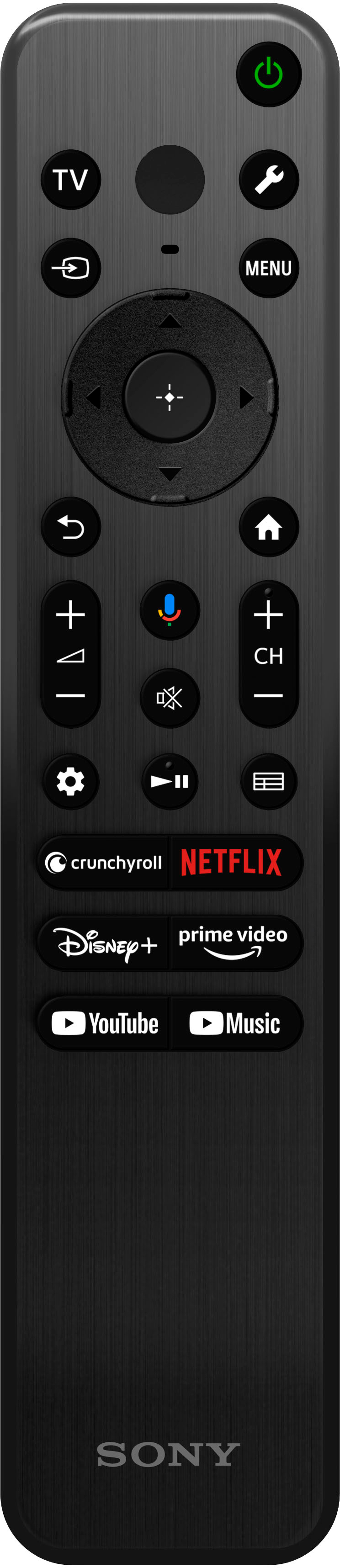
  • Questioncan you fast forward pause and go back on this tv, I don't see anything on the remote that does this.

    Asked by Anonymous.

    • Answer Hello, Thank you for your inquiry! Yes, the KD65X77L TV allows you to fast forward, pause, and rewind content. The remote control for this model is equipped with specific buttons for these functions, including fast rewind, play, fast forward, and pause, which control media playback on the TV as well as on connected BRAVIA Sync-compatible devices. If you cannot locate these buttons on your remote, please consult the user manual or help guide for further instructions on how to utilize these features. Additionally, for more detailed information, we recommend visiting the Sony support website and searching for the article titled: *Remote Control Buttons and Available Features for a Google TV* If you require further assistance or additional information about our product, please follow the instructions below so we can assist you more effectively. Due to our current phishing protection protocol at Best Buy, we are unable to provide a direct email address or phone number for customer support at this time. However, you can find the support information for Sony Electronics by visiting our support website. Once there, click on "Support," scroll down to "Contact Support," select "Television," and you will discover various ways to get in touch with us. We apologize if you have already shared some of this information in your review or with customer service; we simply want to ensure we have your accurate details for effective communication. Please provide the following information: - Name: - Best Buy Username: - Sony TV Model Number: - Question/Concern: - Telephone Number: We hope this information is helpful, and we appreciate your choice of Sony! Best regards, Romeo

      Answered by SonyListens

  • QuestionCan this tv be wall mounted?

    Asked by Anonymous.

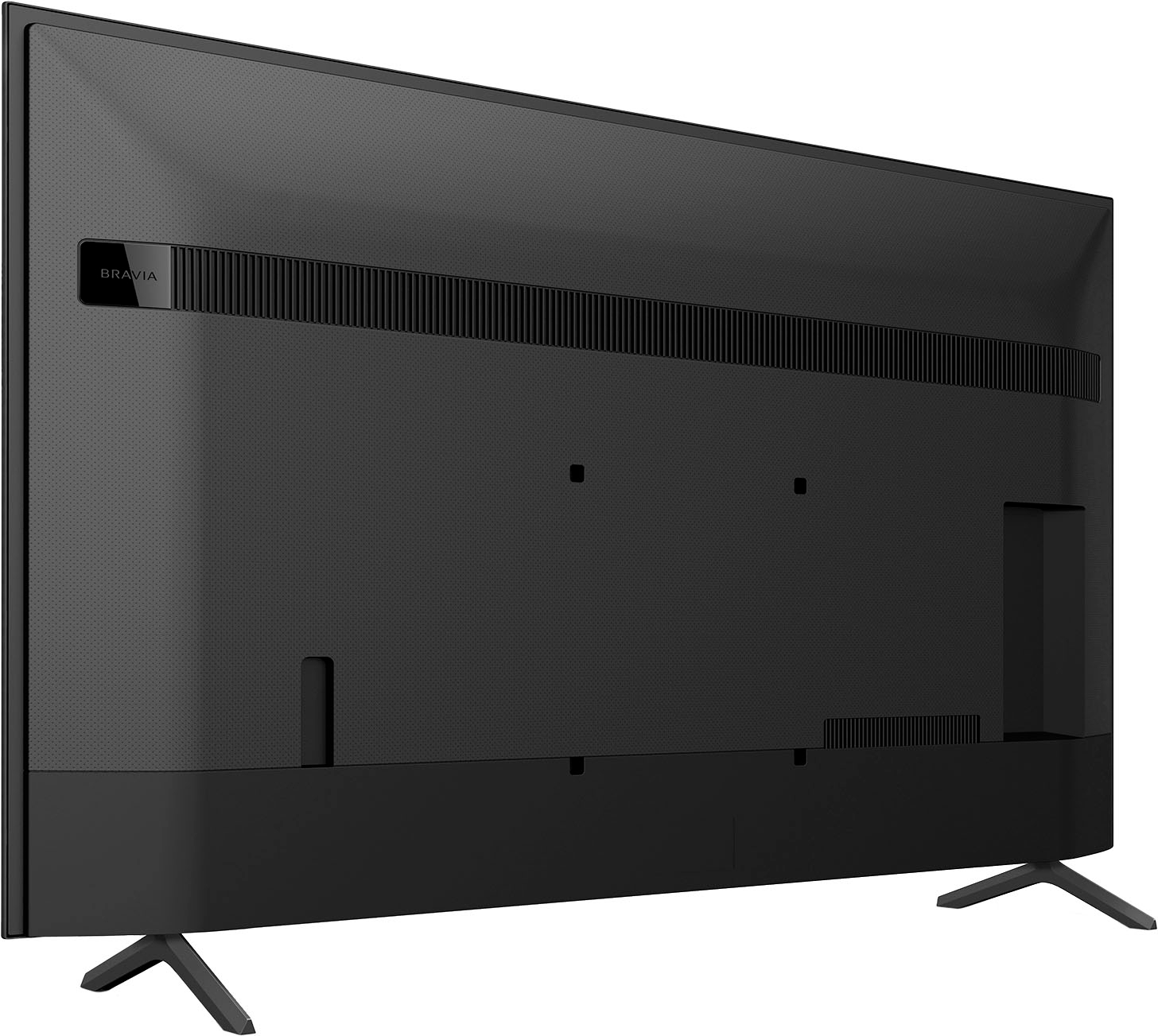
    • Answer Hi, thanks for your question. Yes. The TV can be all mounted. The recommended bracket is SU-WL855 and the Vesa Hole pattern is 11.81 x 11.81 inch (300 x 300 mm). With the X77L, you will experience all your favorite content in lifelike 4K HDR picture quality, powered by the 4K Processor X1. Even your favorites in 2K and HD are upscaled close to 4K quality, thanks to 4K X-Reality PRO. It also supports Google TV, which brings your favorite content from across your apps and subscriptions and organizes them just for you. Hope this helps. Erin

      Answered by SonyListens

  • QuestionDoes this TV have RCH acts for audio output?

    Asked by Anonymous.

    • Answer Hi, thank you for your question. If you are pertaining to available audio output, the KD65X77L supports HDMI eARC/ARC and Digital Optical audio outputs. You can also output audio by pairing Bluetooth devices such as headphones or speakers and enjoy TV sound through those devices. Check the specifications of your device to confirm if your headphones, speakers, or soundbar supports the A2DP (Advanced Audio Distribution Profile) Bluetooth profile. Hope this helps! Experience all your favorite content in lifelike 4K HDR picture quality, powered by the 4K Processor X1™. All your HD content is upscaled to near-4K resolution resulting in sharp details and real-world colors. Google TV™ with Google assistant™ makes it easy to find your favorite movies and shows from all the top streaming apps. Erin

      Answered by SonyListens

  • QuestionIs it Roku soyndbar compatible? How many inputs for external speakers?

    Asked by AJ.

    • Answer Hi AJ, thanks for your question. You can connect your soundbar using an HDMI or Optical cord. The TV has 3 HDMI (sides) inputs and COMPOSITE VIDEO INPUT 1 (Side, mini jack). Experience all your favorite content in lifelike 4K HDR picture quality, powered by the 4K Processor X1™. All your HD content is upscaled to near-4K resolution resulting in sharp details and real-world colors. Google TV™ with Google assistant™ makes it easy to find your favorite movies and shows from all the top streaming apps. Hope this helps. Erin

      Answered by SonyListens

  • Questionwhat is the safest way to mount a 65 inch TV on the wall

    Asked by artmom.

    • Answer Hi artmom, Thank you for the question! For safety reasons, product protection, and to make sure that the installation is performed correctly, Sony strongly recommends that the installation of our TV on a wall be performed by qualified professionals. The KD65X77L works with VESA compatible wall-mount bracket with a screw hole pattern of of 11 13/16 x 11 13/16 in(300 × 300 mm). We also recommend the SU-WL855 wall-mount bracket that is compatible with this TV. With X77L BRAVIA 4K TV, experience all your favorite content in lifelike 4K HDR picture quality, powered by the 4K Processor X1. Google TV with Google Assistant organizes your content all in one place. Support Apple AirPlay.1,5. Take your PlayStation® 5 gaming to the next level with exclusive features that optimize picture quality for gaming and streaming. See blur-free picture quality in fast-moving sports and movies powered by Motionflow XR™ technology. Bring back lost texture and detail and see your content upscaled to near-4K resolution with 4K X-Reality PRO. Hope this helps! - Kris

      Answered by SonyListens

  • QuestionDoes tv have an rf connection for a headphone cable ?

    Asked by Den.

    • Answer Thank you for contacting Sony, Den. The KD-65X77L television does not have an RF connection for a headphone cable. For connecting audio devices, including headphones, this model provides several modern digital and analog alternatives: Digital Audio Out (Optical): This is the best connection for a dedicated soundbar or high-quality wired headphones. HDMI ARC/eARC: For a soundbar or A/V receiver, this port simplifies connection and control. Analog Audio: A 3.5mm headphone jack is available via the Video In port (which is a mini-jack port that can be used for composite video input). USB Ports (x2): These can be used for power or connecting a compatible USB. If you are using wireless headphones, the KD-65X77L supports Bluetooth connectivity. You can verify the connectivity and port details in the official specifications document linked below: https://www.sony.com/electronics/support/televisions-projectors-lcd-tvs-android-/kd-65x77l/specifications We appreciate your interest in Sony products, if you need further assistance, don't hesitate and reach us for support! You can find contact options on the link below: https://us.esupport.sony.com/support/s/support-contact?language=en_US&category=tv Best regards, Gus, Sony North America Customer Support

      Answered by SonyListens

  • QuestionCAN I CONNECT TO MY ANTENNA WITH THIS TV?

    Asked by Joe.

    • Answer Thanks for contacting Sony, Joe. The KD65x77L has the CABLE/Antenna jack so you can connect your antenna. This TV handles ATSC 1.0 so all you need to do is connect your antenna, go to settings > channels and inputs > channels > cable/antenna > auto program channels, then, just enjoy all your new channels! If you need further assistance, you can always get in contact with our tech support line, for contact options, please check: https://us.esupport.sony.com/support/s/support-contact?category=tv Thanks for considering Sony products! Best regards, Gus, Sony North America Customer Support

      Answered by SonyListens