A:AnswerHi there, Thank you for your inquiry! Here are the power specifications for this model.
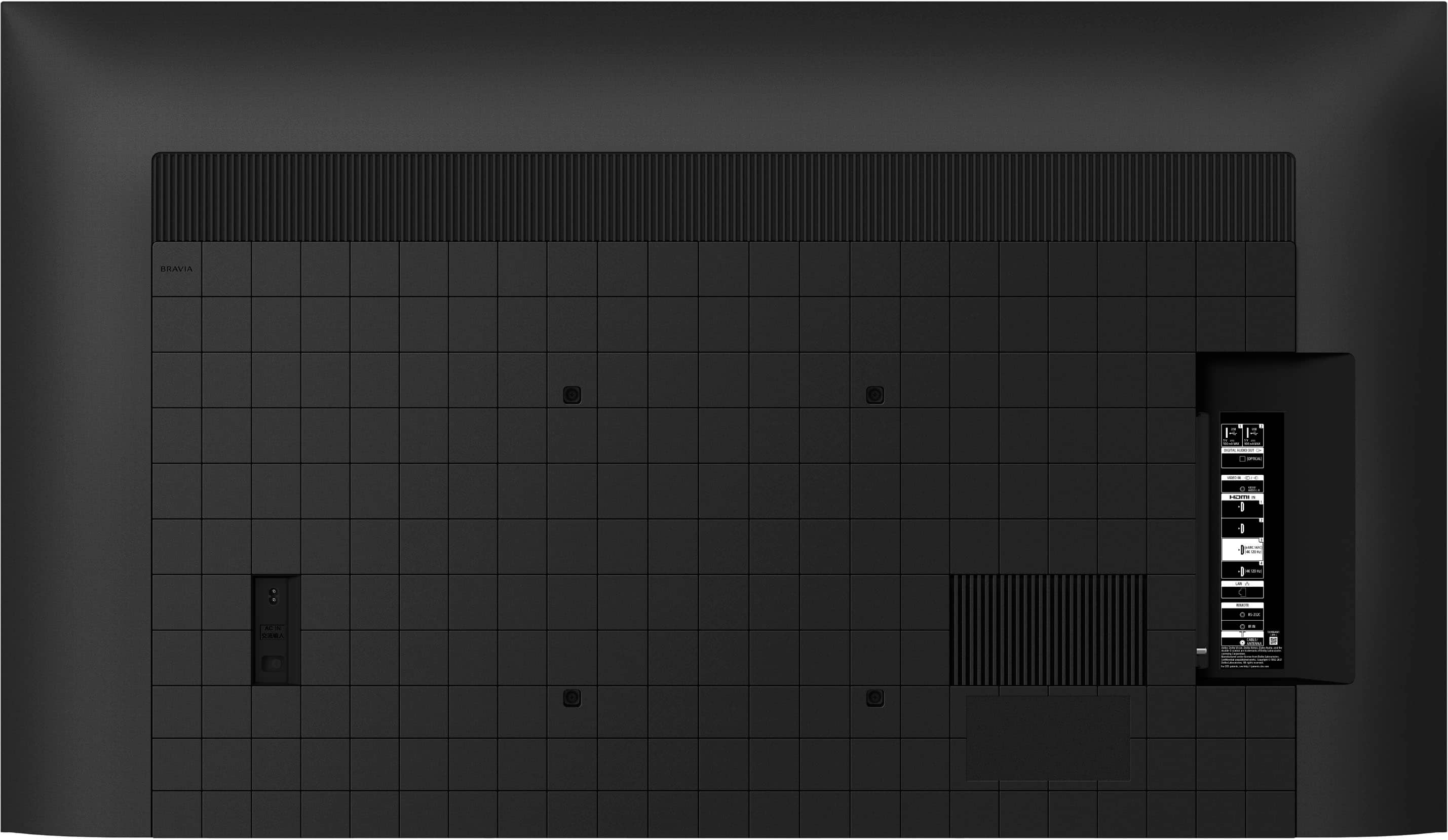
110 V – 240 V AC, 50/60 Hz (U.S.A./ Canada 120 V AC, 60 Hz). You may need a transformer to make this TV work in a 240 V outlet. Hope this helps!
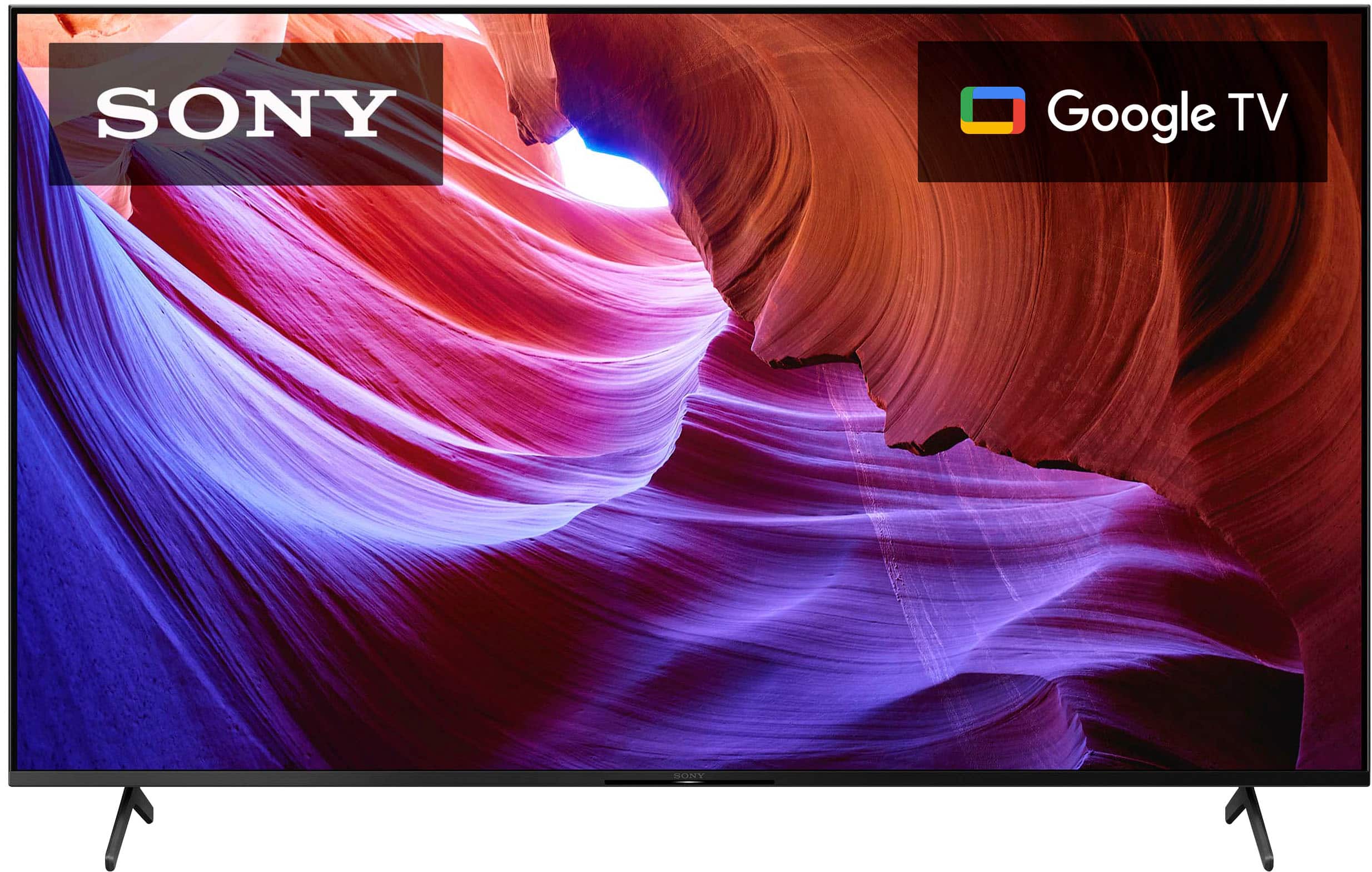
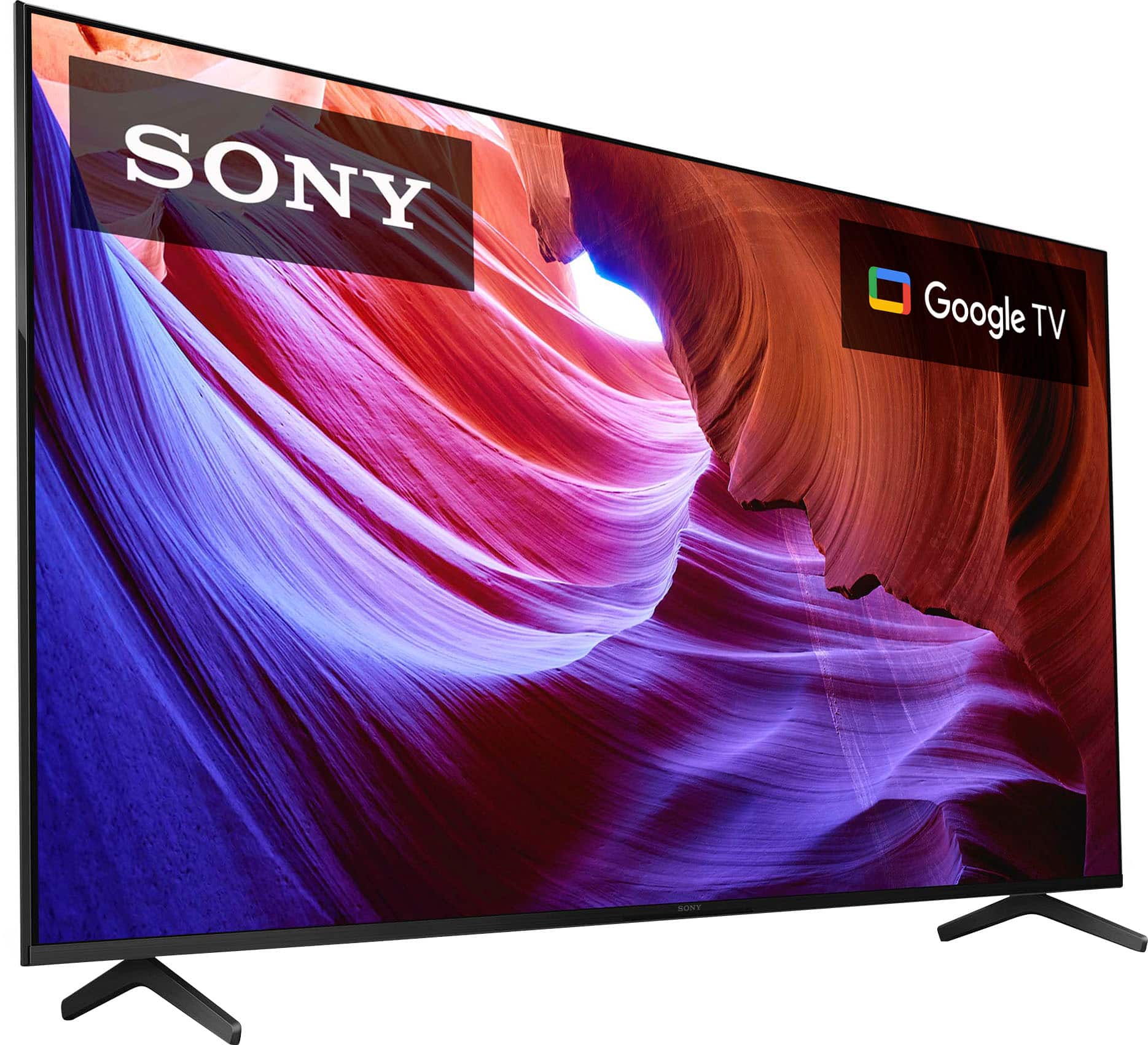
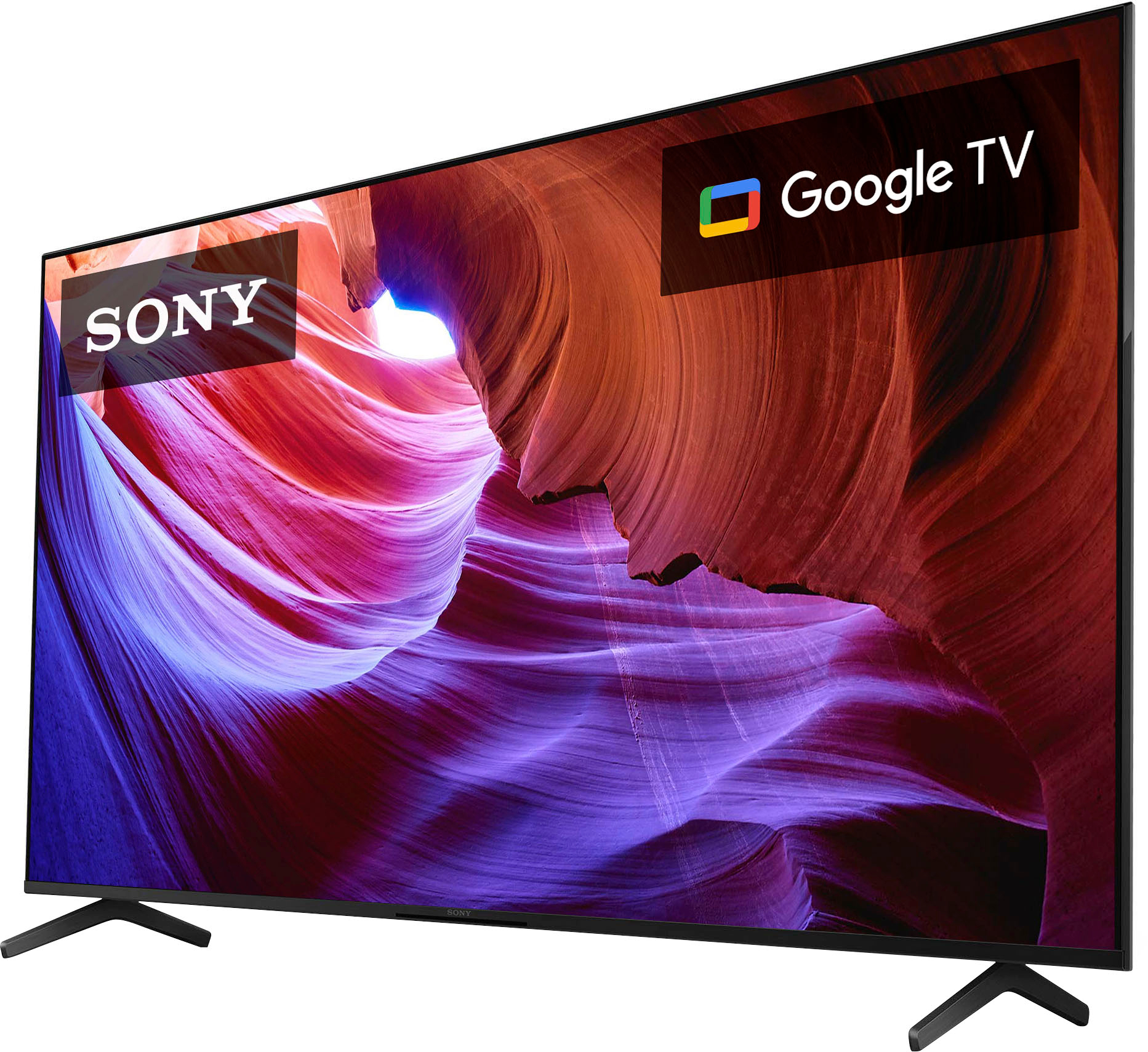
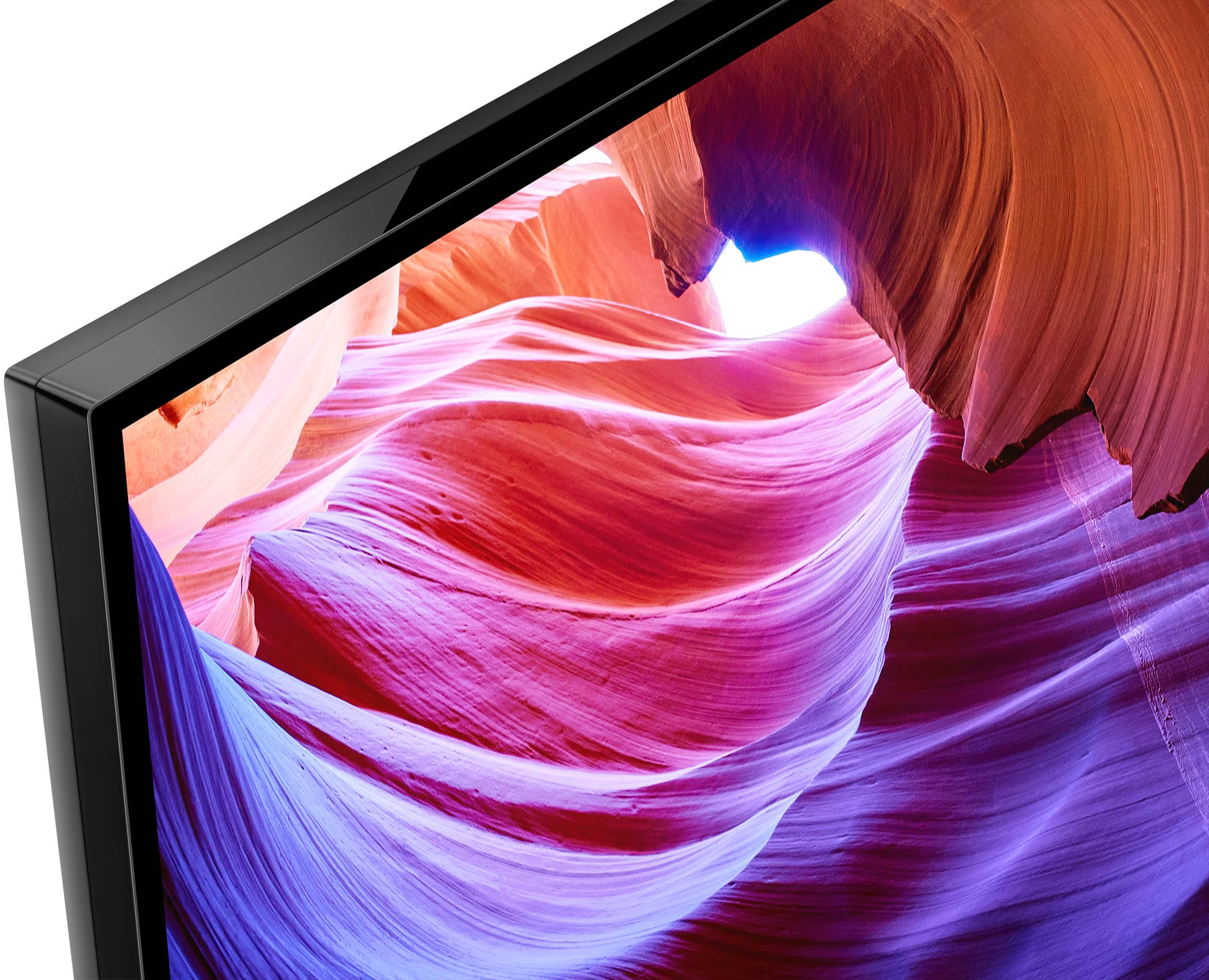
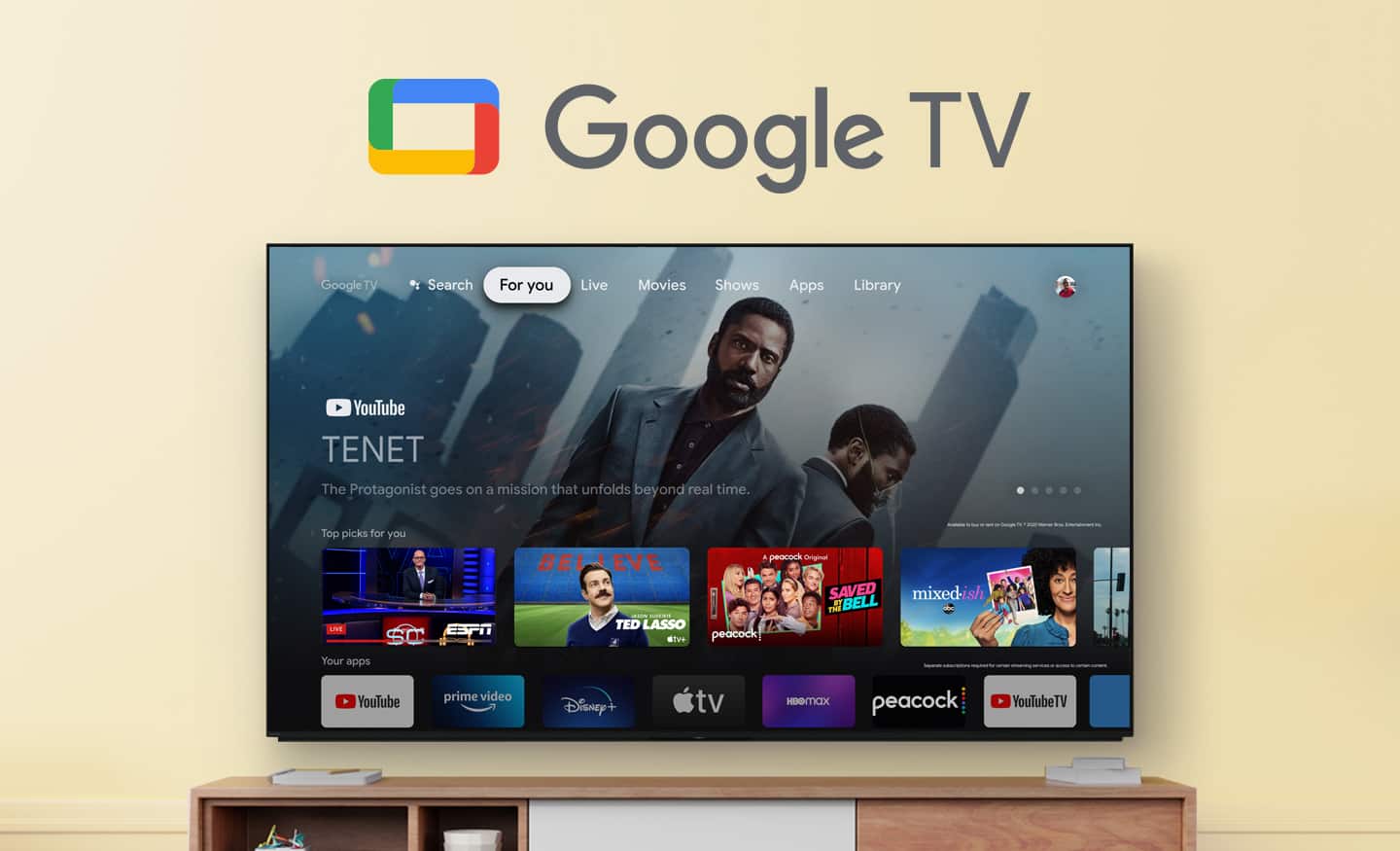
Smart, powerful, and sleek, the BRAVIA X85K 4K HDR LED TV is designed for all your favorite content. Powered by the 4K HDR Processor X1 and TRILUMINOS PRO, picture quality comes to life with billions of colors and realistic contrast. With Google TV and enhanced Motionflow XR refresh rate technology, your favorite content is easy to find and looks clear and blur-free.
Regards,
Sam
A:AnswerHi Text, Thank you for your inquiry! The width of the KD65X85K is approximately 57.17 inches (1452 mm). Hope this helps!
Smart, powerful, and sleek, the BRAVIA X85K 4K HDR LED TV is designed for all your favorite content. Powered by the 4K HDR Processor X1 and TRILUMINOS PRO, picture quality comes to life with billions of colors and realistic contrast. With Google TV and enhanced Motionflow XR refresh rate technology, your favorite content is easy to find and looks clear and blur-free.
Regards,
Sam
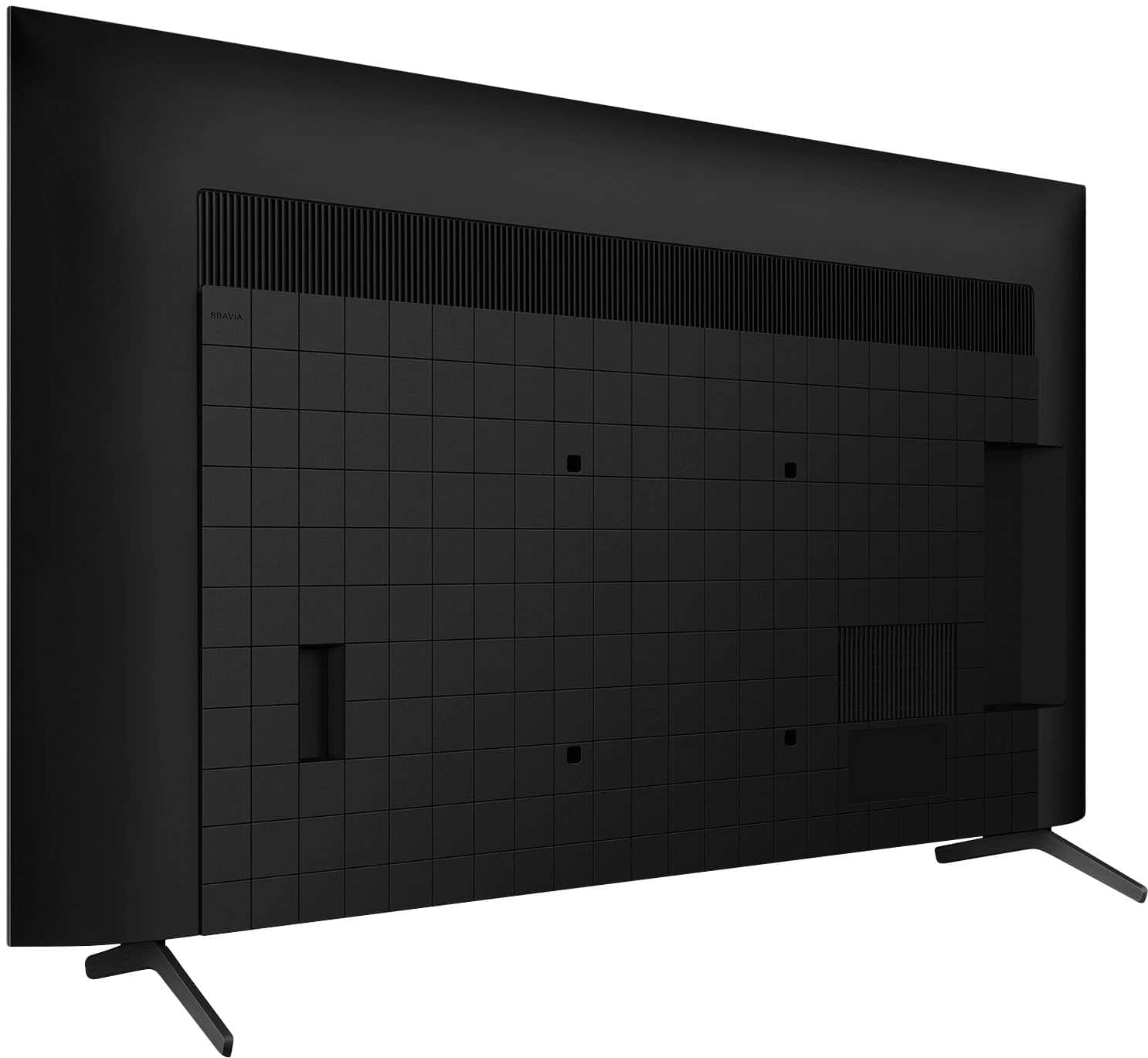
A:AnswerI found it. I got on with support and they gave me a link for the manual(different than what I could find on my own). The button(singular) is on the bottom of the TV near the IR sensor. You can press it to control different functions(power, volume, etc.)
A:AnswerHi Jon, Thank you for your inquiry! The Sony X85K comes with 4 HDMI ports(3&4 are HDMI 2.1 capable). You can check the available information of the full specifications and features of the X85K from this link:
https://www.sony.com/electronics/support/televisions-projectors-lcd-tvs-android-/kd-65x85k/specifications
Regards,
Sam
A:AnswerHi Tvtimmy,
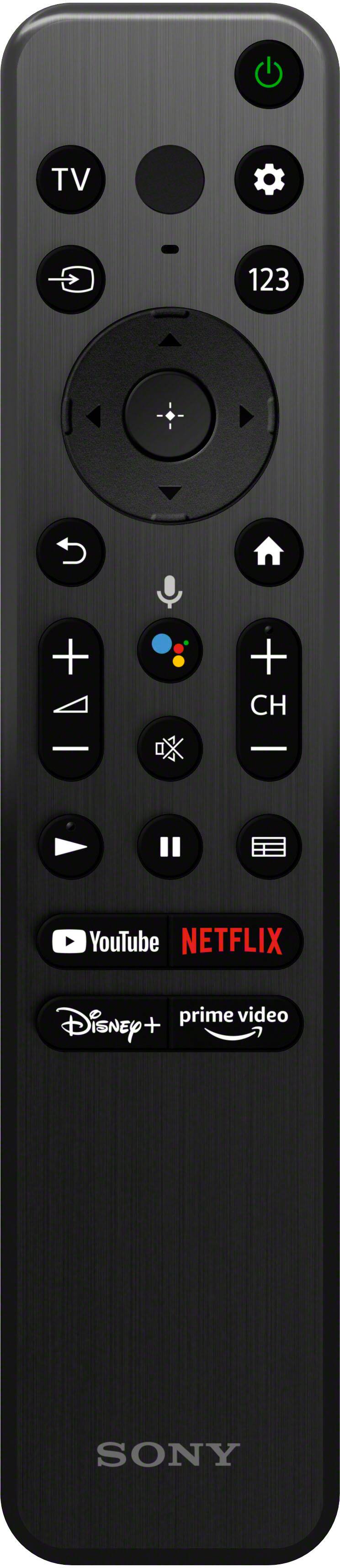
Thanks for your inquiry. The X85K models remote doesn’t come with a backlight, it has a new standard remote which features a simple, easy-to-use design that is effortless to clean.
Our Z9K (75/85”), A95K (55/65”), and A90K (42/48”) however do come with a new premium remote that is easy to use, with simplified buttons and a backlight so you can see everything clearly, even in the dark. The remote is motion-sensitive and its entire button surface lights up automatically when you pick up the remote. Hope this helps.
Regards,
Jess
A:AnswerHi Rafa, Good question! Yes, this TV has Chromecast built-in. With Chromecast built-in, you can cast all your favorite movies, shows, apps, games and more directly to your TV.
Regards,
Sam
A:AnswerI actually used the remote from the previous model this replaced, which did have a number keypad. You would have to find one online, but you can start by searching for KD-85X85J model remote.
A:AnswerHi Tony,
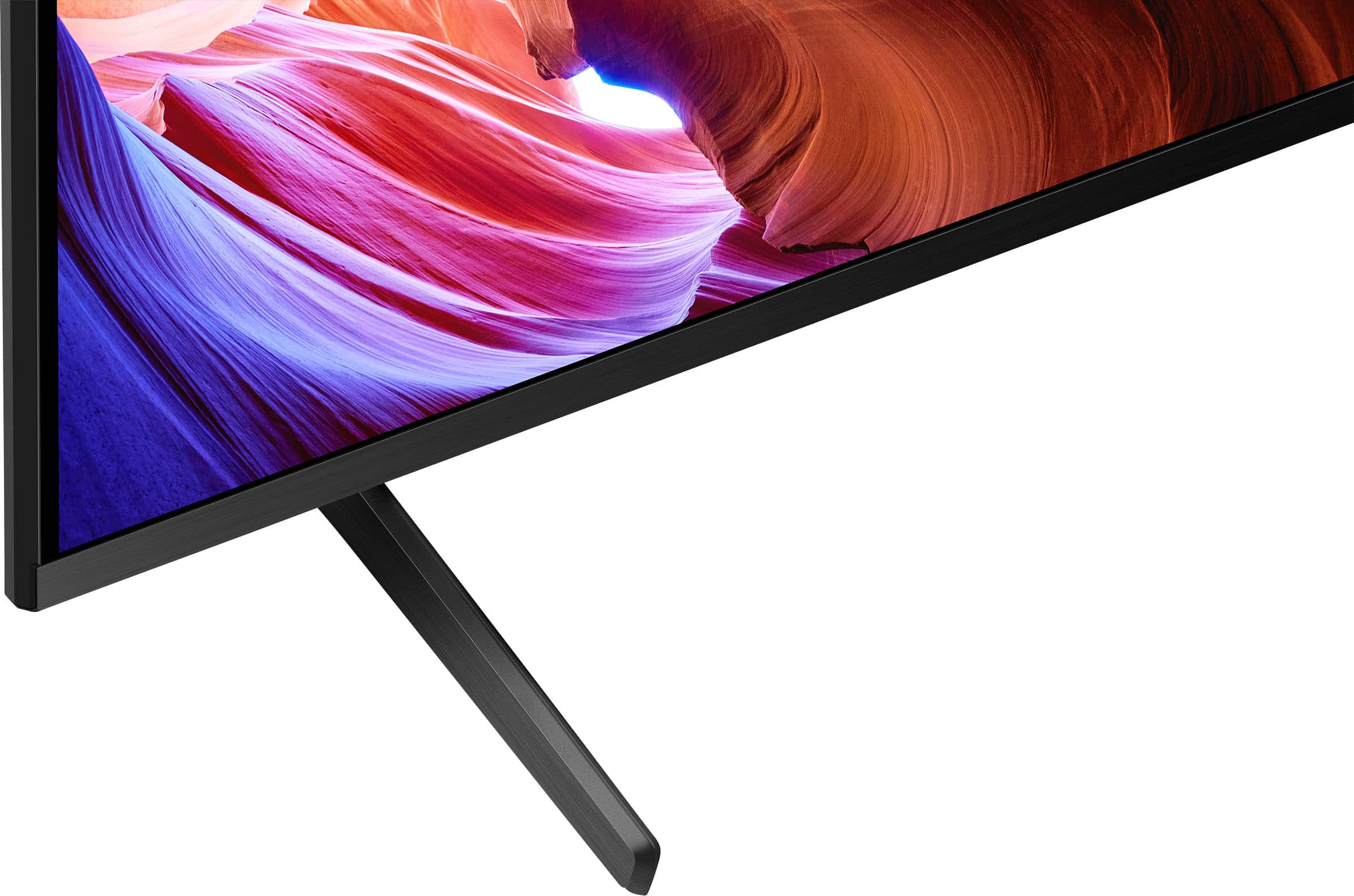
Thank you for your question. The X85K comes with a matte screen which reduces ambient light but does not utilize our anti-glare screen like some of our other models do. If you are looking for a TV which features the X-Wide Angle and X-Anti Reflection technologies, you may want to consider the X93L, X95L, Z9K, or BRAVIA 9.
Smart, powerful, and sleek, the BRAVIA X85K 4K HDR LED TV is designed for all your favorite content. Powered by the 4K HDR Processor X1 and TRILUMINOS PRO, picture quality comes to life with billions of colors and realistic contrast. With Google TV and enhanced Motionflow XR refresh rate technology, your favorite content is easy to find and looks clear and blur-free.
-Ralph
A:AnswerHi jack,
Thank you for your question. Unfortunately, the TV doesn't have a headphone jack. Headphones can be connected to the TV via Bluetooth.
Smart, powerful, and sleek, the BRAVIA X85K 4K HDR LED TV is designed for all your favorite content. Powered by the 4K HDR Processor X1 and TRILUMINOS PRO, picture quality comes to life with billions of colors and realistic contrast. With Google TV and enhanced Motionflow XR refresh rate technology, your favorite content is easy to find and looks clear and blur-free.
-Ralph
A:AnswerHi JoeBill,
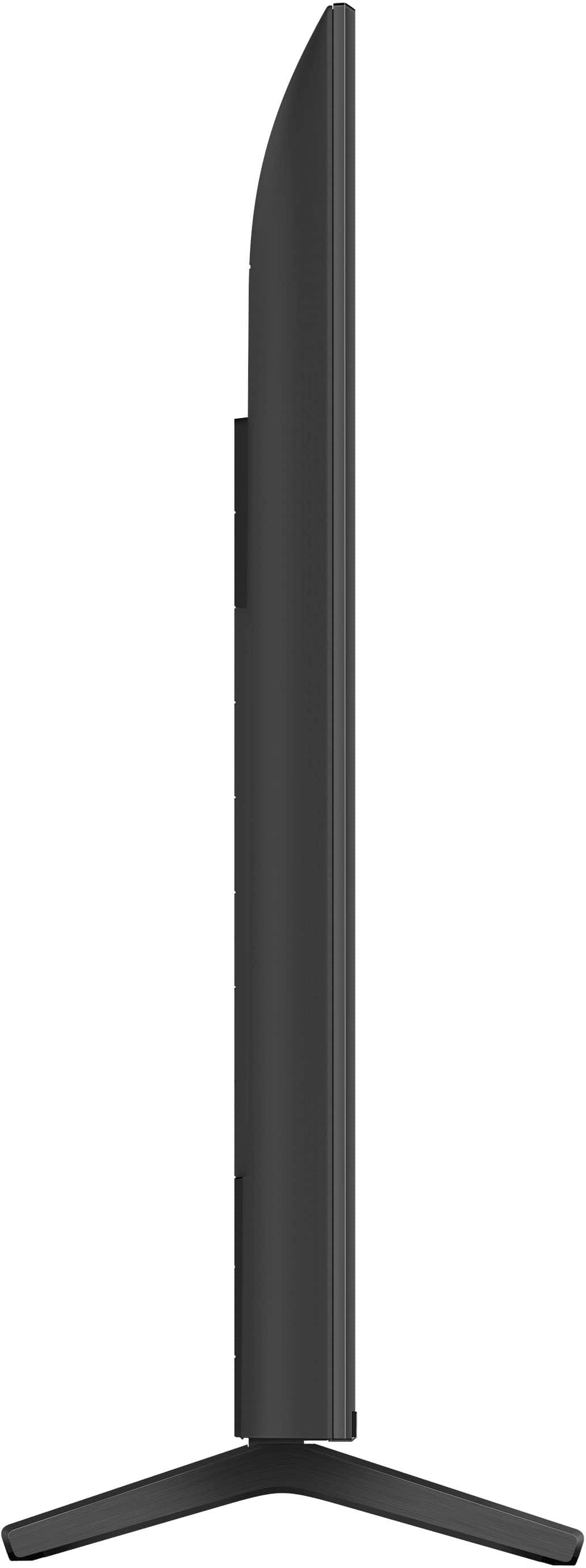
Thanks for your inquiry! The stand width of our BRAVIA KD65X85K is approximately 47.56 inch (1,208 mm). From front to back, it is approximately 13 3/8 inches (339 mm).
With our new X85K, you can enjoy smoother motion and transitions with high 120-Hz refresh rate. You will also see glorious 4K pictures, rich with real-world detail and texture, exclusively powered by our 4K HDR Processor X1.
Hope this helps!
-Vincent
A:AnswerHi Dave,
Unfortunately, our BRAVIA X85K does not swivel. However, you can purchase the optional SUWL855 wall-mount bracket for this TV, which has swivel function.
With our new X85K, you can also enjoy smoother motion and transitions with high 120-Hz refresh rate. You will also see glorious 4K pictures, rich with real-world detail and texture, exclusively powered by our 4K HDR Processor X1.
Thank you for your inquiry and I hope this helps!
-Vincent
A:AnswerHi ferf,
Thank you for your inquiry! This TV supports 4K. Make sure to set the connected device to 4K output and use a premium high-speed HDMI cable which supports 18Gbps. To view 4K content with higher quality, we can change the HDMI signal format by pressing the (Quick Settings) button on the remote control, then select [Settings] — [Channels & Inputs] — [External inputs] — [HDMI signal format] — the HDMI input you want to set. Use an ultra-high-speed HDMI cable that supports 48 Gbps to display 4K 100/120 Hz. 120 Hz is supported by HDMI IN 3 and IN 4.
With our BRAVIA X85K, you can enjoy smoother motion and transitions with high 120-Hz refresh rate. You will also see glorious 4K pictures, rich with real-world detail and texture, exclusively powered by our 4K HDR Processor X1.
Hope this helps!
-Vincent
A:AnswerHi SamP,
We are sorry to hear that you are having a gray spot issue with your Sony BRAVIA TV. This is definitely not the customer experience we want you to have. We can isolate and hopefully resolve this issue by following the troubleshooting steps below:
- Power reset the TV. Unplug the TV power cord from the wall outlet, wait two minutes, then plug the power cord back in.
- Make sure to update the software of your TV to the latest version. Press INPUT on the remote control and select [Help]. Select [Status & Diagnostics]. Enable [Automatically check for update] in [Status & Diagnostics] — [System software update].
- Reduce the Backlight Level in the Picture Settings menu.
- Turn the Light Sensor setting to On in the Setup menu.
- Set the Picture Mode to Standard in the Settings menu.
Feel free to test the unit again and verify if it resolves the issue.
We take all user input seriously and will make sure your comments reach the appropriate person. If you are still having the same issue, please contact us. Unfortunately, due to the current Best Buy phishing protocol for your protection, we cannot provide a direct email or phone number for customer support as of now. Please find Sony Electronics' Support information: Go to our support website > click on “Support” > scroll down click on “Contact Support” > click on "TV & Projectors" and from there you'll see different ways to contact us.
We value you being a Sony customer. Sorry for the inconvenience and hope to speak directly to try to resolve this matter.
Sincerely,
Vincent
A:AnswerHi Lynn,
We're sorry you've been running into difficulty. We understand your concern about the delay between the picture and sound. Please allow us to help you and turn this into a better experience. Some of these issues can be fixed by simply restarting the TV. To do that, simply press and hold the POWER button of the remote control for about 5 seconds, or until a message Power off appears.
You can adjust the output timing of the picture and sound from the TV menu settings. Try playing a different video source to determine if the issue occurs with other connected devices. If it only happens when watching a content from internal app, please make sure the app is updated.
If watching a TV program, try changing the channel to see if the problem occurs on other channels; if it only occurs on one channel, then the issue is with the broadcast.
Note: If the issue occurs on one channel only, contact the broadcast network provider.
If an audio system is connected to your TV and the audio and video on are out of sync or there's an audio delay, we do have good information and troubleshooting steps on our Sony Support website to help resolve this issue.
If you're unable to resolve the issue, please follow the steps below for ways to contact us. Unfortunately, due to the current Best Buy phishing protocol for your protection, we cannot provide a direct link, email or phone number for customer support as of now. Please find Sony Electronics' Support information: Go to our support website > click on “Support” > scroll down click on “Contact Support” > click on "TV & Projectors" and from there you'll see different ways to reach us.
We are sorry for the inconvenience and hope to speak to you to resolve this matter.
Regards,
Jess
A:Answer10 watts each for a total of twenty.They sound decent bt I I have mine hooked to a Vizio all in one sound bar through the ARC hdmi and it works perfectly with the Sony tv.