A:AnswerHi Sal, The IMAX enhanced feature is not available on this unit. However, you can find the IMAX enhanced feature on our Sony TVs and projectors. Please refer to this link for the complete list of Sony products capable of IMAX enhanced feature: https://www.sony.com/electronics/support/articles/00203830 -Sam
A:AnswerYou are correct it is not easy to mount. It is mounted using keyhole slots on the back of the speaker and unfortunately, at least in my house. they could only get one to line up with the studs. Geek squad did the installation for me and used a screw into the stud for one keyhole slot and a toggle bolt for the other and it ended up working just fine but it’s not an easy process and they had difficulty as well. It is also a relatively heavy speaker bar. In terms of the speaker itself it is excellent and produces wonderful audio for speech music and movies. If I was to do again I would probably attempt to rig up some type of French cleat mounting system that would really ease the process and likely be stronger.
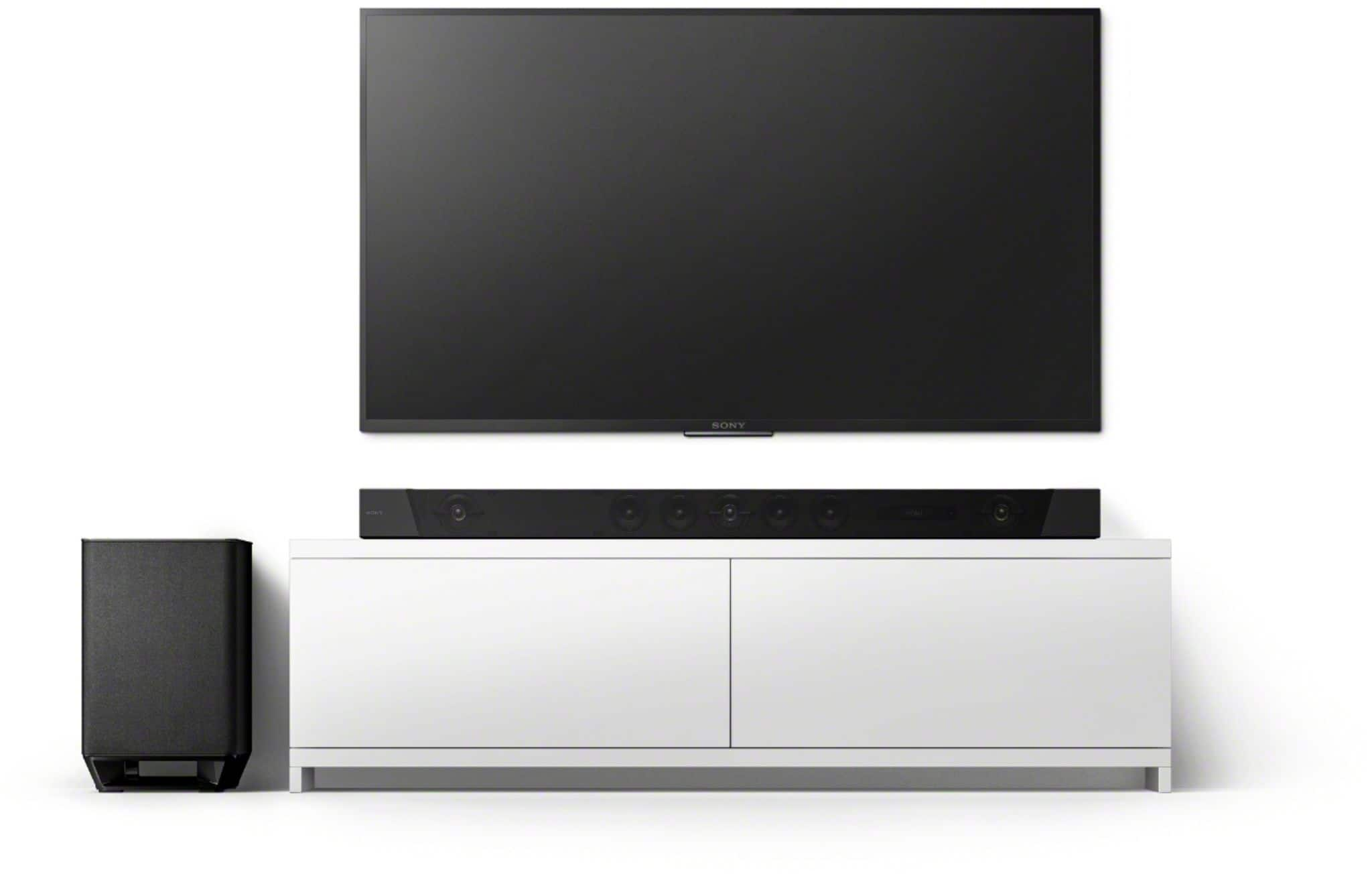
A:AnswerWhen it comes to the subwoofer it really depends on your layout where you have the TV corresponding with the sound bar corresponding with a subwoofer from my set up my subwoofer is right next to the TV and the sound bar and it works great in a corner of the living room and they do have sound apps that can help you place your subwoofer if you really want to look into it or you can just do it the old-fashioned way and move your subwoofer around your entertainment area to get a general idea of where the base with sound better to you in relation to you’re sitting and all other things in the room as well. Do keep in mind the furniture and/or objects you have in the room are vibration absorb, to put it simply the more stuff you have in that room the more sound from both the sound bar and sub woofer will absorb so I could hamper or increase the echo or bass in the room
A:AnswerHi, there!
The Google Assistant has many different features and functions that you can use with your soundbar or an A/V receiver. Please check the link below before connecting the Google Home device to your device: https://www.sony.com/electronics/support/home-theater-sound-bars-home-theater-systems/ht-st5000/articles/00171880 -Sam
A:AnswerHi, DB!
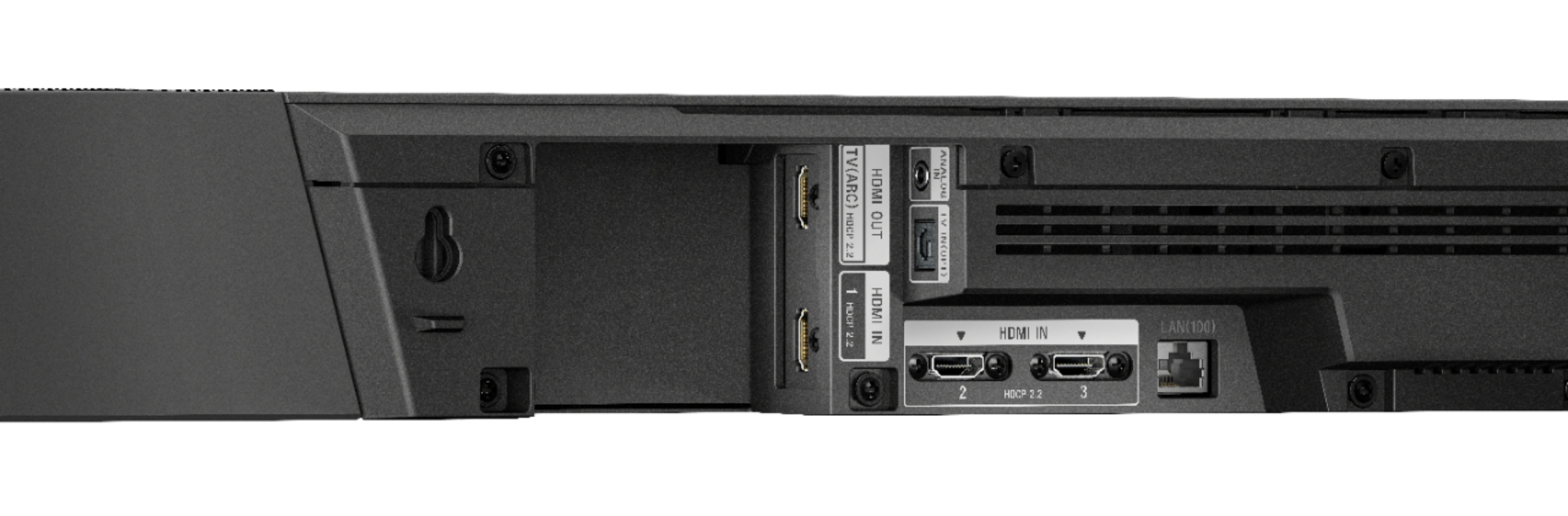
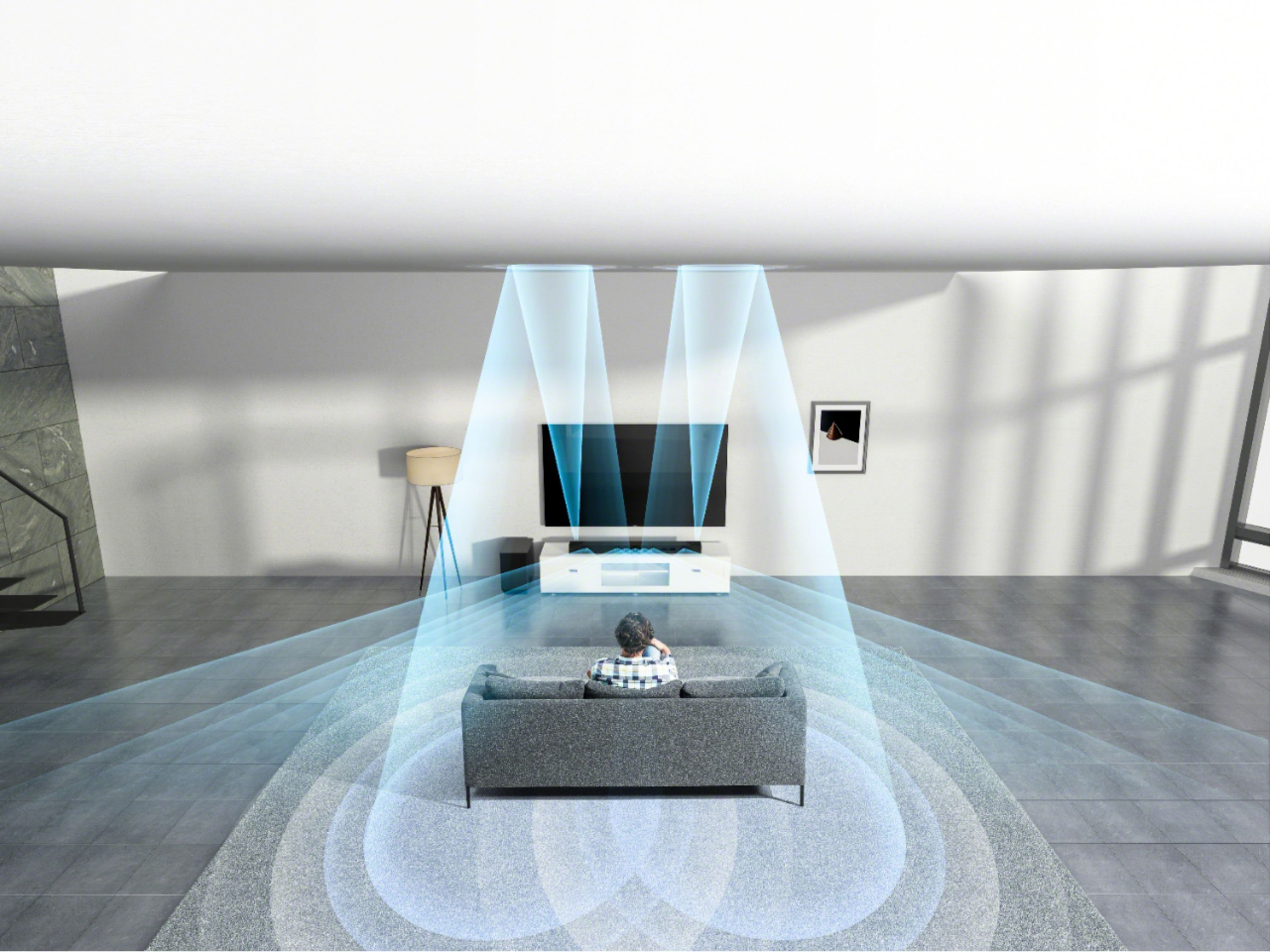
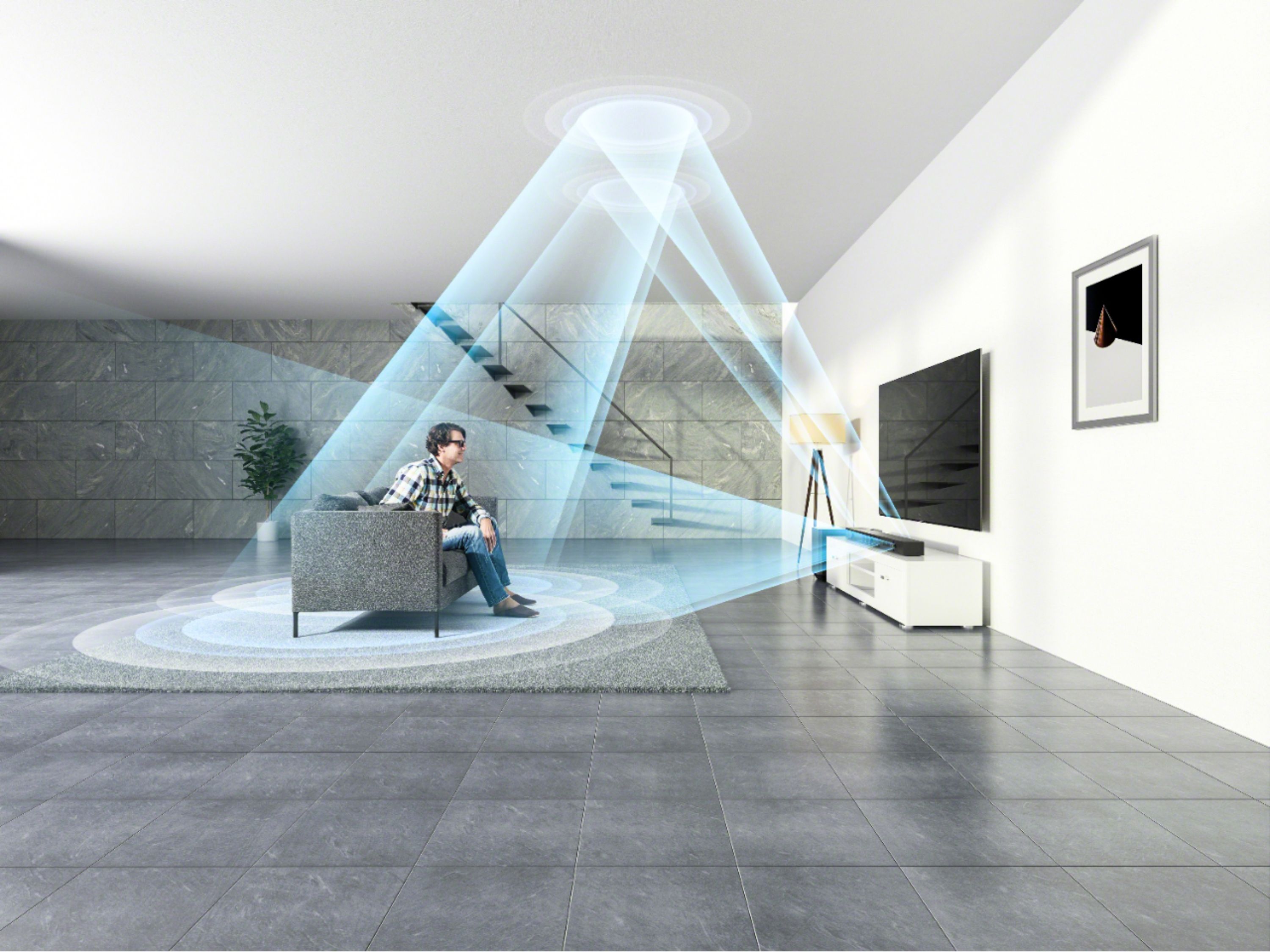
Dolby atmos will only work if the soundbar is connected to your television using the HDMI ARC connection. The source that you're playing should be Dolby atmos. For details, see the link below.
https://www.sony.com/electronics/support/home-theater-sound-bars-home-theater-systems/ht-st5000/articles/00194870
Happy to help,
David
A:AnswerYou can control the amount of space between the back of the sound bar and the wall depending on how far in you fasten the mounting screws into the wall prior to hanging the sound bar. There is a space on the sound bar where all the ports are located. I ended up drilling a hole in the wall and Routing the cables through there. See picture.
A:AnswerYou will need an HDMI switch or splitter depending on weather you want both displays on at the same time. HDMI out from the bar to the splitter/switch then on to the tvs.
A:AnswerHi, karvij!
Depending on the power requirements of the country, you may need a transformer to make the soundbar to work since US models will require its 120 V AC, 60 Hz. Keep in mind that the warranty for service will be in the US.
Regards,
David
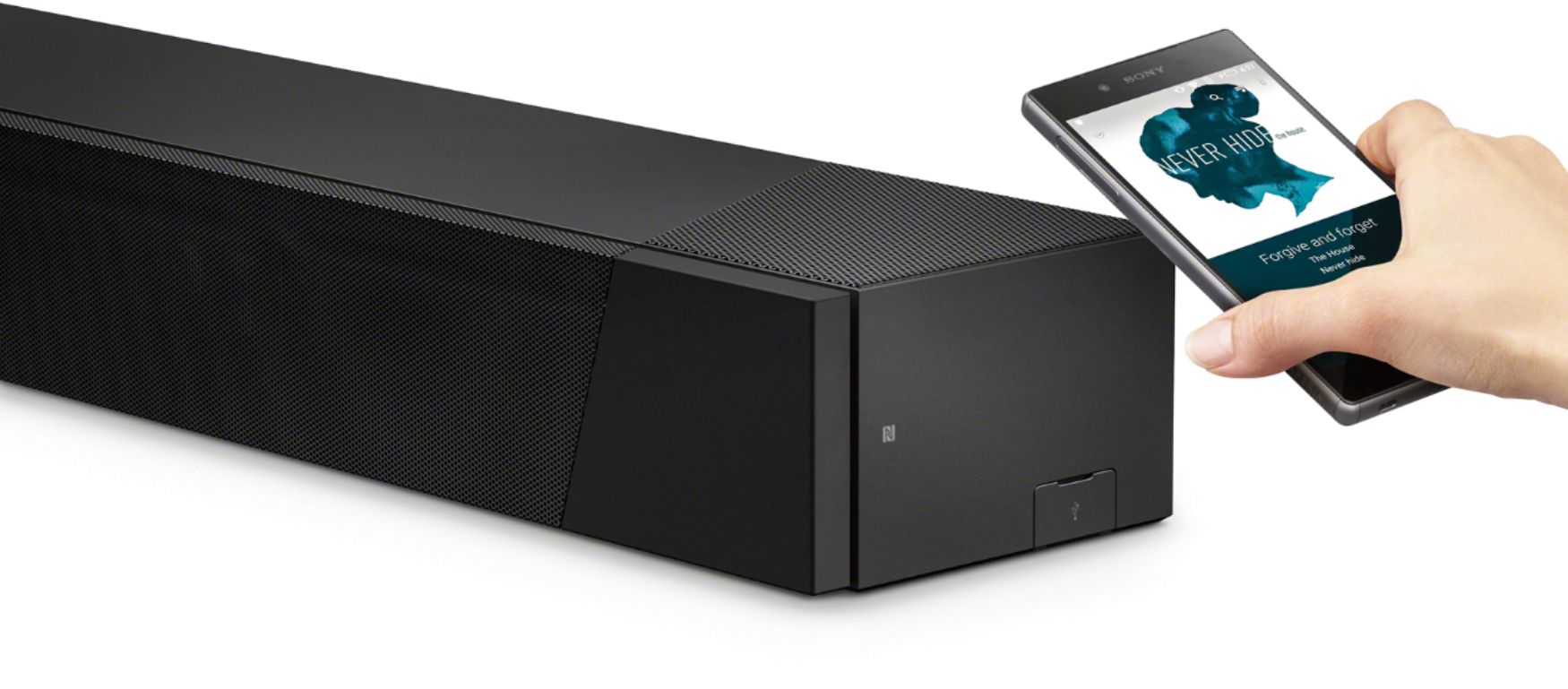
A:AnswerHi, Jim! It is designed to support headphones via Bluetooth. You may refer to page 38 of this link for more information:

https://www.sony.com/electronics/support/res/manuals/4687/bc8f6dee4fbbe142db7bc707e9028061/46878381M.pdf
~Ralph
A:AnswerIt is 800 watts.....other reviews say that you can max the volume with no distortion. I havent turned it up over half because it is so loud but sounds so so good!!!
A:AnswerHow do you have your cables hooked up? The sure way I found get Atmos (as long as the source material is Atmos) is to plug your inputs into your HT ST5000 soundbar and just run the ARC output from the soundbar to your tv’s ARC input. Hope this helps.