A:AnswerHi Laf, Yes, it does. Please refer to this link to see the support Bluetooth profiles: https://helpguide.sony.net/tv/gusltn1/v1/en-003/04-06_03.html -Sam
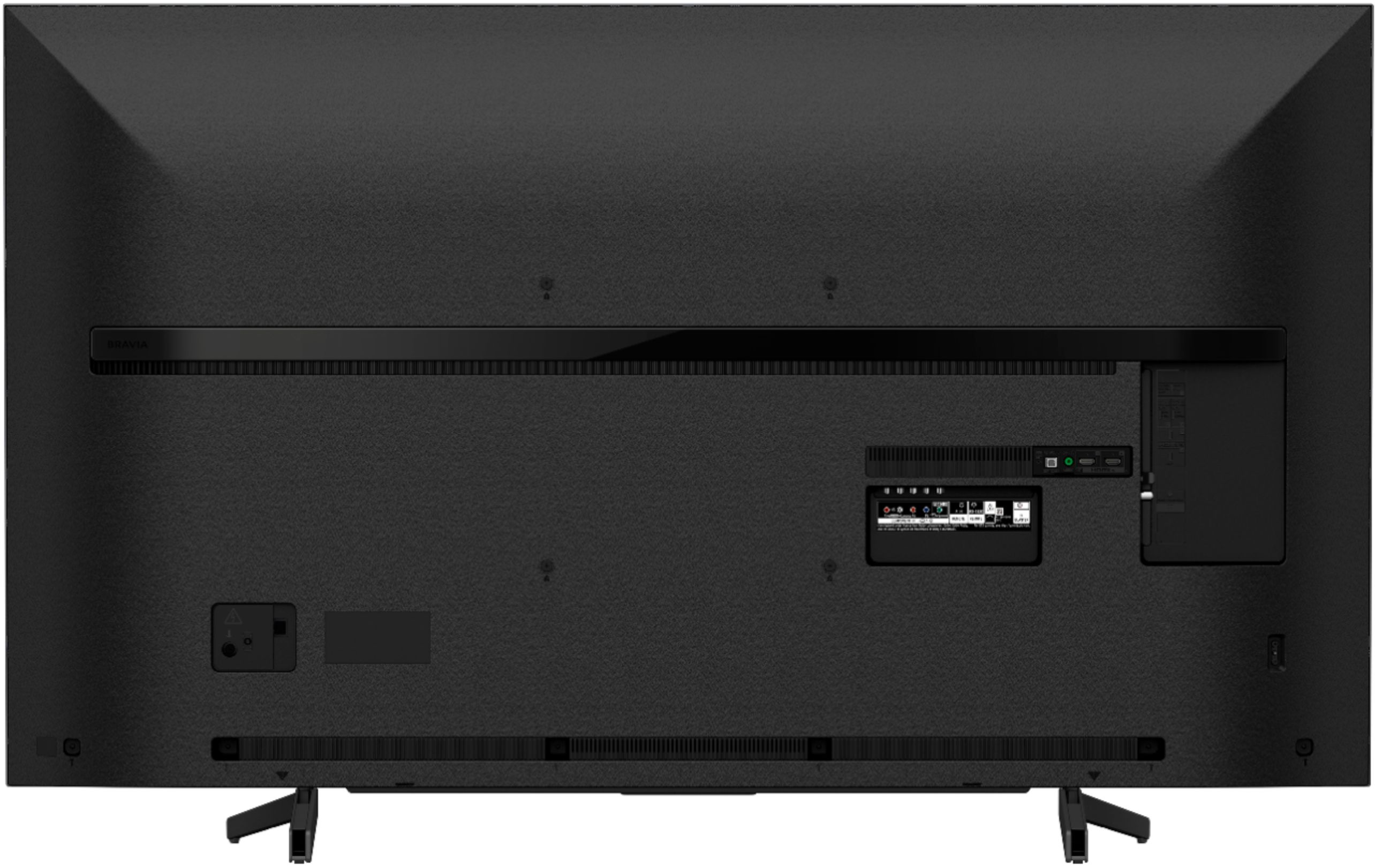
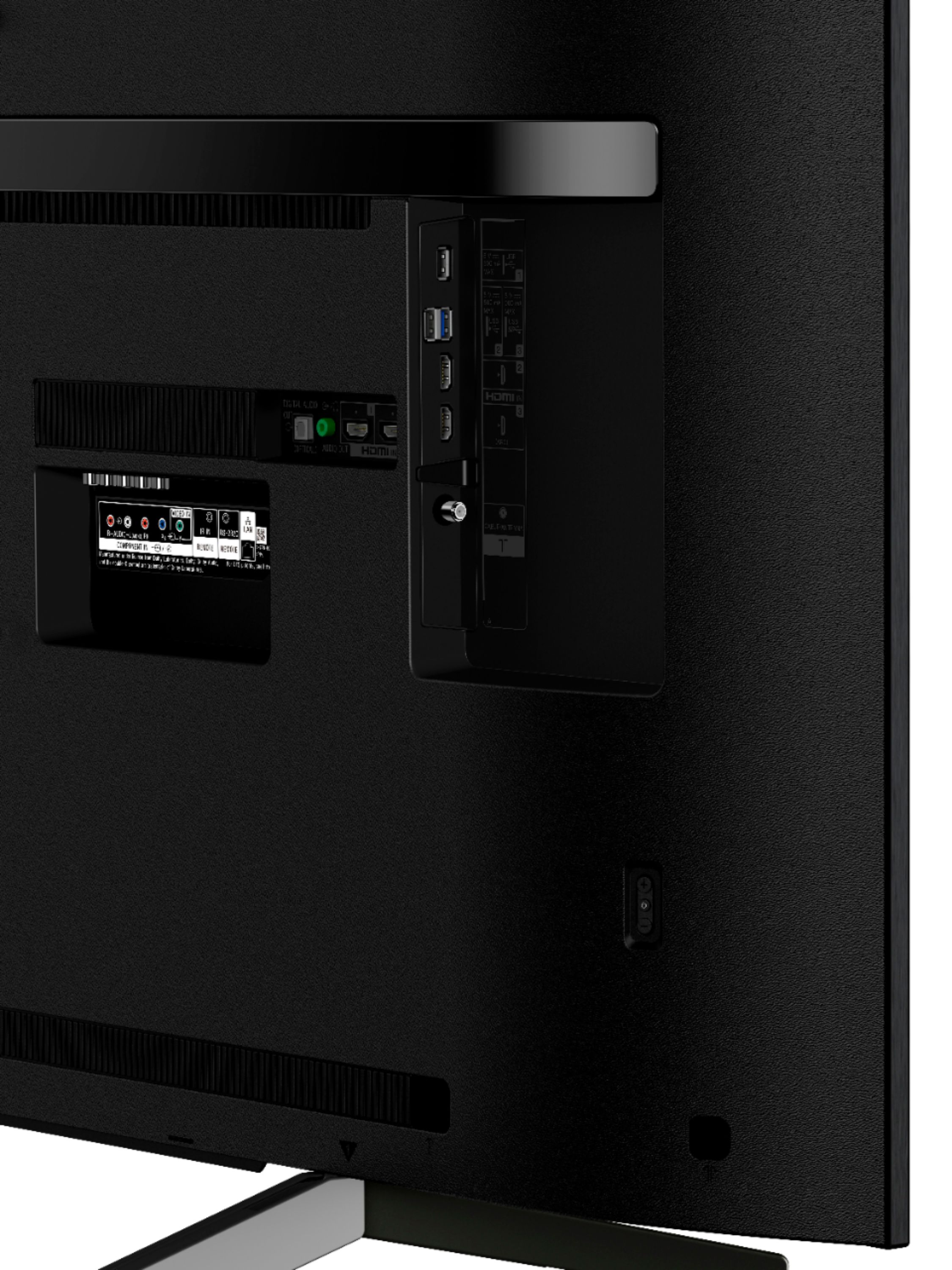
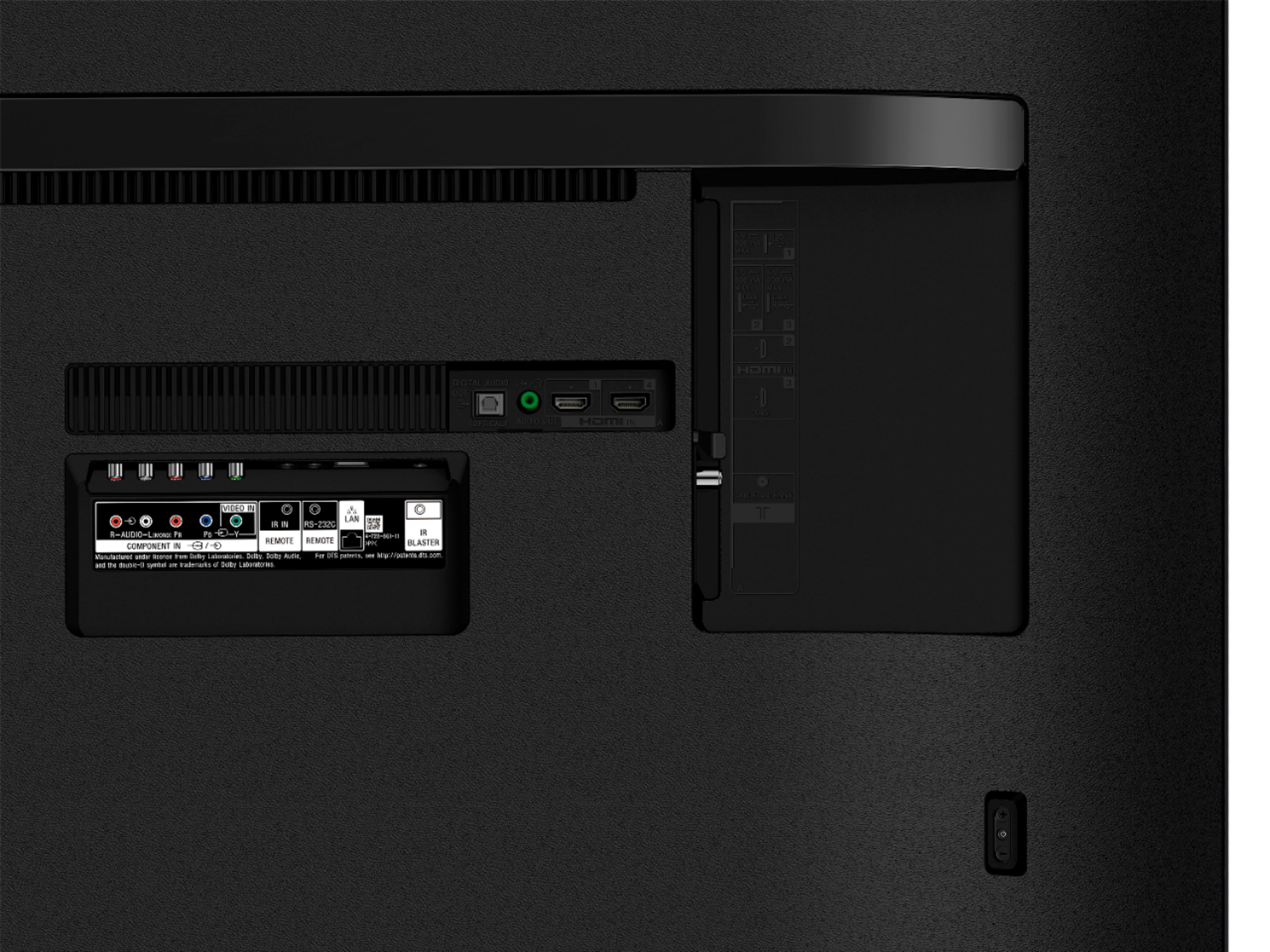
A:AnswerHi Sarah, The X800G TV doesn't support Bluetooth headphones. However, you can use RF wireless headphones with its own transmitter connected to the AUDIO OUT port on your TV. I'd recommend getting the WH-RF400 model. -Sam
A:Answer@Sav, You can follow the steps provided on the link below to resolve this issue. Thank you for choosing Sony!
Link:
https://www.sony.com/electronics/support/articles/00167189?model=XBR-75X800G/
-Zac
A:Answer@KellieK32, We regret to hear about this. Please make sure that the sleep timer is not turned on. Ref:
https://helpguide.sony.net/tv/gusltn1/v1/en-003/08-08_01.html
If you are unable to resolve your concern, please email us at [email protected] with the following details:
Name:
Bestbuy Username:
Model Number:
Issue:
Telephone Number:
Sincerely,
Sam
A:AnswerHey Donald, Yes, you can use it in Nigeria. However, you need to have a transformer to make the XBR75X800G work since US models will require its 120 V AC, 60 Hz. Also, the warranty for the service will be in the US. - Romeo
A:AnswerHow to pair Bluetooth devices to your Sony smart TV
Open Bluetooth settings. Open the main settings menu, and open Bluetooth settings from the Network & Accessories menu.
Make sure Bluetooth is activated. ...
Add device. ...
Search and Pair. ...
Device connected. ...
Select paired device. ...
Disconnect or Unpair.