A:AnswerHi,
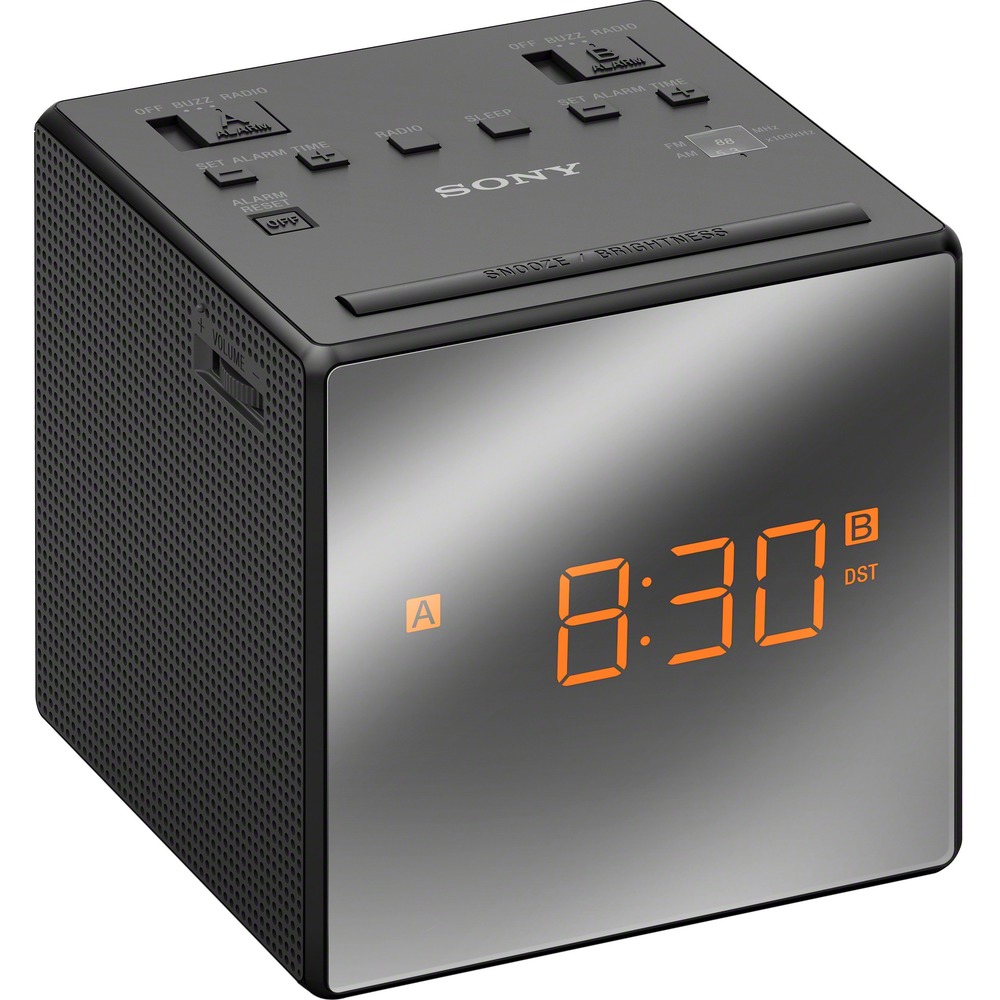
I just measured it, it's 4" x 4" x 4".
It's really CUTE too and I love that you can dim the amber colored light.
Hope that helps !
Thanks and have a fab day !
A:AnswerThere is no place to plug in and does not have Bluetooth so I would say no. You will only be able to listen to the radio with the speaker included.
A:AnswerHi Kat, The battery is designed as a backup power source. It uses an AC power cord as its main power source. You may refer to this link for more information:
https://www.sony.com/electronics/support/res/manuals/4528/3c77bd38d38eb653293191e563988119/45284781M.pdf
~Ralph
A:AnswerThere is a focus adjustment on the projection unit. This may have gotten bumped. Just turn the adjustment and you should have it back in focus.
A:AnswerNo, the battery requires plugging into a power outlet. You can insert a CR23032, but it's only used to hold the clock's settings in the event of a power outage. In such an event, the battery will continue to power some things, like the display, but it's only intended to be a backup.
A:AnswerHello nybo, thank you for your message. To set the clock manually, follow the steps below: 1. Press and hold ENTER/TIME SET for more than 2 seconds. Note: You will hear a beep and the last two digits of the year will start to flash on the display. 2. Press + or - repeatedly to select the year, and then press ENTER/TIME SET. 3. Repeat step 2 to set the month, day and time. After setting the time, two short beeps will sound and the seconds will start incrementing from zero.
Note: If you do not press any button for about 1 minute while setting the clock, clock setting
mode will be canceled. - Oscar.
A:AnswerHi Radio,
You may find this link helpful in replacing the backup battery of this unit. (Please check the "Replacing the backup battery" section).
https://www.sony.com/electronics/support/res/manuals/4480/7021a0bfd83bde6bde79345e57d17868/44805281M.pdf
~Earl
A:AnswerHi Quint1946, We regret to hear about this. To set the alarm to a preset FM station, make before you start, ALARM FM should appear on the top left corner of the display.To do that, Press VOL/SET + or – to select the FM band, and press SNOOZE/BRIGHTNESS/ENTER. After setting the alarm sound to FM, then you can choose which preset fm station to choose from. Hope this helps!
Regards, Sam
A:AnswerHi Toby,
Yes, this clock radio use battery as a backup power source.
https://www.sony.com/electronics/support/res/manuals/4480/7021a0bfd83bde6bde79345e57d17868/44805281M.pdf (page 1 - Battery)
Regards,
David














