Questions & Answers
- Model:
- HTS60
- |
- SKU:
- 10736146
$798.00$798.00
Save $1.99
The comparable value is Comp. Value: $799.99
Page Showing 41-60 of 63 questions
Q: QuestionIs this compatible with a Toshiba tv?
Asked by Nikki.
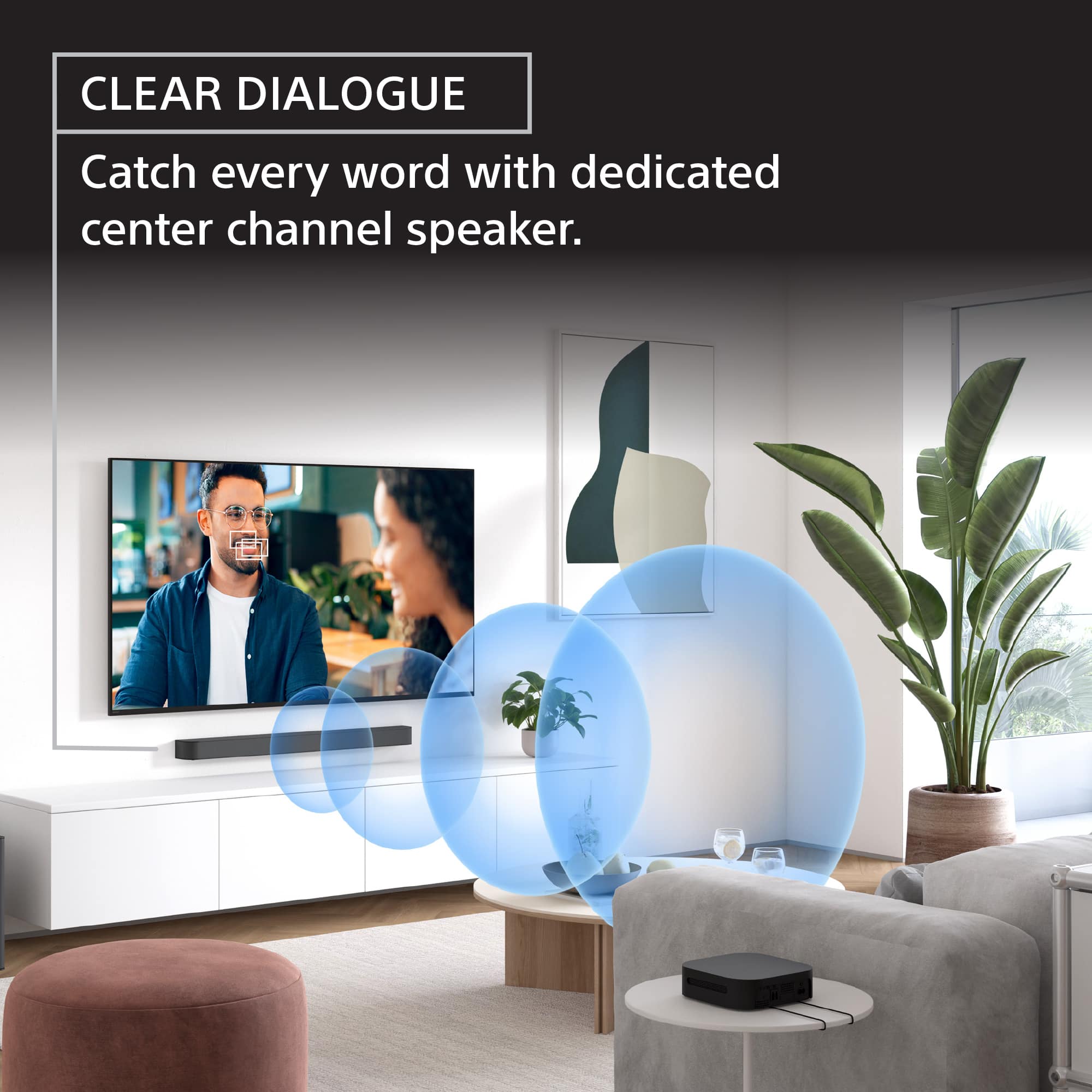
- A:Answer Hello Nikki, Thank you for choosing Sony! We appreciate your question and are here to assist you. Yes, the HT-S60 soundbar is compatible with a Toshiba TV as long as your TV has an HDMI ARC/eARC port or an Optical digital audio output. You can connect the soundbar using either of these options for optimal audio performance. For detailed instructions on how to connect the HT-S60 to your TV, please refer to this guide: https://helpguide.sony.net/ht/2089/v1/en/contents/011ConnectingtoaTV_2089.html Best regards, -Fred
Answered by SonyListens
Q: QuestionI already have a sony big boombox. Can I synchronous this sound system with the old one?
Asked by Nripesh.
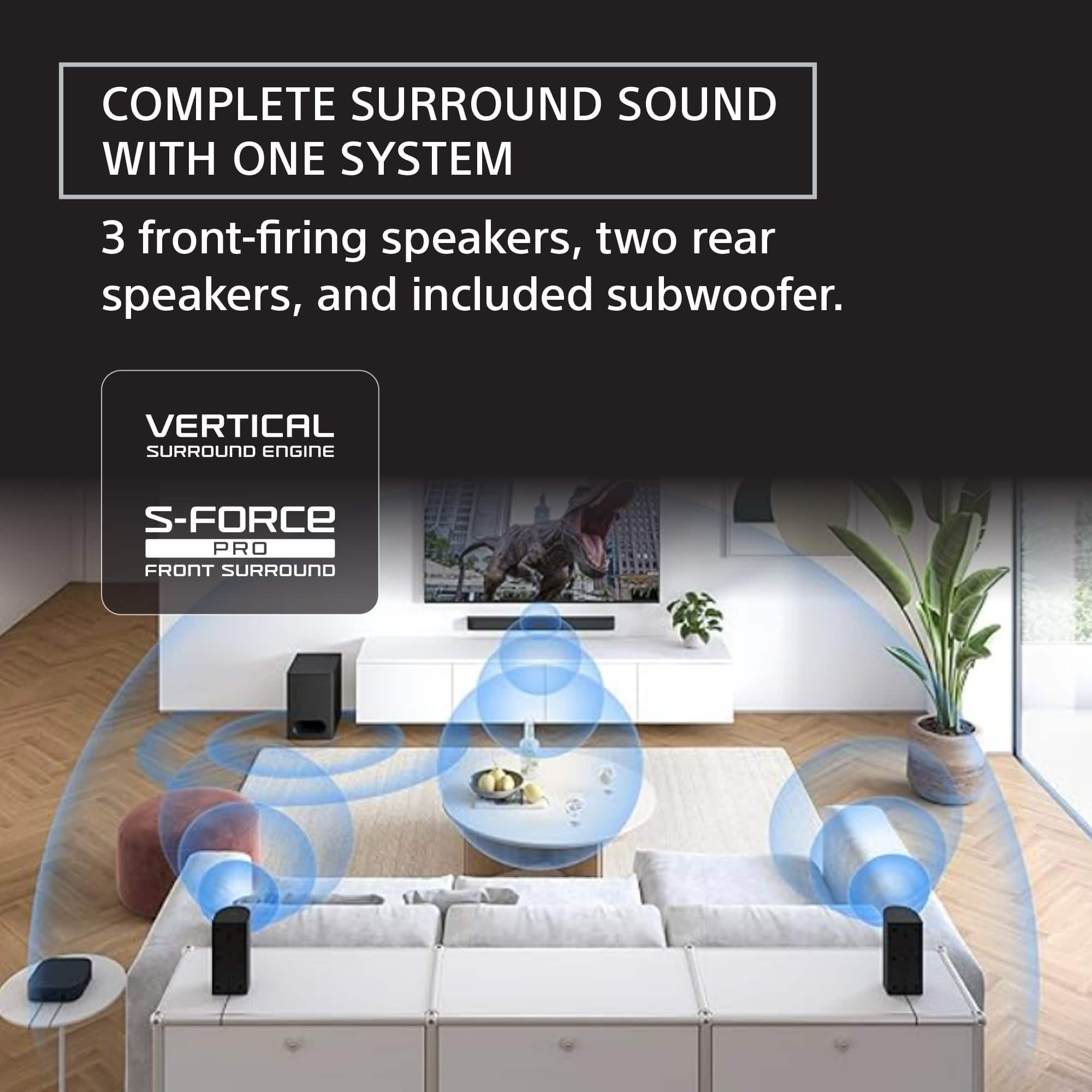
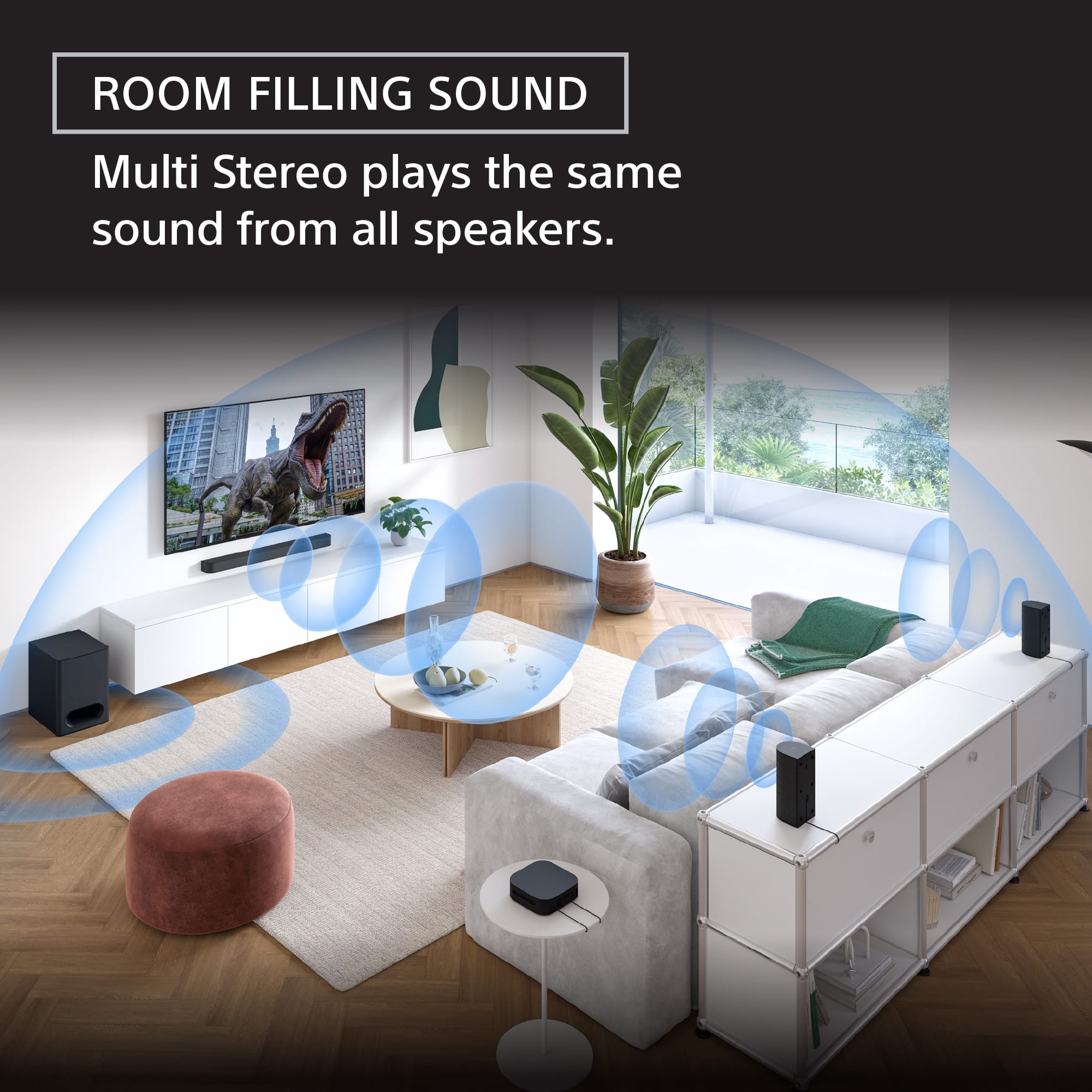
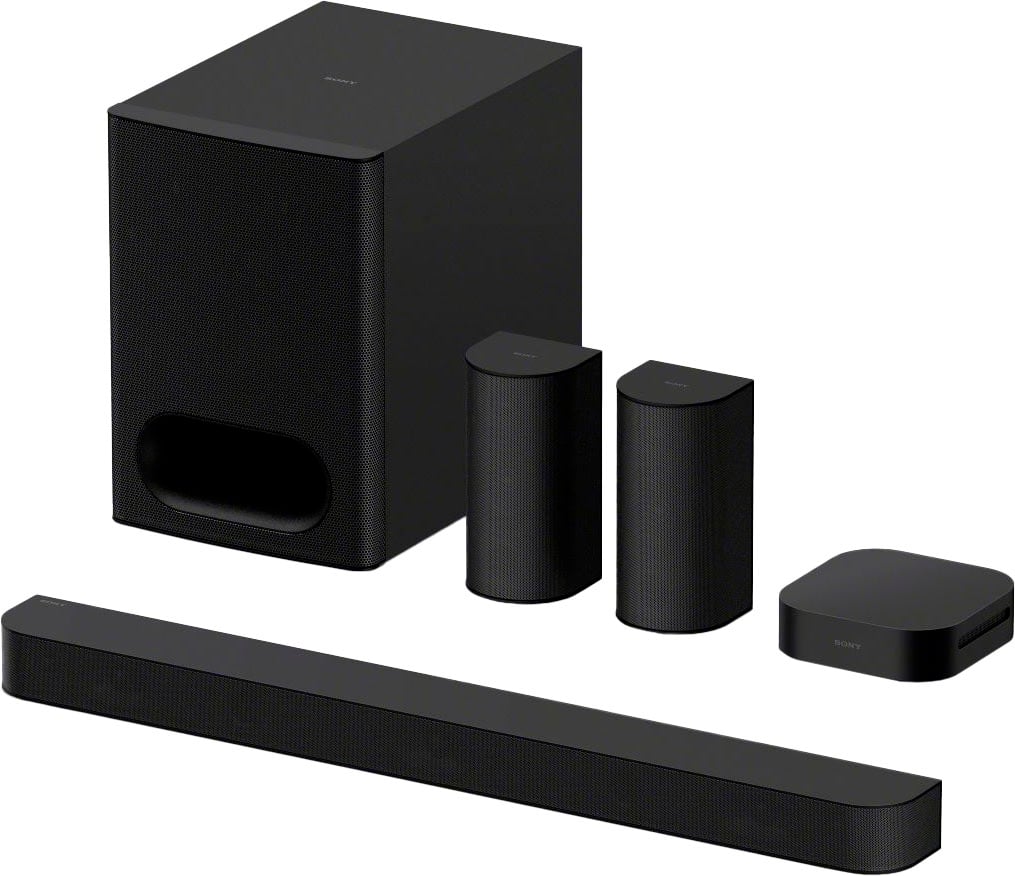
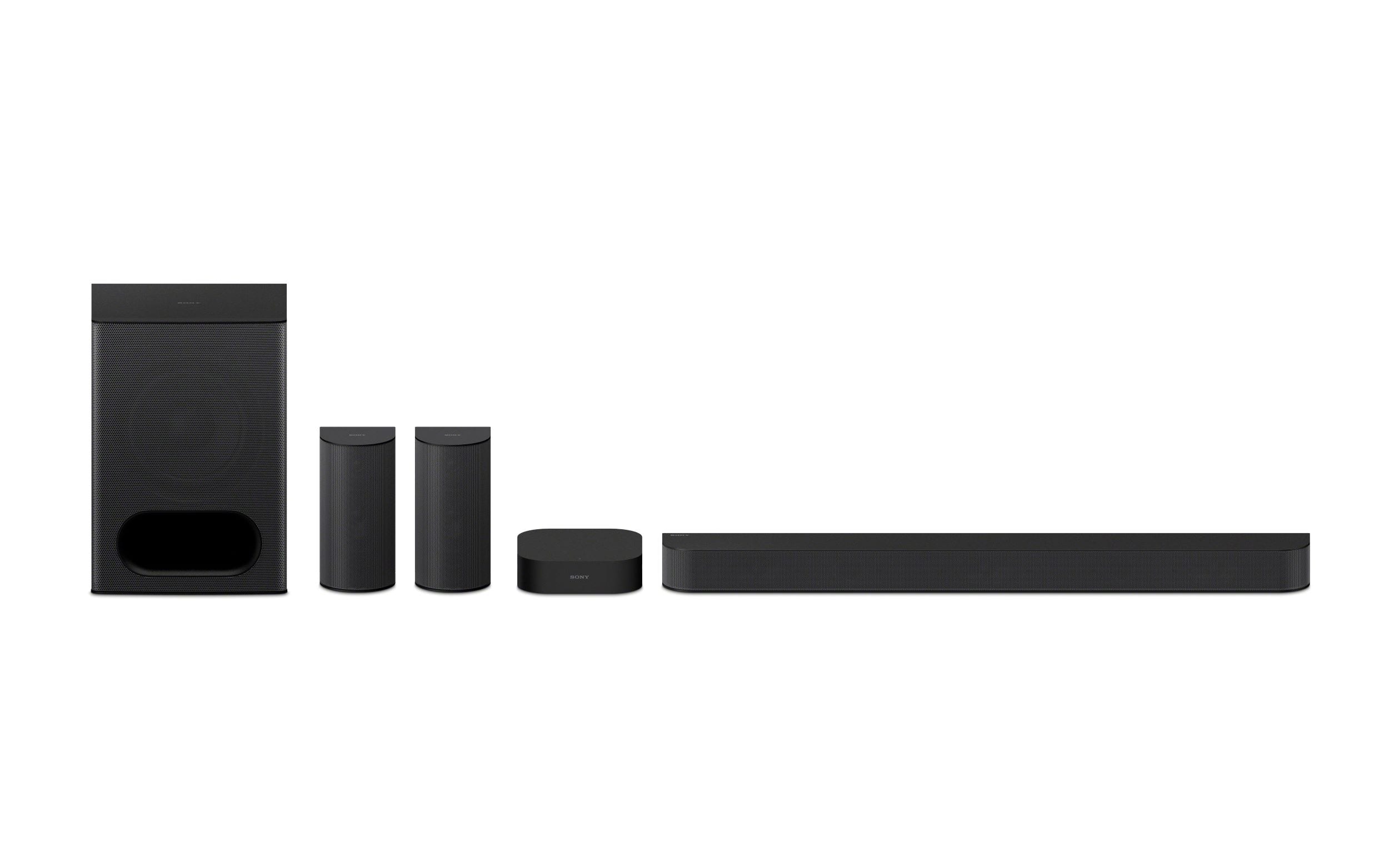
- A:Answer Hi Nripesh, That's a very good question about expanding your audio setup. Unfortunately, the Sony BRAVIA Theater System 6 (HT-S60) is not designed to be synchronized or connected wirelessly with other independent audio systems, such as a Sony boombox. The HT-S60 is an all-in-one 5.1-channel home theater system (soundbar, wireless subwoofer, and dedicated rear speakers) engineered to create a fully immersive surround sound field specifically for your TV and movies. Its internal components and processing are calibrated to work exclusively with its included speakers. While both are Sony products, they use different, non-compatible wireless or synchronization technologies. We hope this answers your question and thank you for considering Sony products! Best regards, Dominick
Answered by SonyListens
Q: QuestionWhat is the best settings for this sound system and my Playstation 5?
Asked by Anonymous.
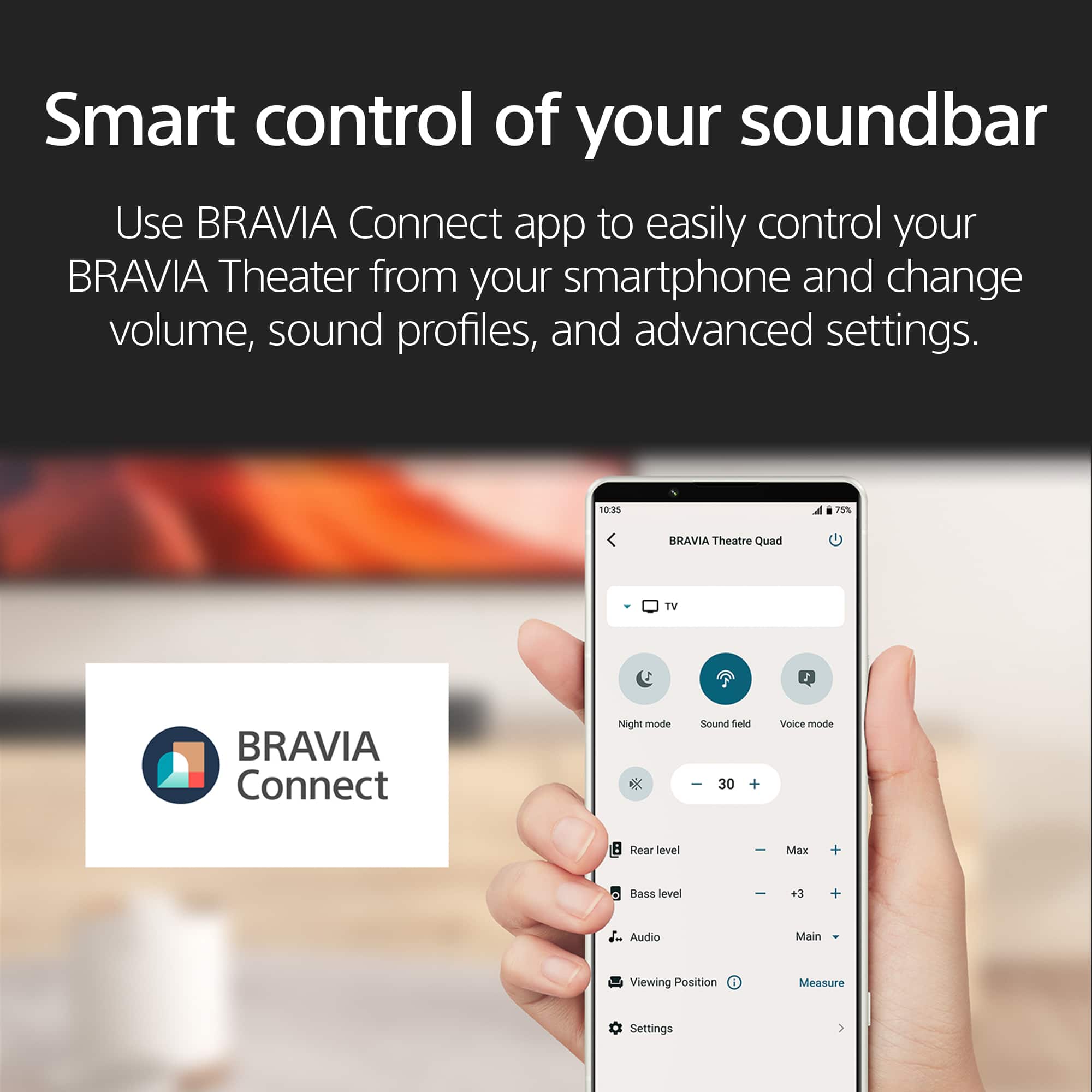
- A:Answer Hi there! Thank you for reaching out with your question. We can certainly help you with that. If you want the best sound experience from your BRAVIA Theater System 6 and PS5, here's a simple way to get things dialed in. First, hook up your PS5 to your TV using a high-speed HDMI cable, then connect your HT-S60 to the TV’s HDMI ARC or eARC port with another HDMI cable. This lets you enjoy top-notch surround sound, including Dolby Atmos® when supported by your games and movies. On your sound system, press the SOUND FIELD button on the remote control and choose one of the immersive sound modes. Feel free to check out the following link, we put together extra details there that might be helpful: https://helpguide.sony.net/ht/2089/v1/en/contents/022_Adjusting_Sound_Quality_2089.html If you watch TV, check that your TV’s sound settings send audio to the sound system or set digital audio out to "Auto" or "PCM" for reliable performance. And finally, just make sure all your cables are plugged in nice and tight, keep your system updated and go ahead, turn up that volume how you like. If you ever want to tweak more, the Sony BRAVIA Connect app can help you explore extra features, adjust sound fields and make sure everything’s running smoothly. We hope this helps! Thanks for considering Sony products! Best regards, Estefany
Answered by SonyListens
Q: QuestionDo you need to buy a receiver for this?
Asked by Buck.
- A:Answer Hello Buck, Thanks for this great question! You don't need to buy a separate AV receiver for the BRAVIA Theatre System 6. The system is a convenient, all-in-one home theater solution. It includes its own built-in amplifier and control unit, so you can connect it directly to your TV. You simply use the HDMI eARC or optical connection from your TV to the subwoofer, which acts as the hub for the entire system. This design is intended to simplify the setup process and provide a powerful, immersive audio experience without the complexity and extra equipment of a traditional home theater receiver. Thanks for your interest in our Sony audio systems! Sincerely, Jenn | Sony Social Media Team.
Answered by SonyListens

Q: QuestionDoes this have a connection for a second sub? https://www.bestbuy.com/product/sony-bravia-theater-system-6-5-1ch-with-subwoofer-dolby-atmos-dtsx-compatible-black/6623550?sb_share_source=PDP
Asked by Kal.
- A:Answer Hello Kal, Thank you for choosing Sony! We're happy to help! The HT-B600 system is a stand-alone unit and does not support additional speakers or a subwoofer. It provides a complete audio experience on its own, but can't be modified with extra components. If you're interested in models that support rear speakers and a subwoofer, we recommend that you consider the HT-A7000, HT-A5000 or HT-A3000 models. For more details, please visit the following link: https://www.sony.com/electronics/support/articles/00345716 Best regards, -Fred
Answered by SonyListens

Q: QuestionIs the soundbar compatible w an LG WebOs uh7700 tv?
Asked by BigRueb92.
- A:Answer Hi BigRueb92, thanks for your interest in our Theater System 6! Regarding the compatibility of the HT-S60 with your TV, the HT-S60 is designed to be widely compatible with most televisions. However, to confirm full functionality and the best possible experience, it will depend on the specific audio output specifications of your TV. Ideally, your TV should have an available HDMI ARC port or alternatively, an optical digital audio output. If your LG TV has either of these, you should be able to connect the HT-S60 successfully. Thanks for considering Sony products! Best regards, Estefany
Answered by SonyListens

Q: QuestionWill this work with a Samsung tv given it does not have the Zoom Voice 3 functionality
Asked by TheAlibaba.
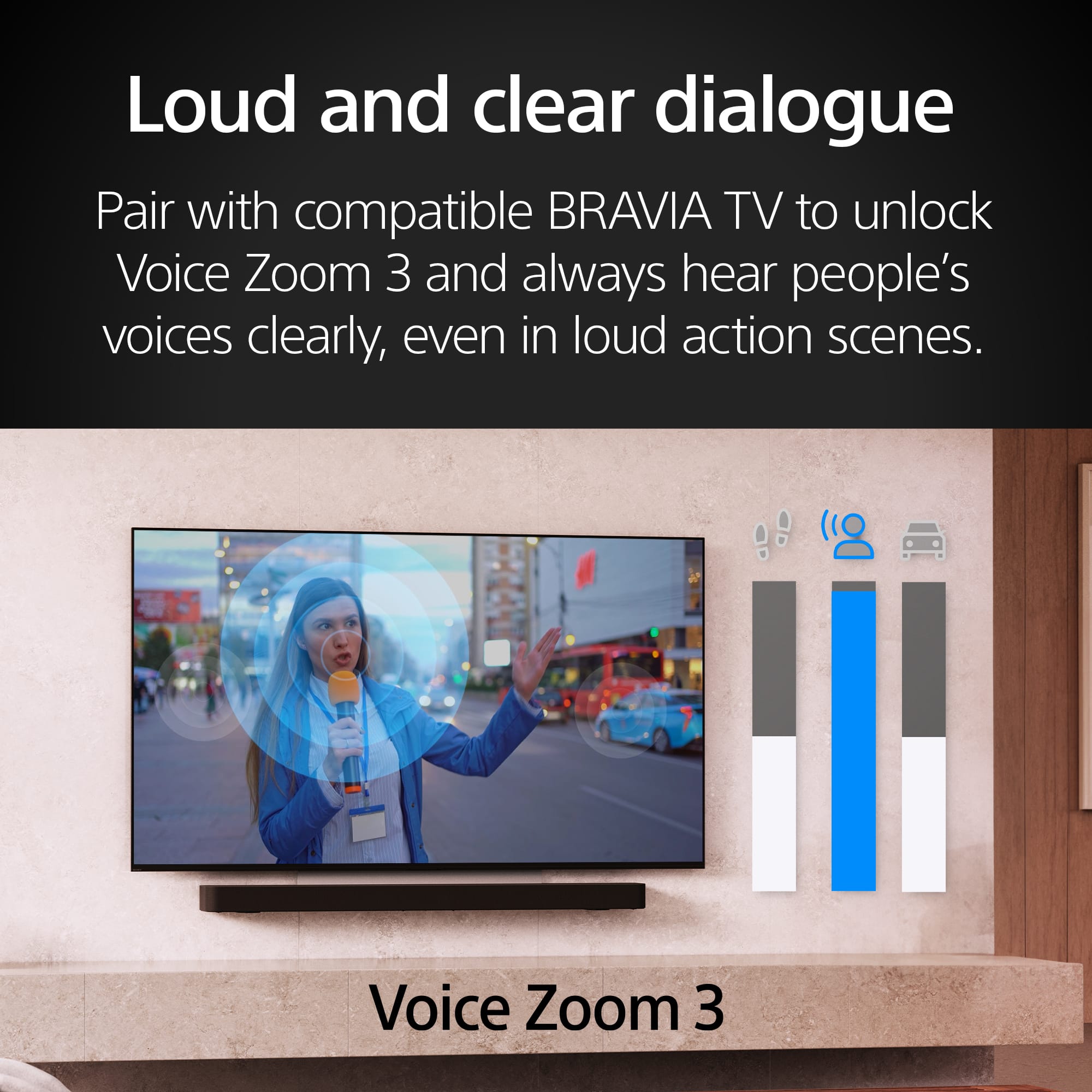
- A:Answer Hello TheAlibaba, Thank you for reaching out to Sony! We appreciate your inquiry and are here to help. The Sony HT-S60 soundbar can easily connect and operate with your TV, even though it does not include the "Zoom Voice 3" feature. The key to compatibility is ensuring both your TV and the HT-S60 have matching connection ports, like HDMI ARC/eARC or optical digital audio. For more details on the HT-S60 soundbar, you can check out its full guide here: https://helpguide.sony.net/ht/2089/v1/en/index.html Best regards, -Fred
Answered by SonyListens

Q: QuestionHow long is the HDMI cable that comes with this system and is it 2.1?
Asked by Kipkadoo.
- A:Answer Hello Kipkadoo, Thank you for choosing Sony! We appreciate your inquiry and are here to help. In response to your question, the HDMI cable is 2.0 meters long and is categorized as HDMI 2.1, which supports the latest features and capabilities. For more detailed specifications, please visit the following link: https://www.sony.com/electronics/support/sound-bars-home-theater-systems-sound-bars-surround-speakers/ht-s60/specifications. Best regards, -Fred
Answered by SonyListens

Q: QuestionCan the rear speakers be wall mounted?
Asked by Anonymous.
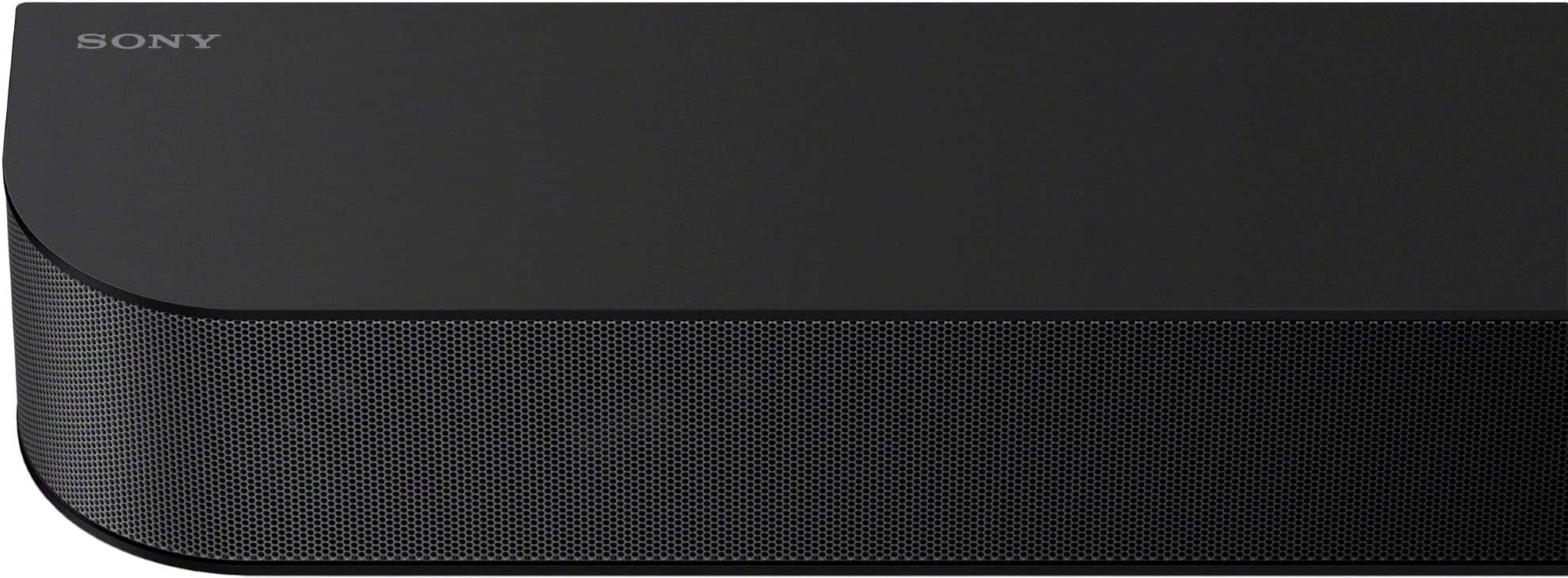
- A:Answer Hi there! We are very glad to address your question about the Bravia Theater System 6! We're happy to confirm that the rear speakers included with your HT-S60 home theater system are designed to be wall-mountable. This gives you great flexibility in setting up your surround sound exactly how you like it, whether you prefer them on stands or mounted to the wall for a cleaner look and optimal sound dispersion. For detailed instructions on how to mount them on the wall, please visit the following link: https://helpguide.sony.net/ht/2089/v1/en/contents/010_Mounting_the_Speaker_on_a_Wall_2089.html Thank you for considering Sony products! Best regards, Estefany
Answered by SonyListens

Q: QuestionHow many watts does it have?
Asked by Paul.
- A:Answer Hello Paul, Thank you for getting in touch with Sony! We appreciate your inquiry and are pleased to assist you. The Sony HT-S60, also known as the BRAVIA Theatre System 6, boasts a total power output of 1000 W. The specifications are as follows: Front Left/Front Right/Center speakers: 152 W each (total of 456 W), Subwoofer: 240 W, and Rear Left/Rear Right speakers: 152 W each (total of 304 W). For further details regarding the specifications, please visit: https://www.sony.com/electronics/support/sound-bars-home-theater-systems-sound-bars-surround-speakers/ht-s60/specifications Best regards, -Fred
Answered by SonyListens

Q: QuestionAre the rear speakers and subwoofer wireless?
Asked by D.
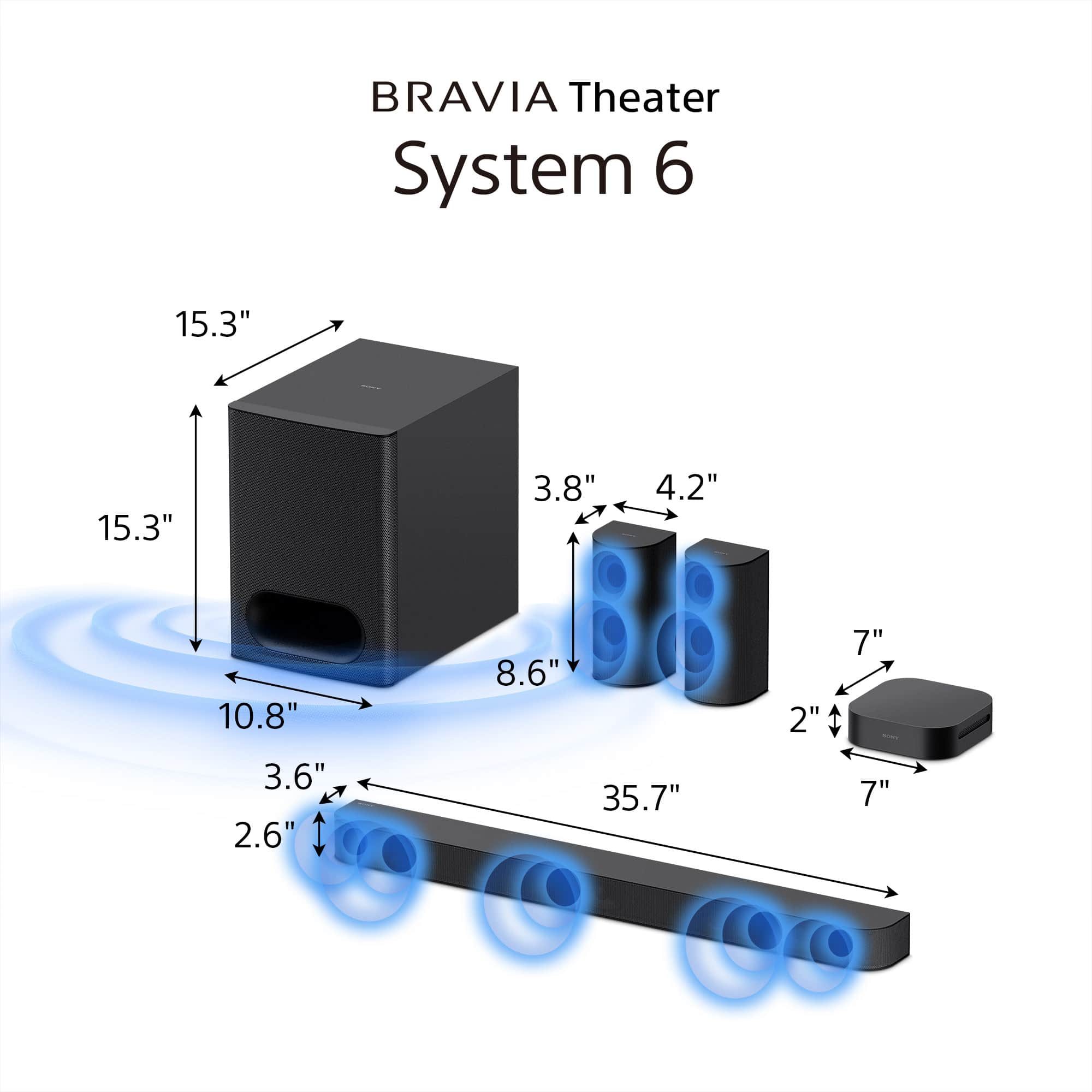
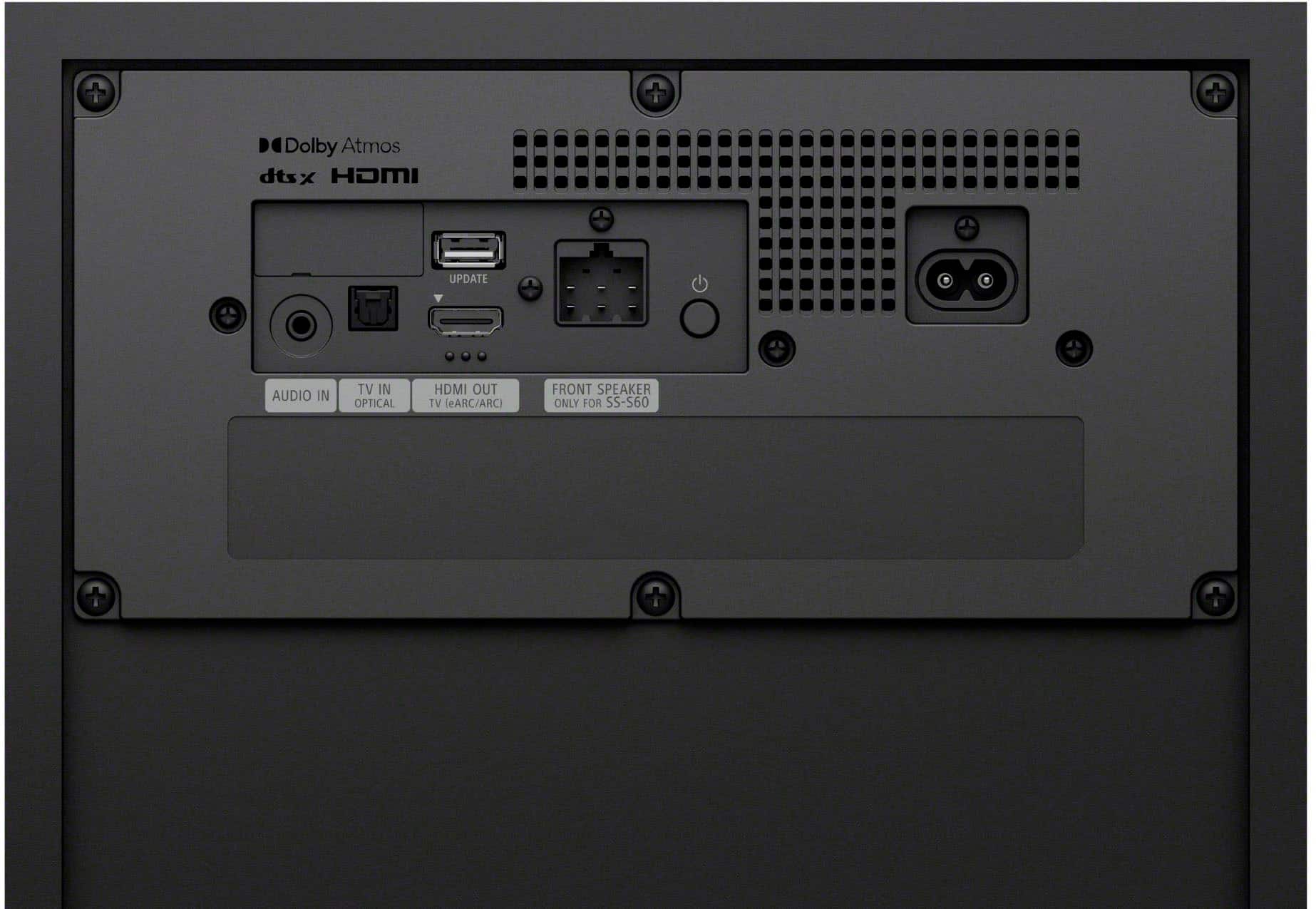
- A:Answer Hi D, thank you for reaching out to us. We are pleased to assist you with your inquiry regarding the Bravia Theater System 6! The Sony HT-S60 features wireless rear speakers and a wired subwoofer. This means you won't have speaker wires running across your room to the rear speakers, but you will need to connect the subwoofer to the main unit with a cable. For additional information regarding the device connections, please visit the following link: https://helpguide.sony.net/ht/2089/v1/en/contents/002_Overview_of_the_Speaker_System_2089.html Thank you for considering Sony products! Best regards, Estefany
Answered by SonyListens

Q: QuestionDo you need a receiver to hook up the speakers?also are the speakers wall mountable?
Asked by Anonymous.
- A:Answer Hello there, Thank you for reaching out to Sony! We're delighted to assist you with your inquiry regarding the Sony HT-S60. The Sony HT-S60 is a convenient home theater system that operates without the need for an external receiver. It features its own control unit with a built-in amplifier, simplifying the setup process. All you need to do is connect it to your TV using HDMI eARC or an optical input, and you're all set! For more information on the connection methods, please visit this link: https://helpguide.sony.net/ht/2089/v1/en/contents/011_Connecting_to_a_TV_2089.html?search=connect Additionally, the speakers are designed for wall mounting, including the soundbar, rear speakers, and even the subwoofer. This allows for a streamlined and elegant installation in your home. You can find more details about mounting the speakers and wireless amplifier on a wall here: https://helpguide.sony.net/ht/2089/v1/en/contents/010_Mounting_the_Speaker_on_a_Wall_2089.html?search=wall Best regards, -Fred
Answered by SonyListens

Q: QuestionWill a Sony record player pair with the speaker system?
Asked by Fish01.
- A:Answer Hi Fish01, Yes, you can connect a Sony record player to the Sony HT-S60. For most record players, you'll use the HT-S60's Analog audio input (stereo mini); simply connect the record player's RCA outputs to a 3.5mm adapter that plugs into the HT-S60. Alternatively, if both your record player and the HT-S60 support Bluetooth, you can connect them wirelessly by pairing the devices. Thanks for considering Sony Products. -Eliab
Answered by SonyListens

Q: QuestionDoes this work with Alexa or any voice control? And if it doesn’t which Sony theater system does?

Asked by Anonymous.
Q: QuestionHow good is the Sony
Asked by Bonnie.
- A:Answer It’s the best. Sony, the one and only!
Answered by SeriesX
Q: QuestionWhat size subwoofer is in this package
Asked by Anonymous.
- A:Answer Hello there, Thank you for your interest in Sony products! We’re happy to assist with your question regarding the Sony HT-S60 BRAVIA Theatre System. This system includes a subwoofer measuring 10.8 x 15.3 x 15.3 inches (275 x 388 x 388 mm), designed to deliver rich and immersive sound. For detailed specifications and more information, please visit: https://www.sony.com/electronics/support/sound-bars-home-theater-systems-sound-bars-surround-speakers/ht-s60/specifications Best regards, -Fred
Answered by SonyListens
Most-viewed items
- $899.00$899.00The price was $1,099.00
- $495.00$495.00The price was $499.00
- $99.99$99.99The price was $119.99
- $249.99$249.99The price was $349.99
- $399.99$399.99The price was $699.99
- $1,597.99$1,597.99The price was $1,999.99
- $799.99$799.99The price was $899.99
- $139.99$139.99The price was $159.99
- $299.99$299.99The price was $399.99
- $49.99$49.99The price was $59.99
- $34.99$34.99The price was $39.99
- $149.99$149.99The price was $219.99
- $119.99$119.99The price was $139.99