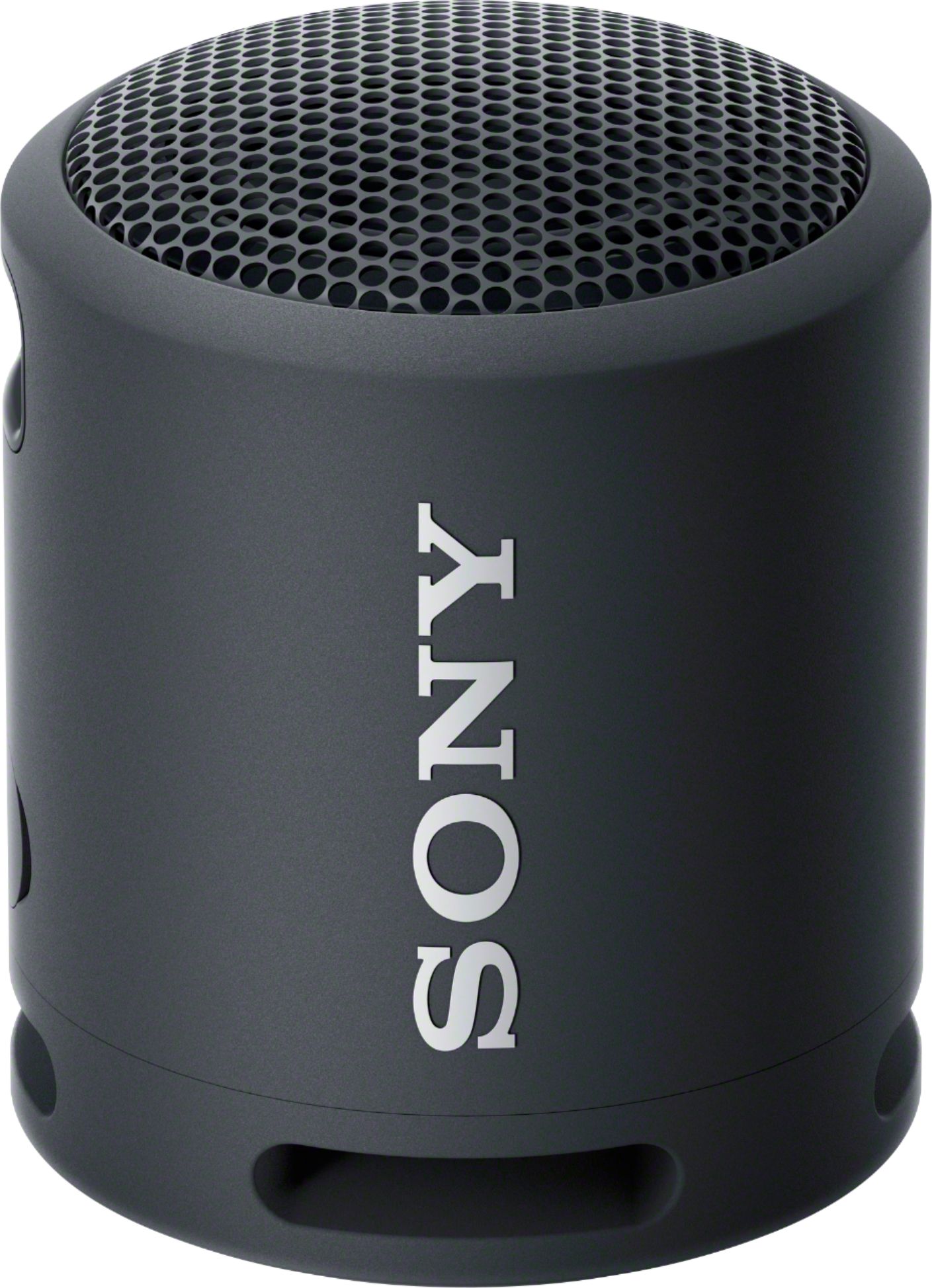
A:AnswerIt is wirelessly connected only via Bluetooth. As long as your device supports Bluetooth, it will work. There are plenty of cheap USB Bluetooth dongles out there if your desktop does not support Bluetooth natively.
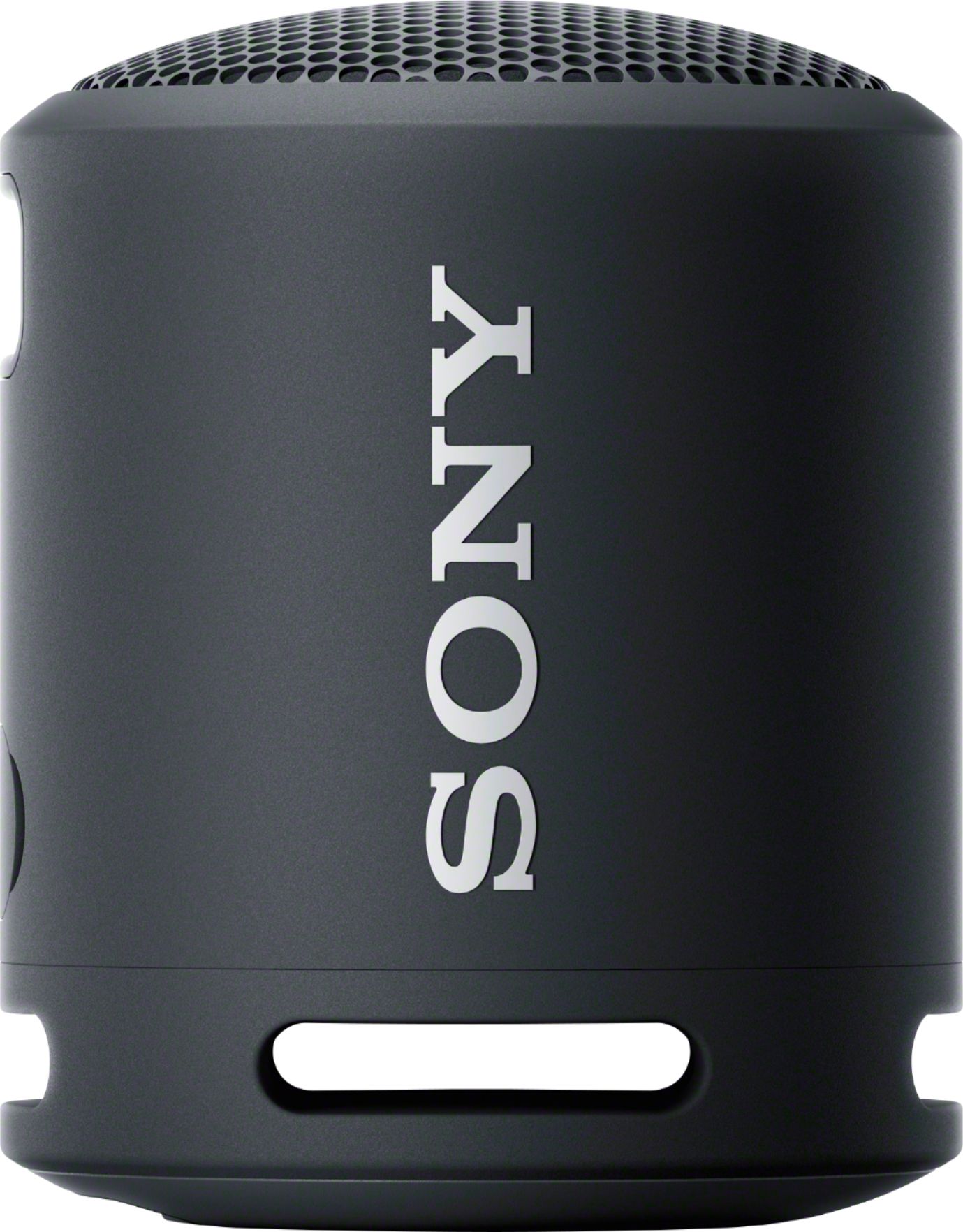
A:AnswerHello, thank you for your question. This unit does not have a radio and cd player option. SRSXB13 mainly supports Bluetooth connection and plays audio content from smartphones, computers, and TVs. Hope this helps. ~Earl
A:AnswerHi Lily, thank you for your question. Yes, as the SRSXB13 requires the A2DP Bluetooth profile for Bluetooth playback. This unit can pair and connect with iPad pro and other Apple products that support the same Bluetooth profile. Hope this helps. ~Earl
A:AnswerHello Evelyn,
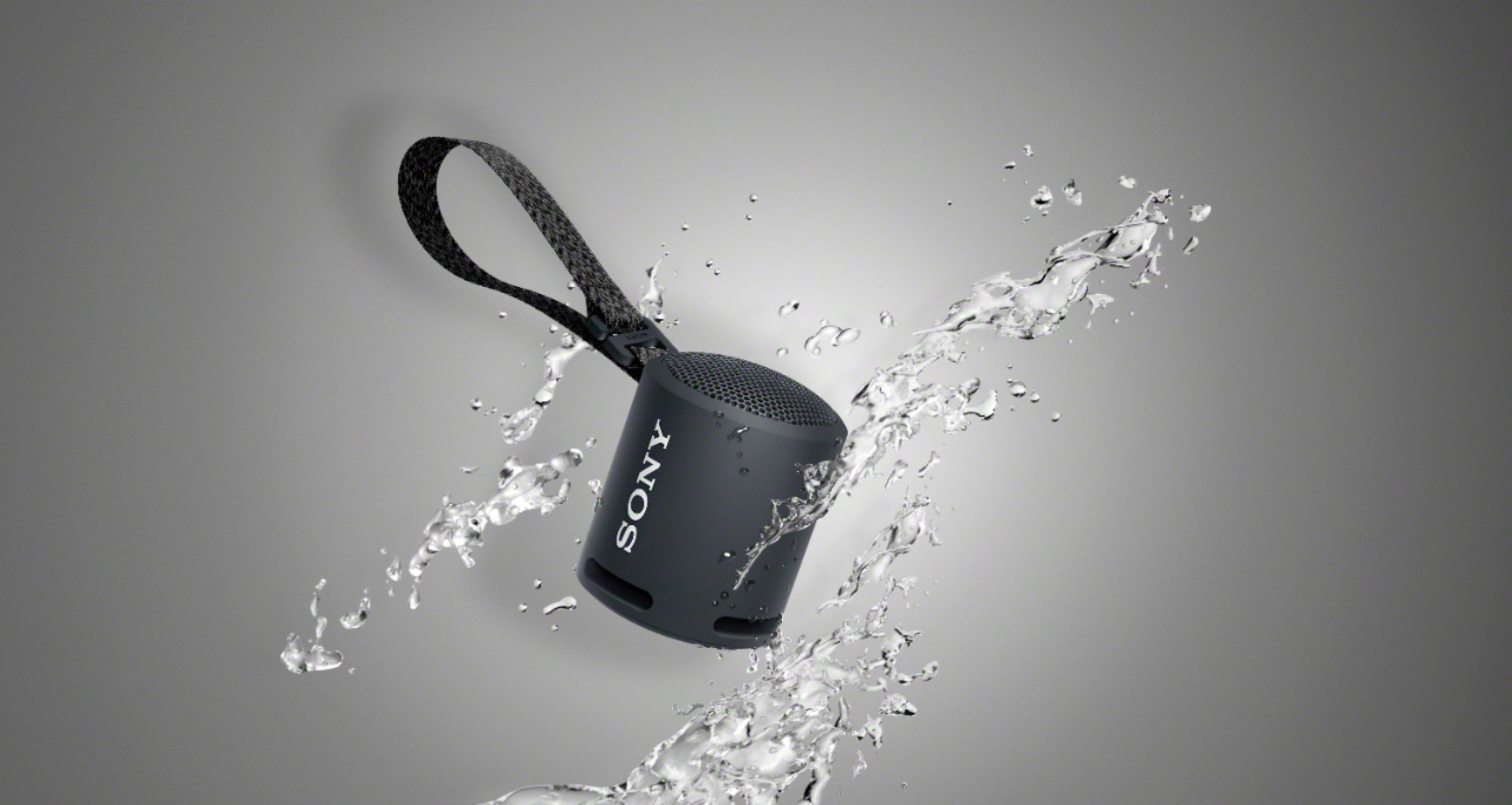
Thank you for reaching out to us! Yes, the speaker is waterproof but has a limitation. Liquids that the waterproof performance specifications apply to:
Applicable: fresh water, tap water, pool water
Not applicable: liquids other than the above (soapy water, water with detergent or bath agents, shampoo, hot spring water, salt water, etc.)
https://helpguide.sony.net/speaker/srs-xb13/v1/en/contents/TP1000198265.html?search=waterproof
Hope this helps!
David
A:AnswerHello Customer,
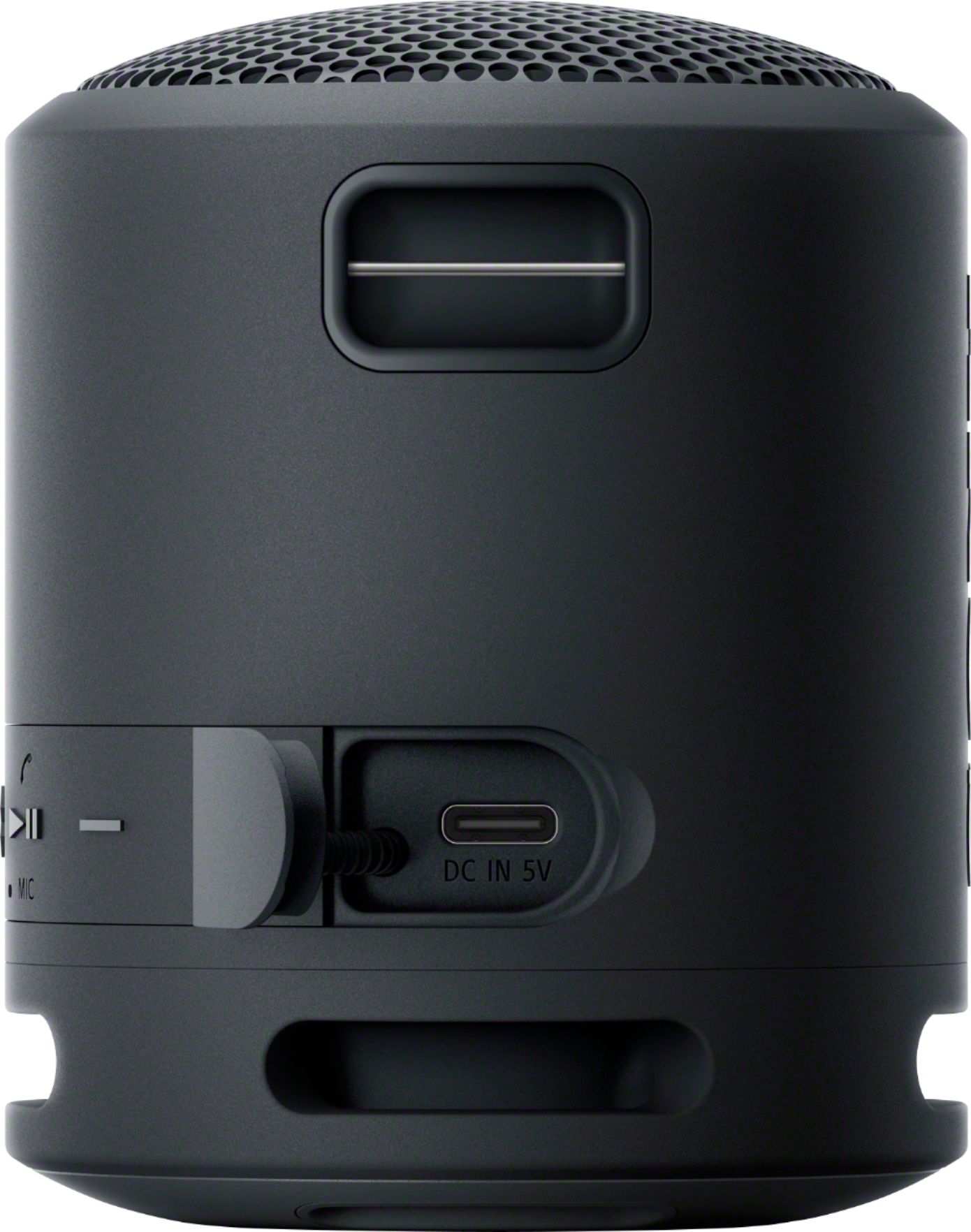
We do apologize for the inconvenience. Open the cap using your finger in a left side motion. Handle the cap with care. The cap plays a very important role in the maintenance of the waterproof and dustproof performance. When using the unit, make sure that the cap is closed completely. When closing the cap, be careful not to allow foreign objects inside. If the cap is not closed completely the waterproof and dustproof performance may deteriorate and may cause a malfunction of the unit as a result of water or dust particles entering the unit.
Regards,
David
A:AnswerHello WesC,
Yes, the XB13 does have a microphone built in. It can be used for voice assist function (Siri and Google App through your device), or you can use it for calls.
Regards,
David
A:AnswerHello Charlie,
Thank you for reaching out to us! Pairing is the process required to mutually register the information on BLUETOOTH devices to be connected wirelessly. Check the link on how to properly connect the speaker to your smartphone.
https://helpguide.sony.net/speaker/srs-xb13/v1/en/contents/TP1000198317.html
Regards,
David
A:AnswerHi Pich,
Yes, you can pair this speaker to your iPhone or any Bluetooth device (must support A2DP) using Bluetooth. Here's the link on how to.
https://helpguide.sony.net/speaker/srs-xb13/v1/en/contents/TP1000198317.html
Regards,
David
A:AnswerHi Customer,
Thank you for the inquiry. The XB13 can only be paired with another XB13.
The following portable speakers and audio systems support the Wireless Party Chain or Party Connect function and can be used only with other models that support the same function.
Wireless Party Chain compatible models:
GTK-PG10 GTK-XB60 GTK-XB72 GTK-XB90
MHC-M20 MHC-V13 MHC-V21 MHC-V71
SRS-XB20 SRS-XB21 SRS-XB22 SRS-XB30
SRS-XB31 SRS-XB32 SRS-XB40 SRS-XB41
Party Connect compatible models:
SRS-XB23 SRS-XB33 SRS-XB43 SRS-XG500 SRS-XP700 SRS-XP500
Hope this helps,
David
A:AnswerHi Customer,
Thanks for your question. The XB13 can only be paired with another XB13 If you already have the XB33, you can pair that one with up to 100 of the following models. (XB23/33/43, also the XB500/700, and the XG500)
Regards,
David
A:AnswerHi there! Thank you so much for your question.
We are not sure on what Sony 4K TV model you are pertaining to. However, if it supports Bluetooth A2DP (Advanced Audio Distribution Profile) profile for wireless speaker/headphones connection, yes it will pair & work.
To confirm if your TV supports this function, please refer to the following article:
https://www.sony.com/electronics/support/articles/00159290
I hope this helps!
- Romeo
A:AnswerHi Bett, thanks for your inquiry. Unfortunately, it is not compatible with the ZSRS60BT. To use the Stereo Pair function, two SRS-XB13 speakers are required. Hope this helps. -Sam