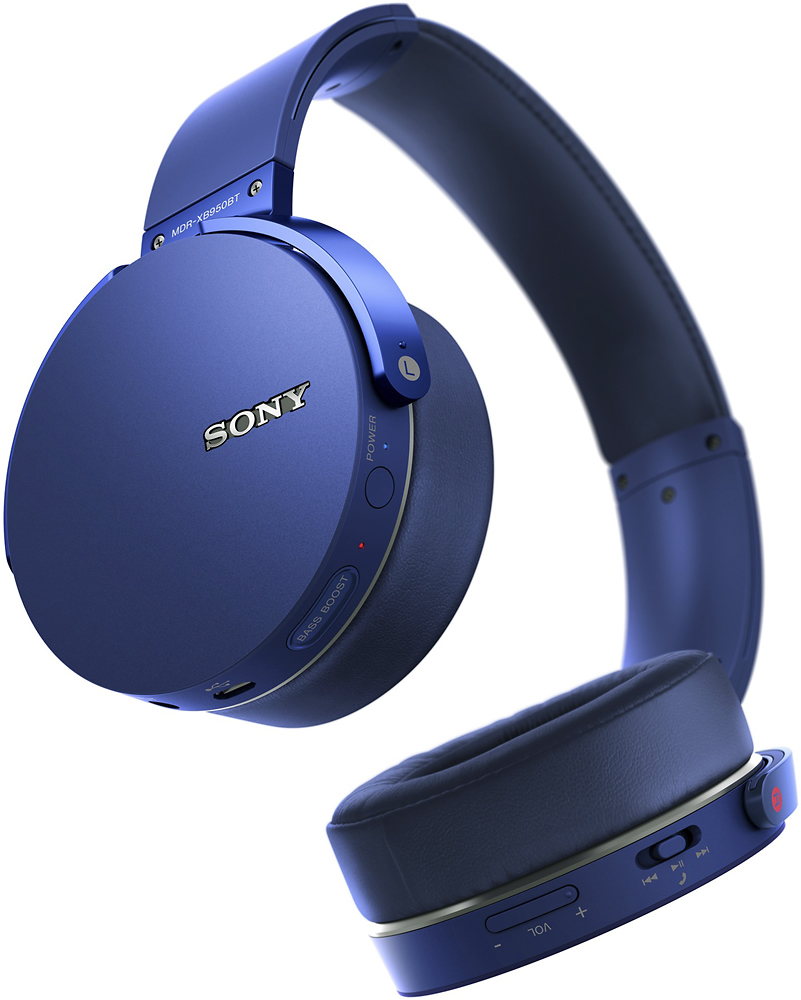
A:AnswerThe voice quality for phone calls is great. However, the Mic is so sensitive that it picks up everything around you and is quite irritating to the person you're talking to. My advice: use these headphones for phone calls in a quiet surrounding.
A:AnswerThese headphones sound good while Bluetoothed. I believe the range is from 5 HZ to 22KHZ. These also come with a wire and you will get more range 3HZ to 28KHZ when wired. So you get the best of both. I will tell you that I am listening to them wirelessly right now and they sound great.
A:AnswerI have these headphones and I go to the gym 4-5 days a week. I never take these to the gym.
3 reasons they won't work well in a gym:
1. I think the big earpads would soak up a ton of sweat, and possibly get moldy.
2. if your exercise includes running like mine does, or even situps, the headphones are so big and bulky that they would most likely fall off.
3. they stick off of your head pretty far and I would feel awkward wearing these giant headphones as I worked out. I stick with earbuds.
If this answer was helpful please give kudos, and if it answers your question please select it so that it can help others find the answer as well. Thank you!
A:AnswerHello Andie, thank you for your message. No, the headphones are not noise cancelling. For more information, check the operating instructions in the link below: https://docs.sony.com/release/MDRXB950BT_ref.pdf. - Oscar.
A:AnswerIt comes with a USB to Micro USB charger cable. You have to hook the cable up to a USB port and the micro side to the headset for it to charge. Full charge from full depletion takes around 4 hours.
A:AnswerI would double check with the TV brand and make sure they're compatible with these headphones (Sony MDR-XB950BT). They work great for controlling the volume on my phone, ipad, and computer, so I imagine they will work for your TV as long as it's compatible.
If this answer was helpful please give kudos, and if it answers your question please select it so that it can help others find the answer as well. Thank you!
A:AnswerDont recomend using these headphones for gaming. Get some turtle beach or other headsets designed for gaming. It will be a lot easier to modify volume/mic settings while playing
A:AnswerYes, they will work with anything that has a headphone jack. Most likely you will not be able to connect to your mp3 player with the wireless bluetooth connection though. You will have to use the aux cord and headphone jack. And the other downside to that is that when you use the aux cord, all of the controls on the headphones are disabled, such as the volume rocker, play/pause, skip, ect.
If this answer was helpful please give kudos, and if it answers your question please mark it so it can help others find the answer as well. Thank you!
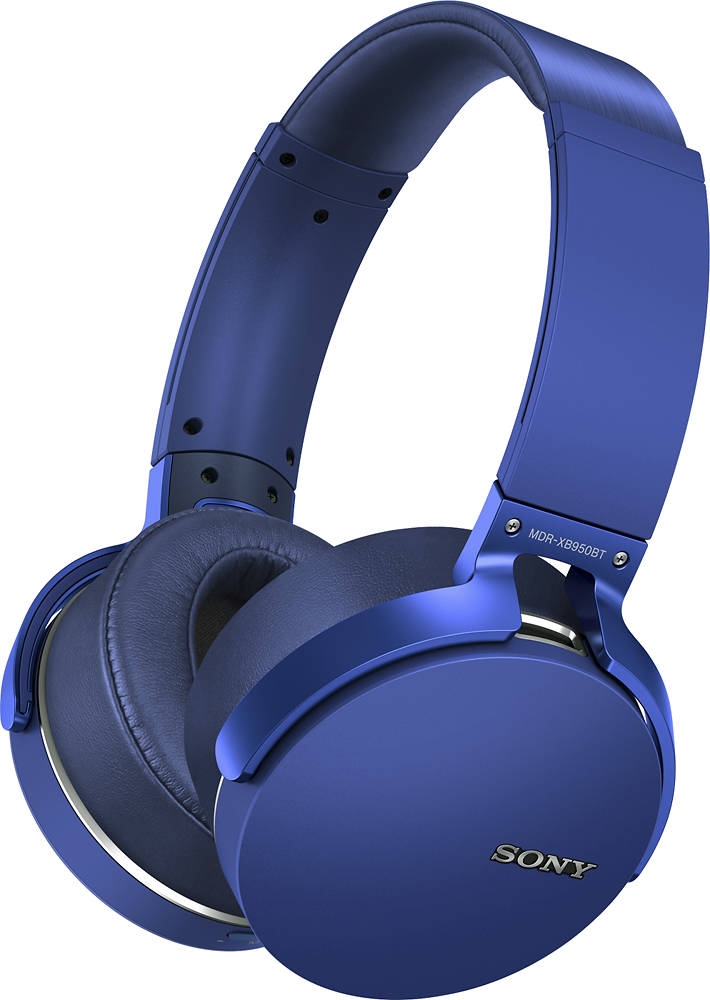
A:AnswerWhen you turn it on, the indicator light will flash red between 1-3 times based on the battery level:
1 flash: low
2 flashes: Medium
3 flashes: high
you can also check the battery level when you press one time on the power bottom
A:AnswerYes, the material is soft leather (or fake leather). They are comfy, I tried them on a 2.5 hour flight, no issues except my head and hair was sweaty around the ears.
A:AnswerAny Bluetooth adapter for your PC will work with these particular Sony headphones. For example, I have a Dell XPS laptop from 2013 and my computer works perfectly with the headphones. I even am using a Bluetooth mouse at the same time. Therefore, if my old laptop's internal Bluetooth adapter works with the headphones, I am positive a new Bluetooth adapter purchased for your PC will work fine with these headphones. I have attached a picture of the Bluetooth Adapter I would go with.
A:AnswerUPDATE (and not a good one)
I left them connected for 10 hours and it still doesn't charge or turn on whatsoever and still has the dim flashing red light. Also I couldn't mention that when I connect the headset to my computer, it sounds as if it's getting connected and disconnected rapidly and continuously.
I tried to reset and factory reset it but it doesn't respond to anything, no blue light or anything.
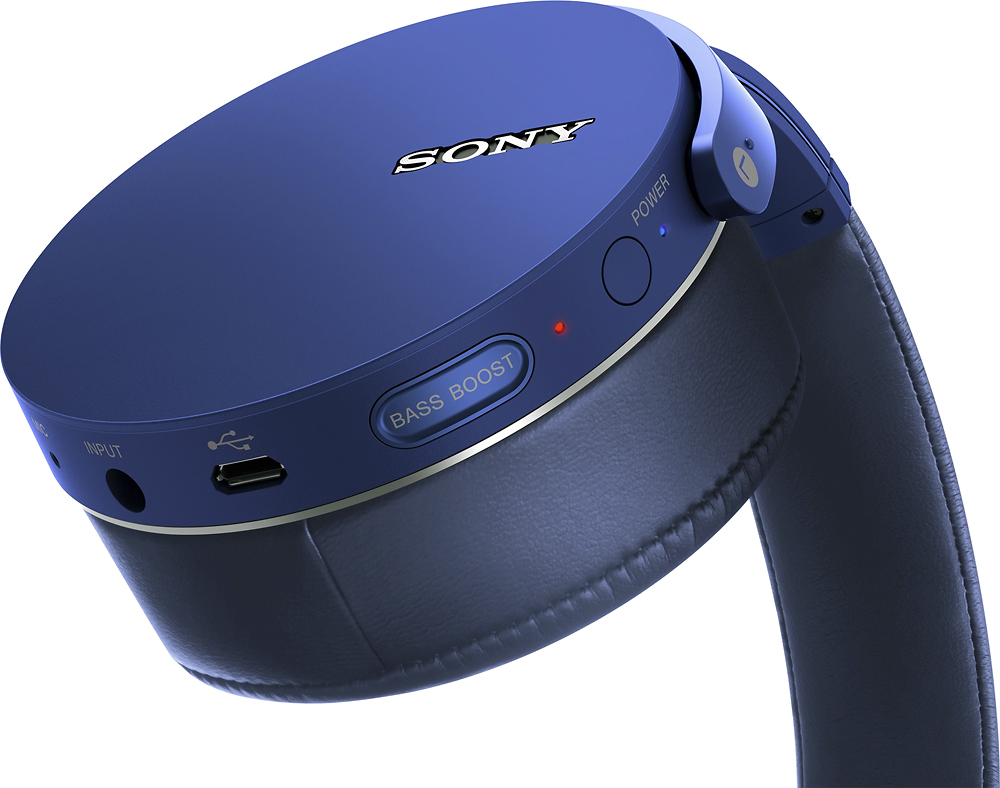
A:AnswerYes, there is a button on the left speaker that cuts it off. The same button is used for pairing the device and checking the battery power level.