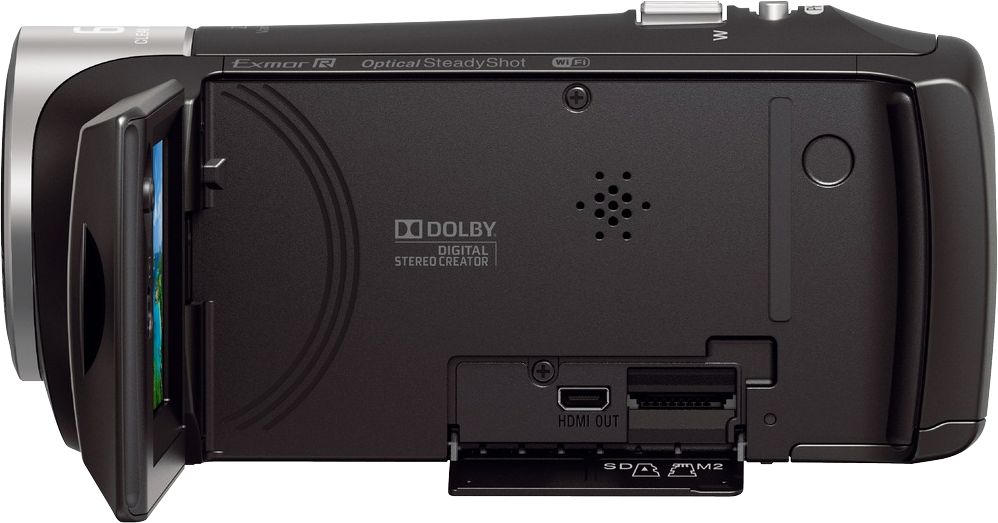
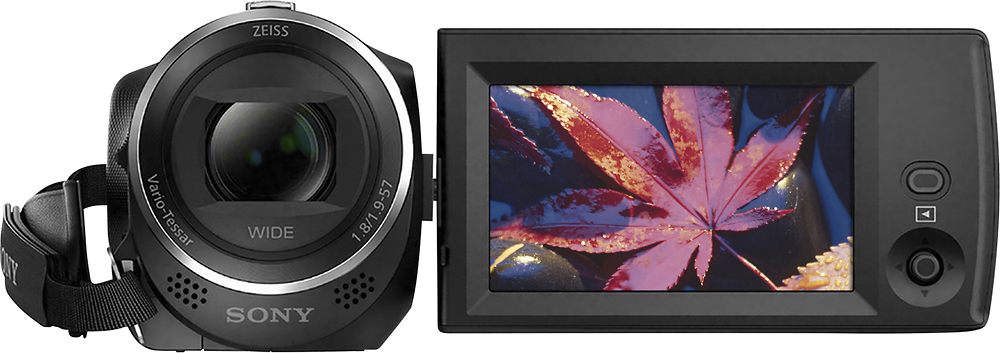
A:AnswerThe Data Code or date/time stamp can only be seen when the videos are played back in the camera. This information will also show up when the camera is connected to a TV or external monitor. This information is also saved in the EXIF data of the video and can be accessed by opening the properties of the file. The date/time will not be displayed when the file is transferred.
A:AnswerHi Jay62, You cannot use an app to control this camcorder. You may use an RM-VPR1 remote control instead: http://support.d-imaging.sony.co.jp/www/cscs/accessories/compatibility.php?area=gb&lang=en&mdl=HDR-CX440&cat=31
Regards,
Vincent
A:AnswerHi Linny, You can record while this camcorder is connected to a TV via HDMI connection. This is not possible via WiFi connection: http://helpguide.sony.net/cam/1440/v1/en/contents/TP0000557800.html
Regards,
Vincent
A:AnswerHi, I bought it for figure skating, and it is such an upgrade from using the iPhone 8. The zoom works great. It's best if you can be right on the ice, but even in the stands it is so much better than what we had before.
A:AnswerHi MaxWhiteknoght, Yes. You can purchase an extra rechargeable battery pack (NP-BX1) for this camcorder: Check here if you need more details: https://docs.sony.com/release//Manual_4564744131.pdf
Regards,
Vincent
A:AnswerHi Lidiya, yes, this camcorder automatically records in MP4. It also allows you to select the recording frame rate and 60fps is available. Thanks, -Mark
A:AnswerHi MallardFlu, This Handycam does not have the option to connect an external microphone. For more details about this unit, check out this page: http://helpguide.sony.net/cam/1440/v1/en/index.html
Regards,
Vincent
A:AnswerHi, dancechannel, This unit does not have an external mic input. Check out this page for more details: http://helpguide.sony.net/cam/1440/v1/en/index.html
Regards,
Vincent
A:AnswerI thought the same thing but if unfortunately doesnt support streaming , I use an el gato capture card and use the hdmi out on the camera , it's a pain. unless there is a micro USB to lightning cable i dont think you can plug iPhones in , Sony has a remote option but the software for it just doesnt work well . I recommend going with the Mirrorless for remote and a HD webcam if you want instant streaming capabilities, logitech webcams are great
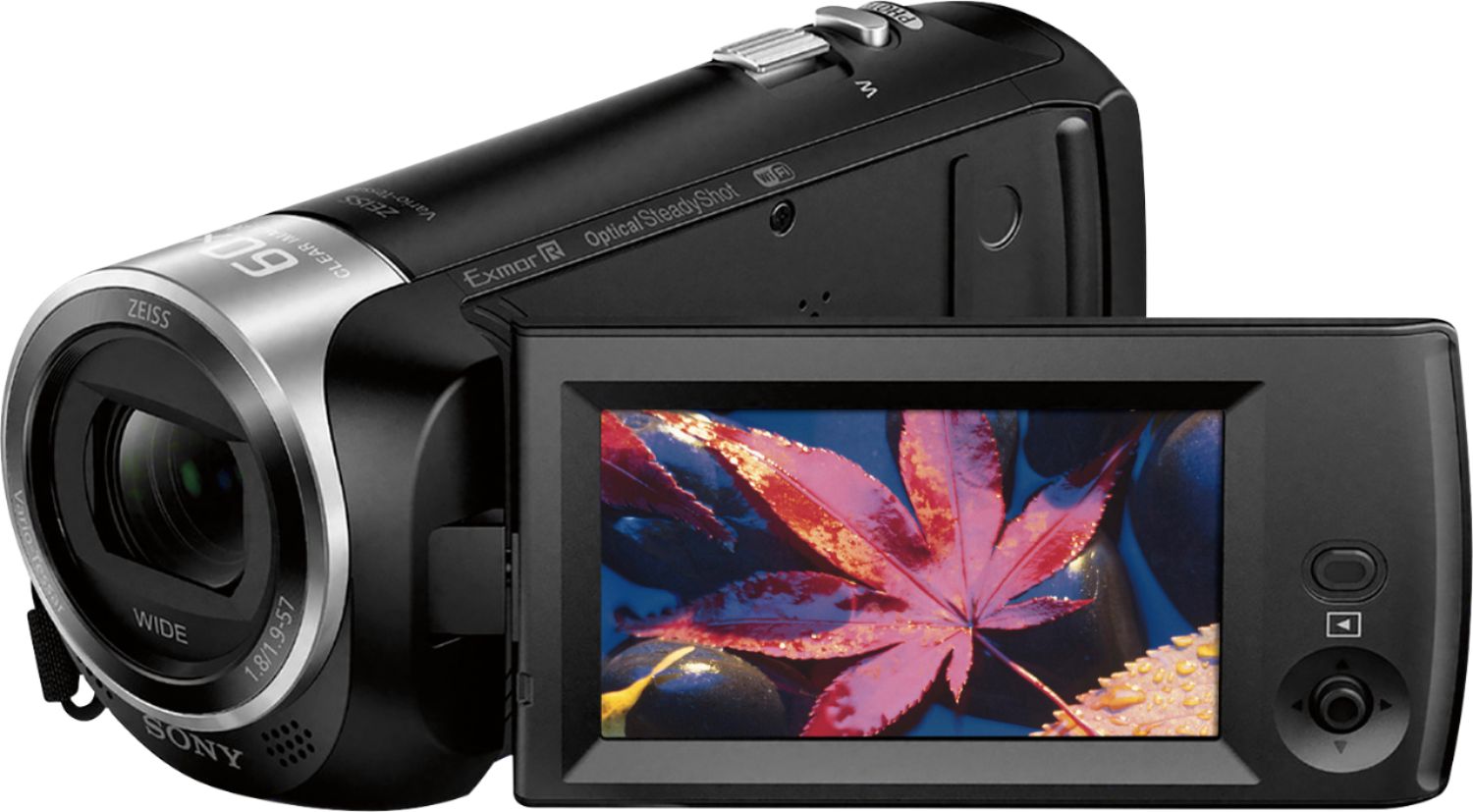
A:AnswerYes
Set Camera at
Rec Mode - Standard
Frame Rate - 60i
Set Intensity at 1080i59.94
Set OBS
Device - Intensity Shuttle
Mode 1080i59.94
It works for me
A:AnswerHi, Mliss, No and yes. The unit needs to be connected to a computer to be able to transfer the files to an external hard drive. The Wi-Fi function of this unit will allow you to transfer the photos and videos from the camcorder to a smartphone. Check here for the details: http://helpguide.sony.net/cam/1440/v1/en/contents/TP0000557794.html. Regards, Vincent
A:AnswerHi Crane, you can't turn off the mic of the camcorder. The date and time are recorded automatically and can be displayed only during playback. -Anthony
A:AnswerHi Lonelymonk! You need to buy a DVD writer if your computer doesn't have one. You may have to check the compatible DVD writer with the manufacturer of your computer. -Anthony