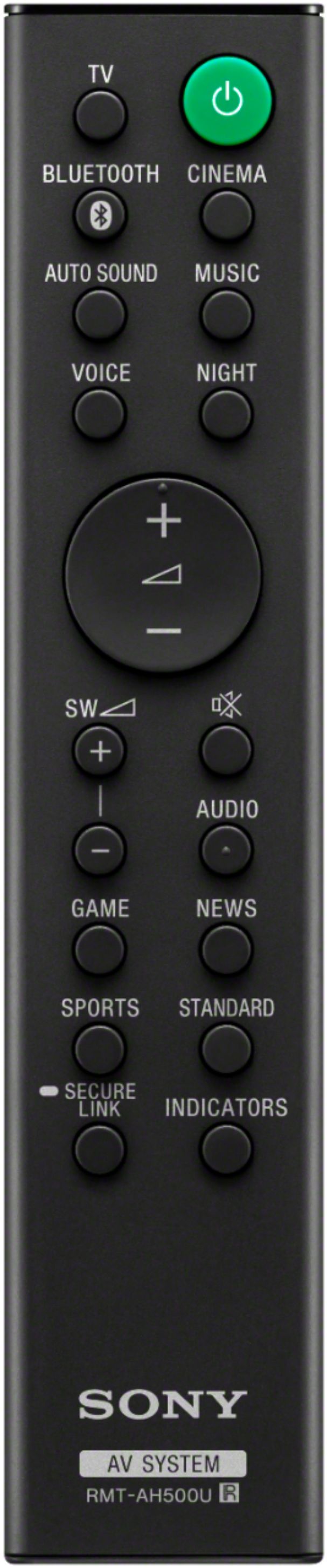
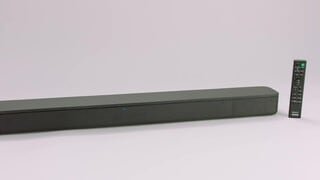
A:AnswerI don’t know... but that would be convenient. I also have a Sony Bravia TV. So far I am using two remotes, my Sony TV remote (on mute) and the sound bar remote for volume. My TV is about 5 yrs old. If pairing is possible, I don’t know how to go about making that happen.
A:AnswerYes it is compatible just need to turn on your blue tooth setting. If that doesn't help you call best buy and talk to the geek squad. If you still have problems after doing my recommendations than get a hold of me again and we will get your issue solved.
A:AnswerHi, indee!
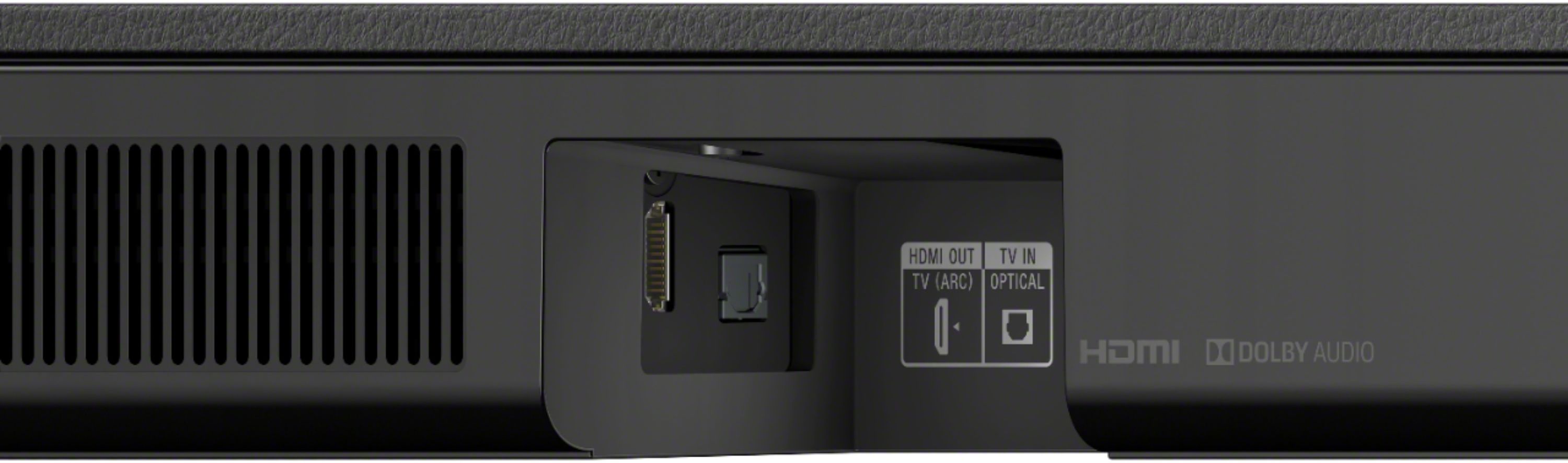
Yes, you can use either HDMI or optical cable.
https://www.sony.com/electronics/support/home-theater-sound-bars-home-theater-systems/ht-s350/articles/00203401
Happy to help,
David
A:AnswerHi, Customer!
Unfortunately, this soundbar doesn't support that function. For more technical specifications of this soundbar, you can check this link below.
https://docs.sony.com//release//SPECS/HTS350_mksp.pdf
Regards,
David
A:AnswerHi, siltor67!
You can only connect this soundbar to the TV via ARC or optical connection for sound. We cannot guarantee its full operation with your device.
Regards,
David
A:AnswerI discovered the answer to my question via the instruction manual. Yes, this sound bar has an infrared repeater on the back side that will extend the ir signal through to the tv. It is by default turned off. To turn it on hold the 'standby' button the sound bar remote for 5 second until the lights flash 3 times.
A:AnswerHi, Customer!
We apologize for the inconvenience. You may find this link helpful on how to resolve your issue.
https://www.sony.com/electronics/support/articles/00175201
If you are unable to resolve your concern, please email us at socialsupport@am.sony.com with the following details:
Name:
[Insert platform name] Username:
Model Number:
Issue:
Telephone Number:
Sincerely,
David