Skip to contentGo to Product SearchGo to Footer
Gift Ideas
45575 Dulles Eastern Plz
Ste 188
Sterling, VA 20166
Open until 8 pm
Find Another Store
Main Content

Questions & Answers

Your price for this item is $199.99
The comparable value price is $299.99
Page Showing 1-20 of 35 questions
  • QuestionWhat is the battery life of this speaker?

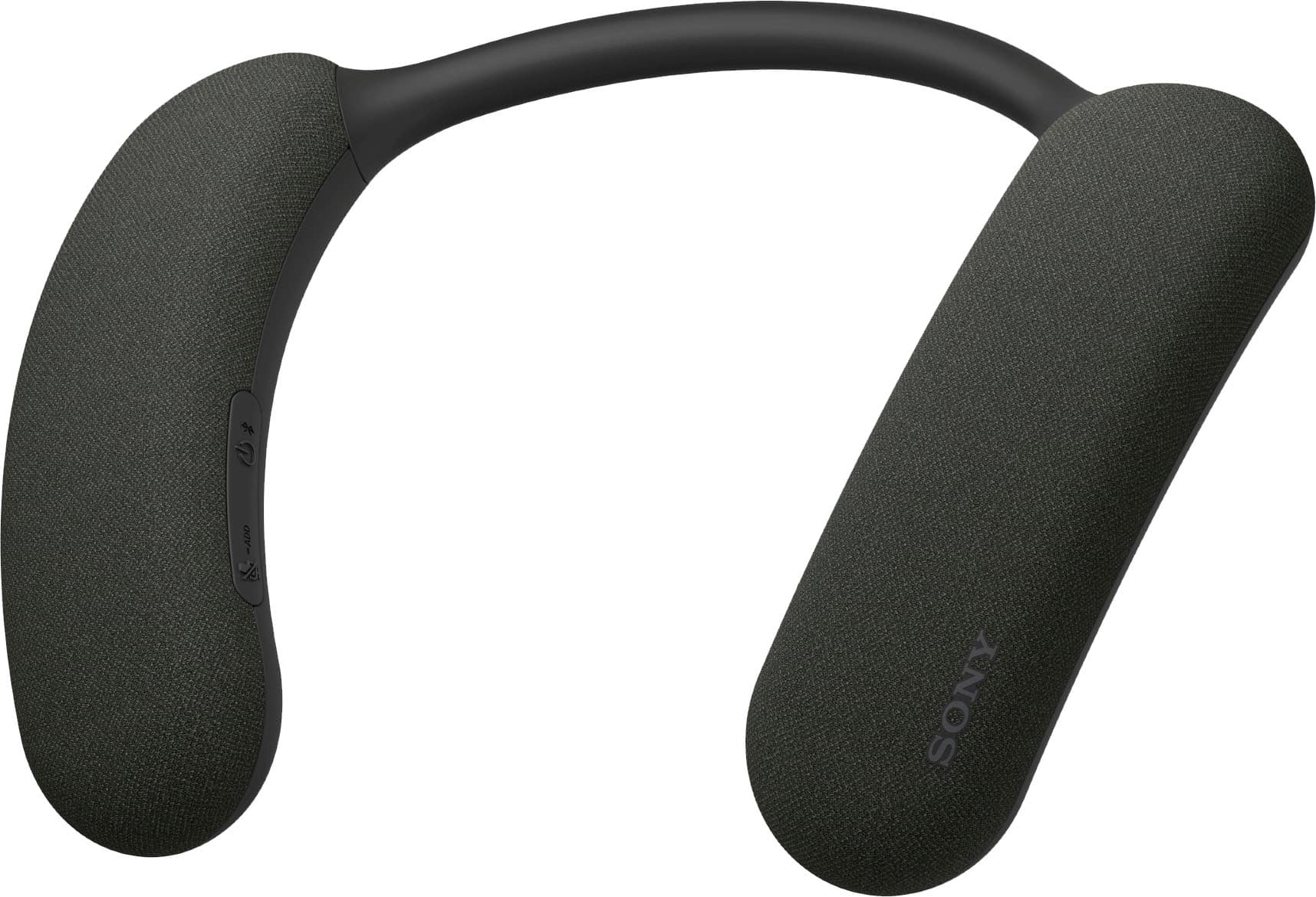
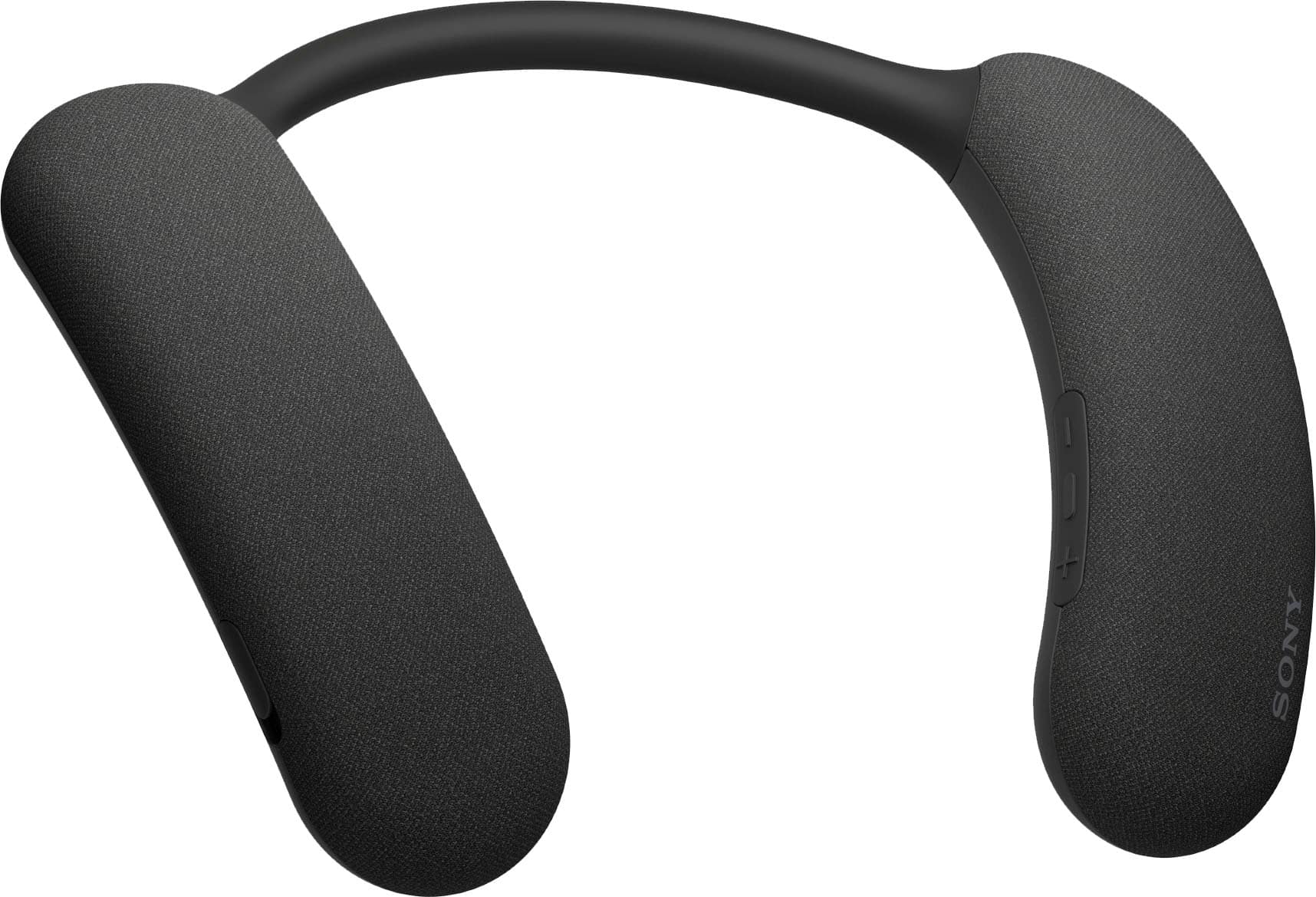
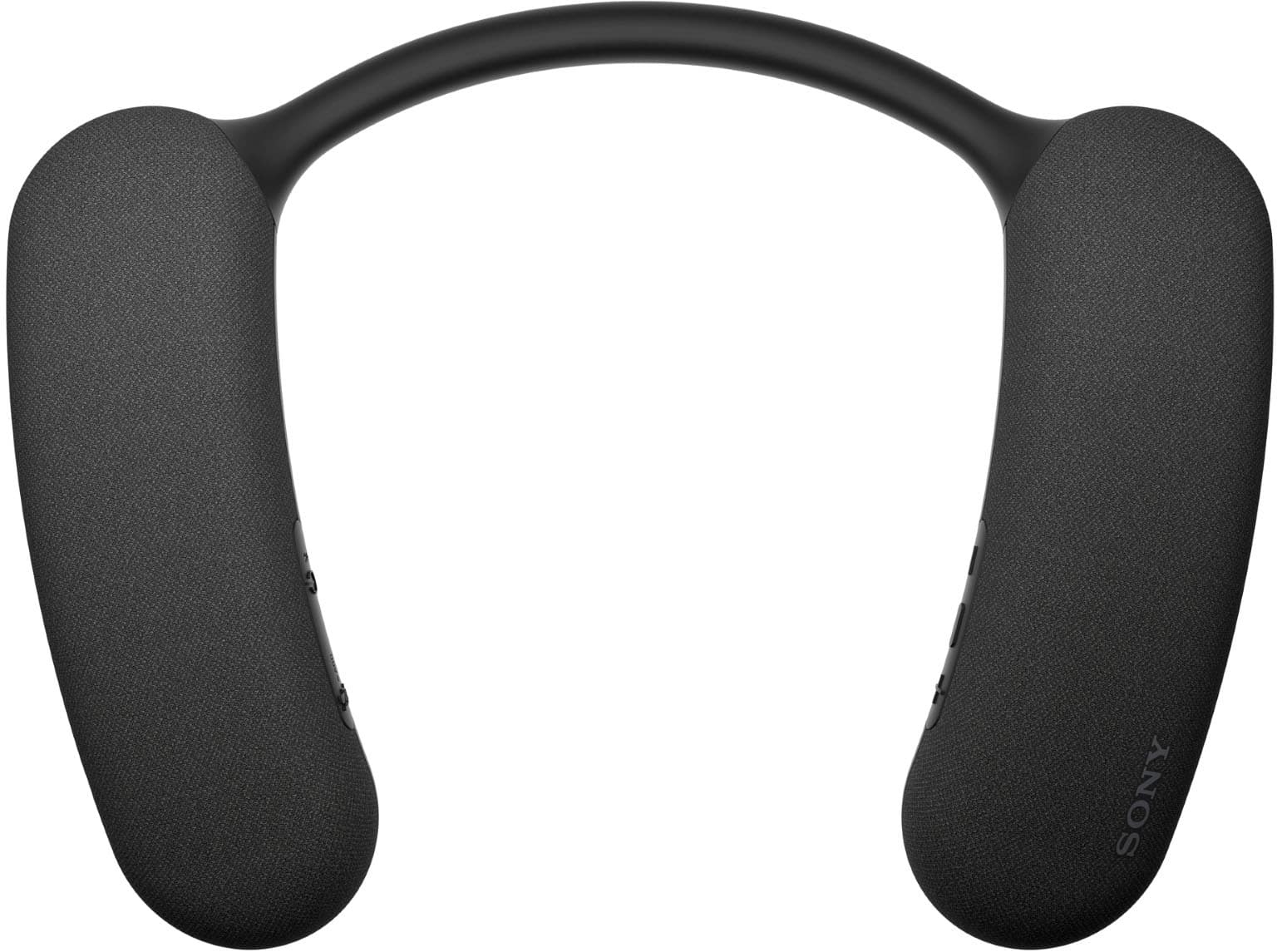
    • Answer The BRAVIA Theater U gets up to 12 hours of battery life.
    This question and answer was generated by AI based on customer and product data.

  • QuestionIs this BRAVIA Theater U waterproof?

    • Answer No, it is not waterproof but it is splash-resistant.
    This question and answer was generated by AI based on customer and product data.

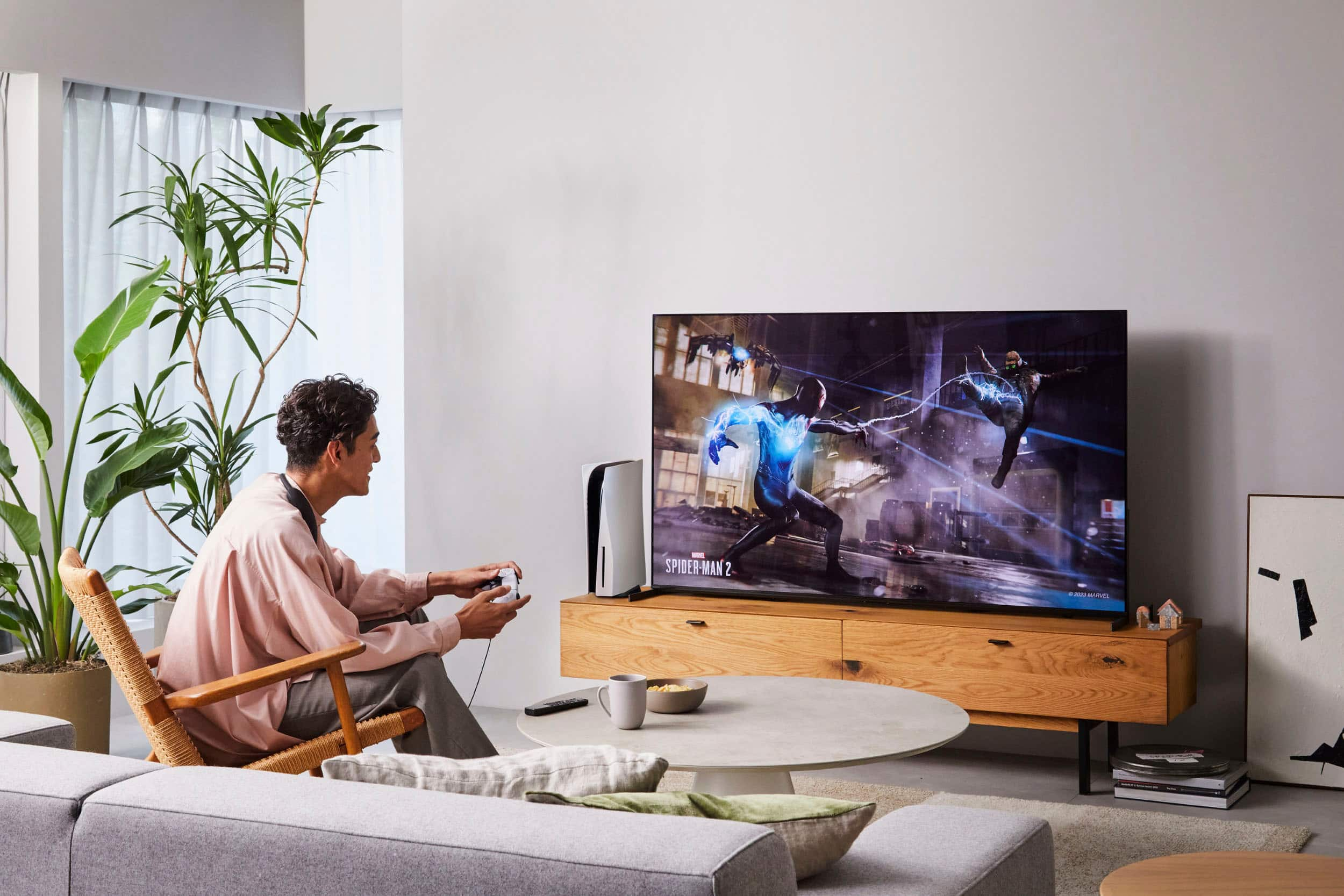
  • QuestionCan I connect this speaker to my gaming console?

    • Answer Yes, you can enjoy low latency single-player gaming with a wired connection.
    This question and answer was generated by AI based on customer and product data.

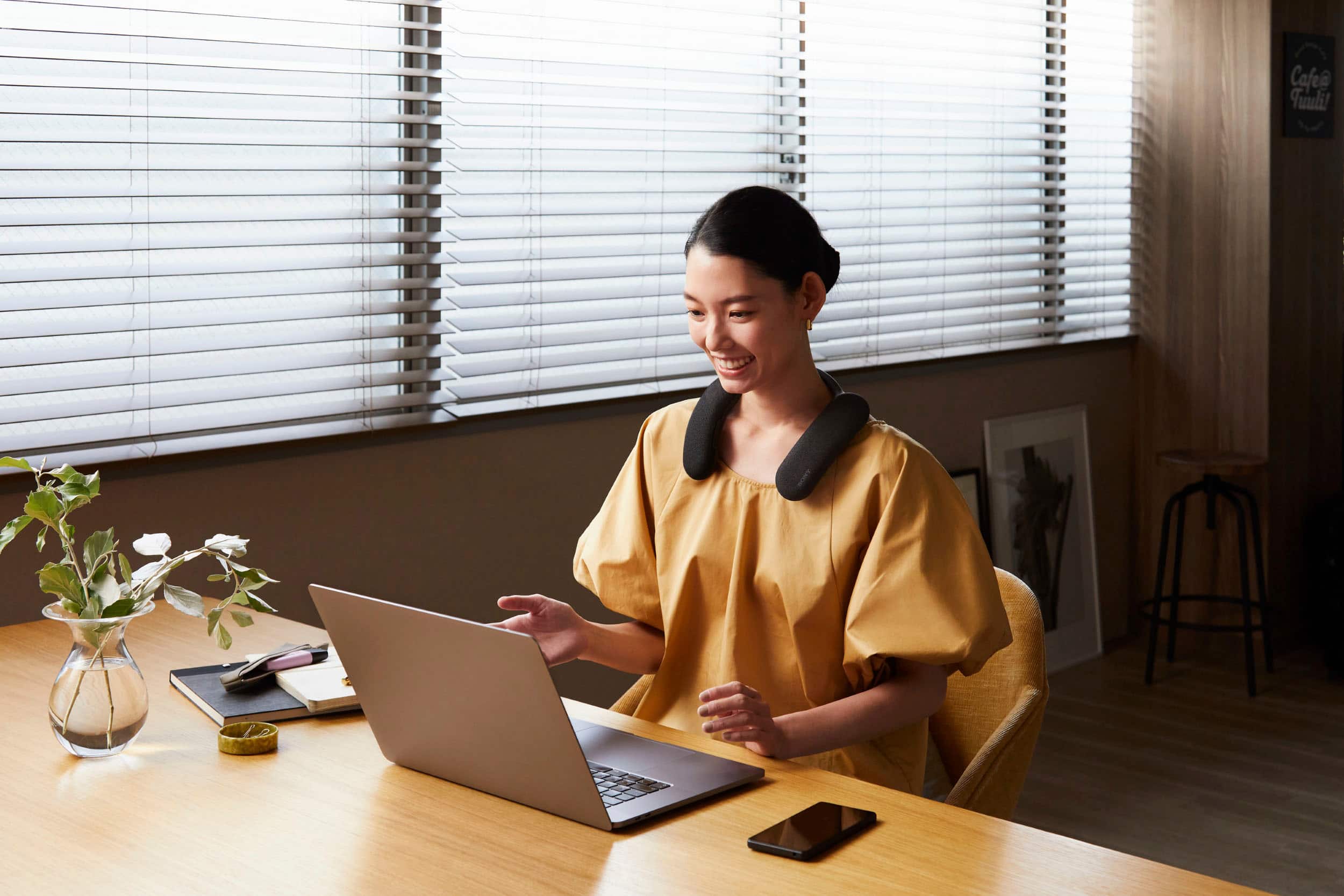
  • QuestionDoes this speaker have a microphone?

    • Answer Yes, it has a built-in microphone for hands-free communication.
    This question and answer was generated by AI based on customer and product data.

  • QuestionCan I use this speaker with my phone?

    • Answer Yes, the BRAVIA Theater U can be paired with smartphones using Bluetooth.
    This question and answer was generated by AI based on customer and product data.
  • QuestionHow can I control the volume on the BRAVIA Theater U?

    • Answer You can control the speaker volume from your TV's remote.
    This question and answer was generated by AI based on customer and product data.

  • QuestionDo these only work with Sony TV's or can they work with any TV with WIFI or Bluetooth connectivity?

    Asked by jeff1806.

    • Answer Hi jeff1806, Thank you for your inquiry! The HTAN7 should pair with Bluetooth devices that support Bluetooth A2DP (Advanced Audio Distribution Profile). I hope this helps! Regards, Carl

      Answered by SonyListens

  • QuestionLDAC support?

    Asked by mingkee.

    • Answer Hi mingkee, Yes, the Bravia theater U does support LDAL codec, and SBC and AAC. Best regards, Eliab

      Answered by SonyListens

  • QuestionI would really like to use the Sony Bravia Theatre U with my Bravia TV while my connected Sony Bravia Theater Quad is also functional providing sound to others in the room. Is this possible?

    Asked by MarkInBoulder.

    • Answer Yes

      Answered by leroyj

  • QuestionCan I listen to TV with this wearable speaker while others in room listen through sound bar at same time?

    Asked by Susan.

    • Answer Hi Susan, Thank you so much for your inquiry regarding our BRAVIA Theater U Wearable TV Speaker. To listen to your TV using both the HT-AN7 and a soundbar simultaneously, you would need to use specific connection setups. The best way to achieve this is through the TV's optical port for one of the audio devices. Here are the steps: - Connect the Soundbar: Use a digital optical cable to connect your soundbar directly to the digital optical out port of the TV. This is essential because connecting via HDMI or Bluetooth will restrict the TV from outputting audio to multiple devices simultaneously. - Connect the HT-AN7: pair it with the TV as normal. Ensure that the TV is set to output audio via the optical connection for the soundbar and Bluetooth for the HT-AN7. By setting it up this way, you should be able to have the sound output through both devices simultaneously. You might find this link helpful: https://helpguide.sony.net/ht/7861/v1/en/contents/TP1001326162.html Best regards, - Stephanie

      Answered by SonyListens

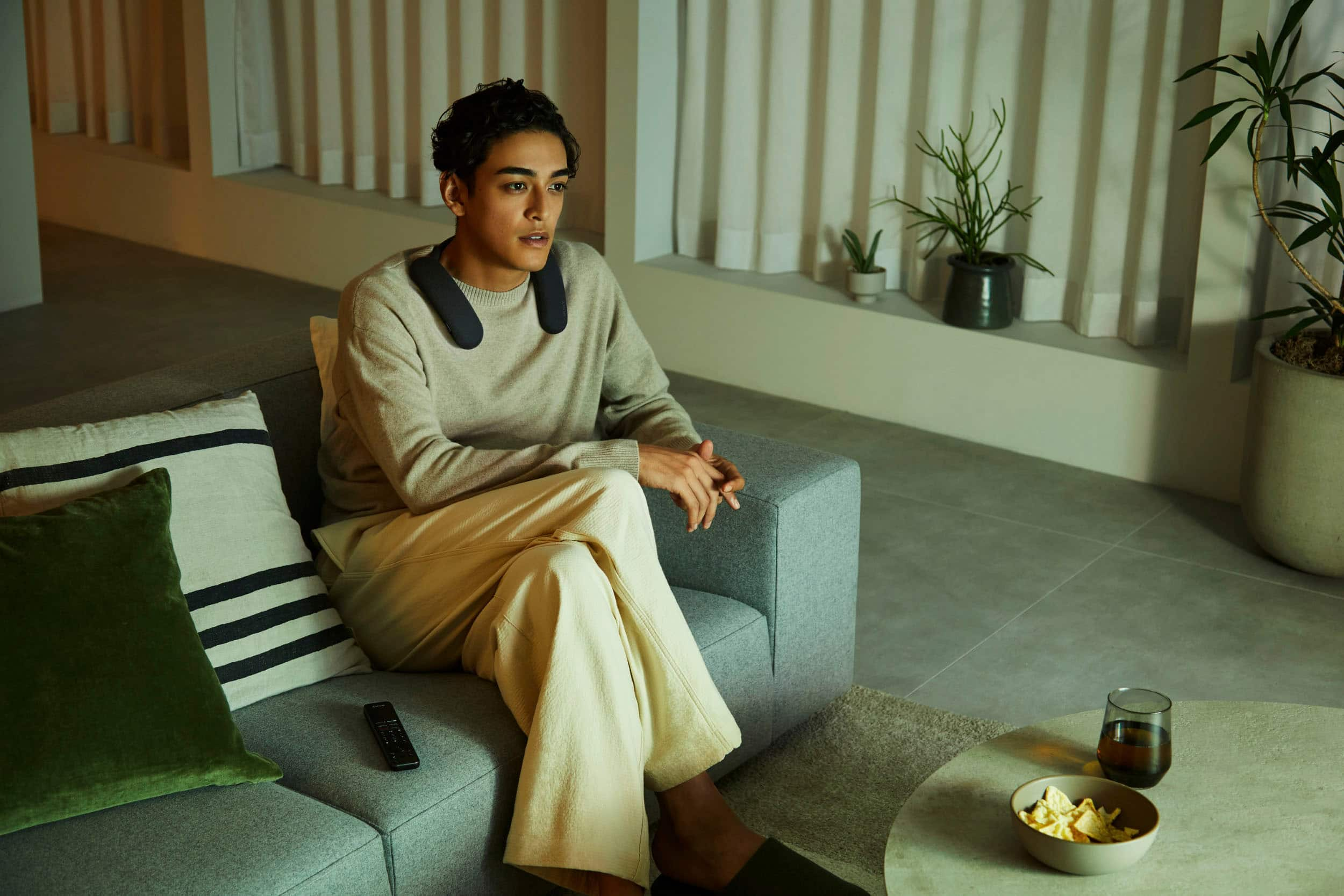
  • QuestionThese look like positioning and angle of the device could be very important to the performance. Would lying in bed, for example, or on the floor while watching TV have any effect on the soundfield it reproduces?

    Asked by MiketheD.

    • Answer Hi MiketheD, Thank you for your inquiry! This wearable wireless speaker is designed to be very comfortable but laying down in bed while wearing it is not recommended. Regards, Carl

      Answered by SonyListens

  • QuestionCan we use two of these with one sony tv

    Asked by Feast.

    • Answer Hi Feast, Thank you for your inquiry! Yes, you can connect 2 HTAN7 neckband to a tv and have independent volume control and enjoy the sound experience. I hope this helps. Regards, Carl

      Answered by SonyListens

  • Questionhave a couple of these - sound great .. but they are somewhat BASS heavy .. question is can i adjust the BASS or TREBBLE with some sort of Sony APP ???

    Asked by trustbutverify.

    • Answer Hello Trustbutverify, Thank you for considering Sony products! We appreciate your inquiry about adjusting the bass and treble on your HT-AN7 BRAVIA Theater U Wearable TV Speaker. You can indeed customize the sound to your preference using the built-in Equalizer settings. This allows you to adjust bass, treble, and other sound parameters to achieve the perfect audio balance. For detailed steps on how to tune the sound with the Equalizer on your unit, please visit our support guide here: https://www.sony.com/electronics/support/articles/00286844 Best regards, -Fred

      Answered by SonyListens

  • QuestionCan this be connected to a non Bluetooth t.v. ? Or can you convert a t.v. to Bluetooth?

    Asked by Skis.

    • Answer Hi Ski, Yes, you can certainly use the BRAVIA Theater U Wearable with a TV that does not have built-in Bluetooth. You have two primary ways to make this connection: 1. Wired Connection (Included) The BRAVIA Theater U Wearable comes supplied with an audio cable. You can connect this cable directly from the headphone jack (3.5mm) of your TV to the wearable speaker for an immediate wired setup. 2. Wireless Conversion (Optional Transmitter) If you prefer a wireless experience, you can "convert" your TV to Bluetooth by using the Sony WLA-NS7 Wireless Transmitter. This device connects to your TV’s Optical digital output. It then transmits the audio signal wirelessly via Bluetooth to your BRAVIA Theater U Wearable. We hope you find this information helpful, and thanks for considering Sony! Regards, Dominick

      Answered by SonyListens

  • QuestionCan the neckband speaker be connected to two separate tvs but used separately from each tv but not at the same time

    Asked by Abfred.

    • Answer Hello Abfred, Thank you for considering Sony products! We appreciate your inquiry and are happy to assist. The HT-AN7 supports multipoint connectivity, allowing it to pair with two Bluetooth devices simultaneously. This feature lets you switch between devices without needing to reconnect each time. However, please note that while the HT-AN7 can maintain connections with two devices, it can only play audio from one device at a time. Therefore, you can connect the neckband speaker to two separate TVs and use it with each individually, but not simultaneously. For more detailed information about multipoint connection, please visit: https://helpguide.sony.net/ht/7861/v1/en/contents/TP1001326155.html Best regards, -Fred

      Answered by SonyListens

  • QuestionCan the TV play sound for others to hear in the room while you are using Sony Bravia Theatre U?

    Asked by MAC.

    • Answer Hello MAC, Thank you for your interest in Sony products! We appreciate your inquiry and are happy to assist. The Sony HT-AN7 BRAVIA Theatre U neckband speaker is primarily designed for personal audio listening and does not transmit sound through the TV’s built-in speakers. When connected via Bluetooth, audio is routed exclusively to the neckband speaker, providing an immersive experience for the user without affecting the room’s ambient sound. If you would like audio to play simultaneously through both the neckband speaker and your TV speakers, please note this may require adjusting your TV’s audio settings. However, this functionality is dependent on your specific TV model and may not be supported universally. For detailed guidance, please consult your TV’s user manual or contact Sony Support for further assistance at: https://us.esupport.sony.com/support/s/support-contact?language=en_US&category=ht Best regards, -Fred

      Answered by SonyListens

  • QuestionWill it work with sonos home system?

    Asked by Peter.

  • QuestionI love these headphones, but I’m concerned about any health issues that they could create. Can they cause aching of any part of the body?

    Asked by Marci.

    • Answer Hello Marci, Thank you for choosing Sony! We sincerely appreciate your interest in the HTAN7. These products are meticulously designed for comfort and support using high-quality materials. To ensure the best experience, we recommend reviewing the proper wearing instructions available here: https://helpguide.sony.net/ht/7861/v1/en/contents/TP1001326164.html?search=wear Under normal use, you shouldn't experience any pain or discomfort. If you do feel any unusual or persistent discomfort, it may be due to factors like fit, duration of use, or underlying health conditions. In that case, we recommend you consult a healthcare professional to see if the product is suitable for you. Best regards, -Fred

      Answered by SonyListens

  • QuestionWill this work with Sony - 65" class BRAVIA 7 Mini LED QLED 4K UHD Smart Google TV (2024)?

    Asked by BP.

    • Answer Yes. Works flawlessly

      Answered by MichaelL

  • QuestionI tried to connect it via Bluetooth. I pushed Bluetooth button for 2 seconds but I only hear turns on sound, not pairing. It works fine with wired.

    Asked by Jak.

    • Answer Hi Jak, We’re truly sorry for the issues you’re encountering with our product. We're here to help. To get started, please follow these steps: Press and hold the power/Bluetooth button on the unit for about 2 seconds until you hear a notification sound. The power will turn on, and the unit will enter pairing mode. You should see that the indicator will flash twice in blue. If the HT-AN7 already has pairing information for other devices, ensure it is powered off. Press and hold the power/Bluetooth button for about 5 seconds until you hear a notification sound, and the voice guidance says "Pairing." The indicator will flash twice in blue. Once the HT-AN7 is in pairing mode, go to the Bluetooth settings on the device you want to connect. Select "HT-AN7" from the list of available devices. After the pairing is successful, you will hear a notification sound from the unit, and the power/Bluetooth indicator will flash blue. If the problem persists after trying these steps, we recommend reaching out to our product support team via phone call at 239-245-6366 or chat through this link: https://us.esupport.sony.com/support/s/support-contact?language=en_US Hours of Operation: Monday - Friday 9:00 am - 9:00 pm ET Saturday - Sunday 10:00 am - 8:00 pm ET Thank you for choosing Sony. Best regards, - Stephanie

      Answered by SonyListens