A:Answer Hi Jak,
We’re truly sorry for the issues you’re encountering with our product. We're here to help.
To get started, please follow these steps:
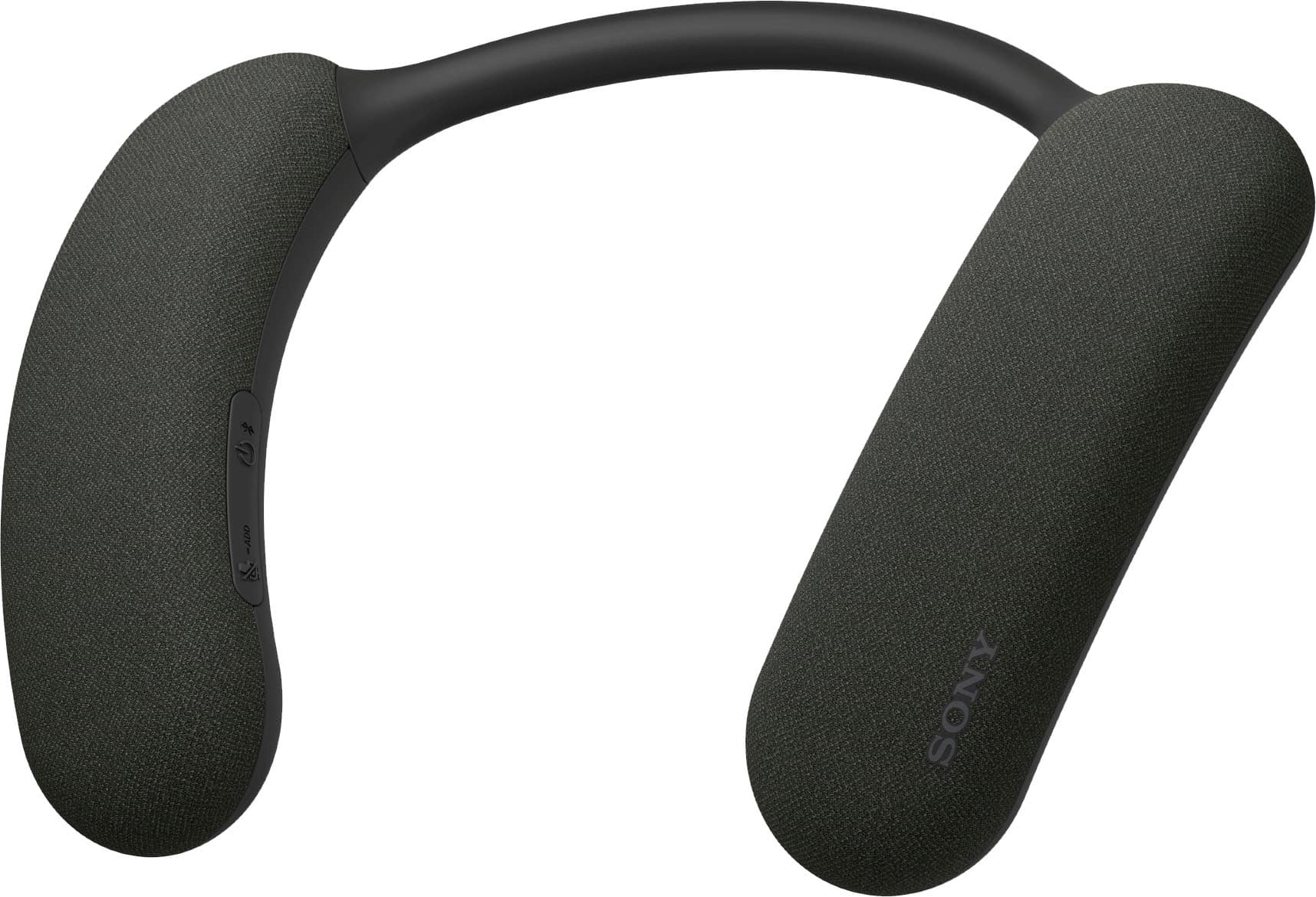
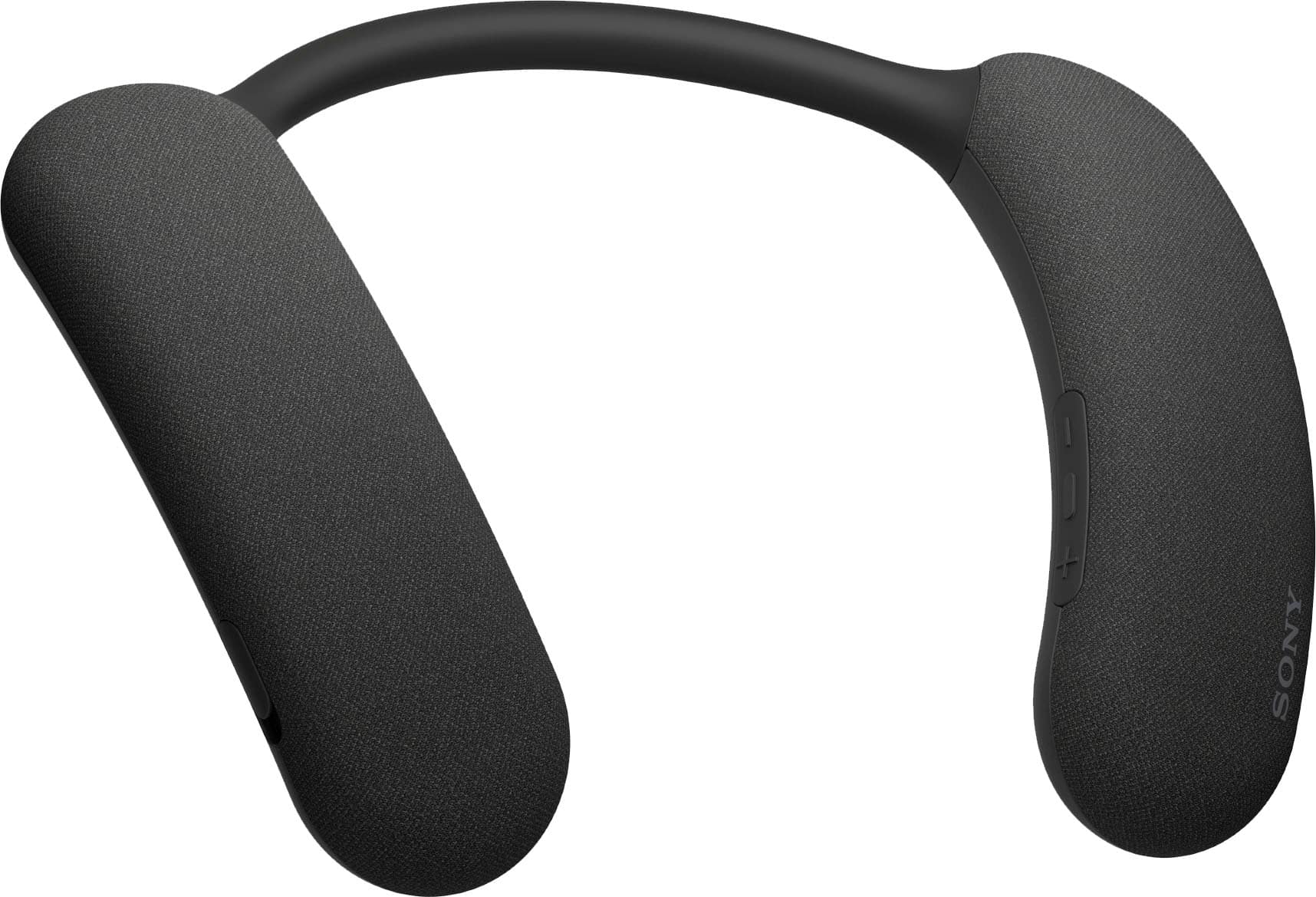
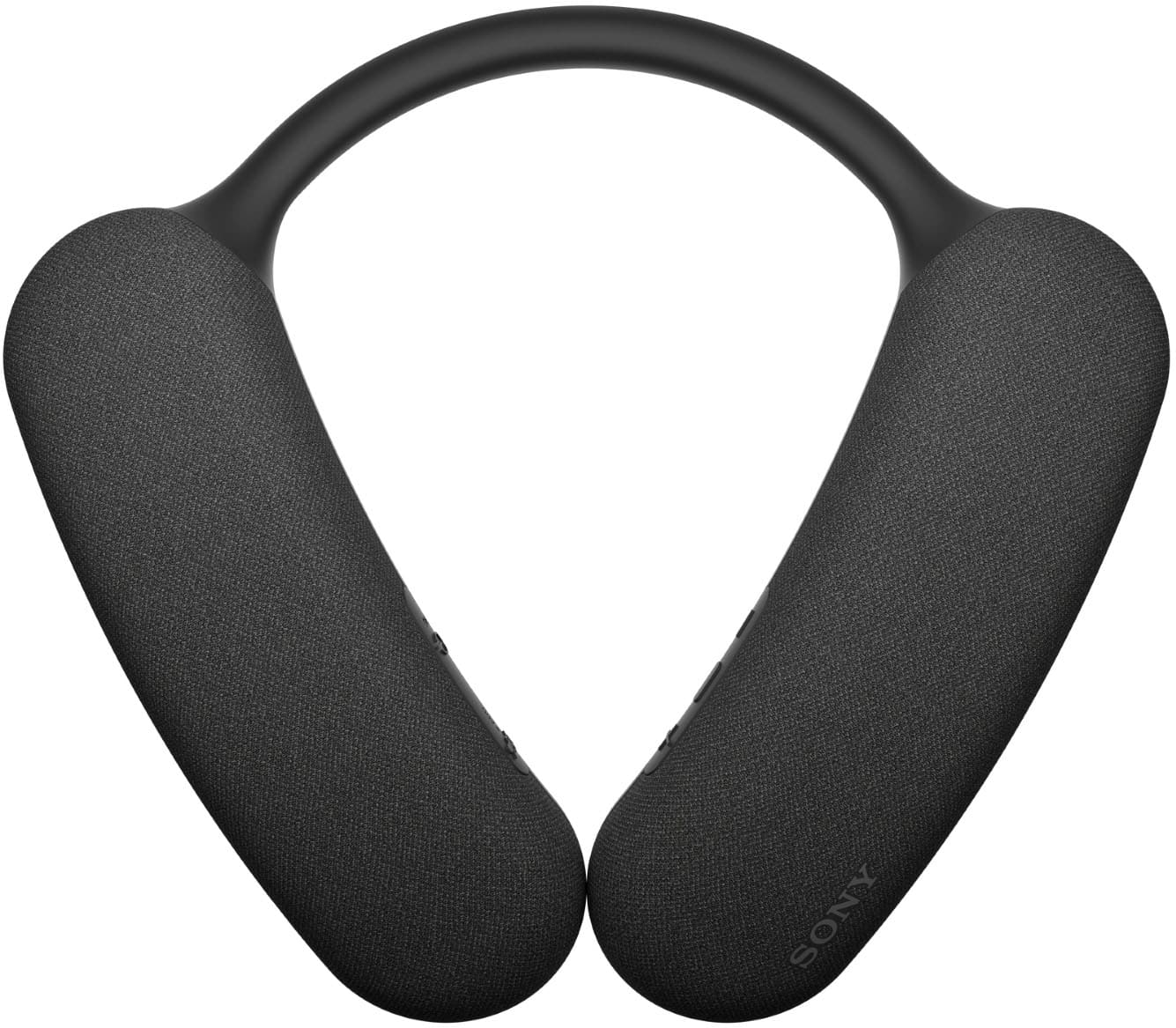
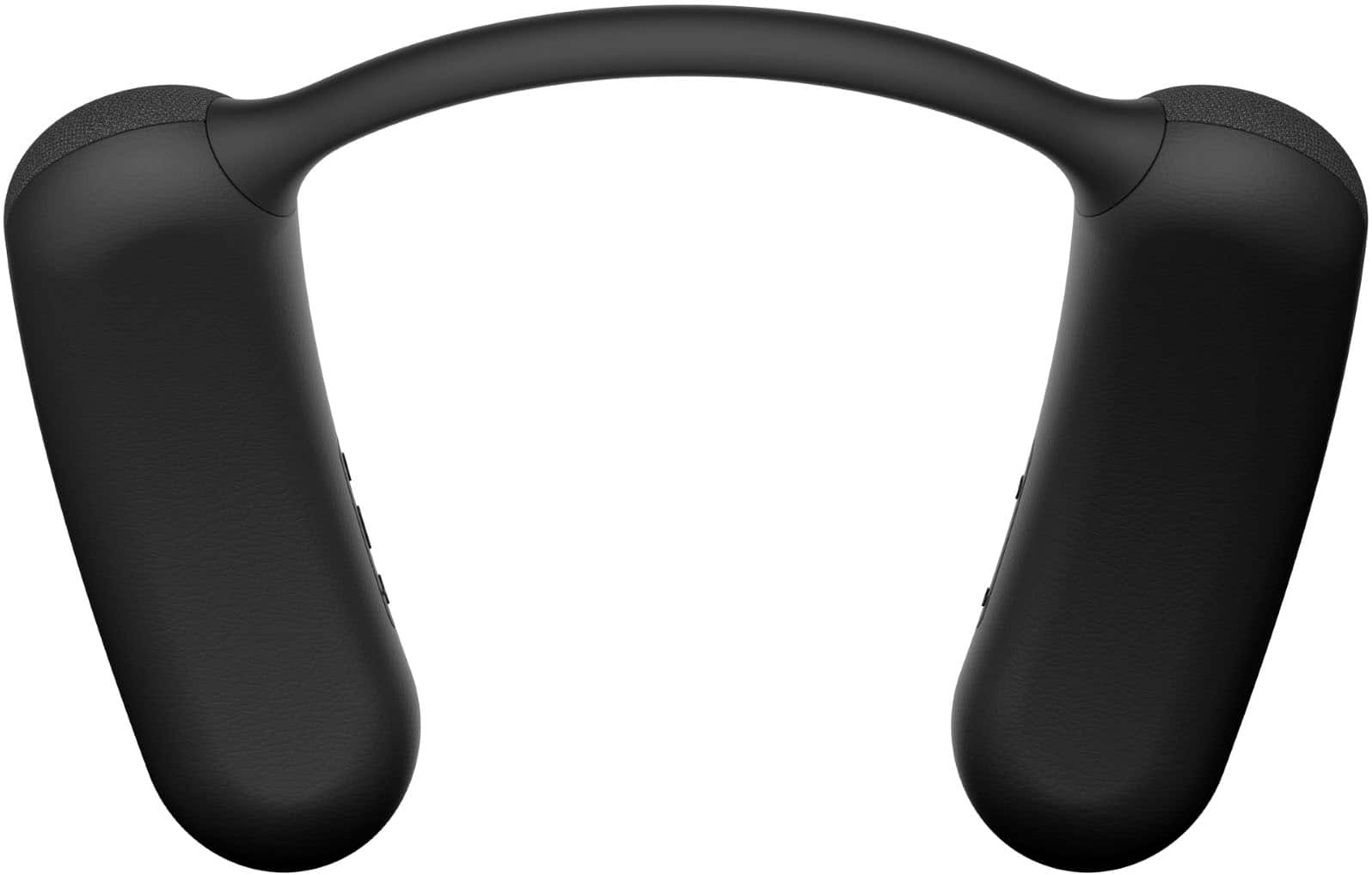
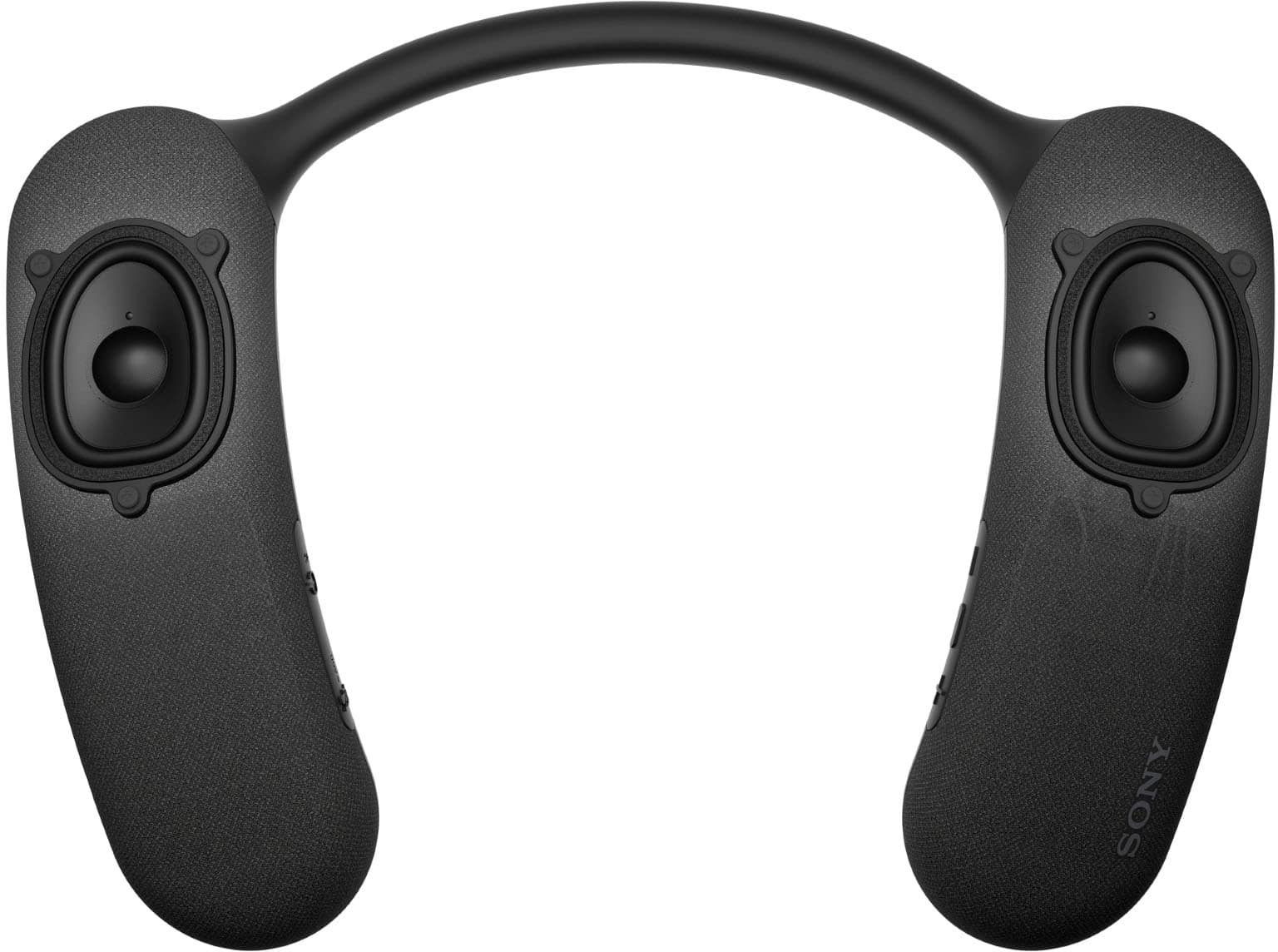
Press and hold the power/Bluetooth button on the unit for about 2 seconds until you hear a notification sound. The power will turn on, and the unit will enter pairing mode. You should see that the indicator will flash twice in blue.
If the HT-AN7 already has pairing information for other devices, ensure it is powered off.
Press and hold the power/Bluetooth button for about 5 seconds until you hear a notification sound, and the voice guidance says "Pairing." The indicator will flash twice in blue.
Once the HT-AN7 is in pairing mode, go to the Bluetooth settings on the device you want to connect. Select "HT-AN7" from the list of available devices.
After the pairing is successful, you will hear a notification sound from the unit, and the power/Bluetooth indicator will flash blue.
If the problem persists after trying these steps, we recommend reaching out to our product support team via phone call at 239-245-6366 or chat through this link: https://us.esupport.sony.com/support/s/support-contact?language=en_US Hours of Operation: Monday - Friday 9:00 am - 9:00 pm ET Saturday - Sunday 10:00 am - 8:00 pm ET
Thank you for choosing Sony.
Best regards,
- Stephanie