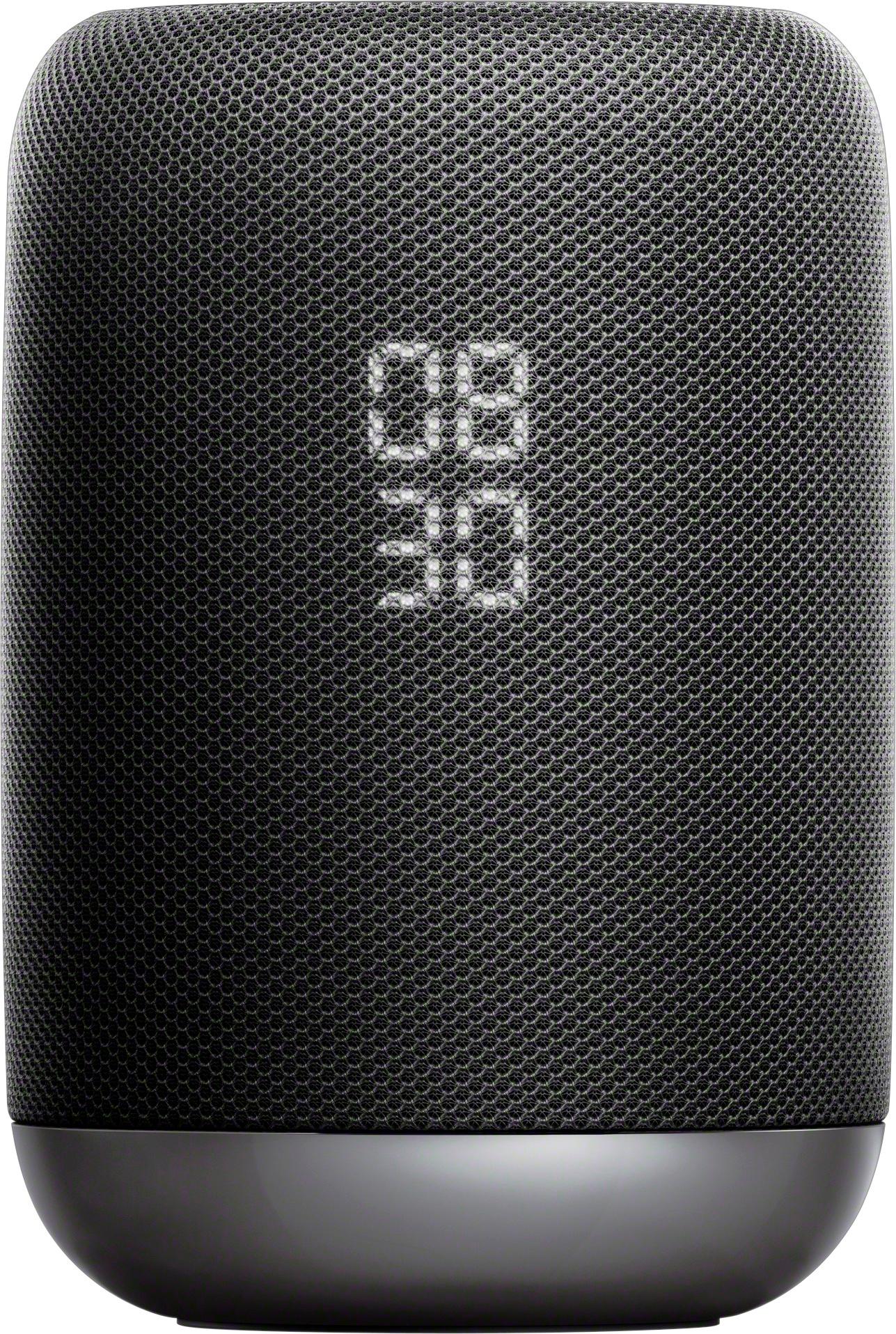
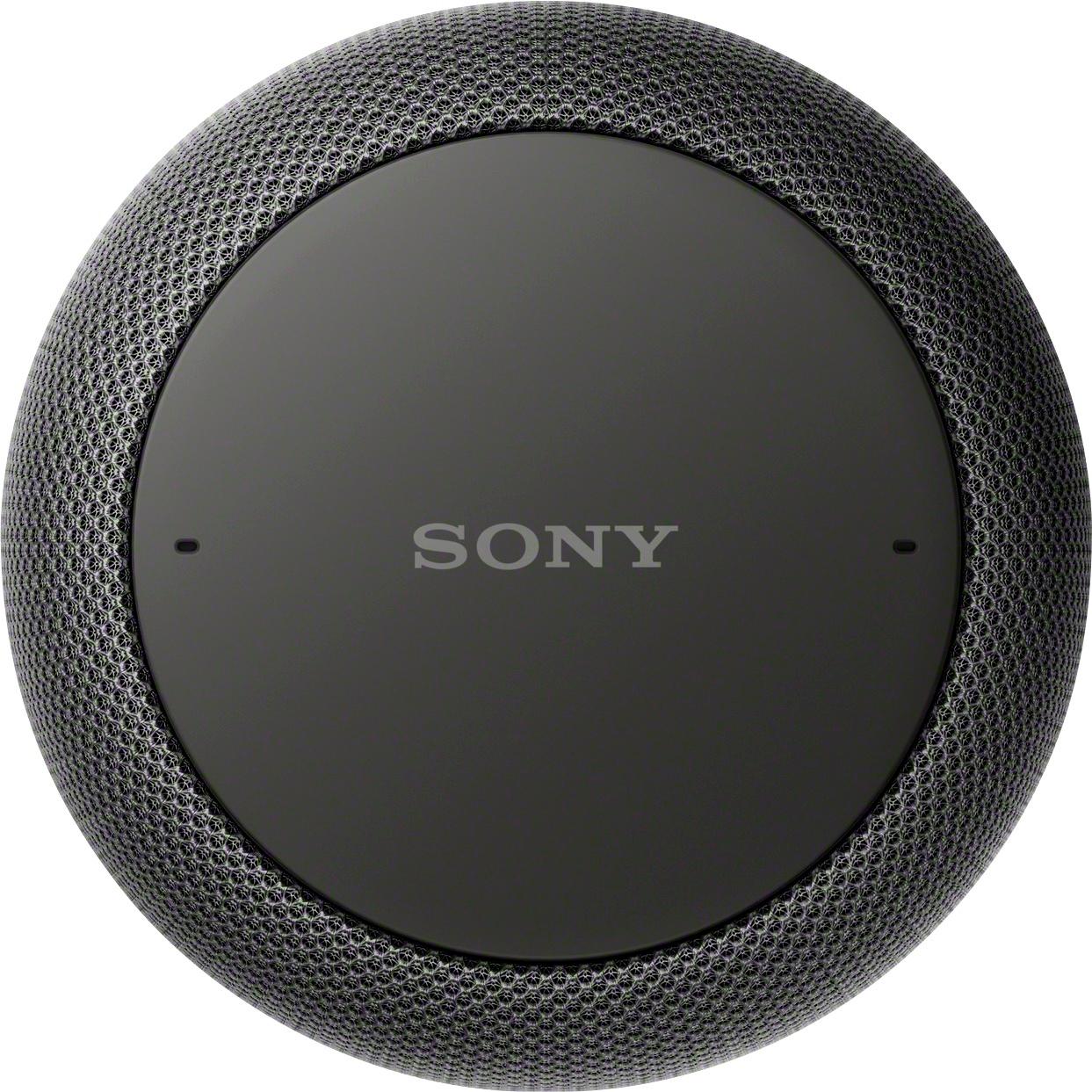
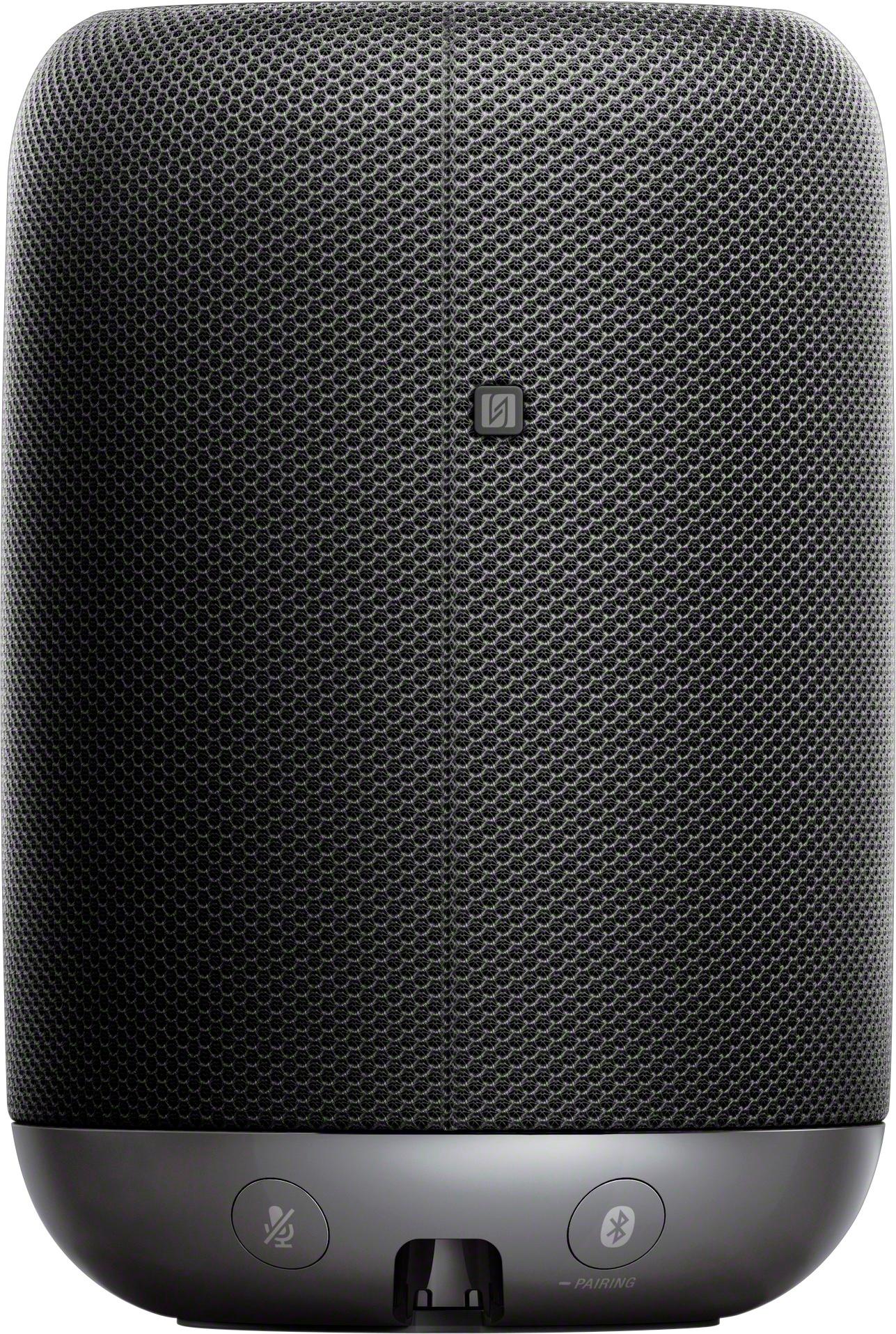
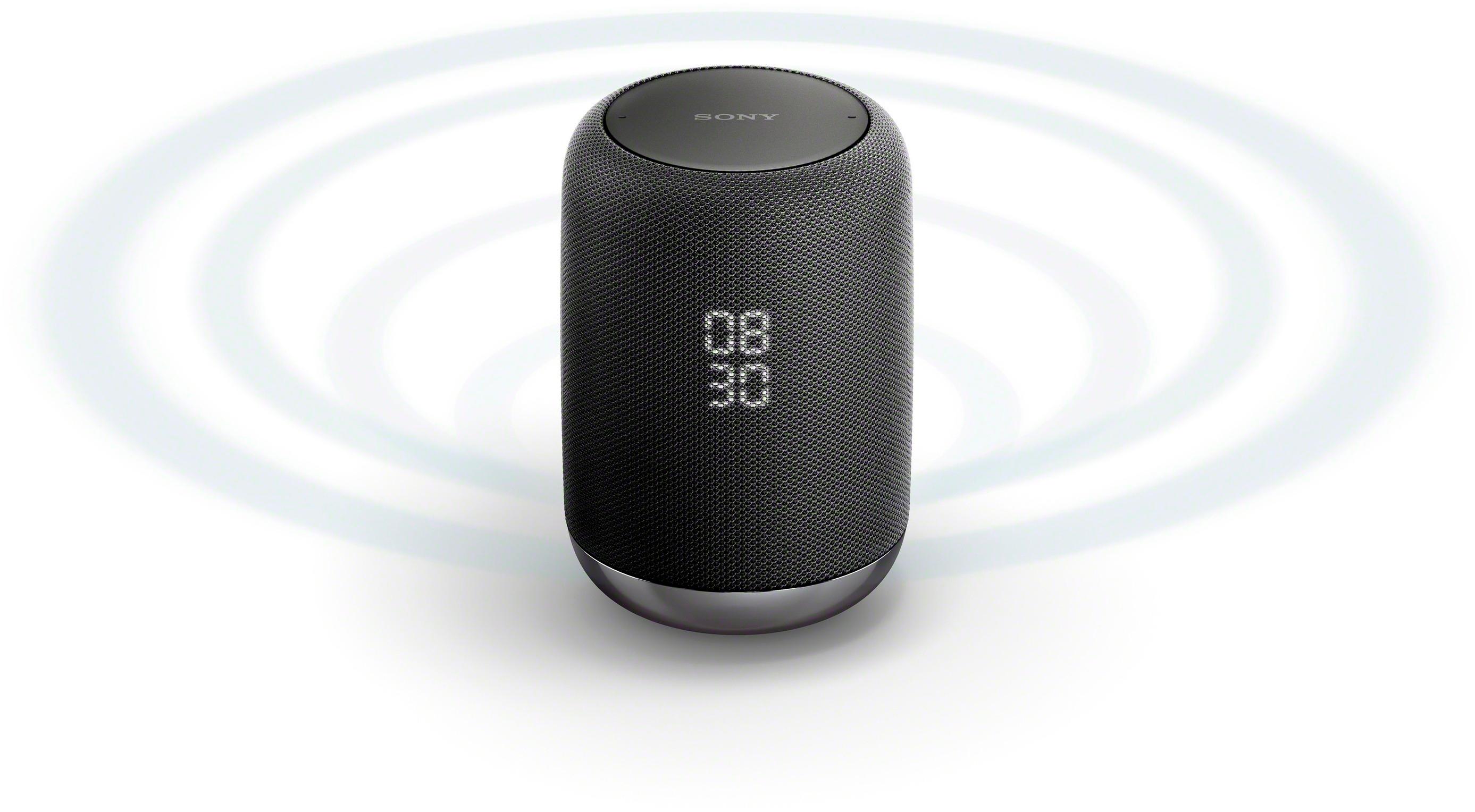
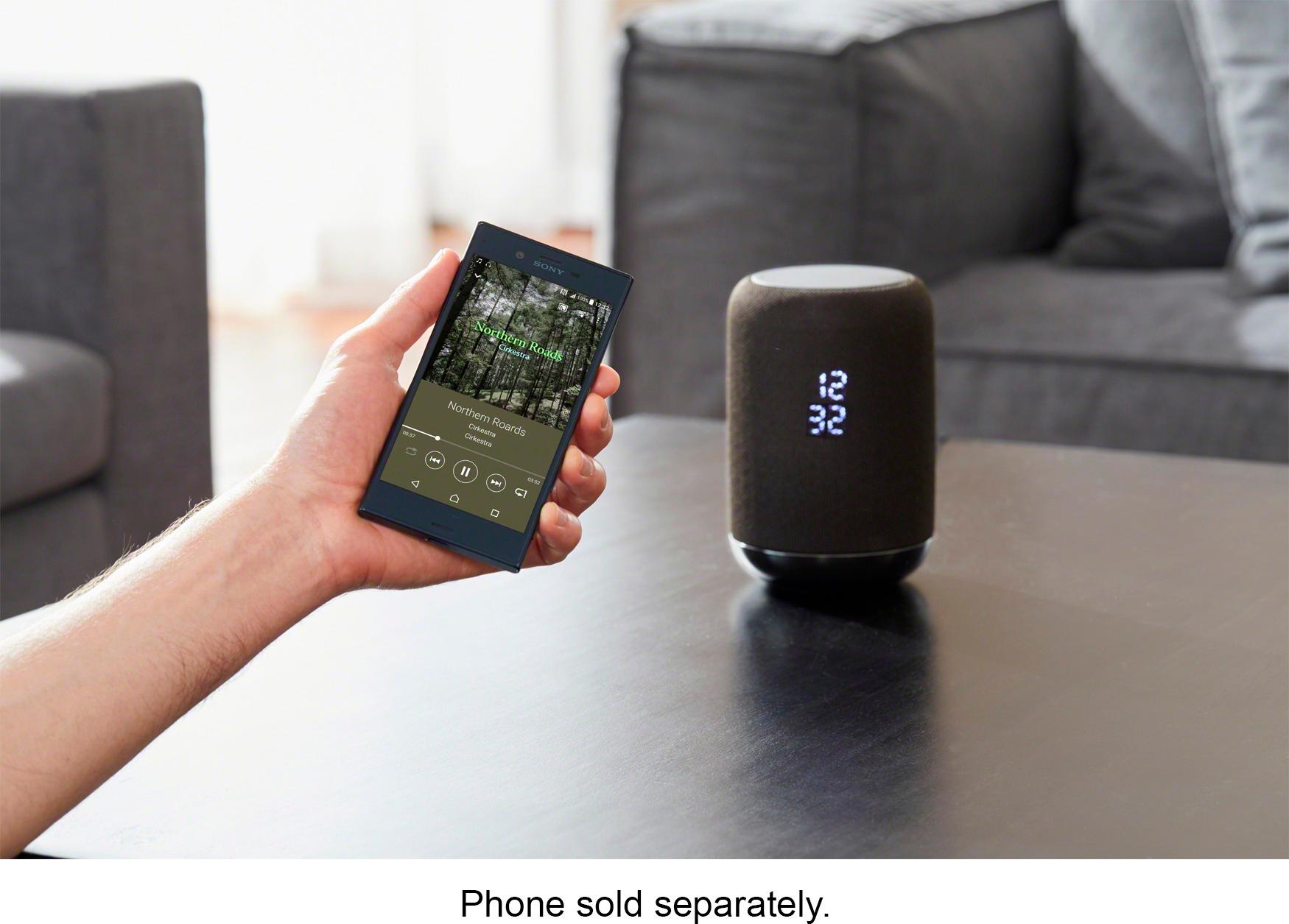
A:AnswerHi MikeNYC, It will depend if the TV supports Bluetooth speakers. The unit can be used as an external Bluetooth speaker. Kindly refer to pages 13-14 of this link for more information:
https://docs.sony.com/release//Help_4727170114.pdf
~Ralph
A:AnswerHi Bin18, it will depend on your devices if they support wireless smart speaker connections. We recommend checking their specifications or checking with their manufacturer. Regards, -Mark
A:AnswerHi Huy, No, the unit doesn't have a built-in alarm function. For more product information, kindly refer to this link:
https://docs.sony.com/release//Help_4727170114.pdf
~Ralph
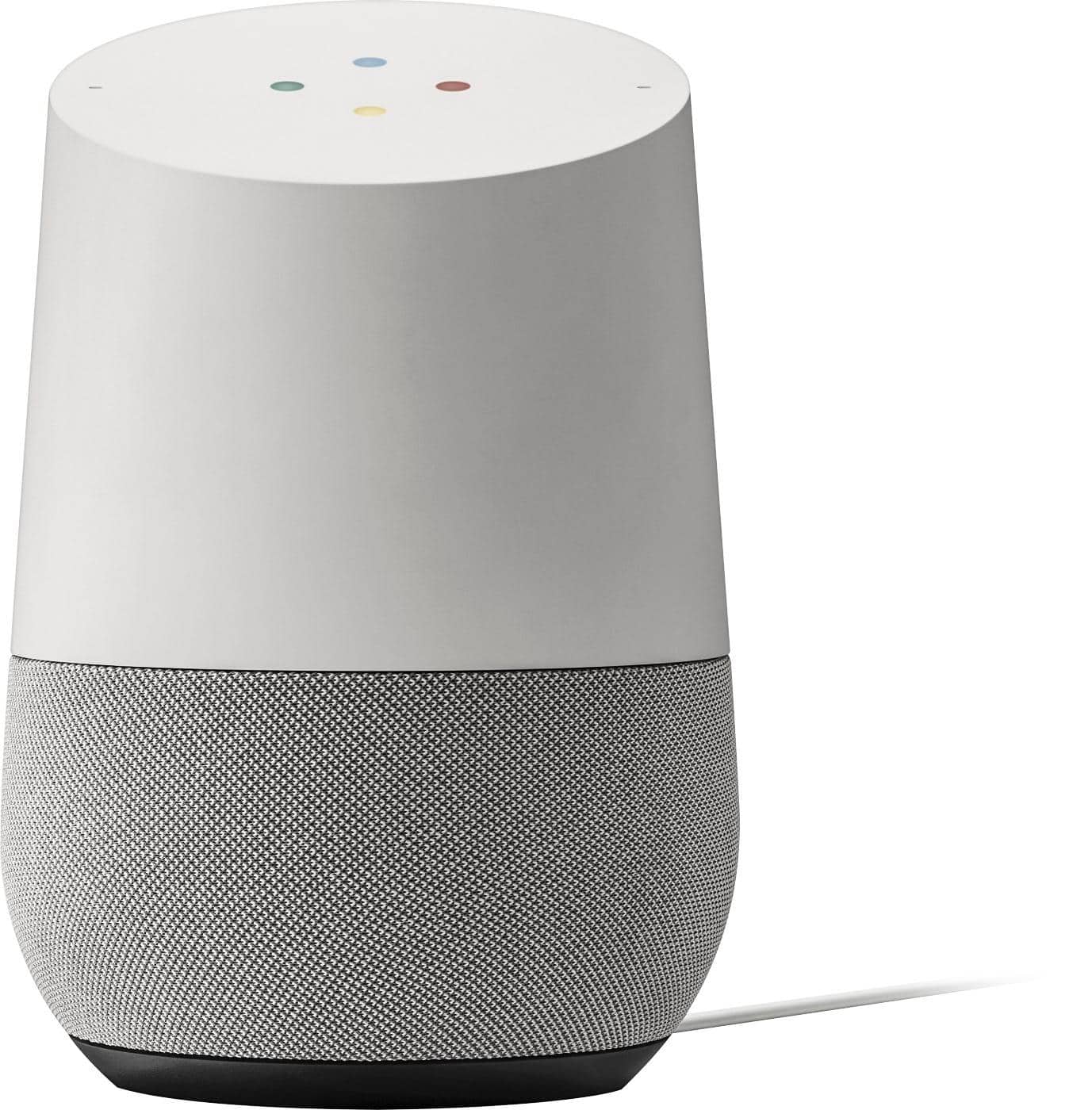
A:AnswerYou can't unless you're steaming Bluetooth with an in app equilizer. There are no settings in Google home to adjust the bass or treble unlike the normal Google home. I find the bass a little underwhelming.
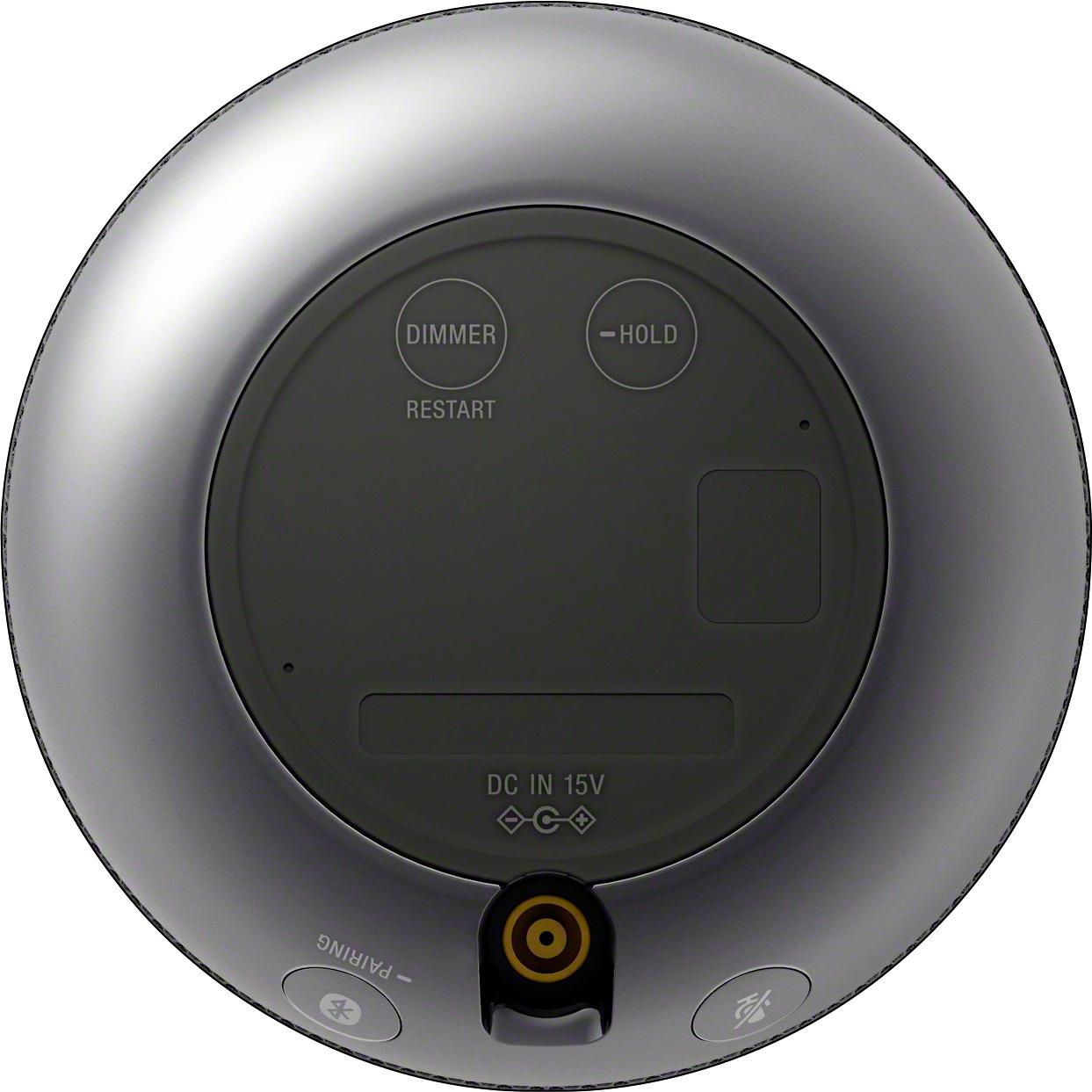
A:AnswerYou can pair it with both an android and apple iPhone with the download of the google home app on your phone. It works seamlessly for both. As long as your turntable is bluetooth enabled you should not have a problem. If you ask google to pair the devices, it actually does it for you!! I couldn't believe it.. You can also manually initiate connection because there is a bluetooth button on the bottom of the speaker. I love this speaker, it works great for the money. It paired with my Apple iMac computer instantly. The only thing that it cannot do yet is make phone calls for you, that may come with further google updates.
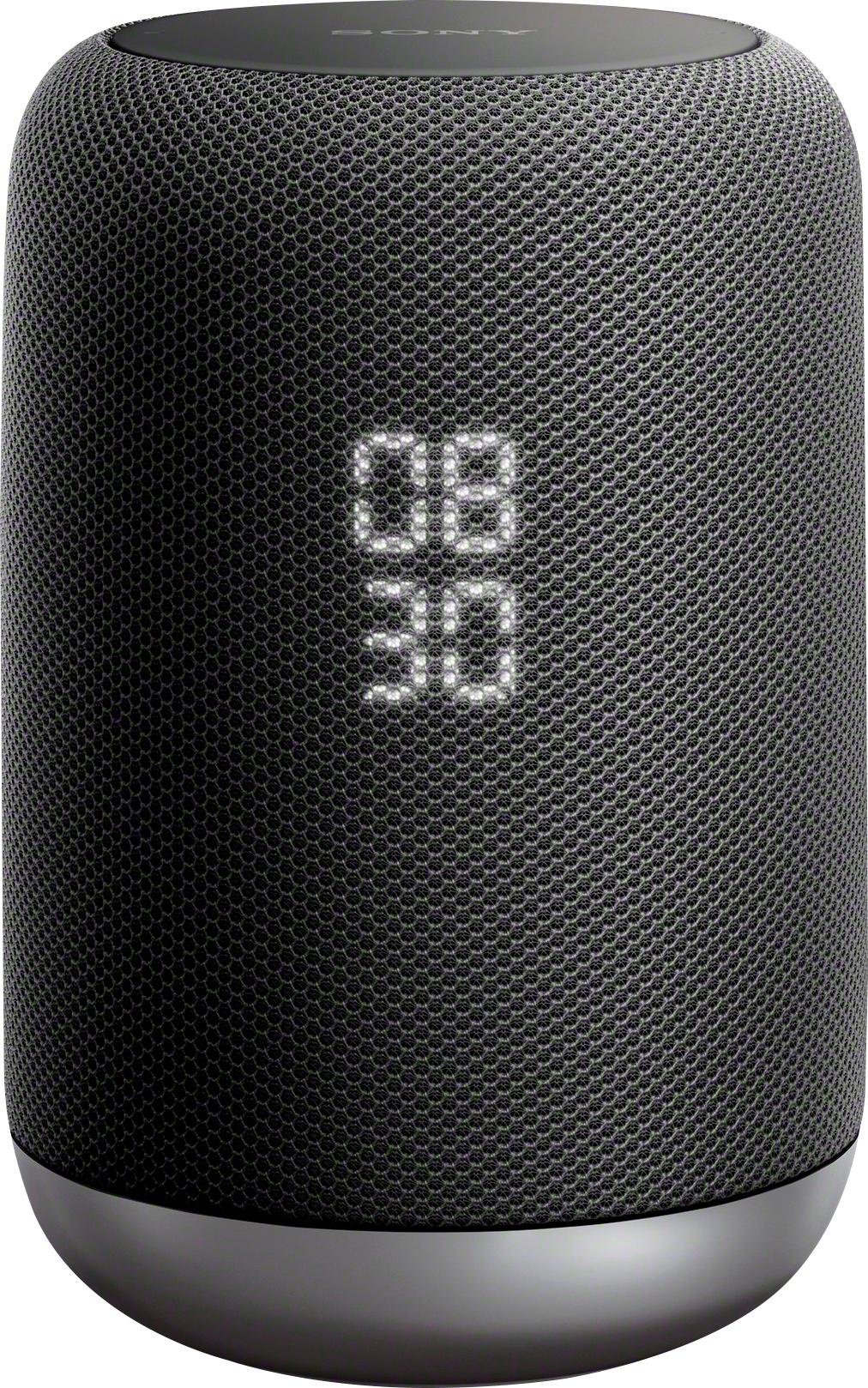
A:AnswerUnfortunately no, and that is why I ended up returning it and replacing it with a Google Home speaker. When I read of the integration with Google Assistant, I wrongly assumed the Sony speaker would have the same capabilities as Google Home. The sound was great and I loved the motion sensors and large clock face, but the lack of support for multiple users was the main reason I was disappointed and returned it. Sony dropped the ball on this one and really failed in researching what consumers would want. I wish Sony would integrate their own software instead of piggybacking on others.
A:AnswerOn your phone, open up Google Home > Select Google Account > More Settings > Shared Devices > and you should see something like the following
Is your Assistant not recognizing you?
Teach it your voice again
Tap on that and go through the process again. I had this happen with mine, except it was a goof on my part as I had someone else go through the process on my account not theirs. Once I did that it was fine and worked perfectly from there on.
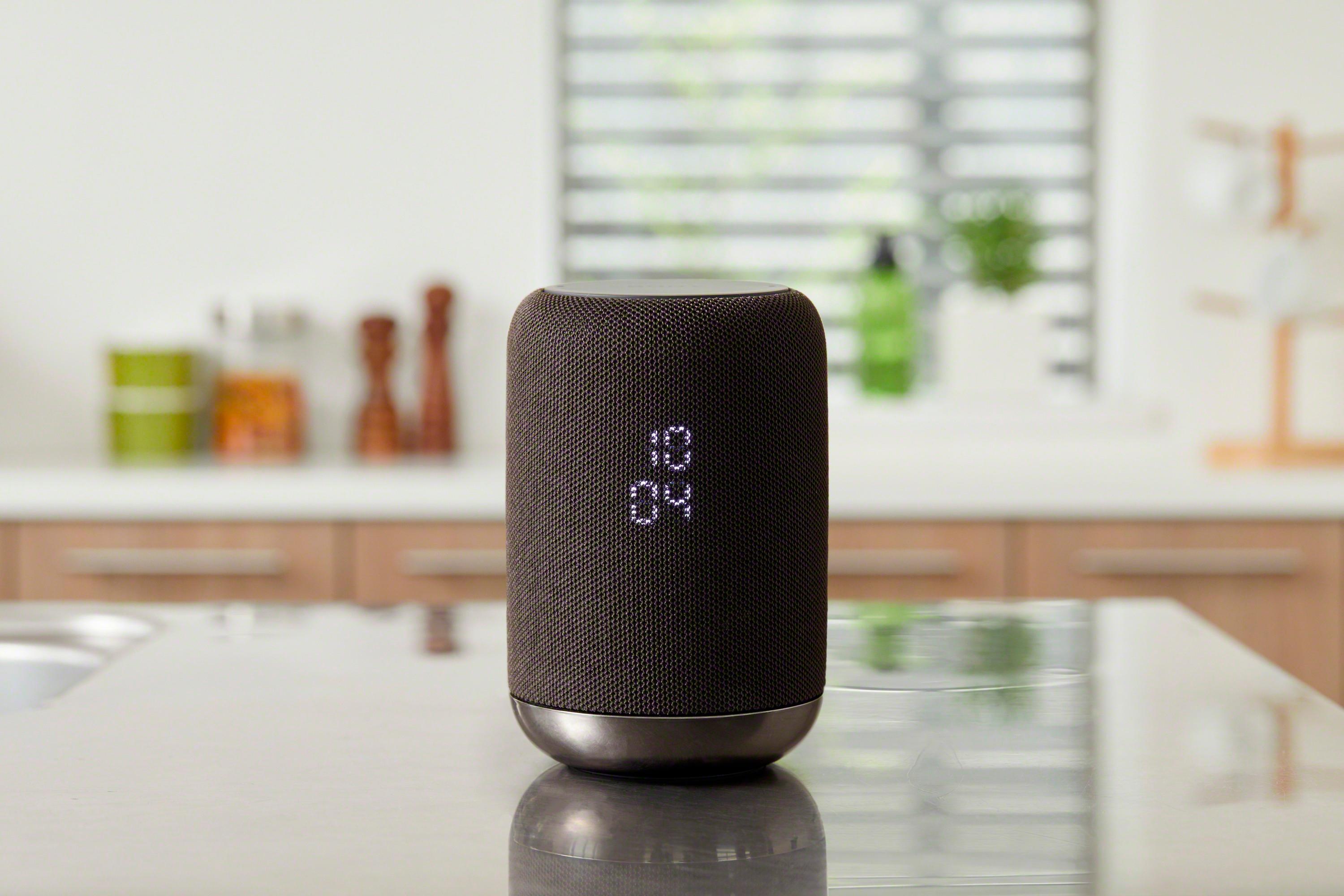
A:AnswerYou set an alarm on this device through Google Assistant. For example, "Hey Google, set an alarm for 10 minutes from now" or "Hey Google, set an alarm for 4pm tomorrow"