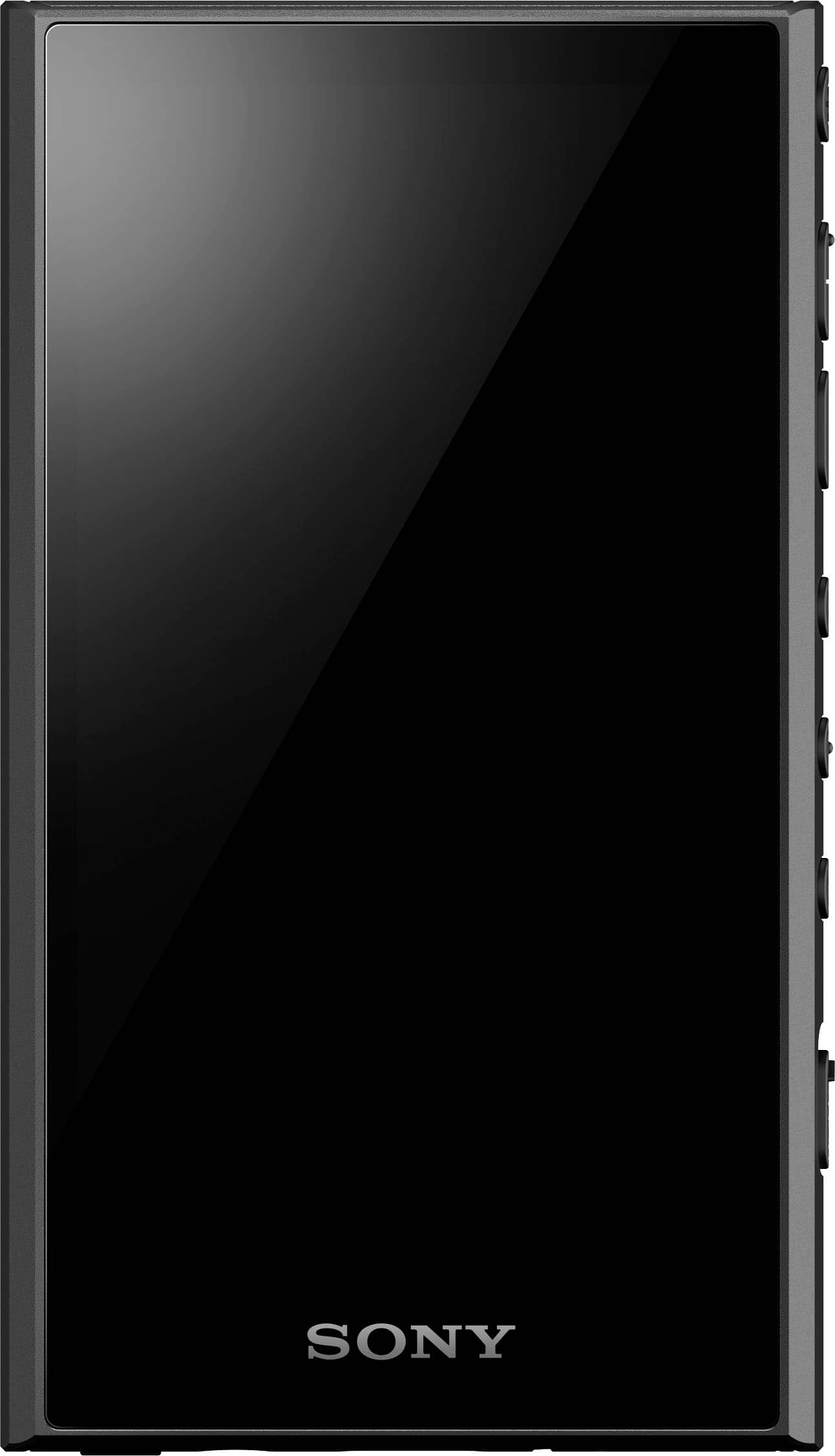
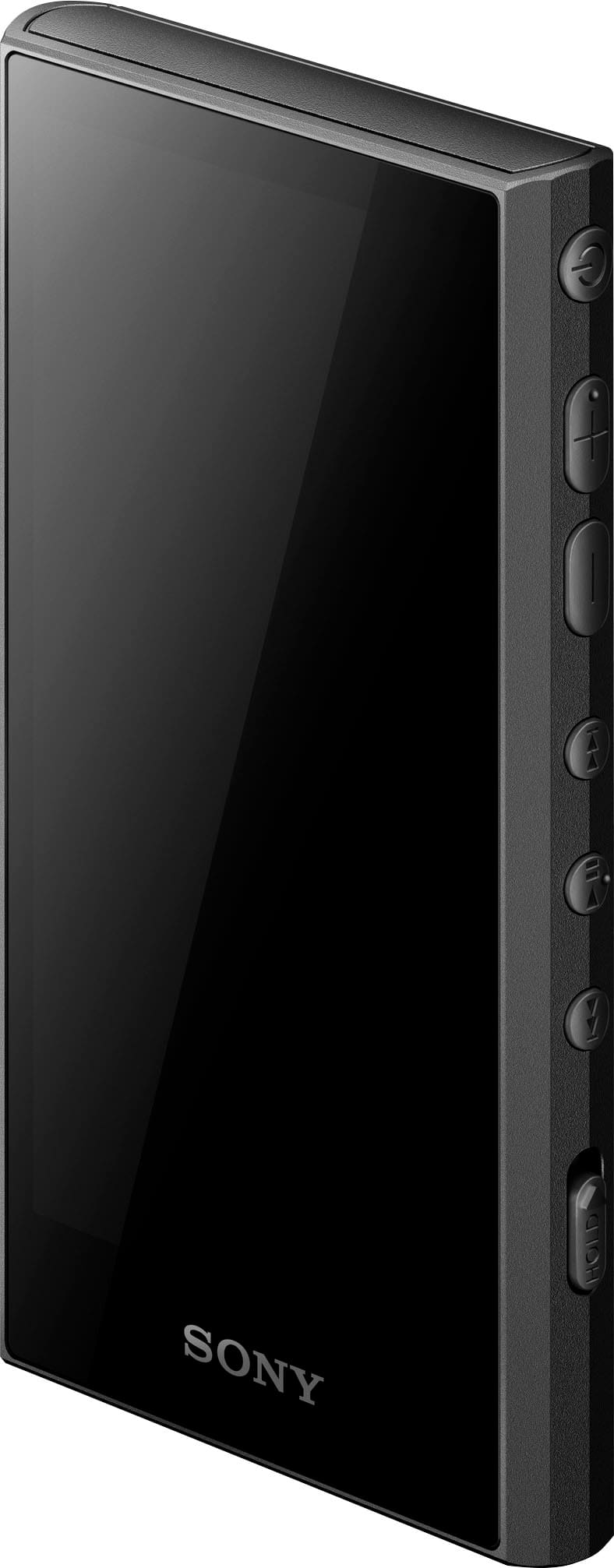
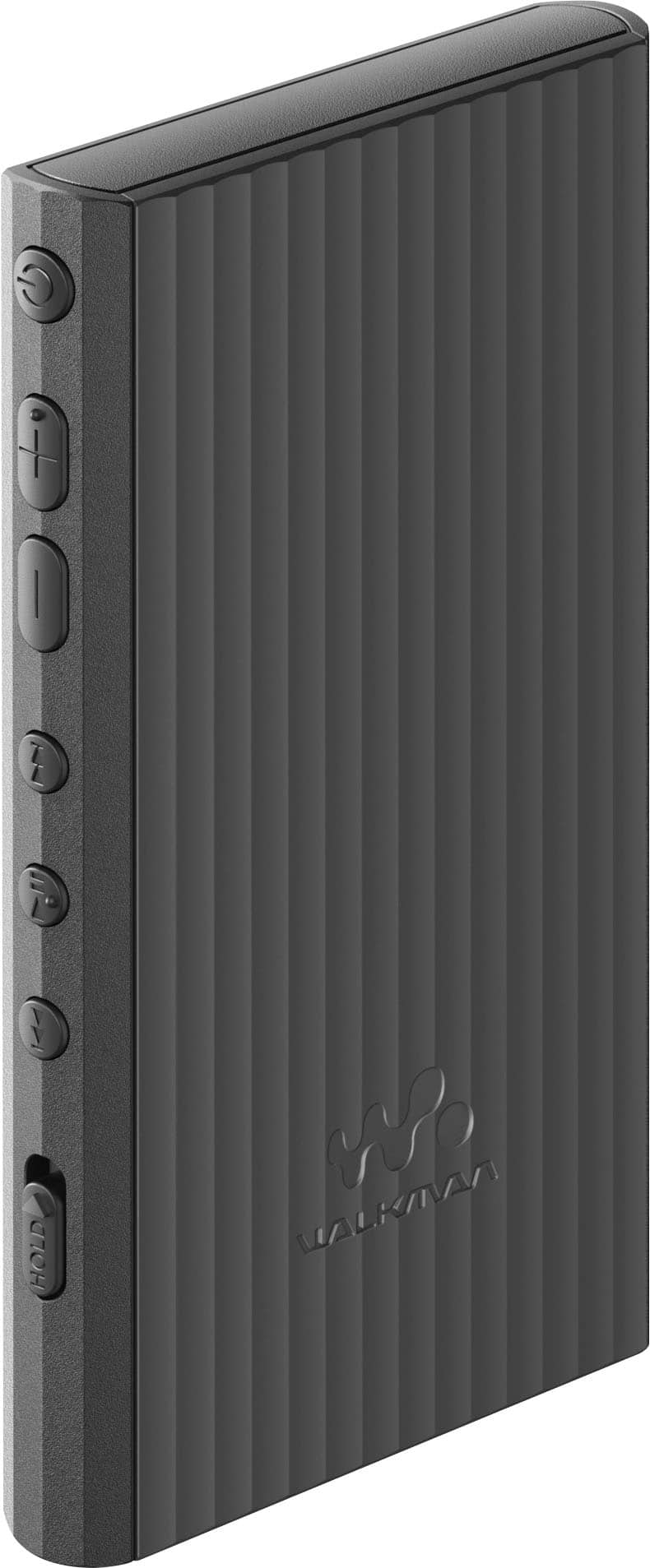
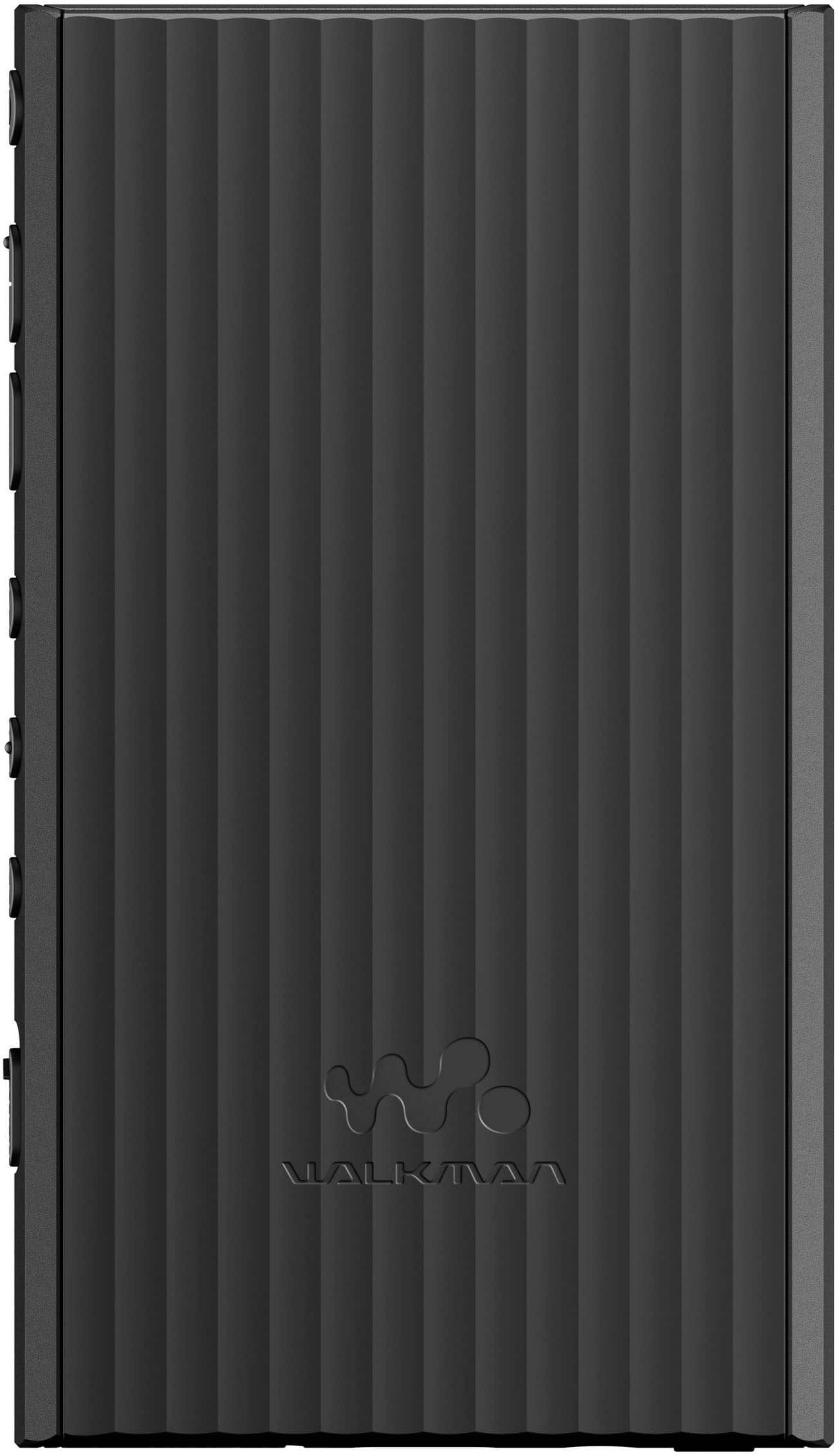
A:AnswerSome people connect AirPods to Android phones/devices. I suppose this will be the same process since it runs Android 12, but Android 12 is also older. I thin Android 16 is out now. I used it with Sony XM5s.
A:AnswerHi MG,
Thank you for your inquiry. Yes, you can use Windows Media Player to transfer music from your computer to your Walkman. We do have good information and instructional video on how to create and transfer playlist to your Walkman using Microsoft Windows Media Player. Please check these links.
https://www.sony.com/electronics/support/articles/00031839
https://helpguide.sony.net/dmp/mov0011/v1/h_zz/index.html
Note: If unsuccessful, use Music Center to create and transfer playlists to your walkman.
Additional information:
With the help of Music Center for PC on your Windows computer, you will be able to transfer music from your CD collection or music content that is stored on a Windows computer to the player. To transfer music content stored on a Mac computer, you need to install additional software. An example of additional software is Android File Transfer. For more details, refer to the link below.
https://www.sony.com/electronics/support/articles/00233998
Regards,
Jess
A:AnswerHi Dagoski,
Thanks for reaching out to us. Unfortunately, this unit only supports Windows and Mac operating systems. We cannot guarantee full compatibility with Linux and third-party music management applications for syncing music to the Walkman. For details, see the links below.
https://helpguide.sony.net/dmp/1301/v1/en/contents/TP1000735036.html
https://www.sony.com/electronics/support/articles/00233998
Regards,
Jess
A:AnswerHi Mark562,
Thanks for reaching out to us. We can't guarantee that the NW-A306 Walkman will directly integrate or accept edited information from Windows Media Player for library updates. This player creates a database in the music player playback to store and manage music library information (artist, album, track titles, etc.). As an alternative, you can transfer the edited lecture files (MP3 or other supported format) from your computer to the player using drag-and-drop method or via Music Center for PC.
Be sure to review the links (resources) below, as it tells you how to transfer content from a Windows computer using Music Center for PC as well as create and transfer playlist to your Walkman using Microsoft Windows Media Player.
https://www.sony.com/electronics/support/articles/00031839
https://www.sony.com/electronics/support/articles/00176985
For detailed information on how to transfer content using Windows Explorer, refer to this help guide link: https://helpguide.sony.net/dmp/1301/v1/en/contents/TP1000733594.html
Additional information:
- Be sure to review the structure of the folders to be imported to “Music player” on this link: https://helpguide.sony.net/dmp/1301/v1/en/contents/TP1000752541.html
- For details about usage or support on Windows Media Player, refer to Windows Media Player information from the following website:
http://support.microsoft.com/
- You can try a third-party tagging software such as "mp3tag or tagscanner" to see if that gives you your desired results. Keep in mind that it is a third-party software so we are unable to provide support for that.
- You may also find this link helpful: https://us.community.sony.com/s/feed/0D5Dp00000xrqFoKAI?language=en_US
By trying one of these methods, you should be able to transfer your wife's lecture CDs with the edited information onto the Sony NW-A306 Walkman. The Walkman will then display the proper artist, album, and track titles for the lectures. Hope this helps.
Regards,
Jess