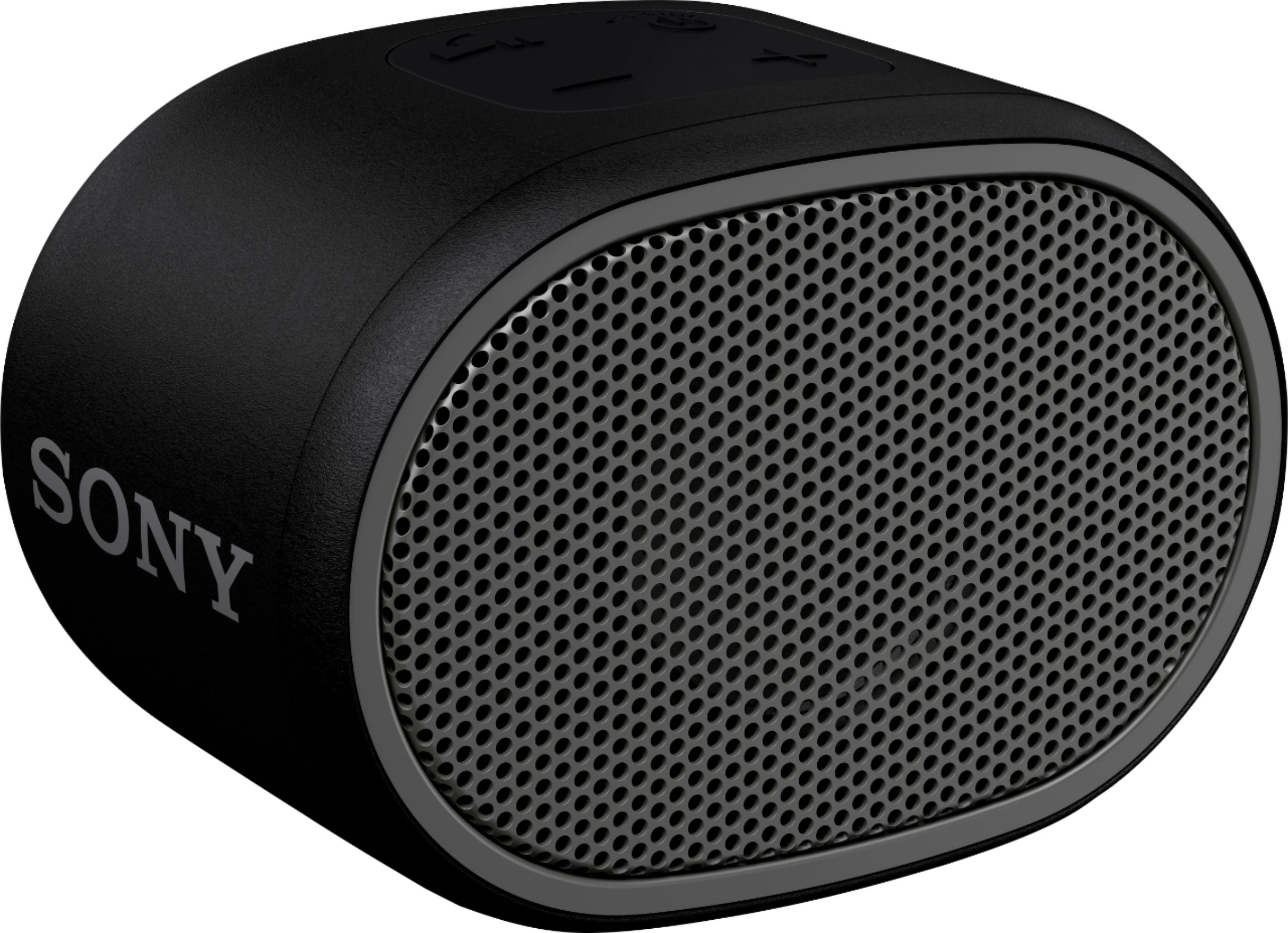
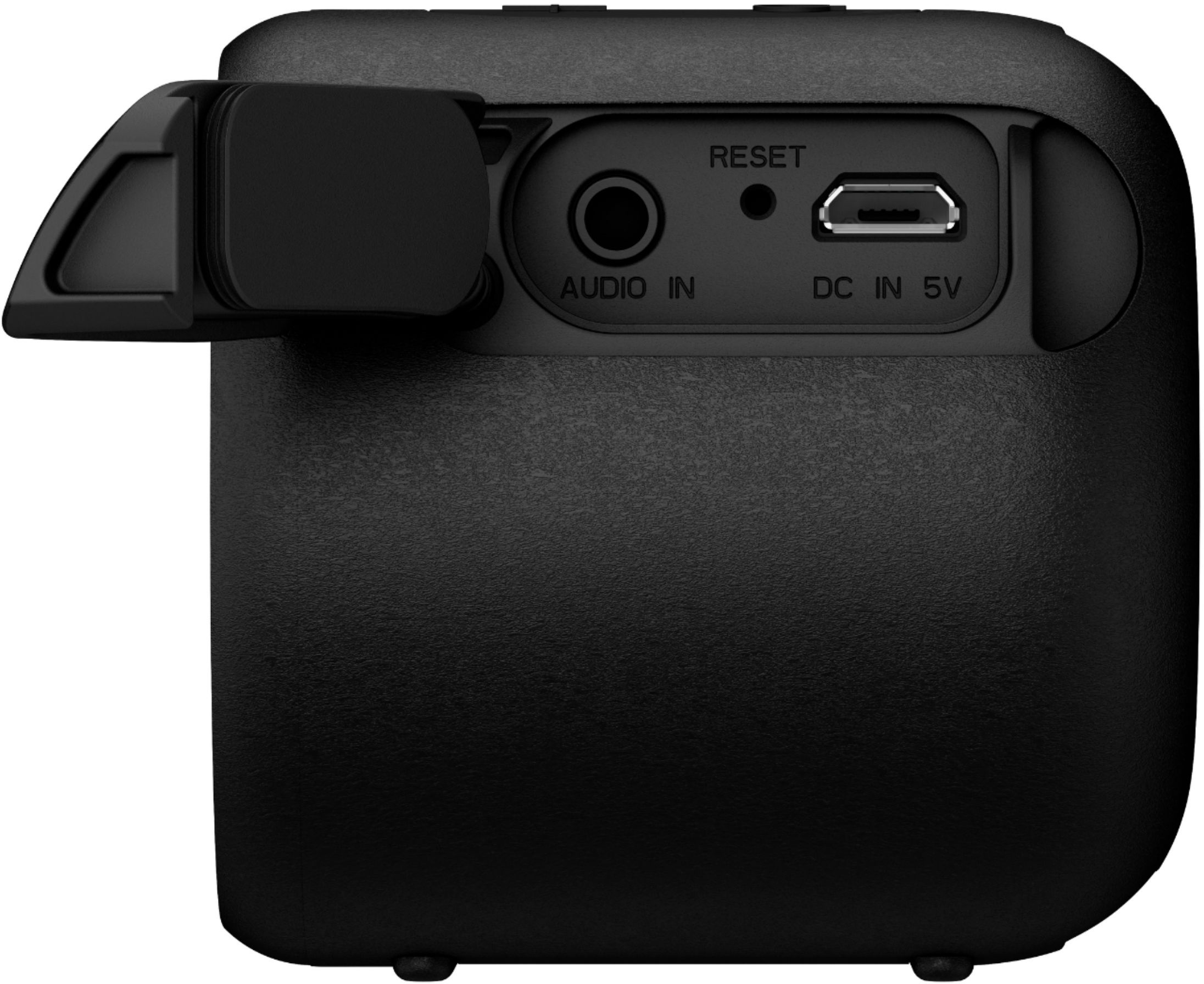
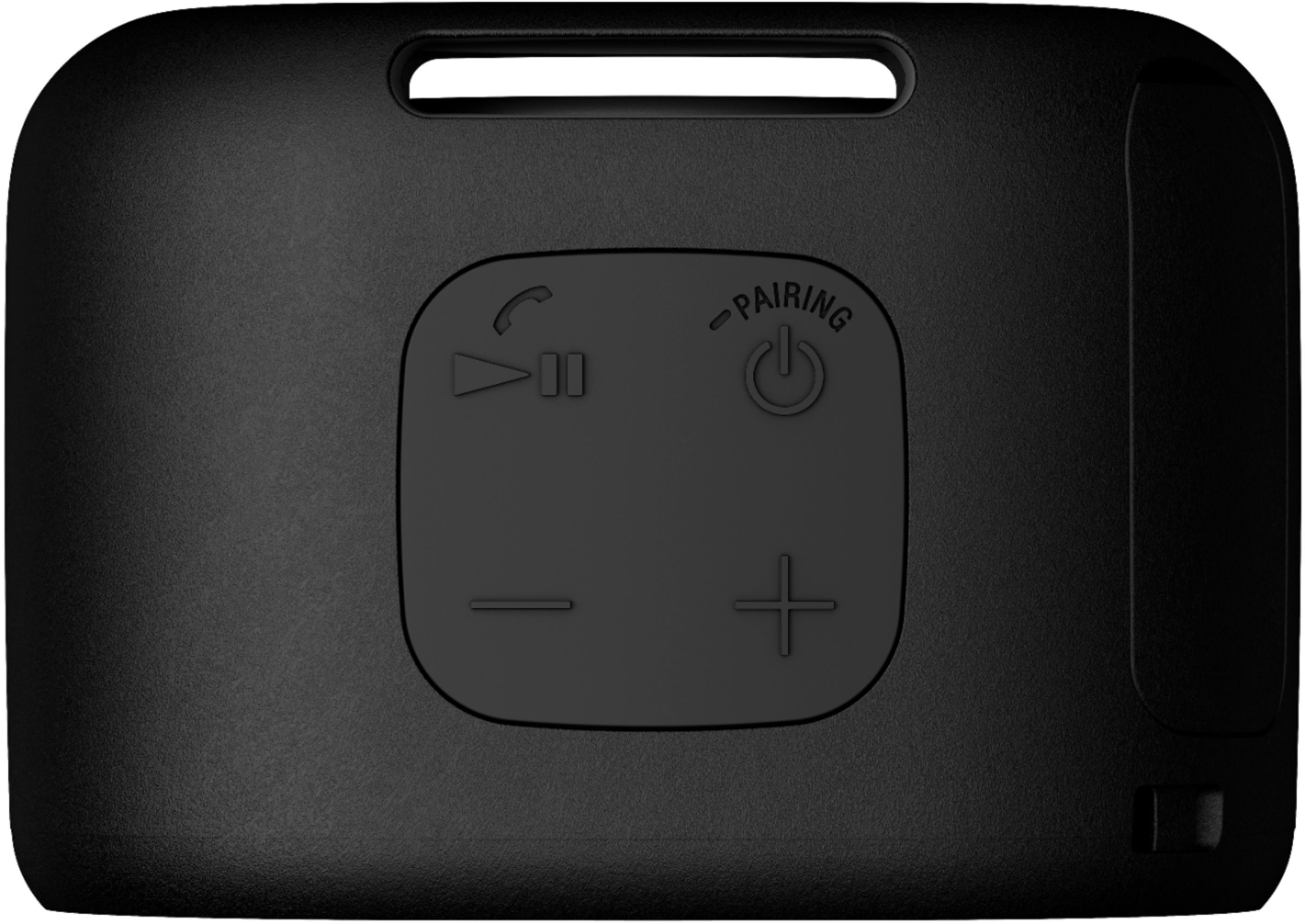
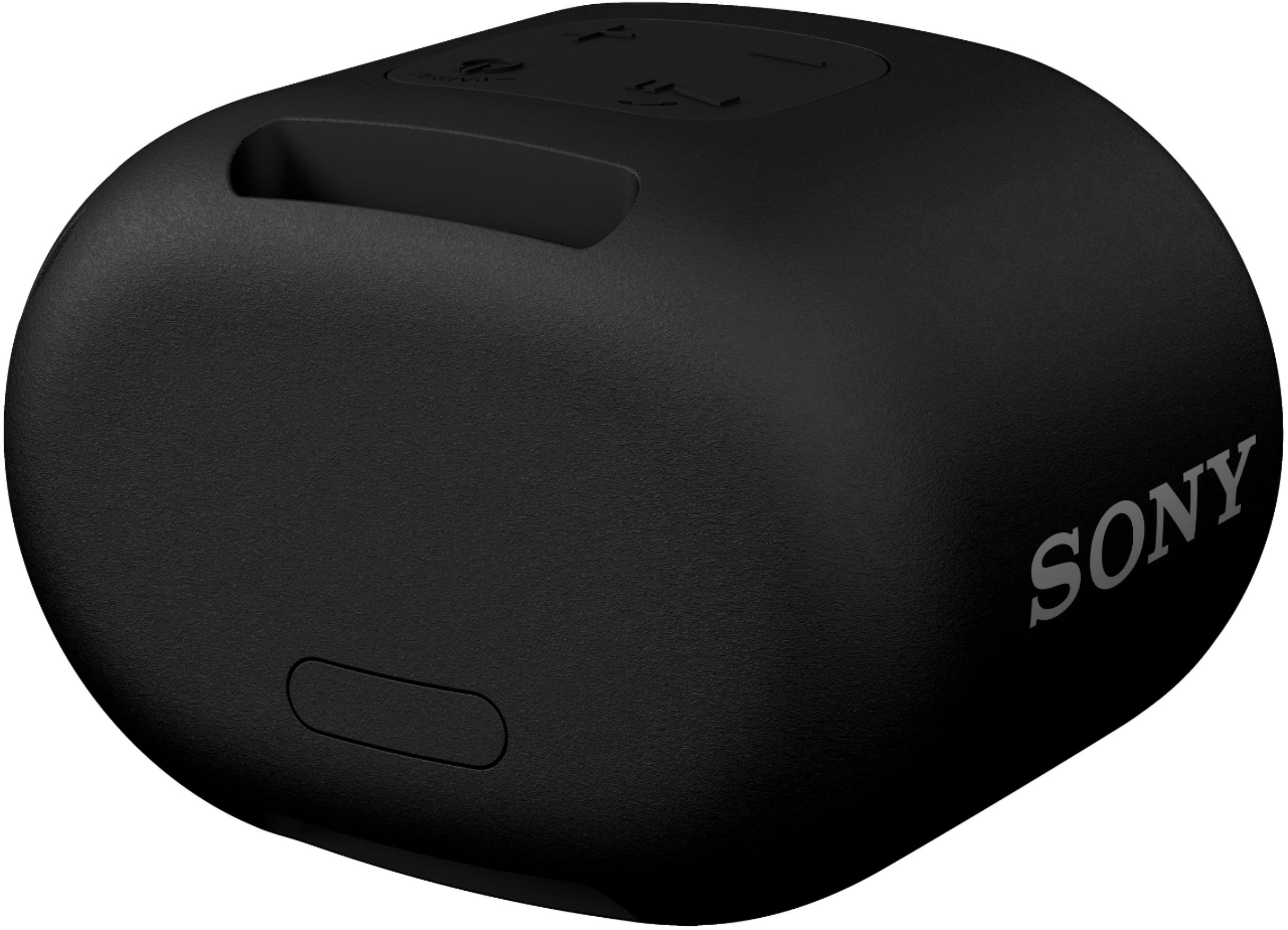
A:AnswerSwitch on the Bluetooth of your PC & the speaker. Click on "add new bluetooth device" .Search for the sony speaker name in your PC's bluetooth. Then pair the device with you PC . You are good to go. Also you can use an Aux cable to connect the speaker to the PC. Either wired/wireless connection will work .
A:AnswerIt comes with a USB cable which connects to the DC IN 5V jack on the speaker and the other end to a USB AC adaptor. Other than that, don't know.
A:AnswerYes, only with a Monoprice 3.5mm Stereo Male to RCA Male Auxiliary Cable - 3 Feet Gold Plated For Headphones, iPods, iPhones, iPads, Home & Car Stereos - Onyx Series